Gigabyte X58A-OC Sub Zero Review

Gigabyte X58A-OC Sub Zero Review

Getting Chilly

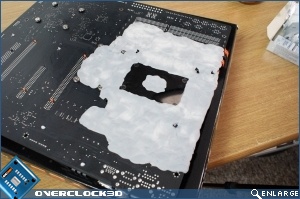
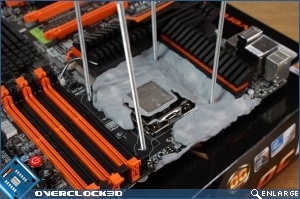
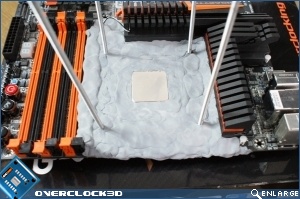
Now you can’t just slap dry ice (DICE) onto your motherboard. It requires both patience and a fair bit of bravado. Especially as it’s the first time we’ve done this. Protecting the circuitry with putty is the first job once the DICE pot mounts and CPU are in place.

Gigabyte X58A-OC Sub Zero Review     Gigabyte X58A-OC Sub Zero Review  
It’s a combination between mad science and Playschool.
Gigabyte X58A-OC Sub Zero Review     Gigabyte X58A-OC Sub Zero Review  

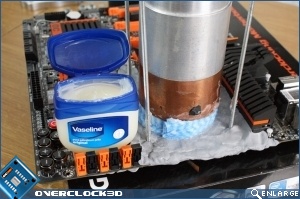
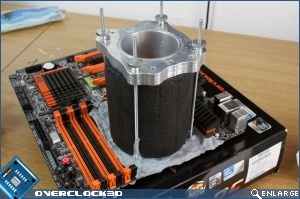
With the pot securely in place it needs insulating to ensure that your coolant doesn’t heat up any more rapidly than it does naturally. With cooling being the vital element to huge overclocks, it’s vital that this part is done with care. Lots of pressure and lots of insulation.
Gigabyte X58A-OC Sub Zero Review     Gigabyte X58A-OC Sub Zero Review  

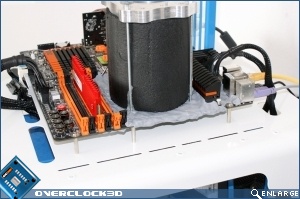
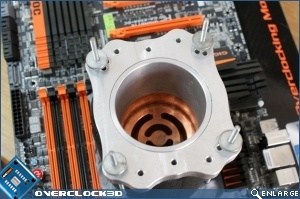
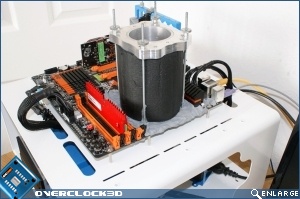
And here it is, all ready to have the hell beaten out of it.
Gigabyte X58A-OC Sub Zero Review     Gigabyte X58A-OC Sub Zero Review

Uh-oh! It looks like you're using an ad blocker.

OC3D relies on ads to provide free content and sustain our operations. By white listing us on your ad blocker, you help support us and ensure we can continue offering valuable content without any cost to you. We only run our own hand picked ads from Industry brands like MSI, BeQuiet, Sapphire and PC-Specialist - meaning they are all relevent to the content you are reading.

We truly appreciate your understanding and support. Thank you for considering whitelisting OC3D