MSI Edge Ti WiFi ITX Motherboards

AMD Edge Ti Up Close
AMD Edge Ti Up Close
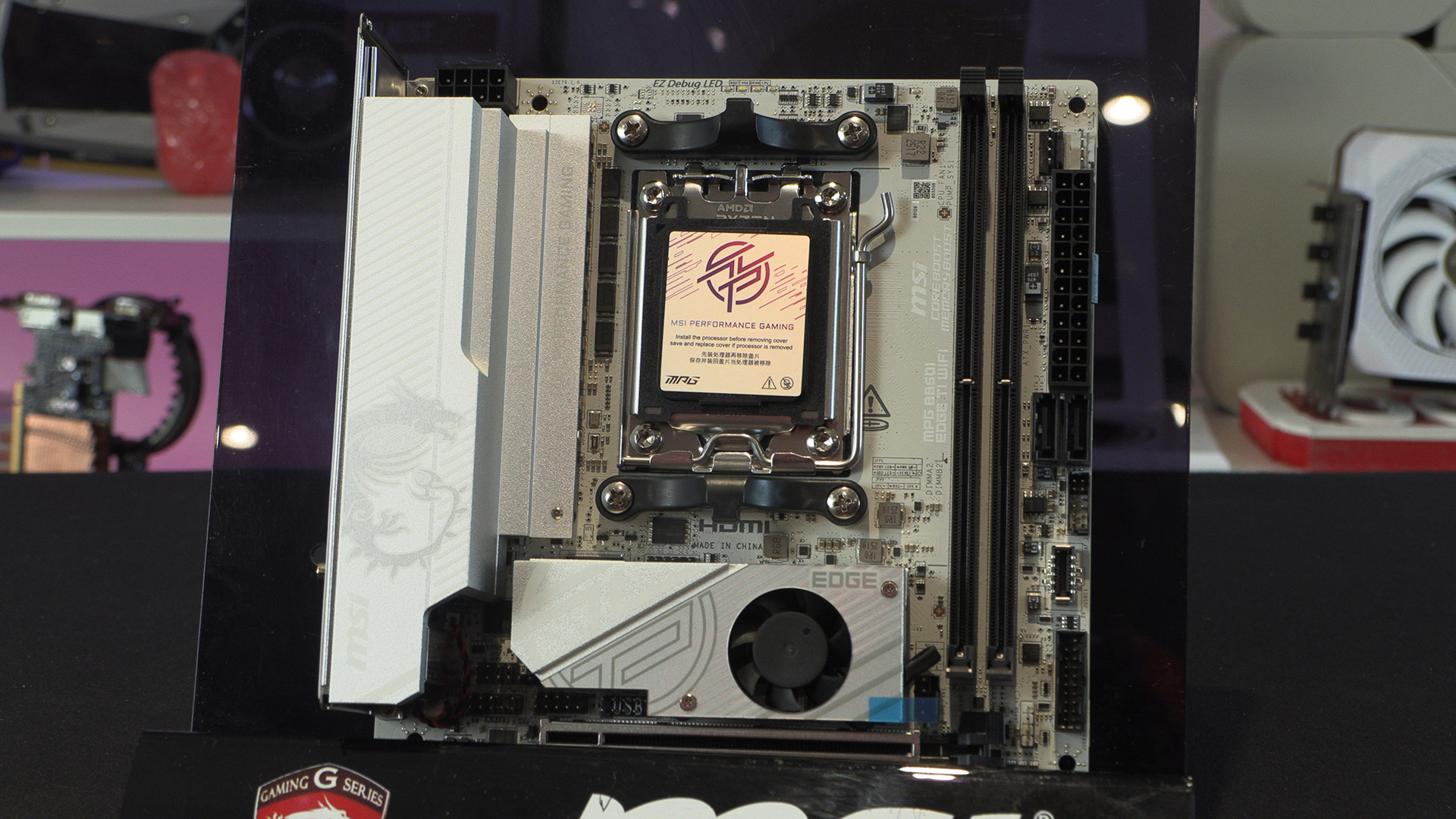
We’ve mentioned a lot about how white motherboards trend towards silver these days. The MSI is no exception. It’s always worth taking a moment to bask in the packaging though. So little room, so much squeezed on to the PCB.
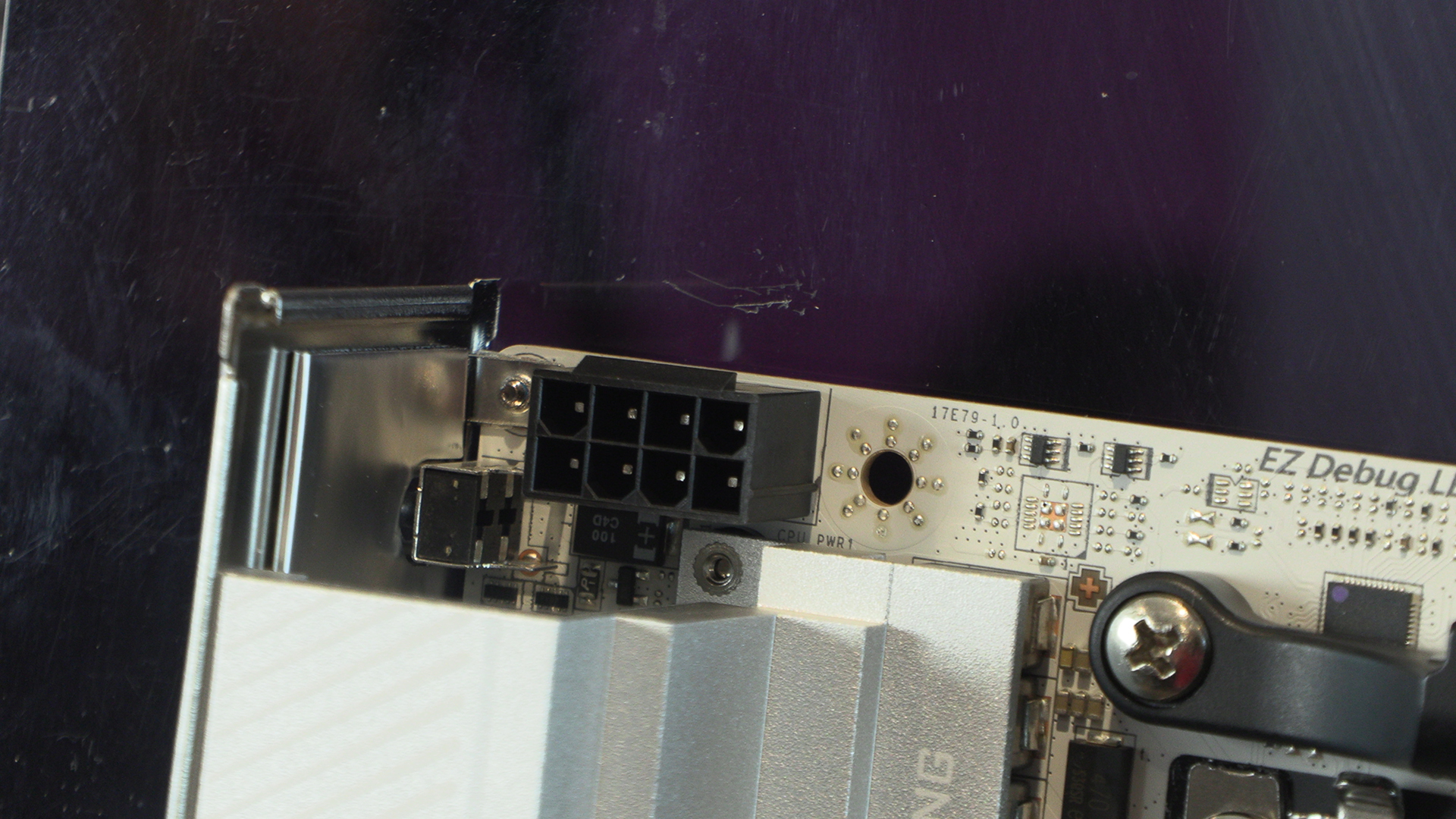
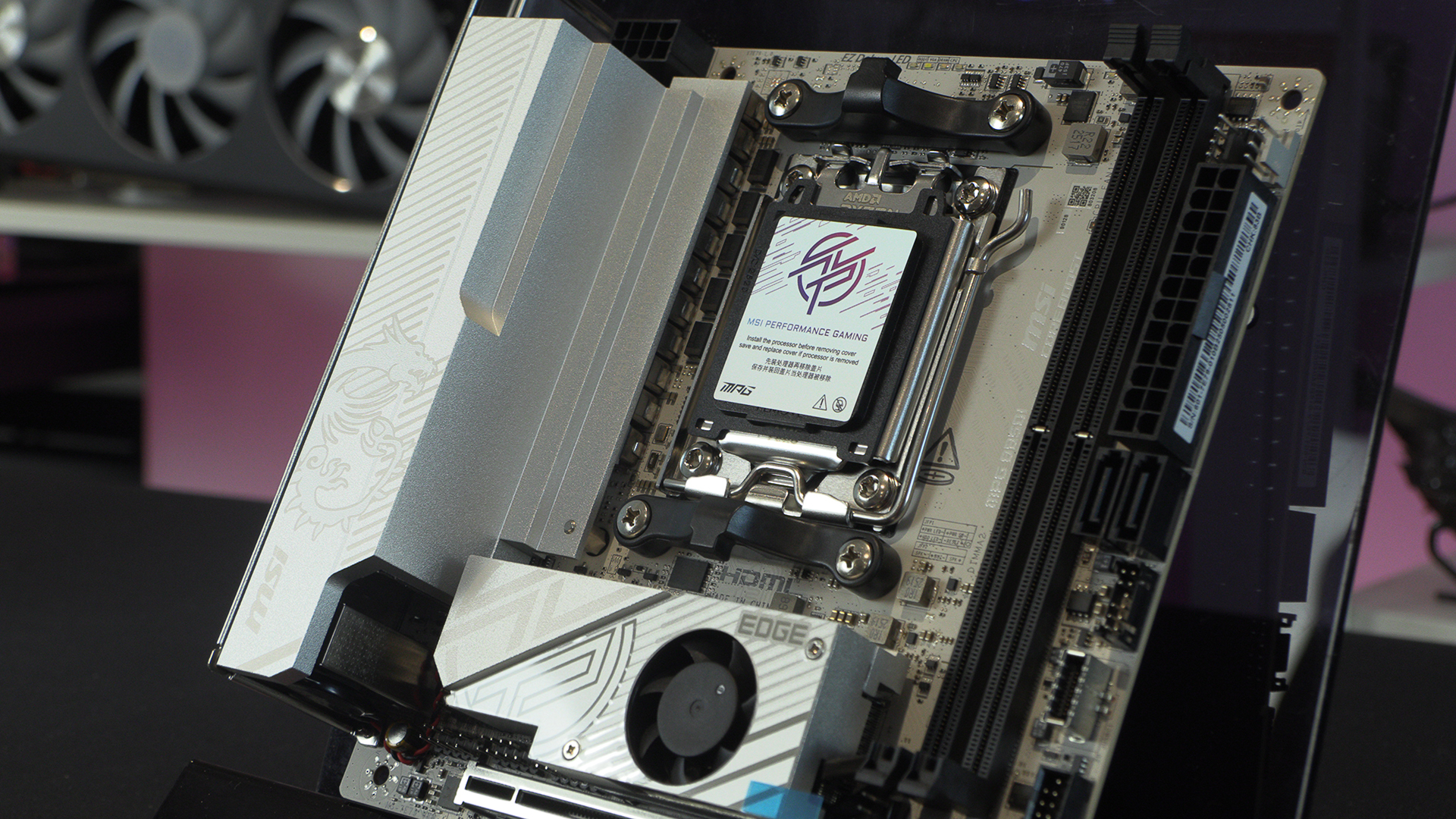
The compact nature of ITX motherboards mean that they always have a smaller number of power phases than their ATX brethren. You might only have a single 8pin CPU 12V connector, but it is enough.
At the top edge are the easy to spot EZ Debug LEDs. Assuming your CPU cooling isn’t too enormous of course. Next to the two DIMM slots are the main CPU fan headers. If you’ve gone for a particularly chunky Ryzen processor then you’ll know you need a lot of cooling. Just like with the Intel ones. Having a dedicated fan and pump header helps keep you in control of your cooling.
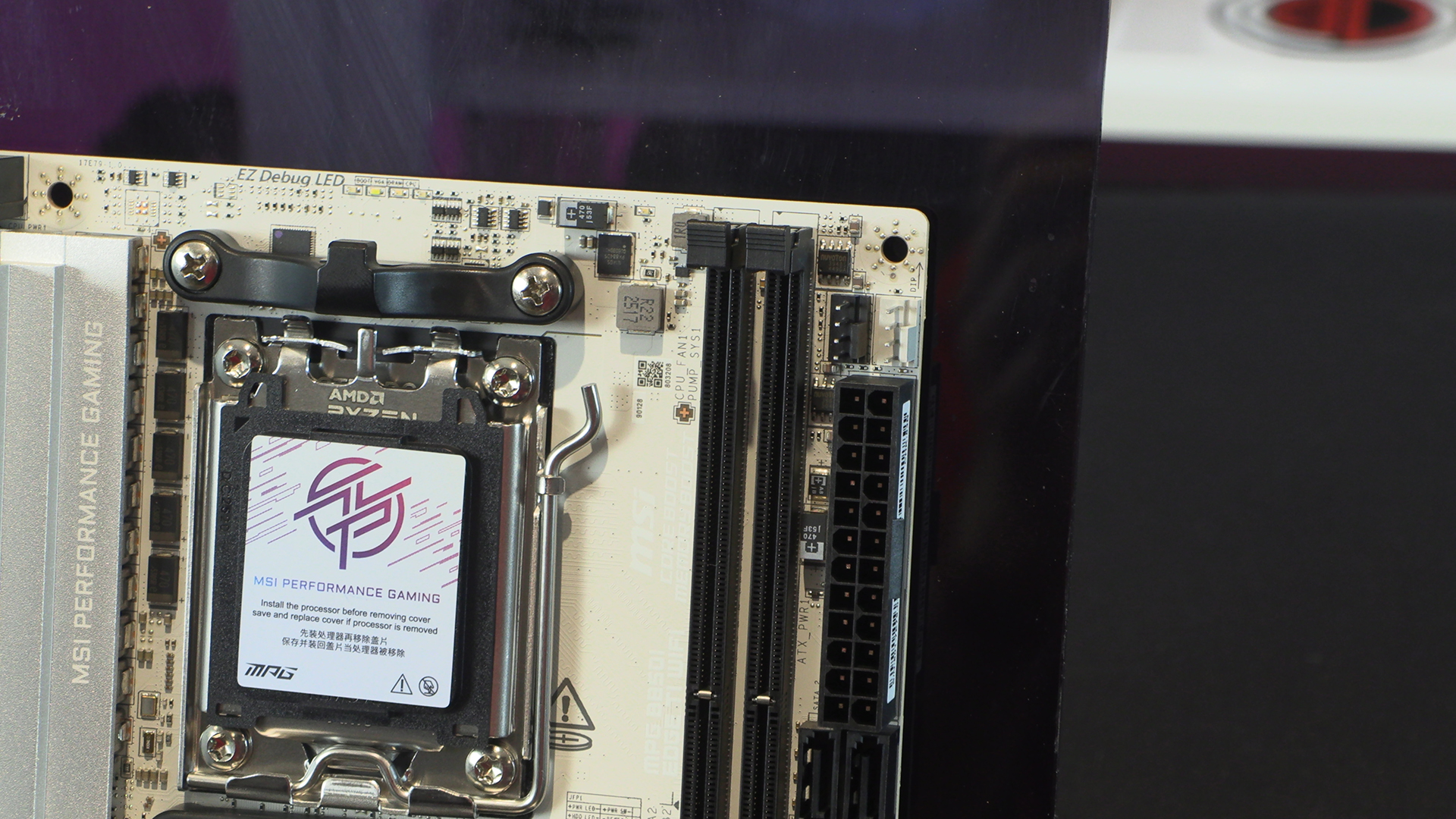
One of the biggest compromises you have to make with an ITX motherboard is connectivity. Normally you lose a few USB ports but that’s expected. The pair of M.2 slots are backed up by a pair of SATA ports. That’s your lot. More than enough for most people, but if you’re coming from a previous build be aware you might need to do some consolidating.
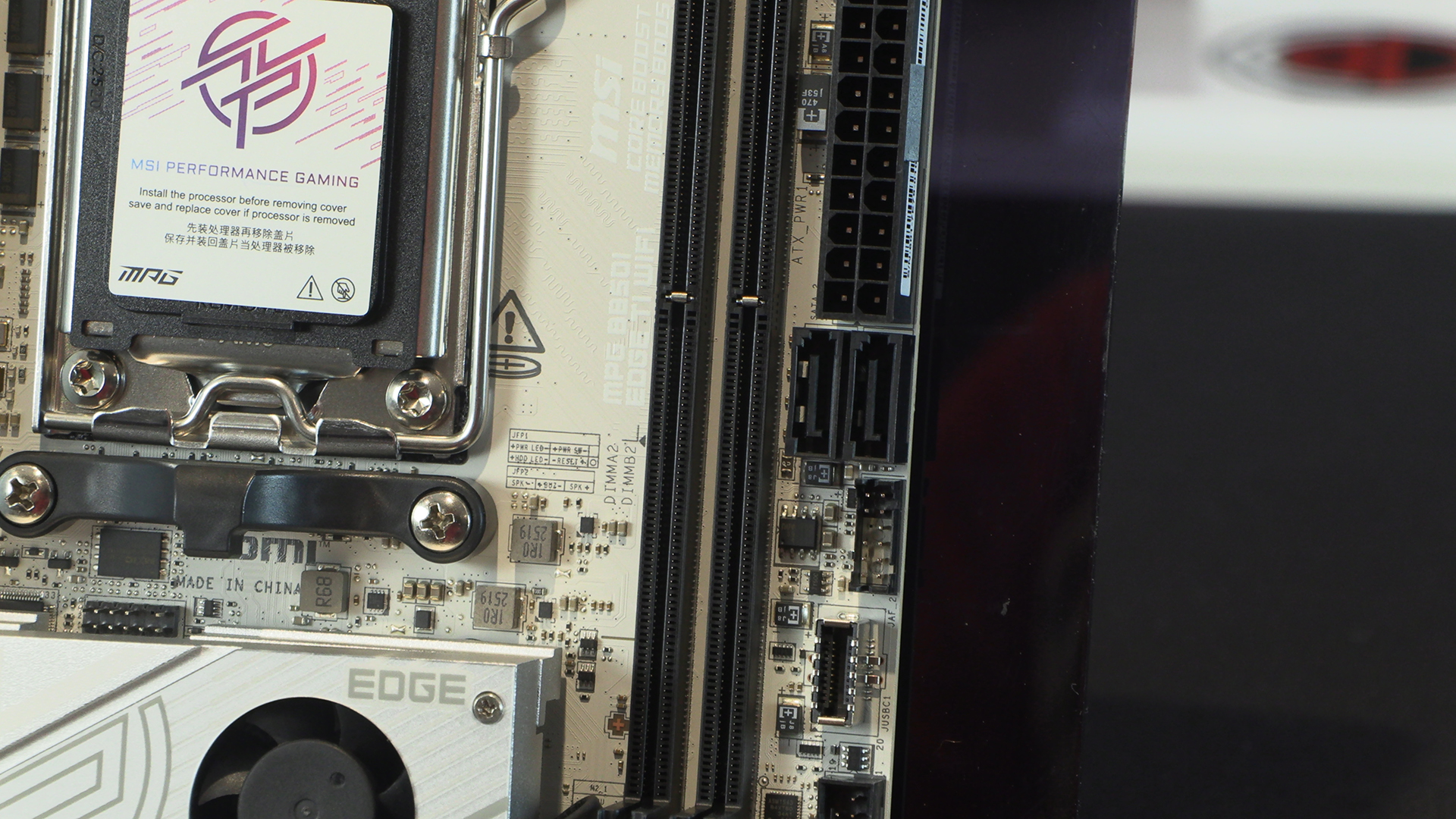
Luckily the MSI has both Type-C and Type-A front panel USB ports, so you’ve at least got some extra ports within easy reach.
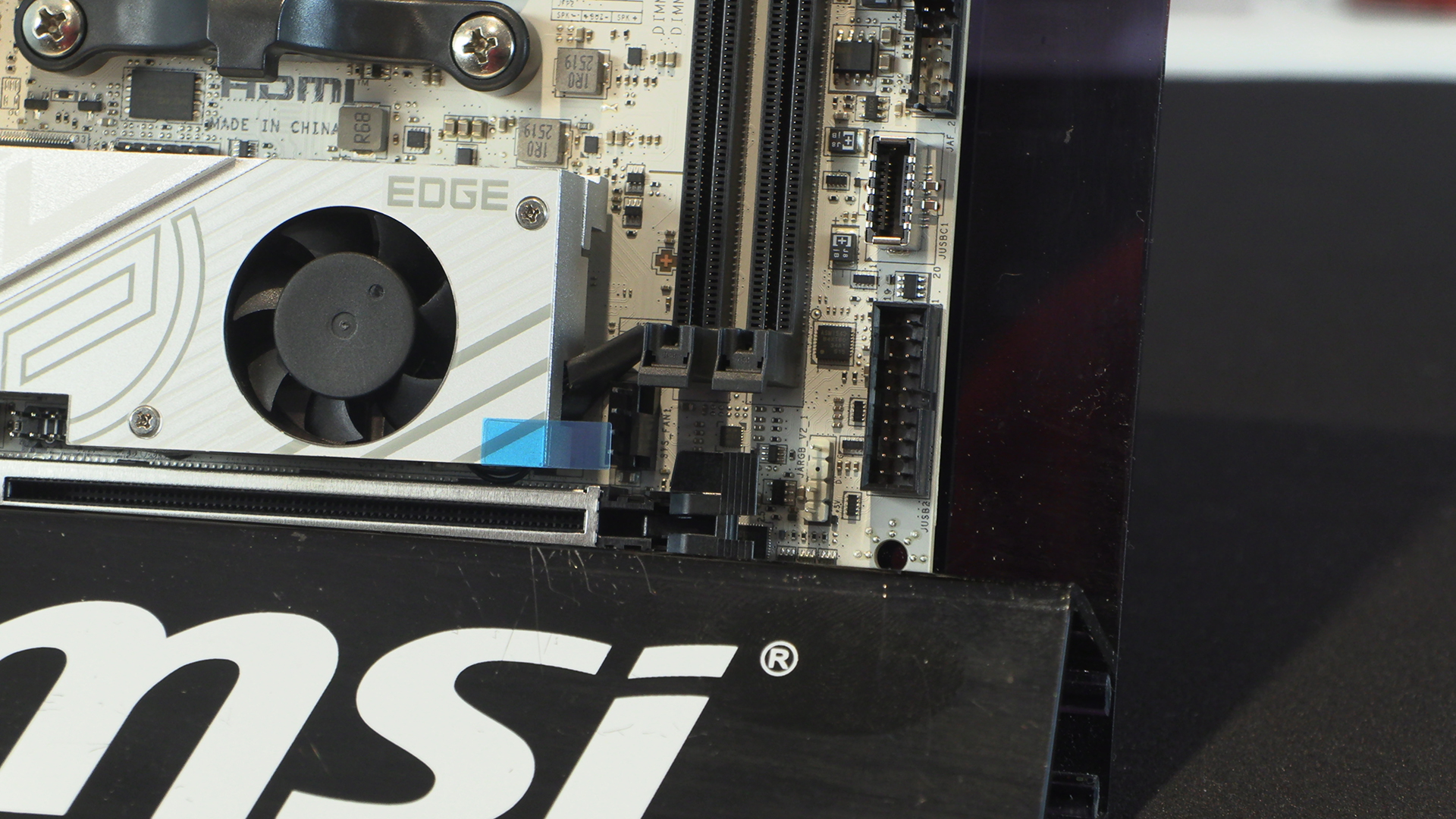
With MSI needing to utilise every spare millimetre it’s no surprise to see a lot of the front panel headers tucked away on the bottom left.
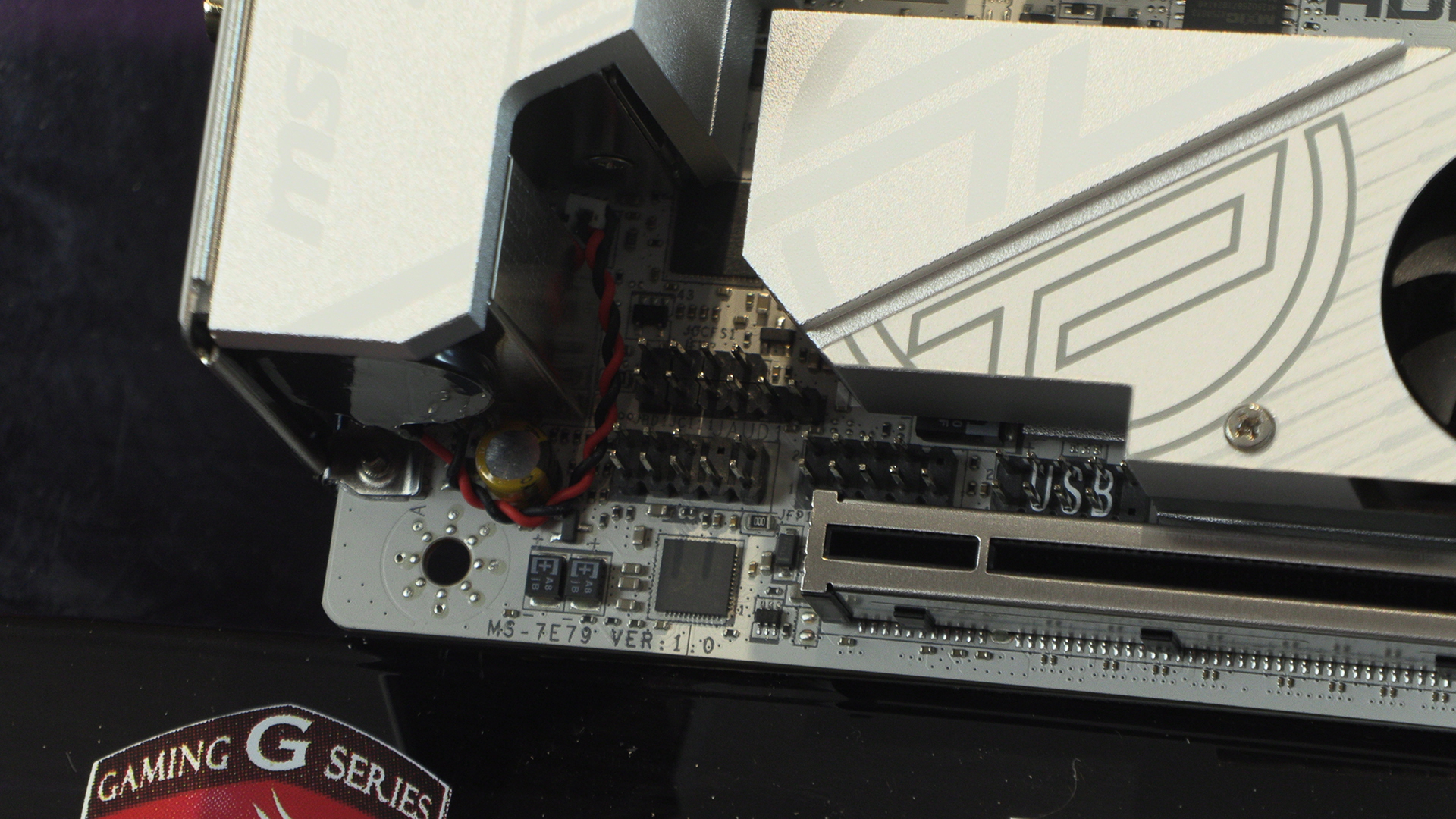
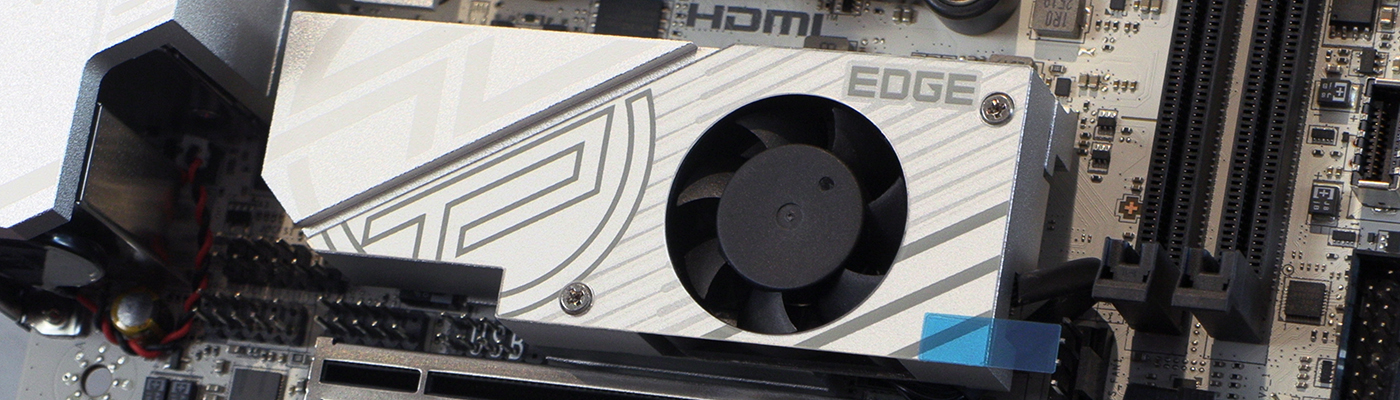
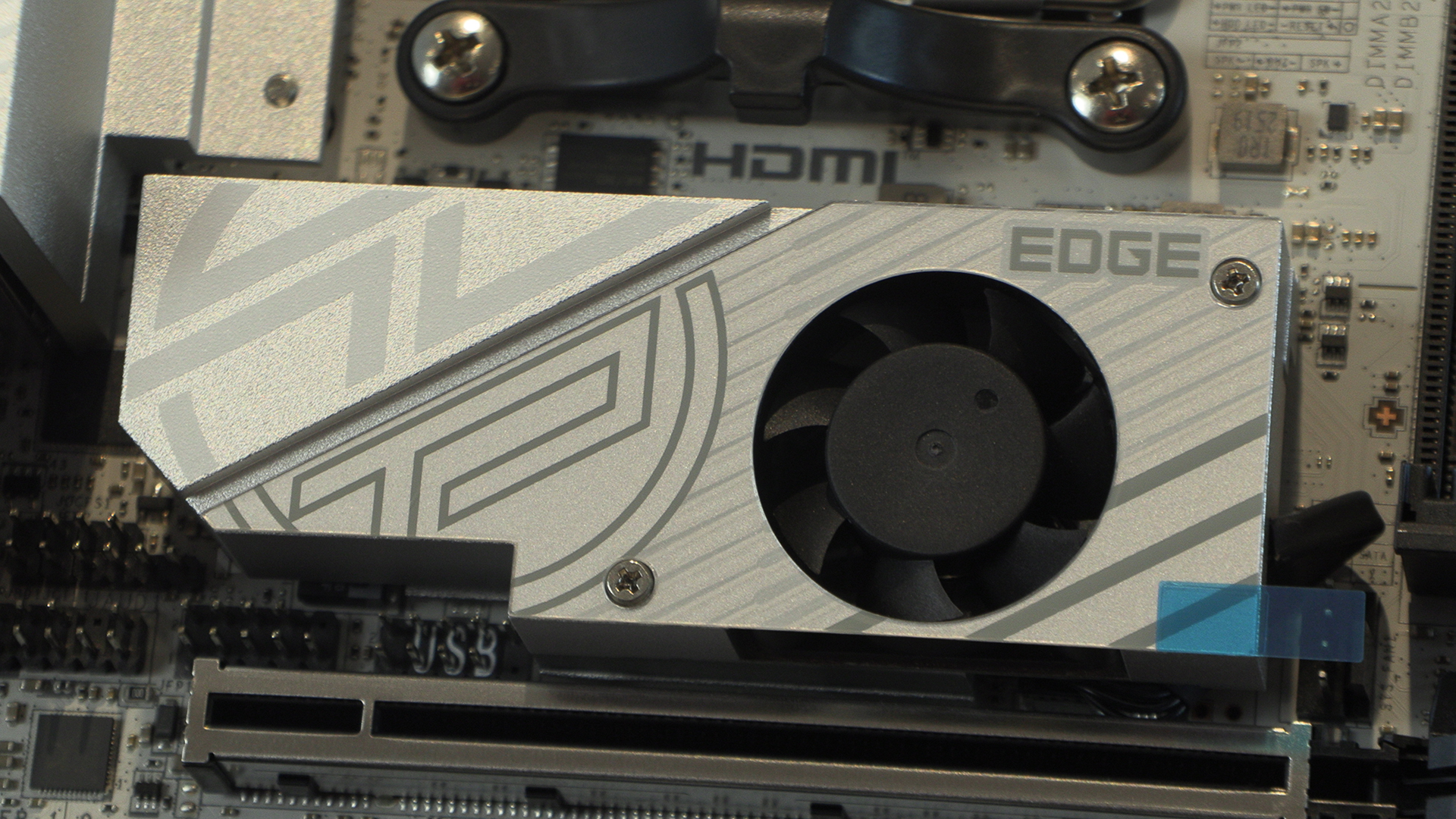
The Frozr heatsink dominates the bottom half – if such a term can be used on an ITX footprint – of the Edge Ti. Twin ball-bearings and a patented fan ensure that your M.2 slots work at maximum speed all the time.
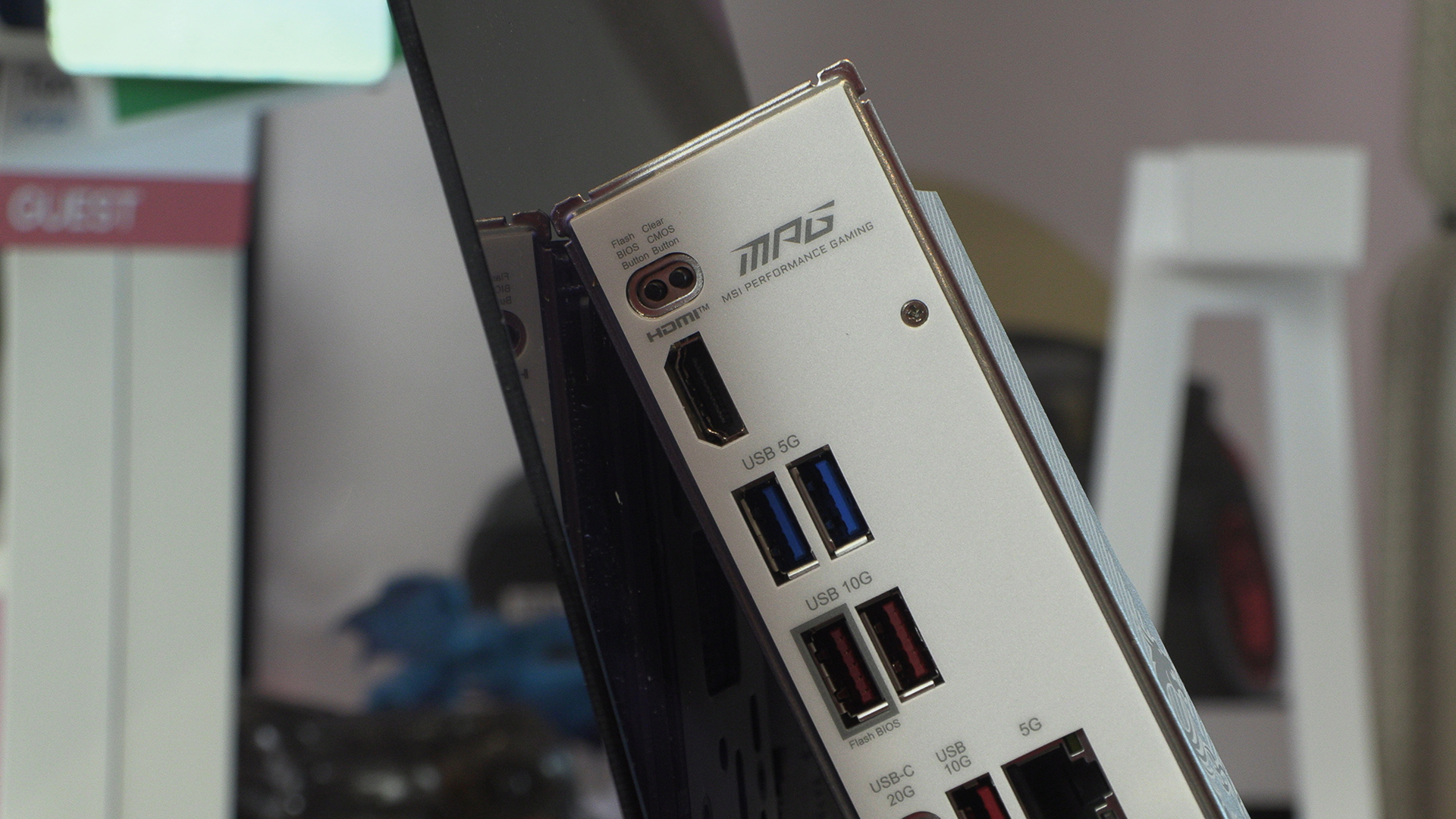
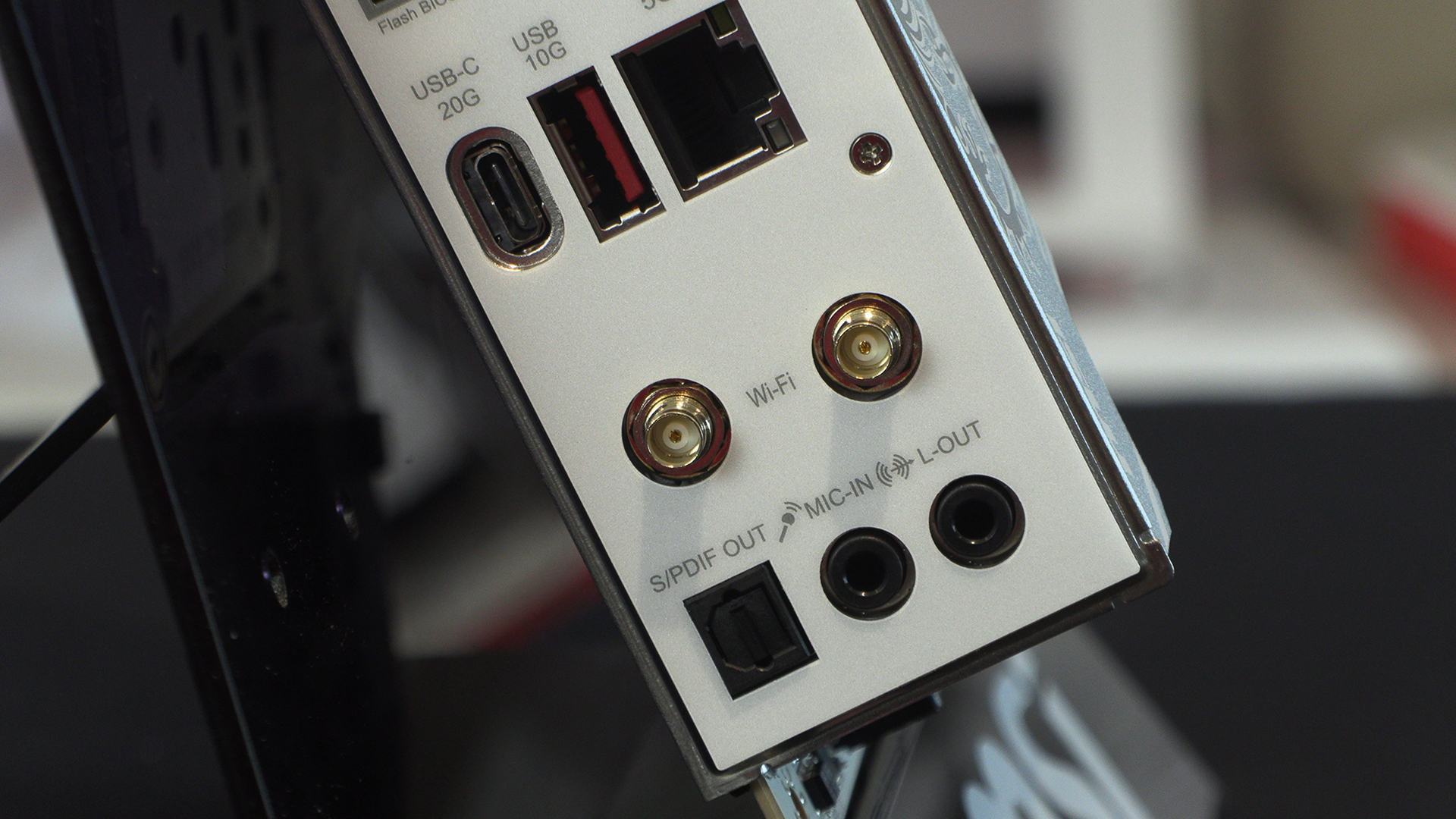
The IO section is the only obvious place with a difference between this AMD model and the Intel one. Obviously Thunderbolt is an Intel technology. However, the AMD B850I still has a 20G Type-C USB port as well as a bevvy of 10G and 5G options. Add these to the 5G LAN and WiFi 7 and throughput isn’t an issue.
As we said on the previous page beneath this heatsink is a 8+2+1 90A power stage. More than enough for anything you care to install in the AM5 socket.
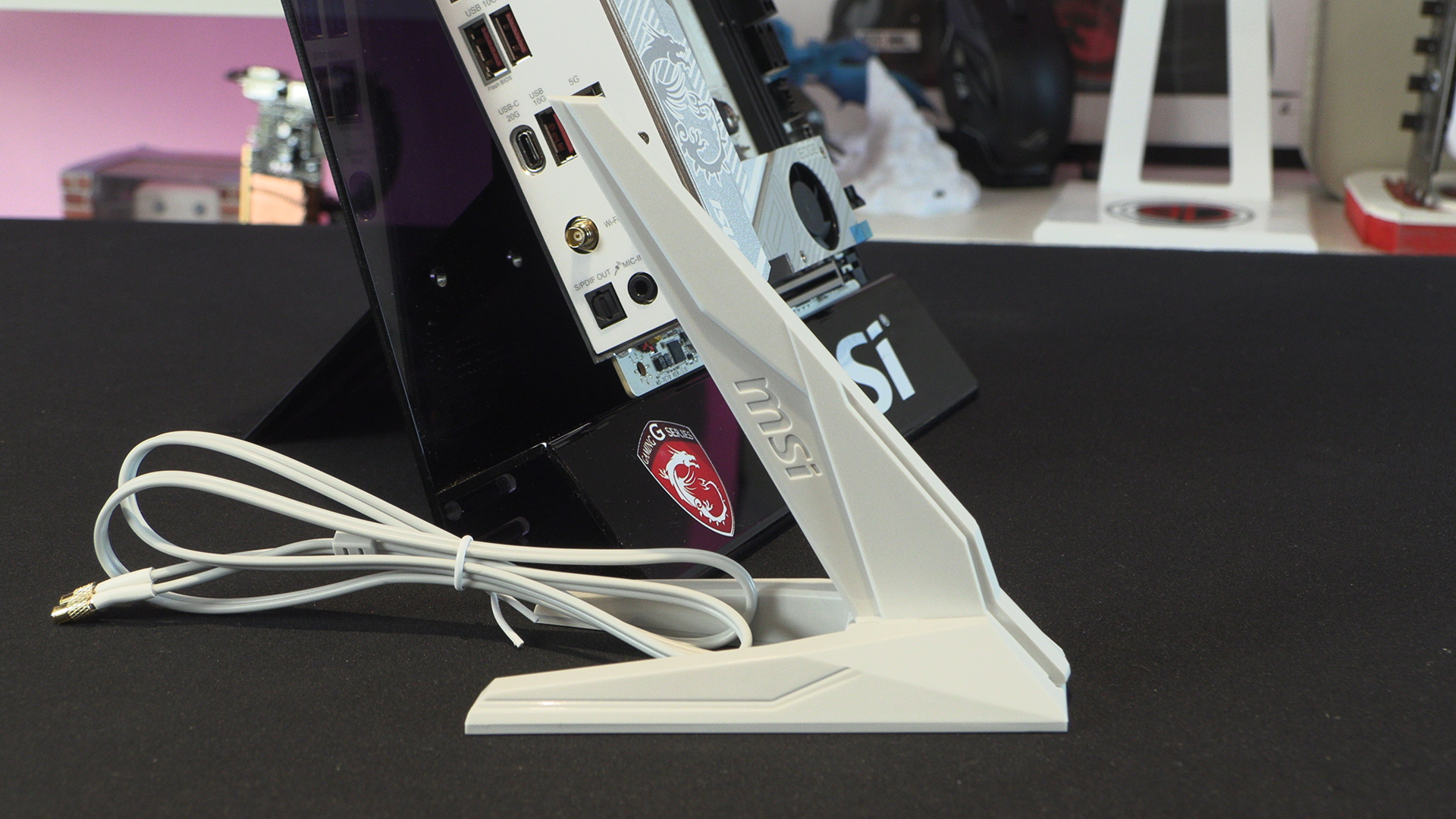
Lastly the MSI WiFi antenna is screw free. Just plug it in, one handed if you like, and you’re good to go. We like that it’s white all over. It might be a small thing but, as regular readers can attest, not something that is always done.