MSI MAG X870E Tomahawk Max Review

Tomahawk Max Up Close
Tomahawk Max Up Close
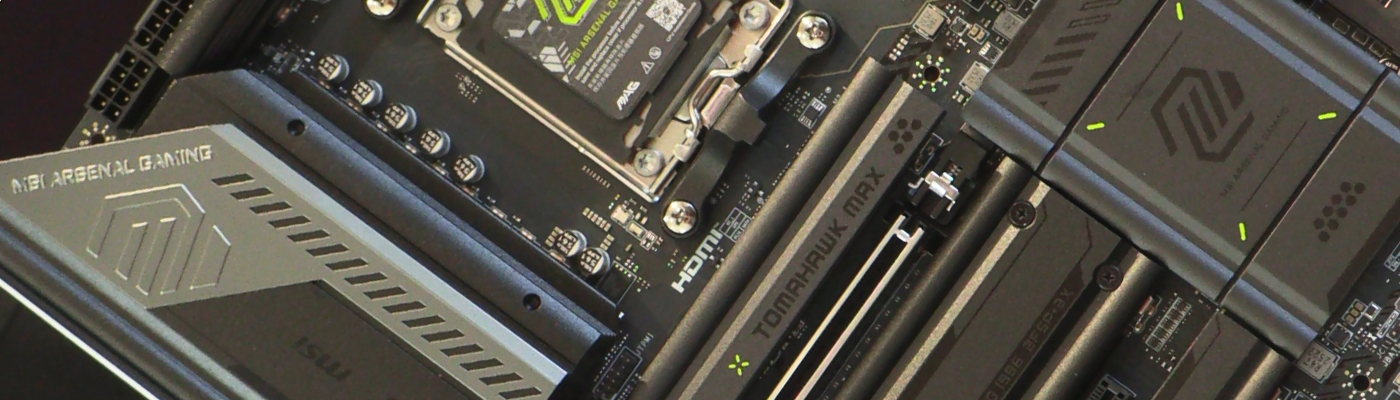
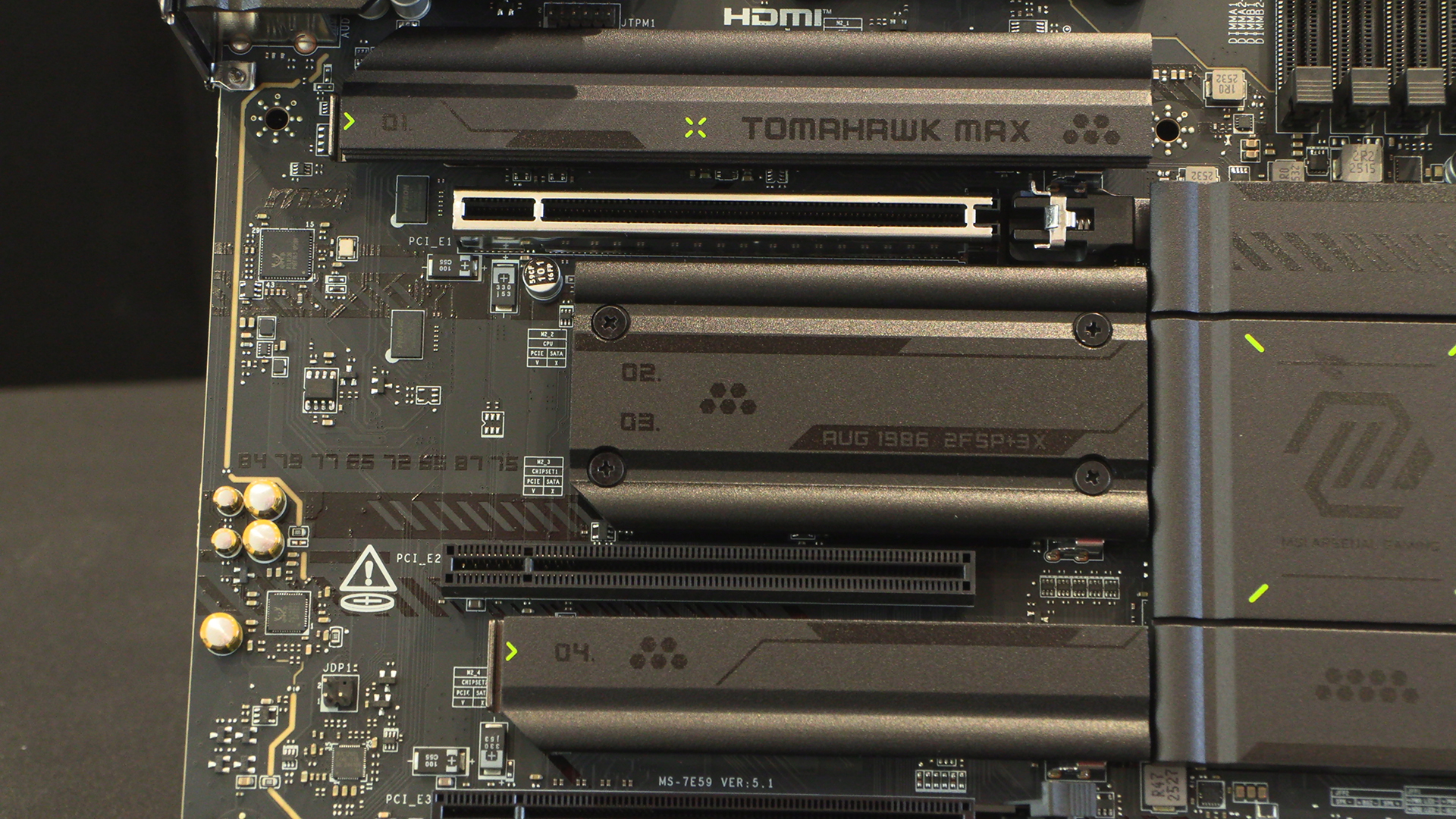
There have been quite a few Tomahawk variants in recent times, and the Max continues the black with neon green accents aesthetic. Thankfully if you like your systems on the subtle side then it’s primarily black. You’re just a Sharpie away from being able to eliminate all the green. We don’t mind it though.
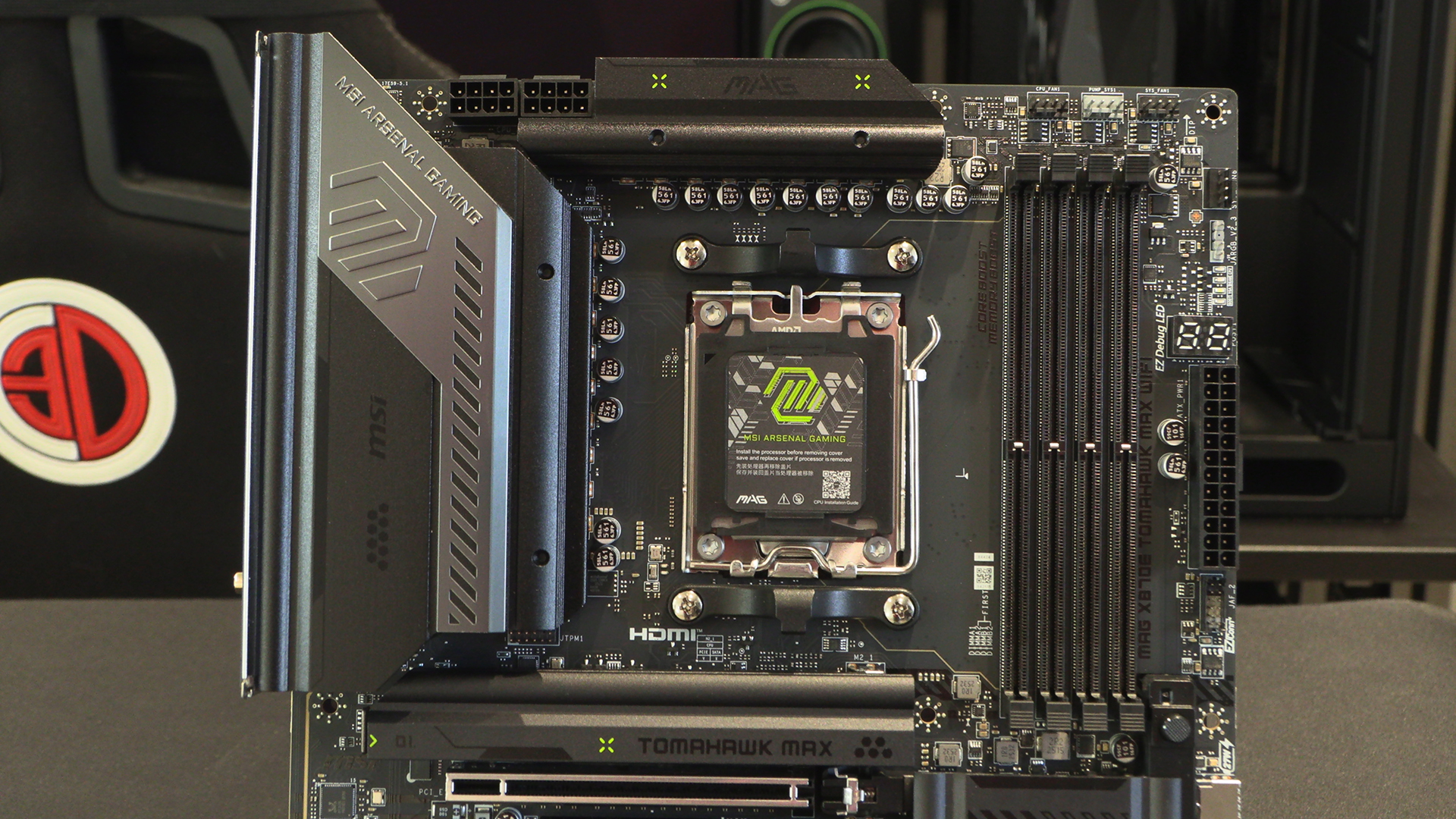
We like the central M.2 heatspreader having August 1986 on it. The date Micro-Star International (MSI) was founded. My first Pentium II motherboard was MSI. Haven’t we all got old.
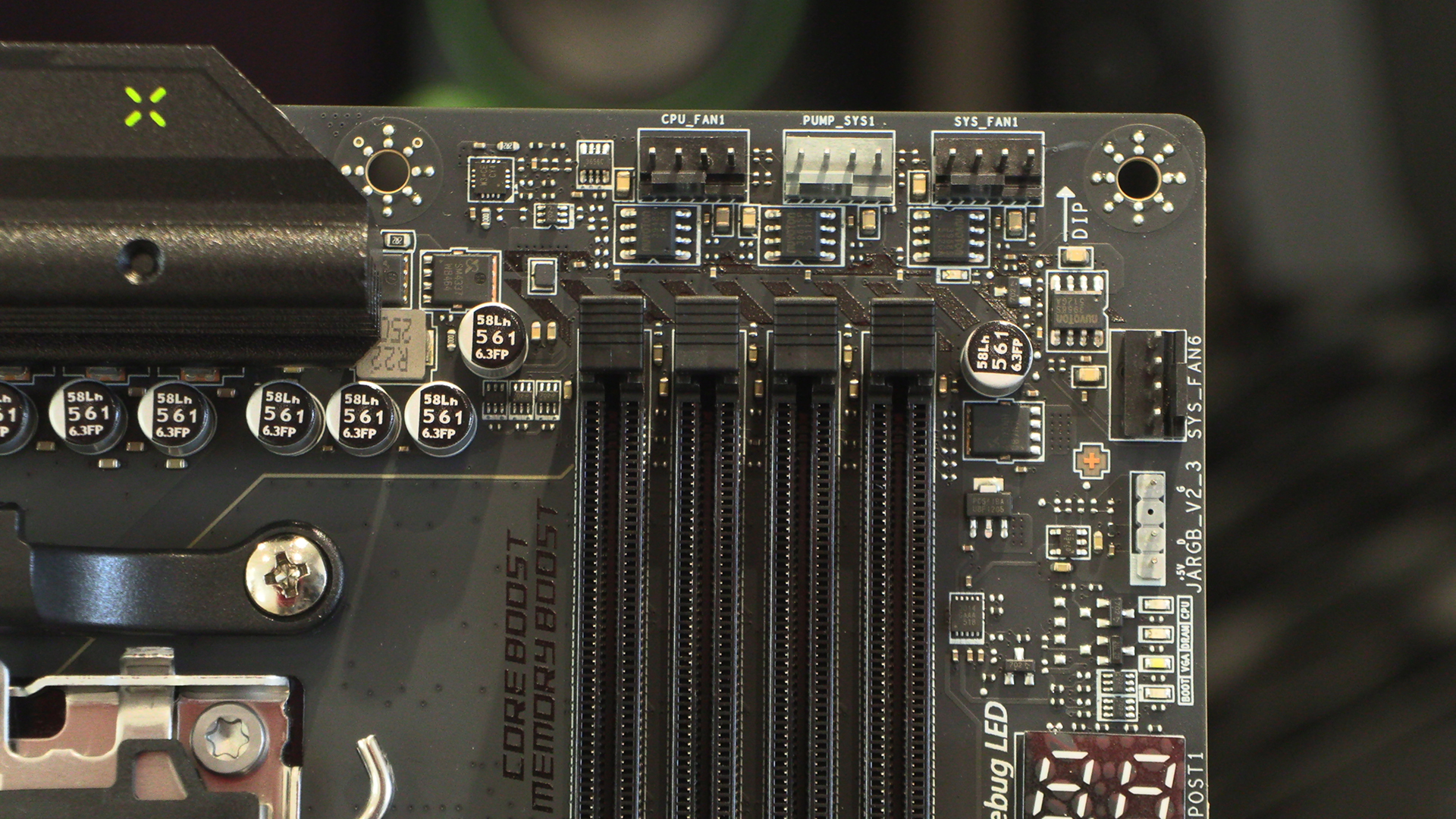
One thing that really stands out on the MSI Tomahawk Max is how many cooling headers you get. Two main CPU + Pump headers here, as well as a pair of System fan headers. We’ll get to more soon enough. Empty memory slots, a sign of the times.
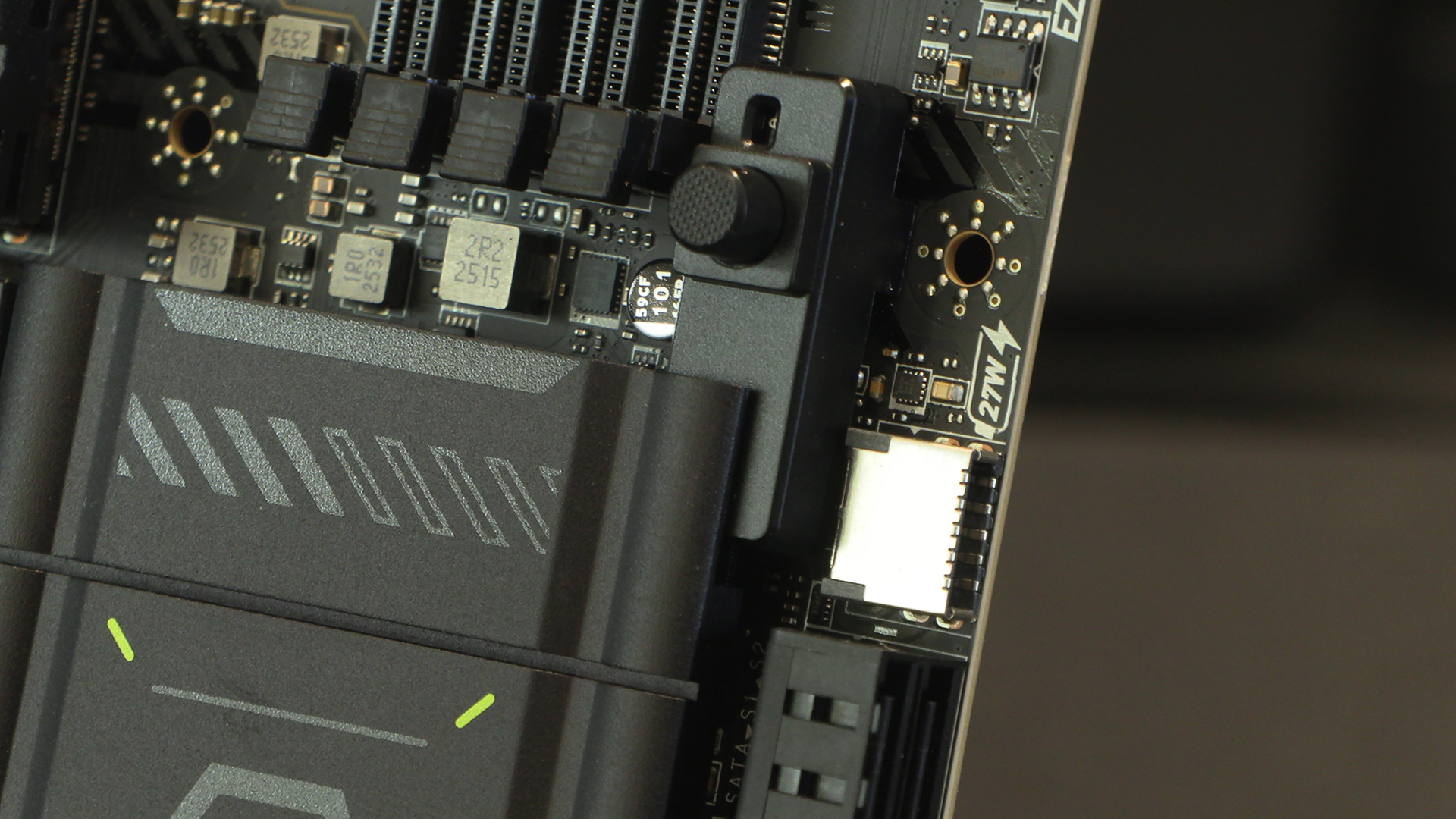
If you take your GPU out as often as we do then you’ll adore the EZ button here. It beats trying to squeeze tongue depressors between your CPU cooler and GPU. To the right of that is the front panel Type-C USB header with its 27W charging potential.
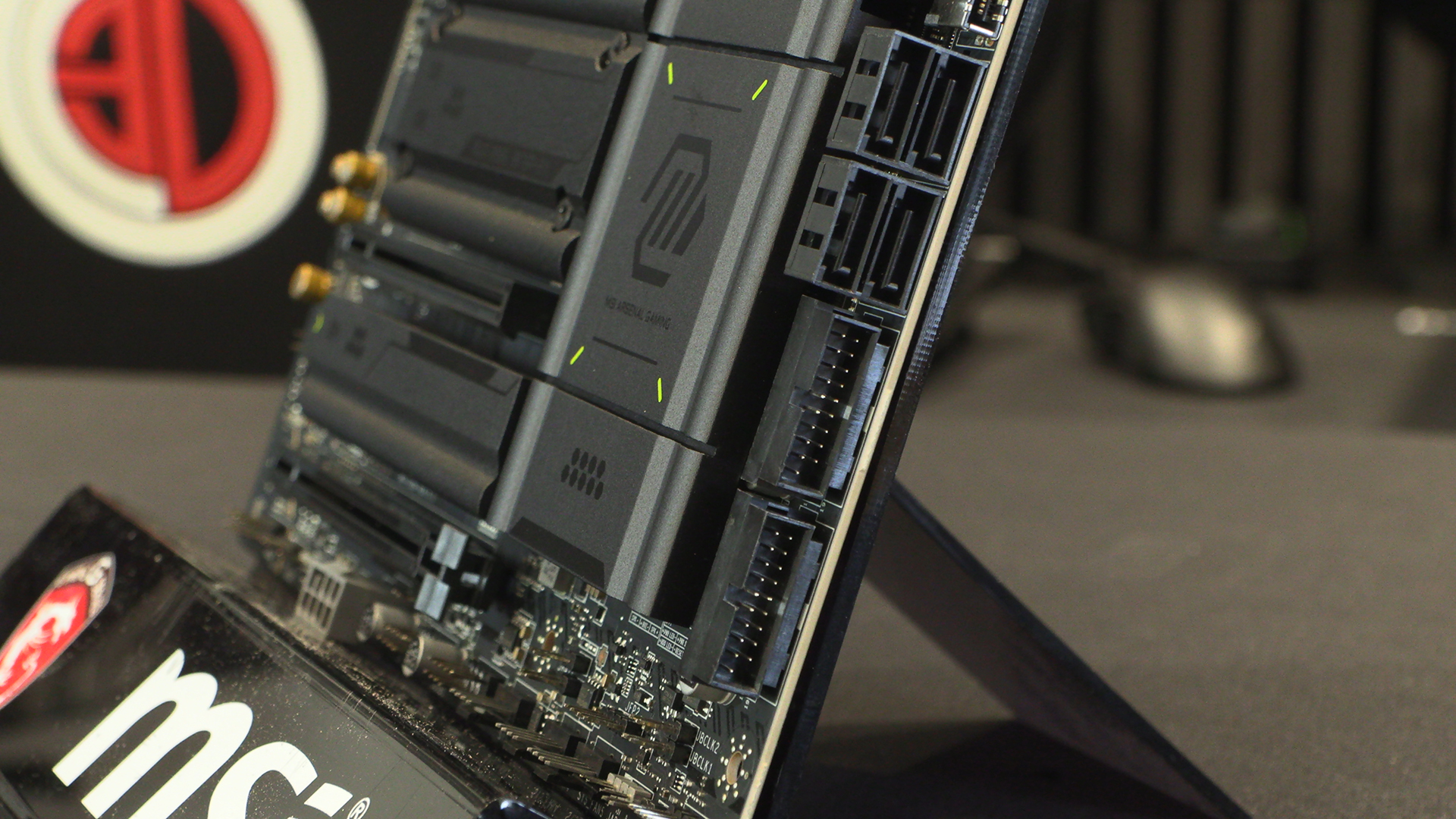
Four SATA ports enable easy upgrading from your current setup to the X870E Tomahawk Max. Next to those are two front panel USB 3.2 headers, giving you fast ports at the handy end of your case.
The bottom right we find the front panel headers as well as three system fan headers. More than enough for even the largest rig with the highest cooling demand. Next to them are the USB 2.0 front panel connectors. These are primarily used these days to control the lighting on your AIO. Or screens if you’re really flash.
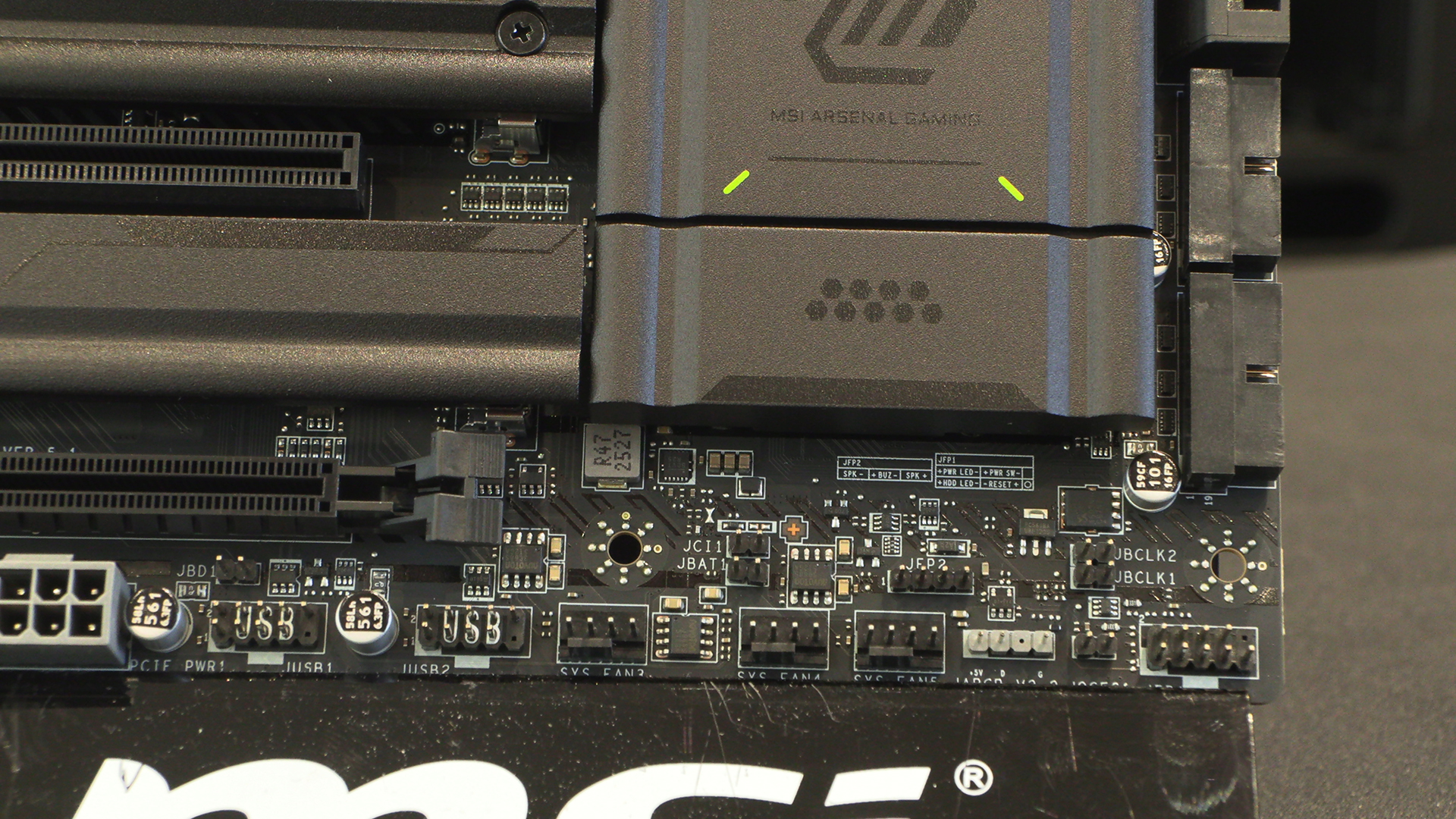
Finishing the bottom edge of the Tomahawk Max we get to enjoy an extra power slot if you need more juice to your GPU, as well as the Mystic Light RGB and ARGB headers and the final system fan connector.
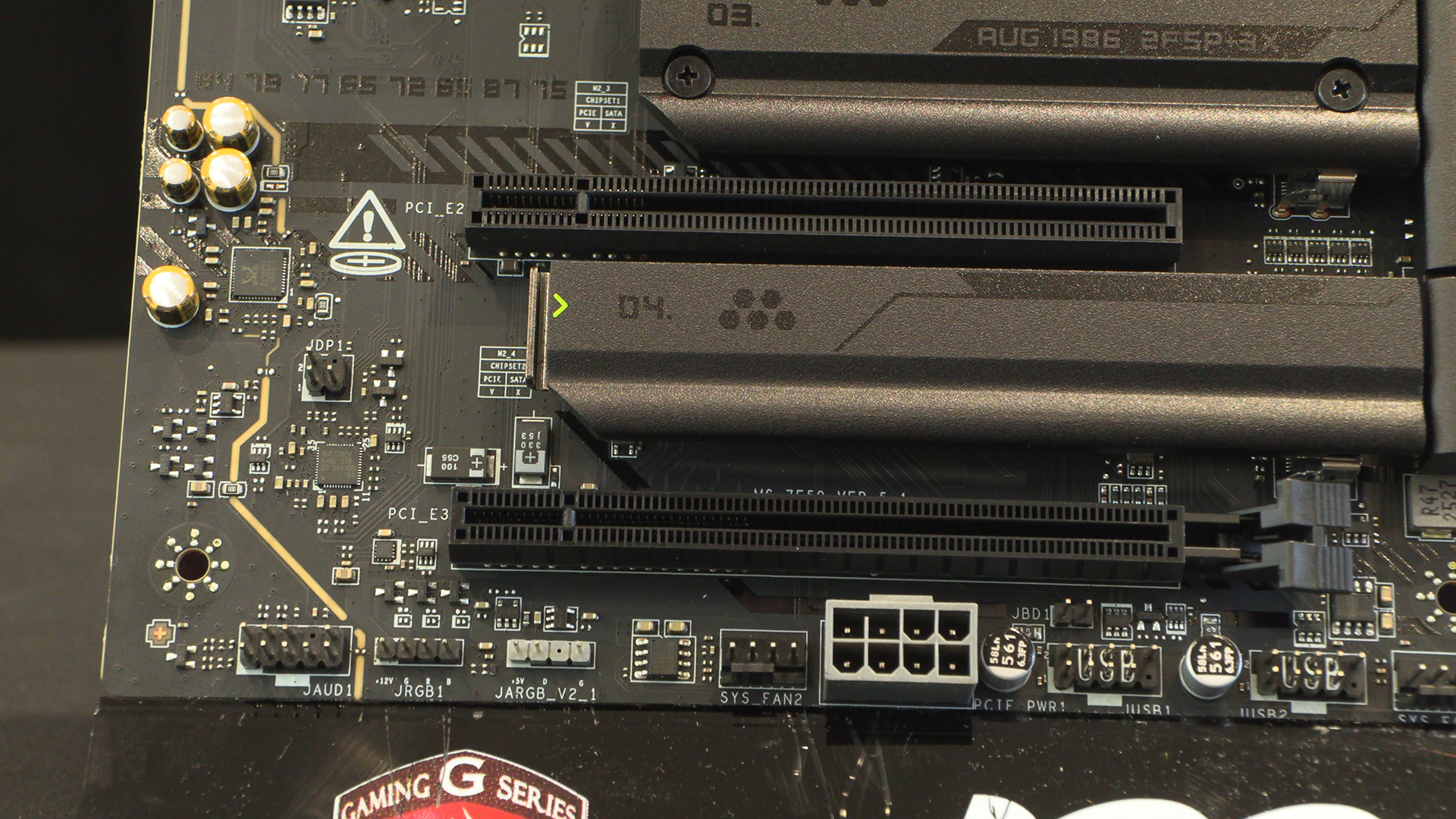
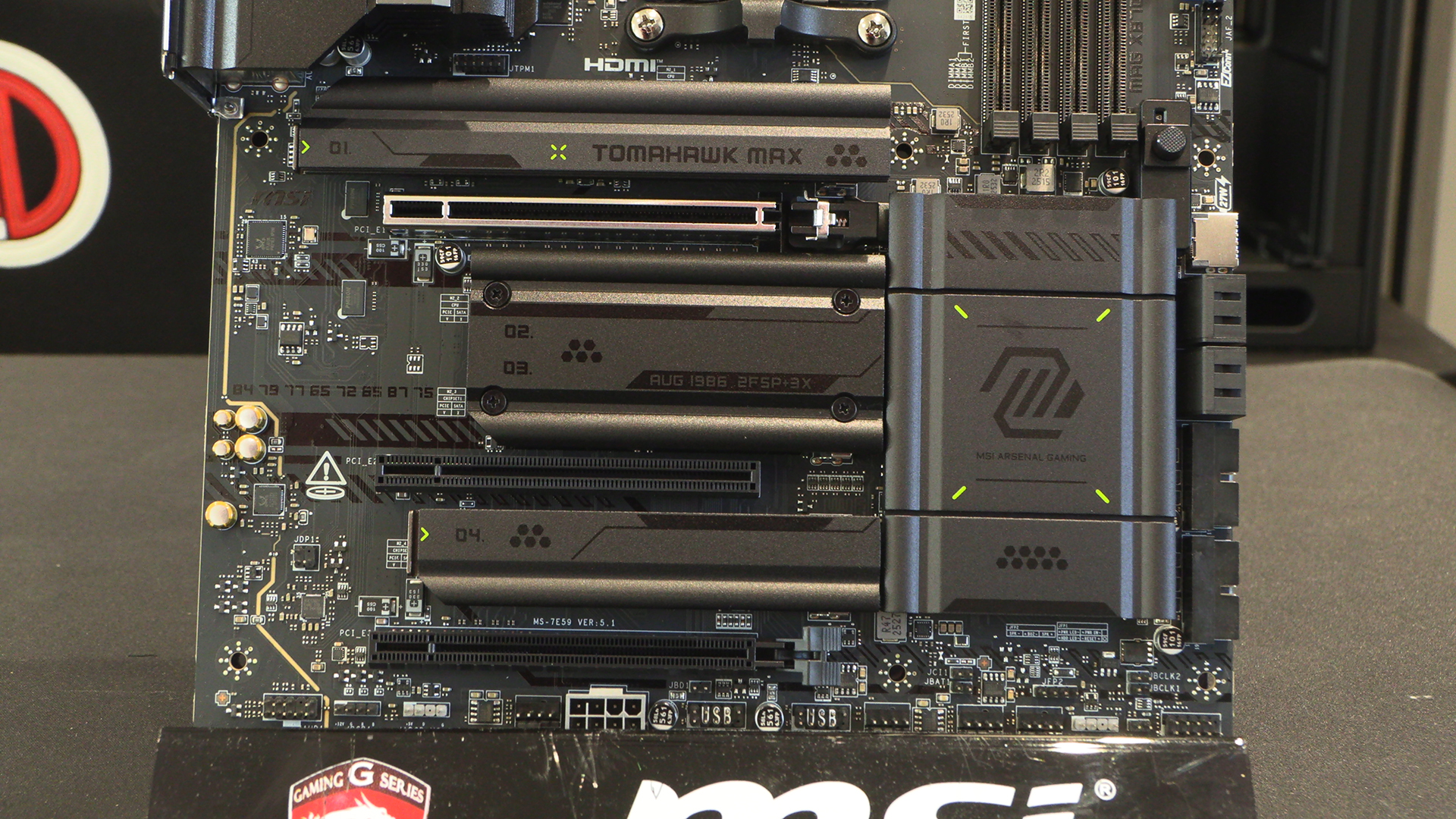
You have a pair of M.2 Gen5 ports and a pair of Gen4. More than enough for the majority of users. One day we’d like to take a straw poll and find out how many people use other PCI Express slots besides the first.
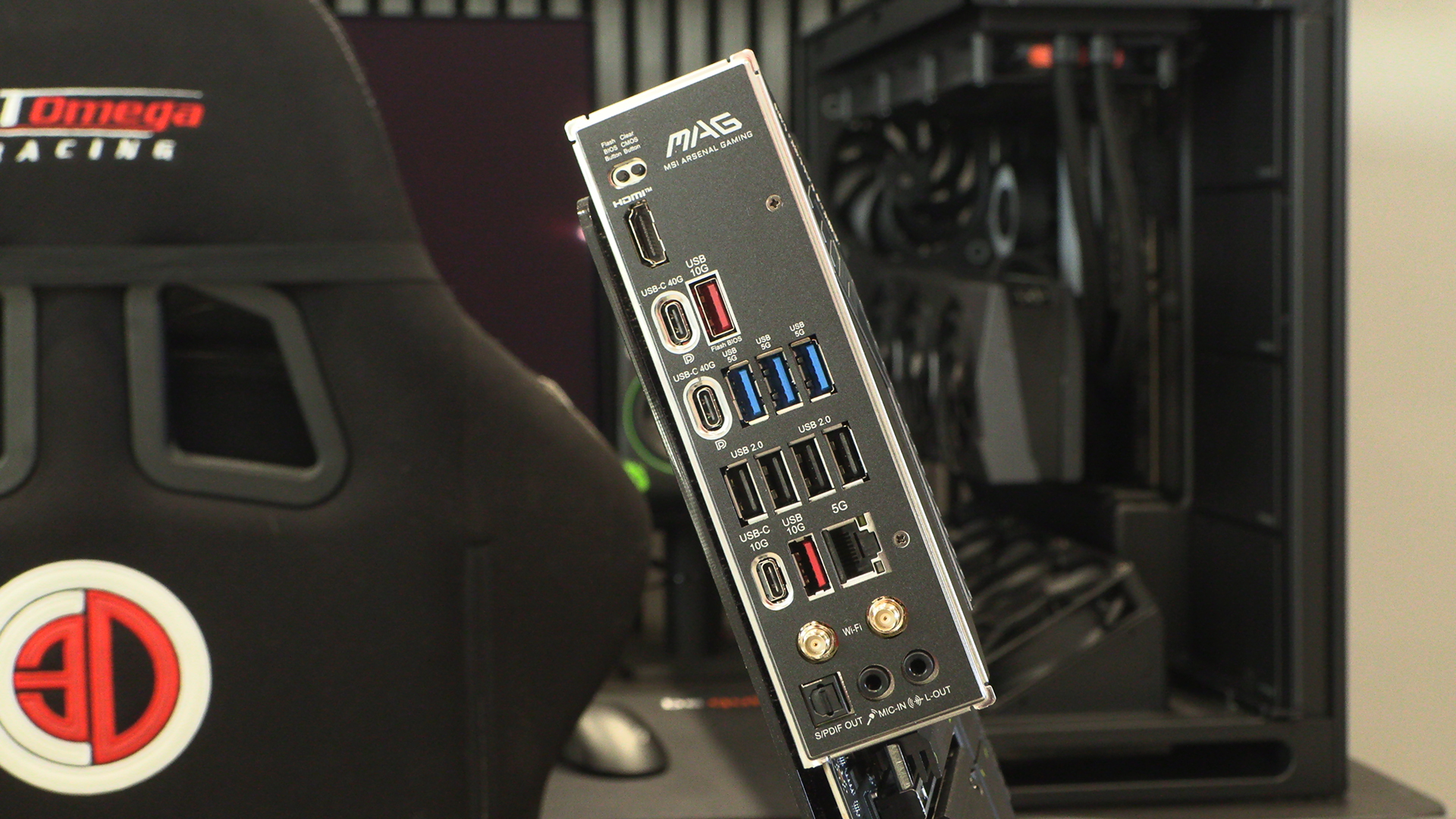
Whilst the Tomahawk Max might be in the MAG range of MSI motherboards, and therefore at the more affordable end when compared to ones like the Godlike, you’re still getting a X870E chipset. This means you have tons of USB connection options, from 40G Type-C down to USB 2.0. We also like that the BIOS Flash and Clear options are smaller buttons than their contemporaries. Much harder to hit by accident.