MSI MPG X870E Carbon Max WiFi Review

MSI X870E Carbon Max WiFi Up Close
MSI X870E Carbon Max WiFi Up Close
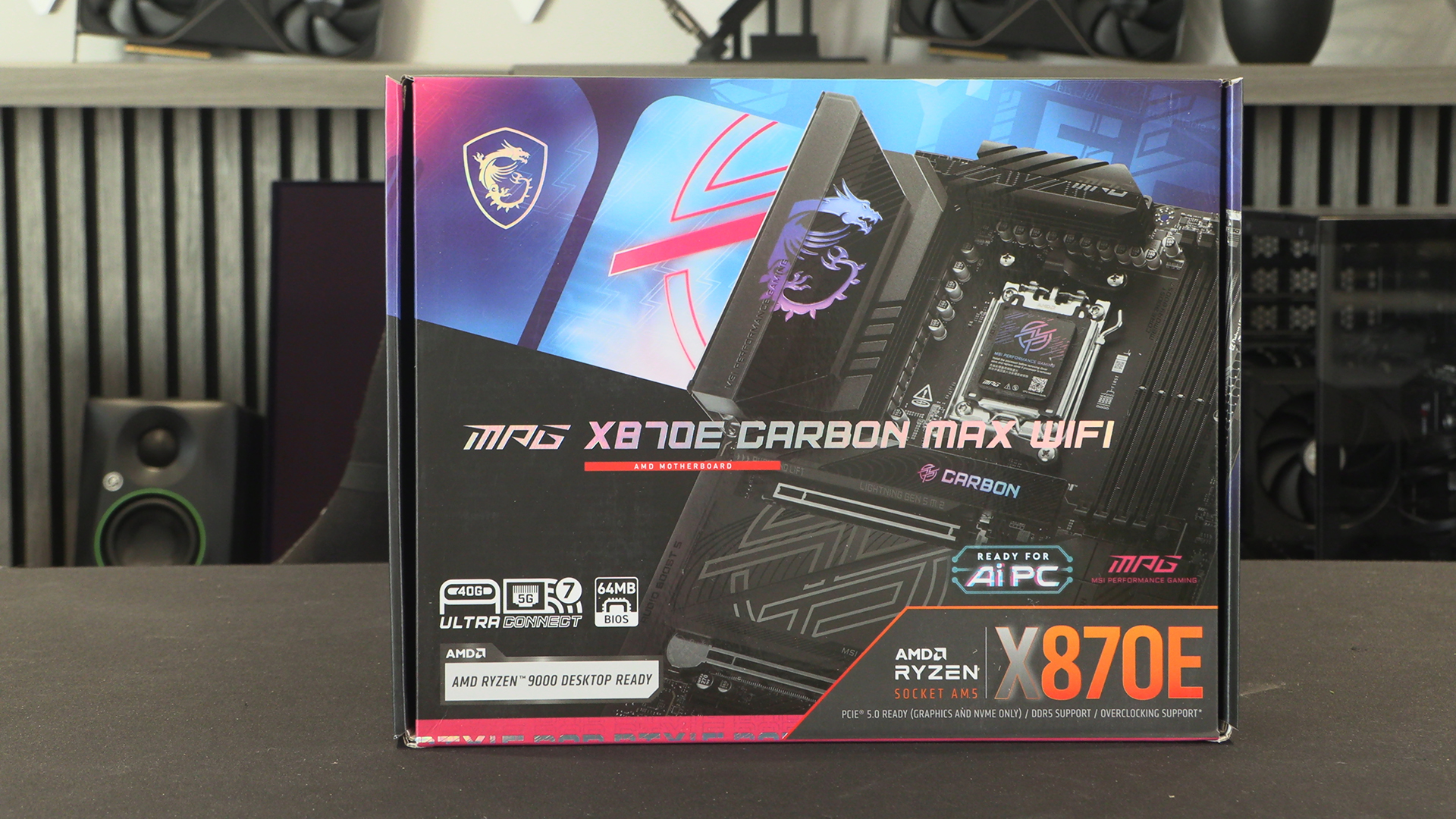
Fair play to whomever designed the box art. The default state of the RGB lighting is blue into purple, and the box colouring matches that perfectly. Nice.
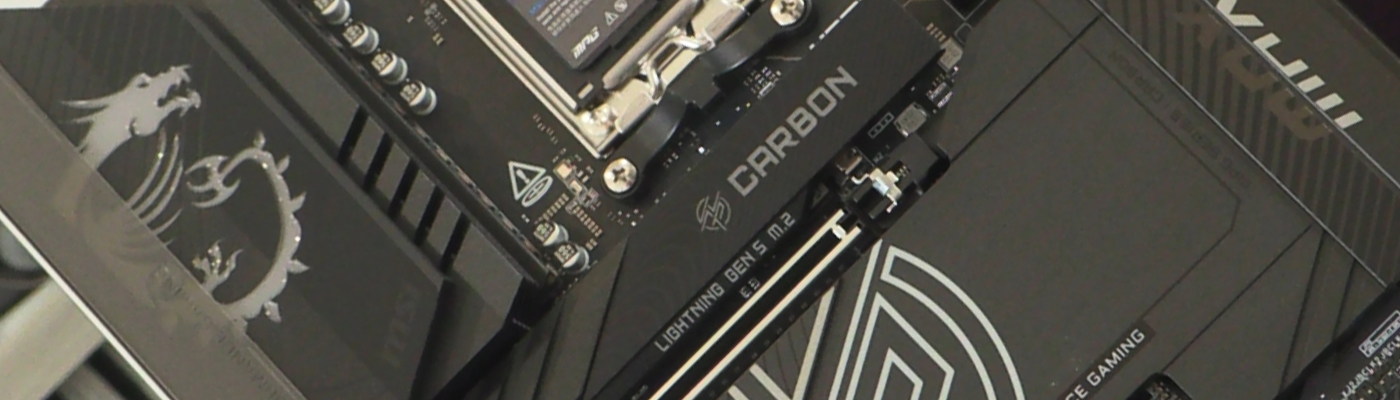
Should you have some time spare you could always compare the Carbon Max to our original Carbon review. If you’re a connoisseur of motherboard designs you’ll appreciate the exact positioning of everything. Clear rows and columns. Nothing looking like it was fired at the PCB with a blunderbuss. It might look the same as all others if you don’t know, but the trained eye can spot the attention to detail.
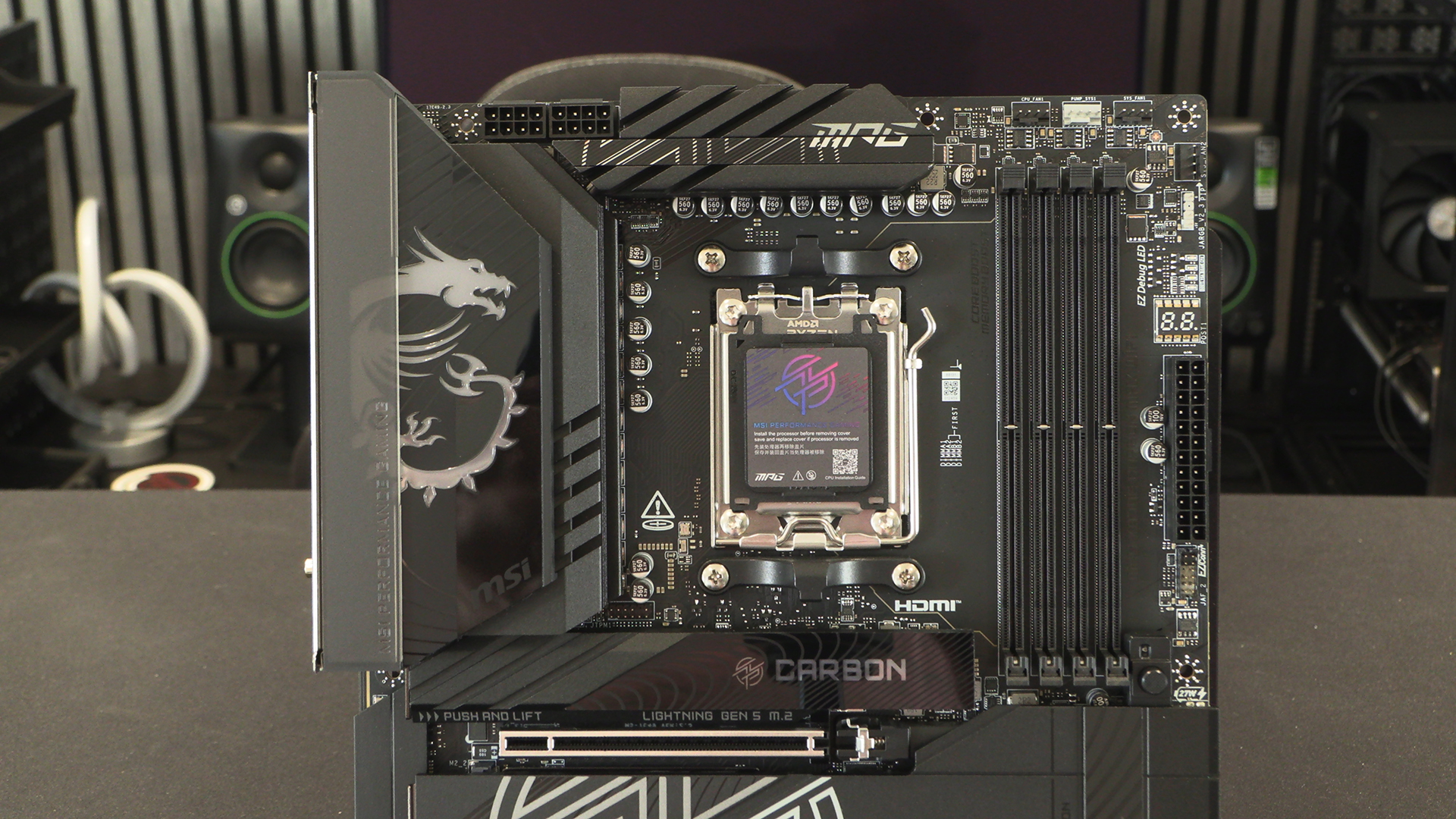
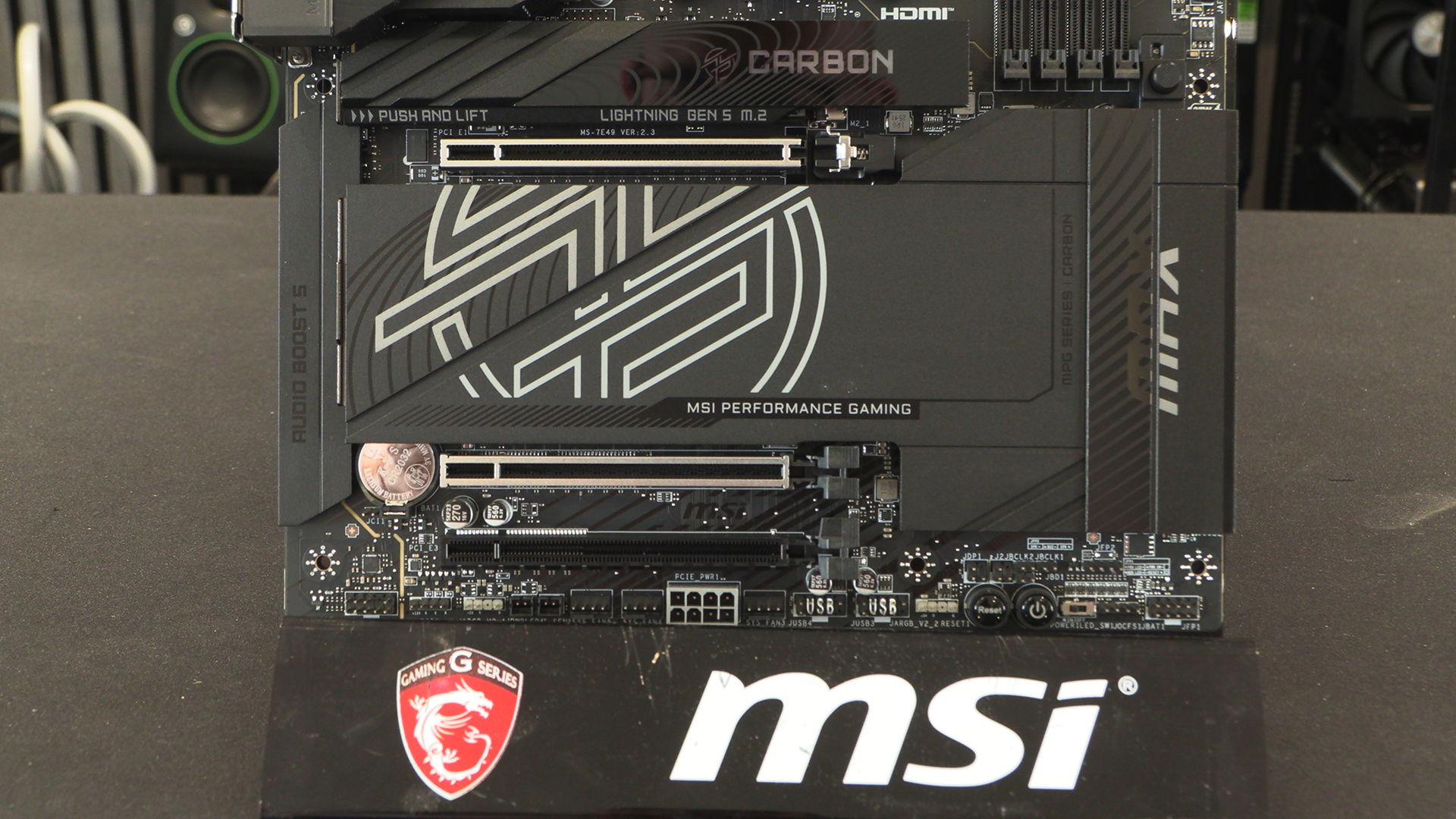
It’s difficult to fully articulate what makes the X870E Carbon Max so aesthetically pleasing, but things like the many fan headers are a start. Not cramped together, nicely spaced. Clearly labelled. Exactly where you want them to be placed for easiest cable management. It’s everything you desire.
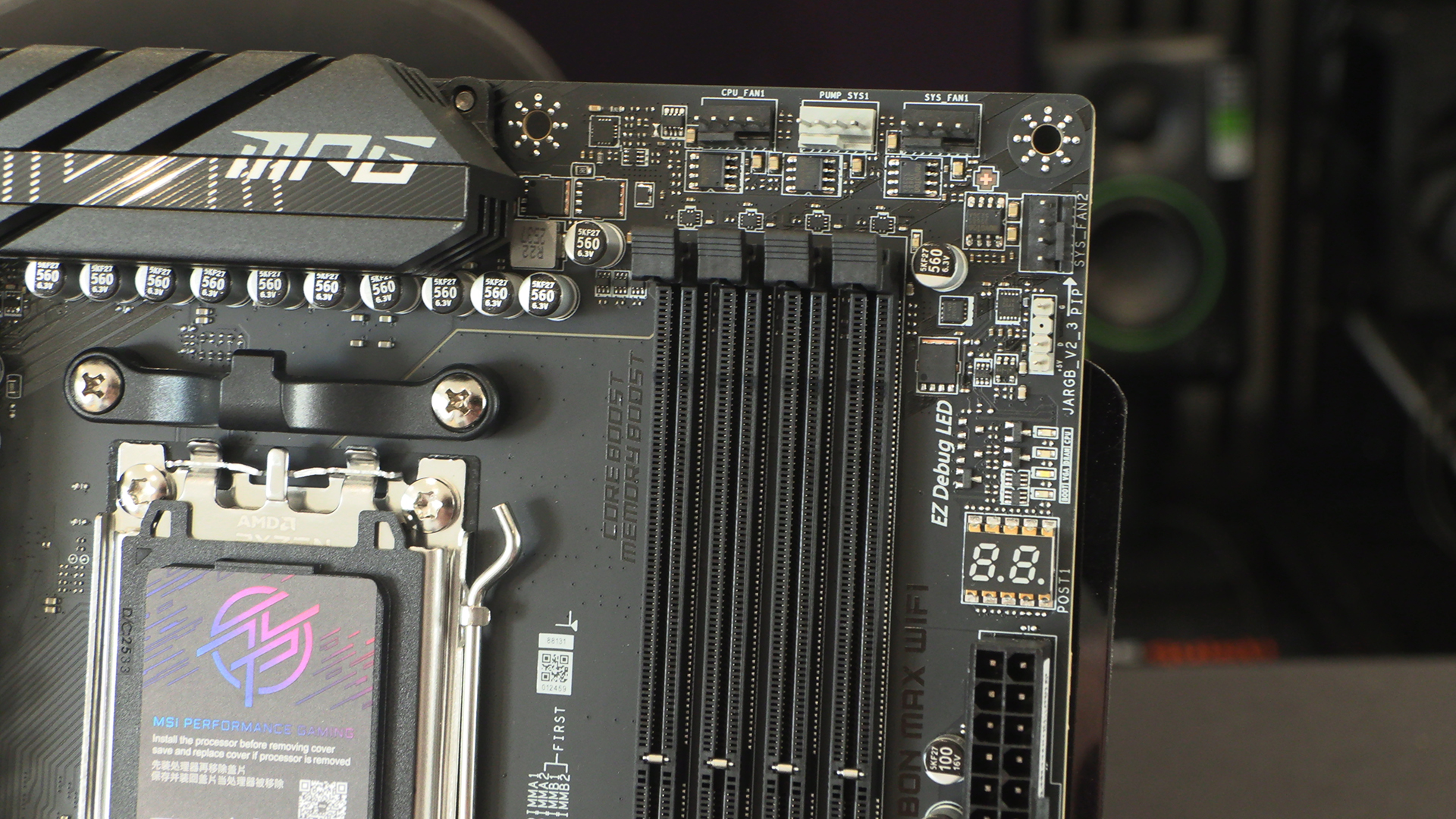
The bottom edge continues the good work of the top one. Everything where you want it. We’ll always be big fans of onboard power and reset buttons. Additionally we love the LED off switch. Okay we like RGB lighting, but if you don’t, or just want it supplied by your AIO and fans, it’s a one stop ‘off’ DIP Switch.
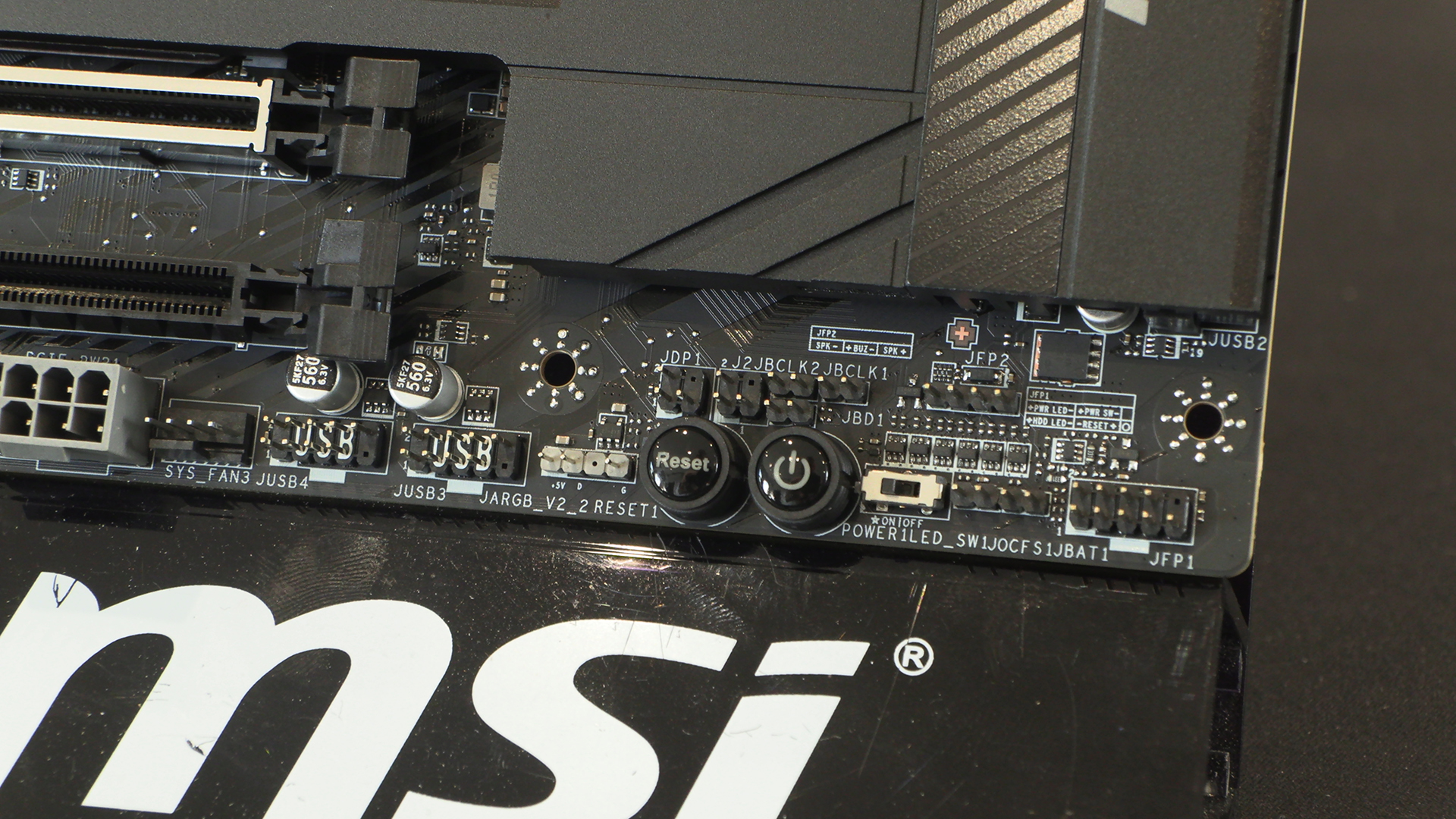
The beefier Ryzen processors can get warm, so having three system fan headers ensures you can draw in plenty of cool air to keep things running at peak efficiency.
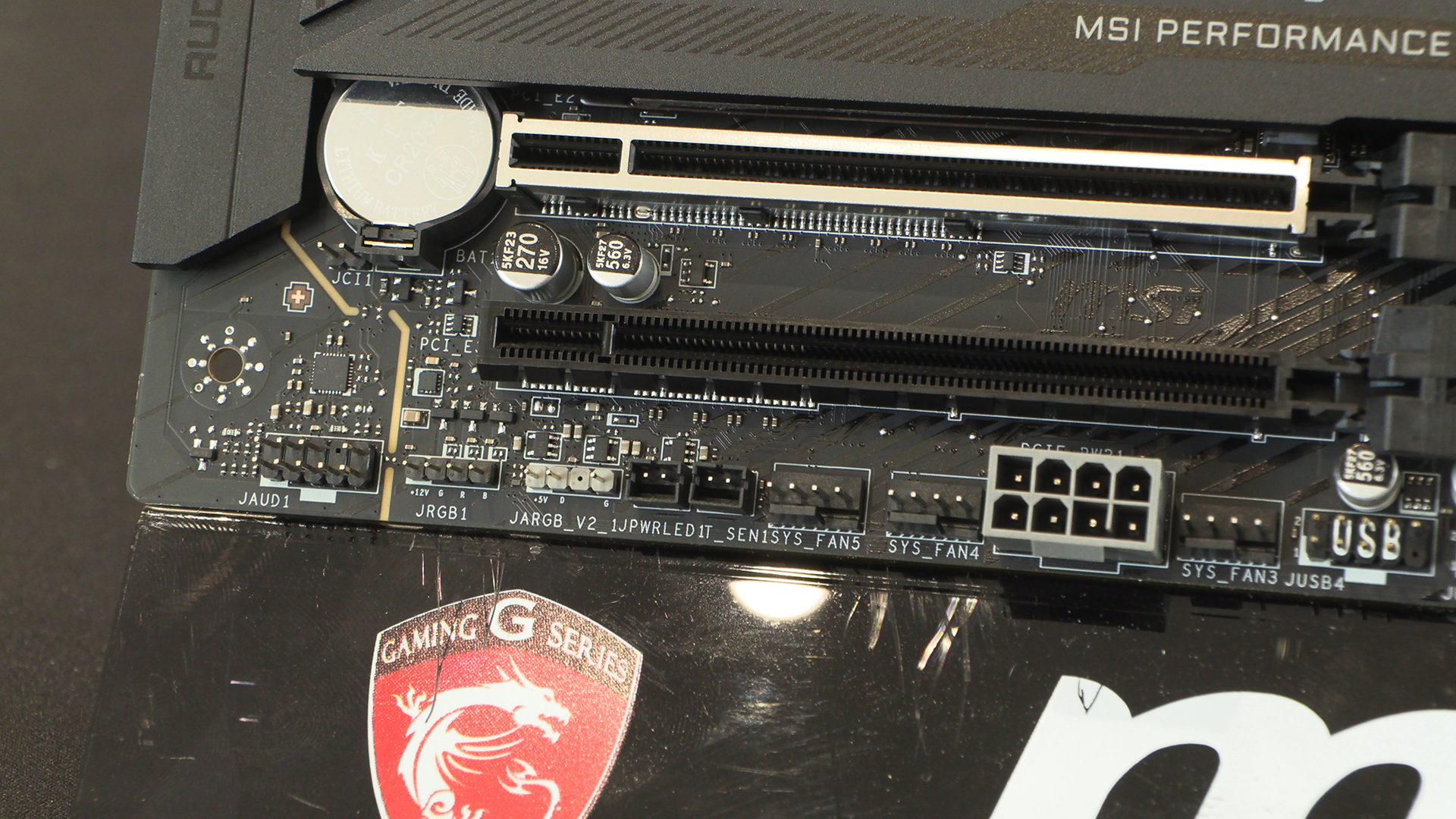
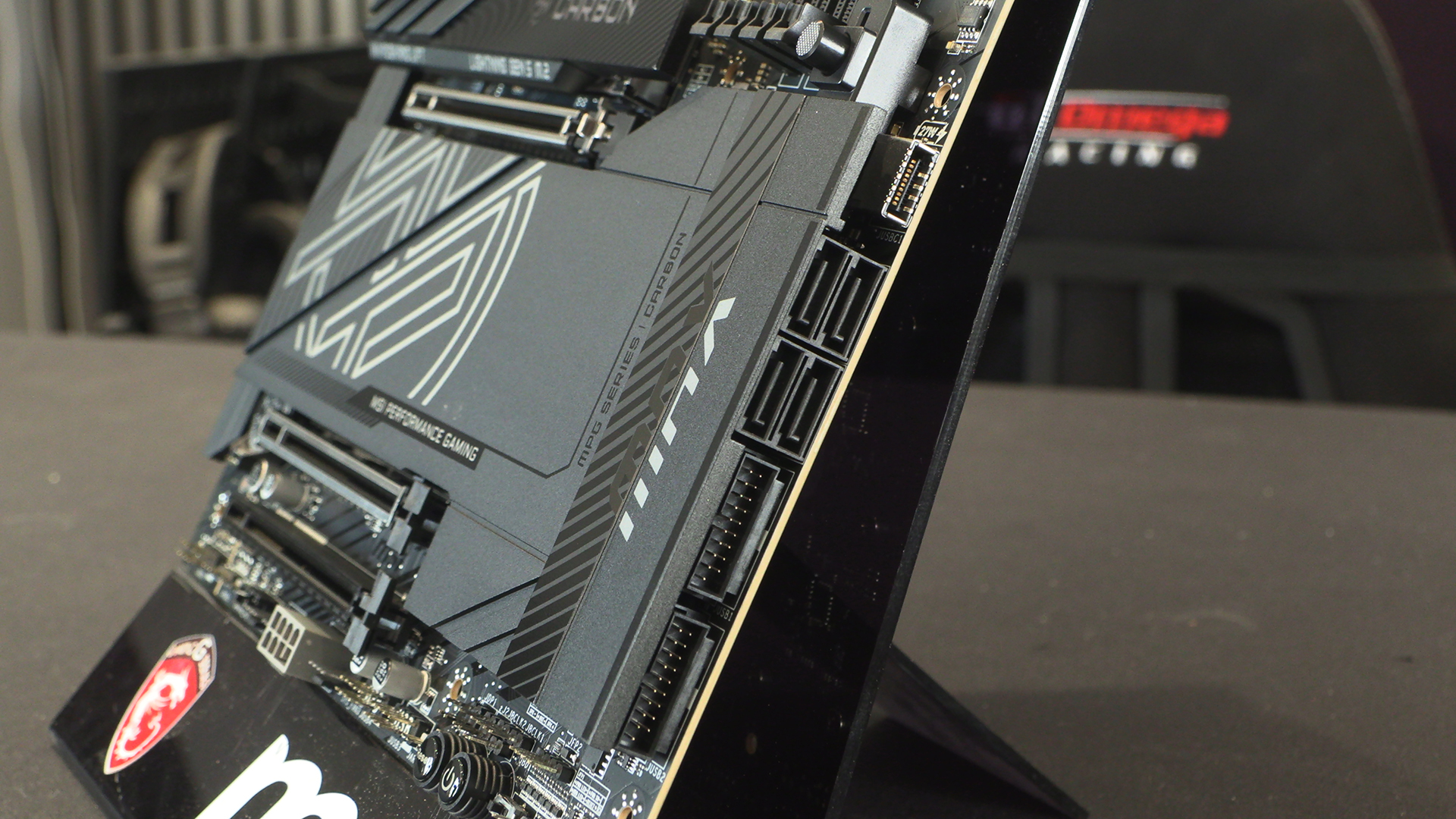
Two USB Type-A front panel headers cover the majority of cases. If you’ve got a chassis made after about 2020 then the 27W capable Type-C front panel header will smooth out transferring stuff on and off your phone.
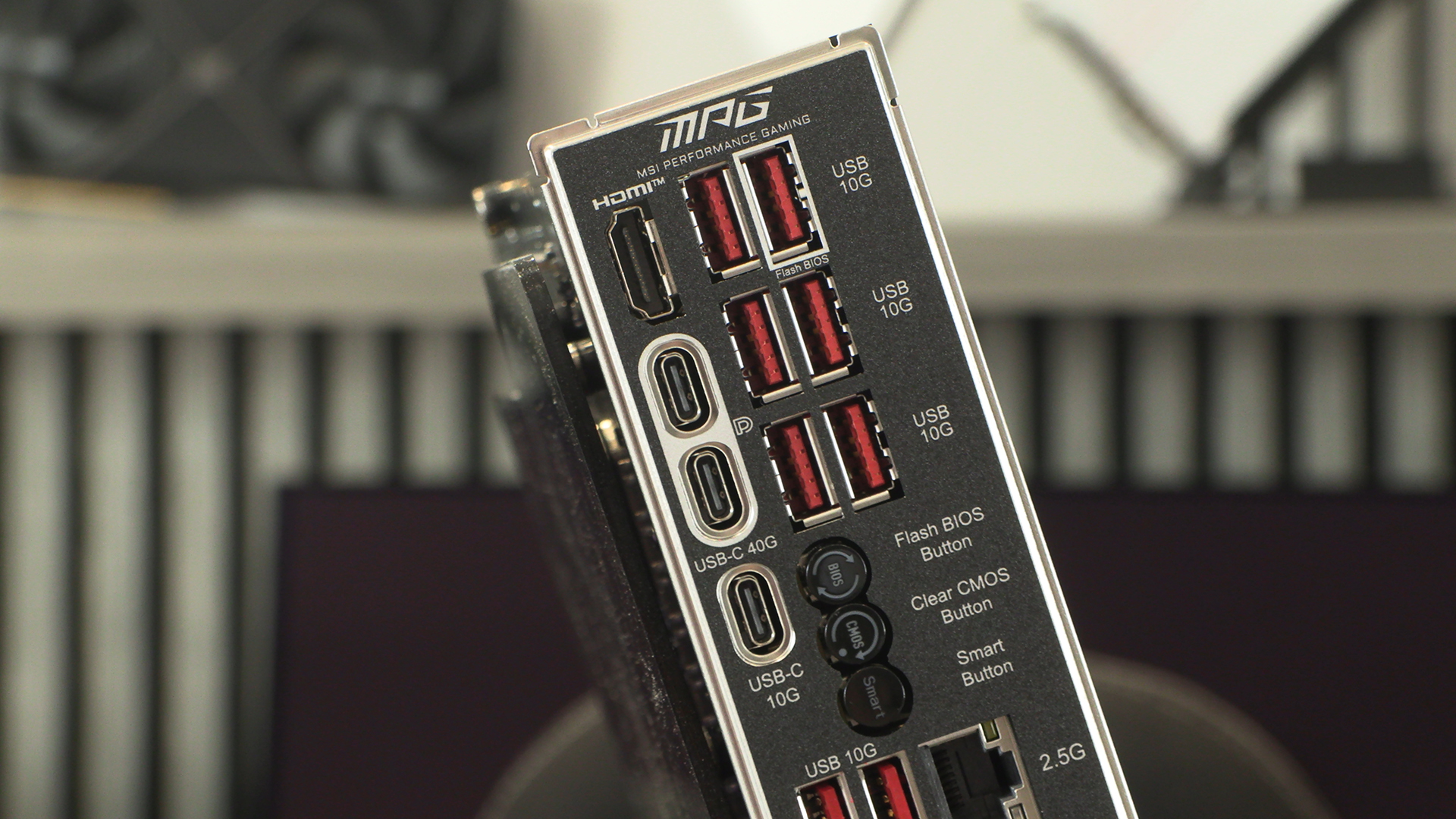
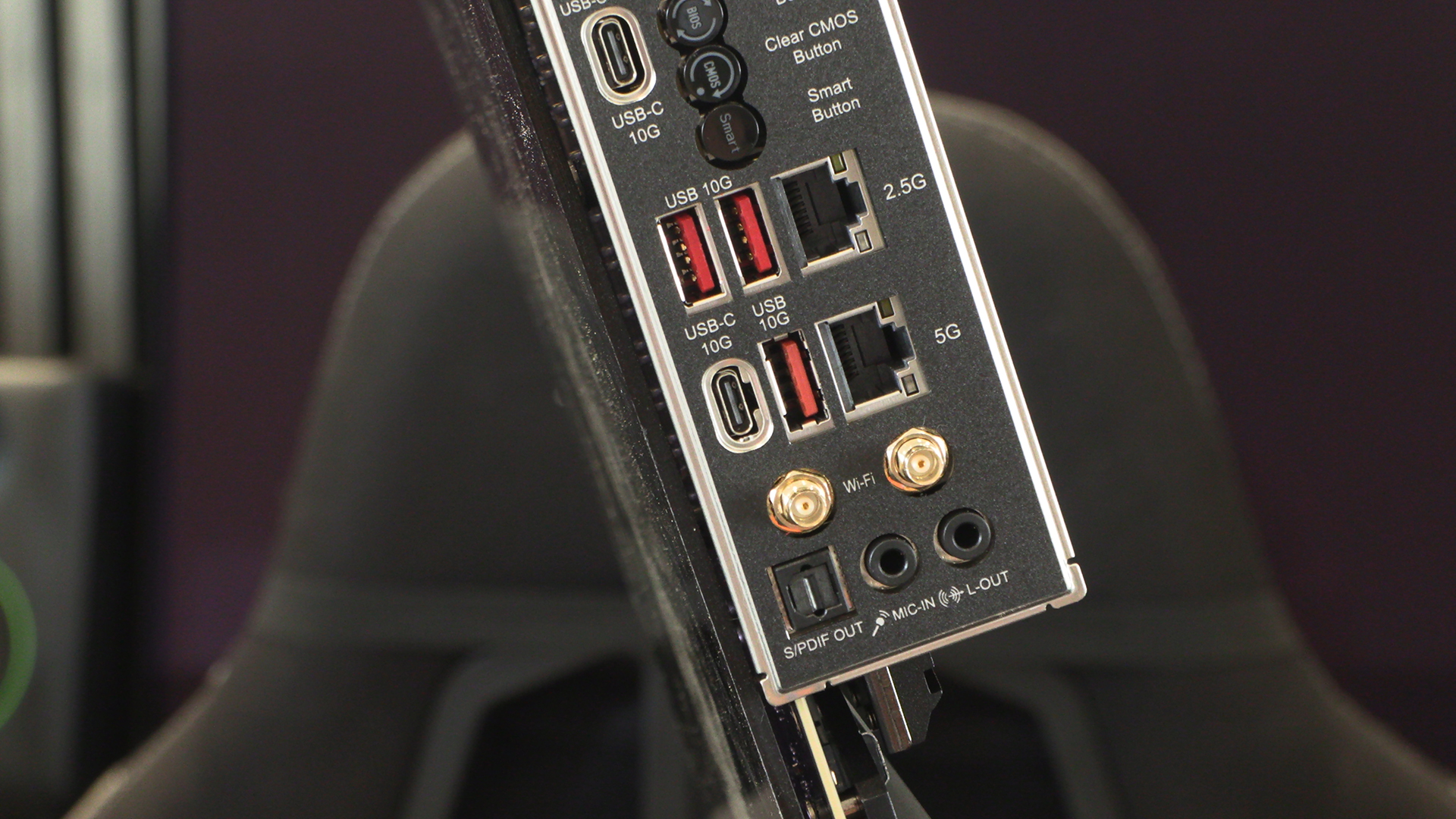
The IO section at the back hints, even if you hadn’t seen anything else, as to the depth of the Carbon Max’s performance. 9 USB Type-A and enough Type-C to keep even the most up-to-date user happy. Add that to the two speeds of LAN and the WiFi 7 and you’ve got everything you could ever need.