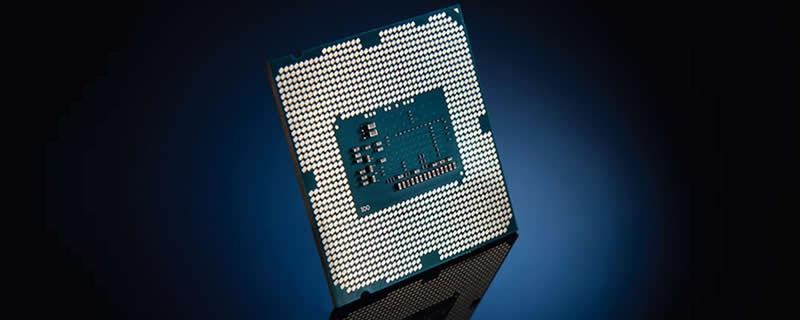
Resizable BAR Tested with Intel – The Power of Boosted Memory Access

Resizable BAR Tested with Intel - The Power of Boosted Memory Access

Enabling Resizable BAR Support

To enable Resizable BAR with our Intel i9-10850K and our Z490 Aorus PRO AX motherboard, we first updated our BIOS to Gigabyte’s latest version (F20a for this article). After that, we navigated to the Settings section of Gigabyte’s UEFI and then enabled “Above 4G Decoding”. Enabling this makes the Z490 Aorus PRO AX’s Resizable BAR option reveal itself. 

Resizable BAR Tested with Intel - The Power of Boosted Memory Access  
Once “Above 4G Decoding” is enabled, an option called Re-Size BAR Support will become available. Set this option to auto, and this will allow the feature to work on compatible graphics hardware. 

Note that Resizable BAR support will only work if your motherboard, graphics card and GPU drivers all support Resizable BAR. 

Resizable BAR Tested with Intel - The Power of Boosted Memory Access  

Uh-oh! It looks like you're using an ad blocker.

OC3D relies on ads to provide free content and sustain our operations. By white listing us on your ad blocker, you help support us and ensure we can continue offering valuable content without any cost to you. We only run our own hand picked ads from Industry brands like MSI, BeQuiet, Sapphire and PC-Specialist - meaning they are all relevent to the content you are reading.

We truly appreciate your understanding and support. Thank you for considering whitelisting OC3D