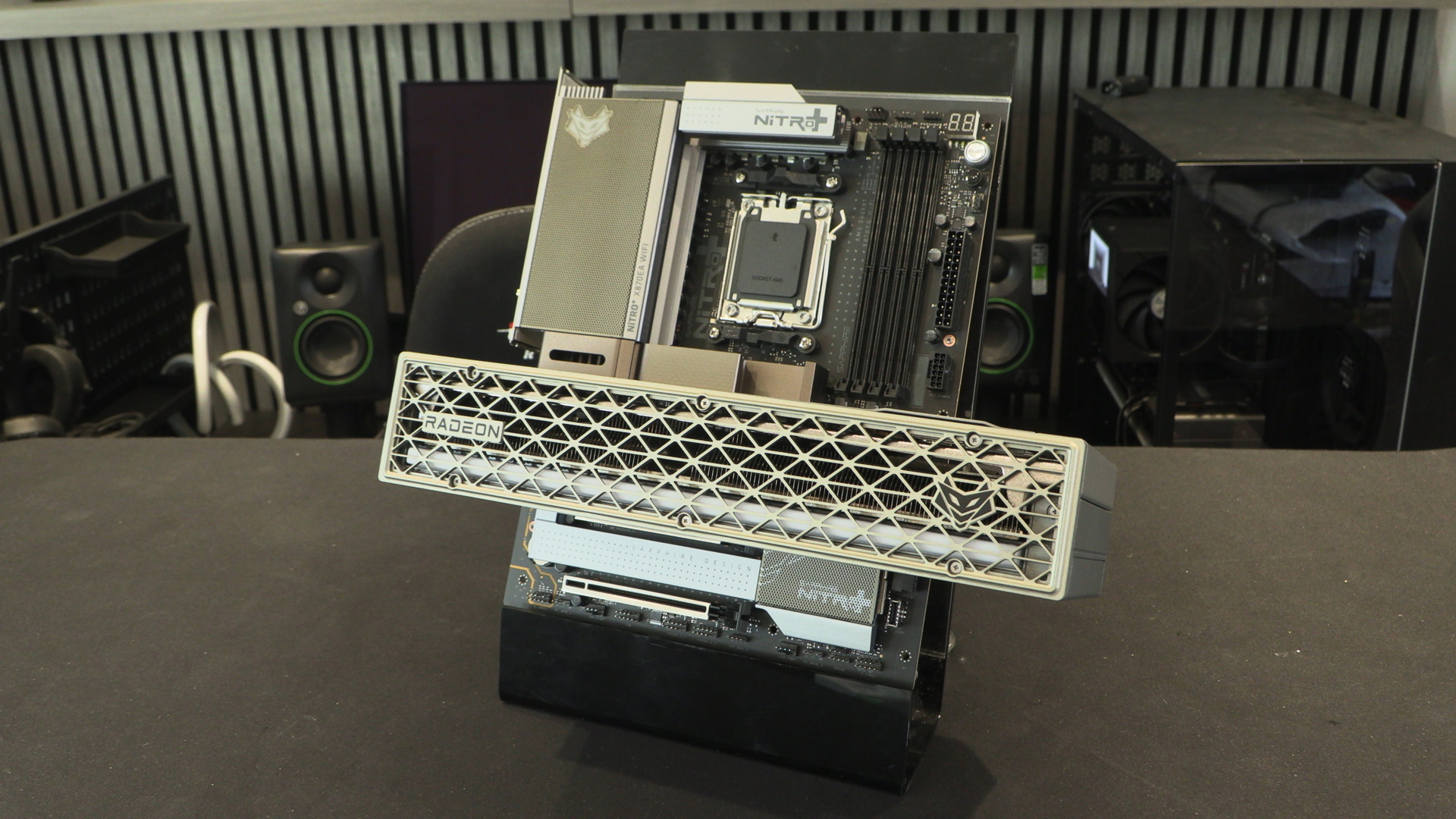
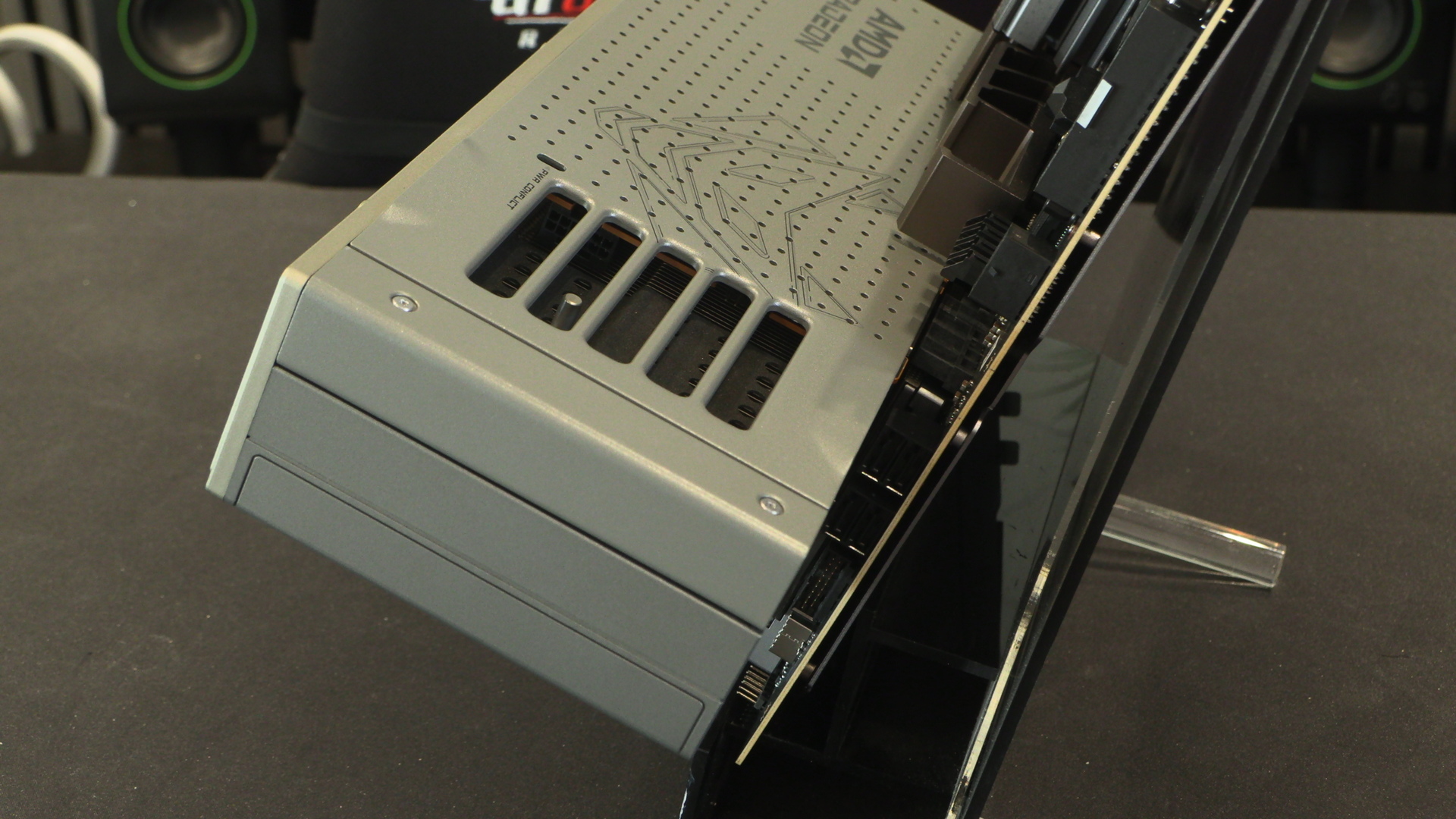
Sapphire X870EA Nitro+ PhantomLink Review

Test Setup and Clock Speeds
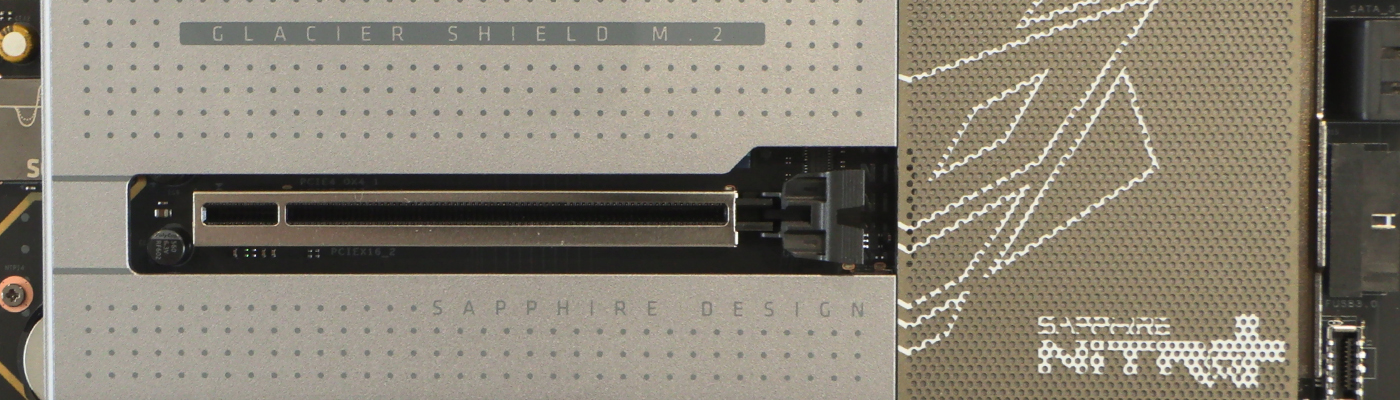
Test Setup
Motherboard : Sapphire X870EA Nitro+ PhantomLink
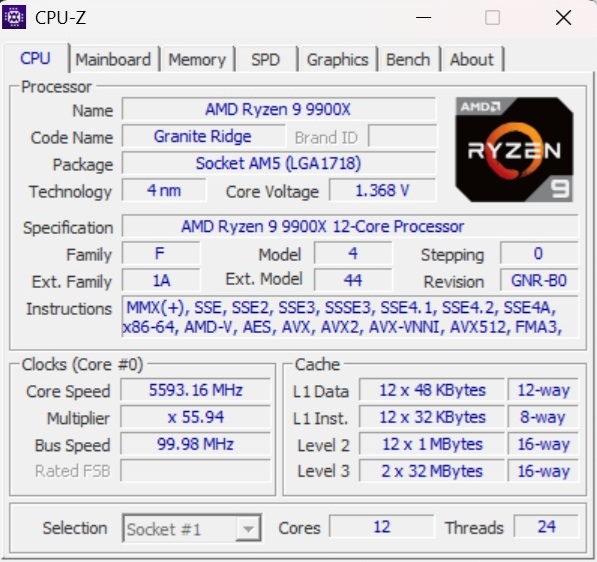
CPU : AMD Ryzen 9 9900X
Case : BeQuiet! Light Base 900
PSU : MSI MEG Ai 1300p
GPU : Nvidia RTX 4090 FE
BeQuiet Light Loop 360
Memory Gskill Trident Z5 32GB
MSI 271QRX QD-OLED Monitor
Operating System : Windows 11 24H2
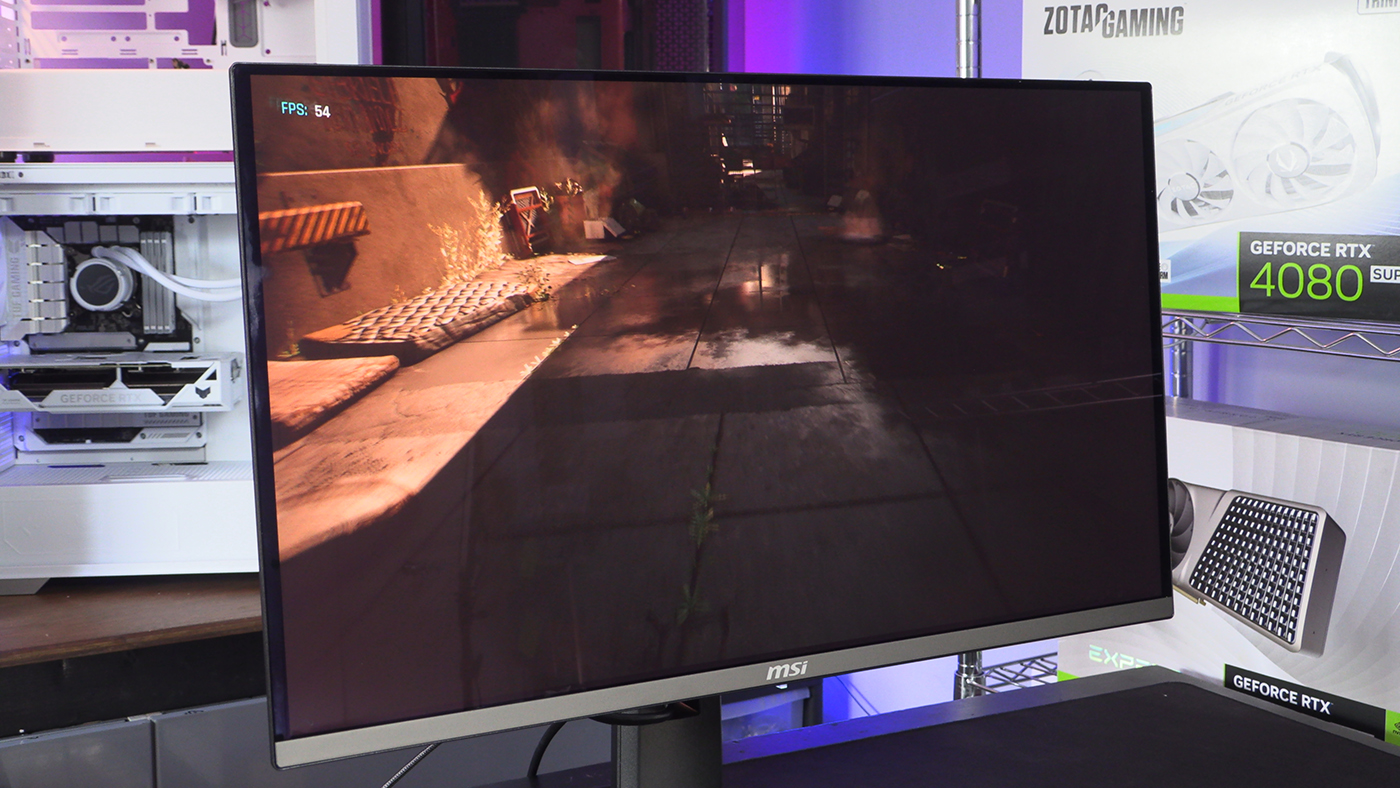
It’s also worth giving a shout-out to the MSI 271QRX QD-OLED for being a fantastic monitor for the price. Getting the chance to see such rich colours and deep blacks makes the whole, tedious, process of benchmarking endless hardware that much more pleasant. It’s like a Swedish Massage for your eyeballs.
Clock Speeds
Just because the Sapphire X870EA Nitro+ PhantomLink is designed primarily around the ability to use the neat and tidy power connector solution doesn’t mean that it isn’t also a great platform for your Ryzen CPU. Lots of smooth power delivery giving consistent performance as we’ll see throughout our testing.
Put together the two Sapphire Nitro+ PhantomLink products make a perfect pair. We know that finances and stock levels mean that you have to be committed to get a system that matches. Sapphire prove that if you’re willing to put in the effort the aesthetic rewards are obvious.