Guide to Fixing Raptor Lake Instability

Applicability

Applicability
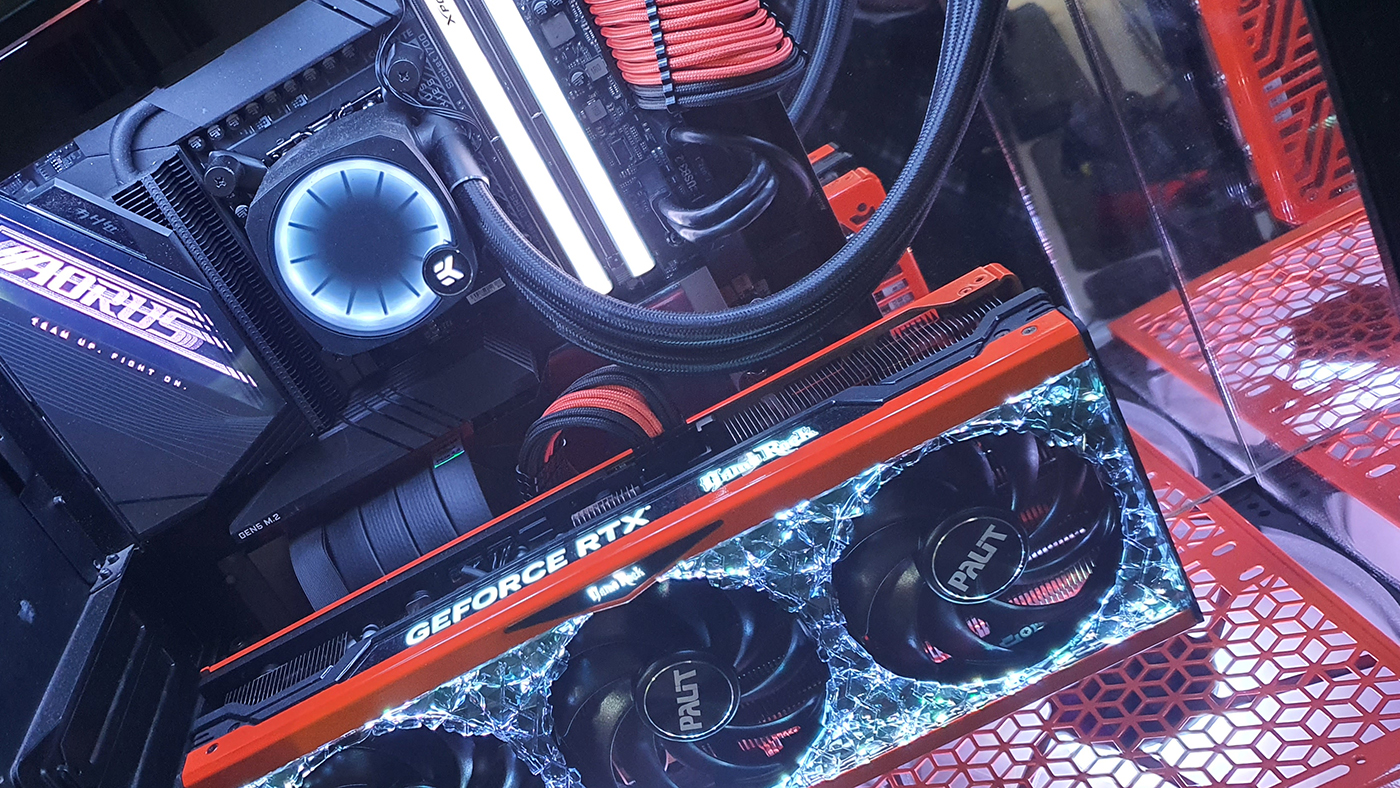
Now we know not all of you, heck not even most of you, will have a Core i9-14900K. Maybe you also haven’t got the space to run Cinebench R24. The point of this undervolting guide is showing how this methodology is applicable to all Intel processors and motherboards. Here is VBs Bengal Rig V4, a Intel Core i7-13700K based Z790 system.
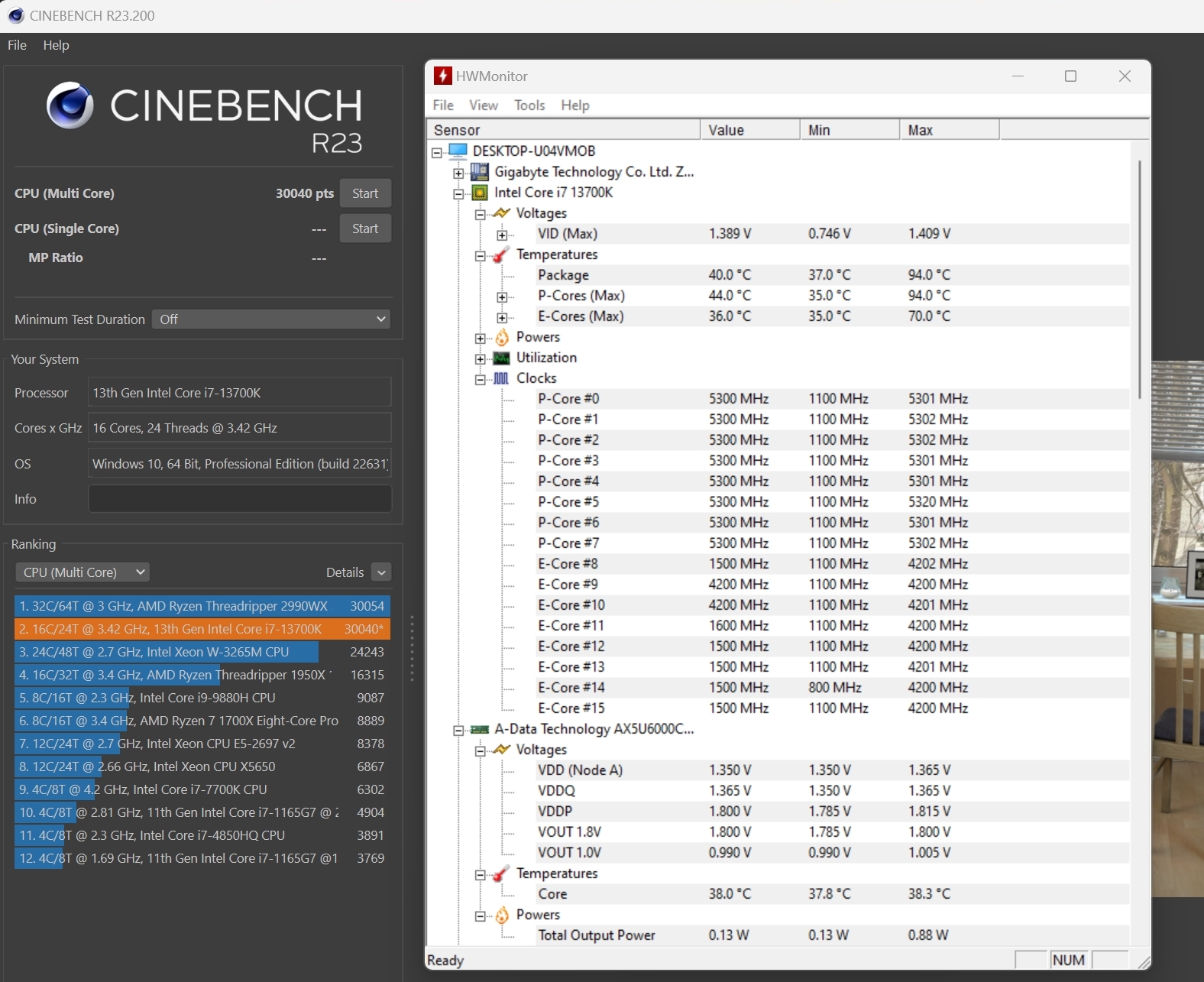
At stock in Cinebench R23 we get 30040 points, but with some key things to note. Firstly the CPU runs at 1.4v! This means that even on the EK-Nucleus CR360 AIO it’s hitting 94°C. Secondly you’ll see that all of the CPU P-Cores peak at 5.3 GHz. So it’s power hungry, hot and not that fast.
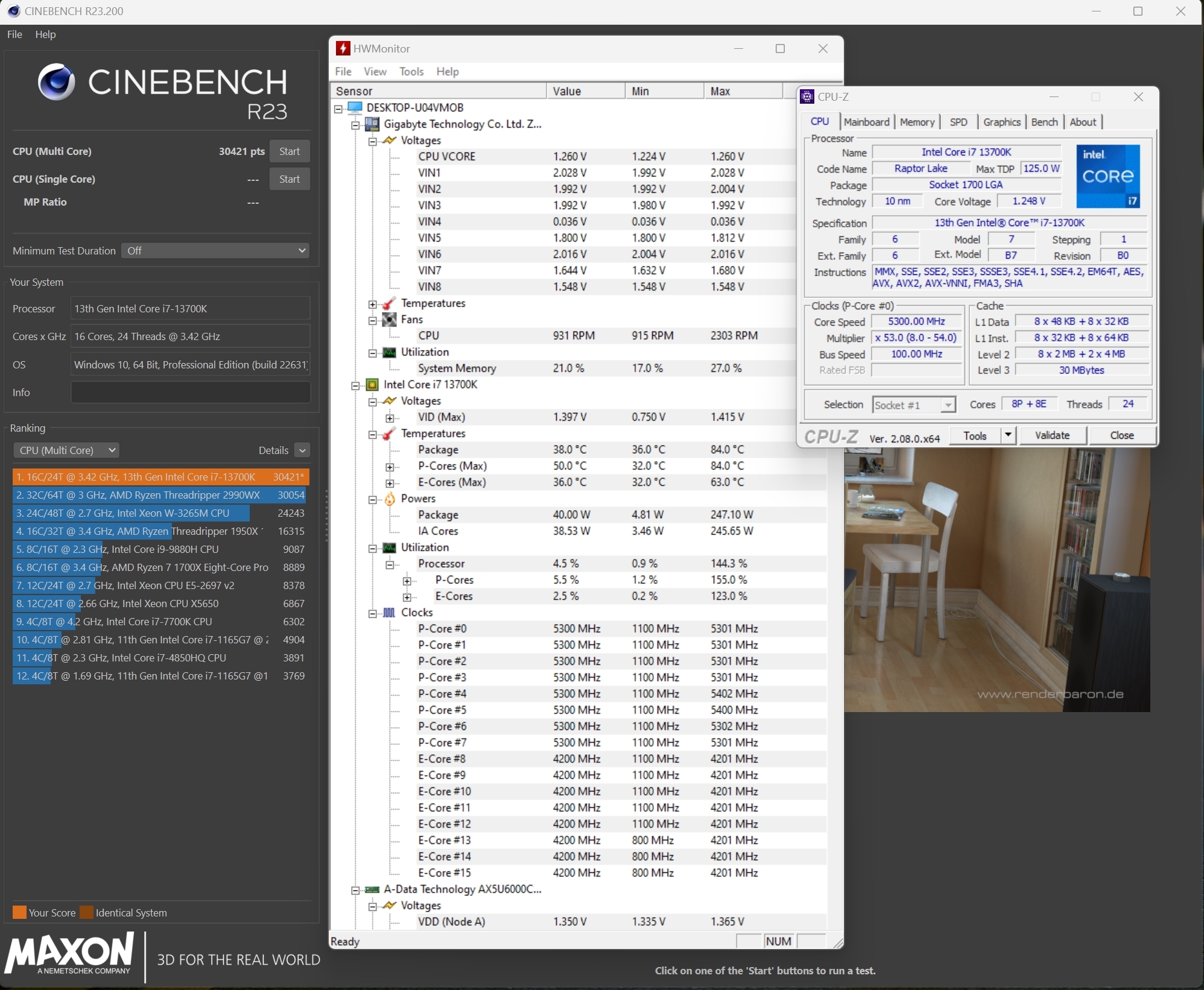
Simply by tweaking the load-line calibration and adjusting the VCORE we end up running with 1.26v instead of the 1.4v it got at ‘stock’. The temperatures fall 10°C to 84°C, a massive drop. The Core i7-13700K now has enough headroom to boost the two best P-Cores to 5.4 GHz. All of this sees a boost in Cinebench R23 score up from 30040 to 30421. 381 extra points, ten degrees cooler, for 60 minutes of his afternoon. Lovely.