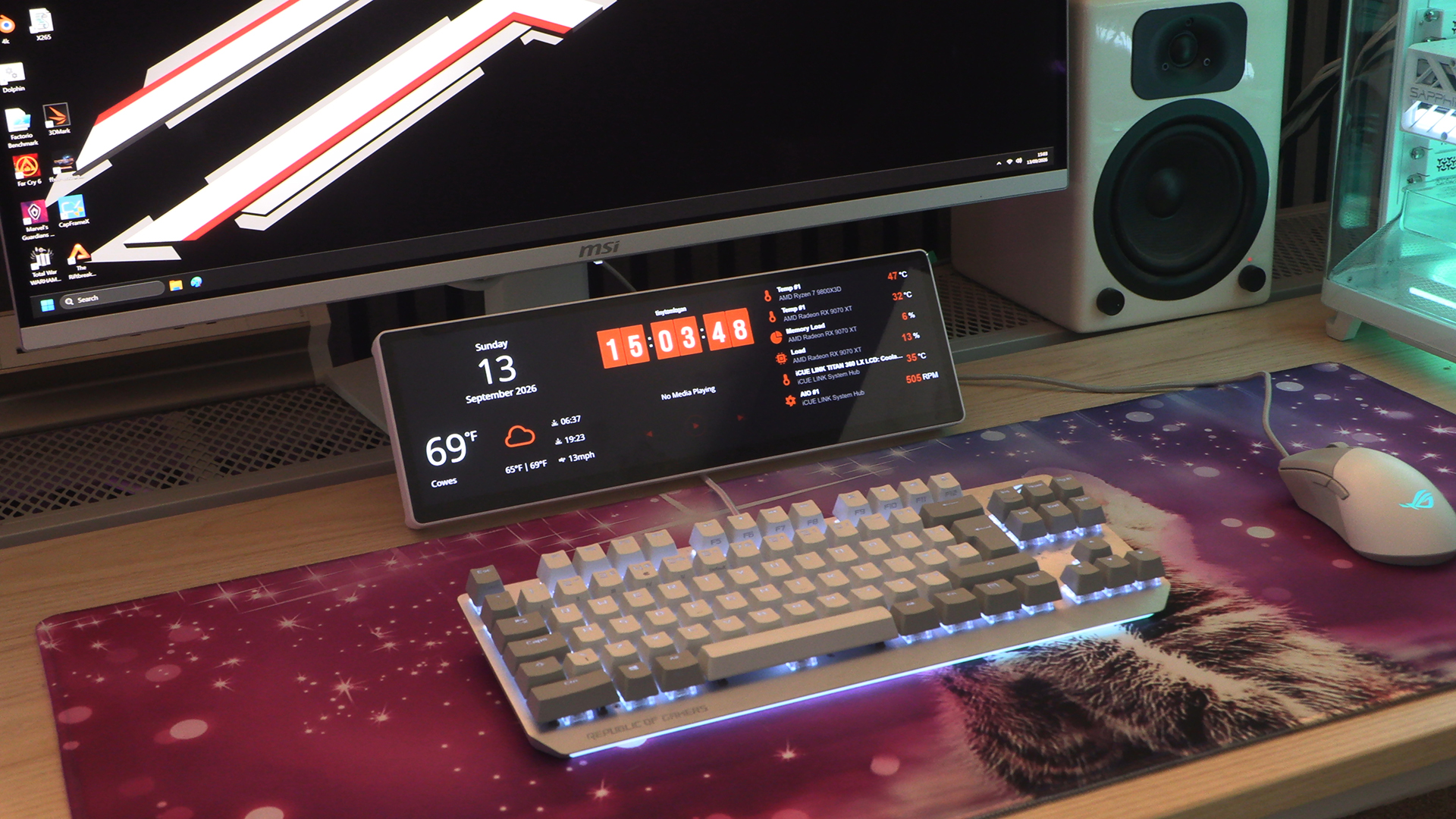
Corsair Xeneon Edge Review

Xeneon Edge Up Close
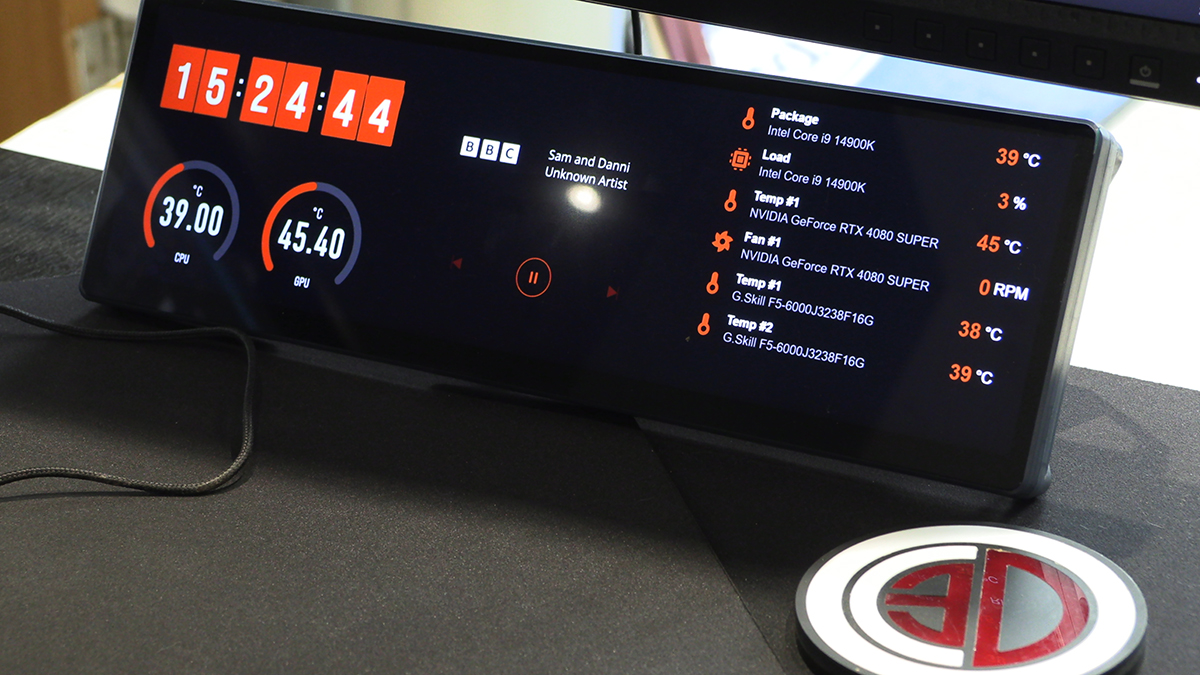
Xeneon Edge Up Close
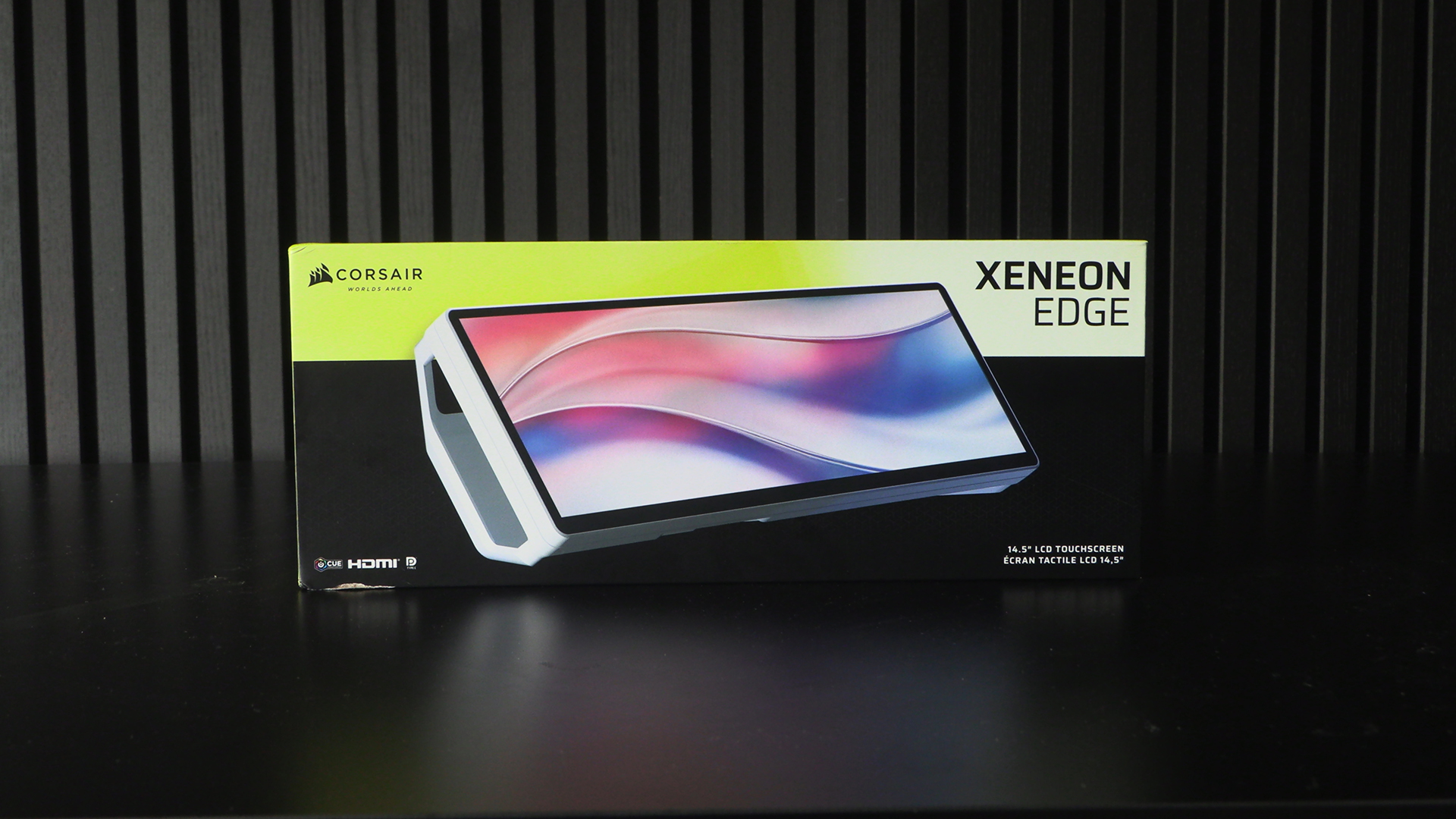
Our review sample is the white model of the available colours. Perfect for our systems. Maybe on the desk it would be better with a black one. Depends on your monitor and peripheral setup. More on this decision later.
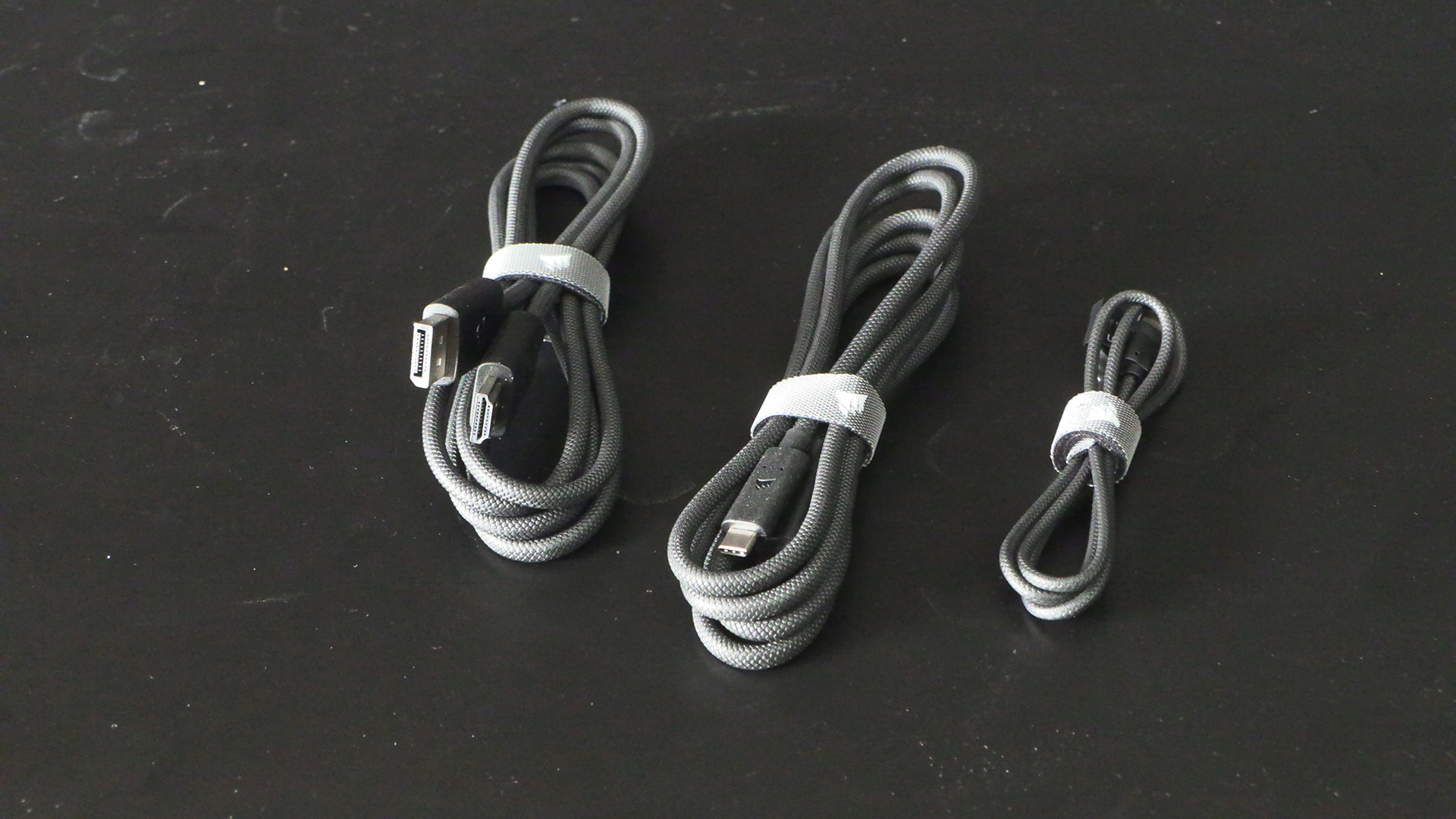
You get all the cables you need, and in lovely braided, high quality Corsair stamped versions. If you plan to just run with the Type-C cable, make sure you’ve a beefy port on your motherboard, otherwise you’ll need to go with the more regular screen cable route.
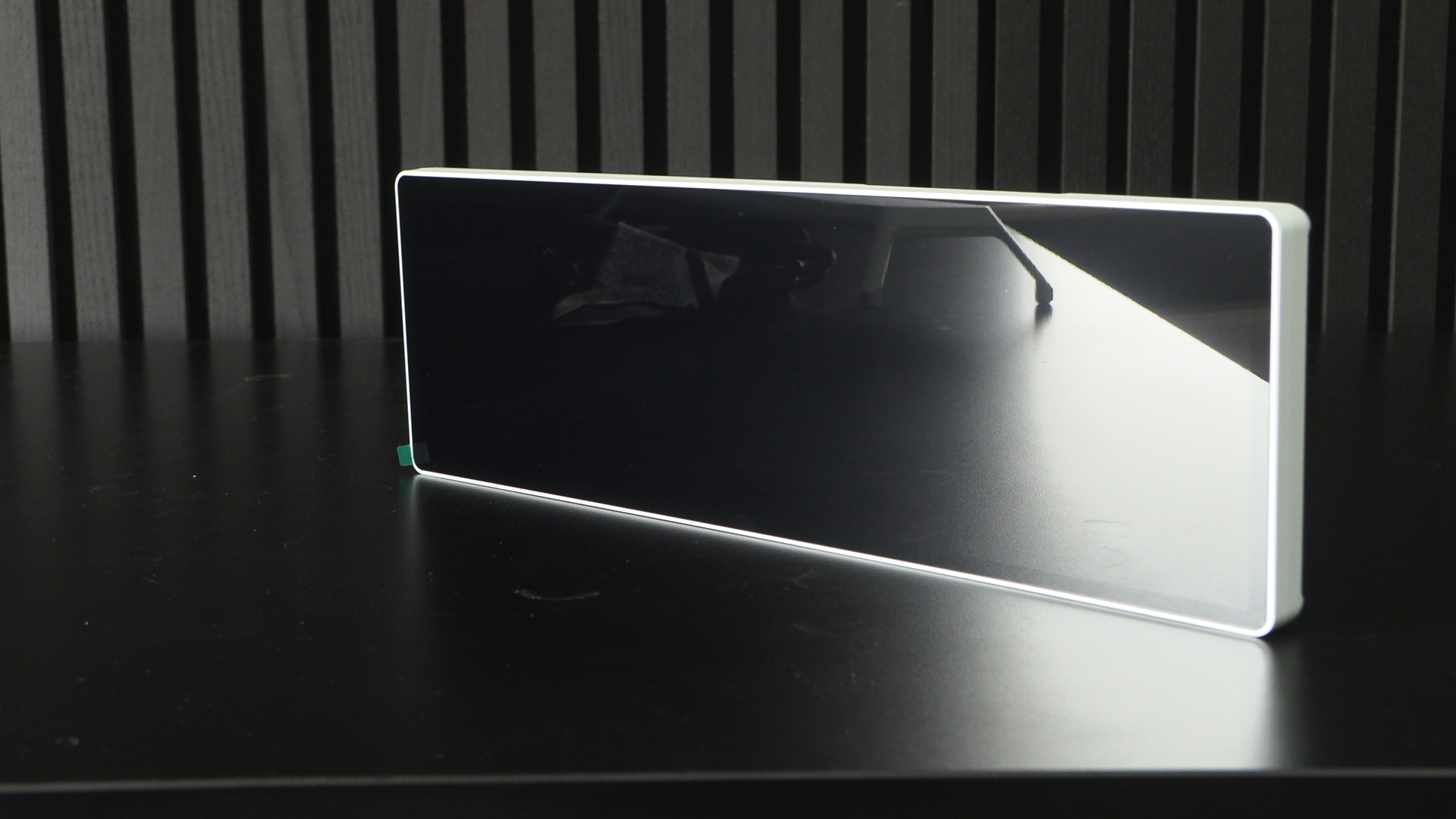
The screen itself can be very reflective on an angle steep angle when off, as here for example, but in use all this reflectivity goes away. As you’ll soon see.
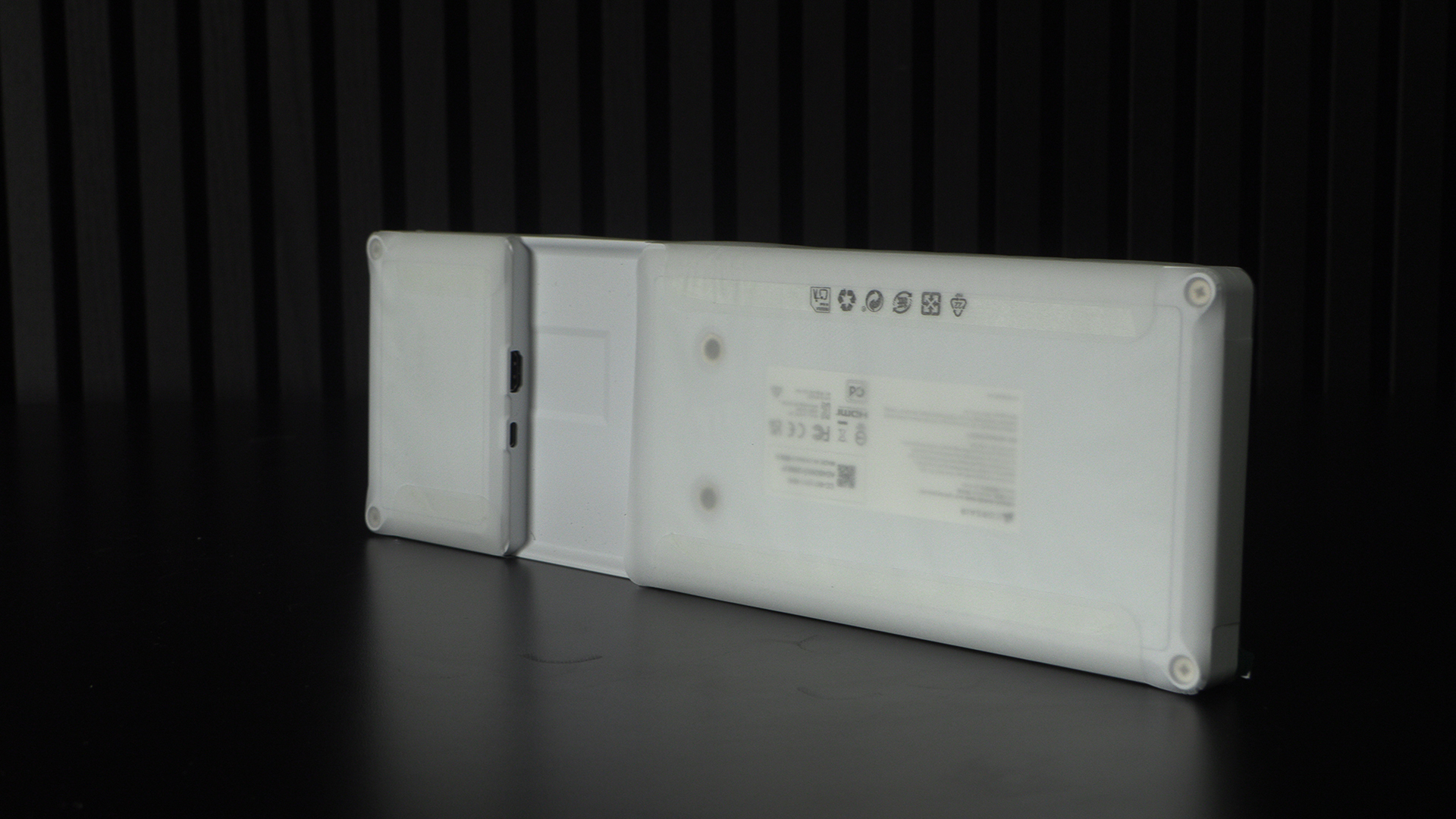
Here you can see the Type-C and HDMI connectors that attach the Xeneon Edge to your rig, and also allow the screen to bring ecstatic visions to us.
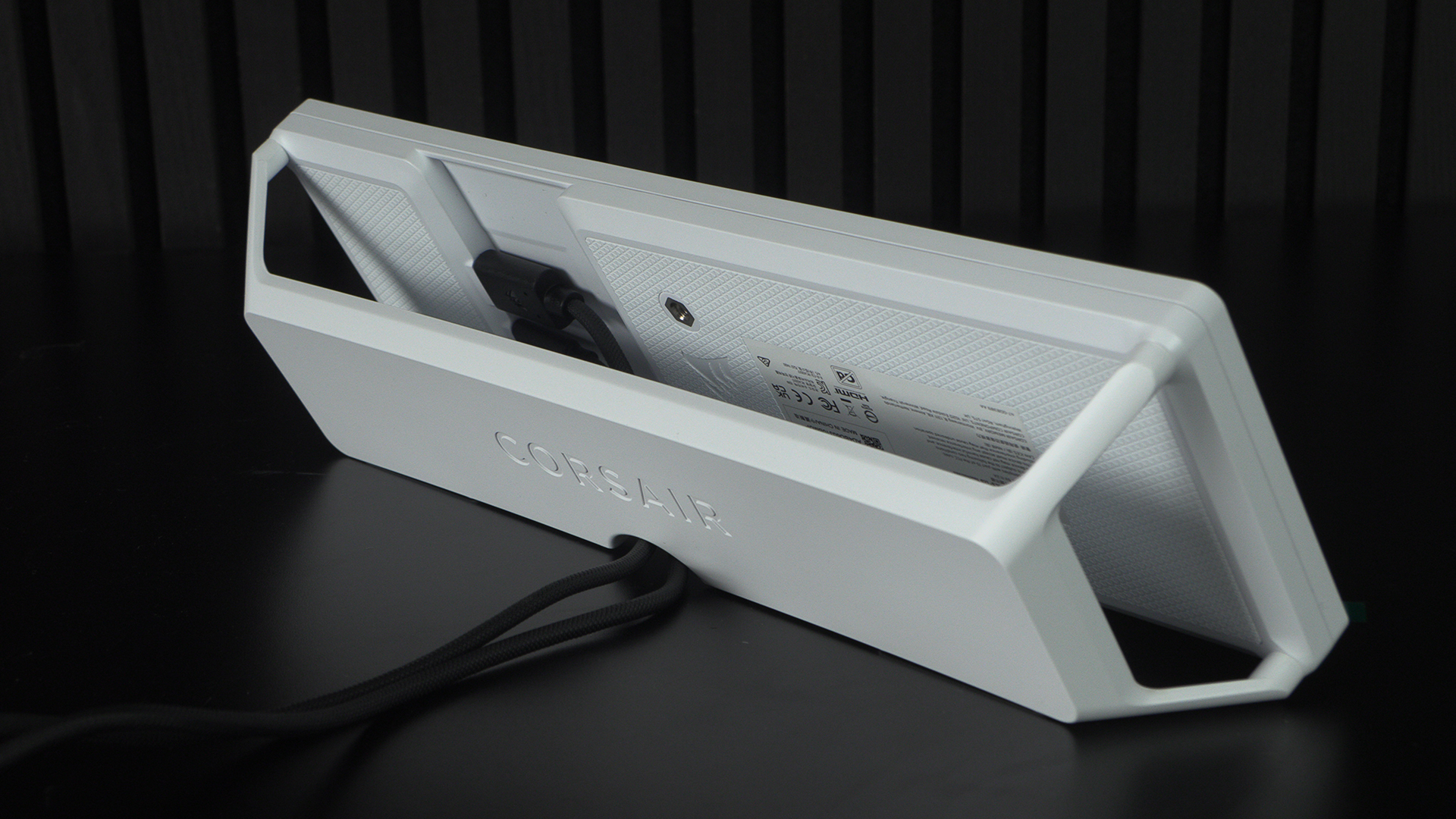
Naturally you can install it in your case – it fits a triple radiator slot but is also magnetic. However, if you prefer the simplicity of your desk or attached to the outside of your case, those options work too. It’s a very nice default angle. Perfect for just behind your keyboard. This flexibility is a large part of what makes the Corsair Xeneon Edge so desirable.
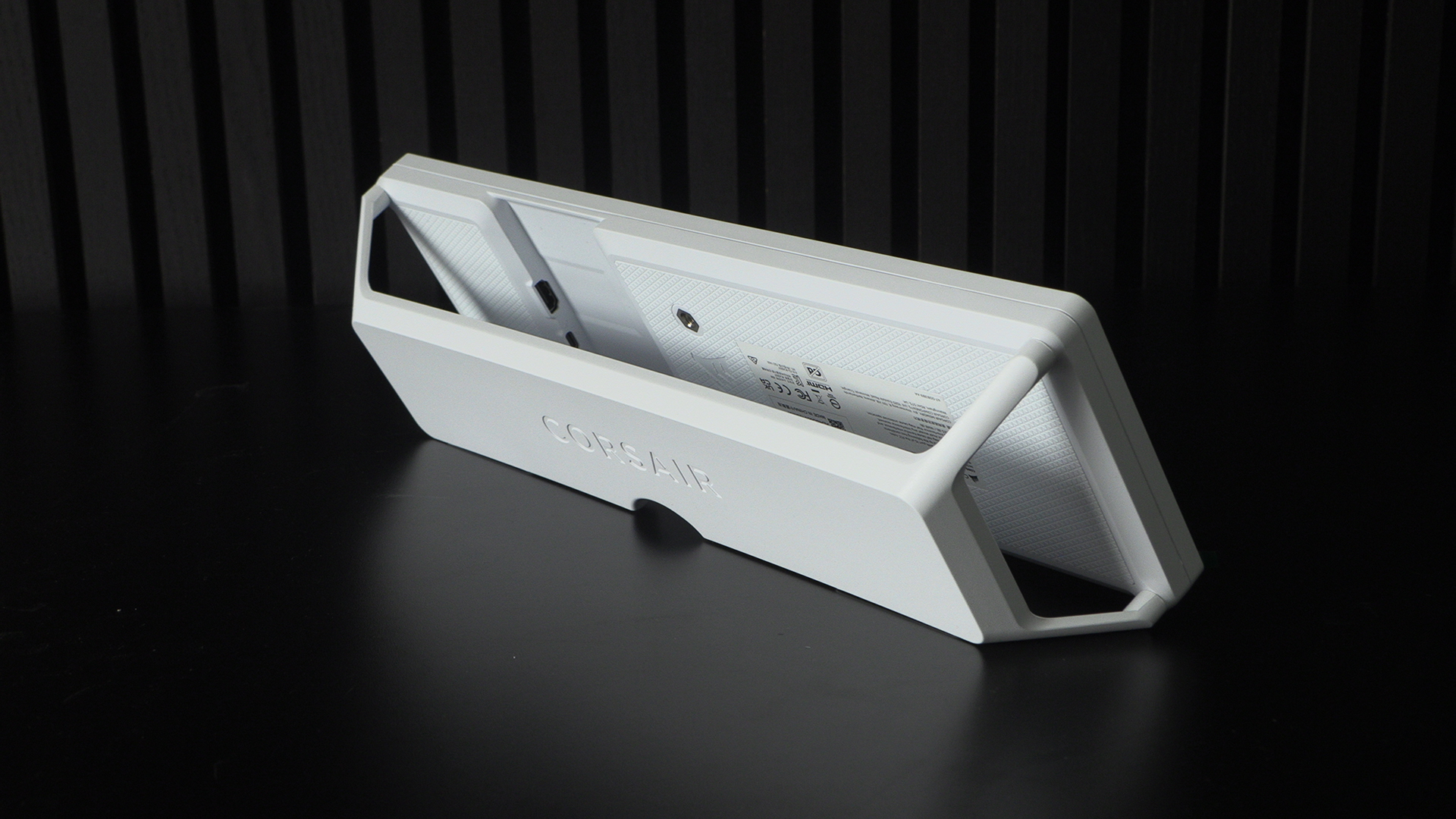
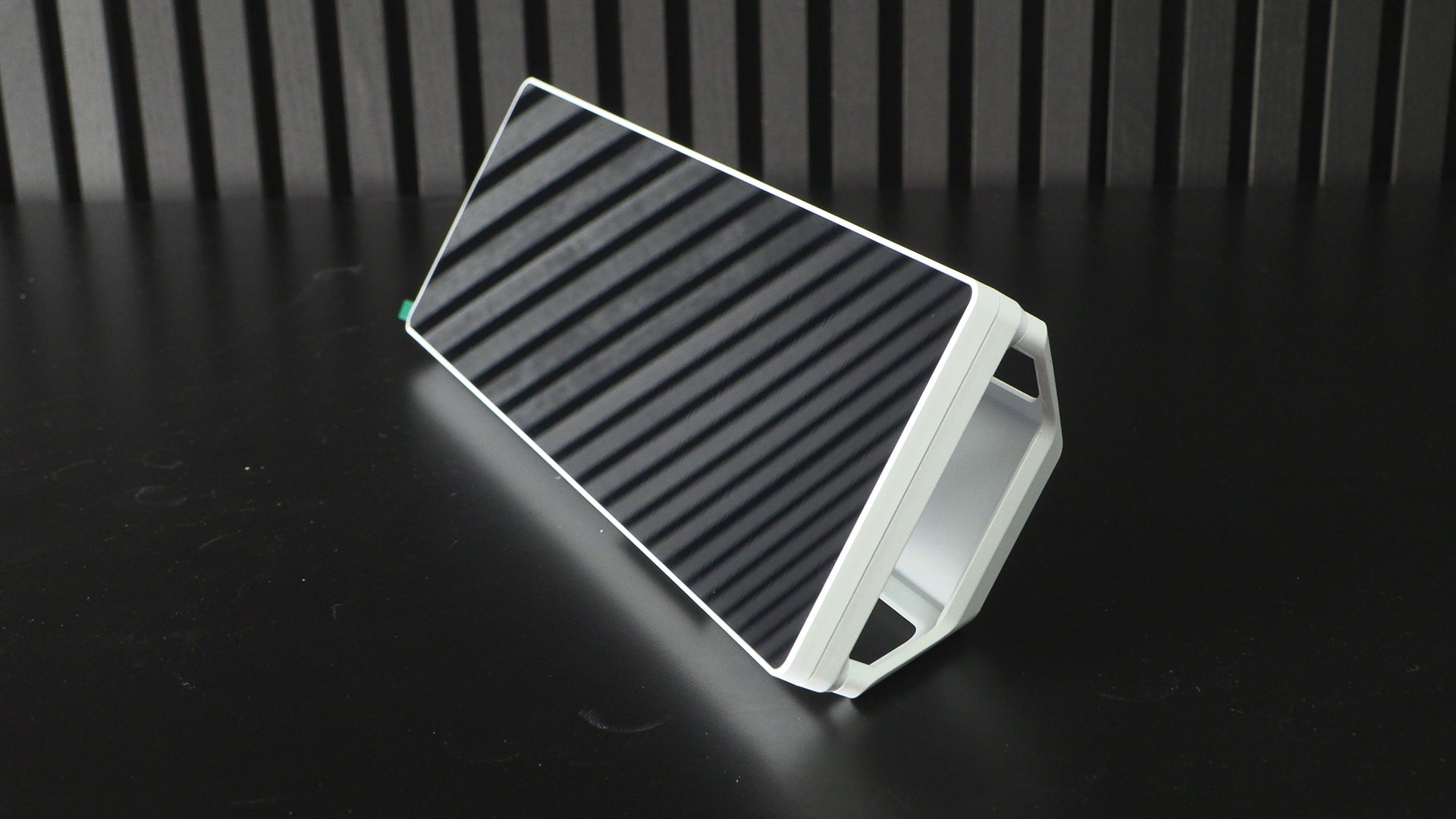
And there is even a hole to route the cables tidily out of the way. Yes, we know you’re now eager to see it in action.
There will be some more shots on the next page, but for now here’s a default layout. Here are the standard iCUE widgets.