Corsair Xeneon Edge Review

Software and Widgets
Software and Widgets
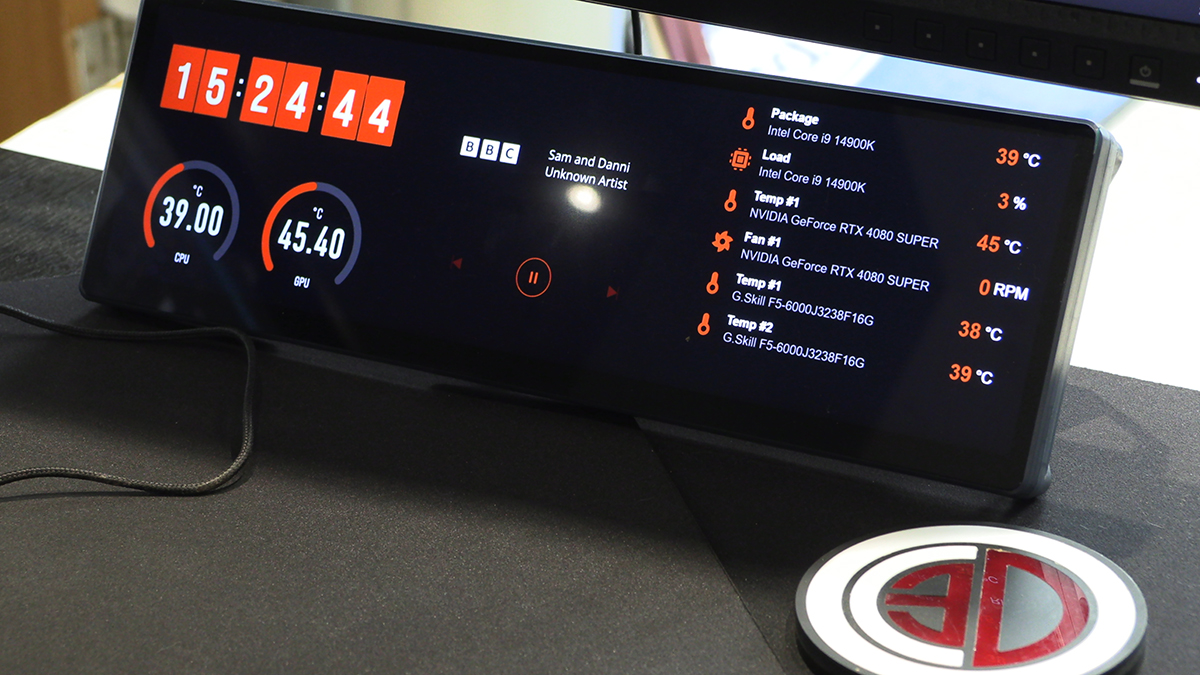
The key to the Xeneon Edge is the implementation of the familiar Corsair iCUE software. You also get the excellent infrastructure built for the Stream Deck. Its so so so much better than any other screen software we have ever used. The software makes or breaks a screen an in this instance it has really has made it.
Software
There are plenty of good things about the iCUE software. When it comes to a big screen like this the primary thing we love is the WYSIWYG nature of it. We know we’re not the only ones who add a widget to things in some software and get stuck trying to guess at the final layout. No such issues here.
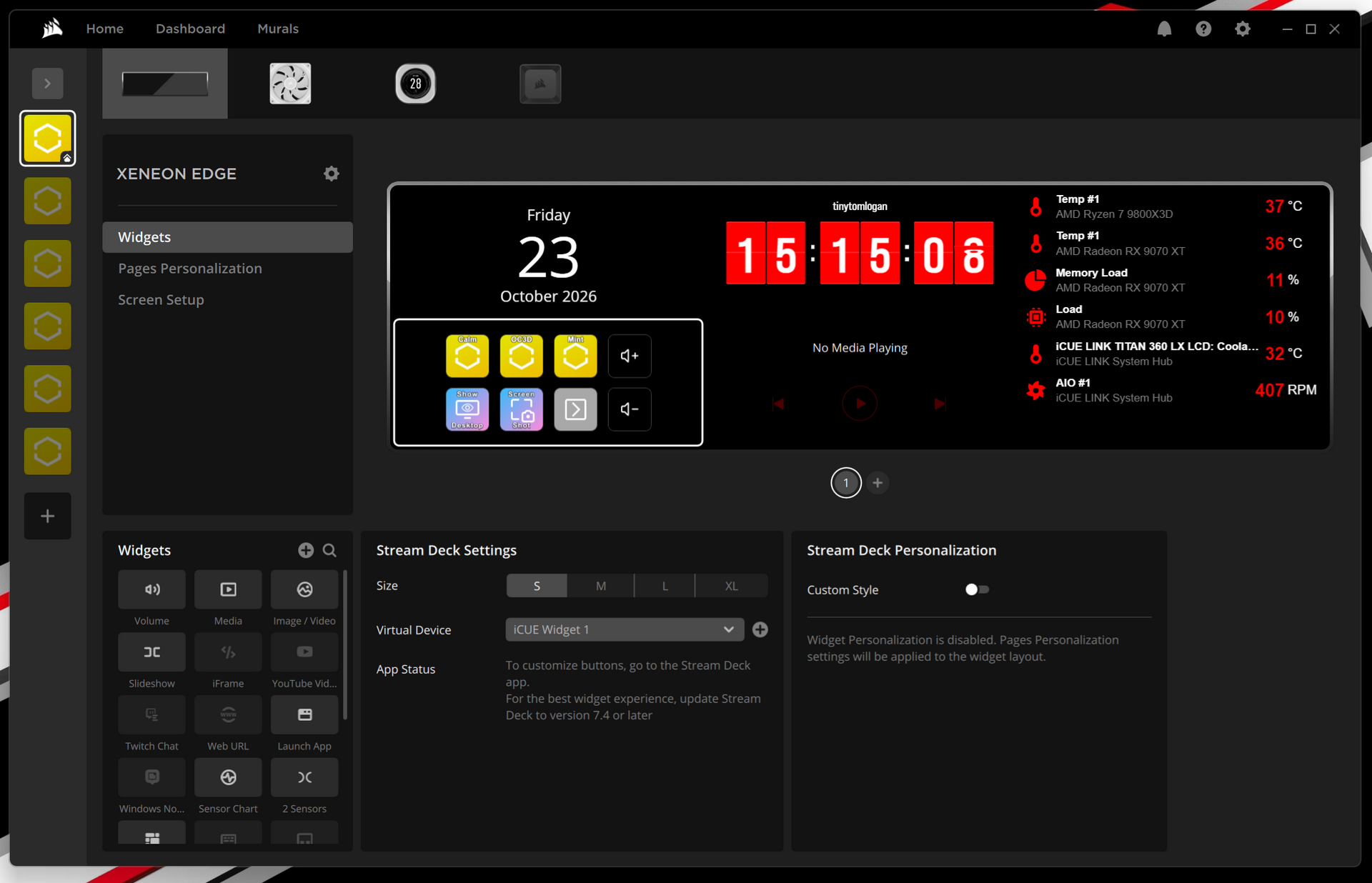
Being part of the Corsair family there are loads of built in apps and widgets. They own Fanatec and Elgato after all. It’s nice to just have things right there. A lesson the Stream Deck could still use.
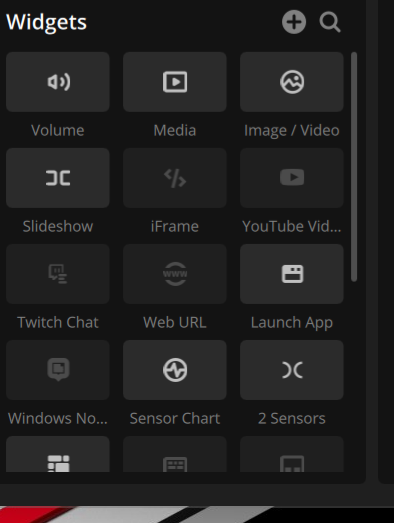
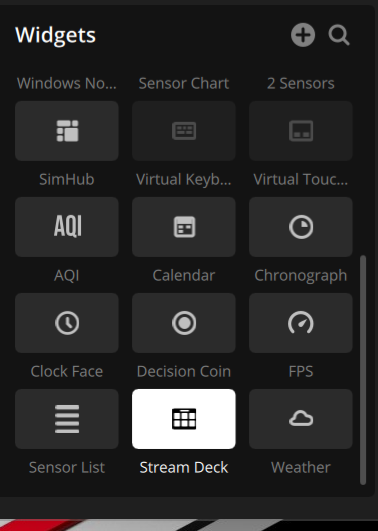
There are lots of options with the screen display too. The flexibility is outstanding. This isn’t a one-trick pony.
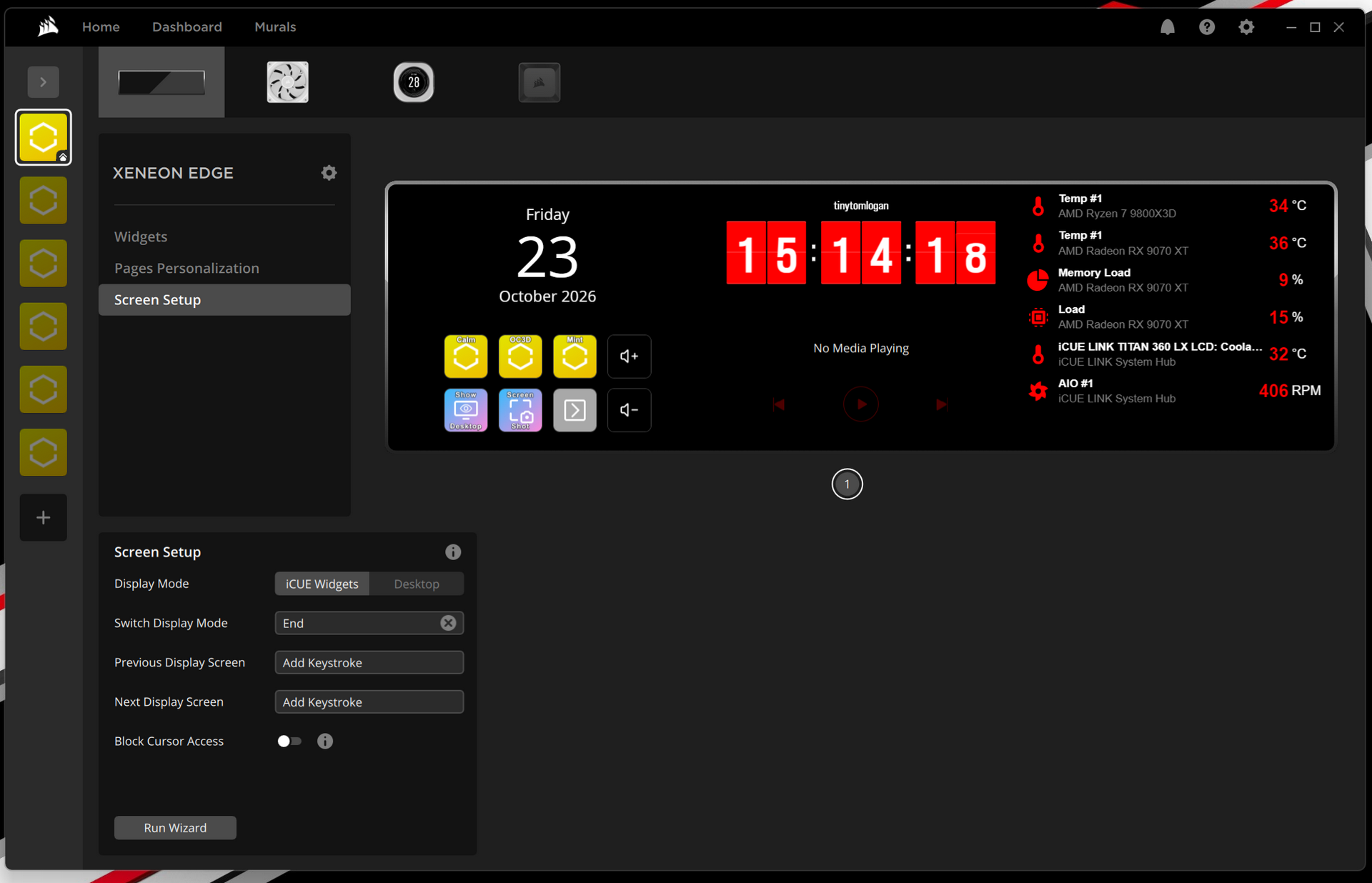
Widgets
Just to give you an idea of some of the things available on the Elgato marketplace. Yes, we begrudge paying too, but as the Xeneon Edge is very much a luxury purchase, an extra £3 is nothing if you get what you desire.
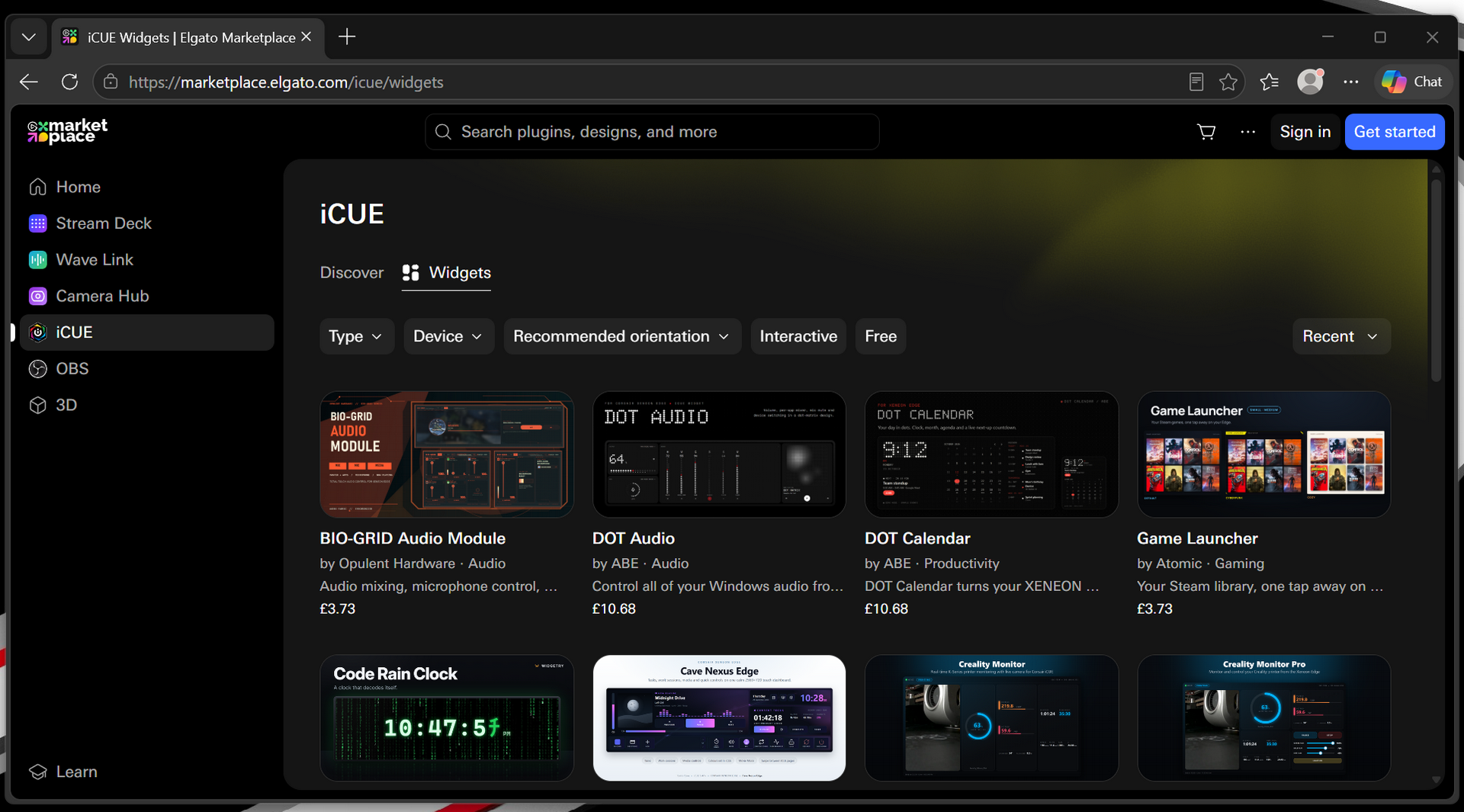
With the ever increasing energy costs, who doesn’t like the fear of seeing how much your system is costing you. Anyone who owns a smart meter understands.
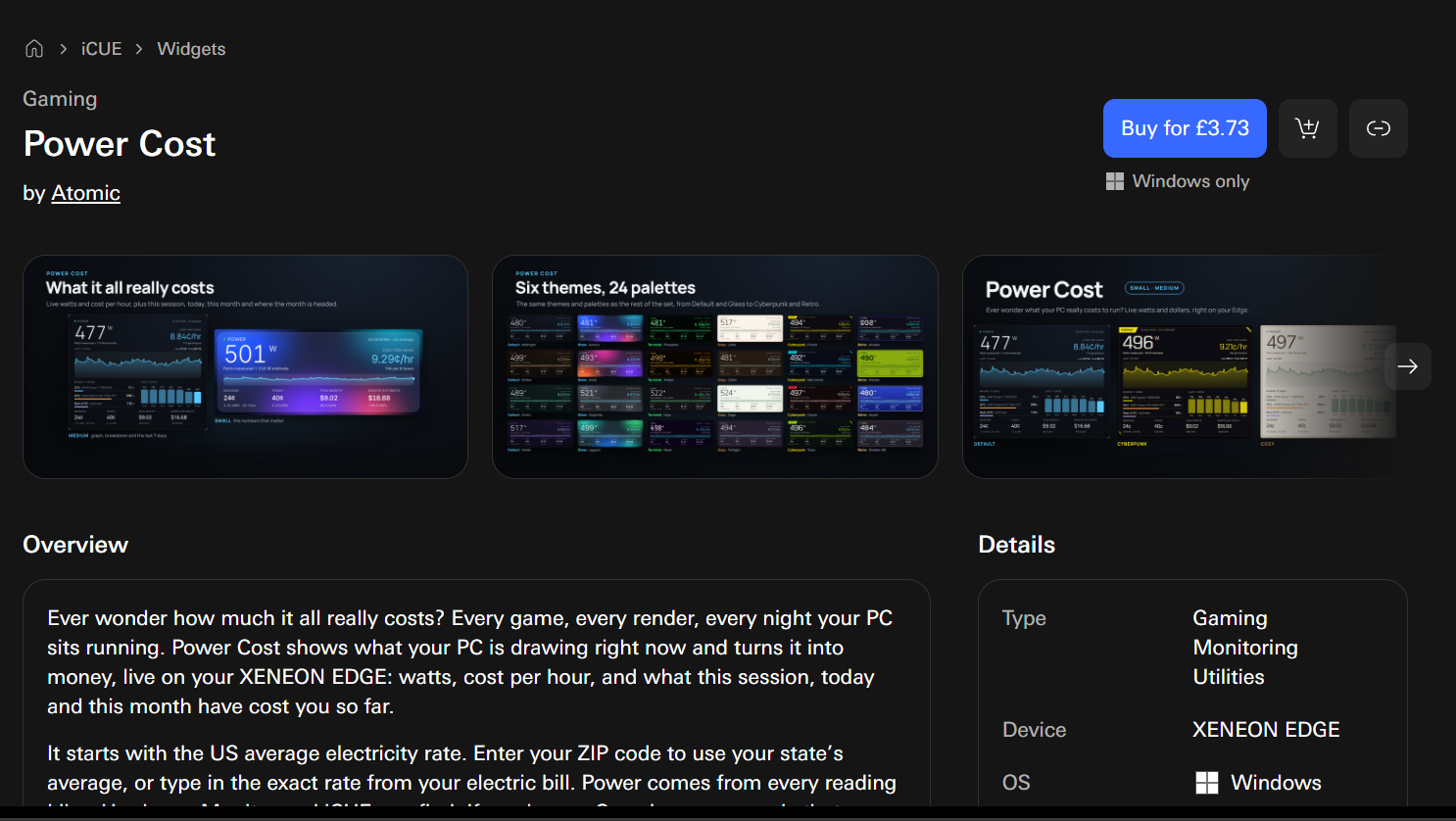
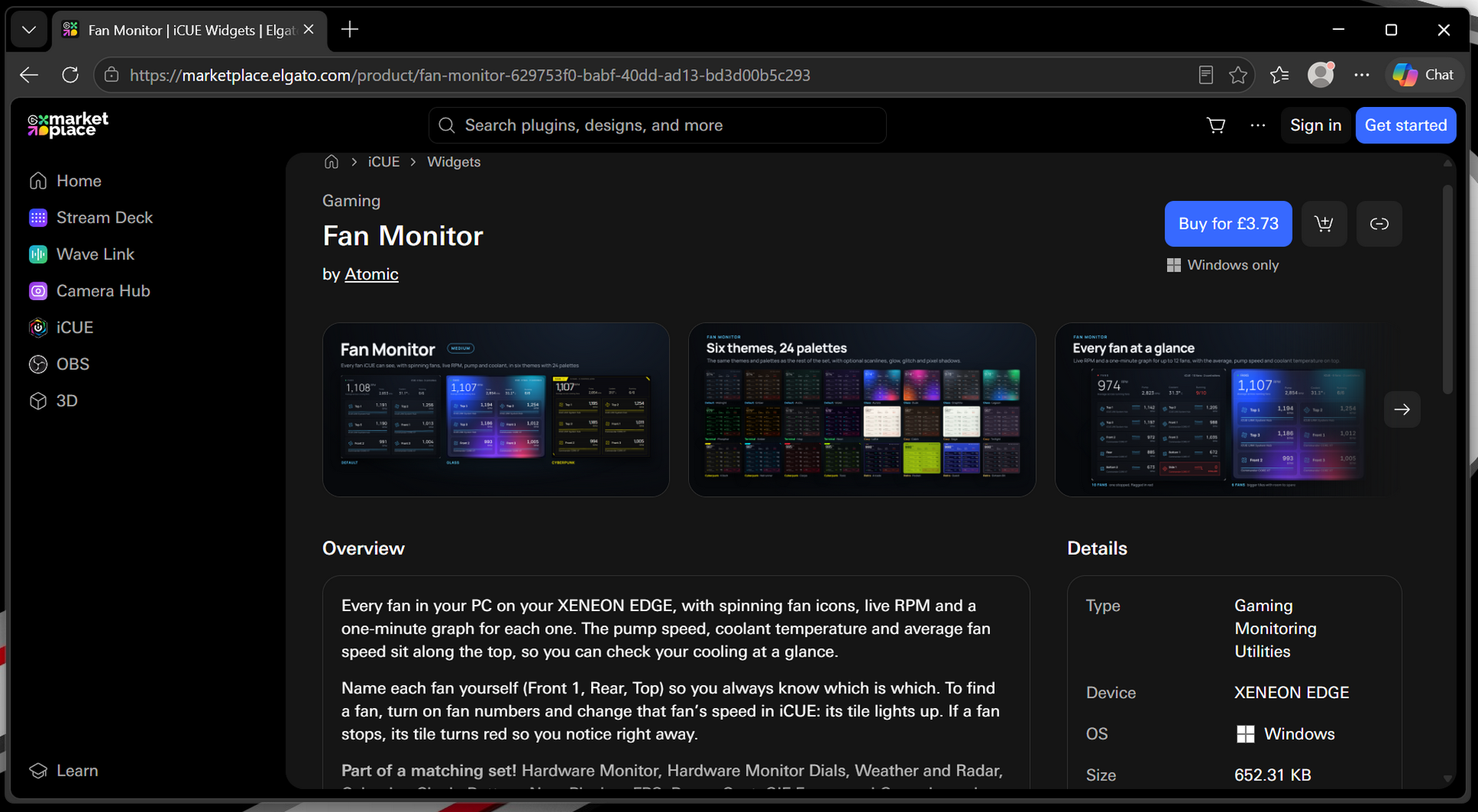
Following along with the useful widgets for tech nerds, we like an at-a-glance fan and temperature monitor. Super handy.
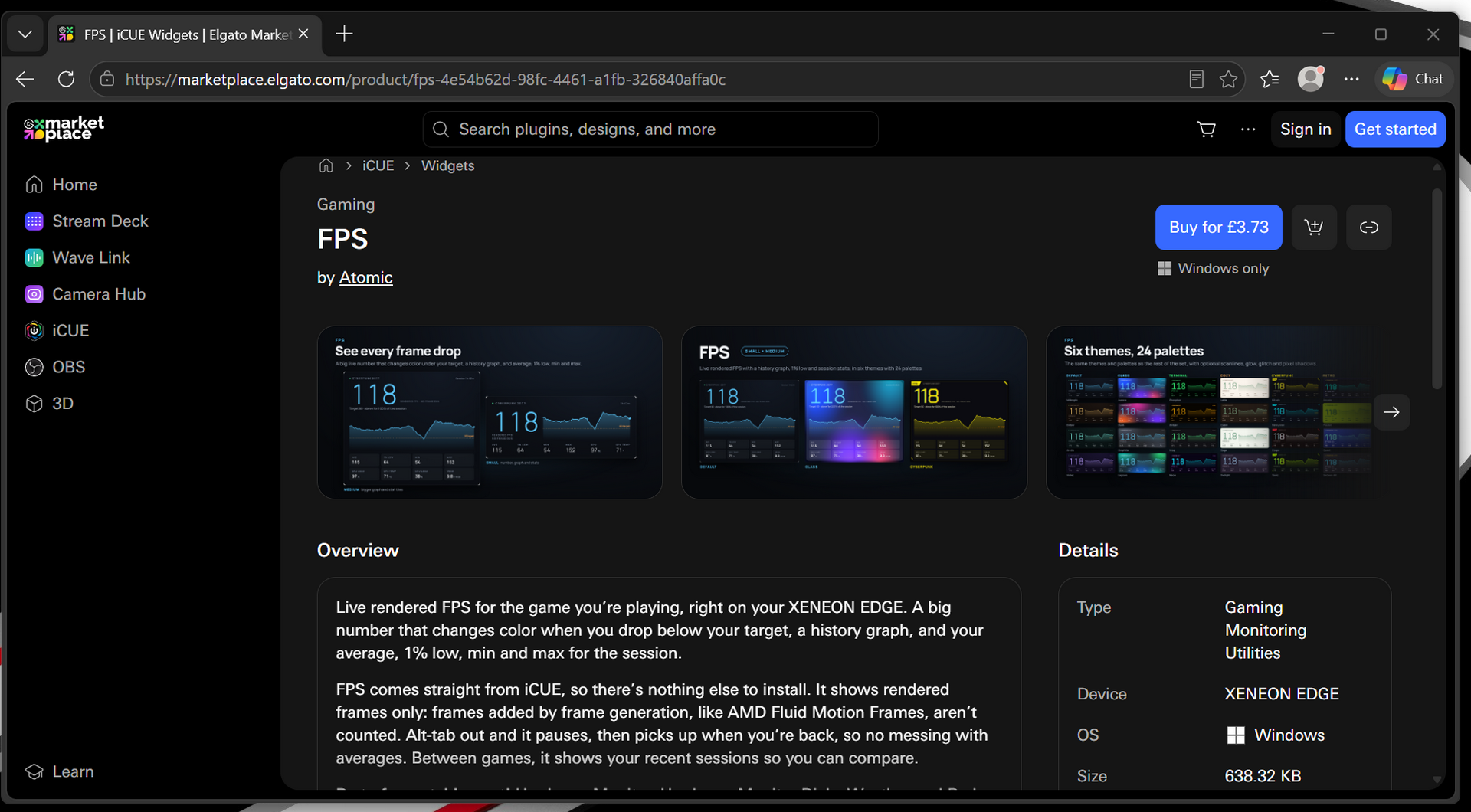
Perhaps less useful is a FPS monitor. Both Nvidia and AMD have built-in displays for such things. But it’s an option.
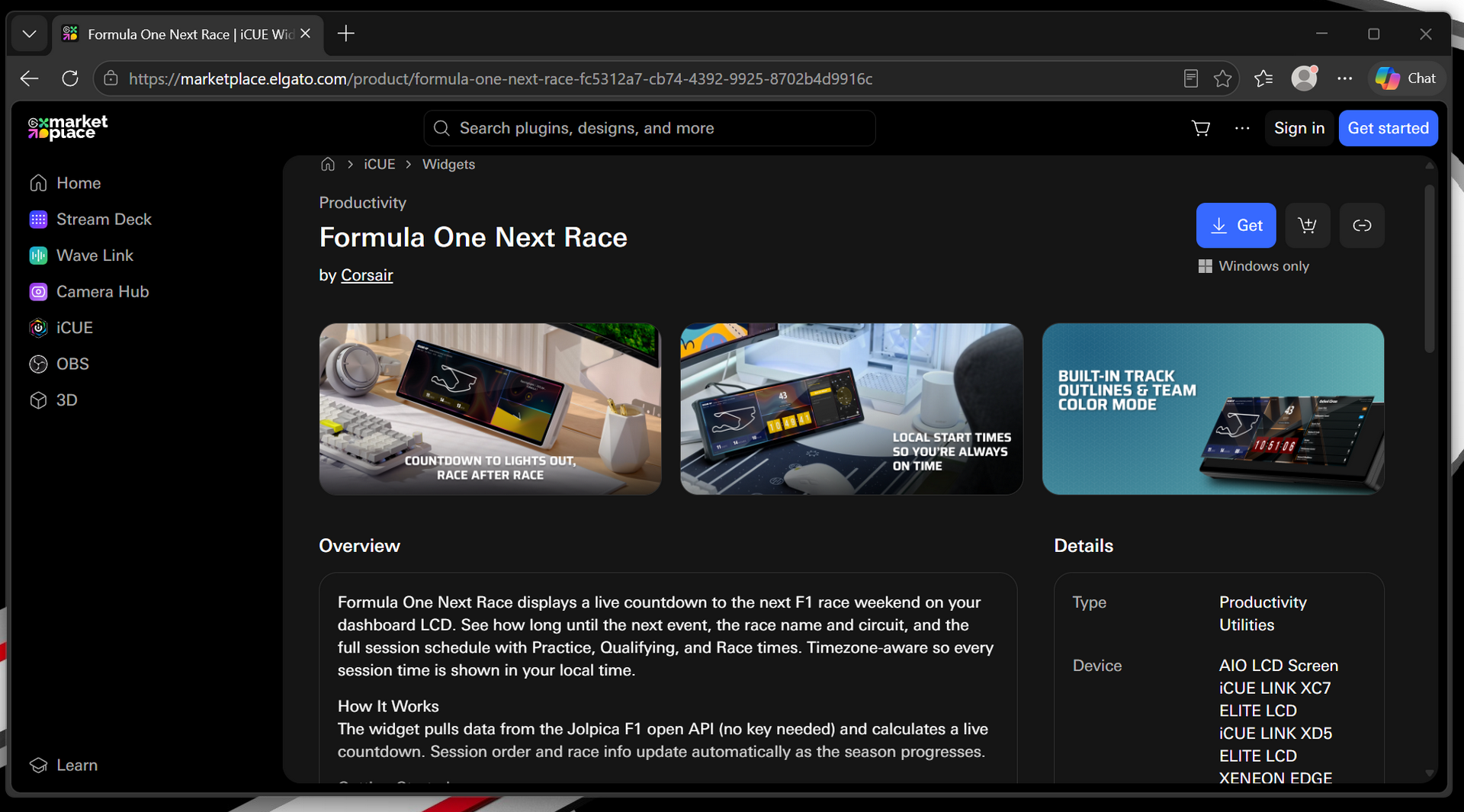
As someone who has a LOT of friend who live breath and sleep F1, this is exactly the type of thing they would love.