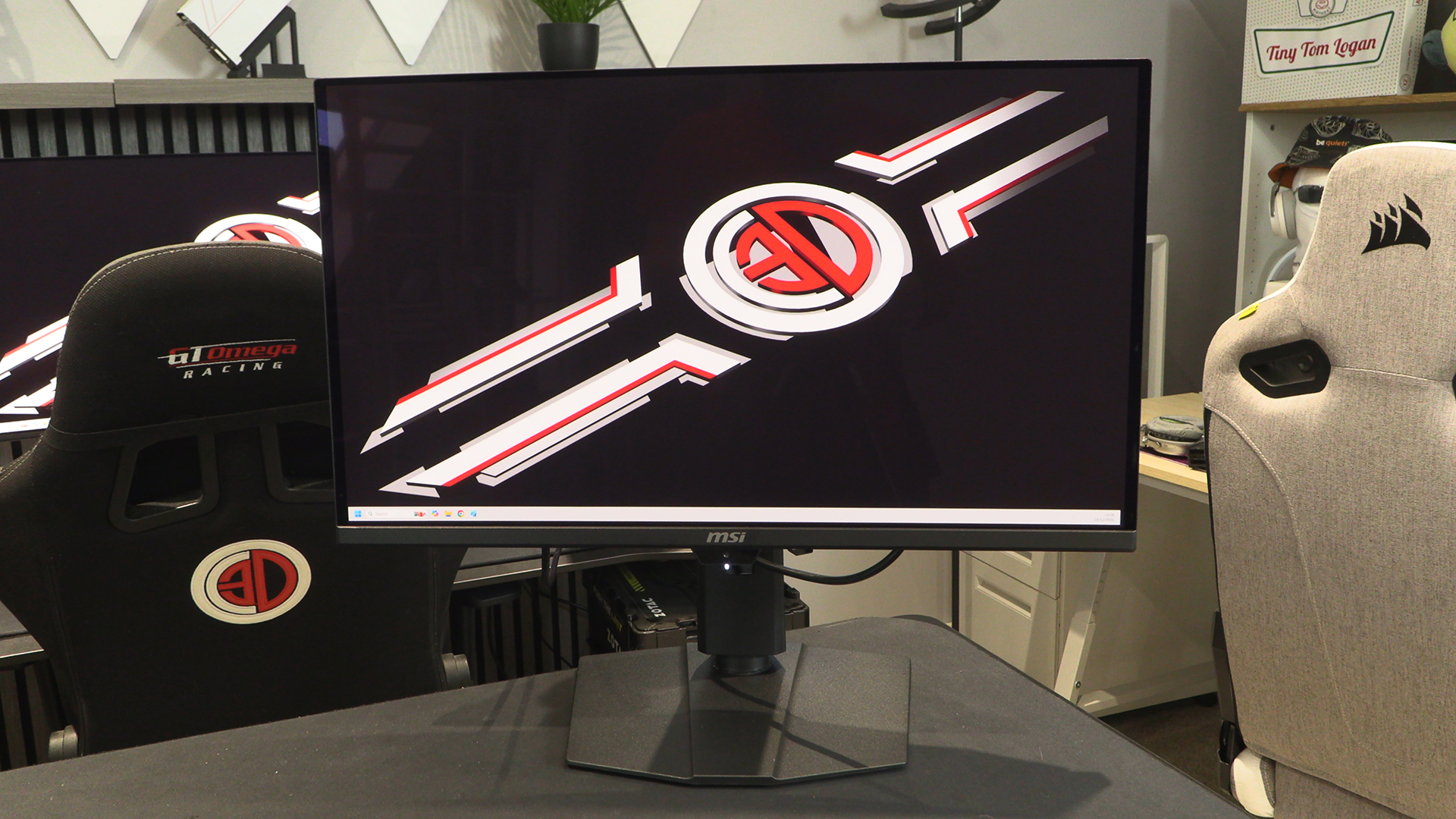
MSI 271QR QD-OLED X50 Review

Up Close
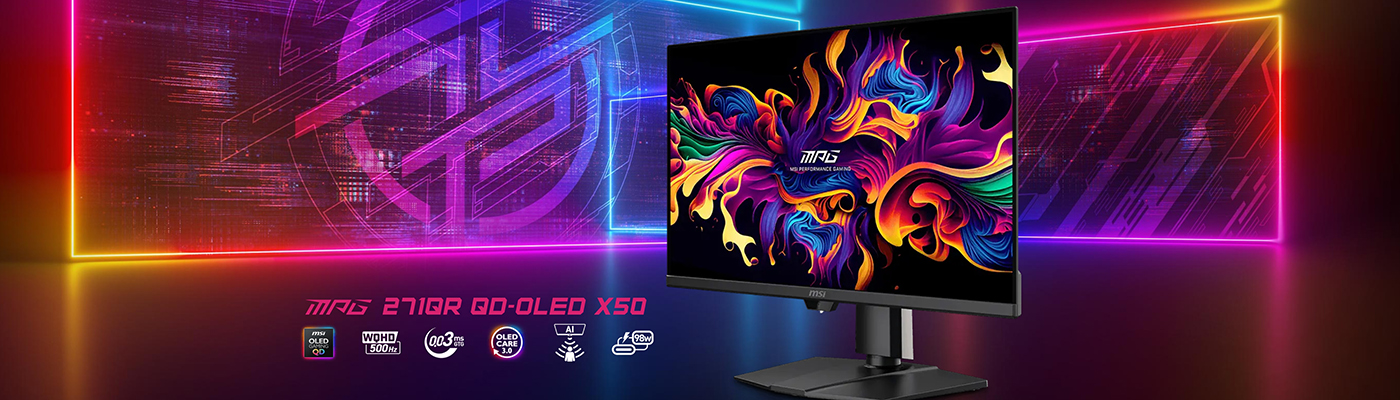
Up Close
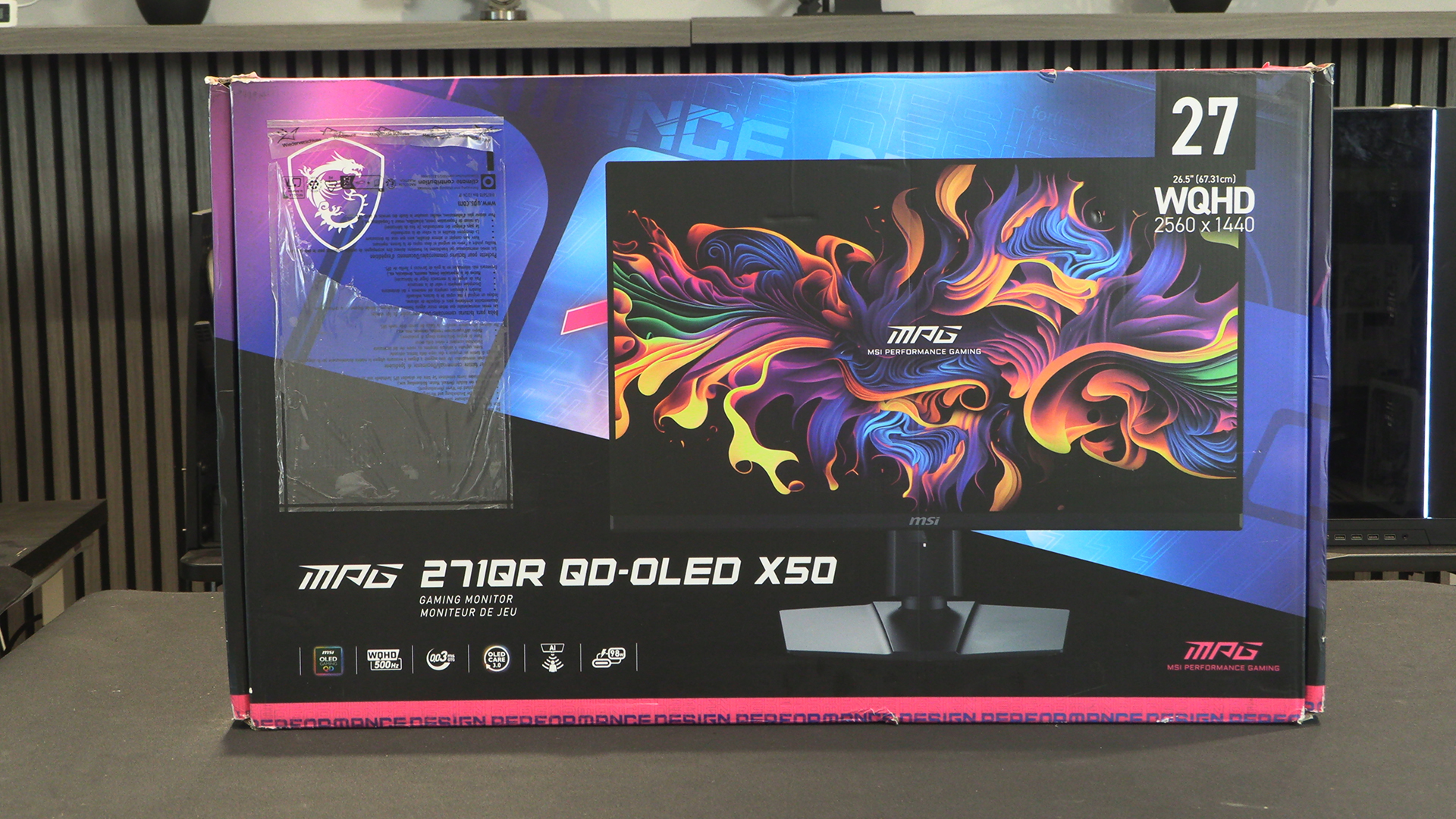
We’d got so used to MSI monitors appearing in a regular cardbox box that the fully printed 271QR is as a surprise. OLED Displays are brilliant at colour richness. We love how they look, especially in games.
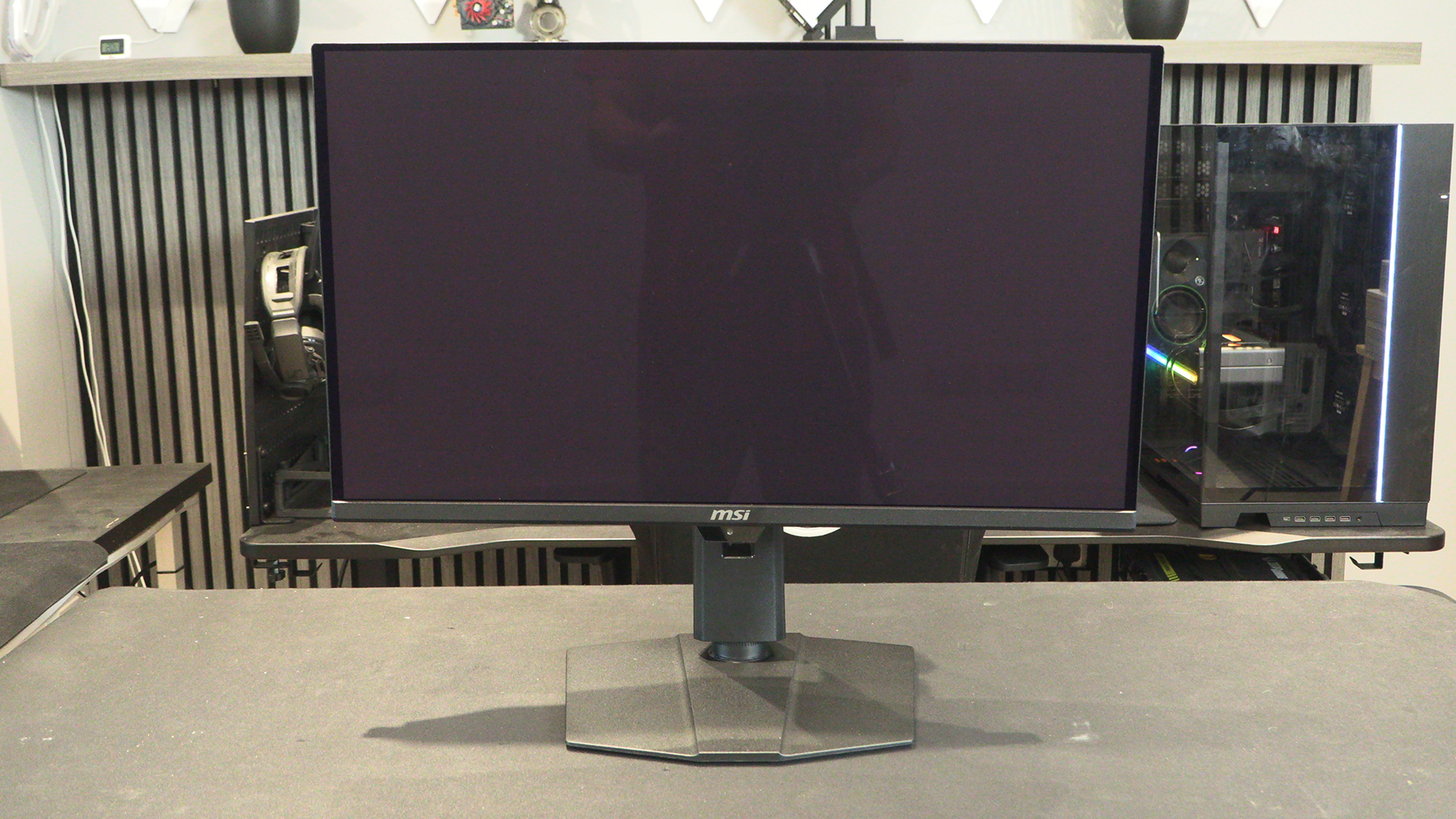
The anti-flicker and lessened blue-light panel that is the heart of the MPG 271QR X50 has an anti-reflection coating. Rather than go all in on removing all possible reflections at the cost of image quality, MSI have been judicious in their application. You get dampened reflections but still have the full benefit of rich colours and deep blacks only available on an OLED panel. And this is a Quantum Dot OLED. It’s breath-taking.
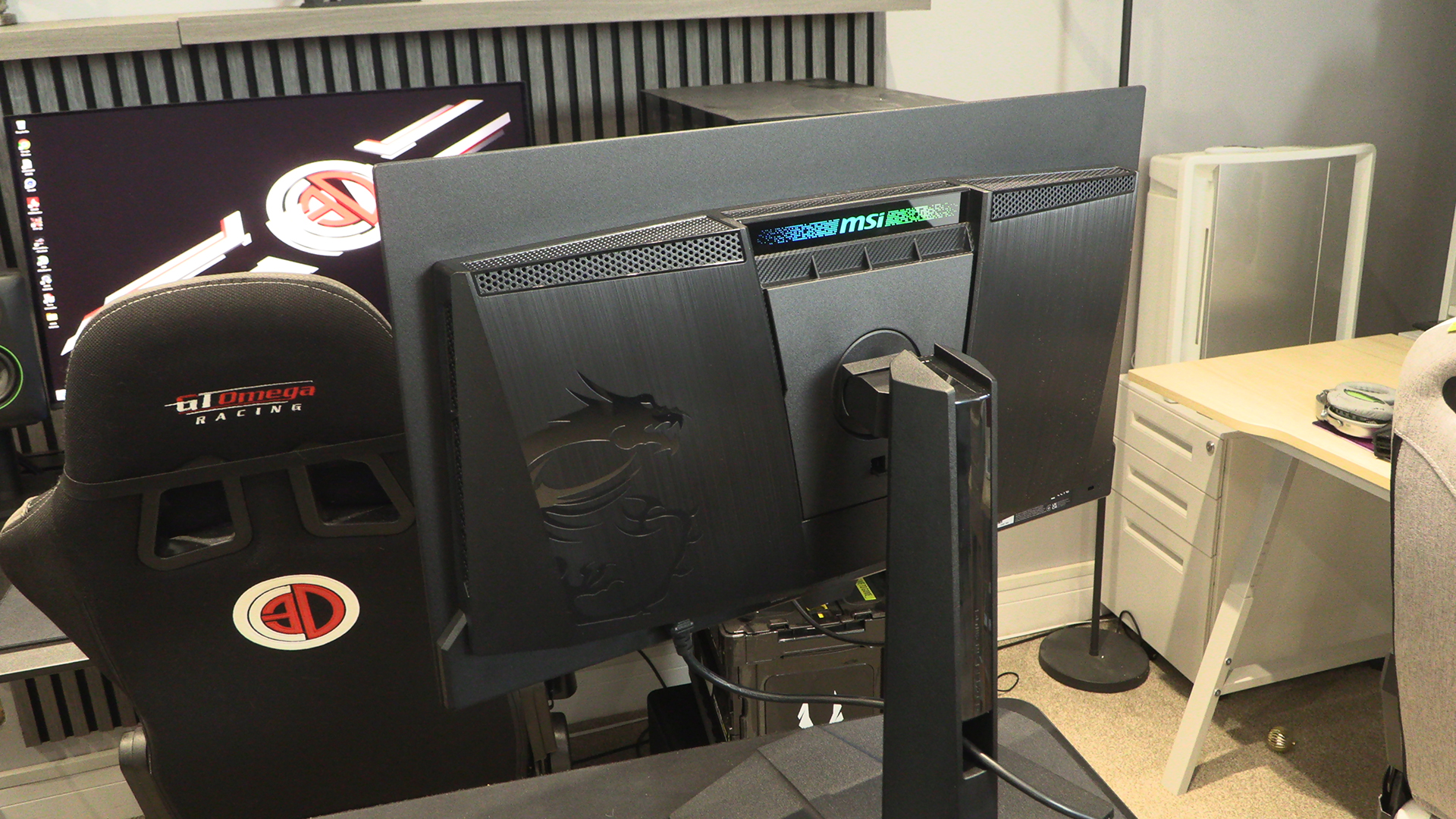
We’ll cover all the details in a moment. For now we just want to point out the different patterns on the back. Yes it’s basically all black, but there are enough different angles used that it isn’t a sea of tedious uniformity.
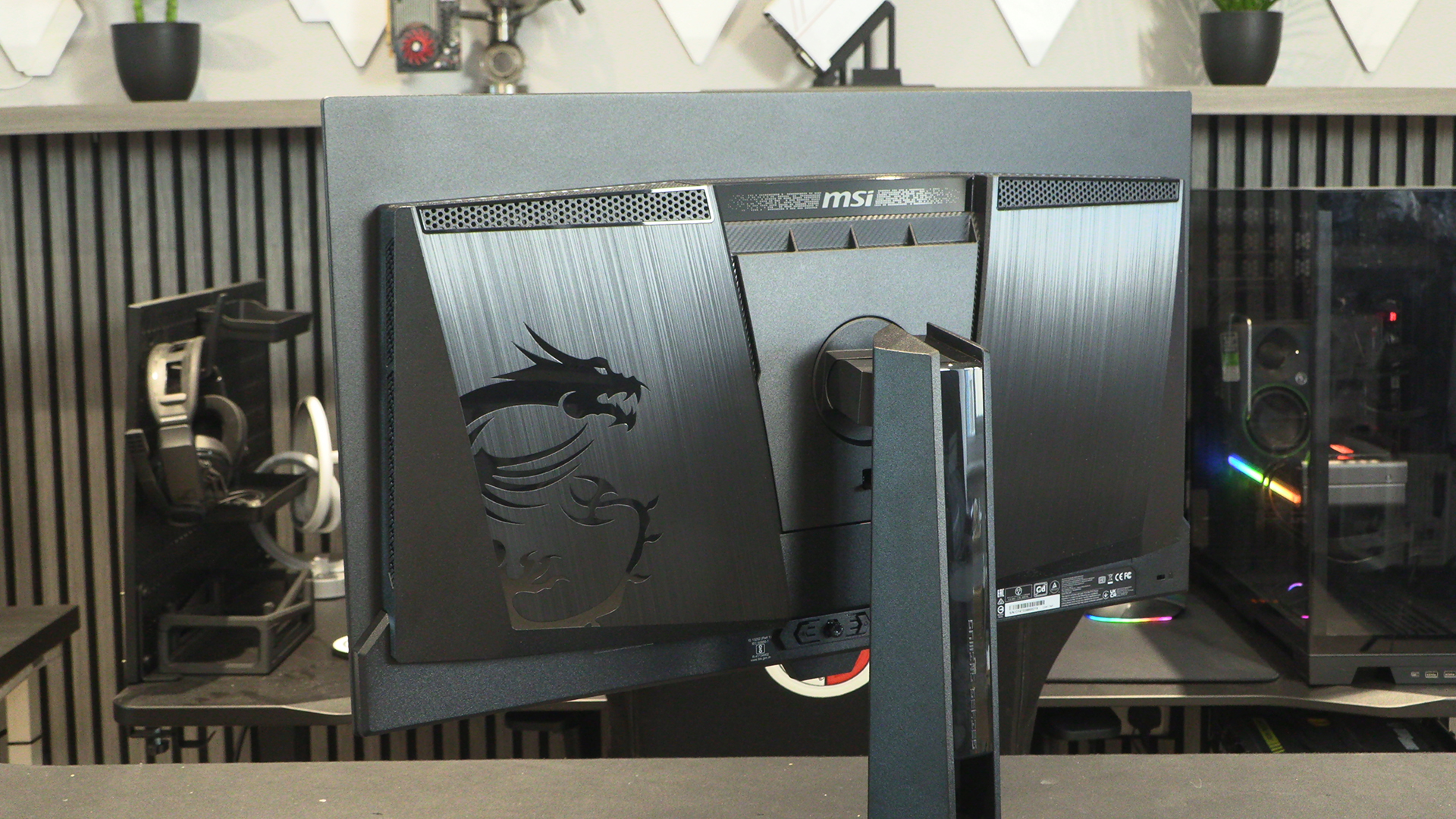
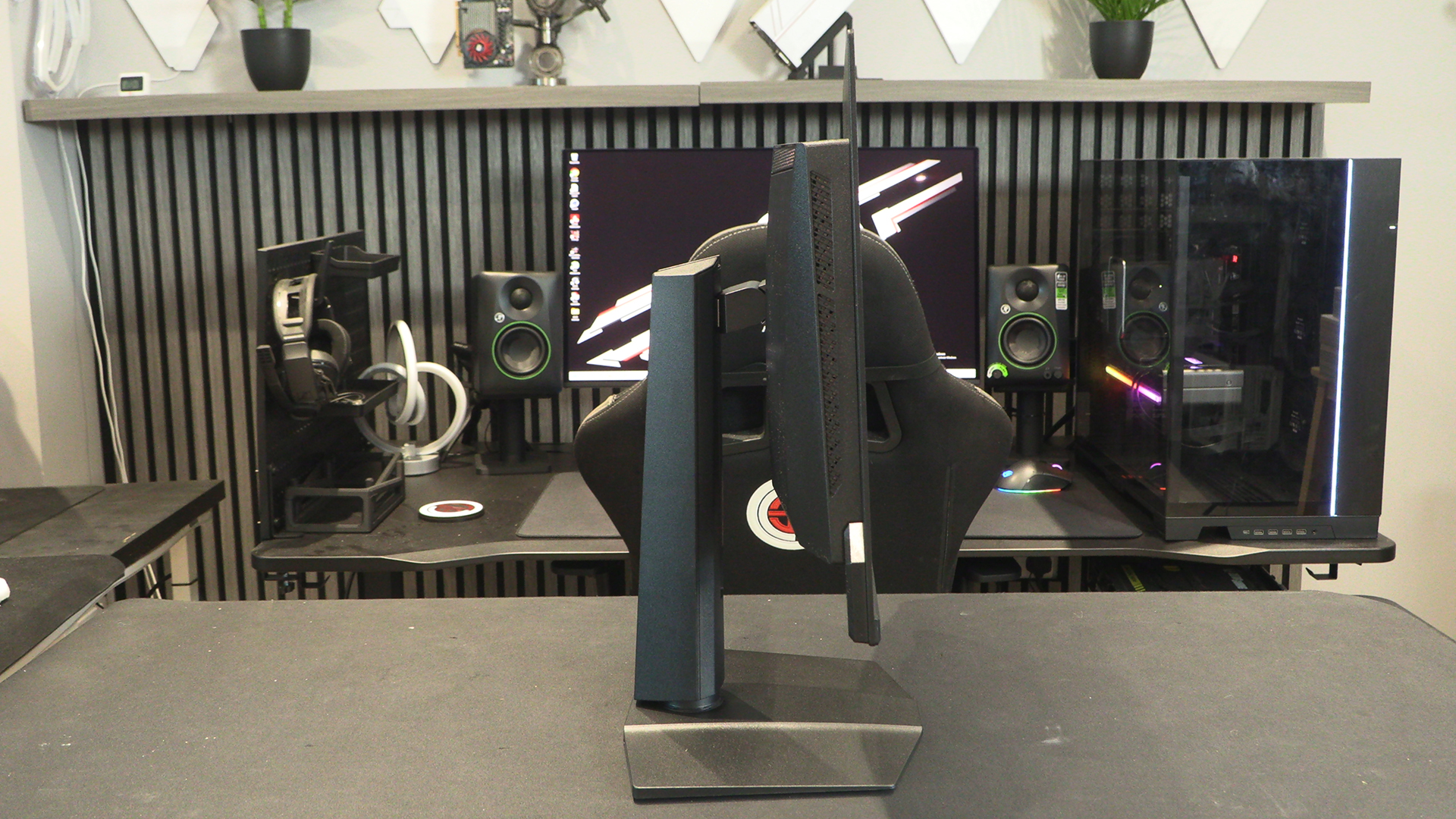
A quality stand is the kind of thing you can scoff at when you’re first getting into gaming, and appreciate as your neck gets older. The stand on the 271QR is up to MSIs usual high standards with 20° of tilt, 30° of swivel, 110mm of height and 90° of rotation. If you like SHMUPs or pinball games you’re catered for right out of the box.
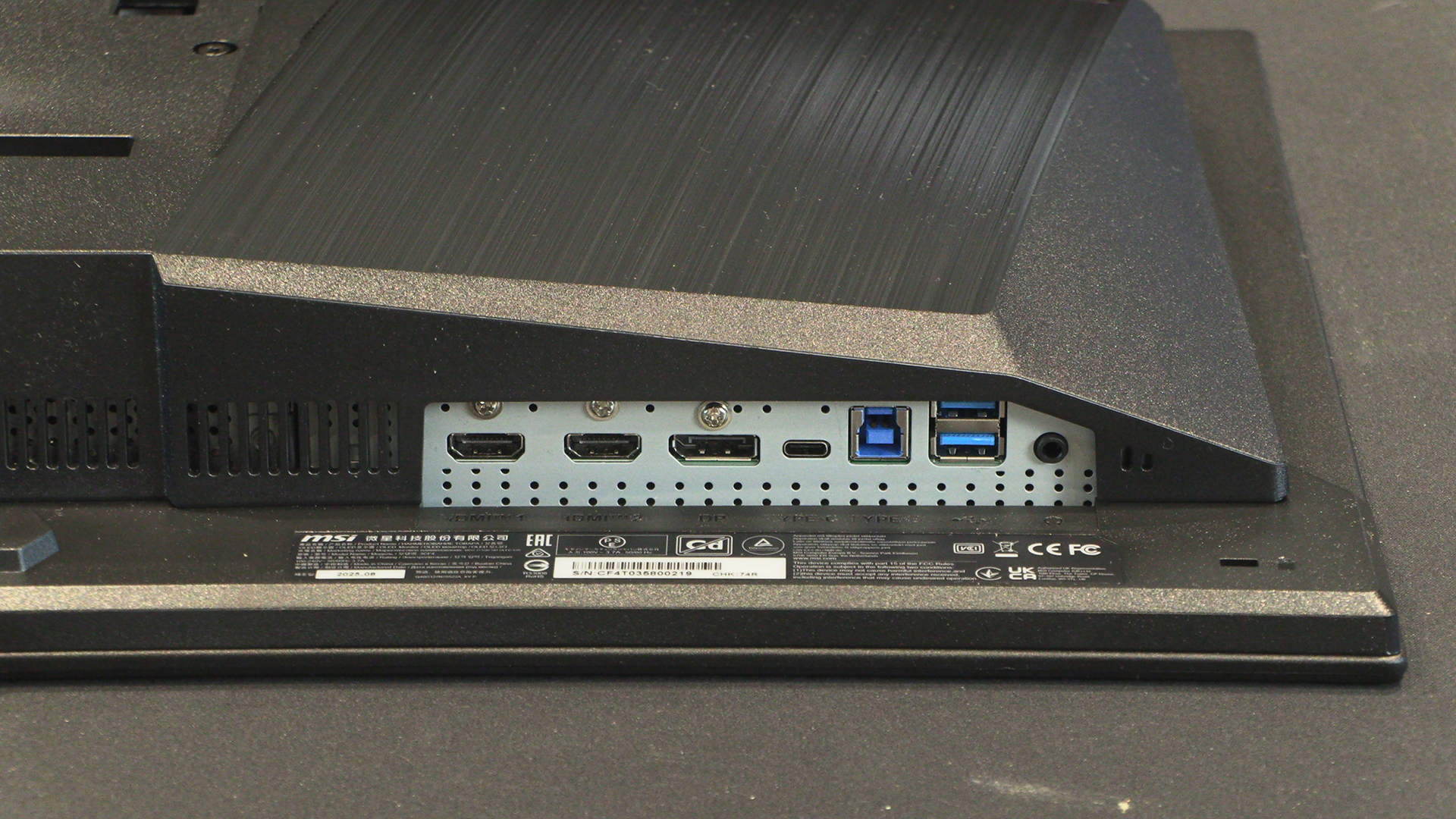
Connections
The DisplayPort is 2.1a. This gives you a total of 80Gbps bandwidth. Obviously with 500Hz on the table the MSI 271QR QD-OLED X50 needs all the bandwidth it can get. The Nvidia RTX 5000 series utilise DP 2.1a, so this is ready right out of the box to utilise all the throughput. Two HDMI 2.1 ports additionally have 48Gbps bandwidth and VRR support. Those of you with Playstation 5 or Xbox consoles can get 1440P @ 120Hz with VRR. Great stuff for the console generation.
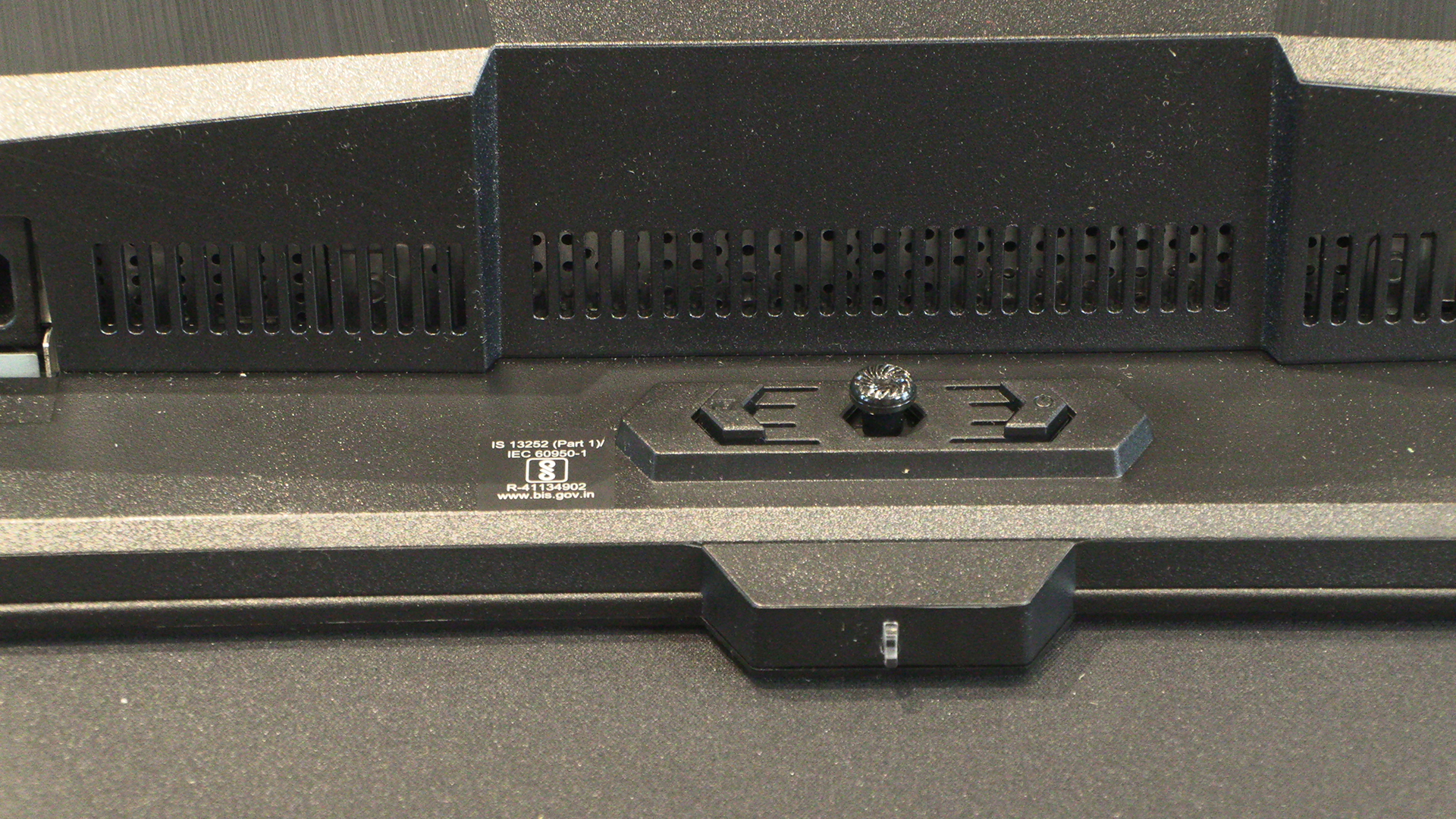
The OSD control is right in the centre. Perfect for lefties and righties. If you’ve got sausages for fingers you need to be careful not to hit the power or input switches. Of course you can just use the excellent MSI software if you prefer not to be fumbling around the back of your expensive display.
Around the back we find the elements common to the swathes of MSI OLED panels we’ve reviewed. A big MSI Dragon – hi Lucky – and an RGB MSI logo are subtle touches. Most monitors are against the wall anyway, and so we don’t mind. We’d always attention paid to usability foremost, in this case the cooling vents.
Considering that MSI hasn’t gone for an aggressive – and image degrading – matte finish on the 271QR X50, the reflections are very manageable. Obviously you won’t be staring at a black mirror the majority of the time when they’ll be even less noticeable than they are here. Impressive stuff. Out of the box the image quality is very good. There isn’t loads of calibration necessary. If you do require an exact image it’s worth bearing in mind that the 271QR X50 automatically adjusts brightness and colour temperature depending on ambient light. Fine if you’re in a windowless room, less helpful otherwise.