MSI 271QR QD-OLED X50 Review

Introduction and Technical Specifications
Introduction
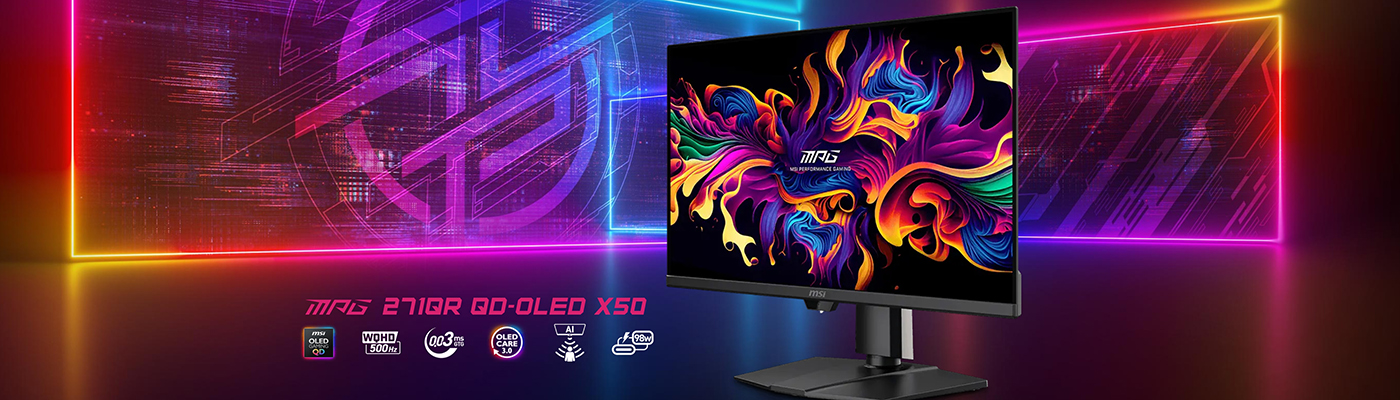
It’s deja vu all over again. Obviously when you see and review as many products as we do some things feel familiar. Since monitor manufacturers worked out that OLED was suitable for PCs, we’ve seen loads of them. Even still, the MSI MPG 271QR QD-OLED X50 seemed awfully familiar. Let’s not pretend otherwise. You don’t see that many 27″ 1440P 500Hz monitors. They tend to stick in the memory, even ours. In this particular case it’s because a couple of months ago we reviewed an alternate 500Hz model to todays, the MSI 272QP-X50.
Now there are some teensy tiny differences between the two models, but the majority of benefits are the same. Stop us if you’ve heard this before.
OLED panels are primarily at their best when the image they display is constantly changing. Television, movies, certain games. Their problems, and the reason why it’s taken so long for them to bridge the gap between your living room and your gaming setup, are static imagery leading to burn in. Taskbars. Menu bars. That sort of thing. To give you an example, my PC is on 15 hours a day. Of those, 8 are showing either the taskbar, a browser, or a handful of applications. Prime candidacy for burn in. Fortunately MSIs anti-burn-in technology is very mature, and with some careful planning on your part can mitigate almost all of your fears.
500Hz!
Unquestionably though if you’re a gamer, particular those titles that can be run at massive frame rates, you’ll love what the 271QR X50 has to offer. 27 inch format is great for being big enough without taking up half the wall. Obviously a Quantum Dot OLED panel is perfect for filling your eyeballs with epic visuals. If you haven’t experienced it then it’s the visual equivalent of going from a pair of beige unbranded speakers to something with more oomph.
This particular model, the 271QR X50, has an extra trick up its sleeve to help ensure the panel stays in optimum condition for the longest time. It’s the thing that primarily differentiates it from the 272QP we looked at in October. Scroll on.
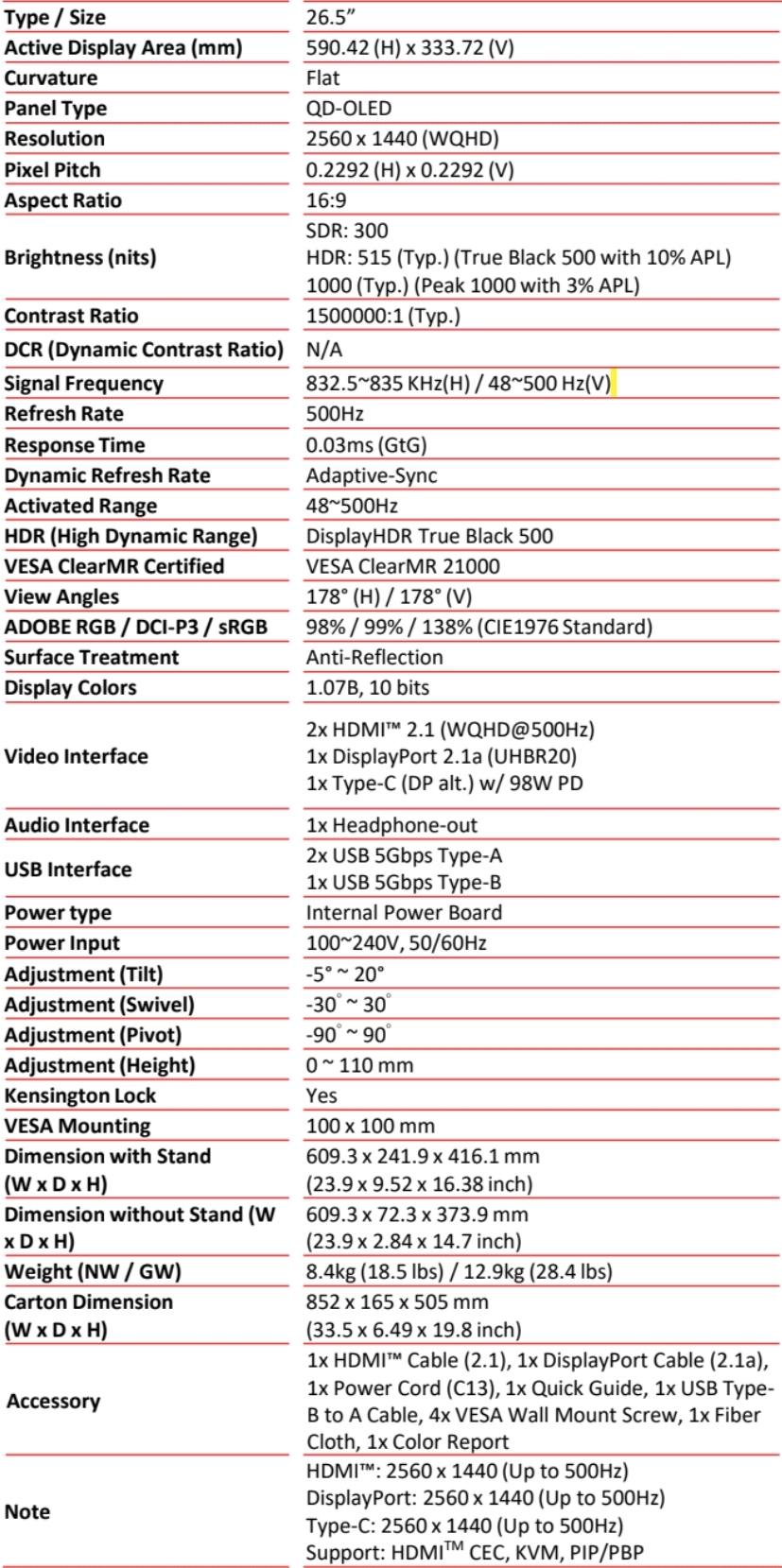
Technical Specifications
Privacy?
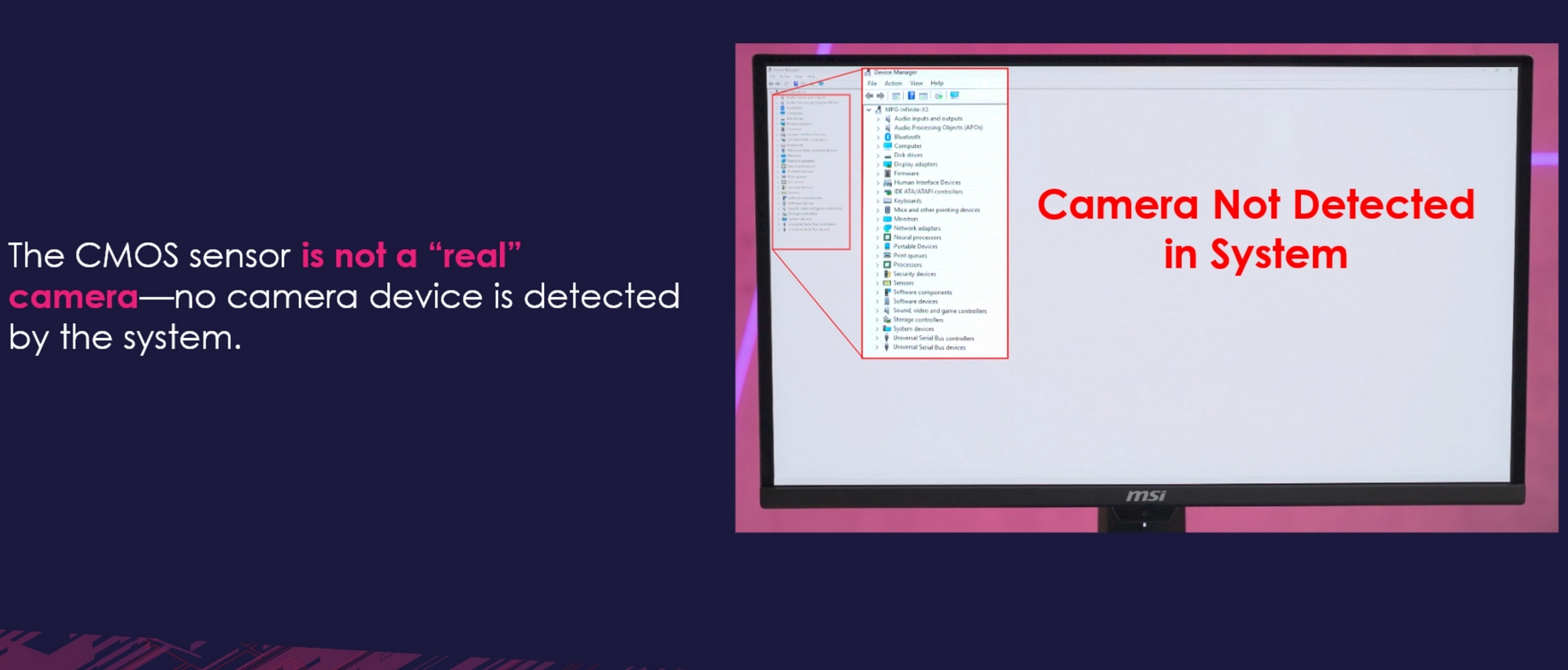
This is the new addition to the MSI toolset. Their OLED Care was v2.0 on the 272, and already is up to OLED Care 3.0 here. Largely in thanks to the a sensor below the screen. It is used to ensure the screen stays on when you’re sitting in front of it, but can also be leveraged to turn it off and “clean” the pixels when you aren’t. This way you get the minimum workflow disruption and the maximum chance to eliminate burn in. Top stuff.

Now the sensor is a CMOS. CMOS sensors are found in cameras. As you can see above. Whilst MSI say that the monitor isn’t detected as a camera by the system, we’re still cautious. AI has hardly got the best privacy record, and will only get worse. AI tied to a CMOS sensor, however much it might not detect as a camera to a very amateur hacker, is still usable as a camera. Hmm. More on this at the end.