Sapphire B850A Nitro+ WiFi7 Review

Nitro+ In Detail
Nitro+ In Detail
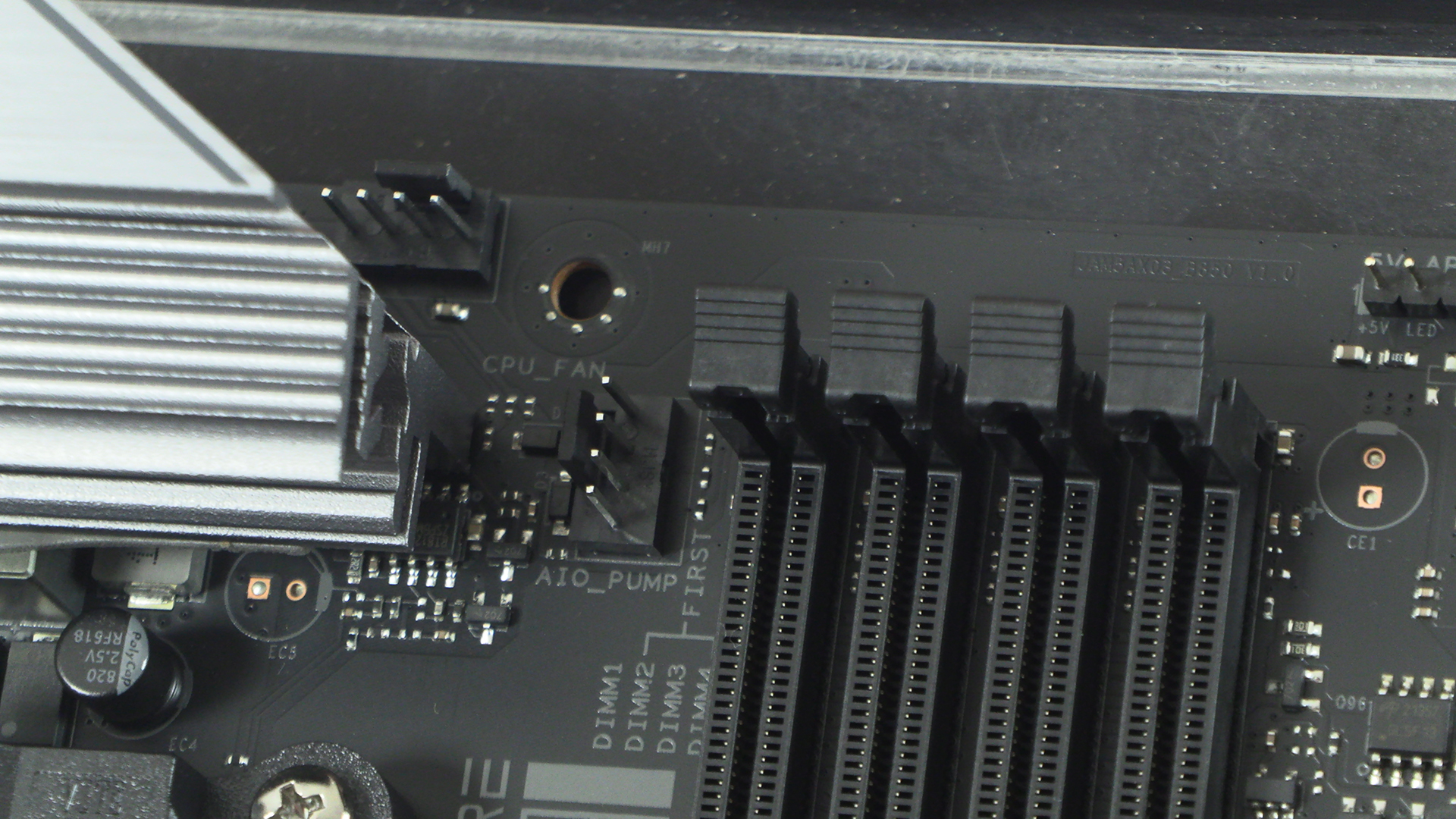
As always there are a pair of fan headers with one being for the AIO to help ensure you can keep the processor cool with the minimum of cabling faff. It’s slightly odd that the Nitro+ has them at such different angles. Such are the vagaries of motherboard design and hole placement.
Every day we thank whomever brought us front panel USB ports. Many of you probably have your system set up and then never adjust things. With data transfer our front panel USB ports get a bigger workout than a butchers dog. The Sapphire B850A Nitro+ gives us both Type-A and Type-C options. Lovely.
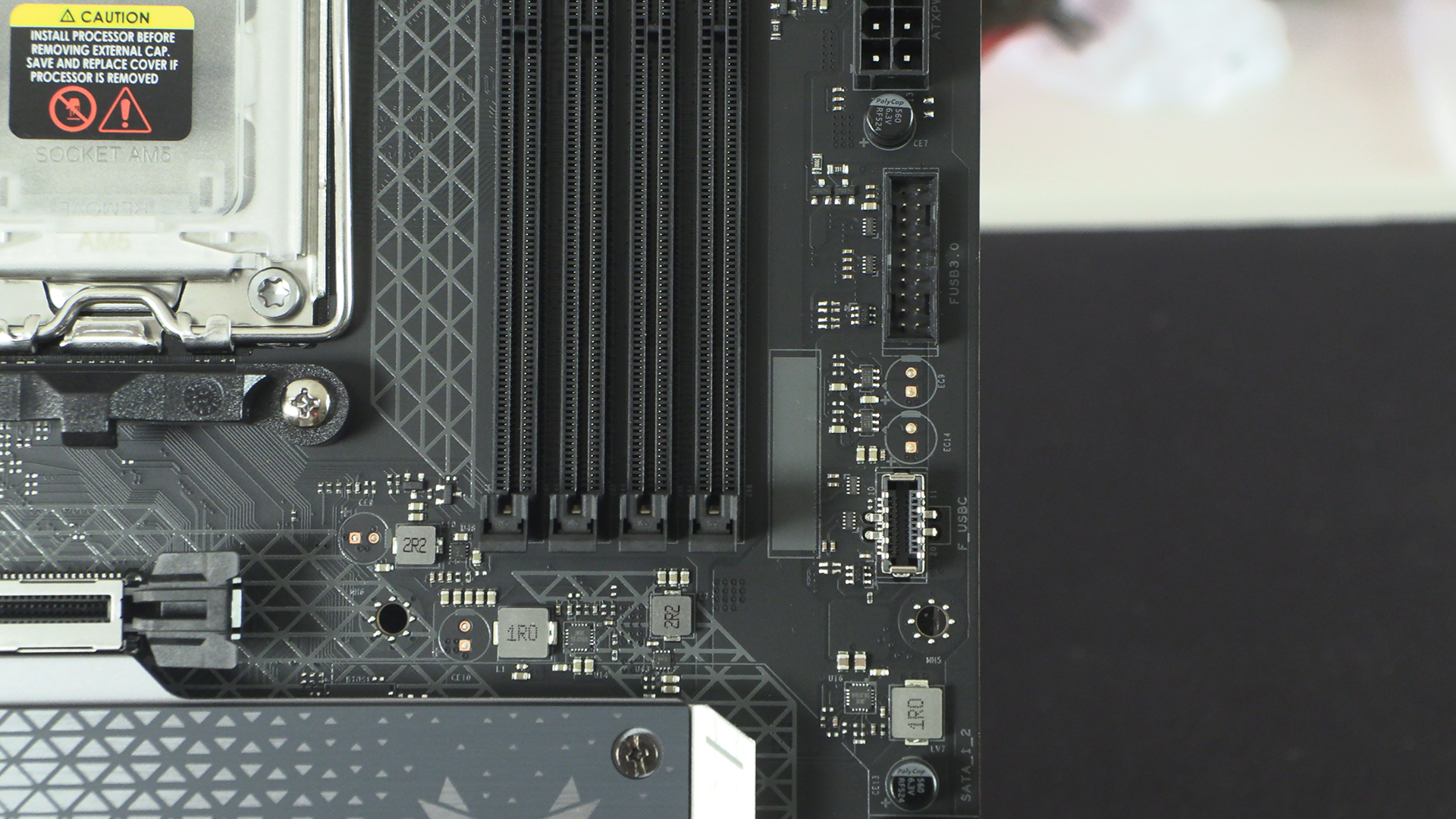
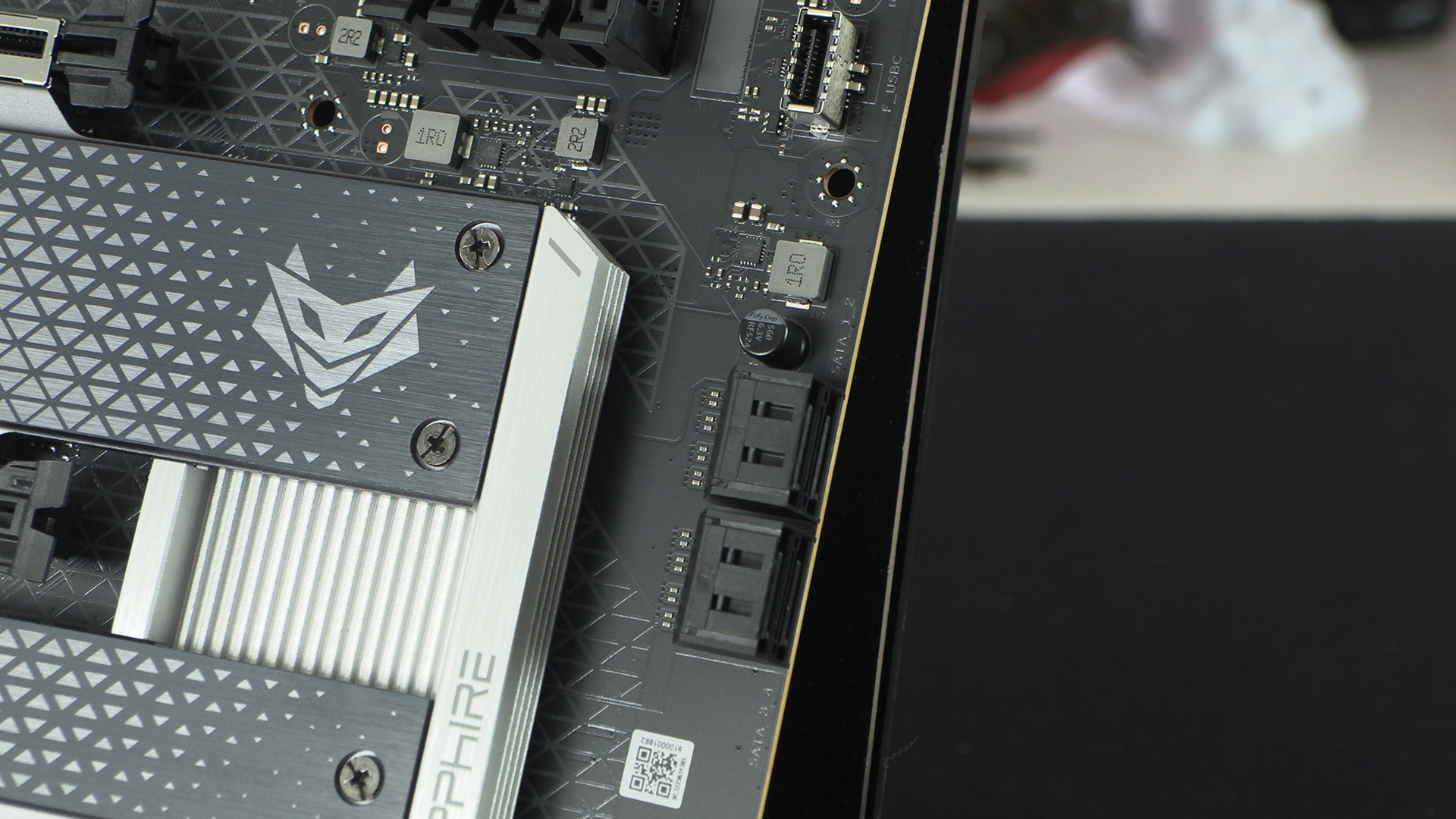
If the three M.2 ports aren’t enough for you, or you want to bring across older drives, you get four SATA ports.
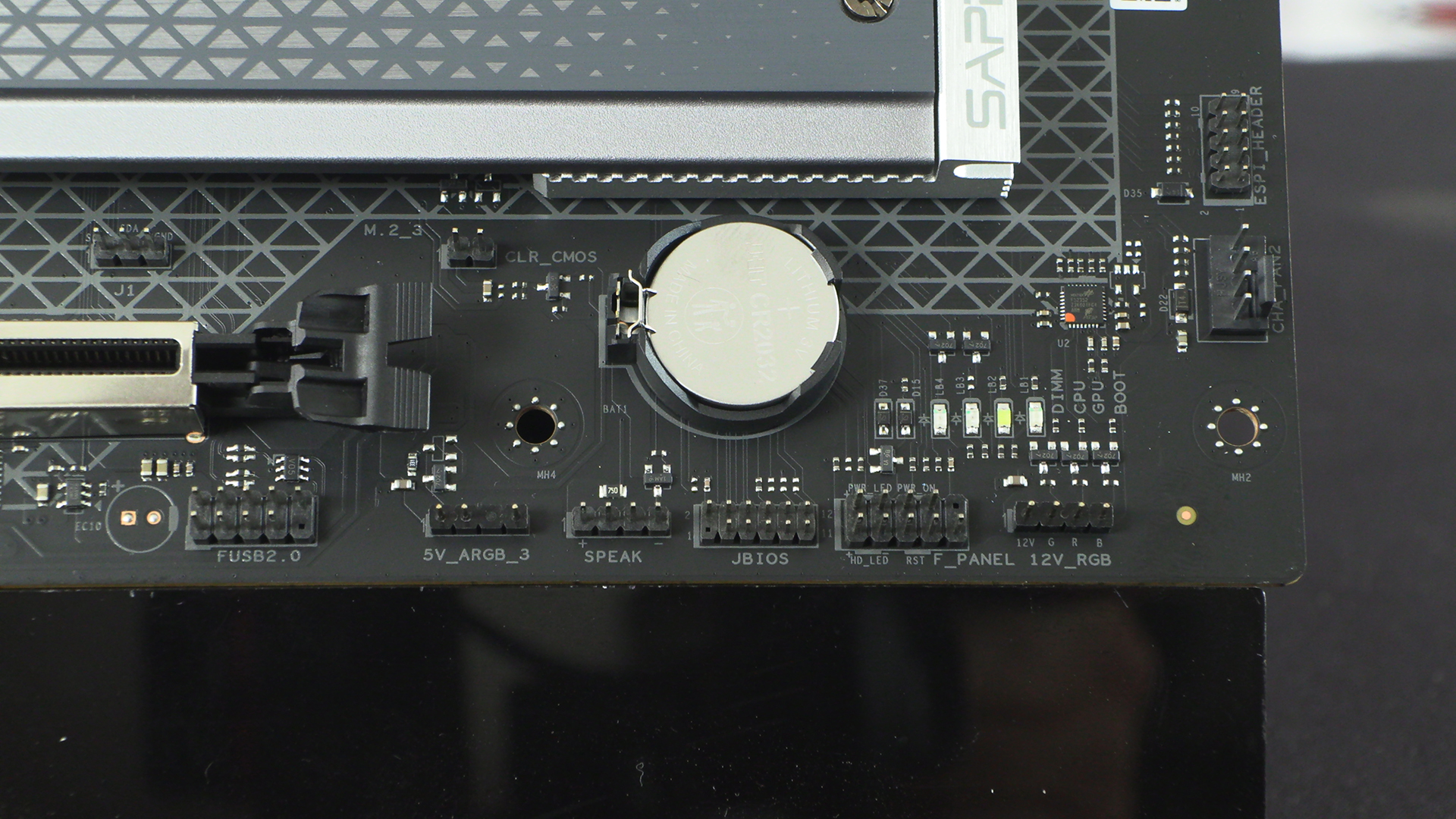
The front panel connections are about as clearly labelled as any we can recall. The diagnostic LEDs perhaps could be better placed, particularly if you’ve got a chunky GPU or run it vertically.
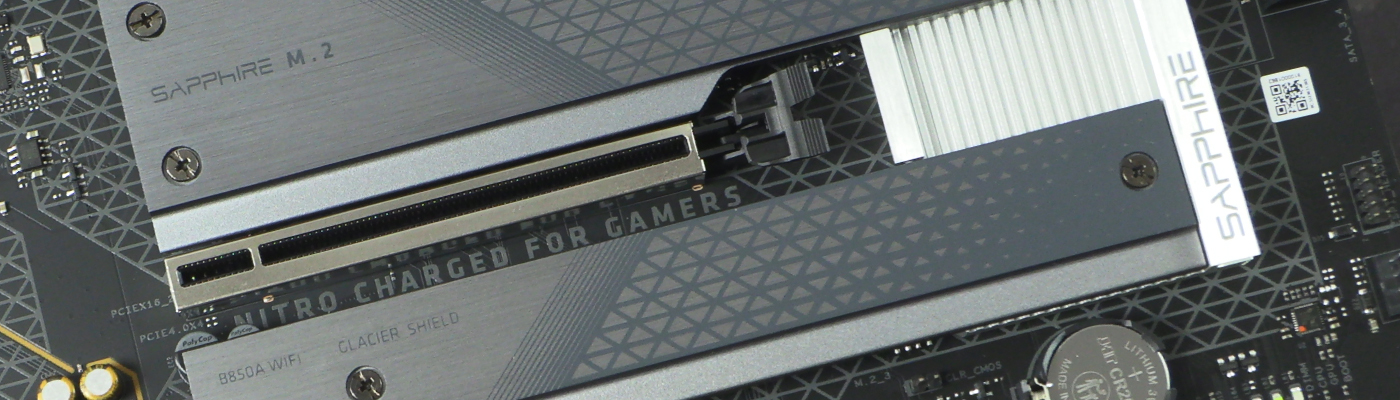
We like how the design echoes that on the Sapphire Nitro+ GPUs. It tickles the part of our brain that likes things to match.
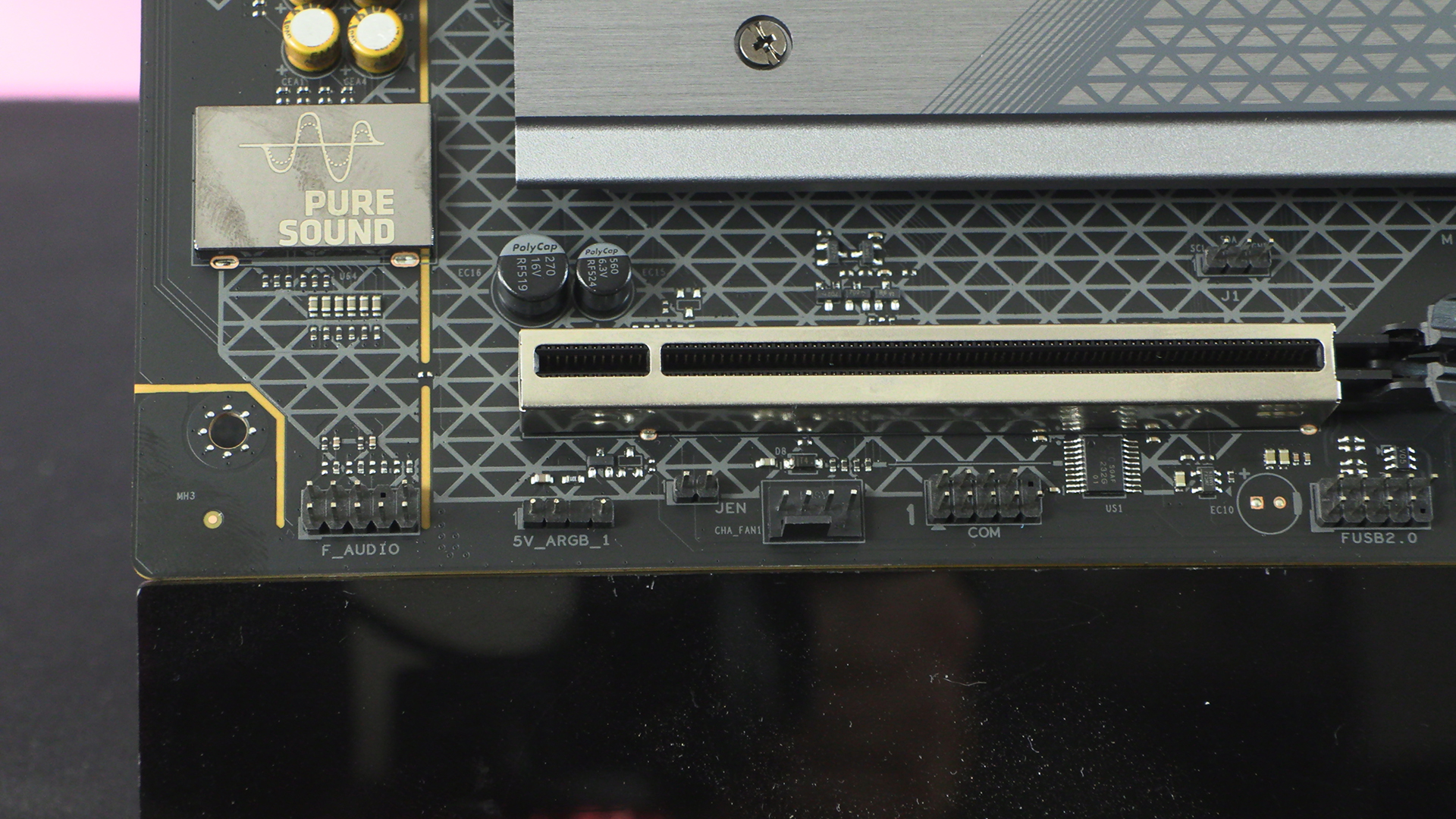
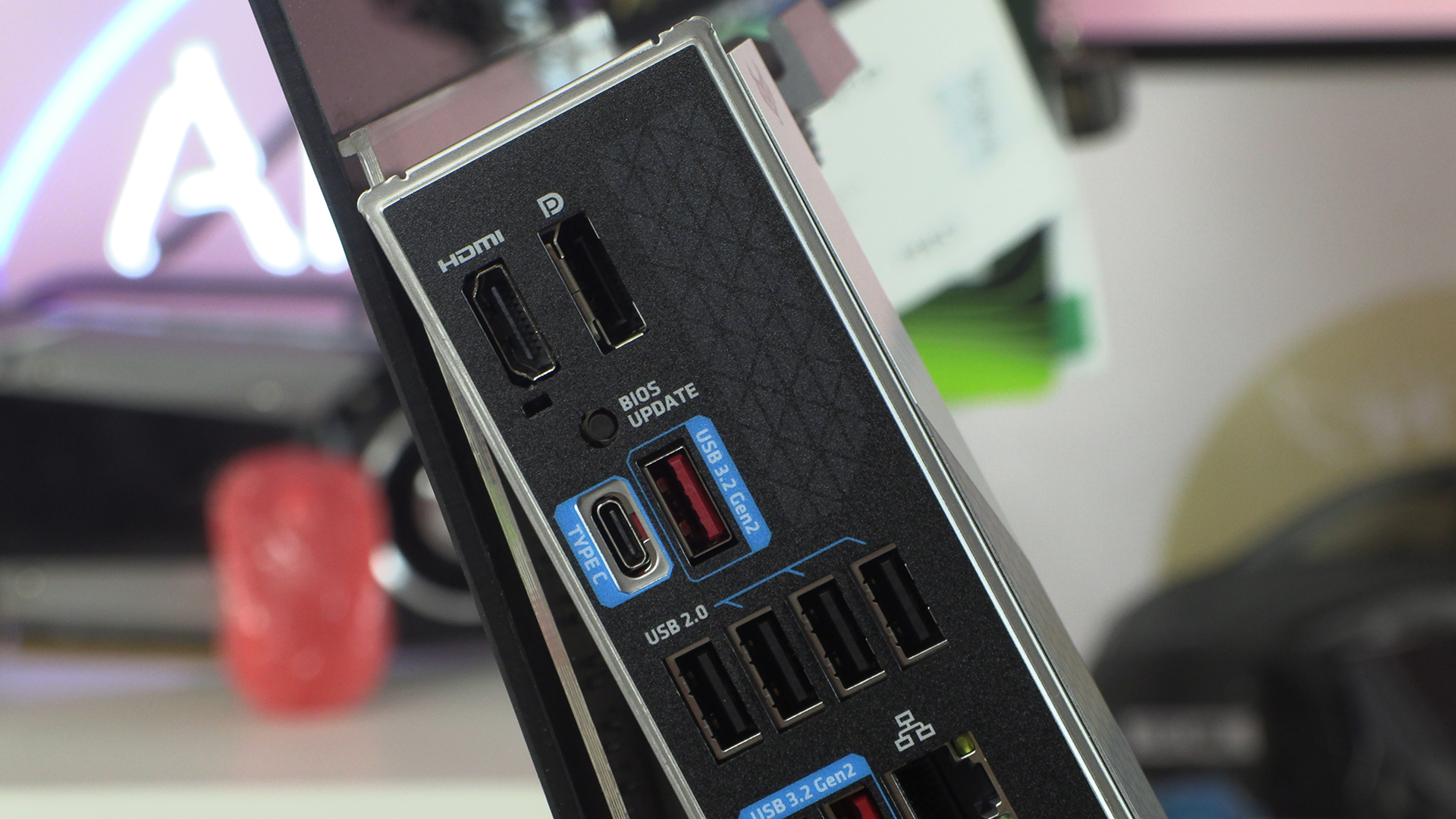
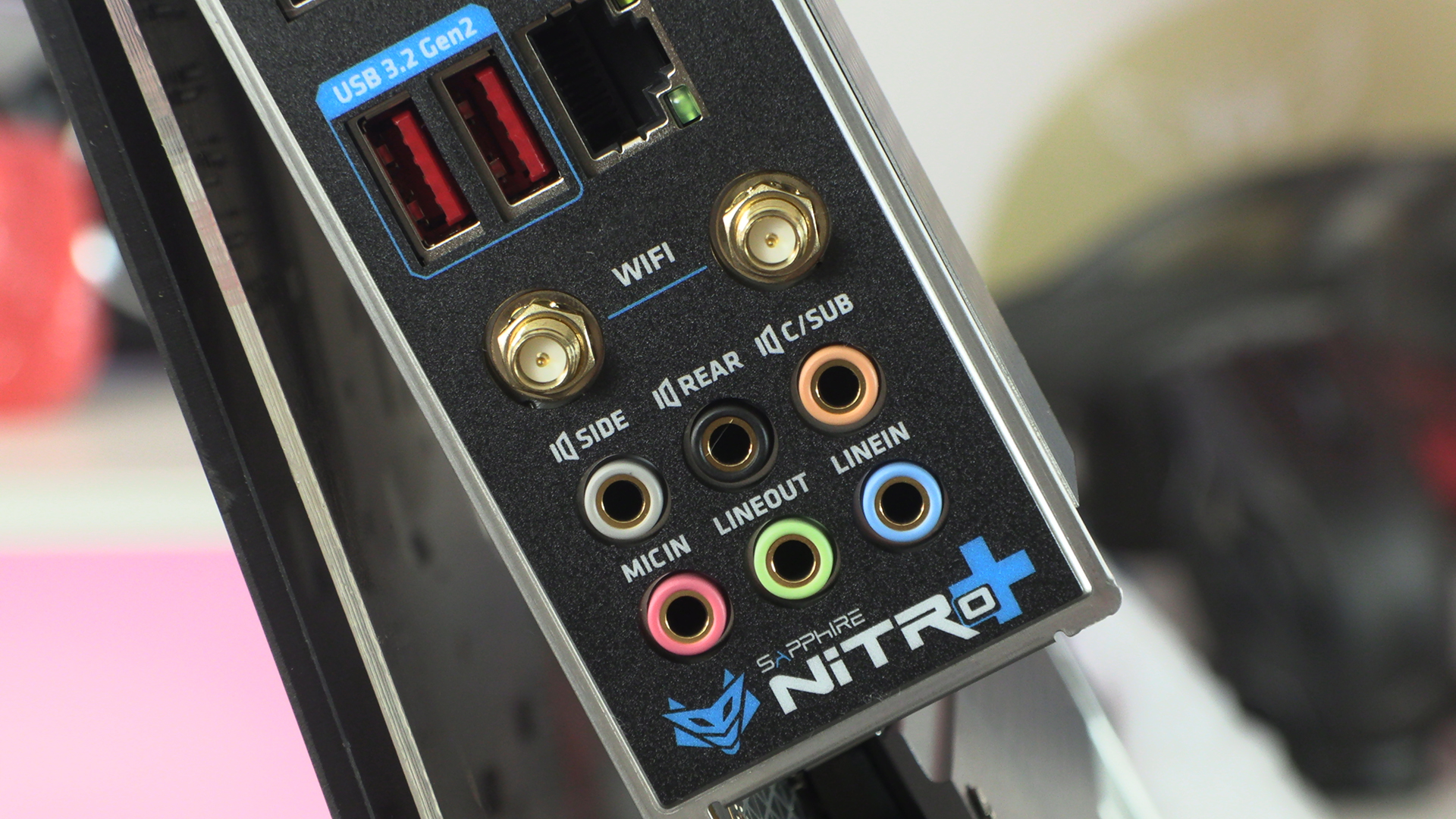
Lastly around the back we find a selection of very clearly labelled connections. In fact things being clearly labelled is one of the takeaways from the newest addition to the Sapphire motherboard range.