Sapphire Nitro+ RX 9070 XT PhantomLink Review

Up Close
Up Close
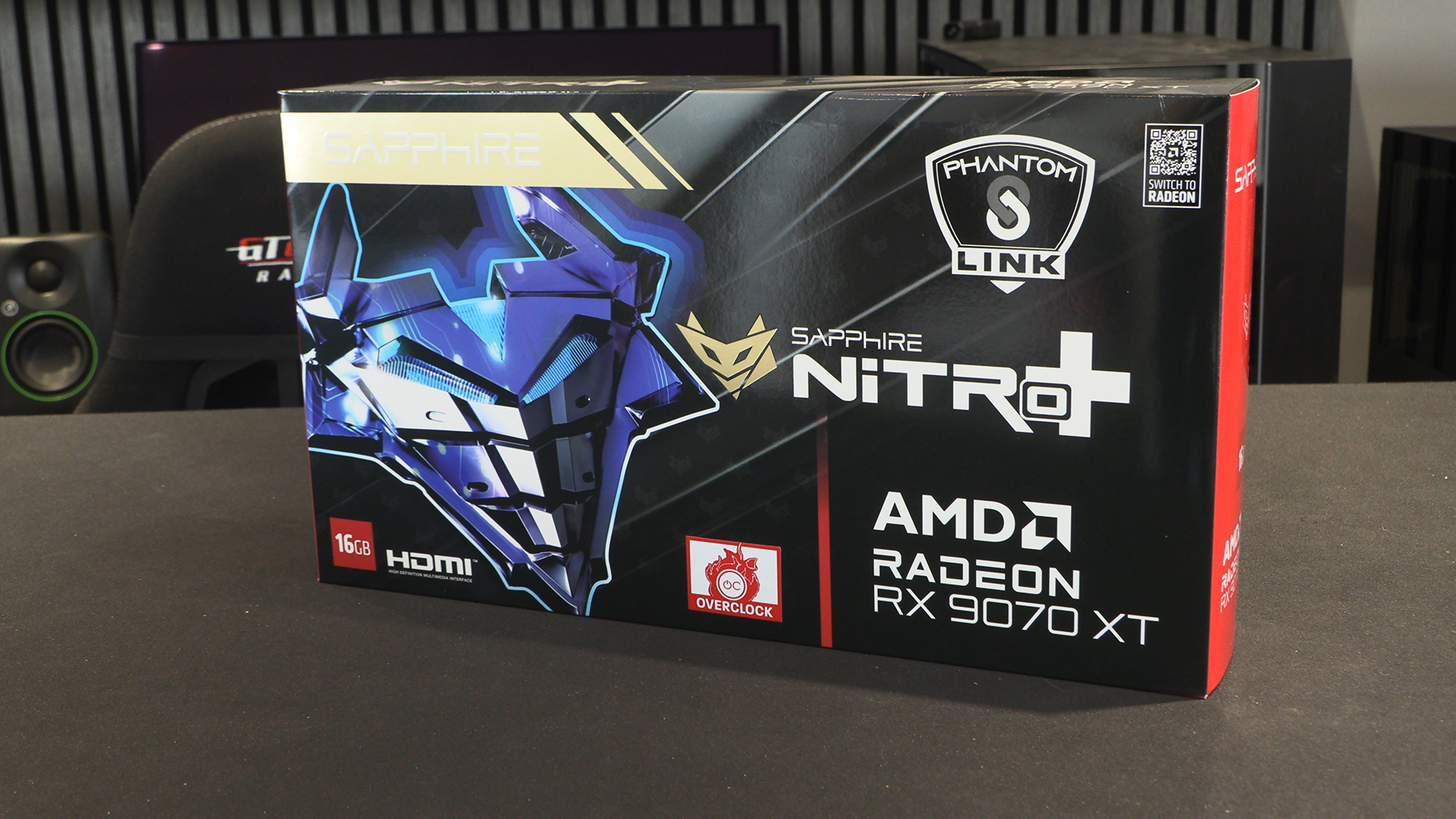
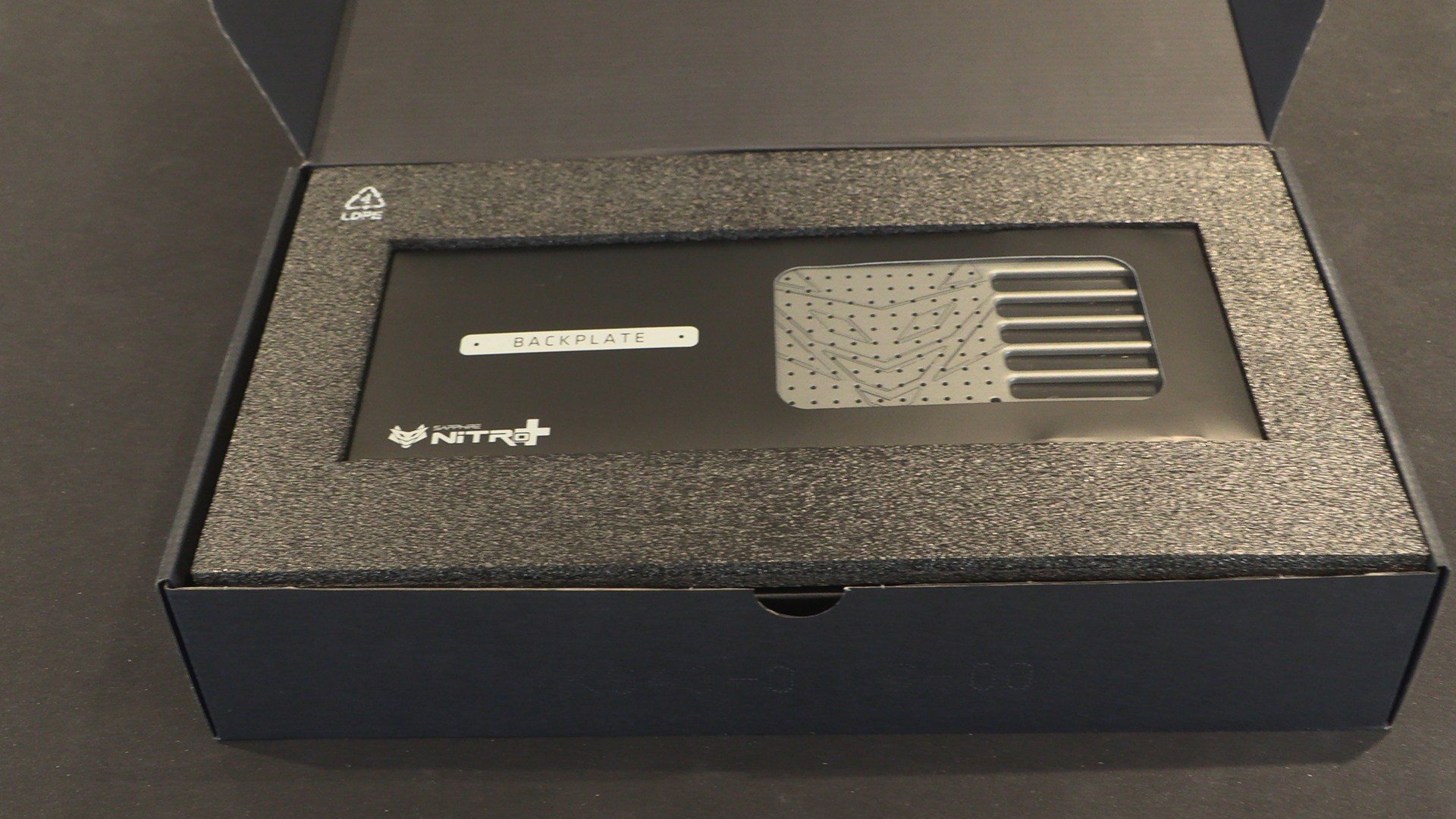
So few graphics cards come with box art that isn’t just a picture of the product that the Sapphire Nitro+ PhantomLink comes as a nice change. Is it a cyber Shredder from the Ninja Turtles? A modern take on Maximilian from The Black Hole? Or a fox in a mask? Whatever it is, we’re on board.
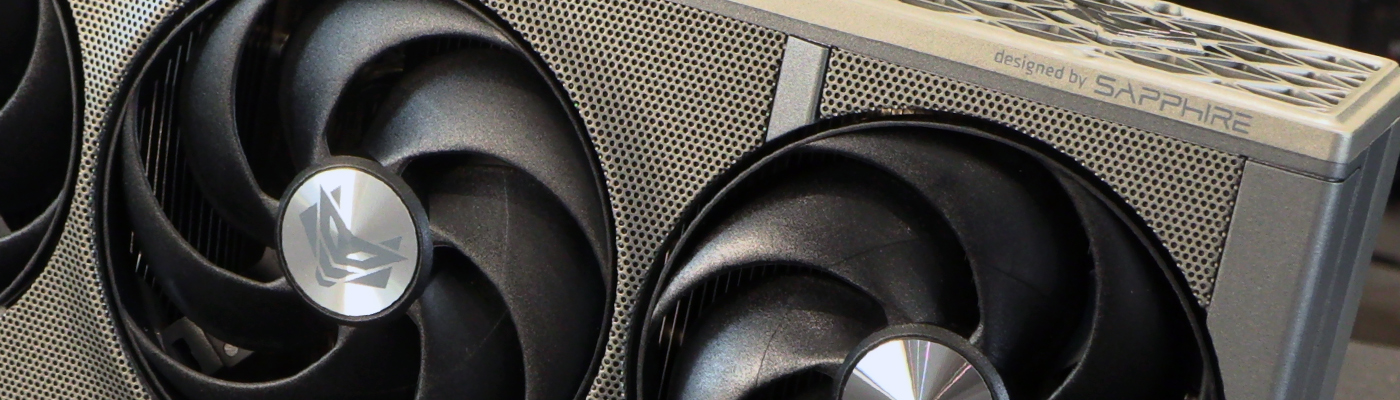
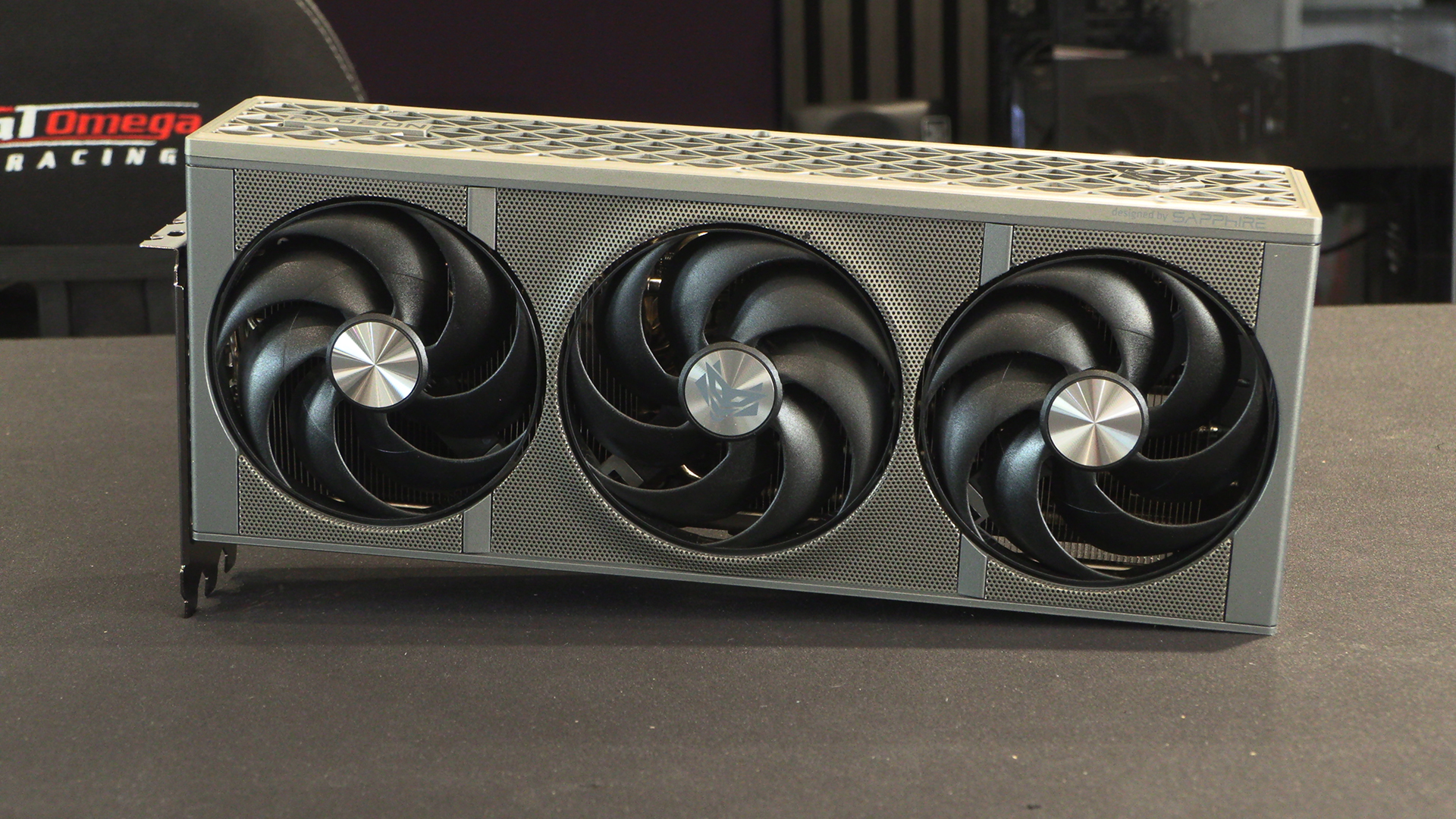
Given how successful this design was when we first saw it, it’s no surprise that Sapphire are sticking with it here. To paraphrase a famous meme, how much ventilation would you like? Yes. Triple seven-bladed fans. Three slot cooler depth. As we will see at the end of this review, and slightly spoil here, this design isn’t just for show. It’s seriously cool too.
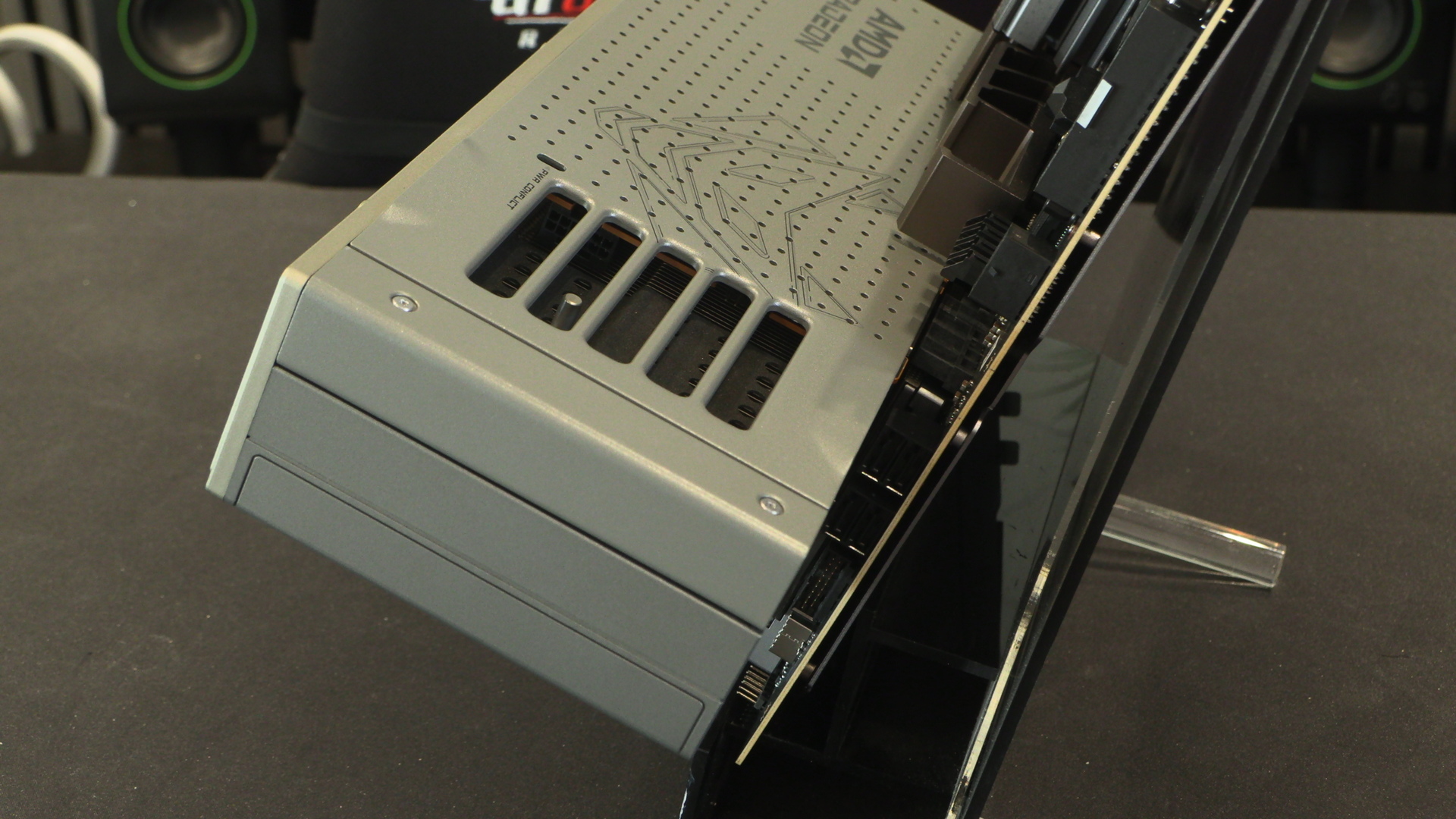
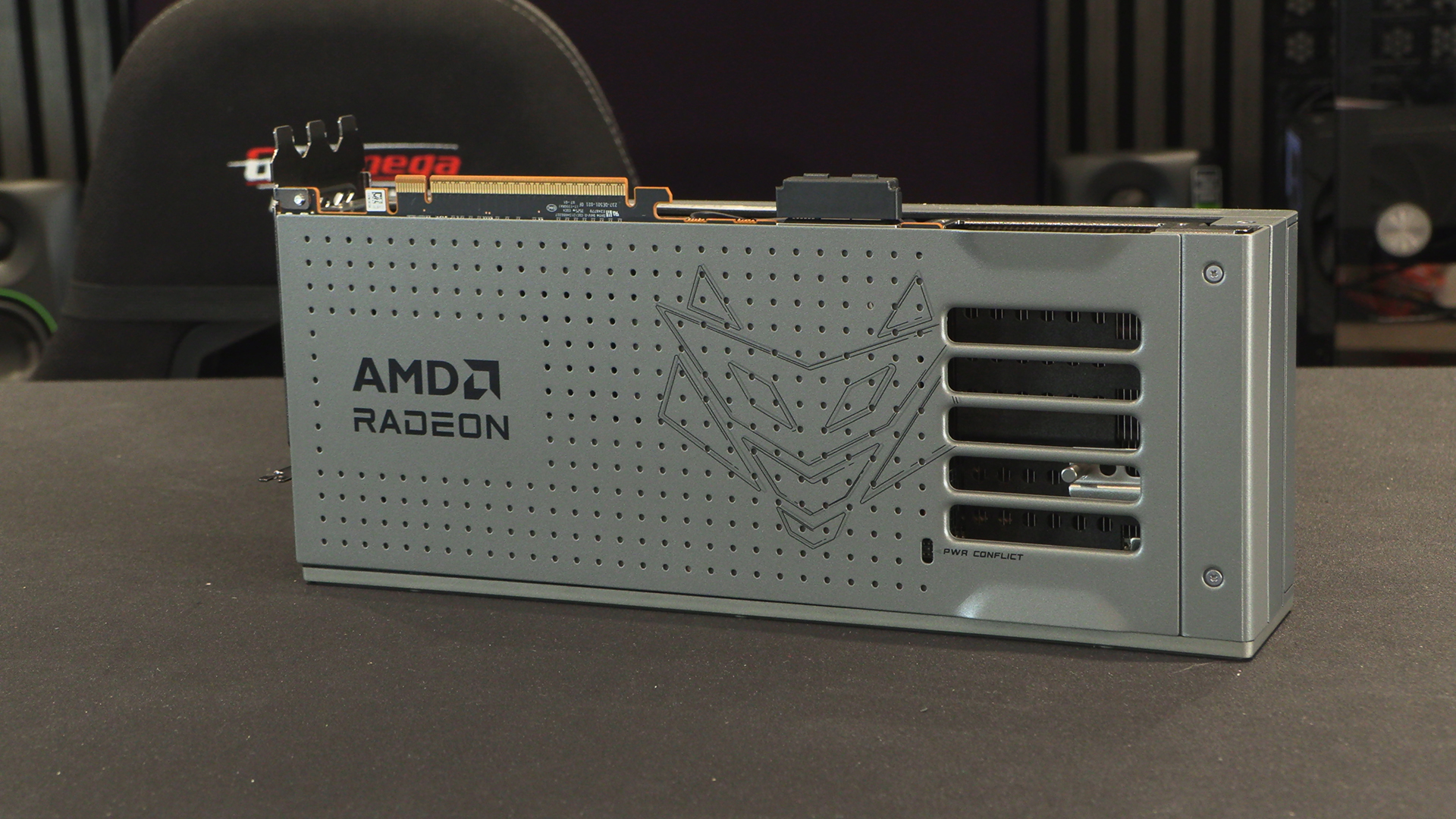
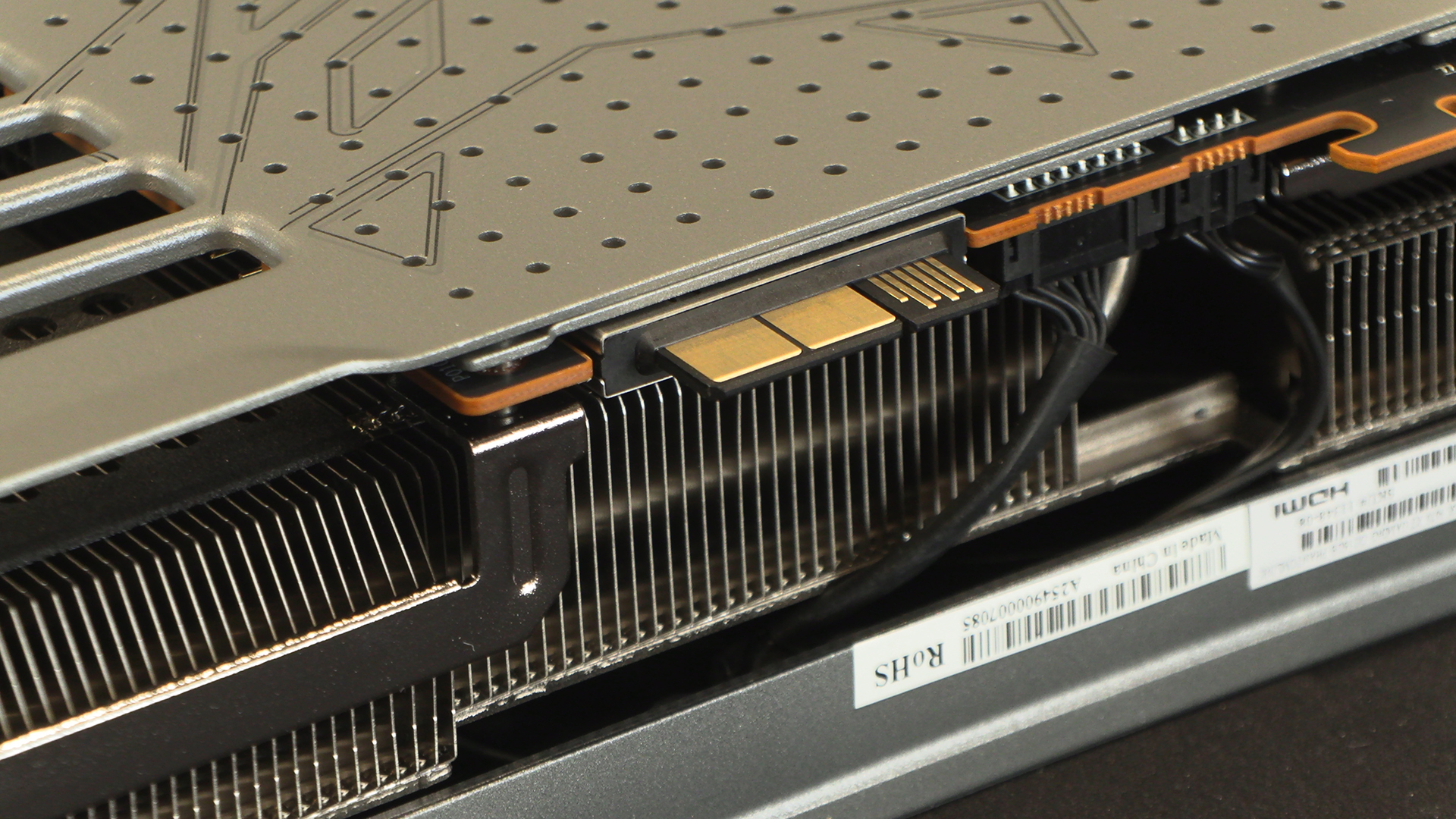
A couple of things to note in the overview of the backplate. Firstly the black fingers to the right of the PCI connector is the PhantomLink itself. A way of powering the card via your motherboard with no extra cabling needed. However, if you remember the previous Sapphire design you’ll know they hid the power cables behind the backplate. Same here so, just in case, there is a PWR Conflict indicator light to ensure you don’t utilise both methods.
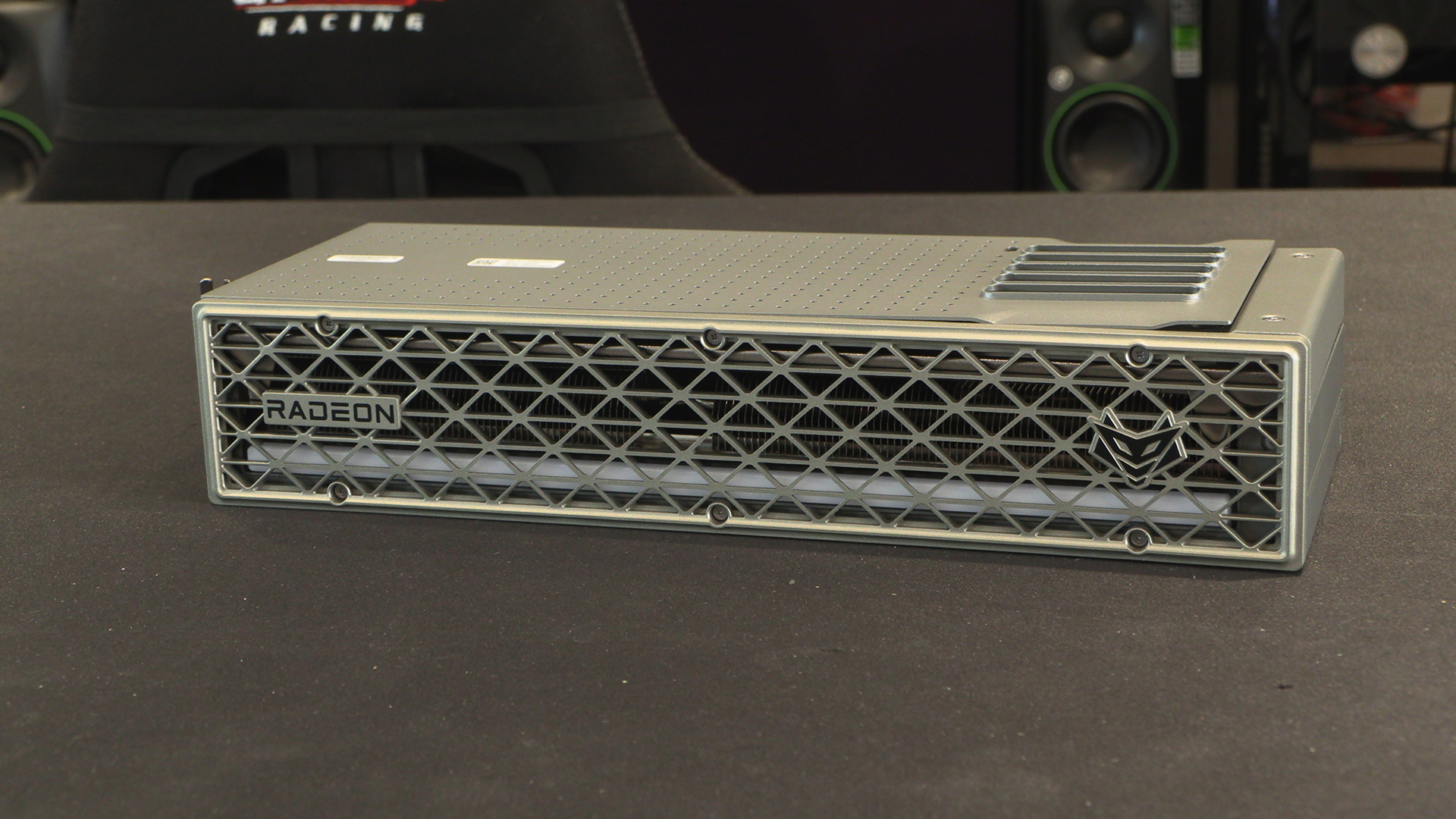
The Sapphire Nitro+ PhantomLink is nice and simple to look at. Lots of ventilation to suck in cool air and expel the hot stuff. We like the small Radeon and Sapphire logos too. They make a nice change from some of the more overt ones around. Behind the beehive-esque grill is the ARGB light bar that lets you flex your colour preferences.
Removing the backplate – magnets only so no need to grab a toolbox – reveals two things. Firstly the ARGB connector. Secondly, and the cause of the PWR Conflict LED, the power input. We first saw this on an earlier Sapphire card than the Nitro+ PhantomLink, but it remains awesome.
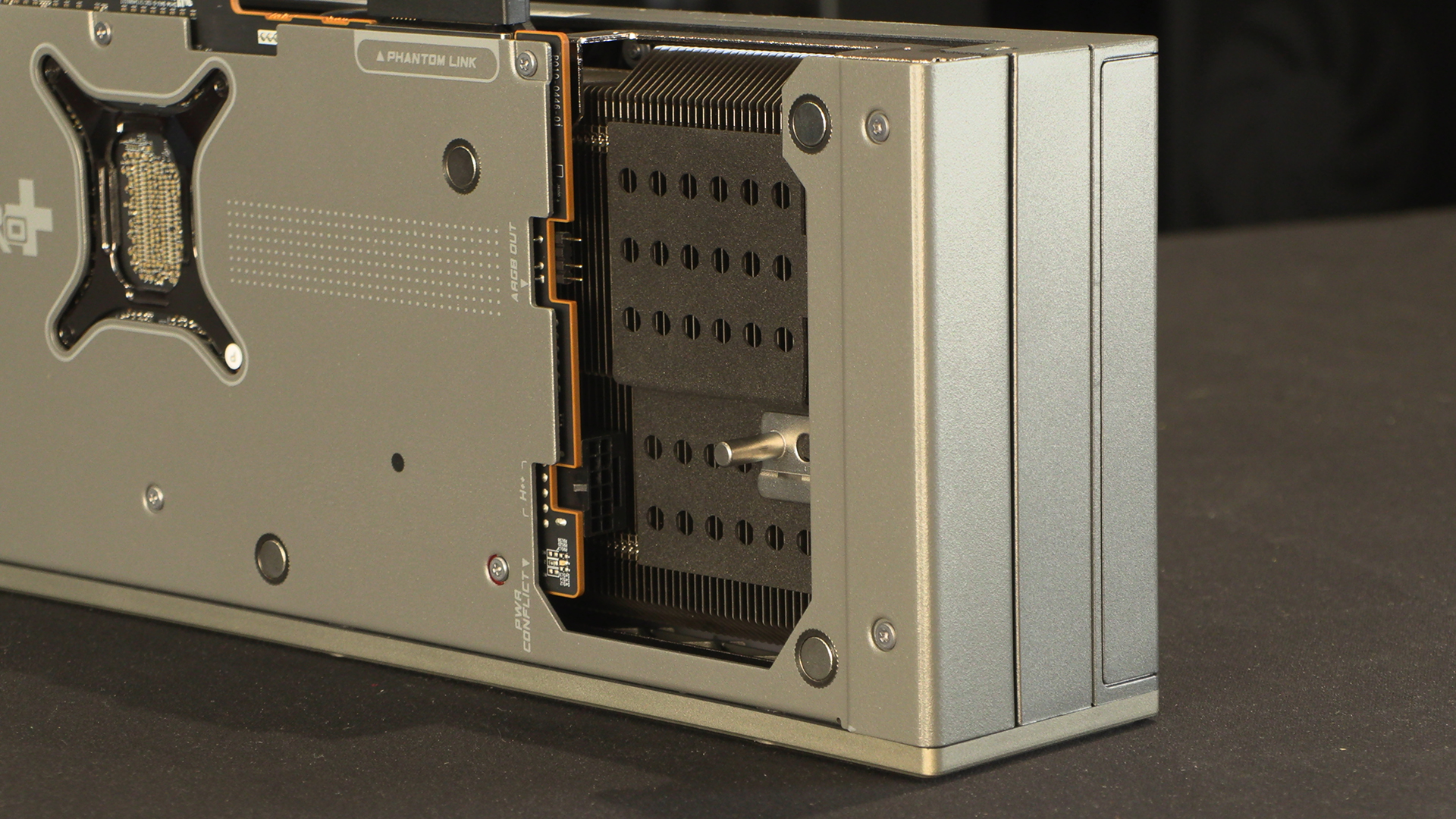
Why have cables pressing up against your case window when you can hide it away? In fact, why have cables at all?
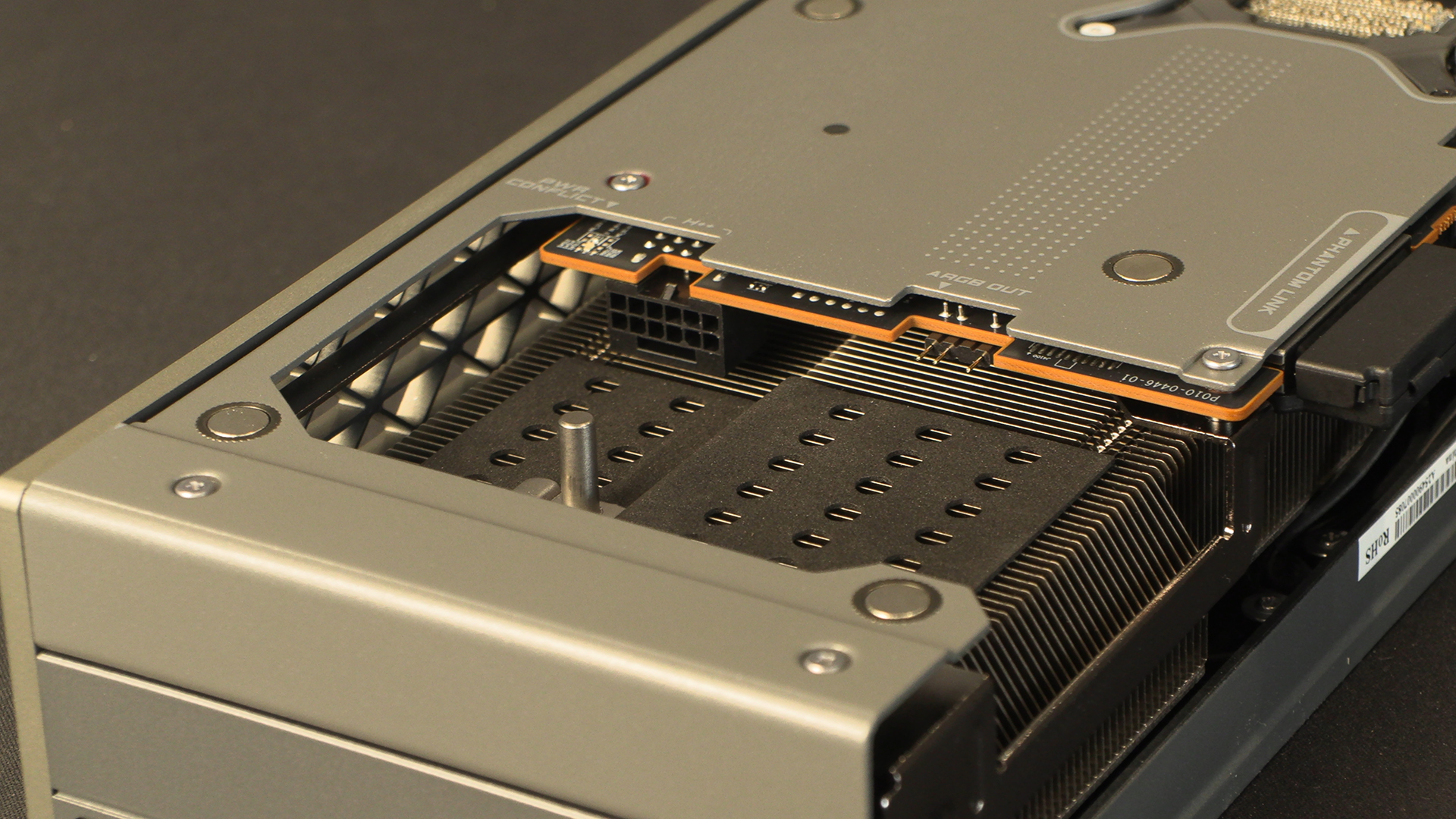
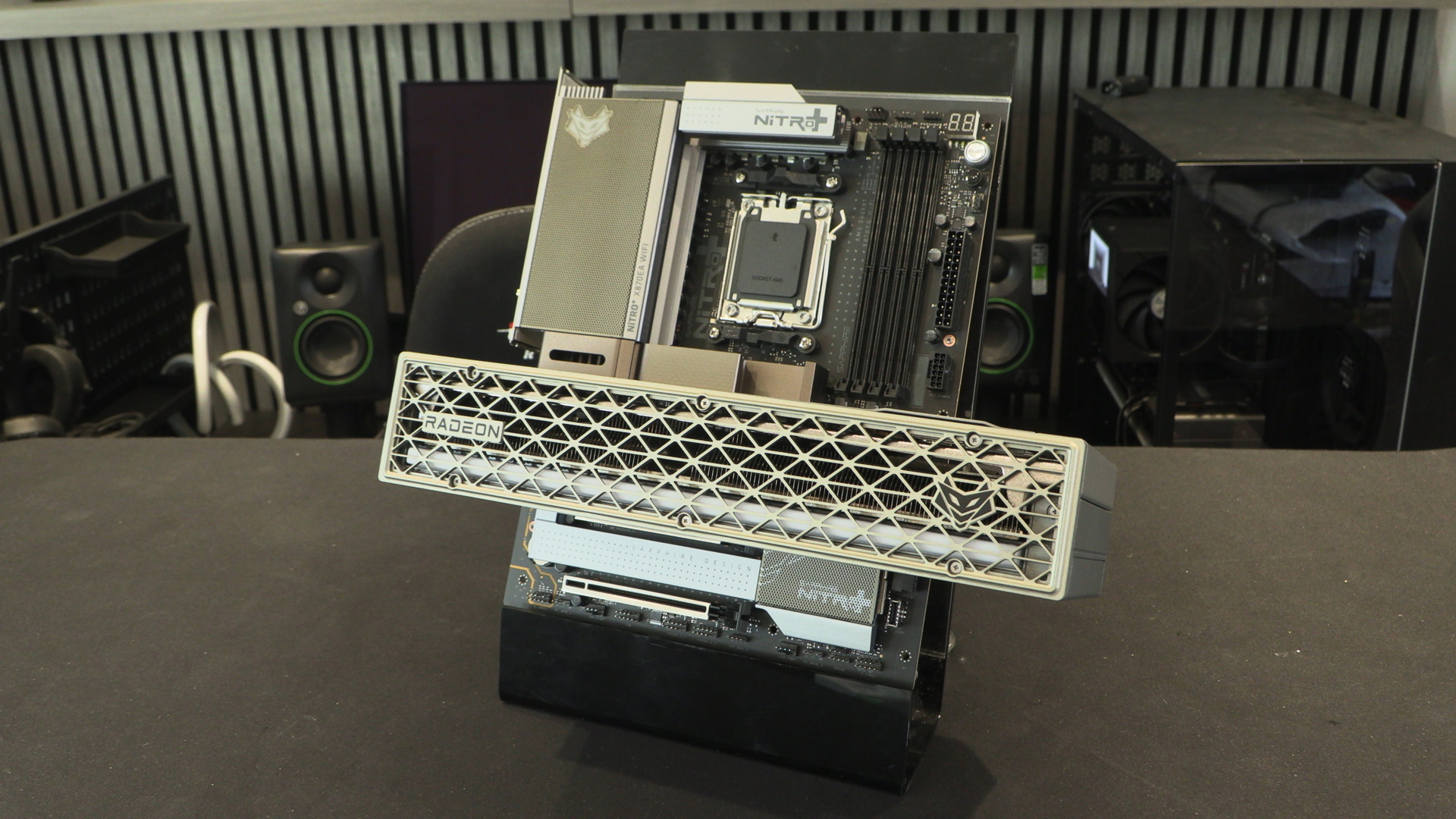
Tada. First seen with BTF motherboards, the PhantomLink power connector is the RX 9070 XT Nitro+ pièce de résistance. With a suitable motherboard, say the Sapphire X870 we’re also showing off today, you can just plug the graphics card in, no cable finagling required.
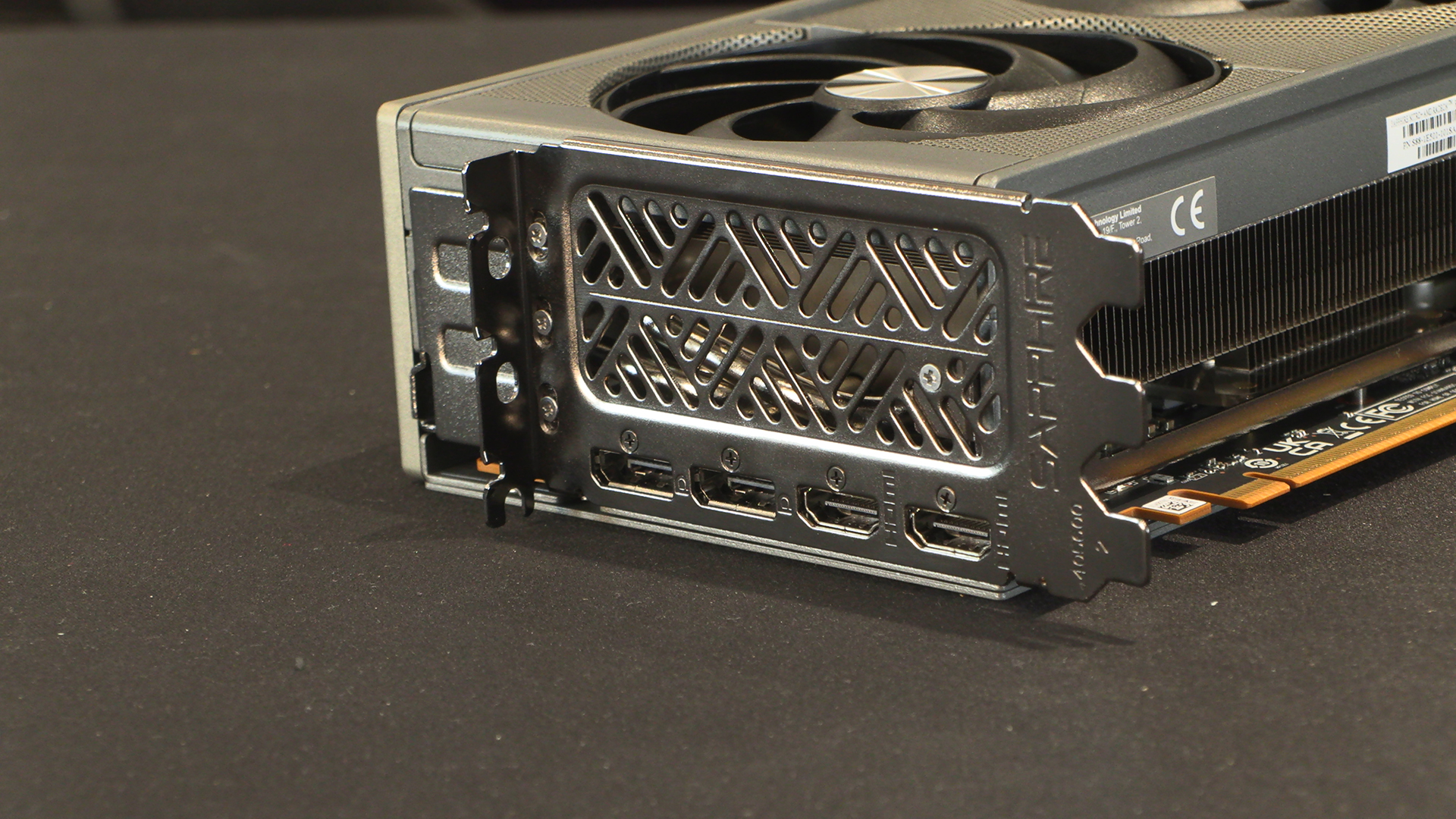
Connectivity is two DisplayPort 2.1a and two HDMI 2.1b. Both suitable for resolutions up to 7680×4320!
Put together the two Sapphire Nitro+ PhantomLink products make a perfect pair. We know that finances and stock levels mean that you have to be committed to get a system that matches. Sapphire prove that if you’re willing to put in the effort the aesthetic rewards are obvious.