


X= XRGB27WQ 27″ 165Hz 1440P Monitor Review

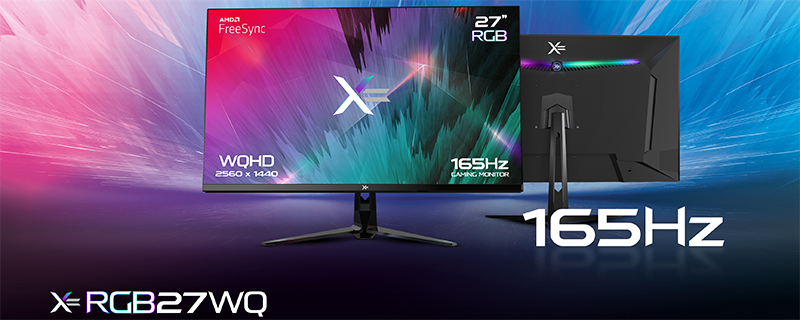
Up Close
The 28 is just a consignment number so you can ignore that. The box is certainly colourful and the features are writ large for all to see. It’s also extremely light which bodes well for the weight of the monitor itself.

The bezel is extremely thin and the monitor coating is excellent at stopping reflections. We’ve pointed one of our lamps much closer than we normally would just to demonstrate how easily it diffuses reflections. It’s a very attractive display to look at and that’s before we’ve got to the image quality. We’re big fans of the lack of shouty branding too. A simple X=. No GSYNC/Freesync logos or energy efficient stickers to distract.

The stand is easy to put together, small and light, but with no adjustability whatsoever. Sure it has a tiny bit of tilt, but no height adjustment, rotation or pan. It’s also a lot shorter than we’d be comfortable using for extended stretches unless you’re a tiny person. With 100mm VESA mount capability it’s easy enough to swap out for a more fully featured stand.
At the bottom left is the joystick which controls the OSD we’ll show you on the next page, whilst the button on the bottom right of this photo cycles through the RGB modes or turns it off completely. should you so wish.

Connections are easy to find and clearly labelled. The website says that one of these is a DisplayPort 1.2 and the other a DisplayPort 1.4a, but the manual doesn’t say which is which. We used the DP1 input and it happily ran 1440 @ 165Hz. It’s this input we’ll be using for our testing.

The X= might have the bare minimum of RGB – three modes selectable via a button on the back of the monitor with no software control – but it’s inoffensive. In the middle of the bars is the X= logo which you can see below.

The central dot you saw above projects a X= logo onto the wall behind it. Depending on the colour you can get a slight chromatic aberration effect, and the whole thing is easy enough to turn off if it’s annoying. Considering the low price though, we don’t mind it.


