


ASUS ROG Strix Impact II Gaming Mouse Review

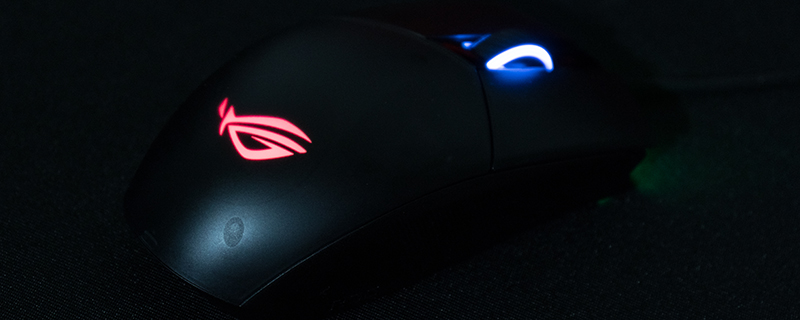
Up Close
If you’ve been following the various Strix products launched by ASUS then the packaging will be instantly familiar, with a large multi-hued ROG Eye logo dominating the box almost as much as the clear product shot. The rear of the box tells you all the features that you get for your money, including the ability to swap the Omron switches. Unlike the Pugio this mouse is neither so expensive that you would realistically do this, nor are any spare switches included. So a nice, but niche, feature.


The days when you got the software included are thankfully long behind us and so the Strix Impact II box contains the mouse and a quick start guide. Given that the guide is “plug it in and download the software” even that might eventually go by the wayside. We can’t forsee anyone looking at the mouse and wondering what the heck to do with it.

Recently the ASUS design team have moved away from an opaque chassis to a transluscent one. How much you like this is very much a matter of personal preference, but we come from the days when a clear Gameboy was about the coolest thing you could own, and so we like it a lot. It’s always nice to see the inside of your technology.

The underside is where you find the DPI button, something we neither like nor understand. Not only is the ability to change your DPI quickly a boon when swapping between tasks, but if you really don’t ever do that then it’s a handy button you can customise. Here it’s the worst of both worlds as it’s neither readily to hand for DPI changes nor usable as an extra button. Beneath the rubber circles are the screw heads which allow you to disassemble the Impact II for microswitch swaps, but again with none provided it’s a pointless exercise here.

The side view shows how well the grooved texture on both side panels of the Impact II work harmoniously with the grooves in the scroll wheel. Combining this level of grip with the lightness of the Impact II and you’ll never find it slipping out of your control.


