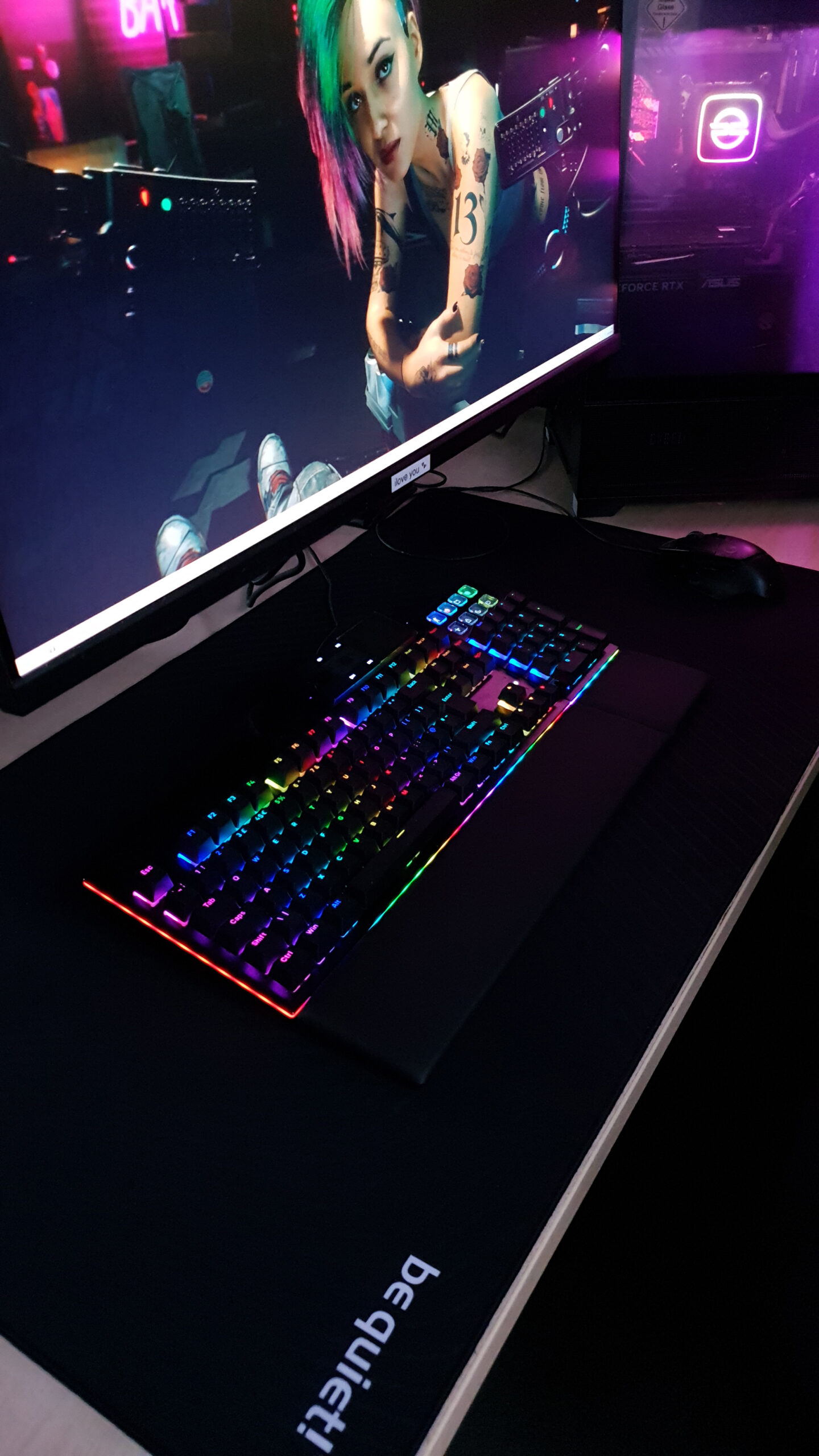


BeQuiet Dark Mount – A Personal Review

Dark Mount Pictures
Dark Mount Pictures
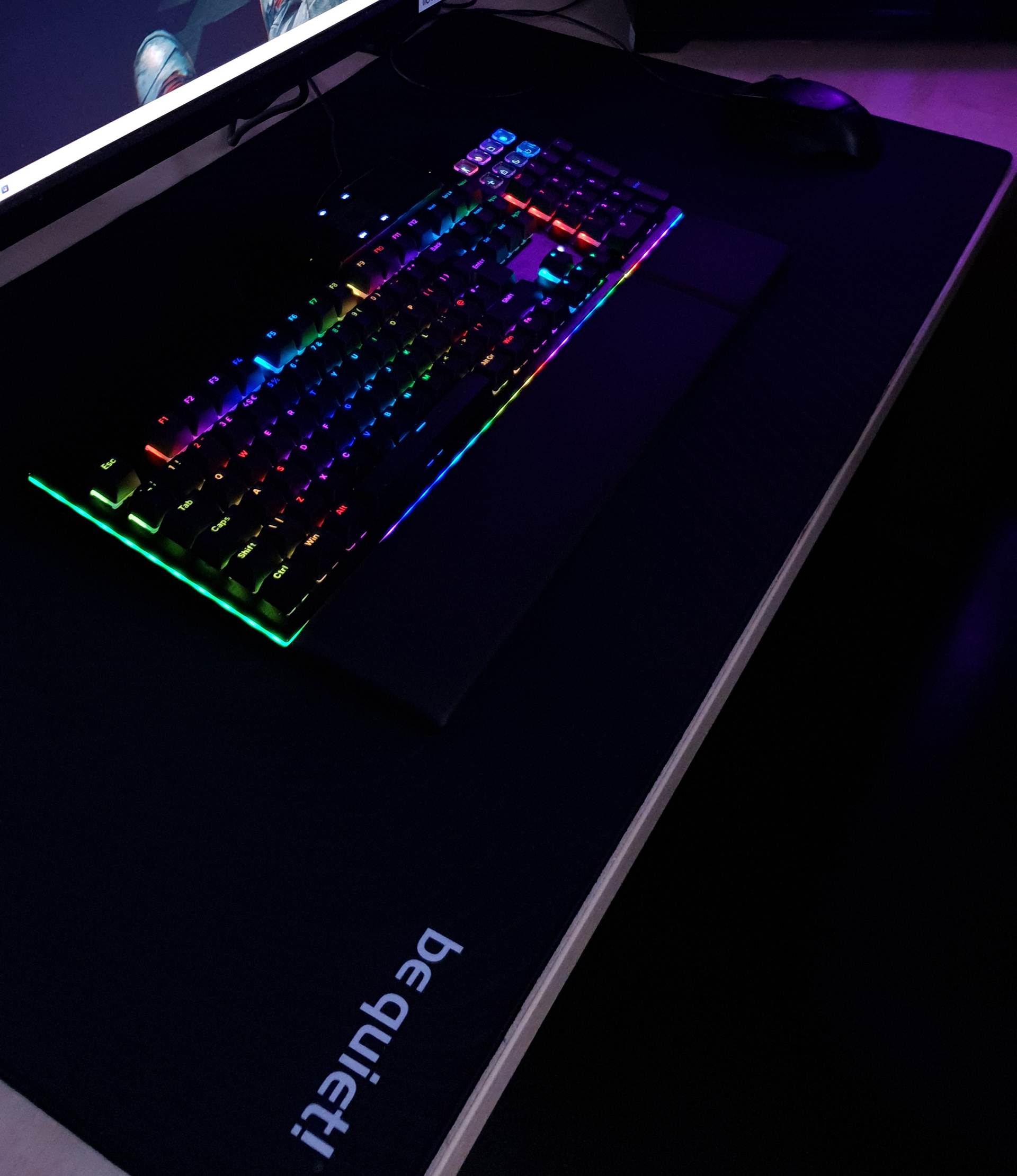
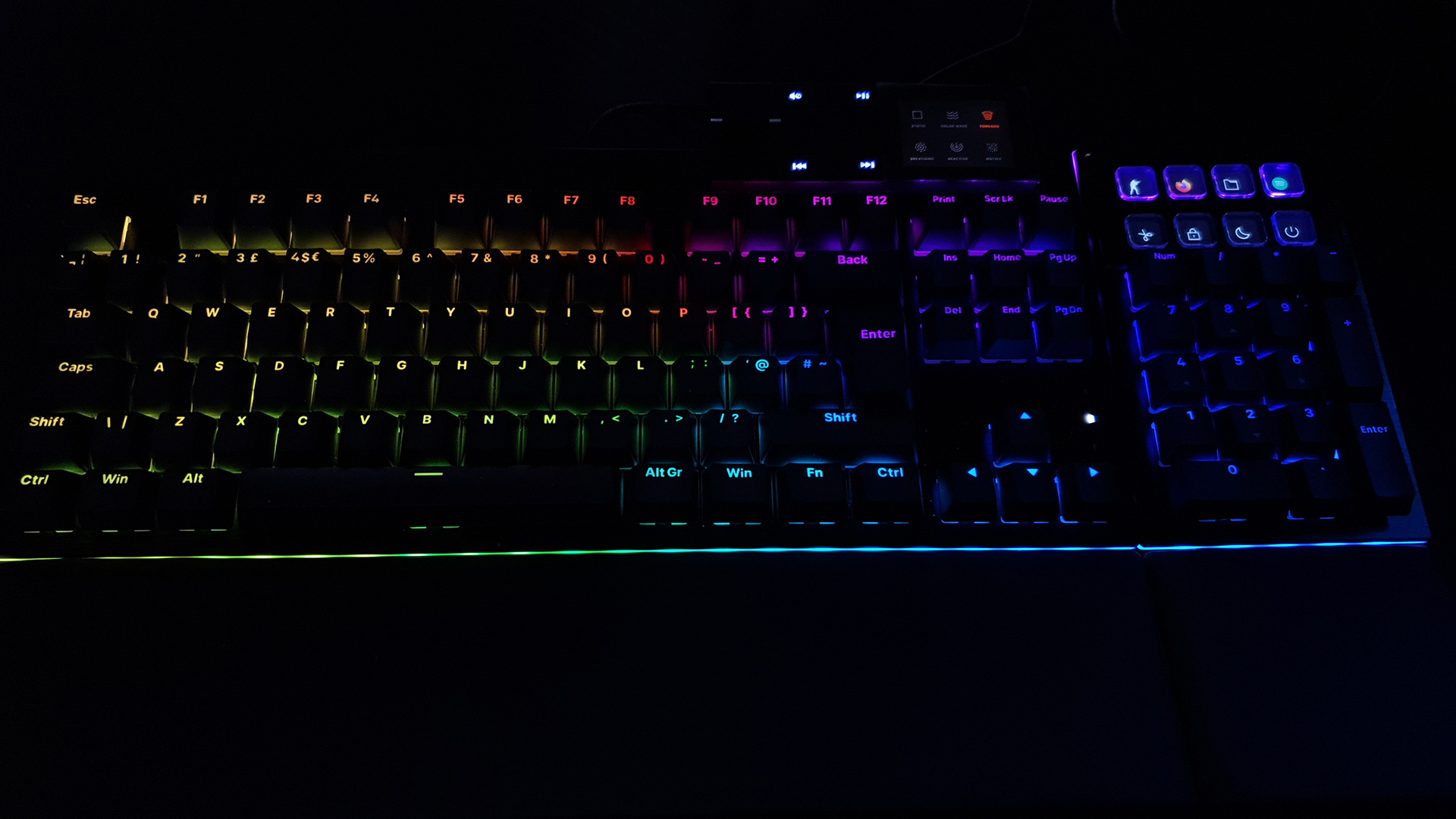
There is no doubt that the Dark Mount lighting system is up there with the best. Bright, good colour replication, and plenty of options. Be Quiet! even supply a wrist rest. I have been typing all my life. The rubber keys of a Spectrum 48 aren’t the best, and it was many years before anyone took RSI seriously. So much so my wrists are knackered. Get a wrist rest. Or use the one in the box.
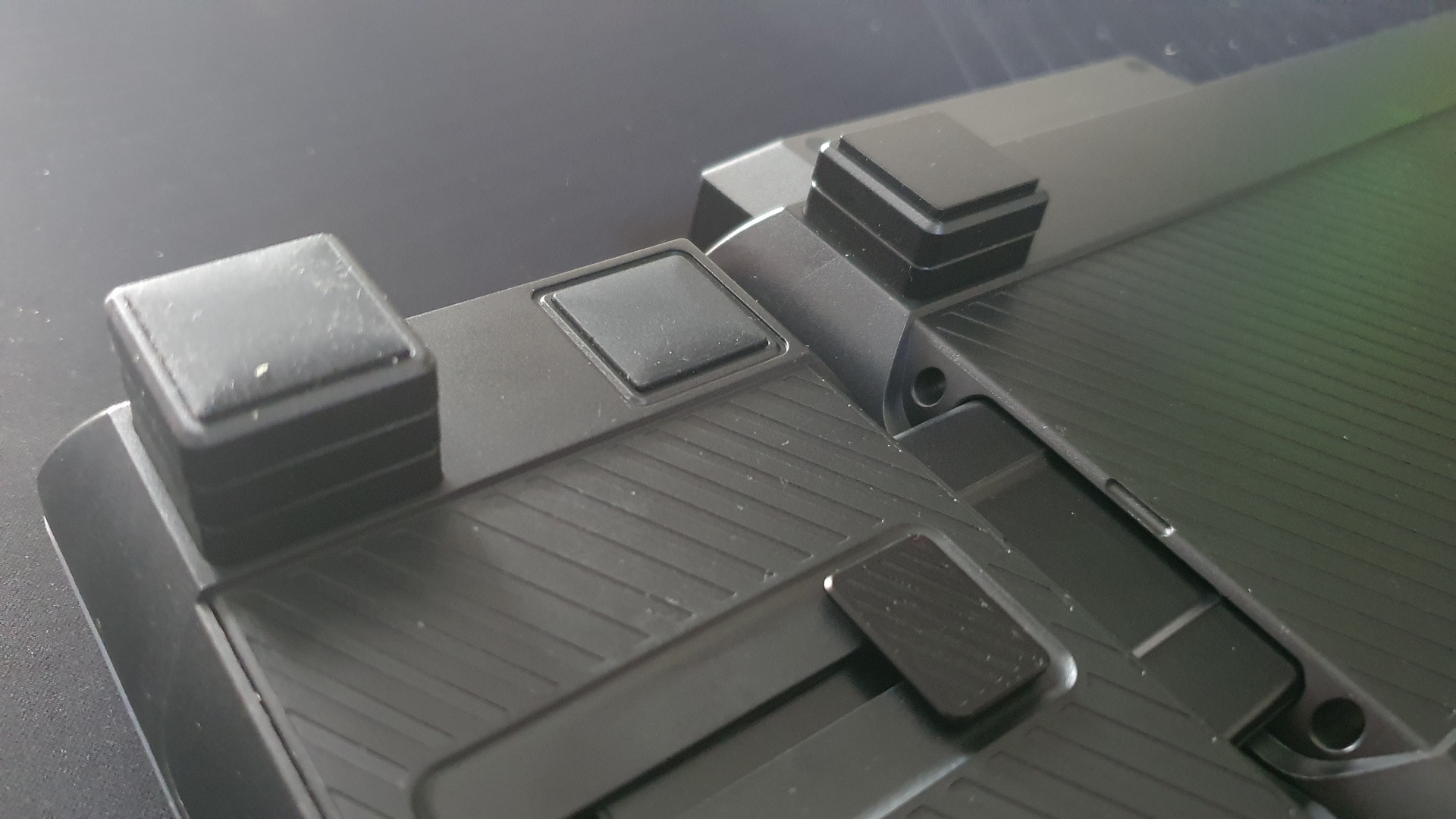
Rather than have built in feet of one or two heights, Be Quiet! have gone with a stack affair. Each ‘foot’ adds 3° in height. Most keyboards are 9° at their full height. You can also see where the Numpad attaches to the main keyboard. I’m right handed, so it goes it in its usual place but if you’re a leftie you can put it the other side. Flexible.
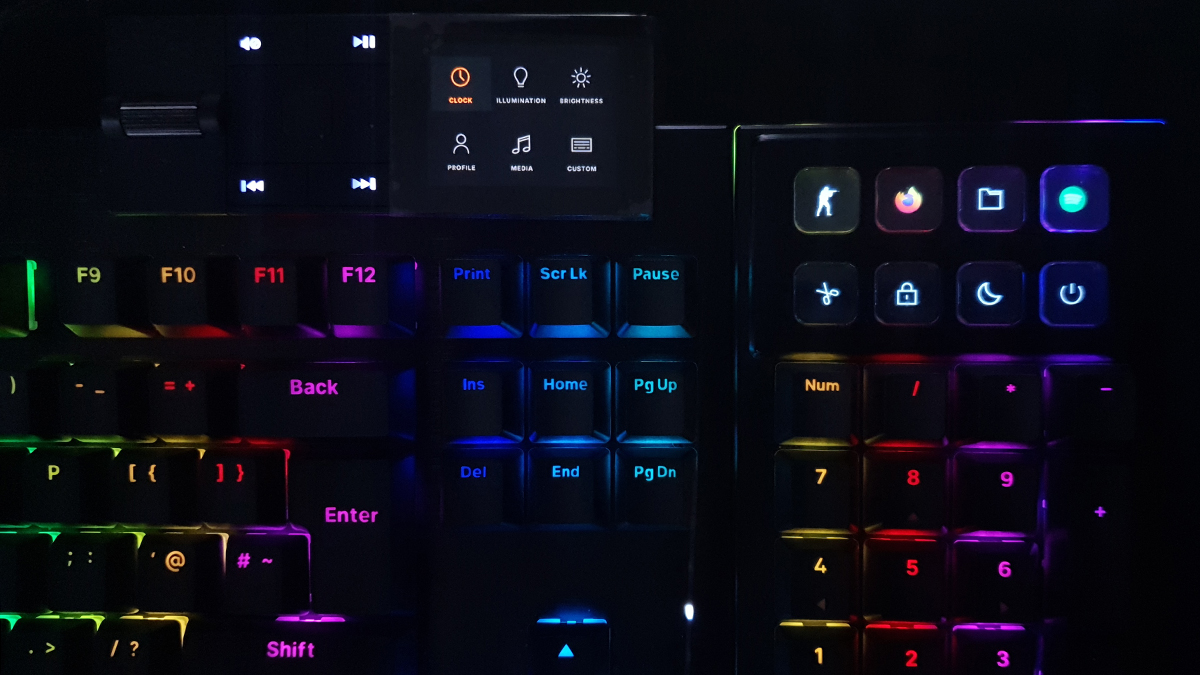
I told you the colours were great. Smooth. The media dock can be on the left or right hand side of the Dark Mount. I’ve always had media keys on the top right of my keyboards, so having it there is best for my muscle memory. The light bar that surrounds the Dark Mount shines brightly too, replicating the colour of the vertical segment keyboard by default but you can customise it. Of course you can, this is the keyboard Kings would type on.
Media Dock
There are some settings built in that you can change by using the central button to bring up the menu, and the FF/RW buttons to cycle through. Curiously none of them count as a back button. So if you want to adjust the profile, and then go back to adjust the colour setup, you have to wait for it to time out first and then go back through the whole procedure. A tiny niggle, but with a keyboard that’s so nearly flawless, it’s a strange oversight. It’s akin to waiting for your phone to auto-lock before you can check another app.
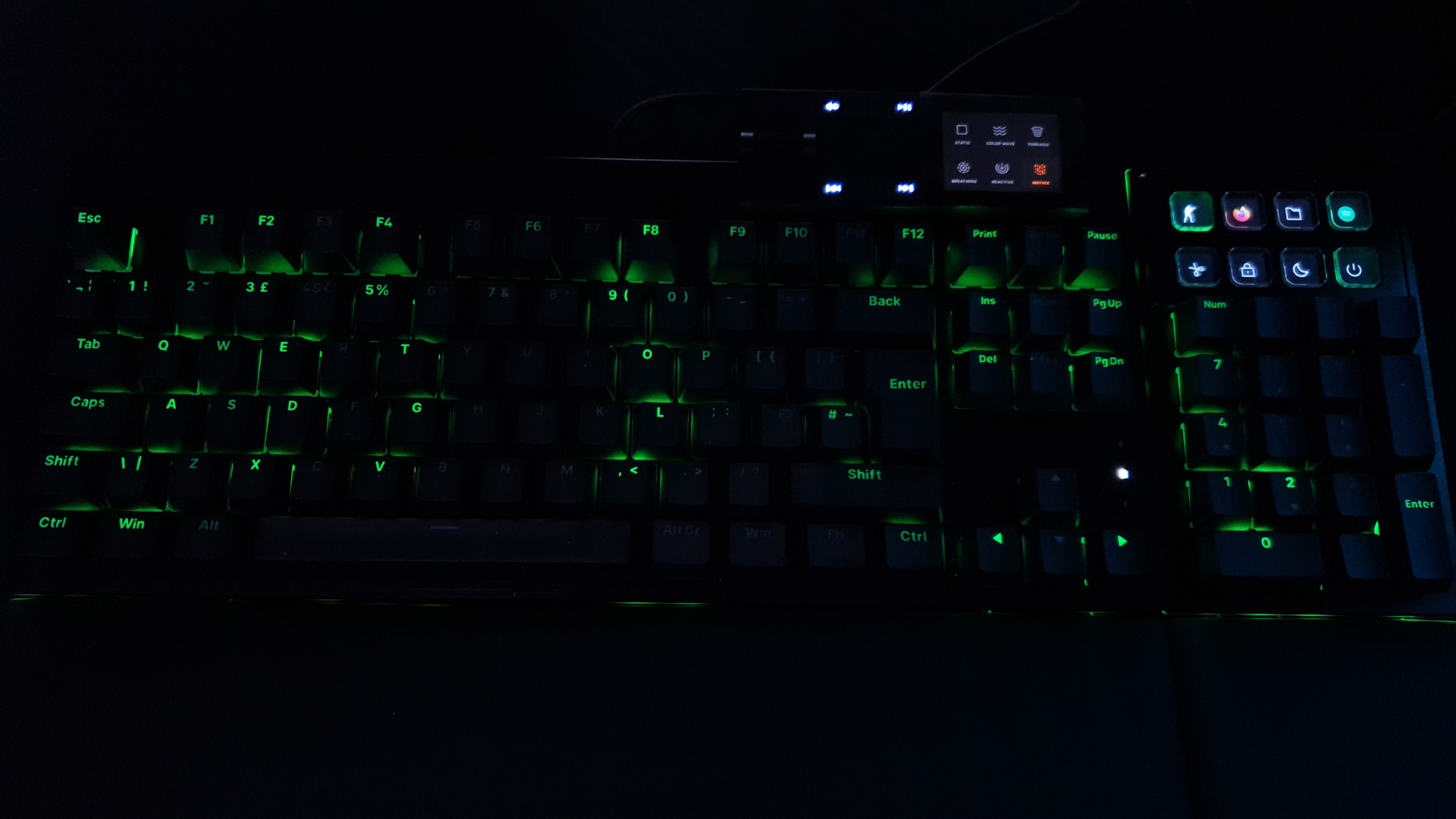
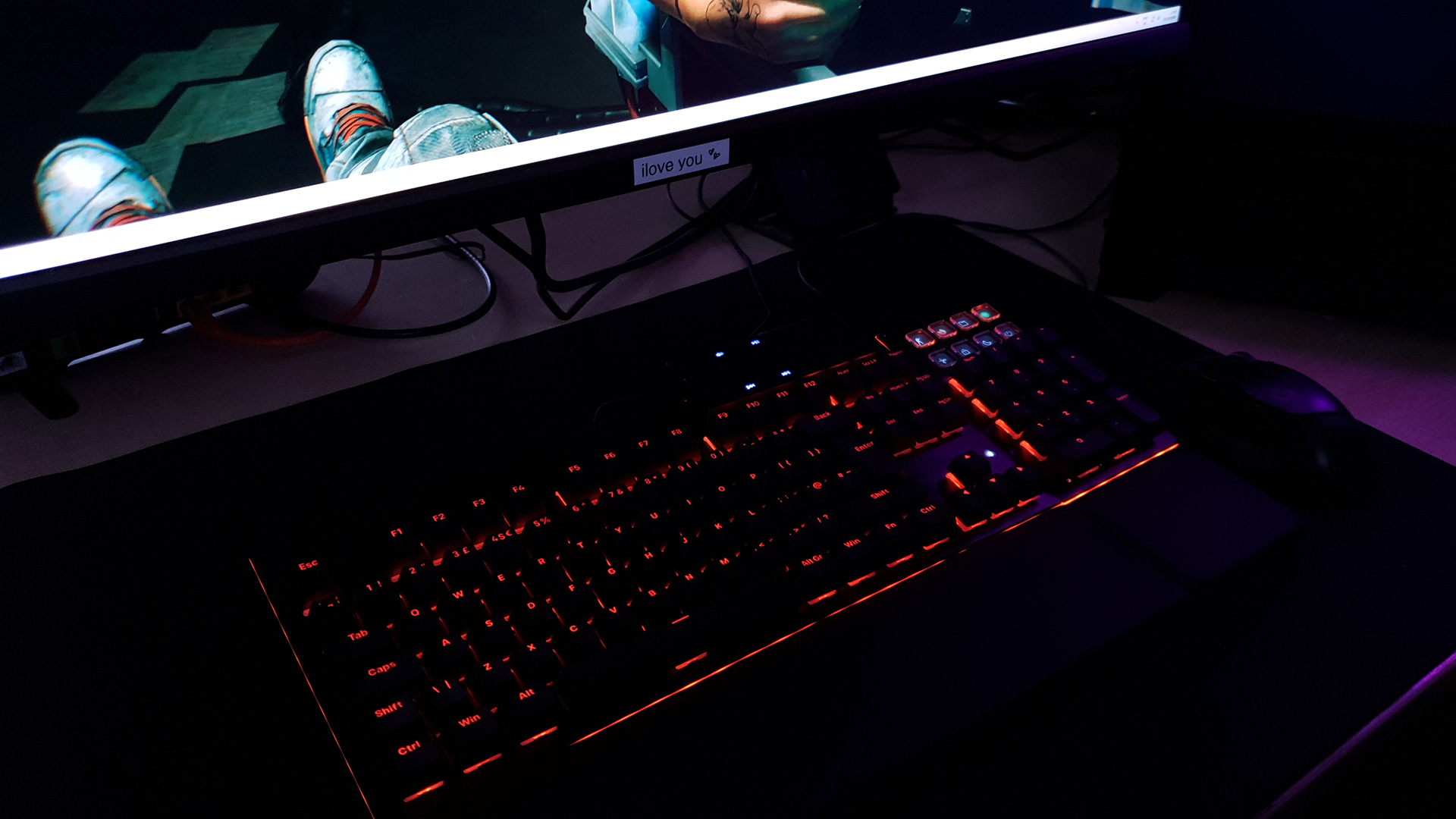
Remember at the beginning when I was talking about colours? As you will know if you’re an old hand here, orange is my weapon of choice. The Cincinnati Bengals have much to answer for. Given that orange is the official colour of Be Quiet! it’s no shock to see that they’ve absolutely nailed it. Stunning. I like the unicorn spit rainbow effect for daily use though. It does, however, bring up the second of our microscopic nit-picks, which is the slight gap between each LED on the surrounding light bar shows up. Tiny, but noticeable. Albeit nearly impossible to fix.
Display Keys
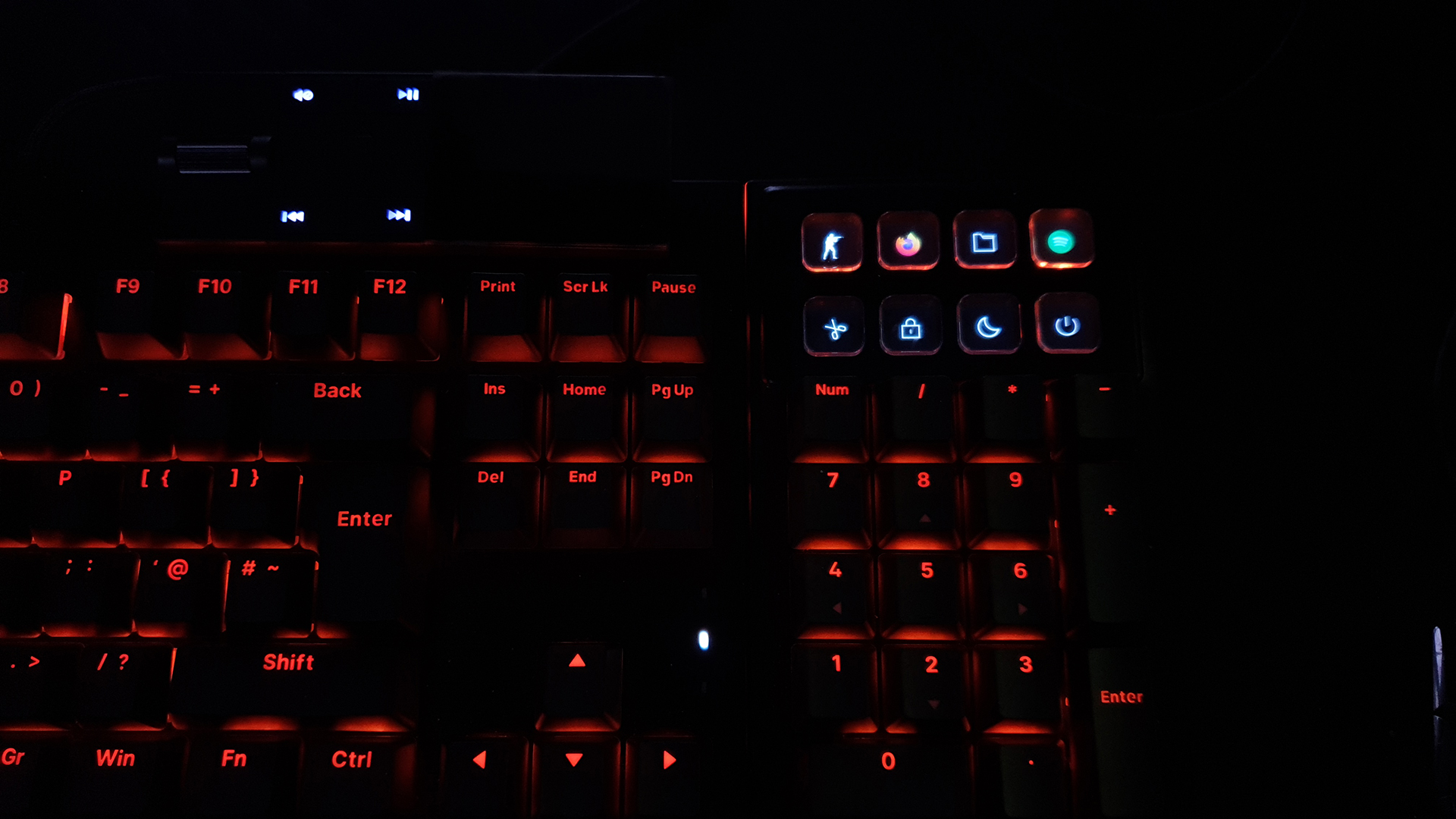
The buttons at the top right of the number pad are magnificent. If you’ve seen any of my system reviews you’ll know that a Stream Deck is welded to my desk. Okay it’s a first gen and badly in need of an update, but I use it all the time. It is a tiny bit out of reach though, and on a light stand it’s a touch flimsy. Here, with eight keys within touching distance and fully customisable with 140 x 140 pixel colour displays and a host of features, it just makes my life easier.
You can’t show gifs. I don’t anyway, but it’s a place where a Stream Deck has the edge if you prefer flash to functionality.
Lastly the Be Quiet! XL Mouse pad is comfortable, helping to dampen any vibrations transferred to your desk, whilst also looking sleek. Curiously my one hasn’t got the two colour Be Quiet! logo. I don’t mind, it is just unexpected.