

BeQuiet Dark Mount – A Personal Review

Software and Tiny Issues
Software and Tiny Issues
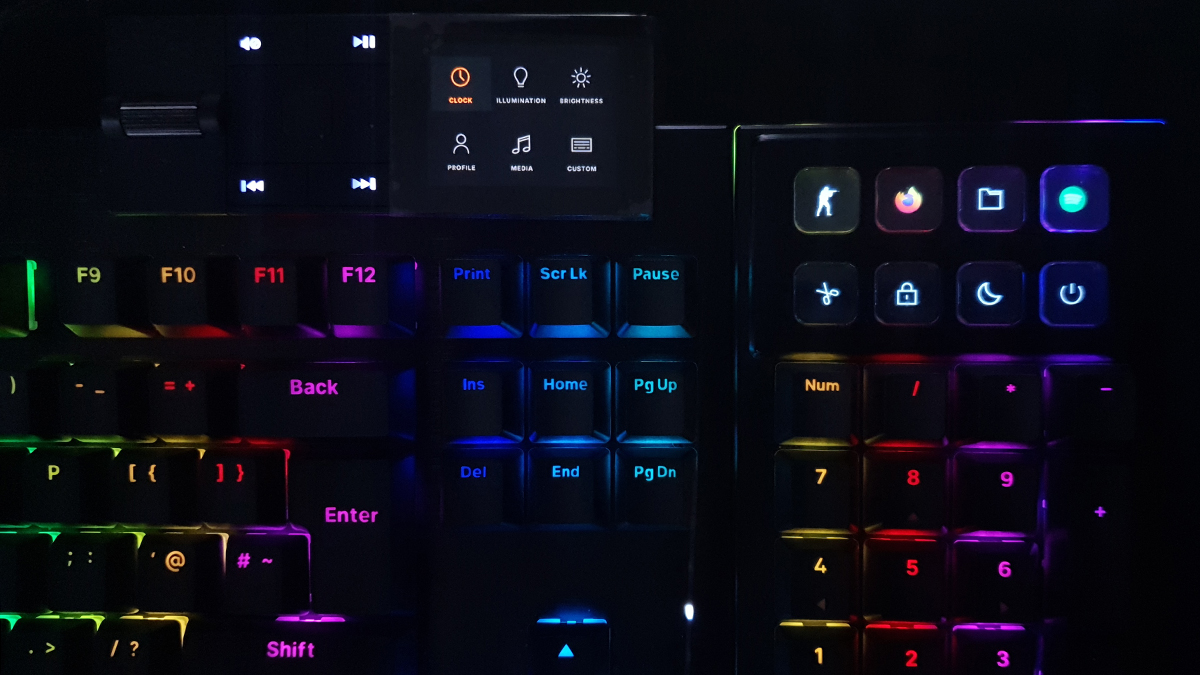
It’s easy to tailor the Dark Mount to how you want it. Because of my high workload I need things to be exactly where I want them. The IO Center lets you do that. Should you want to run without software you can adjust things using their in-browser software. The keyboard itself has multi-profile memory you can switch between using the screen we saw on the previous page. Or you can just install the software. A small footprint, but it does use 1% of your CPU at all times. Or at least it does mine.

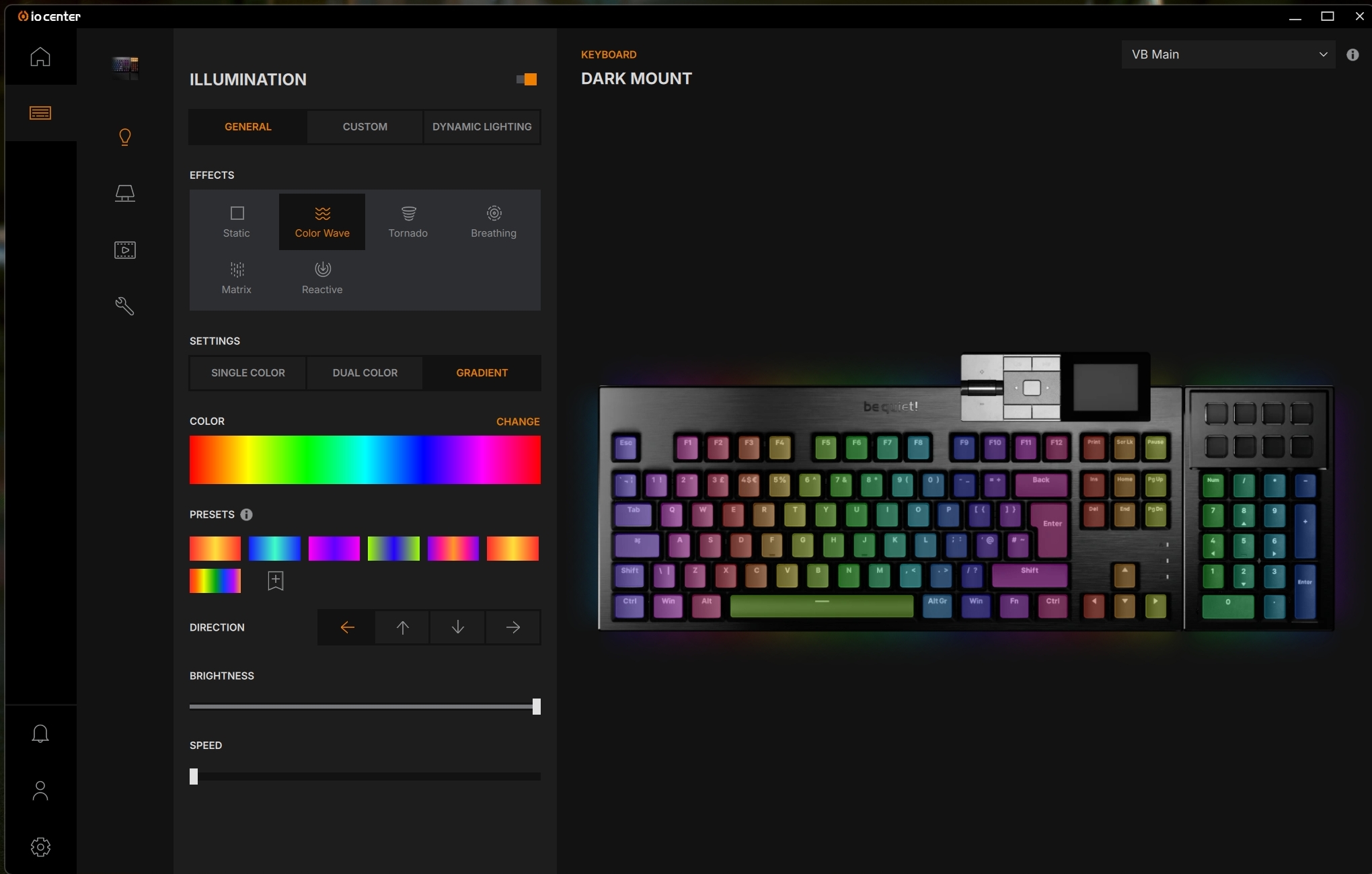
Here’s another small issue, and one that plagues every keyboard I’ve reviewed. Liking the rainbow effect as I do, the Dark Mount comes with a rainbow preset. But if you change it, it’s not built in to the software and you can’t reset back to default. What is really irritating is the speed slider. All the way to slowest should stop the scroll effect. I’d go so far as to describe the speed at its slowest as still pretty quick. My RAM takes 5 seconds to cycle back to red. My Palit Game Rock GPU has 7 seconds a loop. The Dark Mount goes through the rainbow in two and a half seconds. Put it up to the fastest and you might as well buy a strobe. Can we just have the lowest speed be off please? So I don’t need to manually create a static rainbow. Thanks.
Taming the Beast
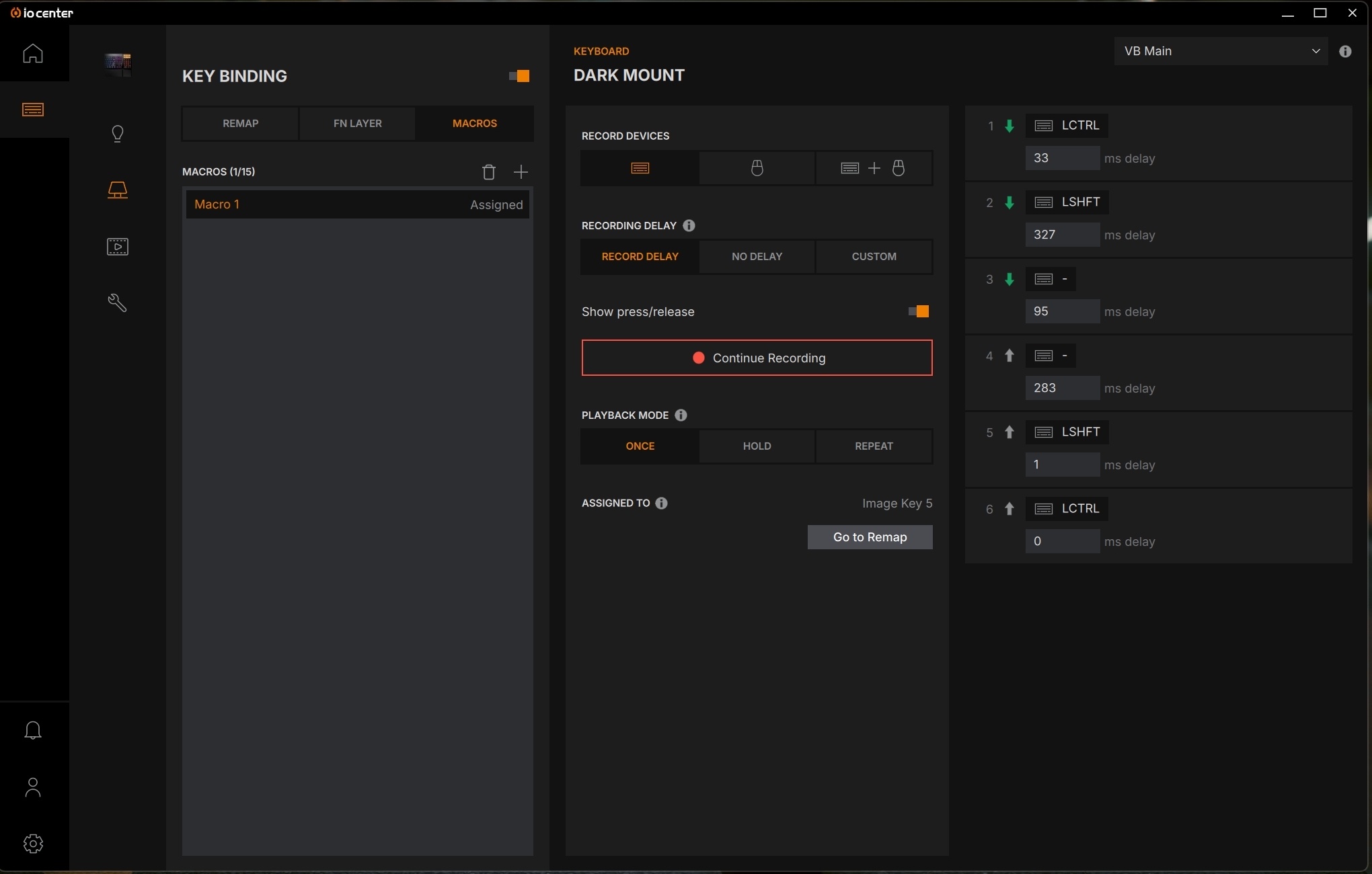
It would be mad to have eight extra custom buttons and not have a fully featured macro editor, but this has that too.
There is a Fn layer mode too, so you’ve even more buttons available. I really like that it does a thing we’ve seen before where holding Fn lights up only the keys that have a Fn+ binding. If you’ve got a swiss-cheese memory like me, you’ll appreciate the prompt.
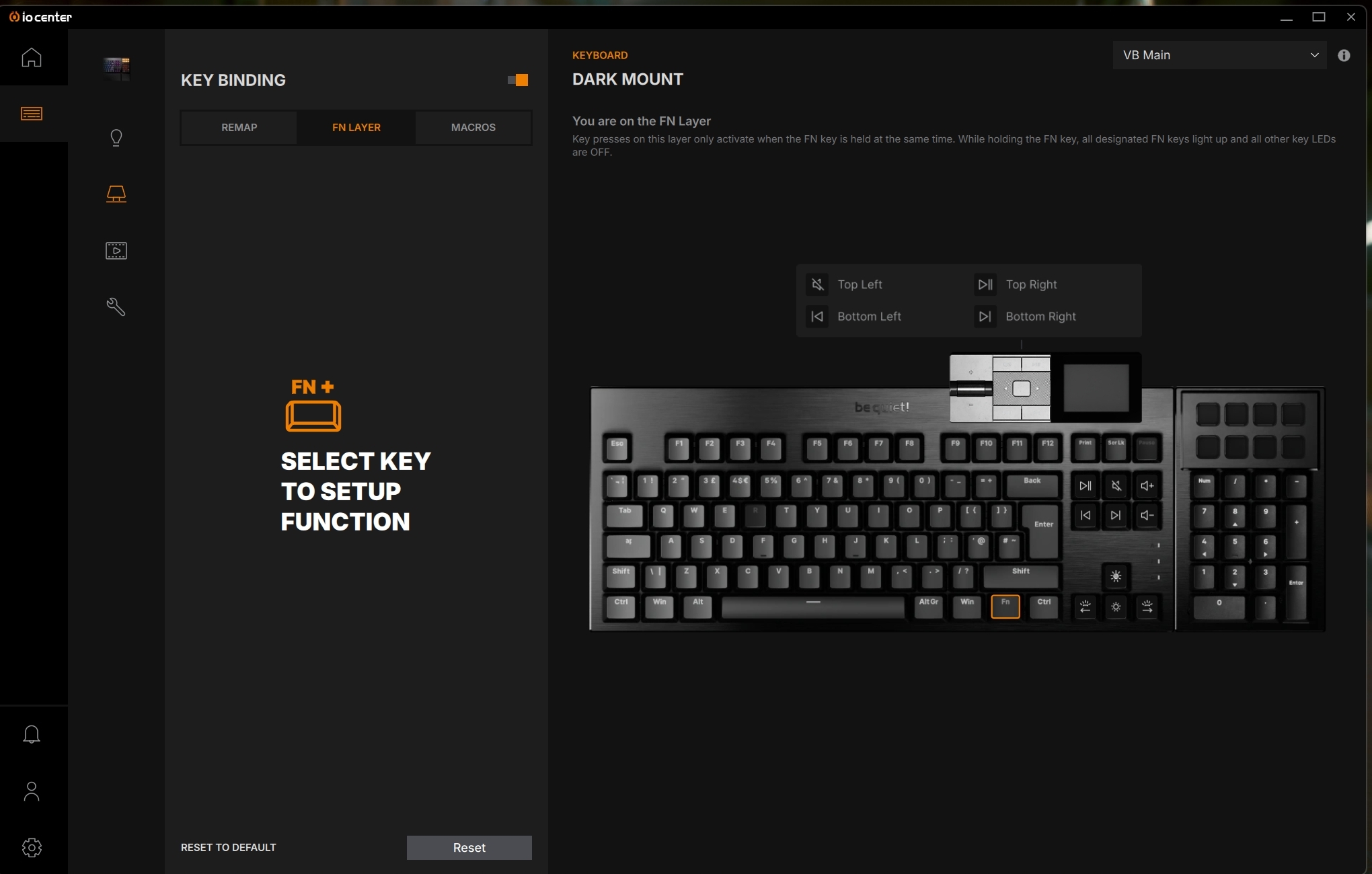
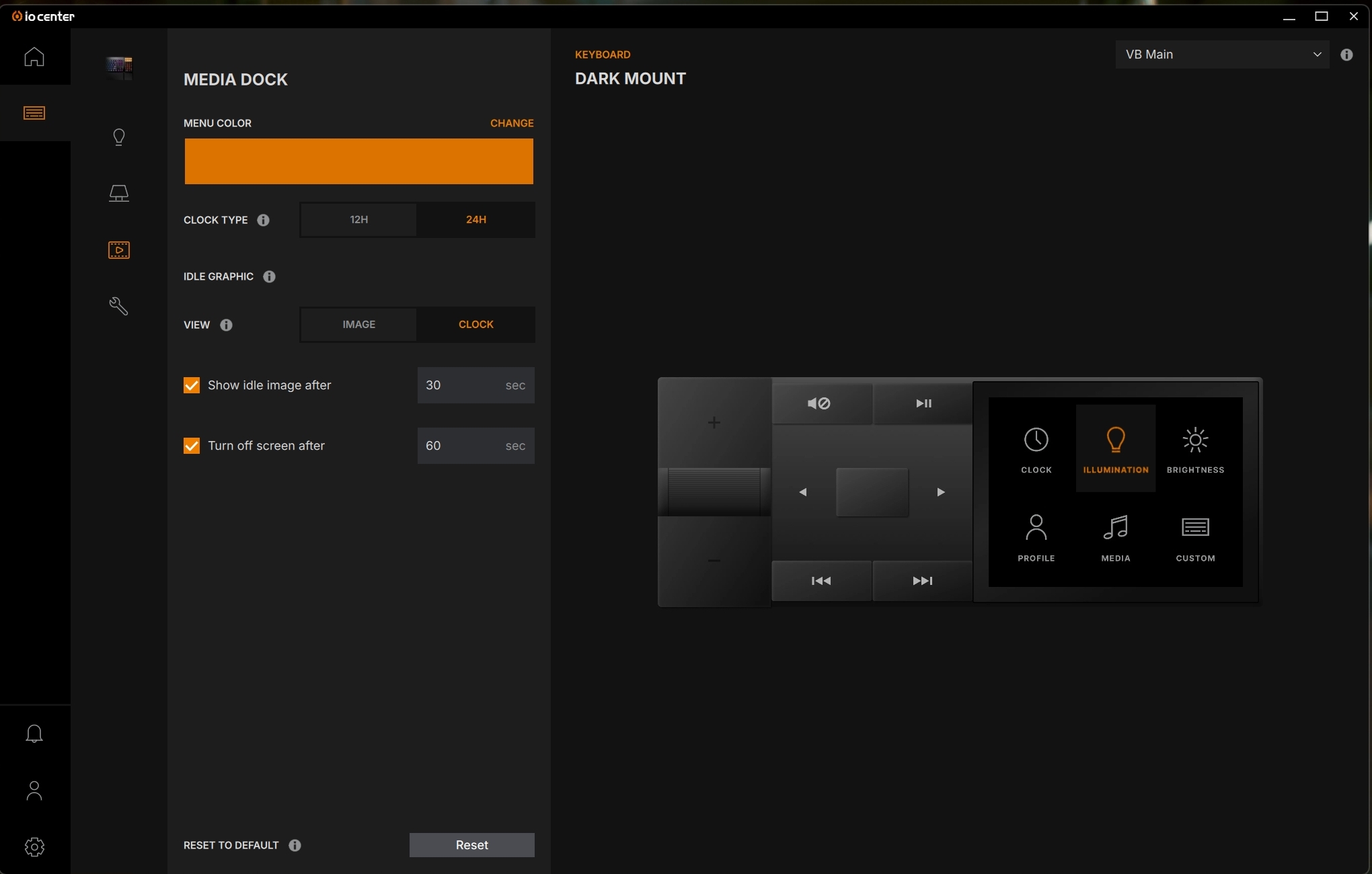
You can set a custom idle graphic if you like. Given how easy it is to burn into OLED screens, and that my keyboard is on 16 hours a day every day, I have it set to off. People with more sane lifestyles could show their clan colours. I still wish the media controls were screens, because my brain hits mute when I want to play. To me play should be on the left. It just feels right. Yes I know I’m strange. I also am aware that I can swap them to perform the opposite function, but the icon will always be what it is.
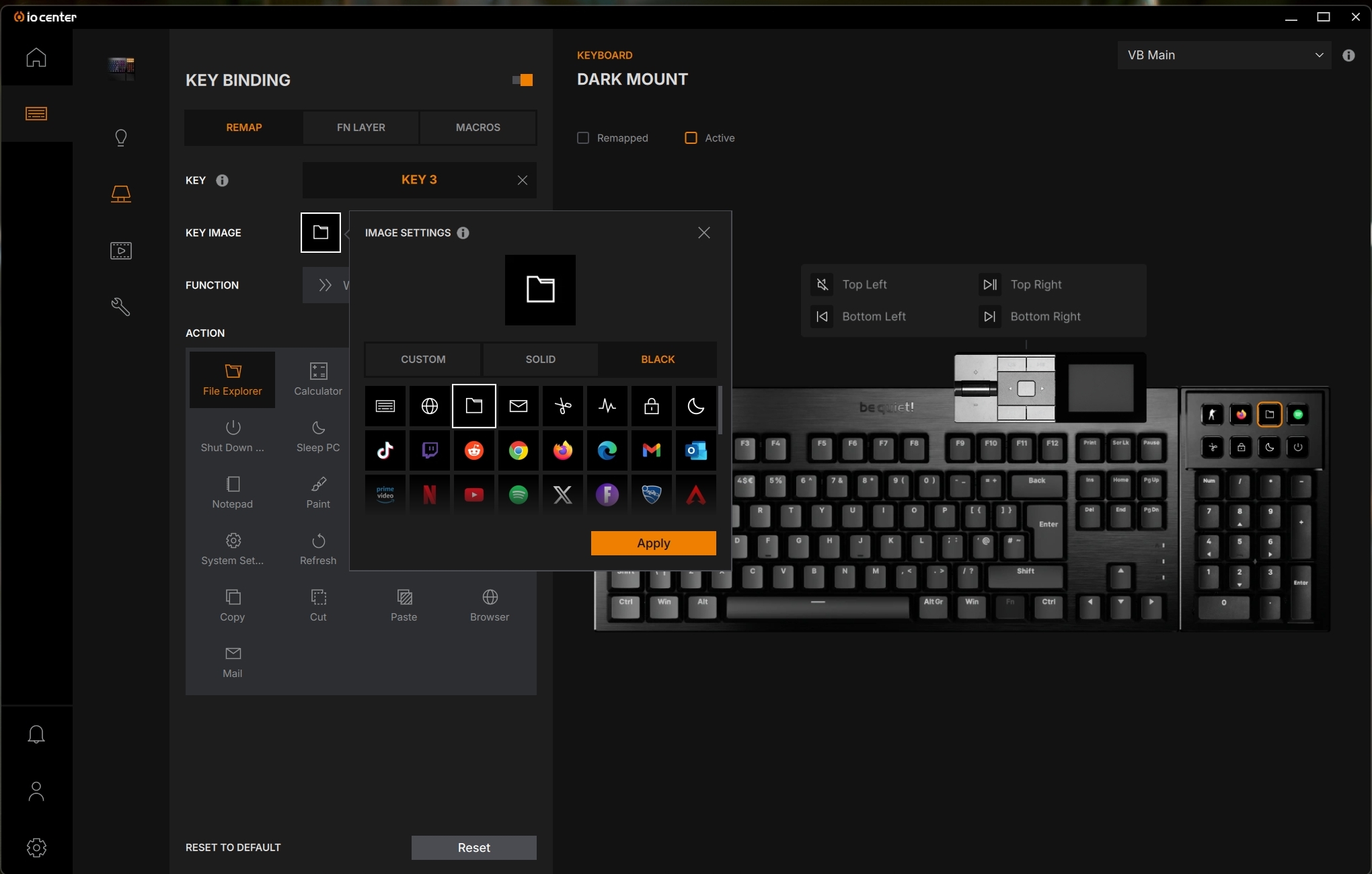
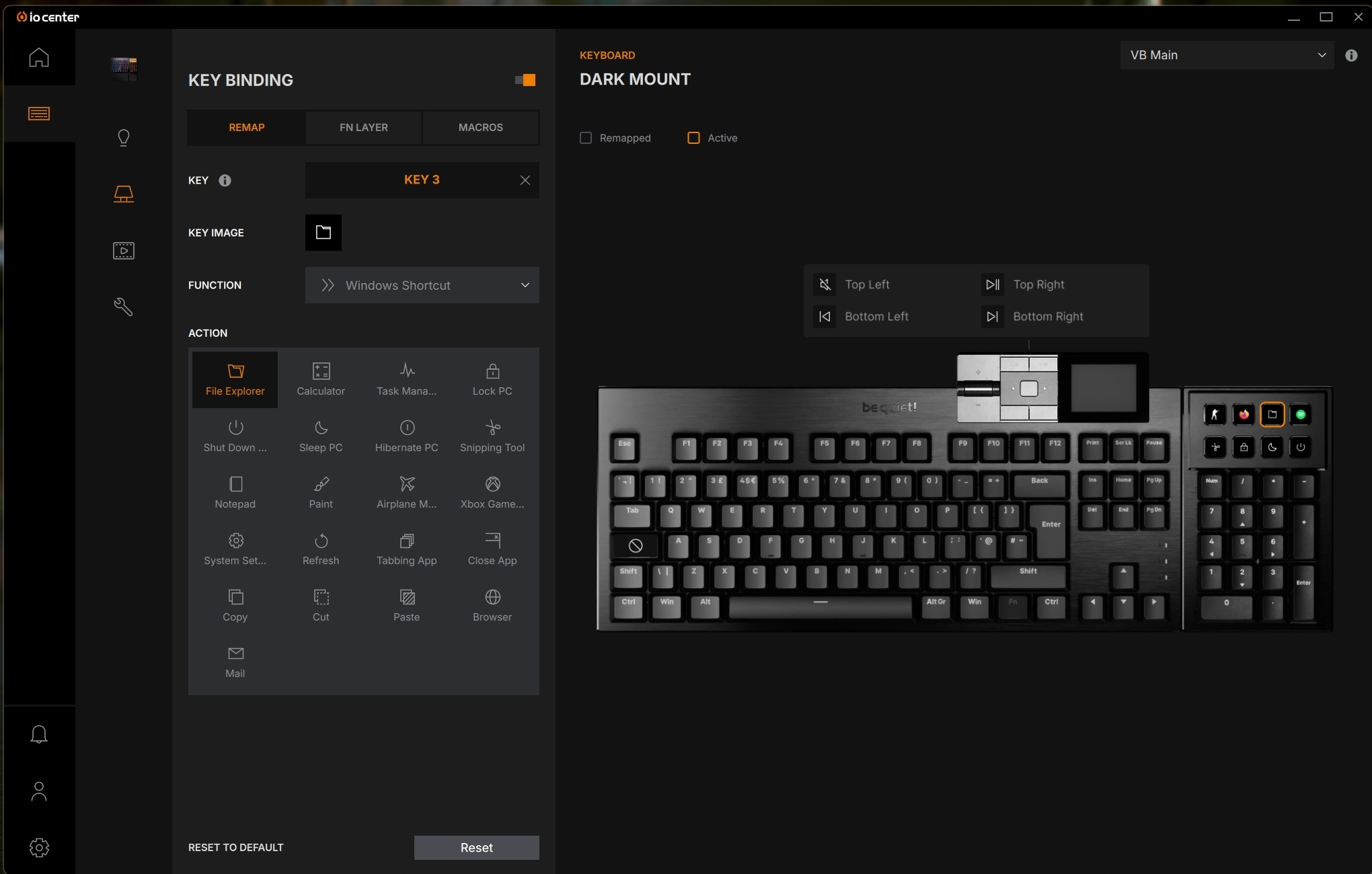
Those 8 Display Keys have LOADS of pre-built options. I’d go as far as to say you’re unlikely to need to create one yourself, assuming we accept picking a specific file to run counts as a default option.
Multi-icon Wishes
The Dark Mount software has loads of presets. Really a wonderful amount. This is where the keys both win and lose against an actual Stream Deck. The Elgato option has almost nothing built in. This Dark Mount has plenty of the major sites and apps in the software. But the Stream Deck allows you to run multiple icons on the same button. I have the Nvidia Shadowplay as a button on my deck to record what few gaming exploits I have to share. By default the icon is plain, press the button – which just runs the Instant Replay shortcut – and whilst recording is active I have a red button. Akin to the red light outside a recording booth. It’s a handy ‘at a glance’ thing. The Dark Mount IO Center software only allows a single image display per key.