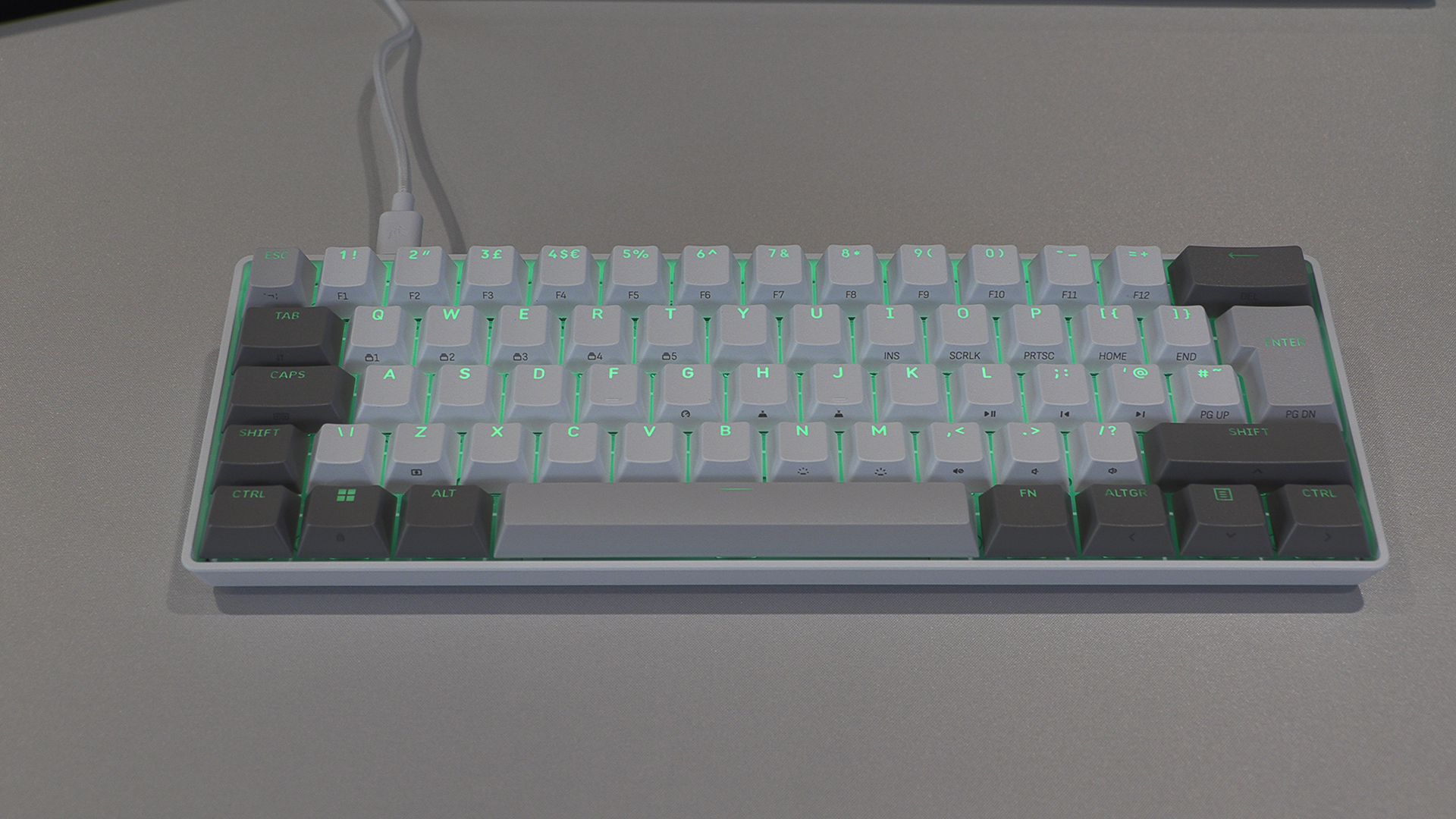


Corsair Clipper Pro Mini 60 Keyboard Review

Up Close
Up Close
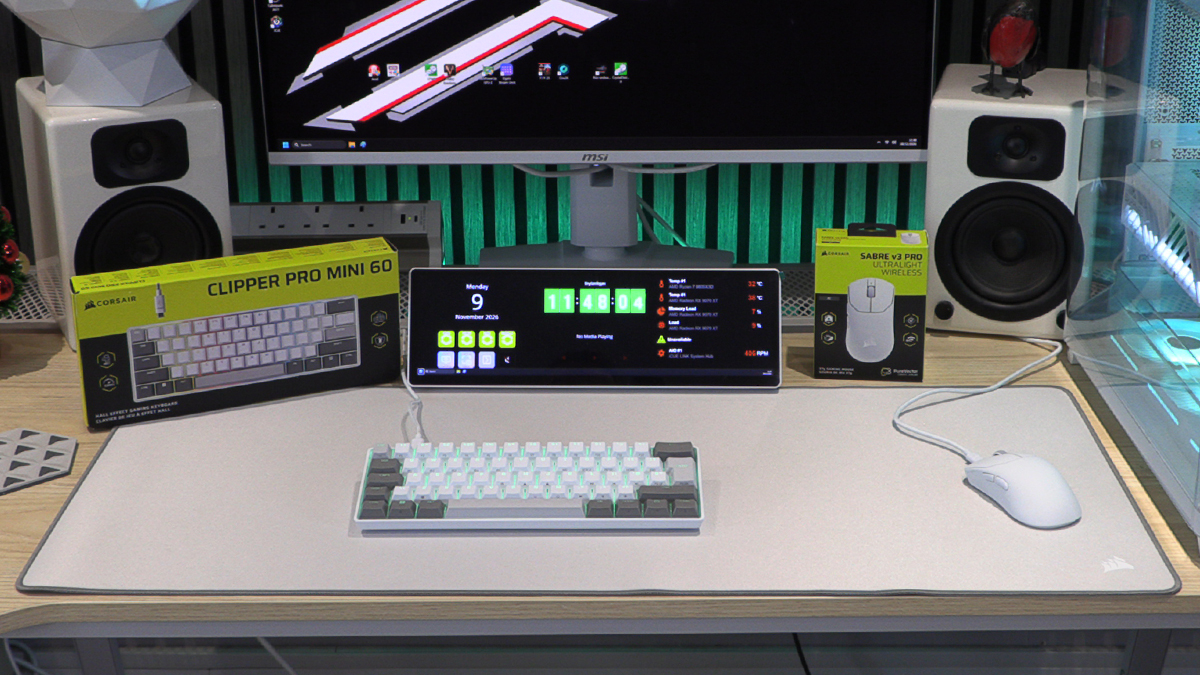
It wouldn’t be a Corsair product if we couldn’t spot the bright yellow box from a thousand yards away. That might be a tiny thing, but in our world with an office stuffed full of things, being able to quickly identify a box is key.
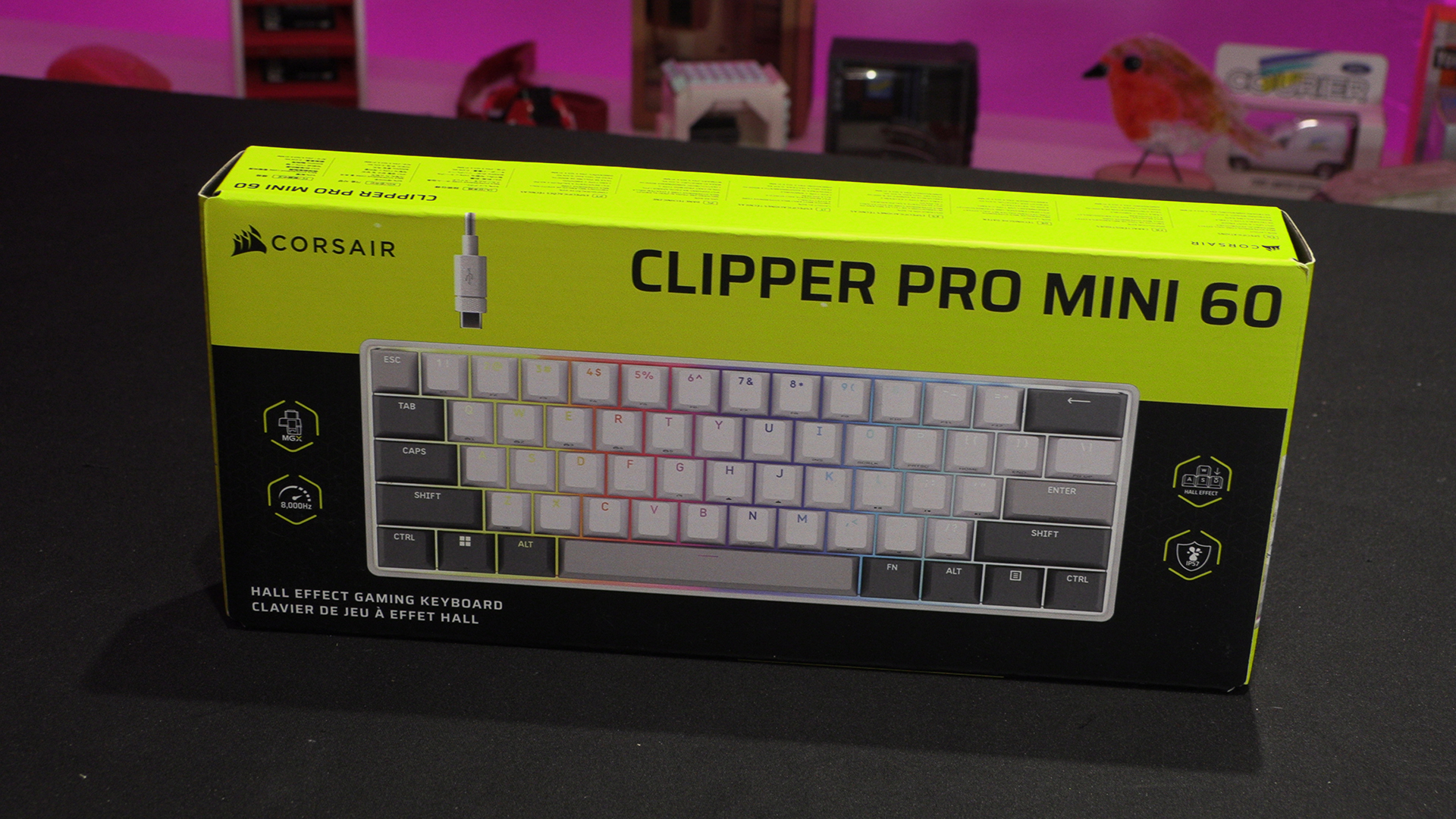
We did tell you the Clipper Pro Mini 60 was compact. Look at it! No F-keys. Arrow key cluster absent. Numpad elsewhere. Yes, all are available as secondary key functions, but out of the box you get the minimum of keys to go with the minimum form factor. If you take your keyboard around a friends for gaming parties, or just want to type on the TV easily, the size is perfect.
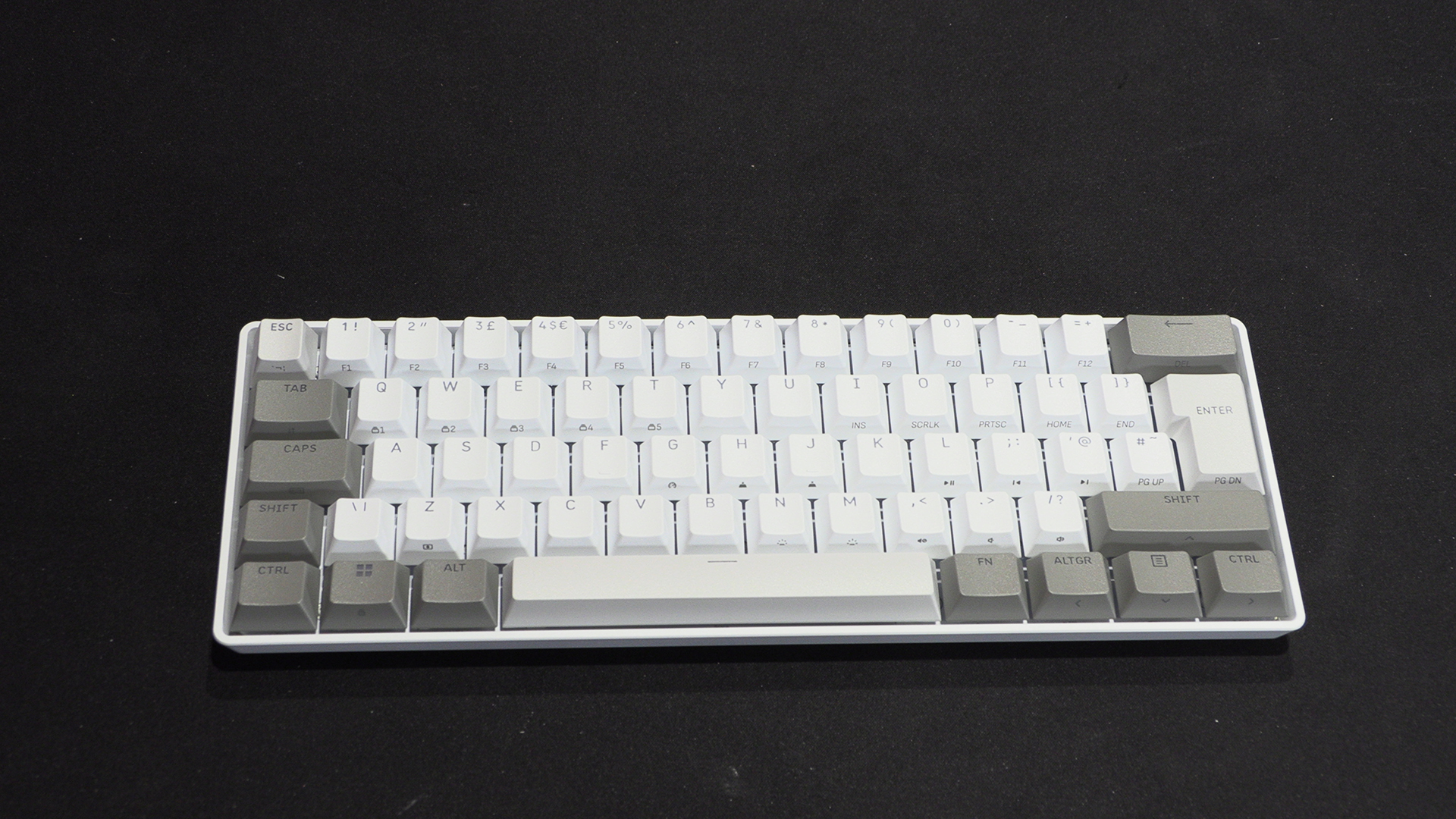
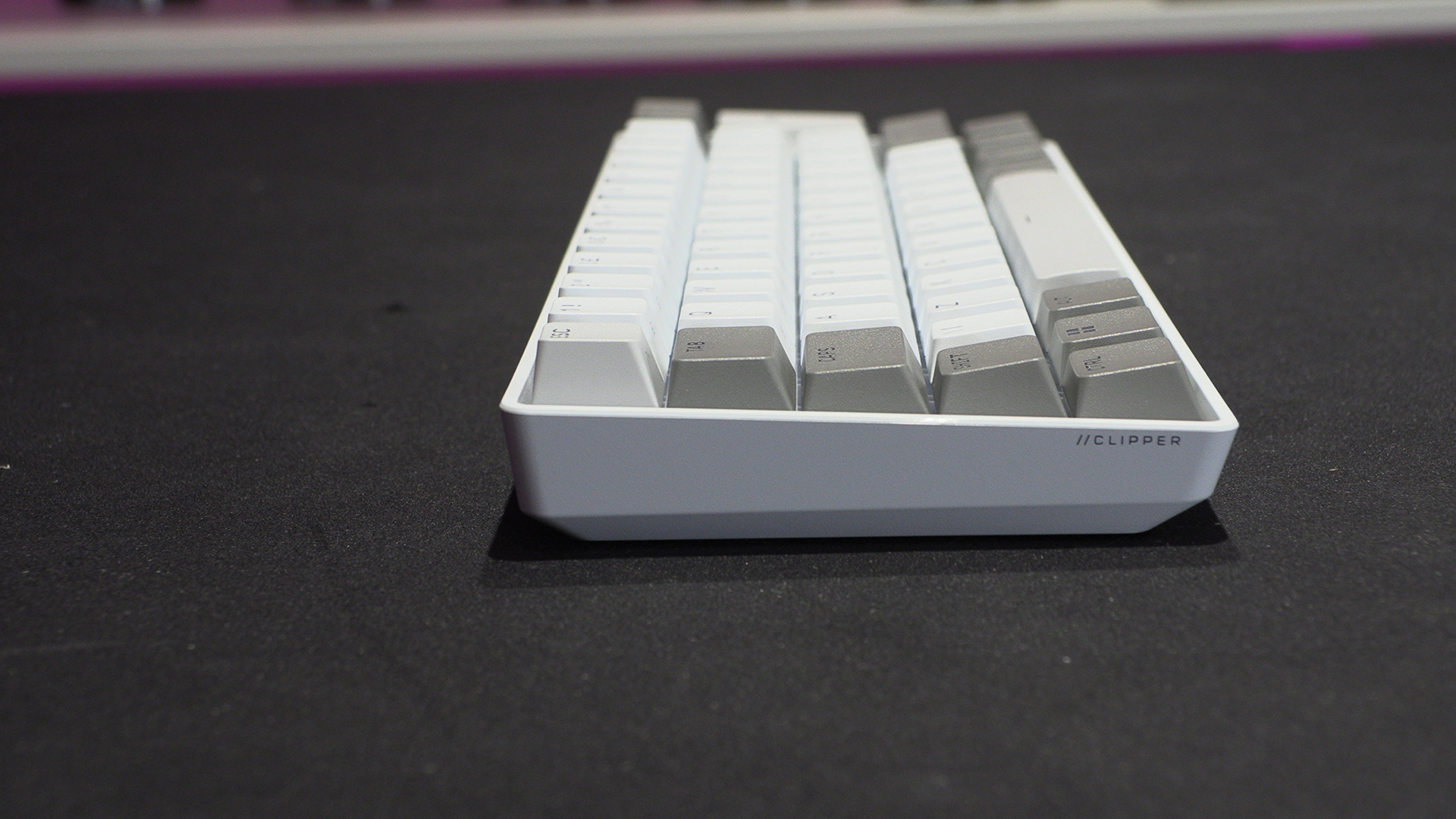
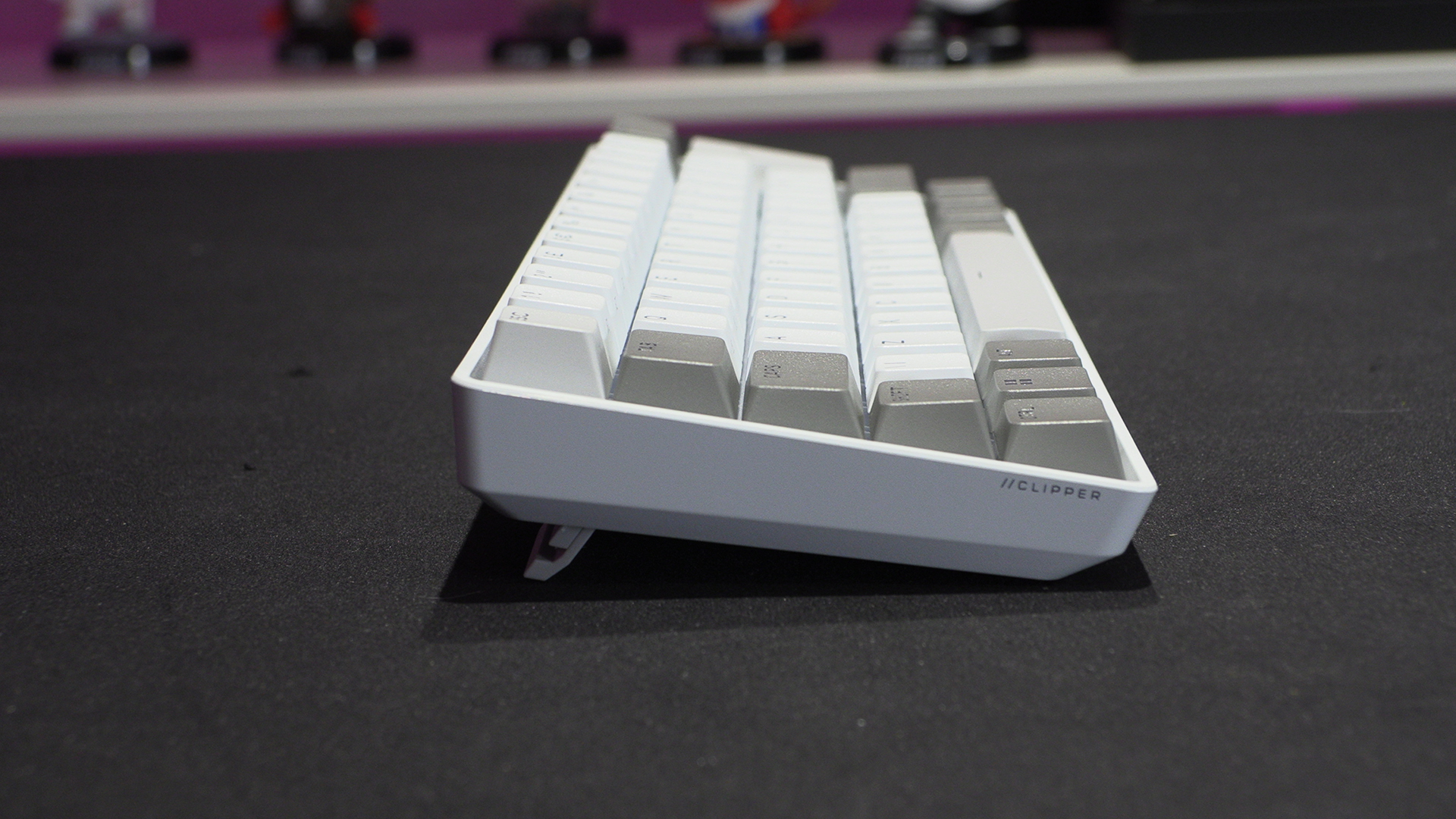
We like that Corsair put the model on the side. It is one of those pointless details that we really enjoy. It also allows us to show off the typing angle when the feet are extended.
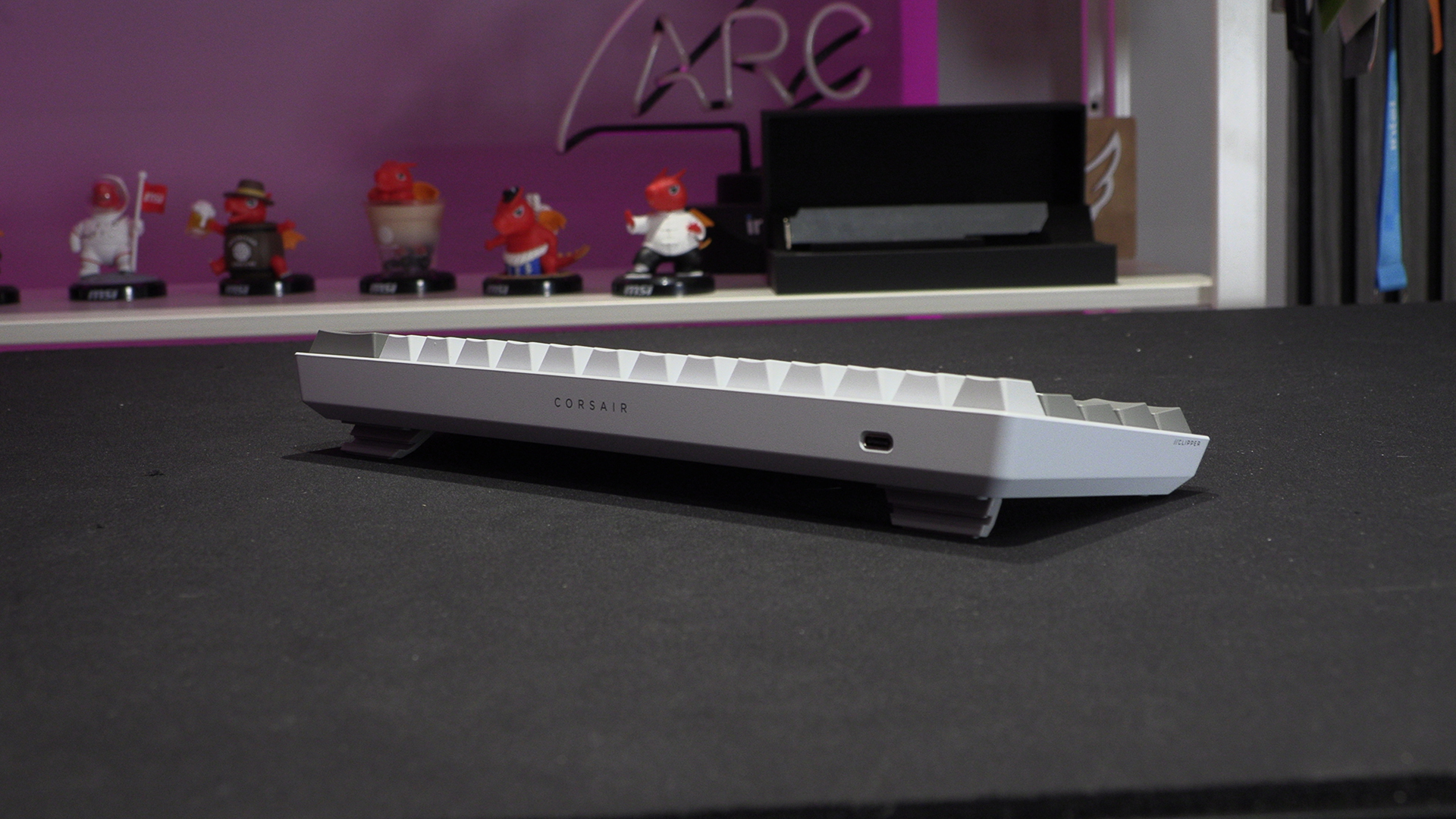
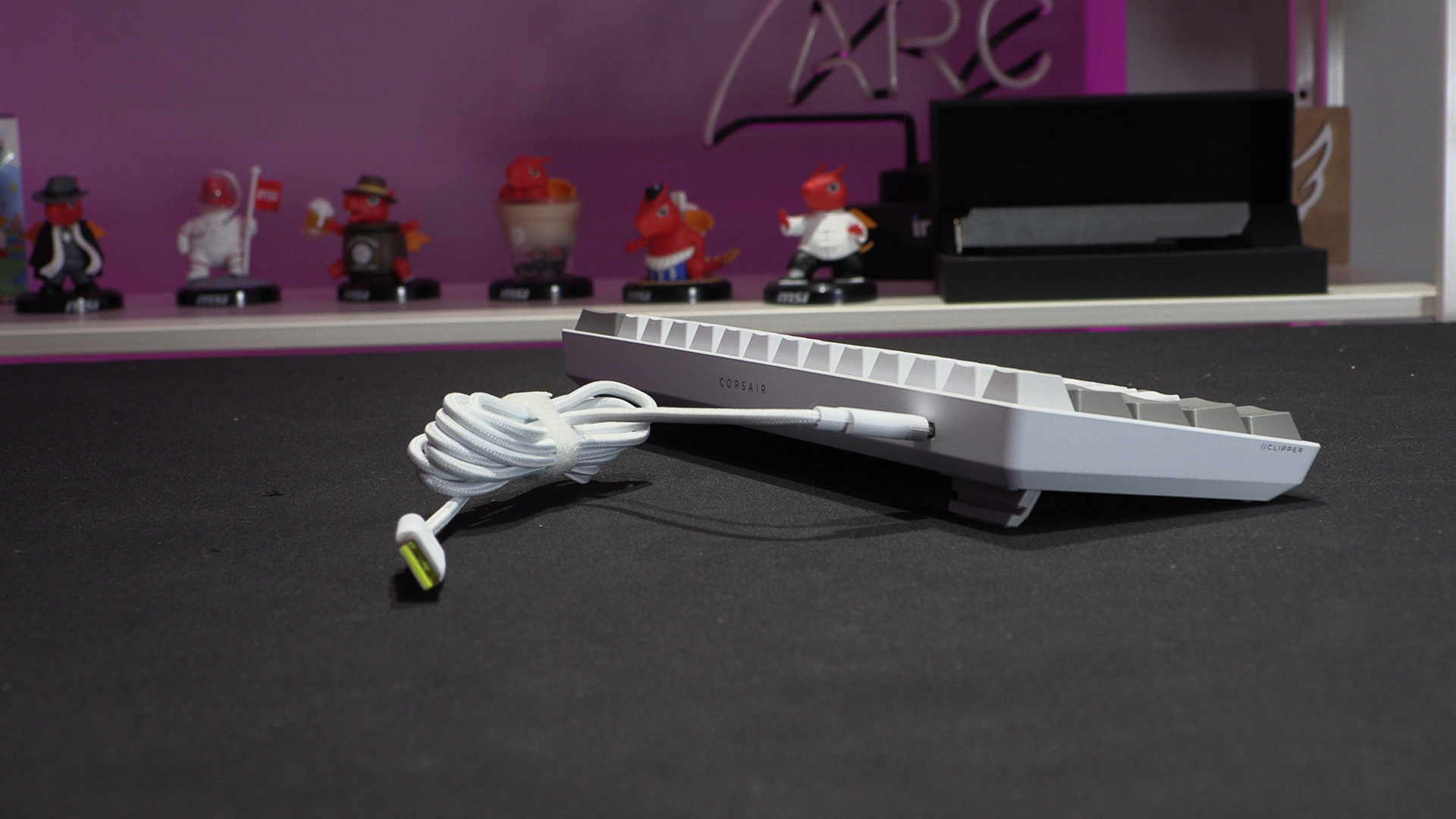
The move to Type-C USB cables cannot be overstated. They’re so much more robust than the old mini-USBs from previous times. Further kudos goes to Corsair for continuing the yellow theme on the cable itself. It must be tempting to grab a USB off the shelf. We like they’ve gone the extra mile.
Just because the Clipper is compact doesn’t mean you’ve been shorn of features though. RGB lighting is very evident, and looks great with the three shades of key.