

Corsair Clipper Pro Mini 60 Keyboard Review

Software
Software
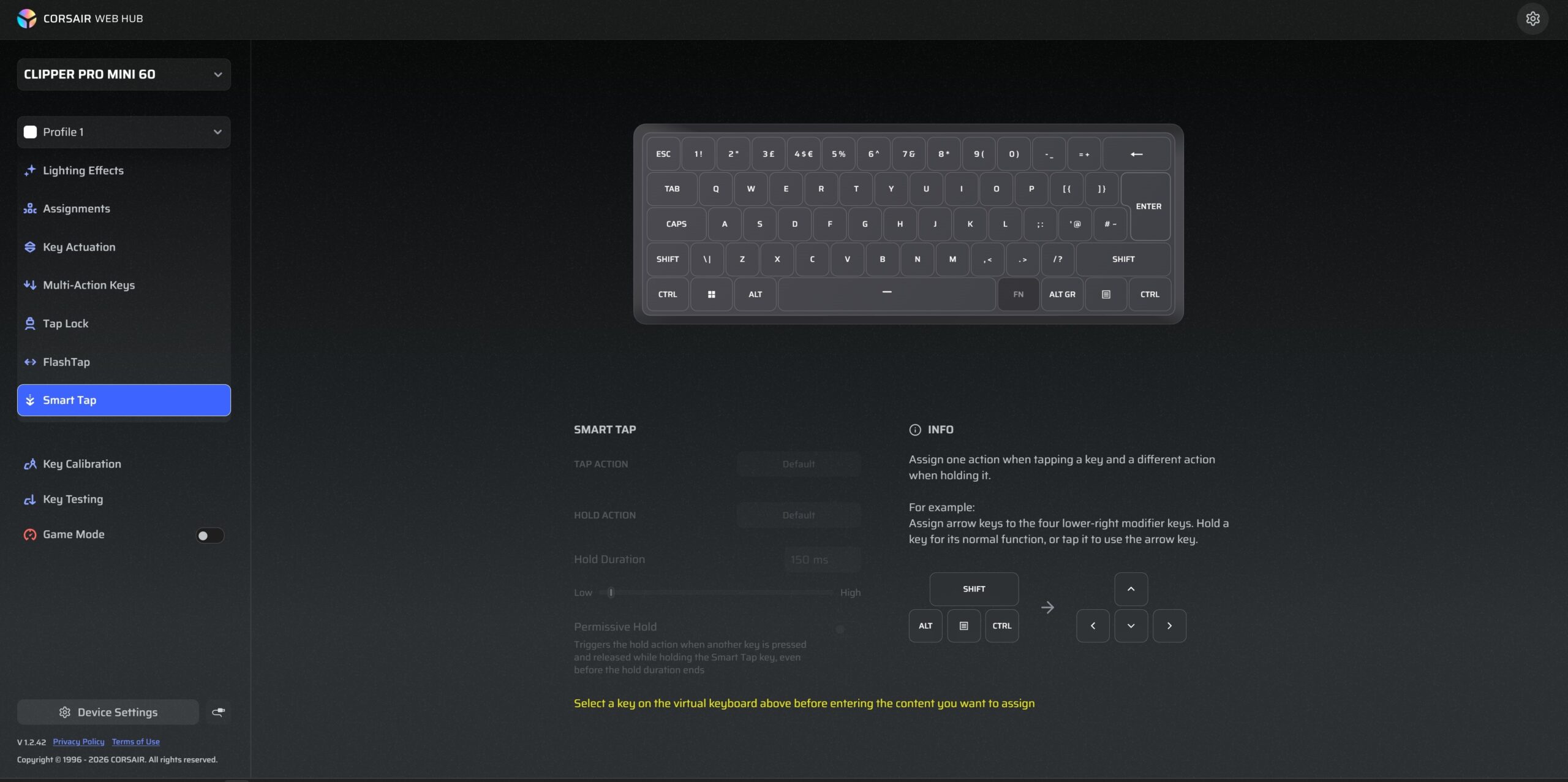
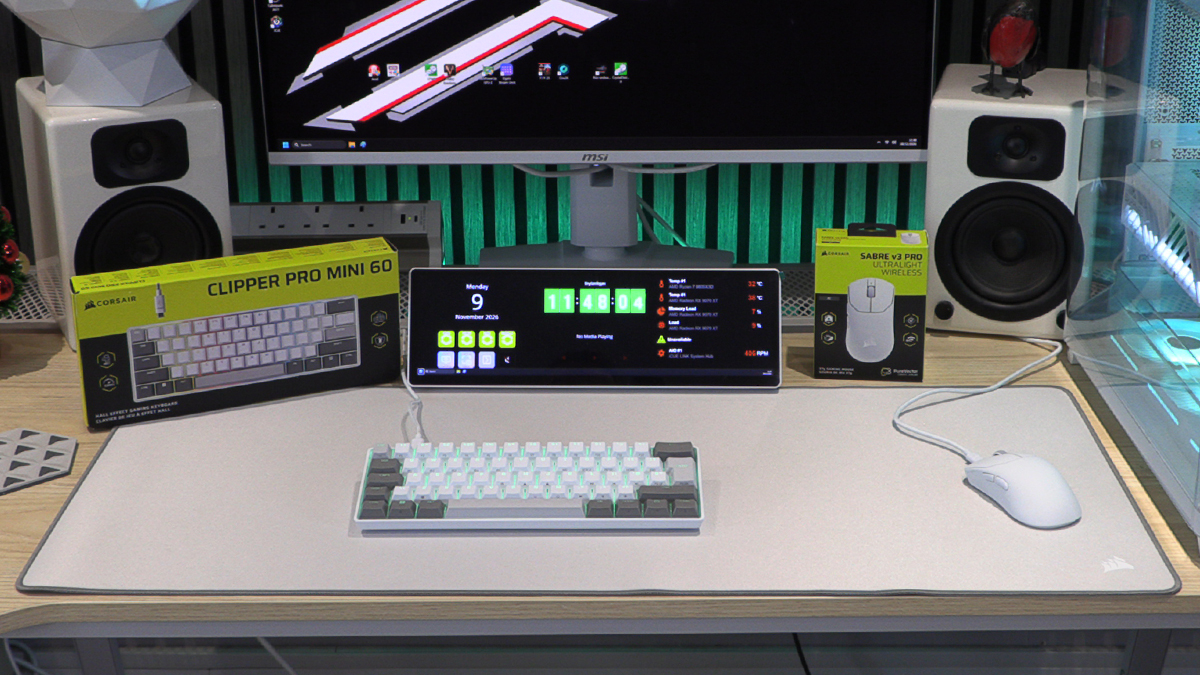
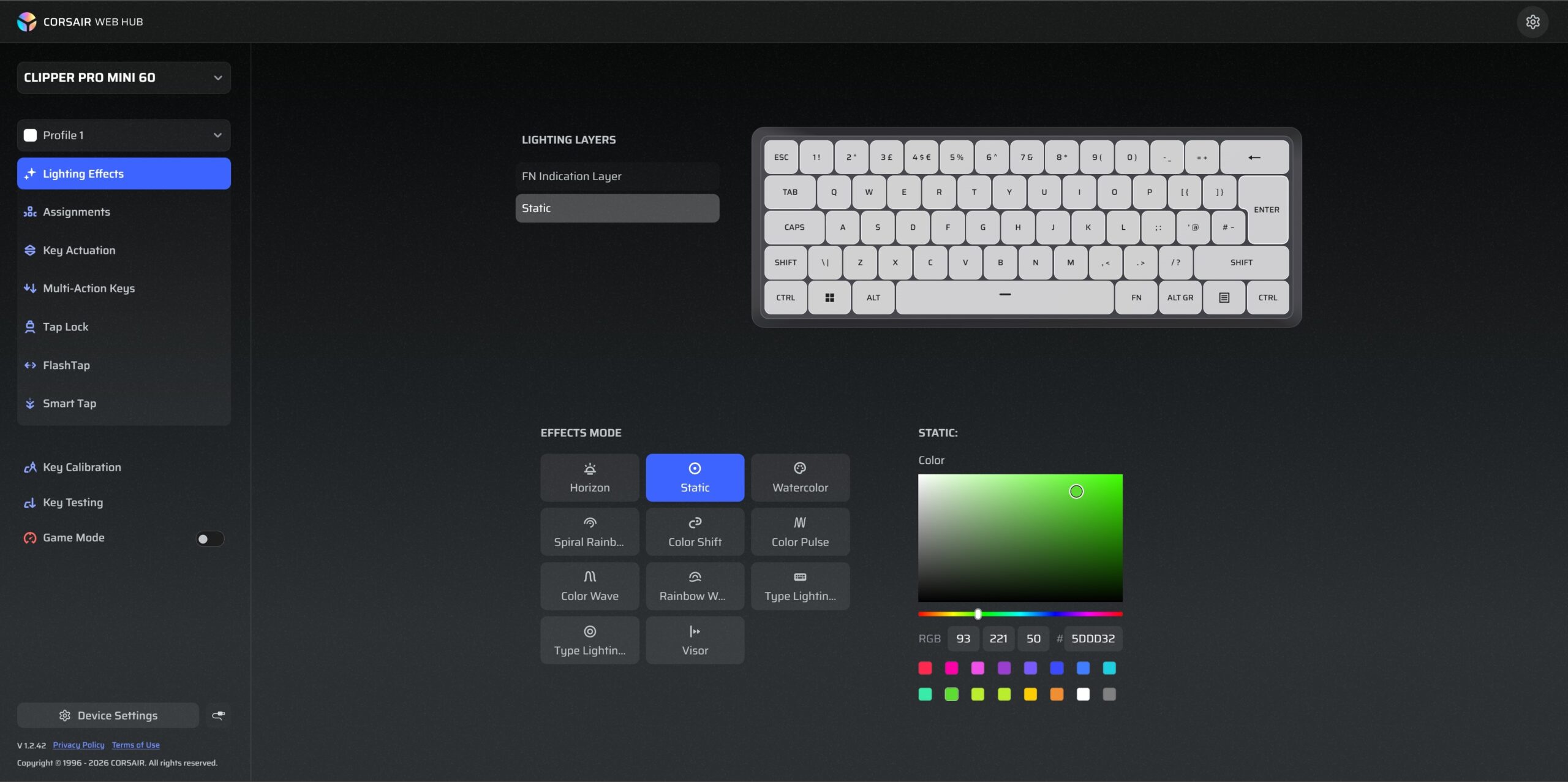
We couldn’t get iCUE to pick up the Clipper Pro Mini 60. So we were left only able to configure it via their online web hub. Hopefully this is swiftly fixed. As you can see above we’ve a lot of hardware controlled by iCUE, so having to use something else just for the keyboard feels bonkers.
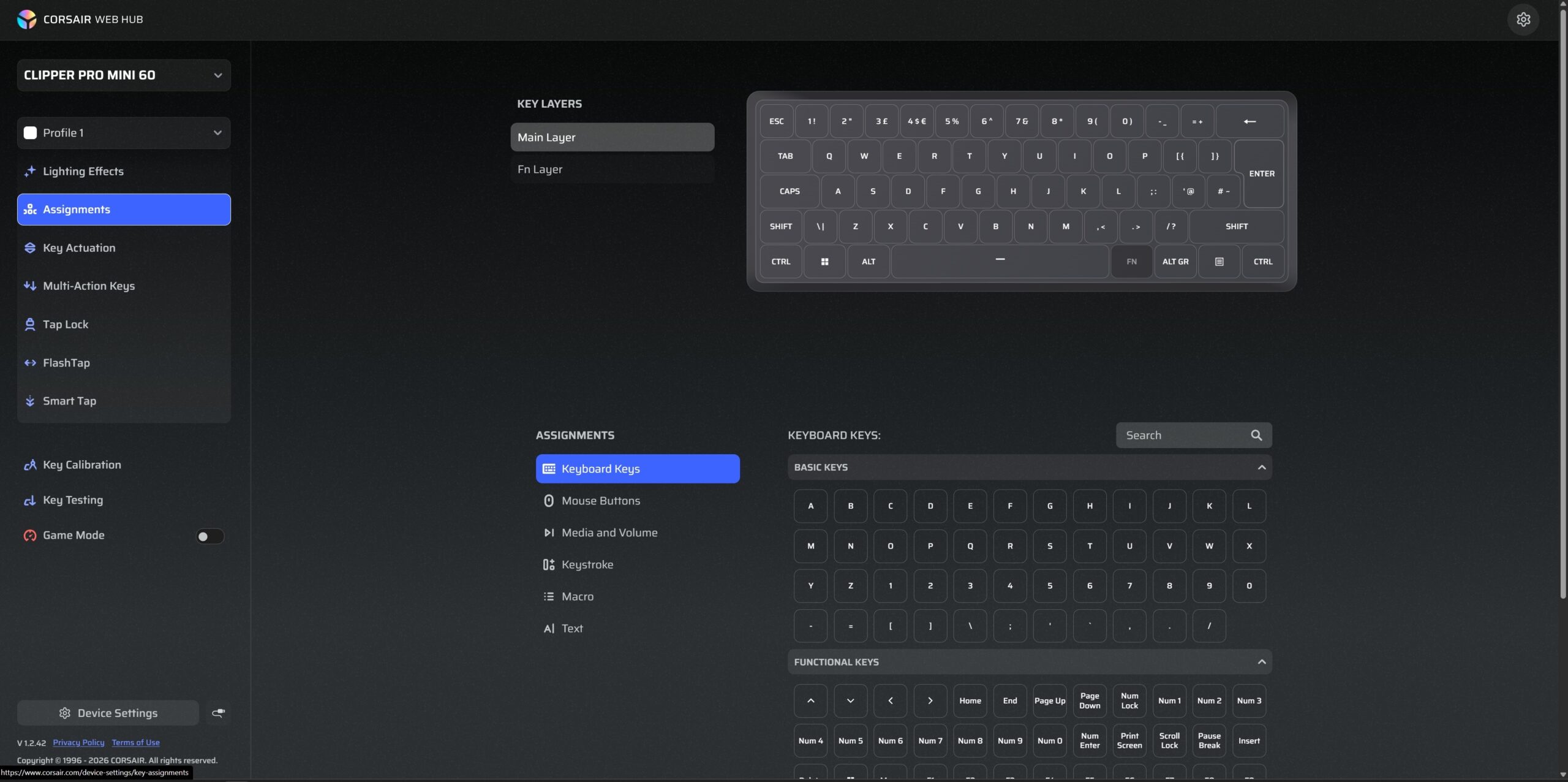
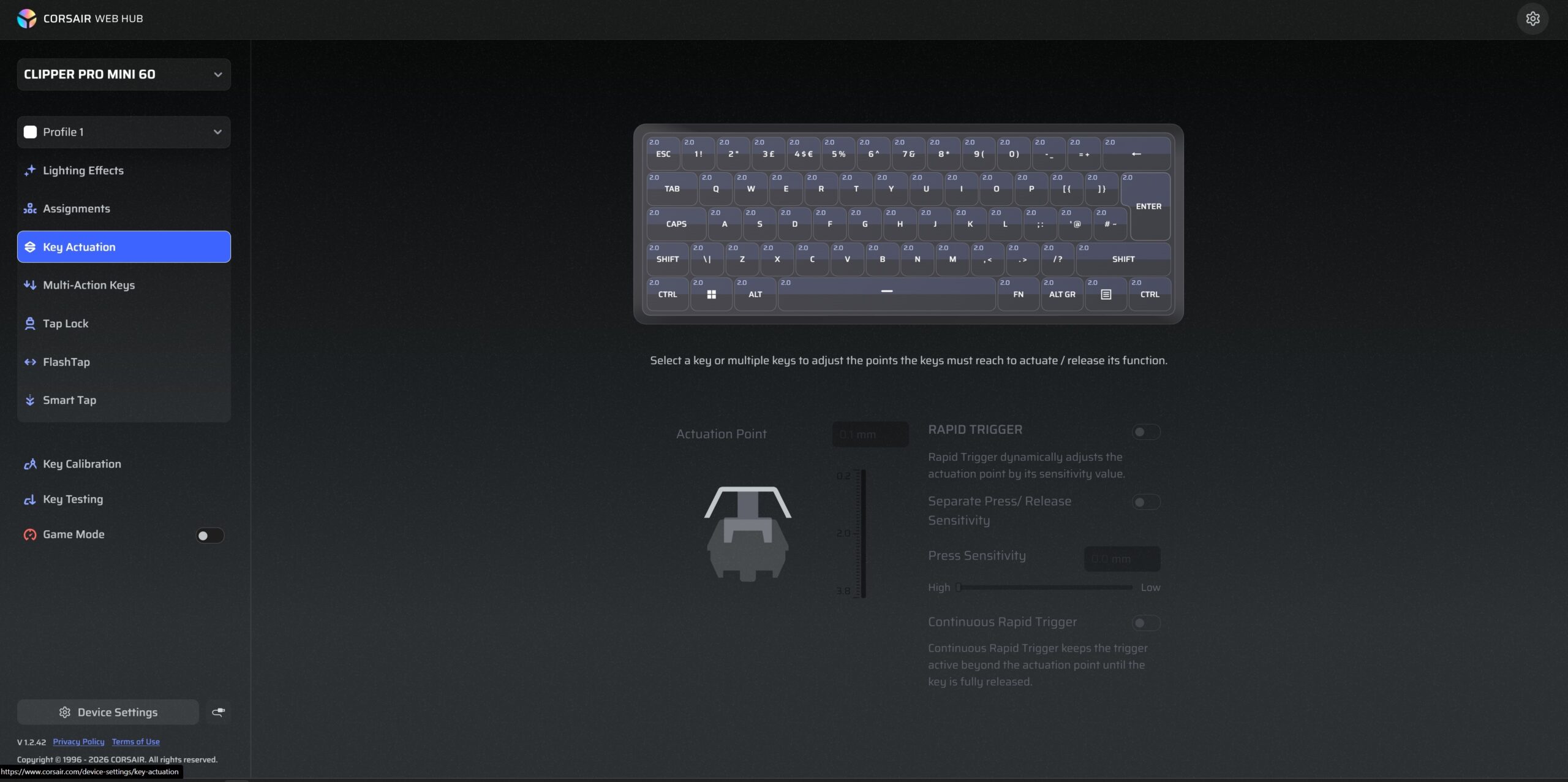
With hall-effect magnetic Corsair MGX Hyperdrive Core switches you can set the actuation point exactly where you wish. Perfect if you’re either too heavy handed or even too light fingered.
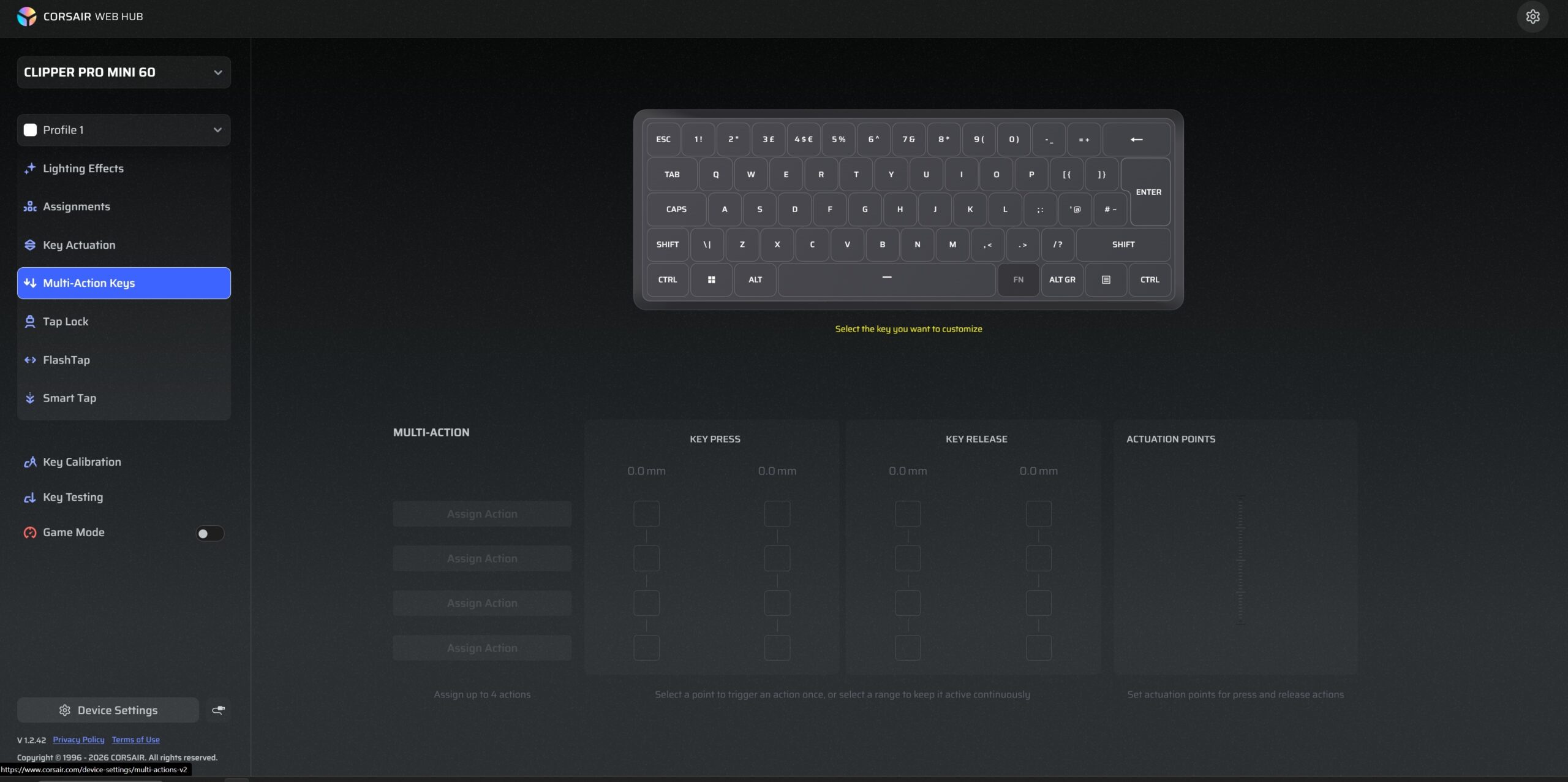
The Multi-Action keys let you set four actuation points for four different actions. With careful assignment you could, for example, crouch, switch to mines, deploy, sprint away. All on one key.
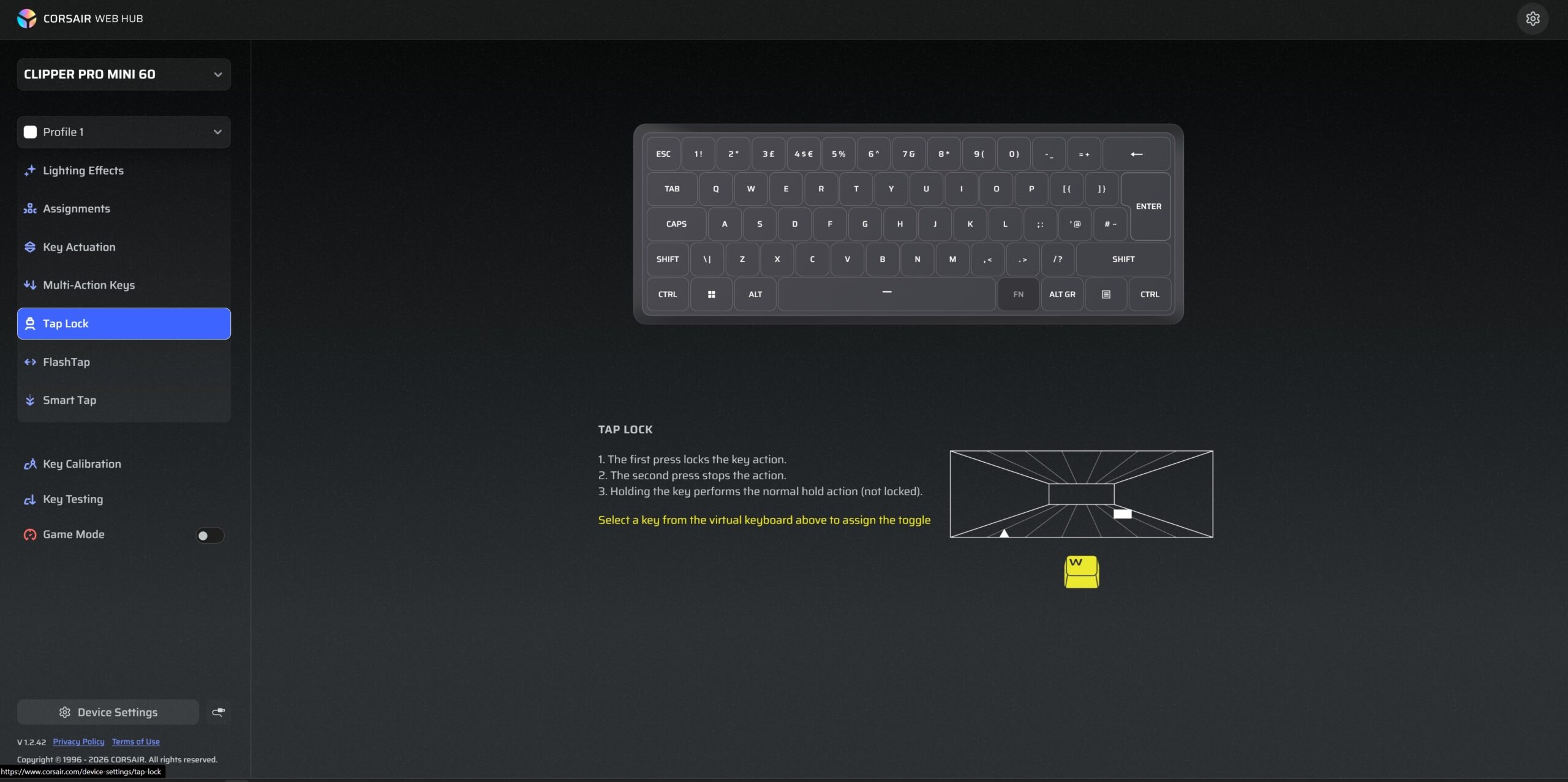
Tap Lock allows you to set any key as a toggle. Often games will let you toggle run or crouch. But the Clipper Pro Mini 60 lets you make any key have this ability.
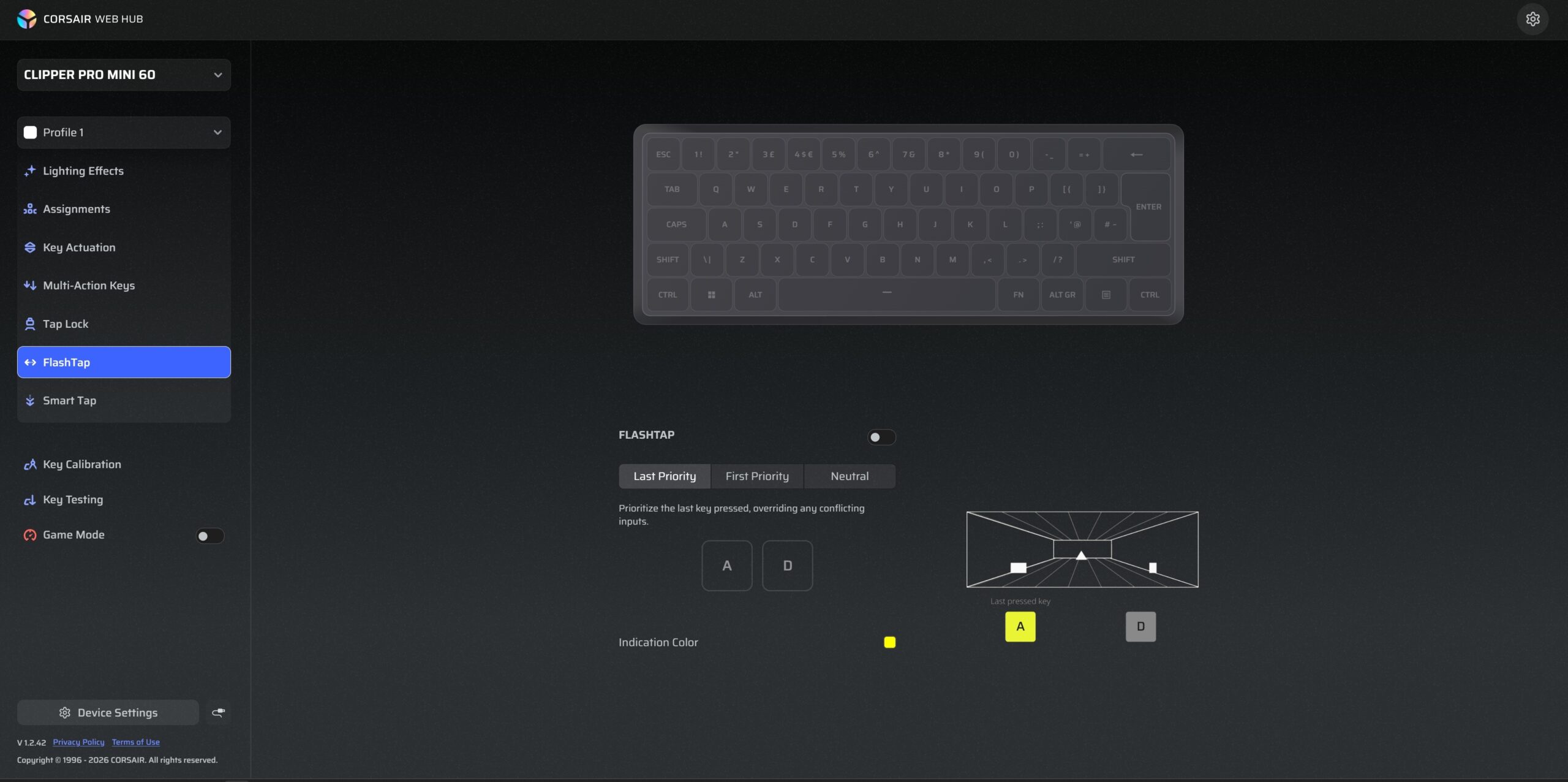
FlashTap lets you prioritise certain inputs over others. Vital for ensuring you remain as safe, or as deadly, as possible at all times. You don’t want to lose the ability to heal just because you’re reloading.
Lastly the Clipper maximises your available options by letting you perform one action with a tap and another with a long press. Nice.