
Corsair Katar Pro Wireless Mouse Review

Corsair Katar Pro Wireless Mouse Review

Software and Lighting

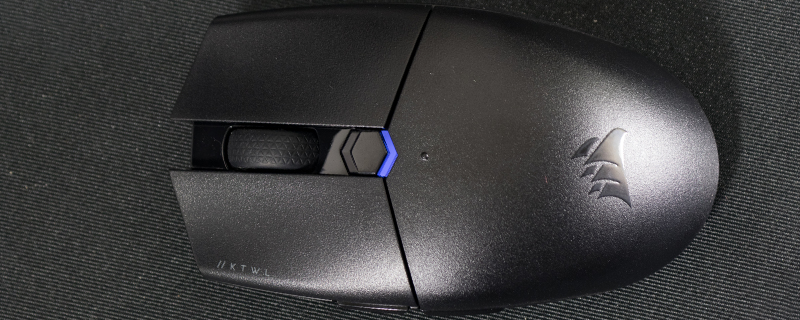
With just a single lighting area and no extra buttons beyond the side ones there isn’t a massive amount of customisation available on the Katar. You can still change the buttons to do something if you wish with the iCUE software. Without the ability to recharge it’s worth delving into the settings to make sure it powers off quickly to extend the running time.

Corsair Katar Pro Wireless Mouse Review  

Uh-oh! It looks like you're using an ad blocker.

OC3D relies on ads to provide free content and sustain our operations. By white listing us on your ad blocker, you help support us and ensure we can continue offering valuable content without any cost to you. We only run our own hand picked ads from Industry brands like MSI, BeQuiet, Sapphire and PC-Specialist - meaning they are all relevent to the content you are reading.

We truly appreciate your understanding and support. Thank you for considering whitelisting OC3D