NZXT Function Elite MiniTKL Review

CAM Software
CAM Software
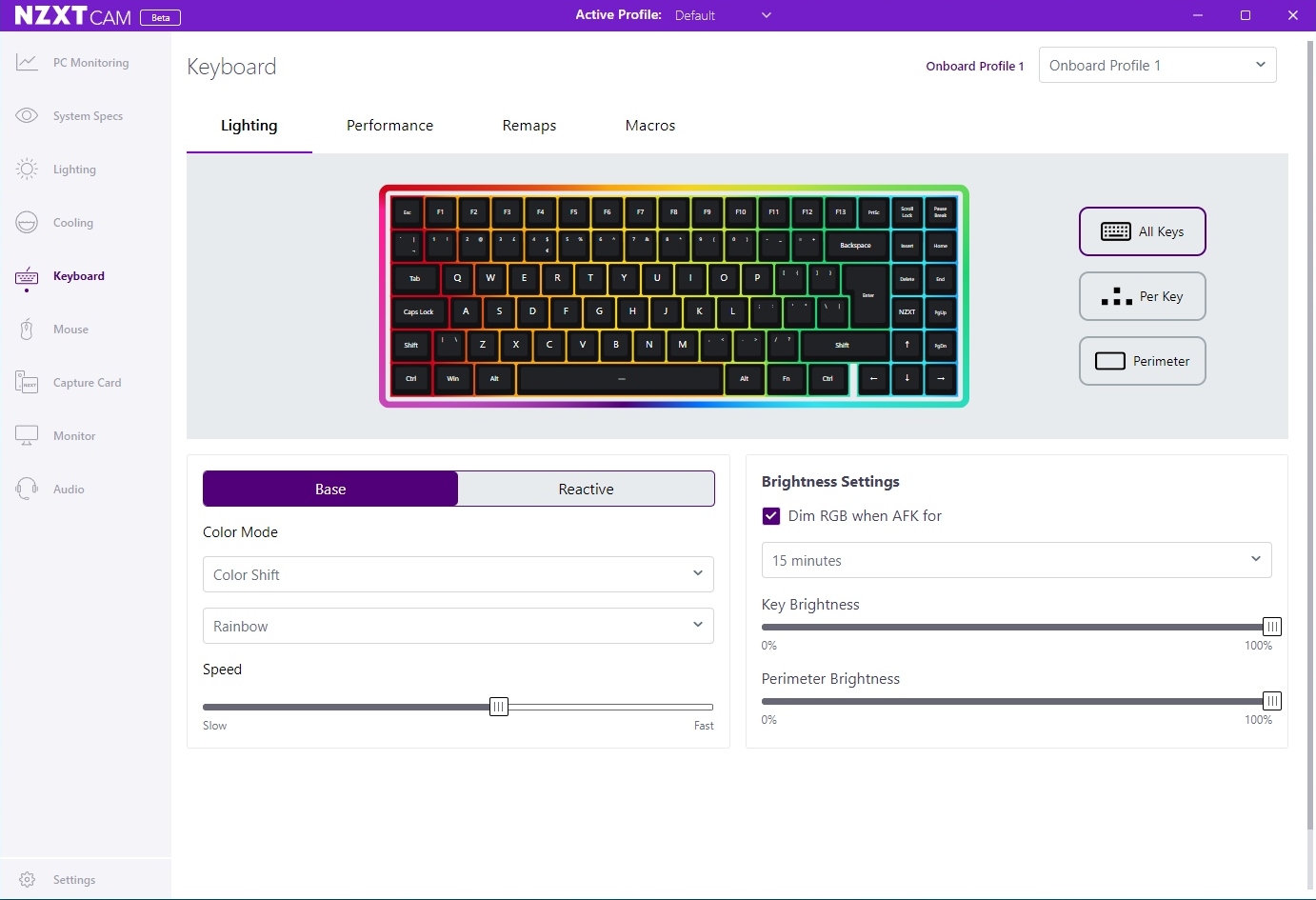
NZXTs software is significantly better than it used to be. When you look here at the lighting controls you can see how easy it is. Everything is clearly labelled and obvious. No obscure hieroglyphics, just clear text.
This is probably the screen you’ll spend the longest time on. Such is the nature of the NZXT Magnetic switches that you can customise them for the full personalised experience. If you want them all the same, that’s possible. If you don’t want to faff about with it there are some presets. Should you want to really get into the fine details you can adjust the actuation distance on a per key basis. There is even a handy depth guide if you prefer a visual representation of what’s going on.
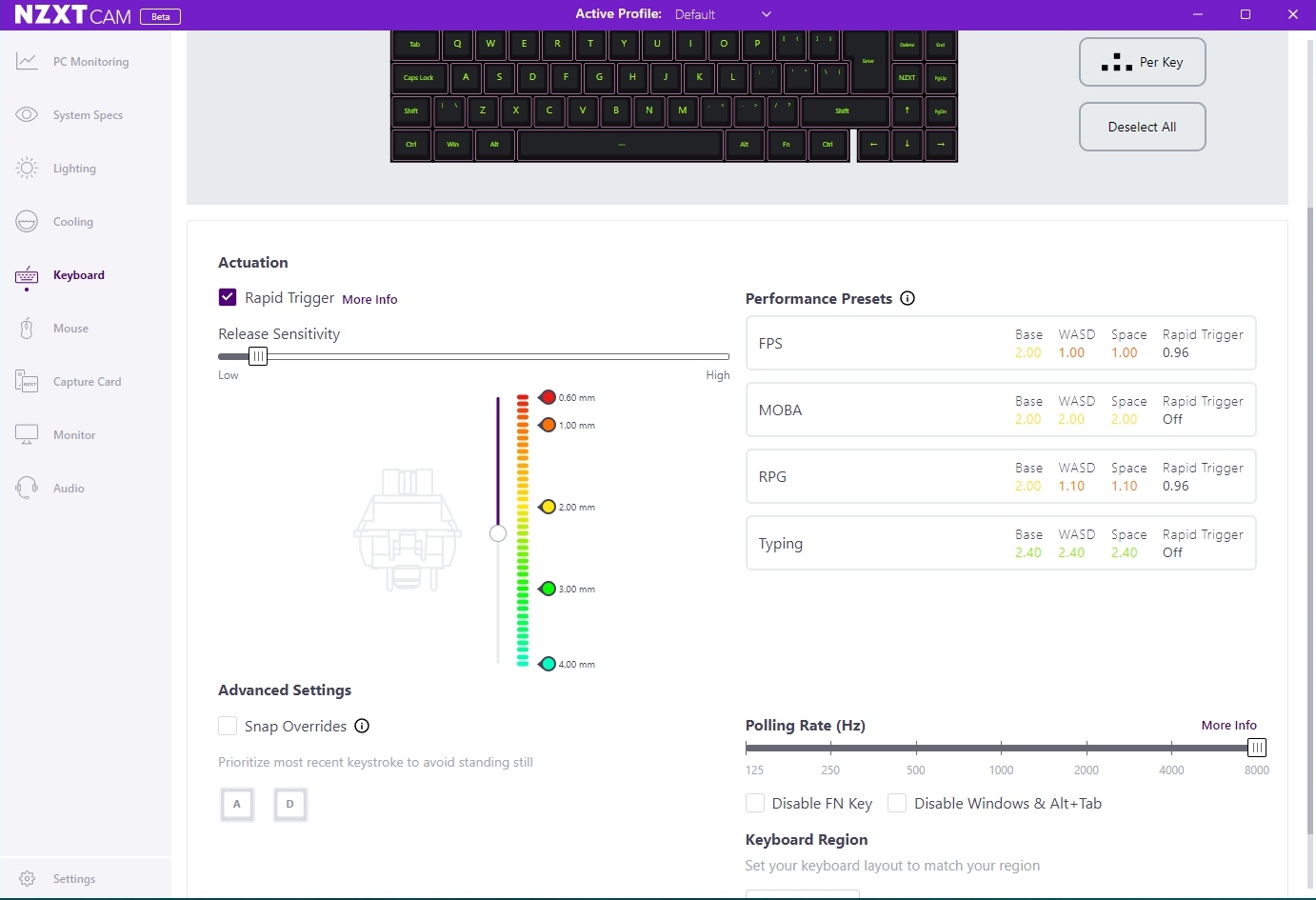
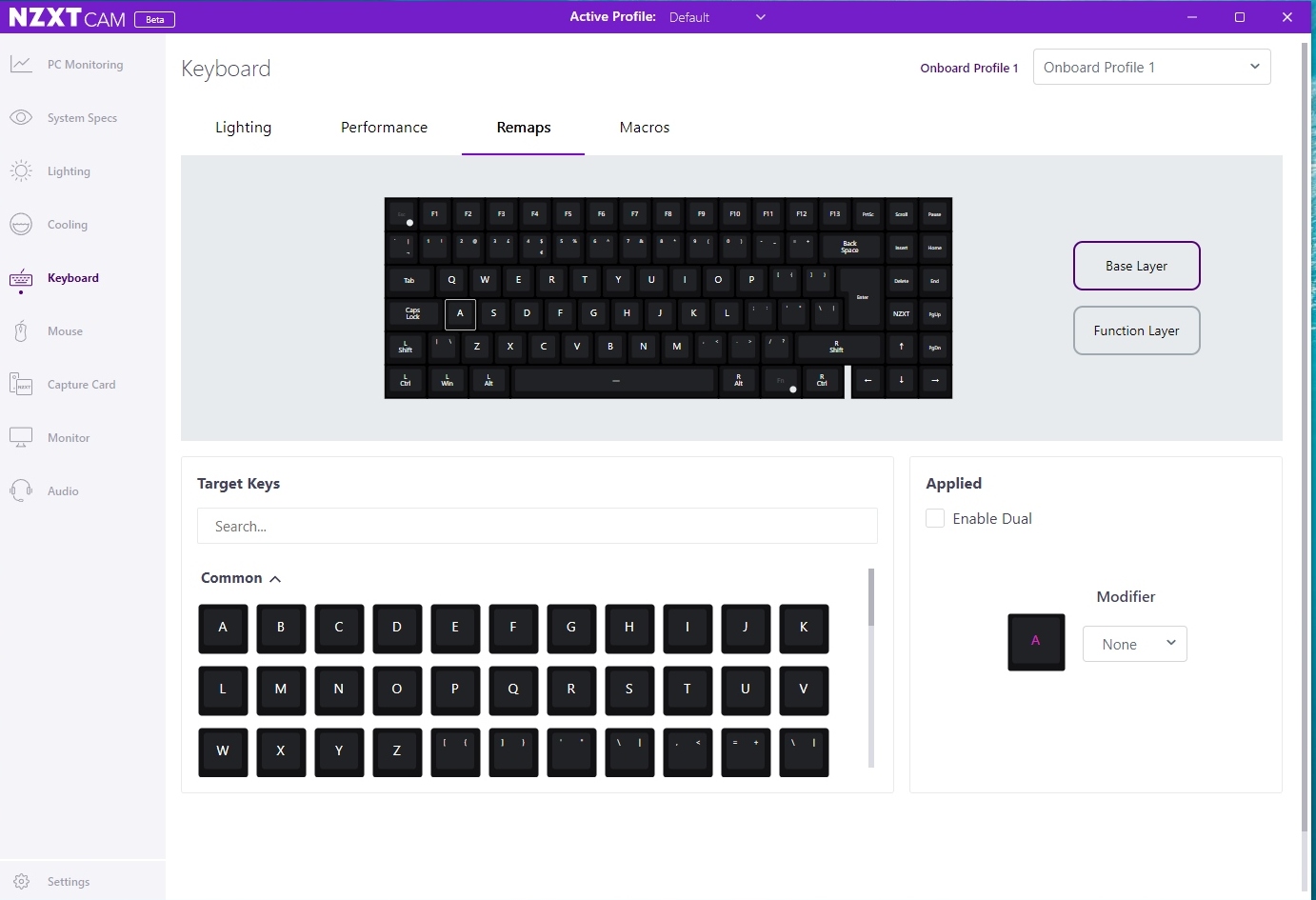
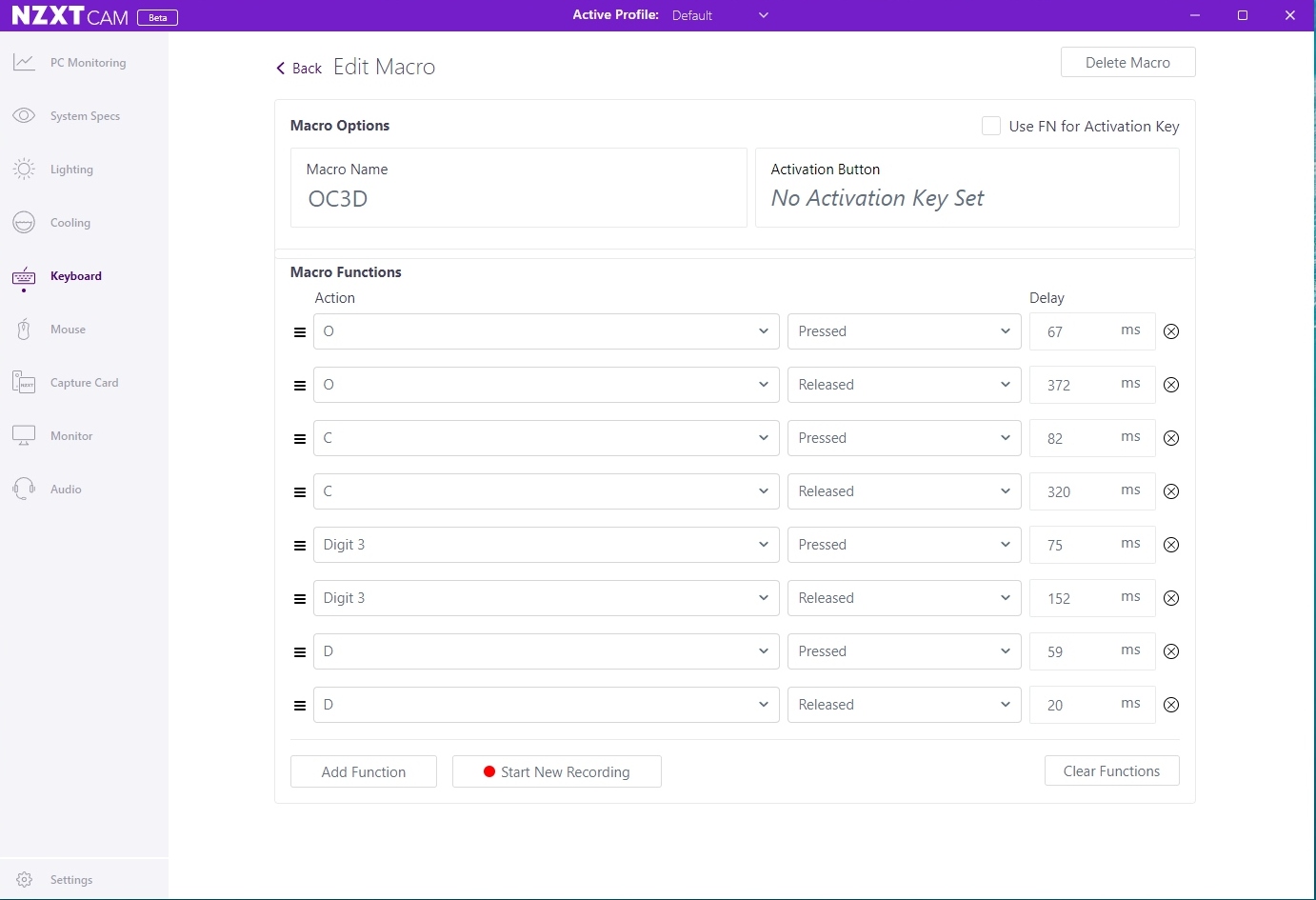
Although a MiniTKL layout doesn’t leave you with lots of unused keys to customise, the NZXT Cam software gives you all the tools you need to tailor the Function Elite to your desires.