Roccat Skeltr Smart Communication RGB Gaming Keyboard Review

Up Close continued
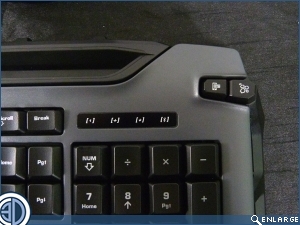
There are four extra buttons on the Skeltr. We have, from left to right, a call answer button, a button to switch your audio from the game to the phone (should you go mental and want to listen to music rather than your teammates and the game). On the right image we have the button which swaps the keyboard from the PC to your device and, if you hold it down, doubles as the Bluetooth pairing button, and finally the button to activate the Roccat Swarm.
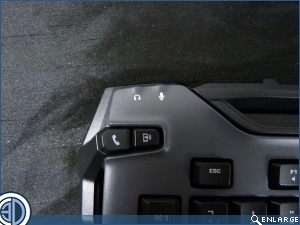
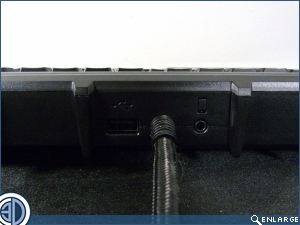
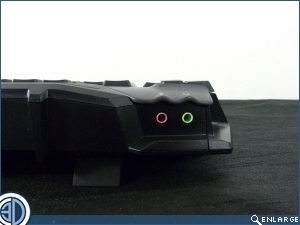
Around the back we have the USB port to keep your device charged even through marathon sessions. At the left hand corner is the audio inputs, and to the left of the nicely braided cable is the jackplug to connect your device to the keyboard so that you can answer calls using your headset.
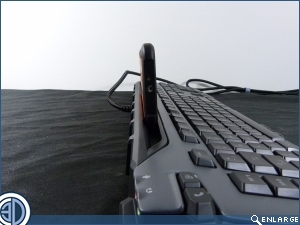
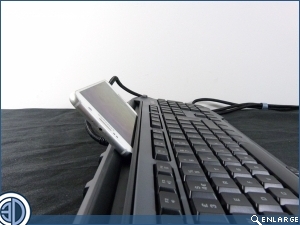
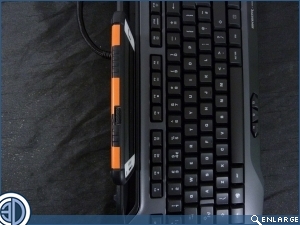
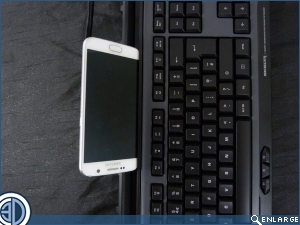
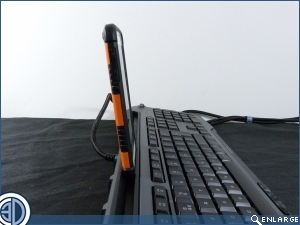
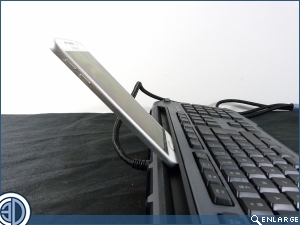
With smart phones costing eye-watering amounts of money these days most of us keep them in rugged cases to protect them from those “fell out my pocket” moments. As you can see the phone/tablet holder on the Skeltr is definitely designed for an uncovered phone. If you leave it in the case it doesn’t really fit and stands a little too upright to be viewable at a glance. However, the slot does work whether you prefer your phone in portrait or landscape. It even fit our Nexus 10 Tablet in comfortably, so you can be sure that anything you have will easily remain in place.