ASUS ROG Rapture GT-BE19000AI Review

Up Close
Up Close
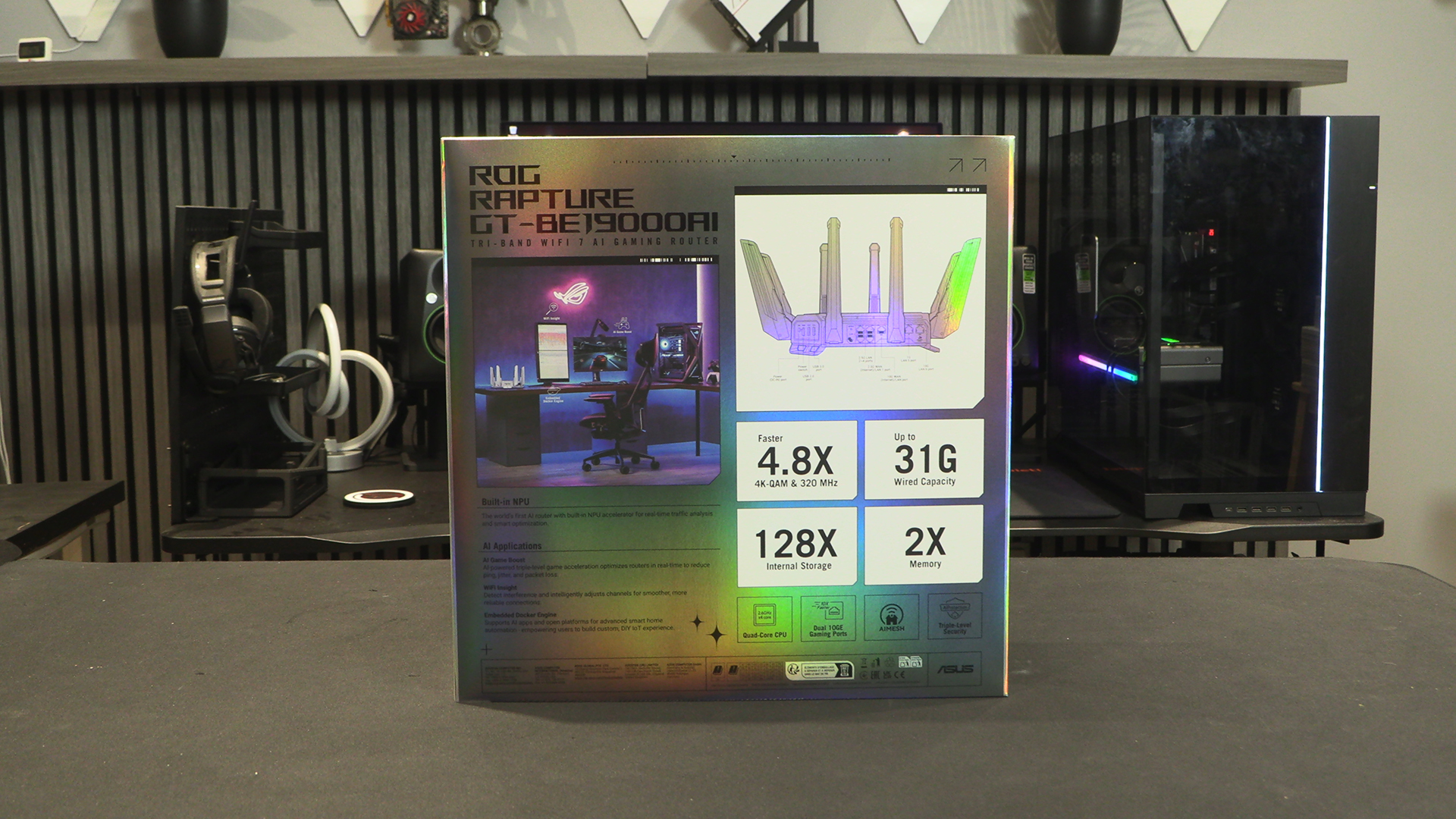
If you like a box to give you a sense that you’ve brought something expensive then the Rapture GT-BE19000AI has you covered. Just look at it.
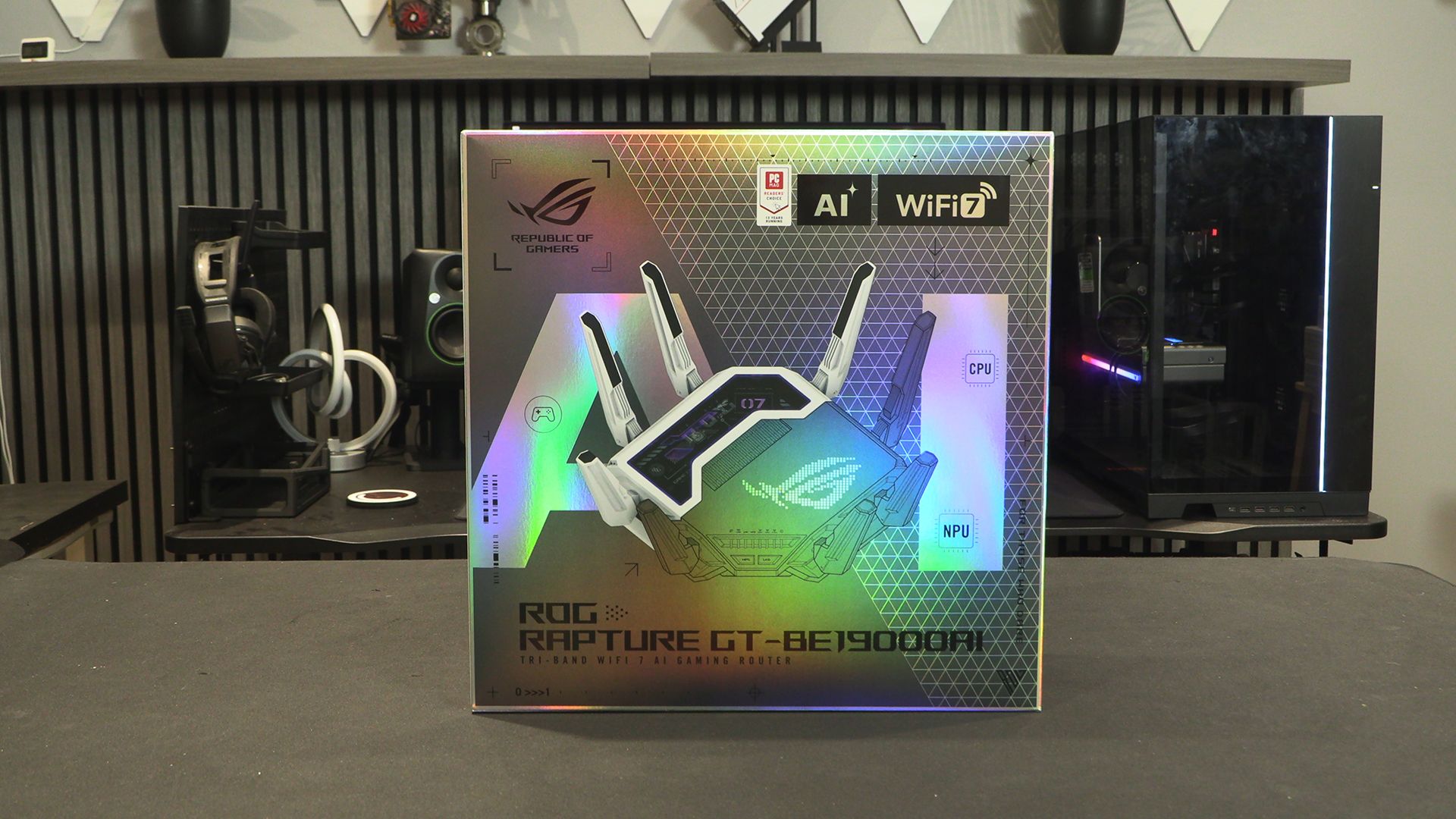
We have to say we find it funny that the point of the Rapture is to give you a smooth, strong signal from a long way away, but for the needs of arty box pictures it’s shown right next to the rig. Like a grocery bag must have a baguette, so every photo of a home setup now much have the rig on the right, one or two monitors, a microphone, a TKL keyboard, and pink and purple lighting. Who decided that? Why not yellow and red lighting with the tower on the floor? Have some originality.
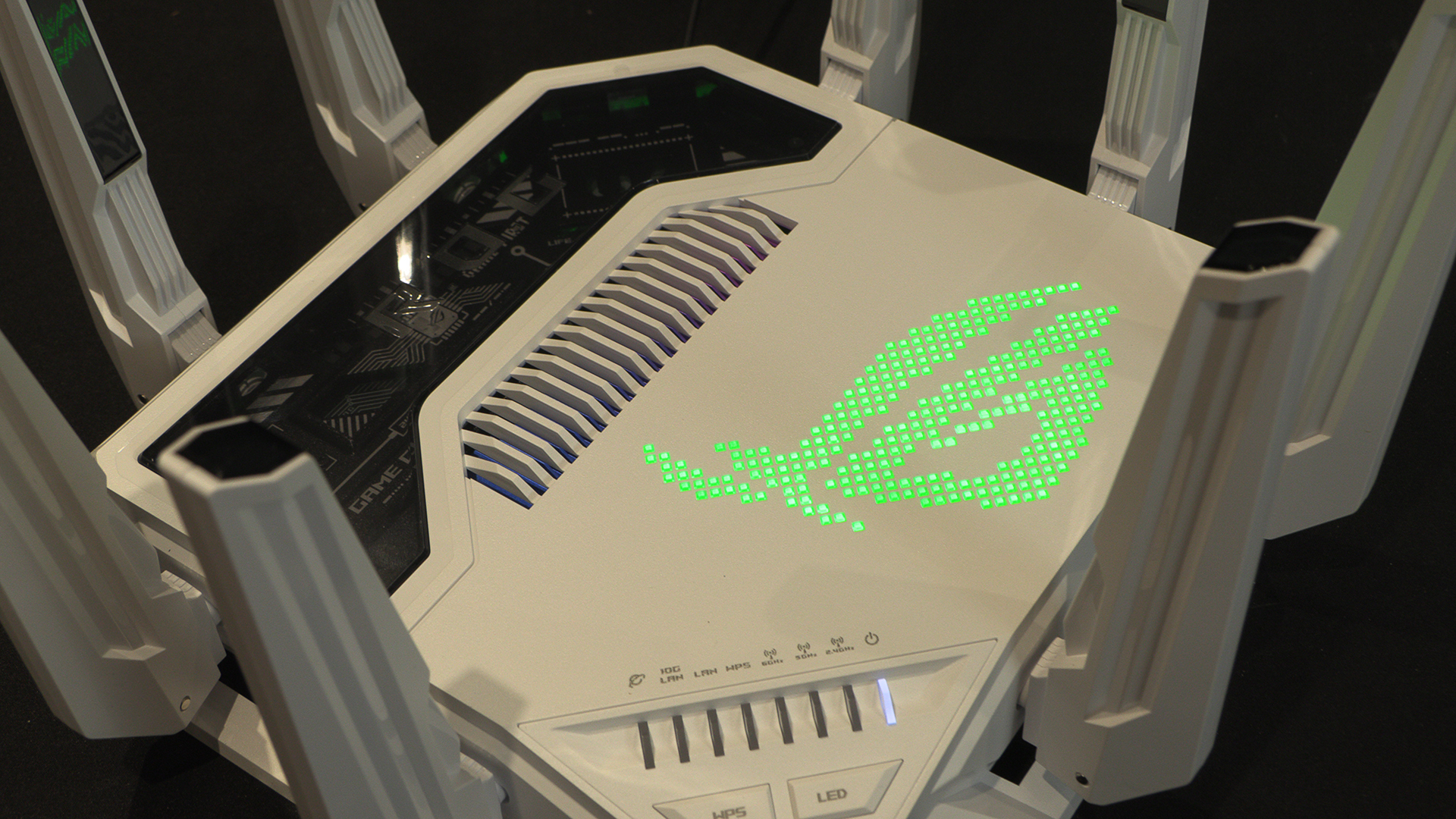
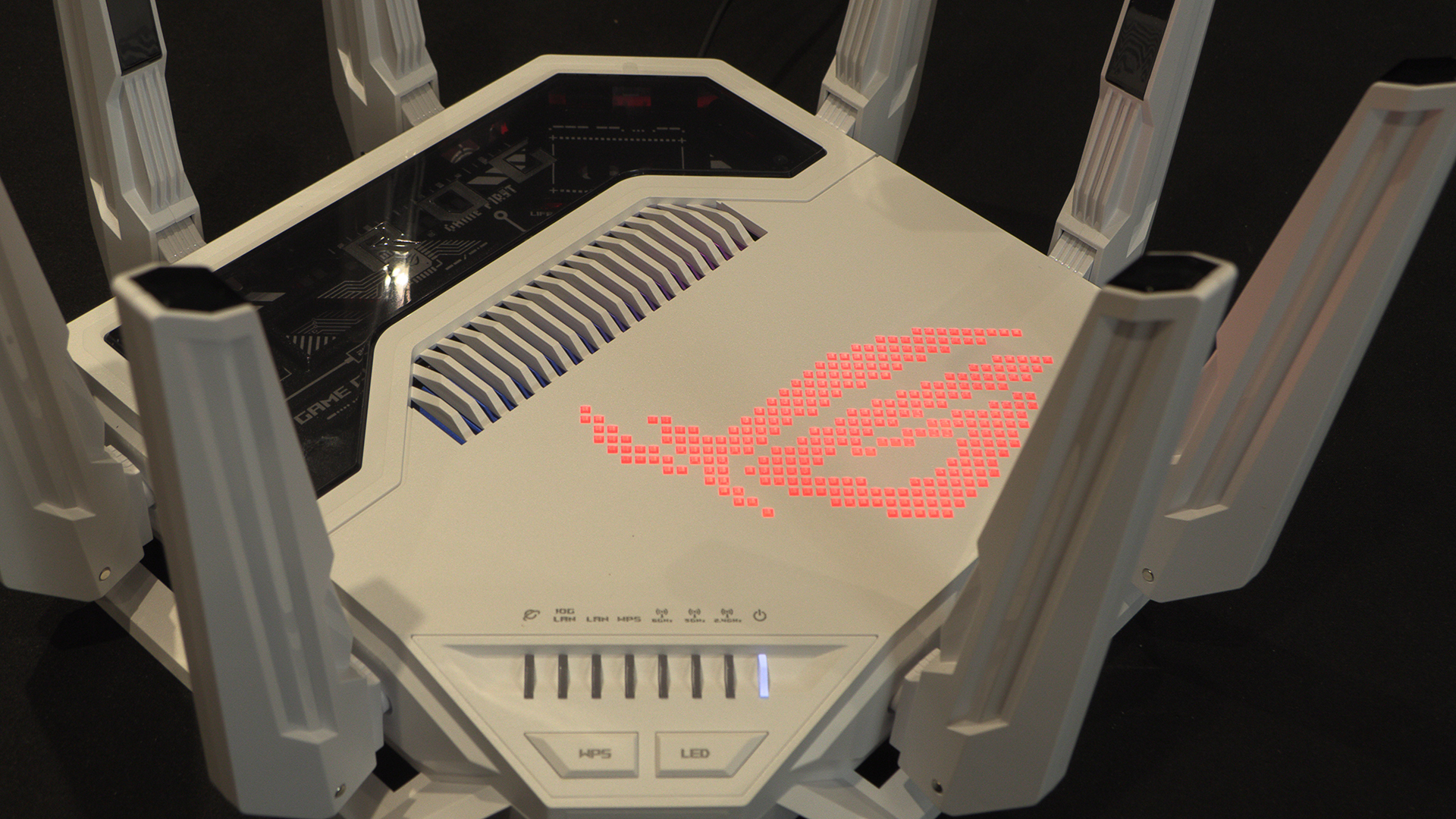
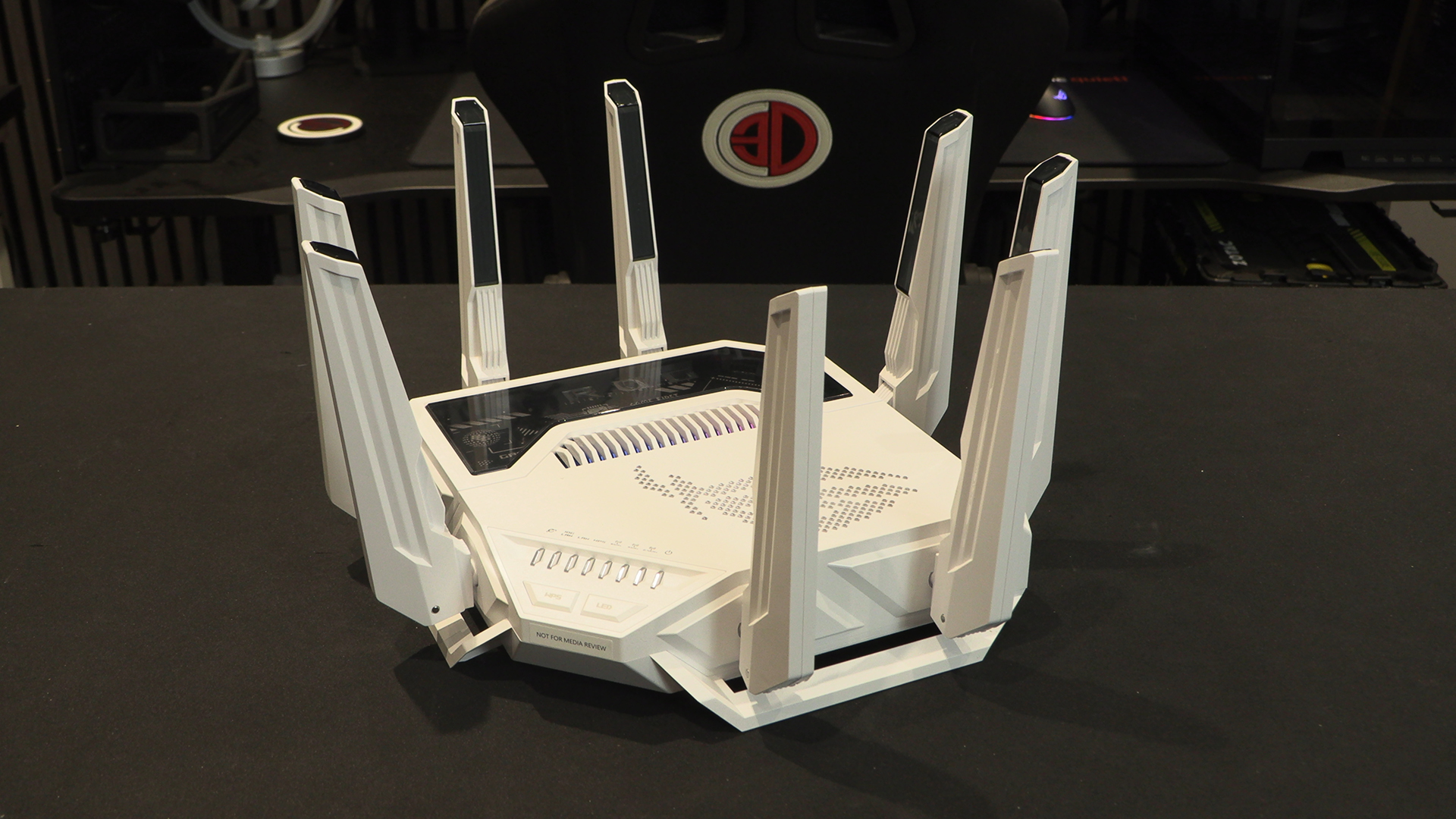
Like so many of the ASUS ROG Rapture routers the GT-BE19000AI has a dead spider look thanks to having eight antennae. With a precise location on the router and a RF tuning you get a strong signal and minimal dead zones.
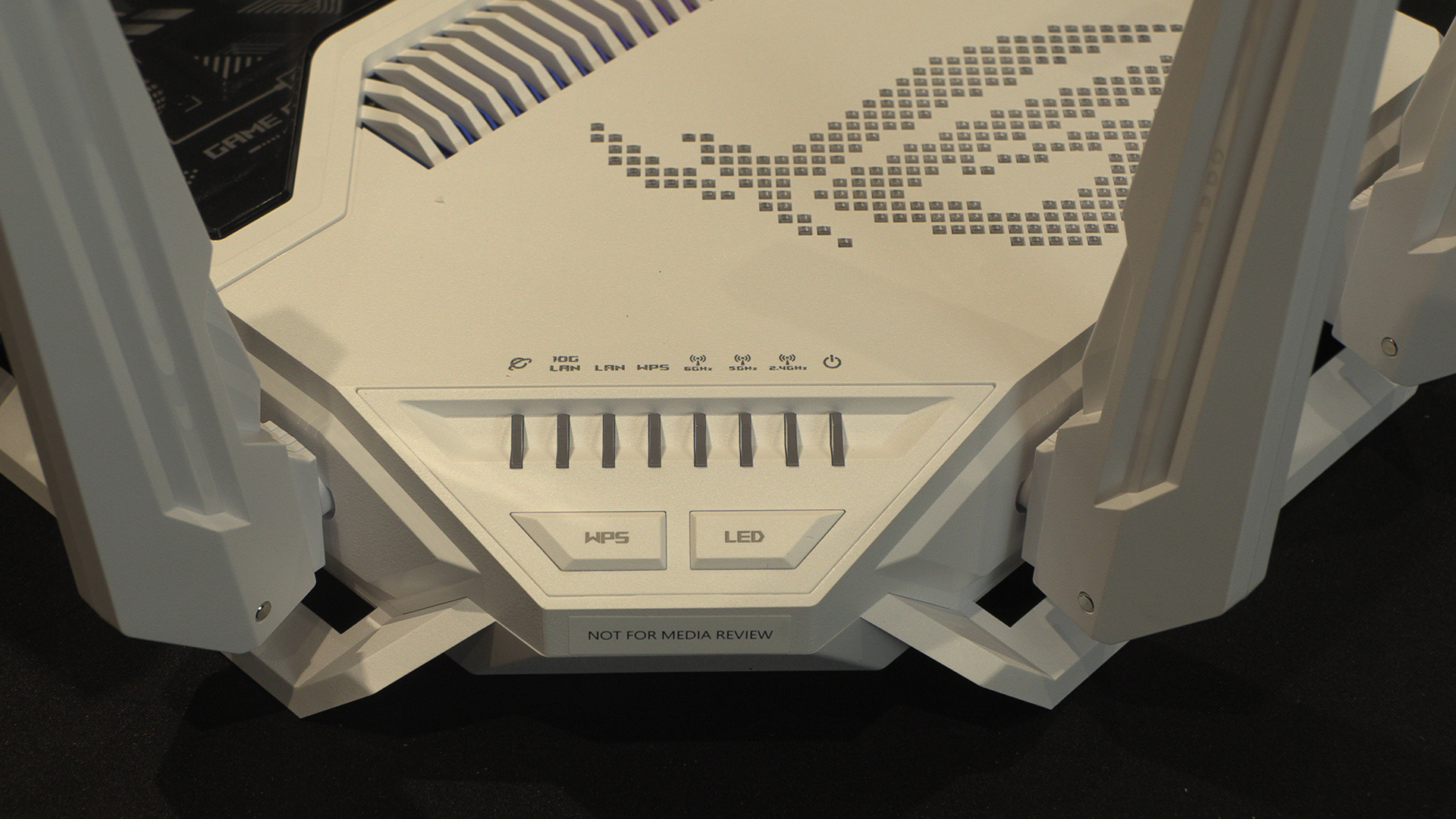
When you’re dealing with something which has the potential to be as complicated as the Rapture; no not that Rapture; then at a glance LEDs are useful.
Connections
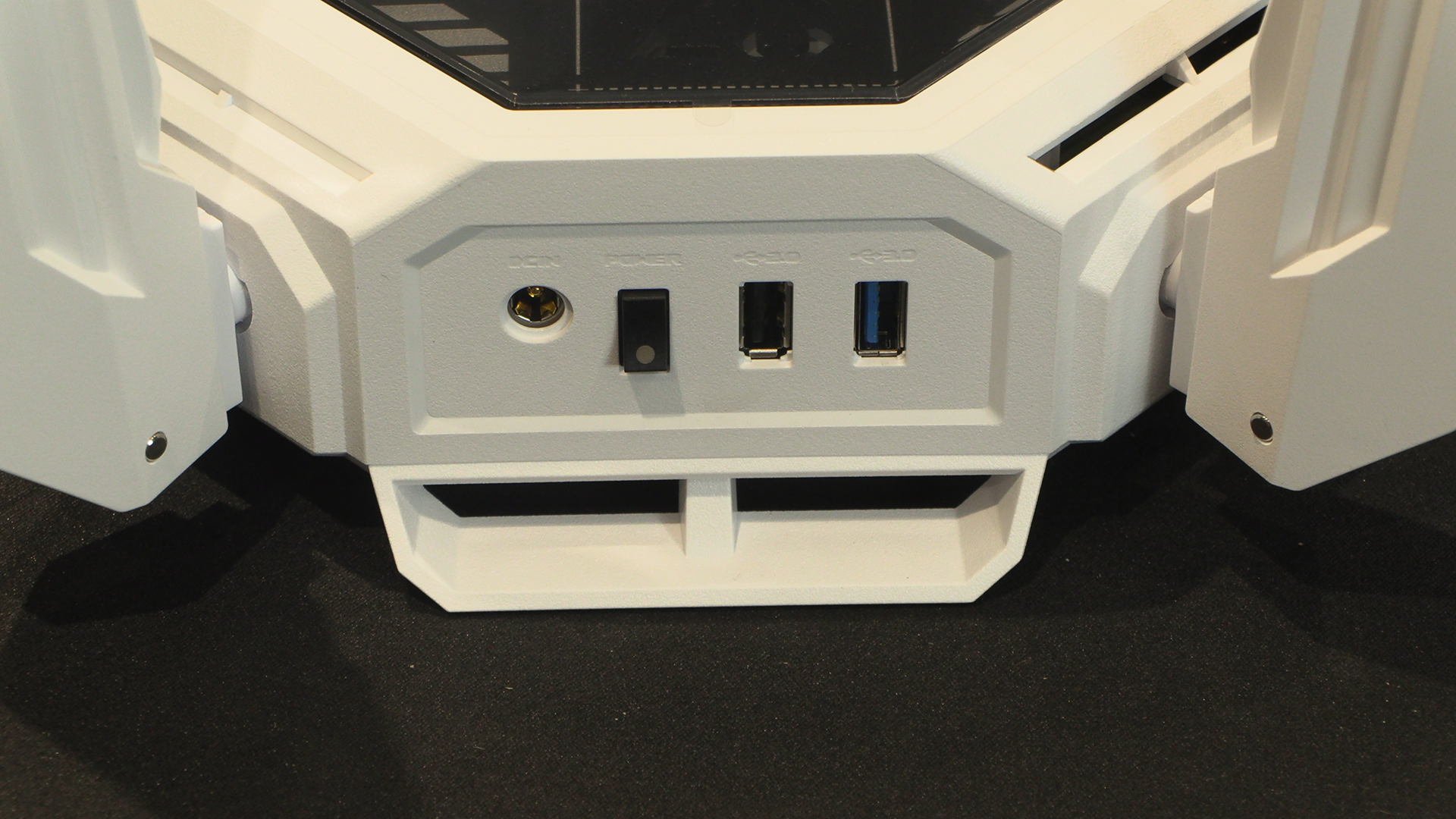
A couple of USB ports and the power controls are on the side, easily able to be tucked away.
As you can see, the Rapture GT-BE19000AI doesn’t lack for LAN ports. A gaming focused 10G one, a regular 10G, four 2.5G and a regular 1G tick every box. Particularly useful is that one 10G and one 2.5G are WAN/LAN, letting you join a remote network with the minimum of fuss. The gaming port will prioritise gaming traffic over everything else. This means it is perfect if low pings are your goal.
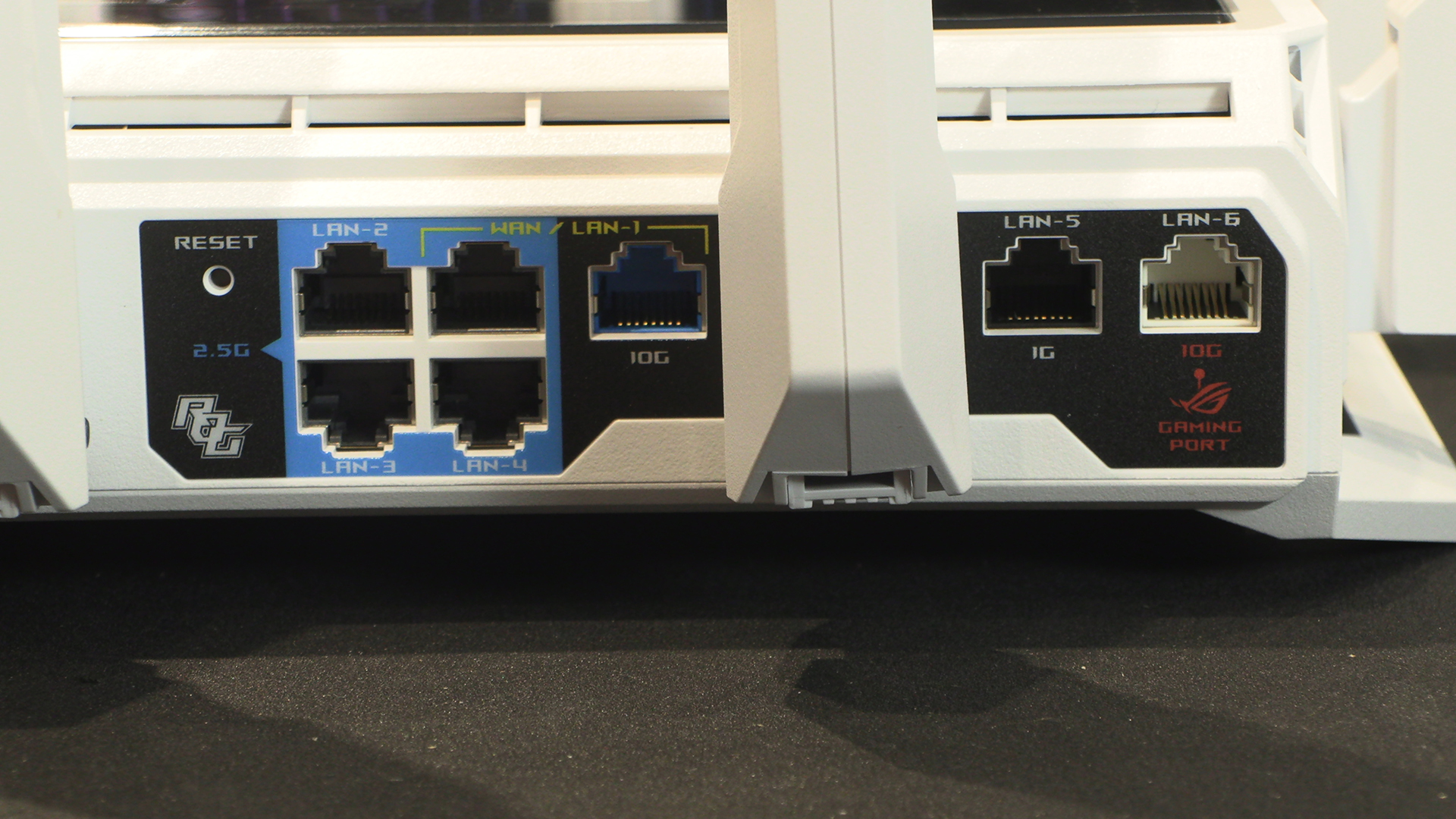
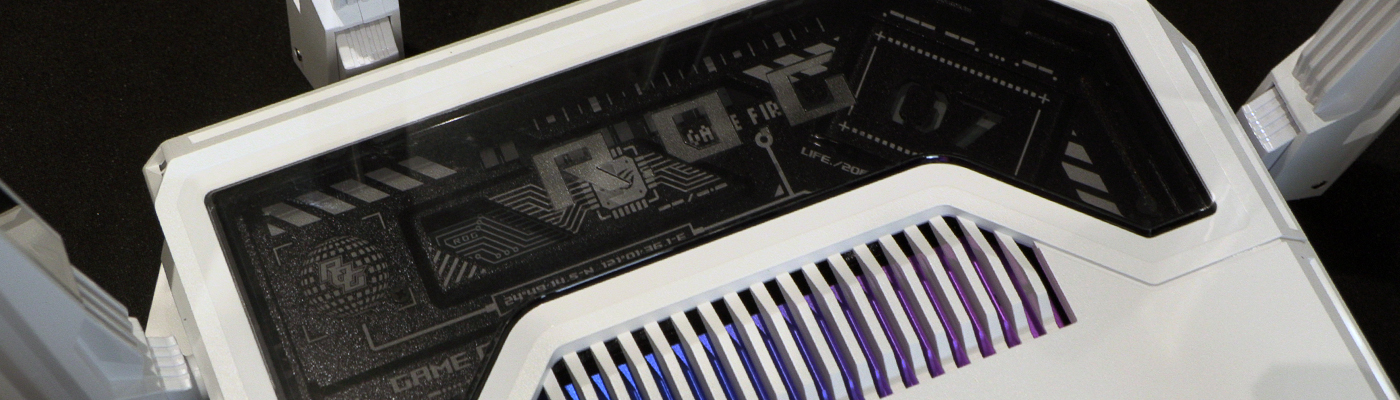
You can see the beefed up cooling. 30% thicker aluminum for a 18% better heat dispersal when compared to the Rapture AXE11000. With so much extra hardware inside it’s nice to know ASUS have gone the extra mile to keep things frosty.
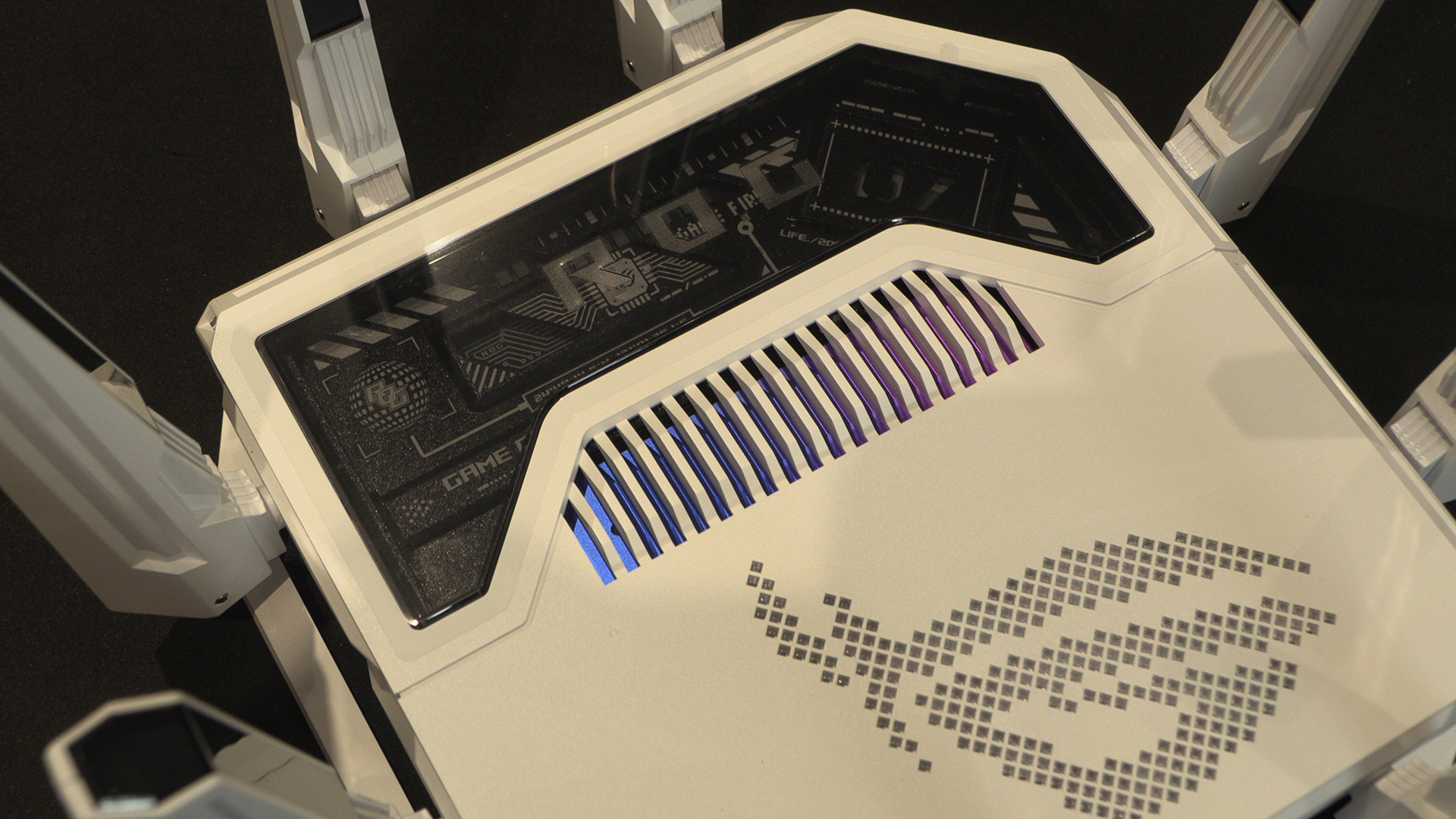
Lastly, it wouldn’t be a ASUS ROG product without a huge ROG Eye logo and some fancy RGB. Box, ticked.