TX3 Core 360 Gaming Chair Review

TX3 Core 360 Adjustment Options
Adjustment options
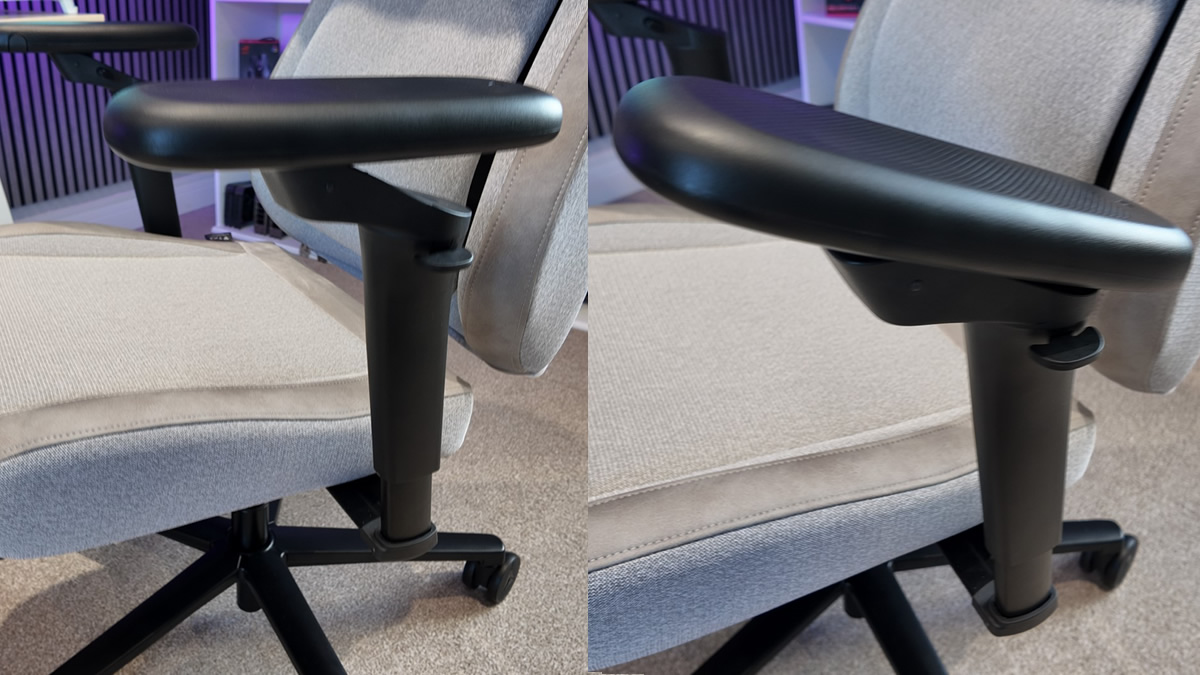
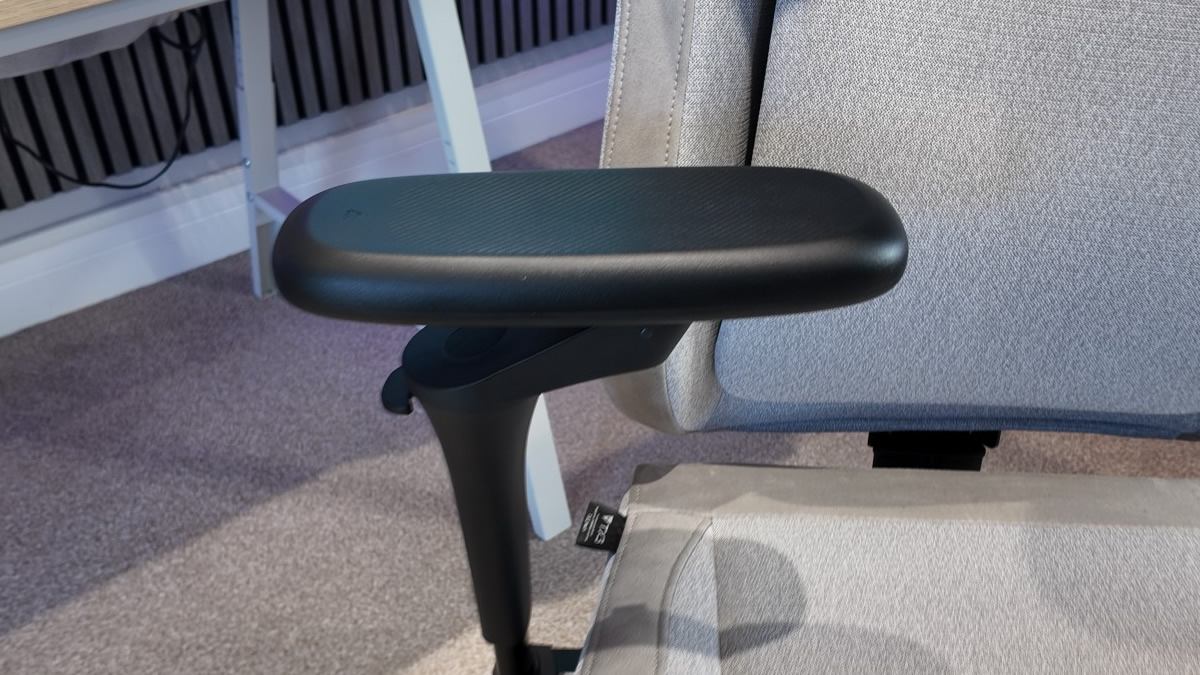
The TX3 Core 360 has a lot of adjustment options. Unlike many other chairs, adjustability doesn’t start and end with the chair’s armrests. This chair has TX3’s 5D 360 armrests, with up/down, front/back, tilt, and full rotation. Note that rotation happens both directly under the armrest and slightly above each armrest’s flappy paddle for height adjustment.
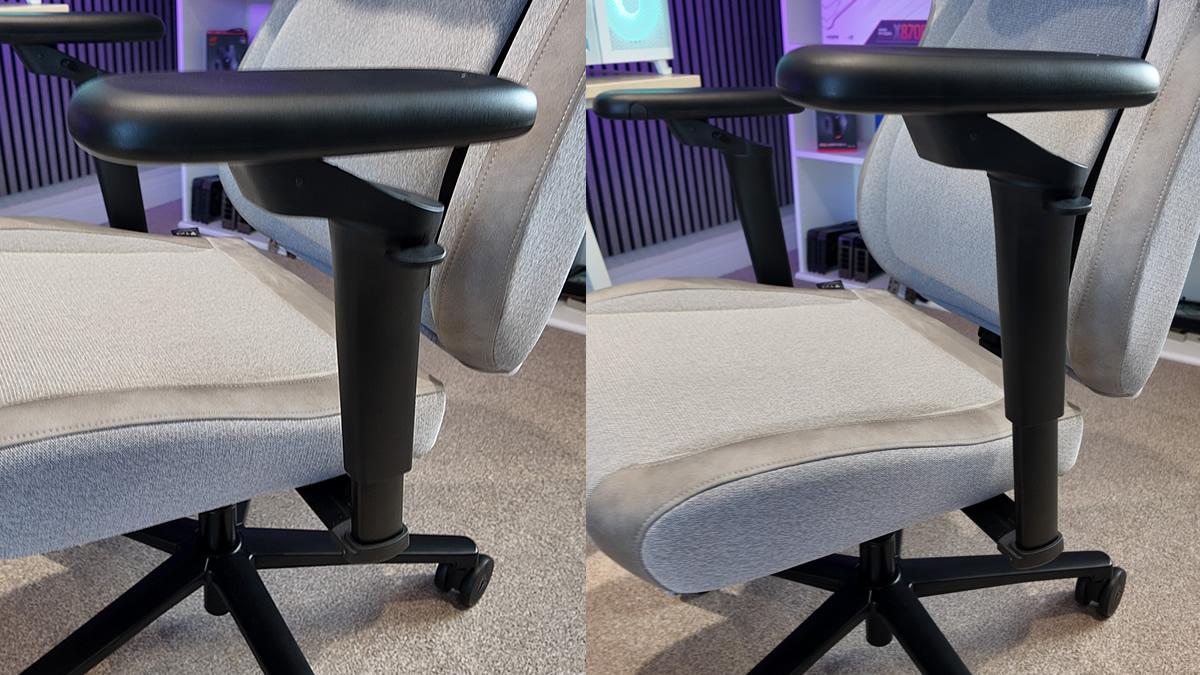
Note how this chair’s armrests can pivot backwards or forward to increase or decrease desk clearance. Also note that we couldn’t get the arms of this desk below our desk, even at its lowest position. An extra inch drop would have enabled this, and this would have been a good option for those who want their chairs fully under their desks when not in use. This is a minor annoyance, and it isn’t a problem when you’re sitting in the chair.
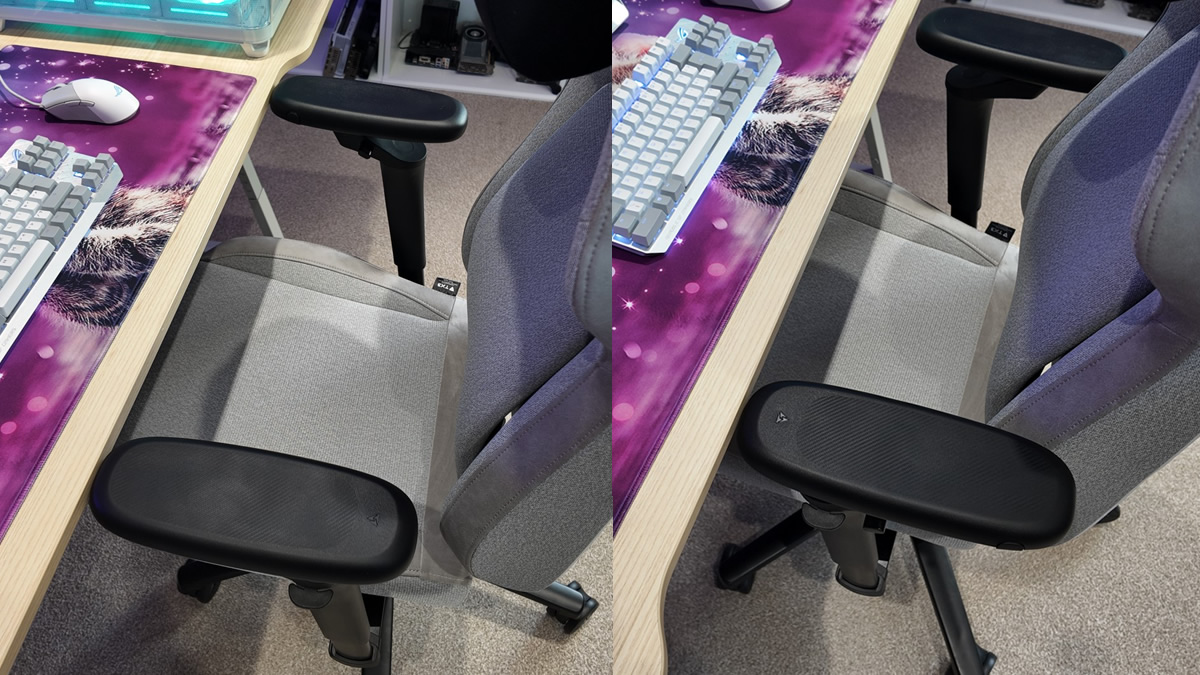
Tilt options provide ideal arm support when needed. This could be handy for various scenarios, like reducing arm fatigue when using gaming handhelds (Steam Deck, Switch 2, etc.) or other scenarios.
With the Core 360, you can pretty much move the armrests wherever you want for optimal comfort.
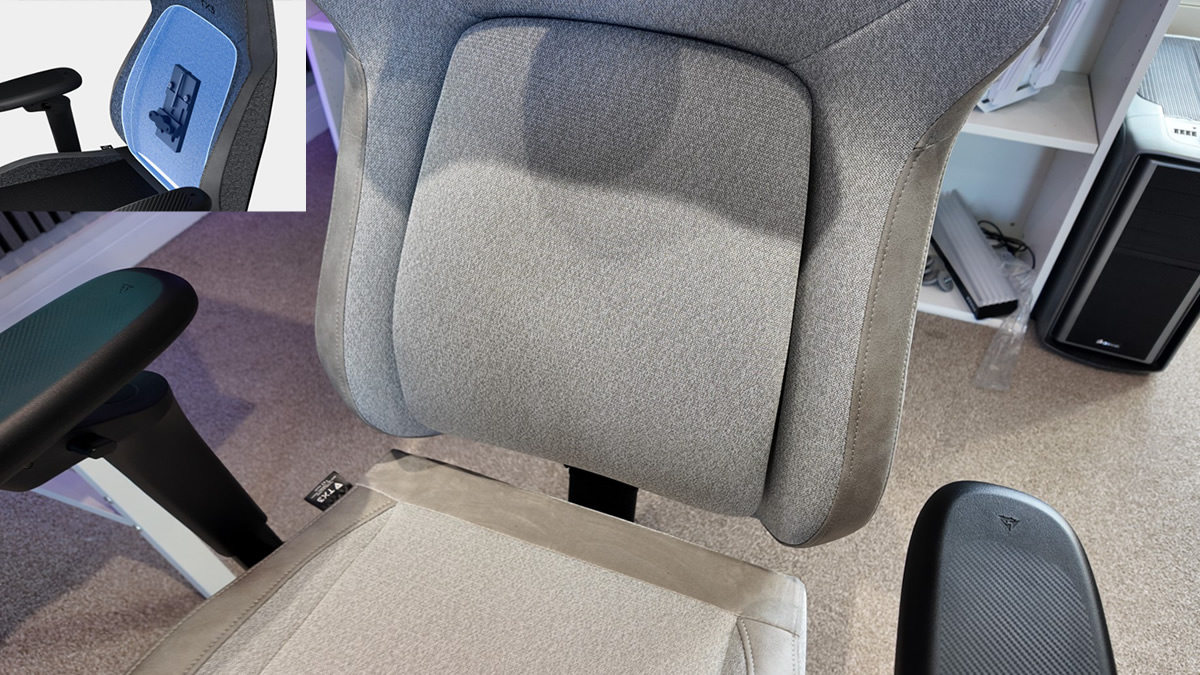
TX3’s CORE.RDY 2.0 lumbar support
The Core 360’s CORE.RDY 2.0 sliding lumbar support is this chair’s killer feature. Many office or gaming chairs require tedious adjustments to deliver optimal lumbar support, and even then most chairs lock that support in place, limiting comfort during movement. For the Core 360, this support is an independent element that self-adjusts to match your posture and deliver optimal support. Less tedium, more comfort. That’s a win.
With the 2.0 version of TX3’s CORE.RDY tech, the lumbar support now has a sliding platform that enables even better support than older Core chair models. This helps make the Core 360 an incredibly comfy chair.
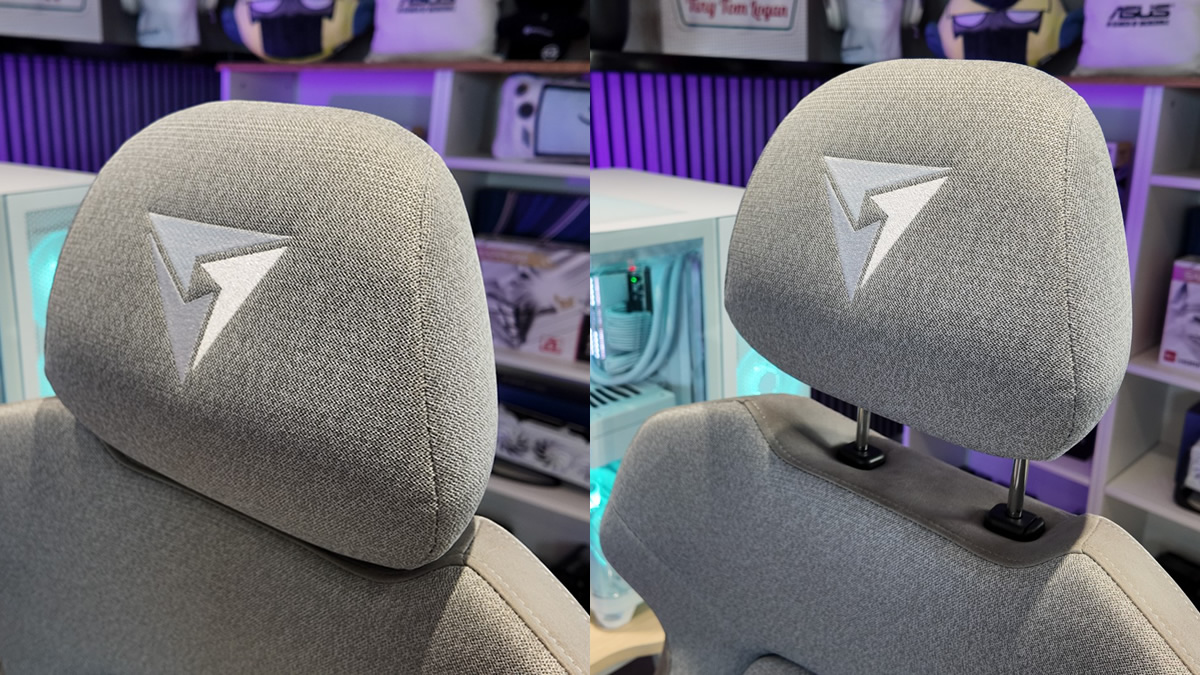
Headrest adjustment
The Core TX3’s headrest offers height and tilt adjustments, letting users choose their preferred headrest position.
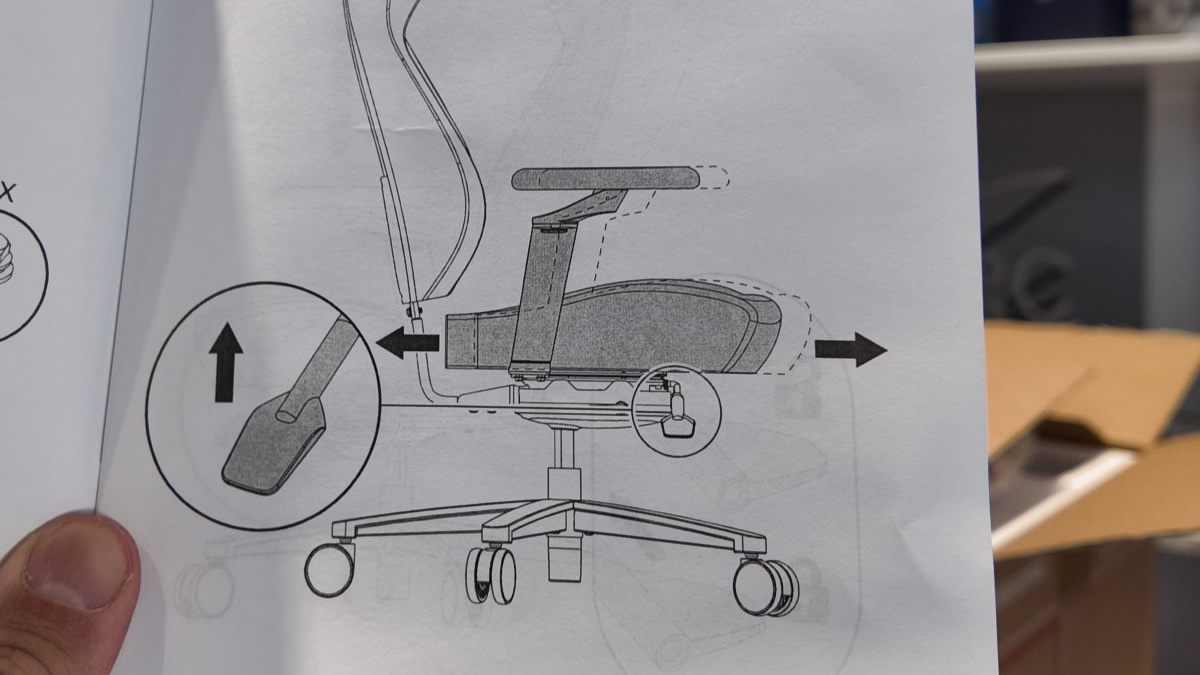
Chair depth adjustment
With the Core 360, users can adjust the chair depth by moving the seat backwards or forward. This can improve comfort, especially for taller users with longer legs.