Cortana removal guide

Introduction
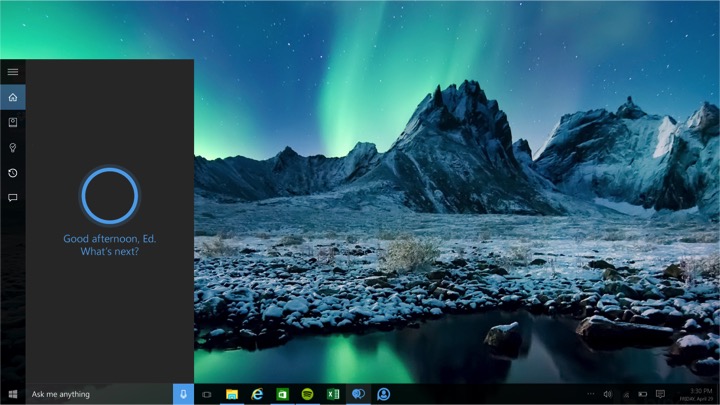
While some consider Microsoft’s new personal assistant as a useful tool, many of us simply want to get rid of it and cleanse our systems of this unwanted program.
Love it or hate it Cortana is a part of Windows 10, lacking any uninstall option and using system resources even if you would rather use those resources while gaming or any other application, leading many to try and remove this program from the Windows 10 platform.
Today we will be showing you how to disable Cortana on Windows 10 Aniversary Edition, so we would recommend that users update their installation of Windows 10 is they haven’t already.
The Windows 10 Aniversary Update is available to download here.