Crysis Remastered PC Performance Review and Optimisation Guide

Graphical Settings Comparisons – Low to ‘Can it Run Crysis?’
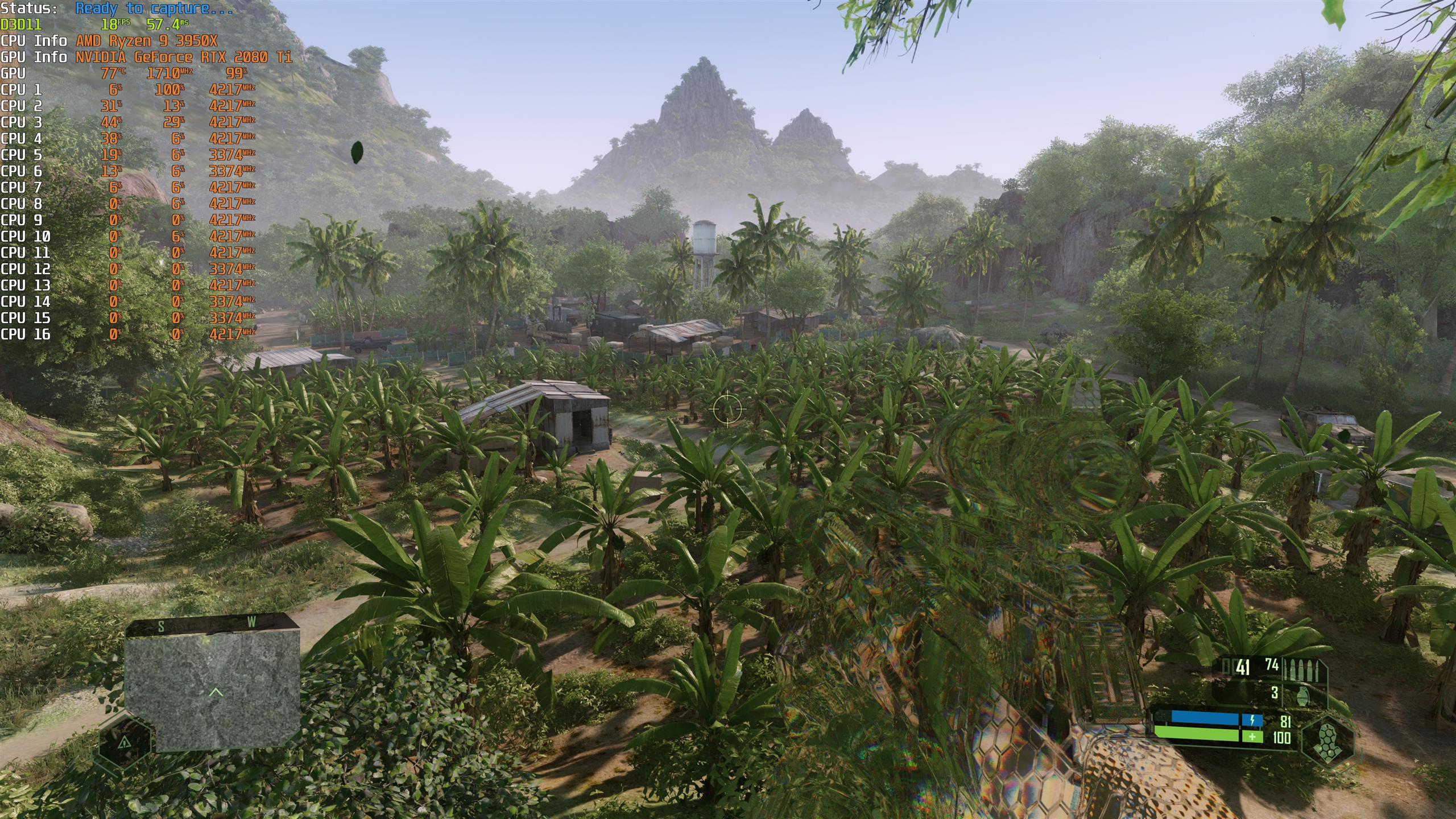
Most of Crysis Remastered’s most taxing settings come in the form of increased draw distances, reducing pop-in while allowing more distant detail to be viewed. For a game like Crysis, where forward planning and reconnaissance can be essential, these increased detail levels can make a big difference to gameplay, making Crysis Remastered’s Medium preset the minimum that most PC gamers should be aiming for.
At Medium, levels look detailed at a distance, pop-in becomes difficult to notice, and the game’s massive tropical levels become stunning vistas. Most PC gamers should be aiming for Medium or higher settings with Crysis Remastered, as this is where gamers get the best performance-to-visuals ratio in most cases.
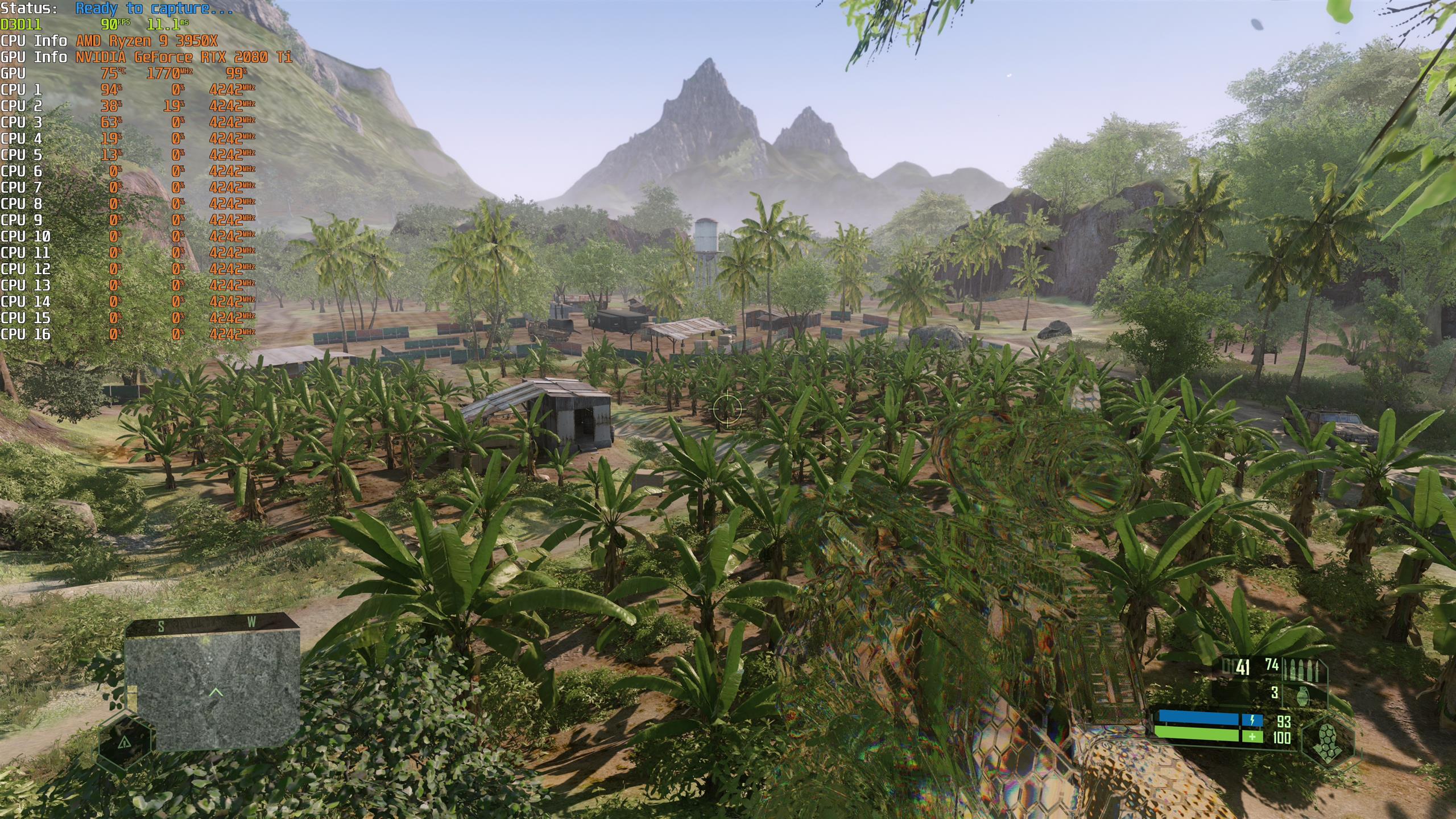
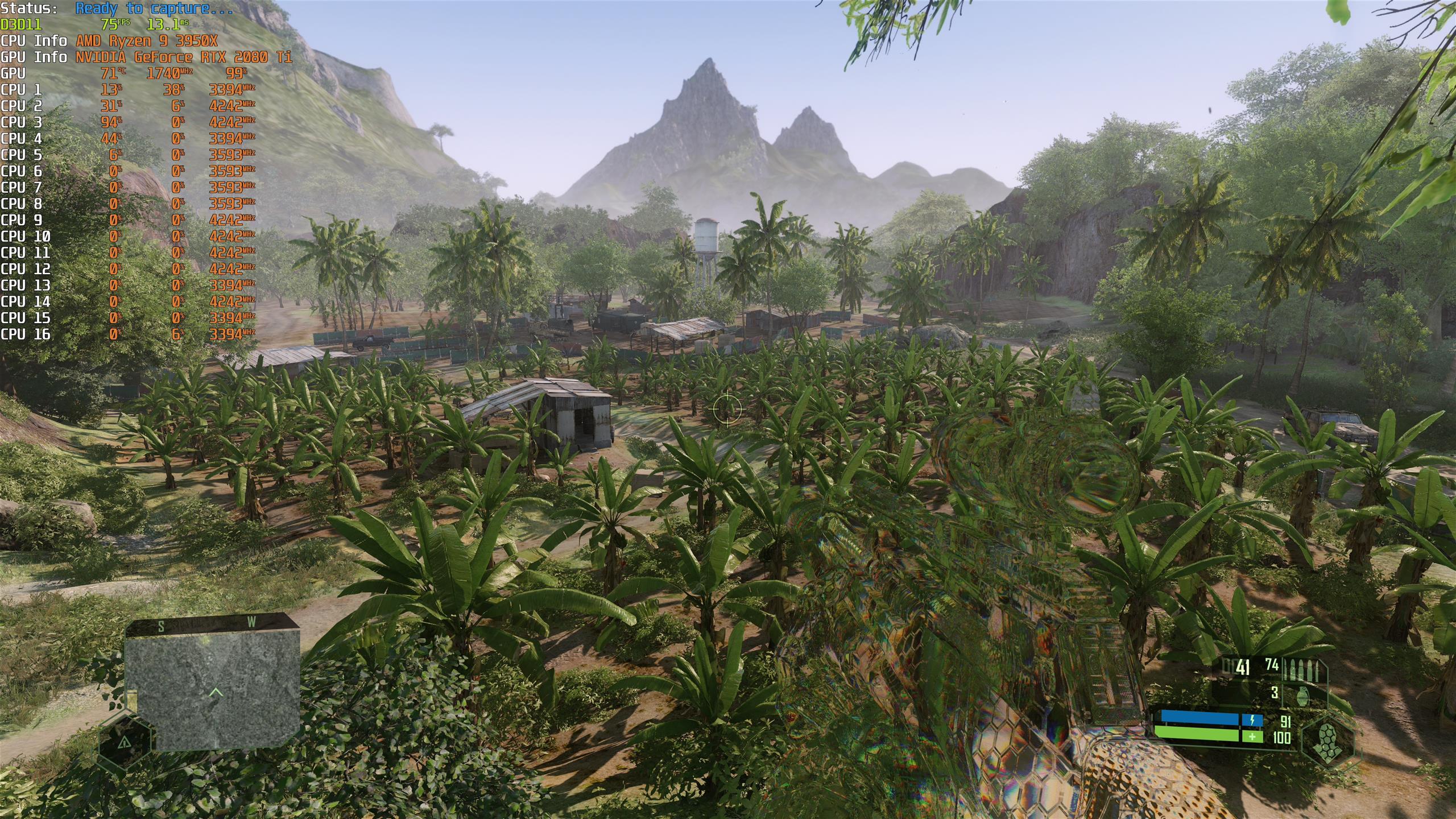
Moving to high settings, draw distances are pushed out further, beyond that of the original Crysis’ highest settings. Even the game’s distant mountains are covered in trees, making the game’s environments look more realistic than ever before.
High is where ray tracing also comes into play, though this scene displays Crysis’ RT effects poorly. Head over to page 4 to see ray tracing on/off comparisons.
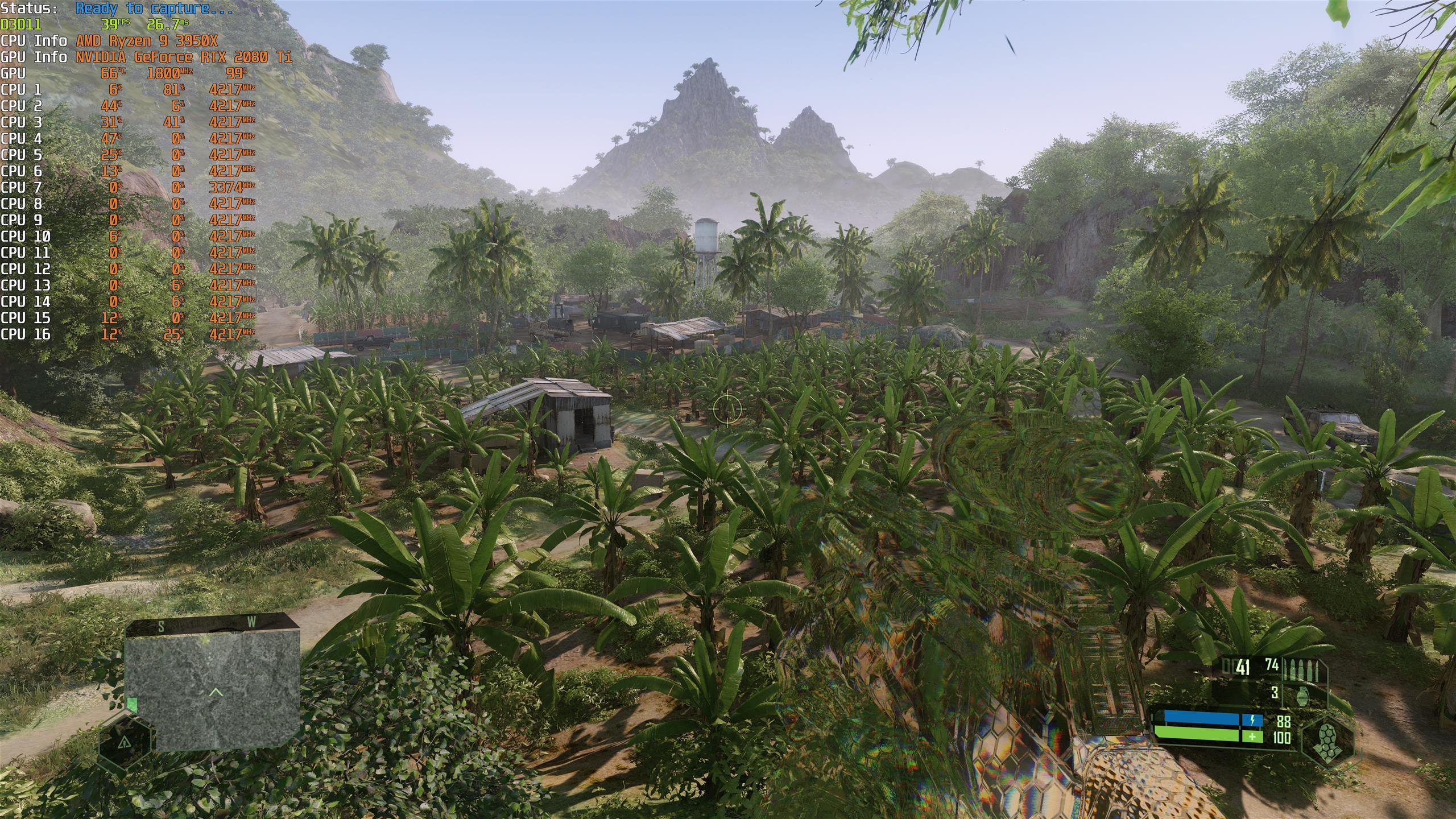
At very high shadows become more detailed and vegetation and shadow draw distances are pushed out to even further. This setting comes at a high performance cost.
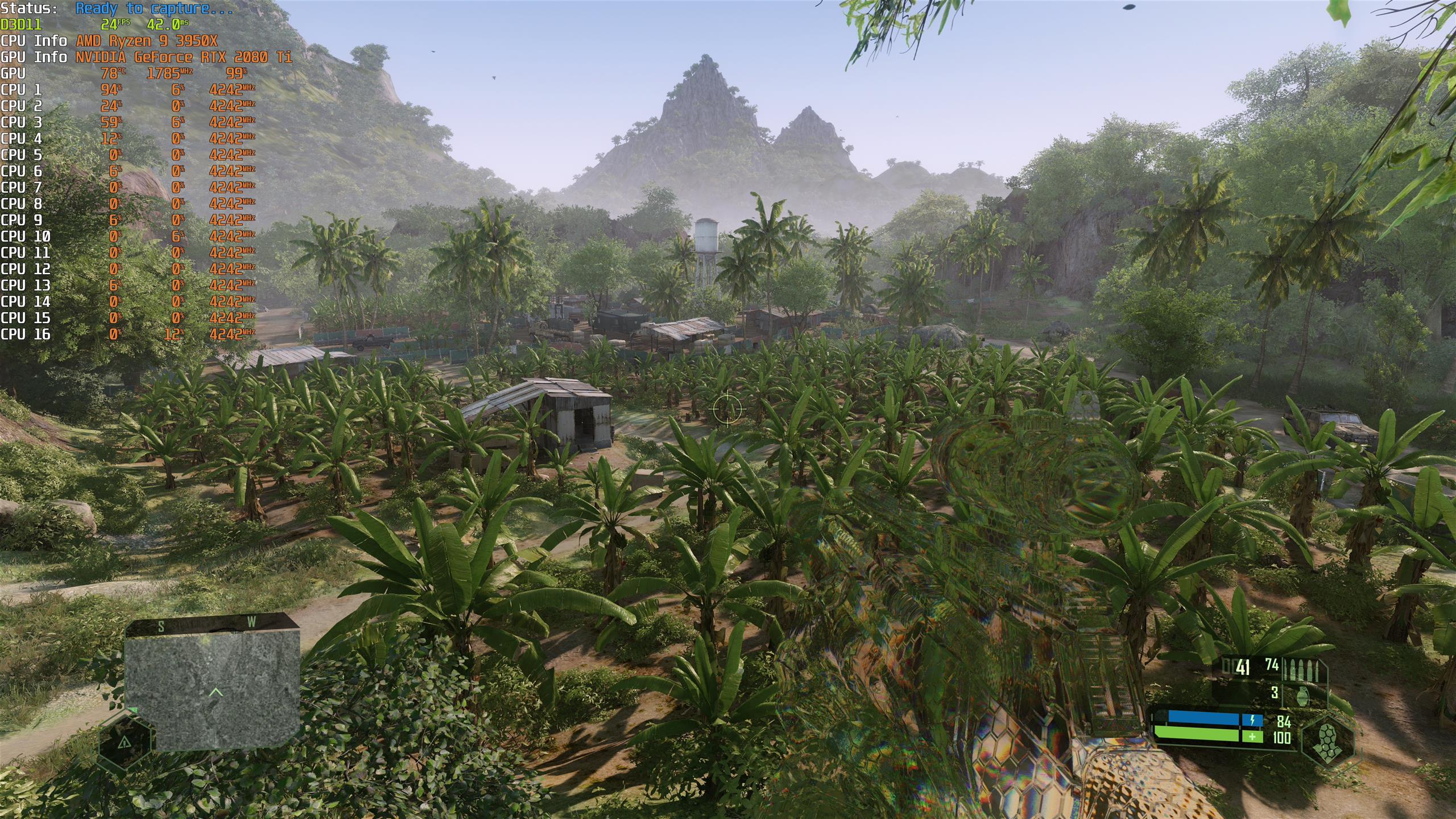
“Can it Run Crysis?” is a preset that’d designed for future PCs, pushing draw distances to their maximum to eliminate pop-in and display everything on screen at their maximum possible detail levels. More trees are visible, and objects, shadows and shading are pushed out as far as Nomad’s eyes can see. This setting has a colossal toll on both CPUs and GPUs, as we will detail later.