Halo Reach PC Performance Review with AMD Ryzen APU Testing

FOV adjustment – It doesn’t work on all vehicles…
When testing games, we like to do things properly. If FOV options are marketed as a major selling point for a game, you know that we are going to test that option. If it’s good enough to make a fuss about, it’s worthy of validation.
Usually, these things are only worth briefly commenting on, either by simply saying that the option works in our articles or commenting on it in the conclusions of our analysis pieces. With Halo: Reach, we thought that the game’s FOV options were worth going into a little more detail, as they didn’t work as well as we expected.
Aircraft FOV
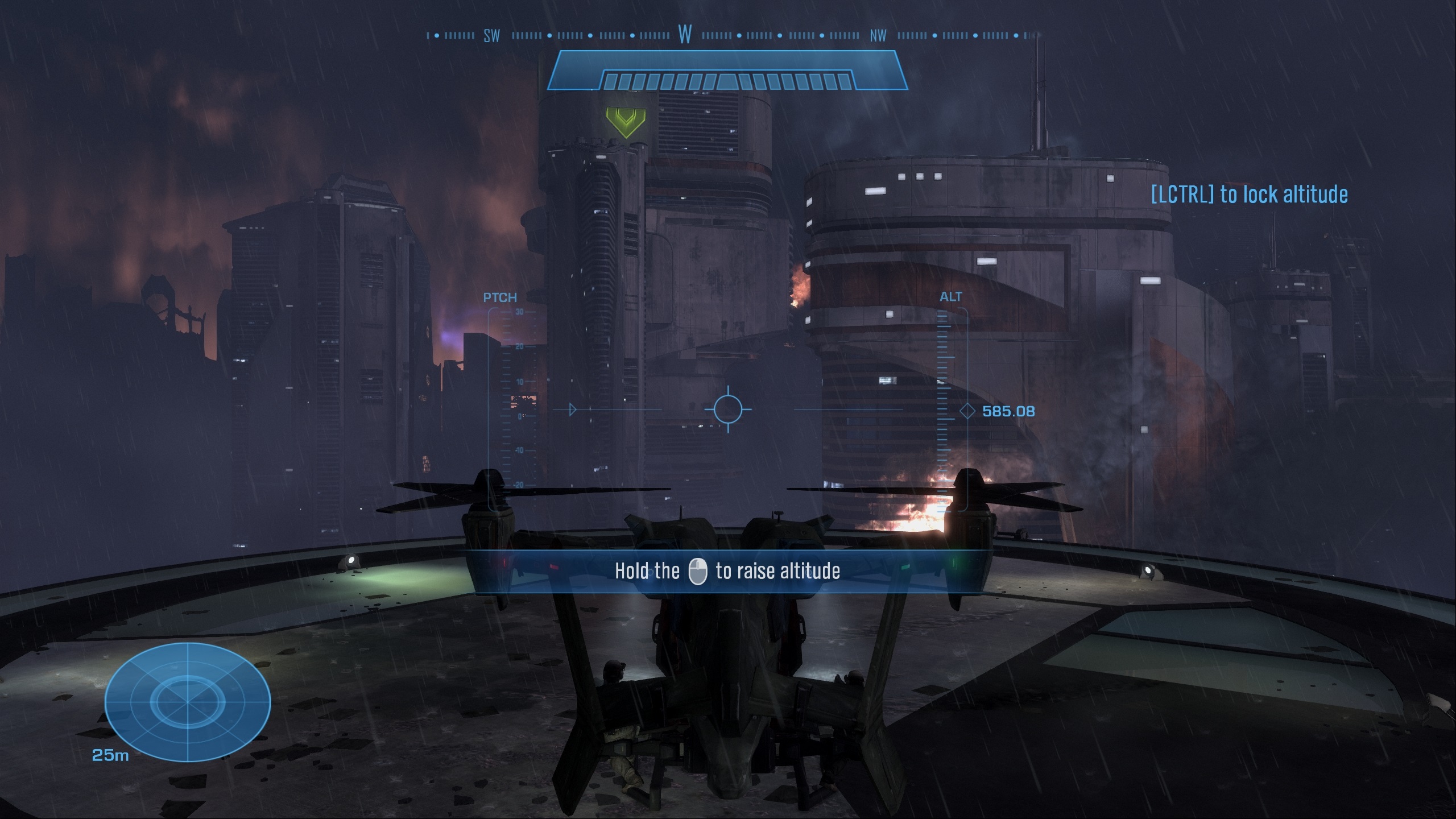
Below is a simple comparison, aircraft flight with Halo Reach’s default FOV and with the game’s maxed out vehicle FOV option. You may notice that nothing has changed, and the only thing that we can say about this oddity is that the option doesn’t work on all vehicles, at least on our PCs.
(78-Degree FOV VS 120-Degree FOV)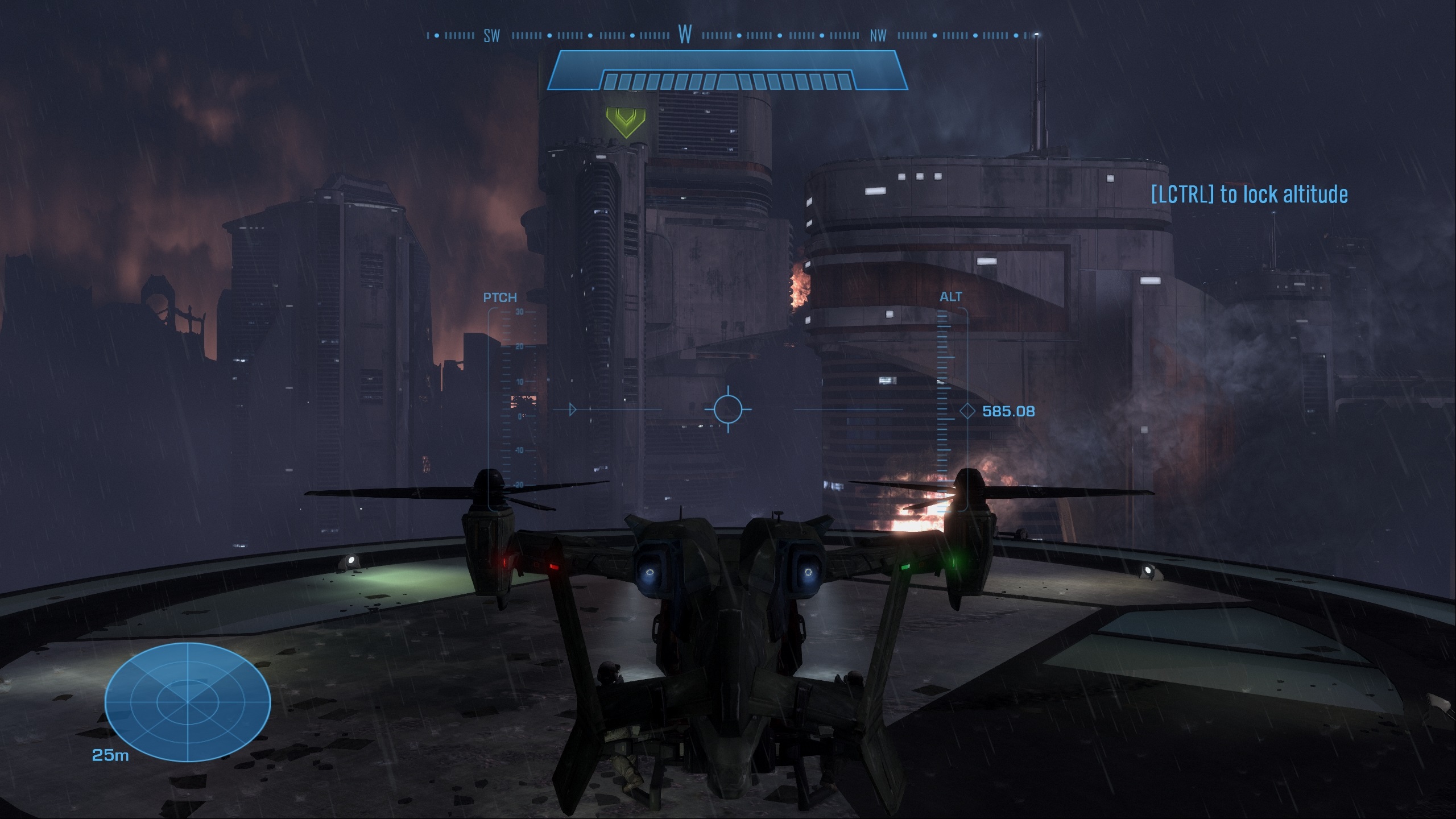
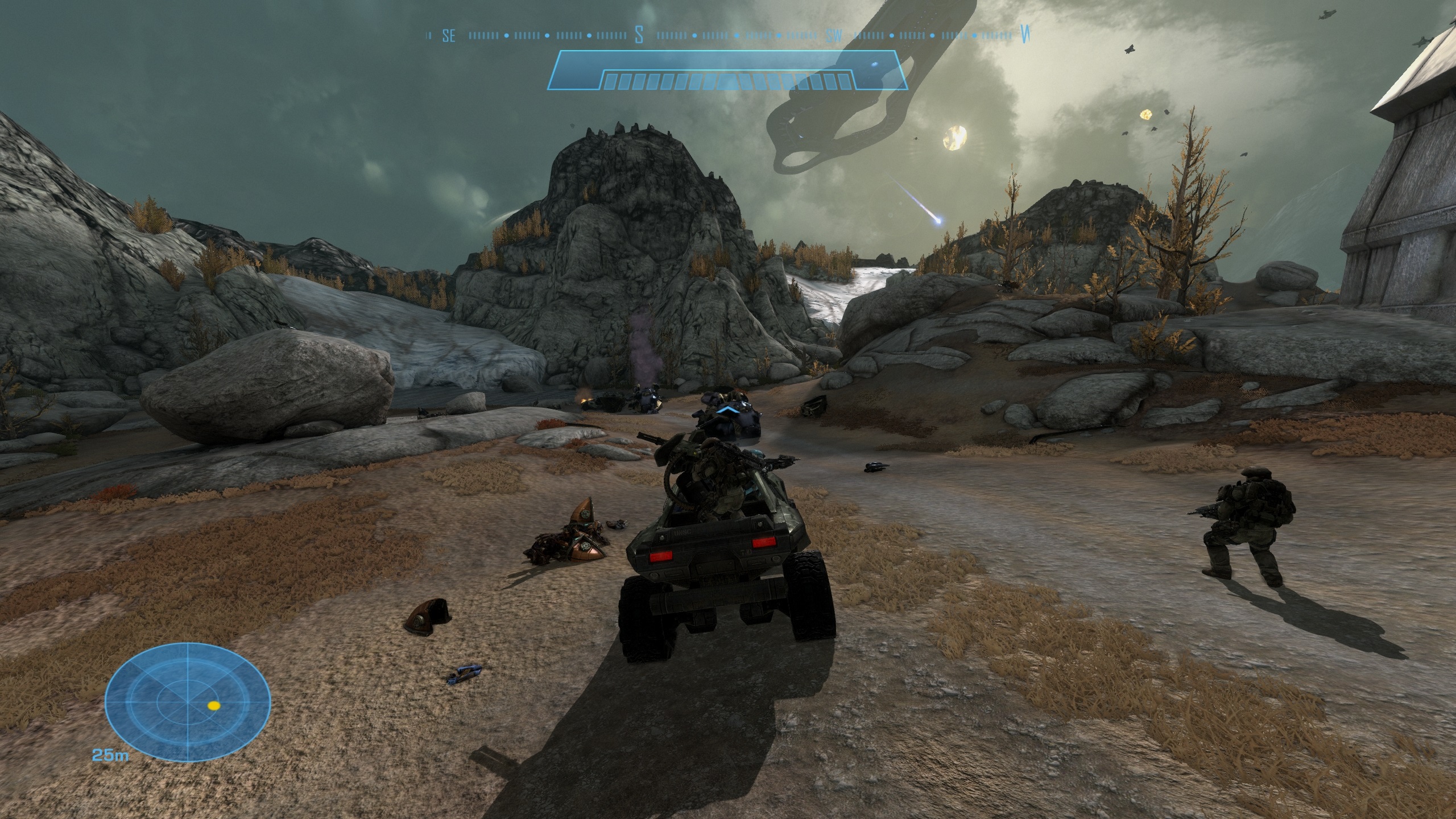
Moving to a Warhog we can see that things work a lot better, with wider FOV options widening the game’s viewport to give PC player more detail and a zoomed-out look at the action. This helped us be a lot more aware of our surroundings, making driving a lot simpler.
(78-Degree FOV VS 120-Degree FOV)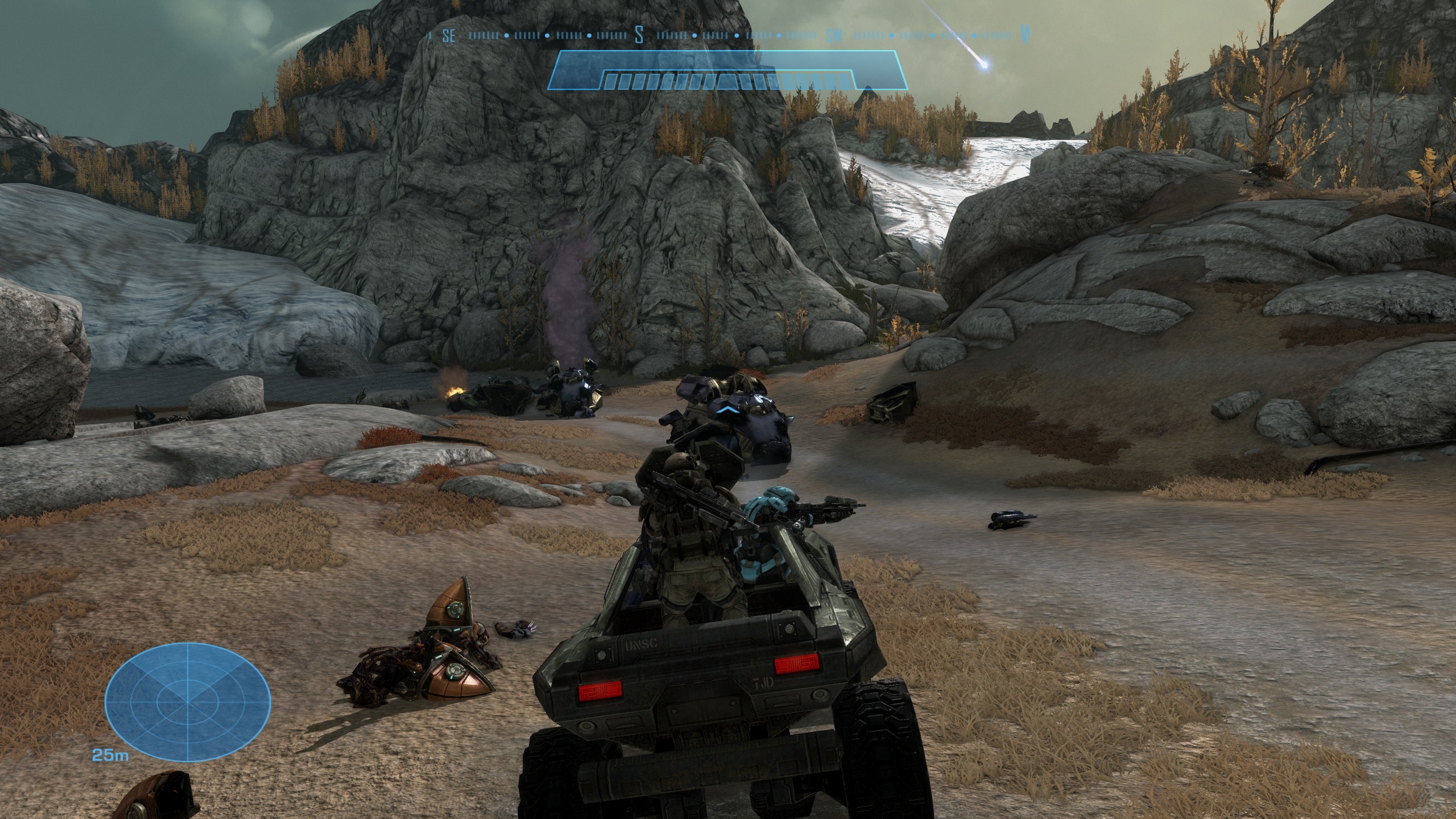
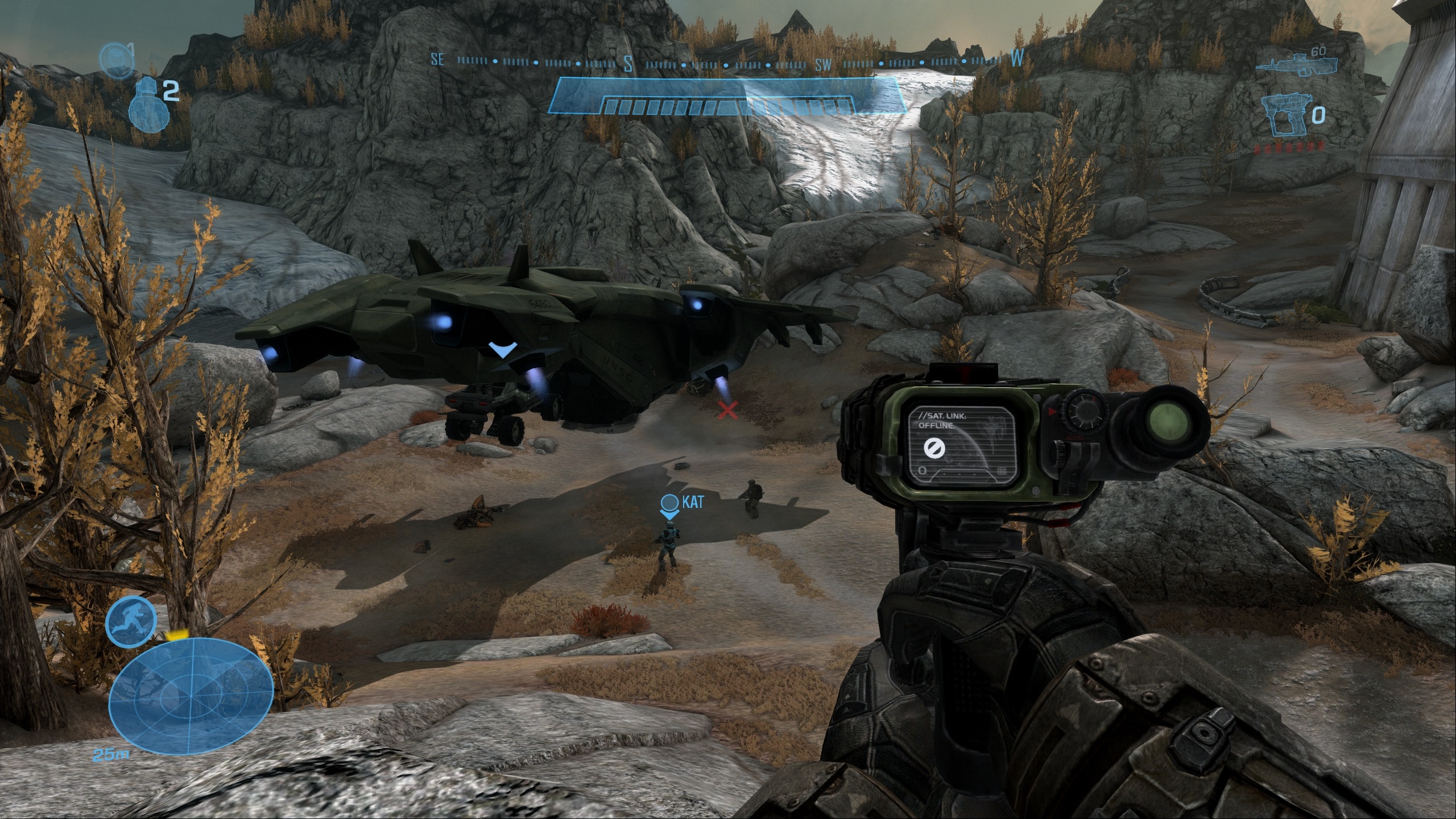
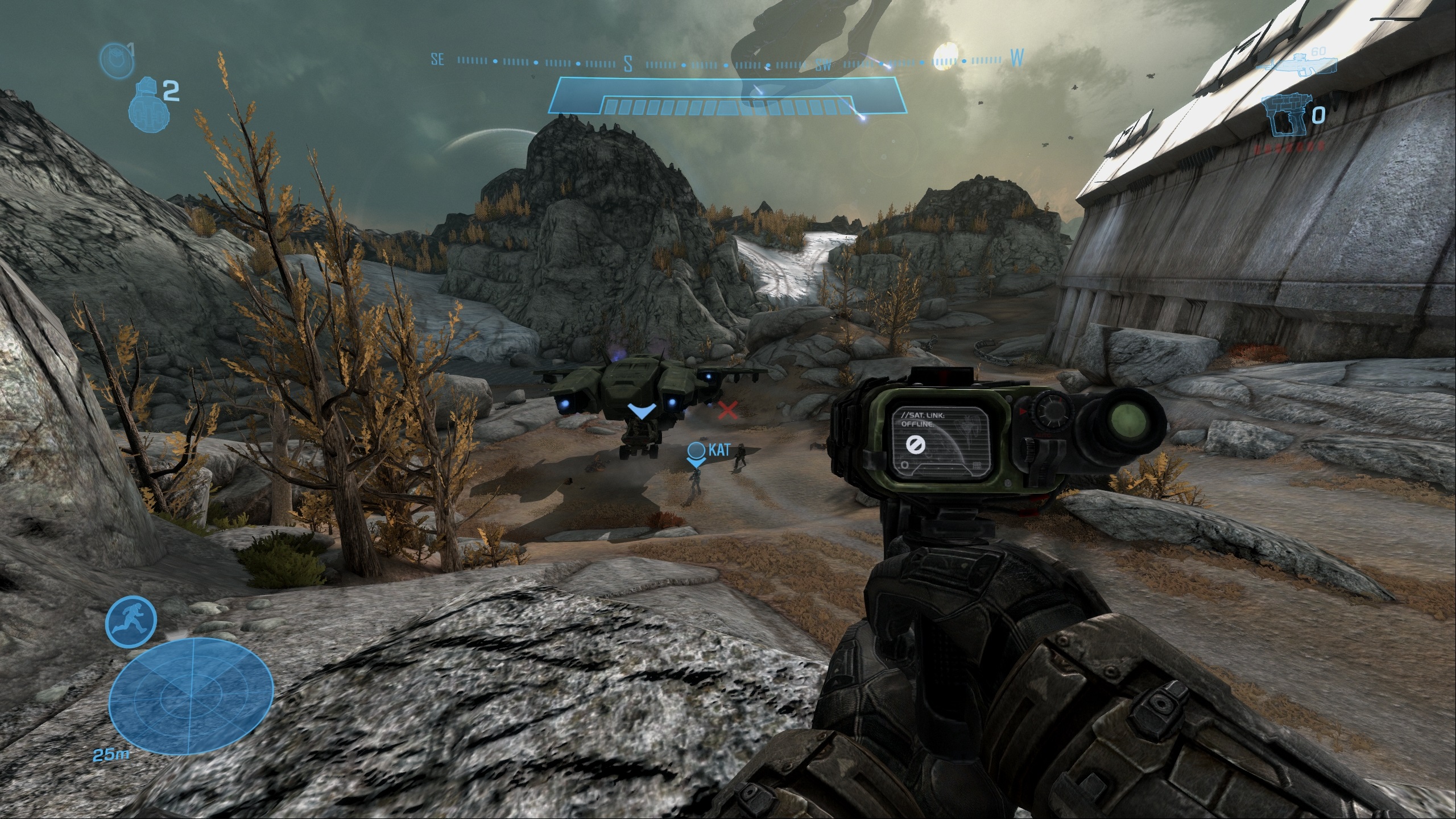
When adjusting Halo: Reach’s first-person FOV, players will be given a wider field of view and an opportunity to see more of the game area from their viewport. Unfortunately, the weapon sizes of Noble 6 don’t see much of a decrease, but at least players get a wider field of view.