Middle Earth: Shadow of War PC Performance Review

Graphical Options and Settings
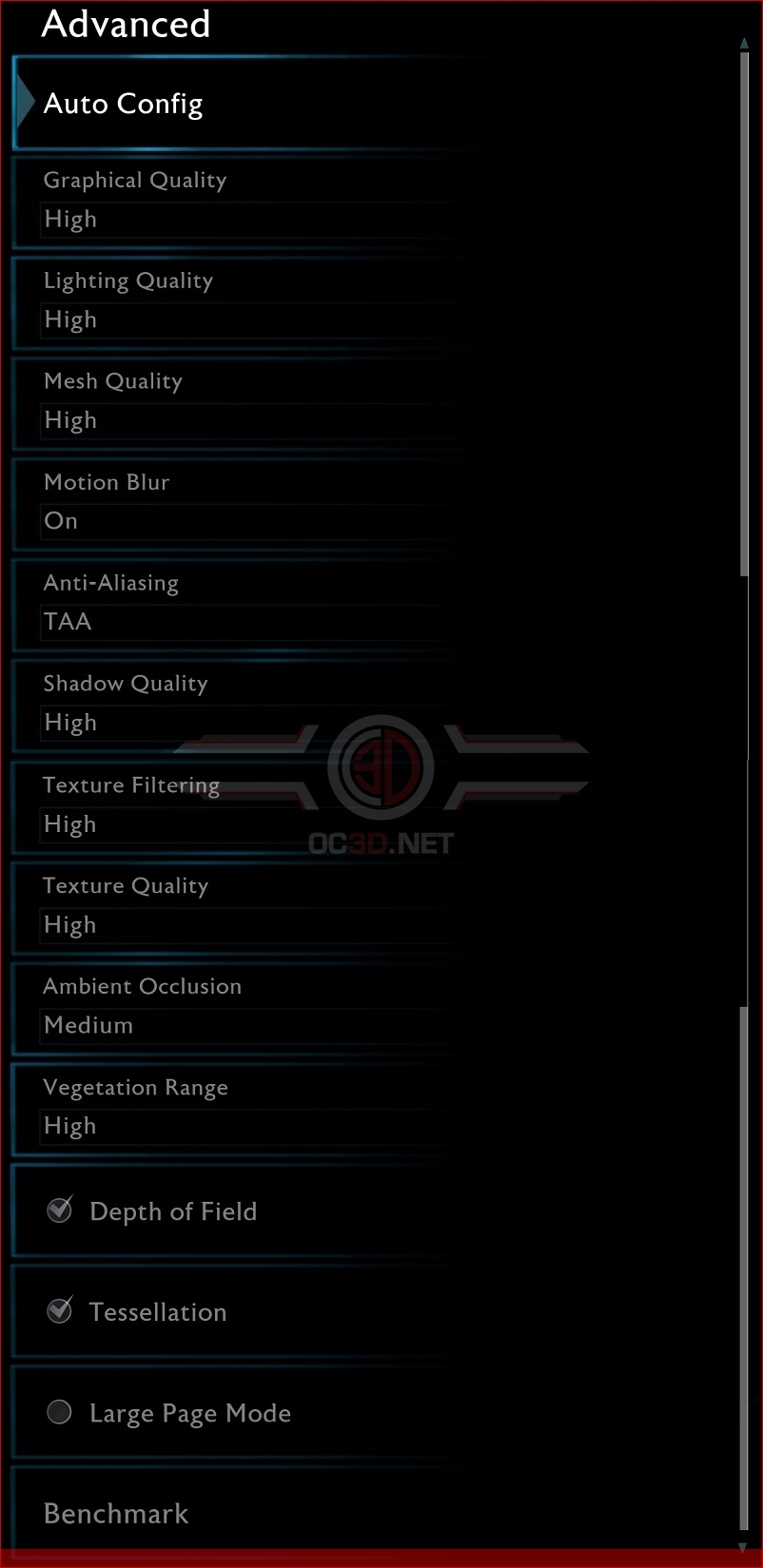
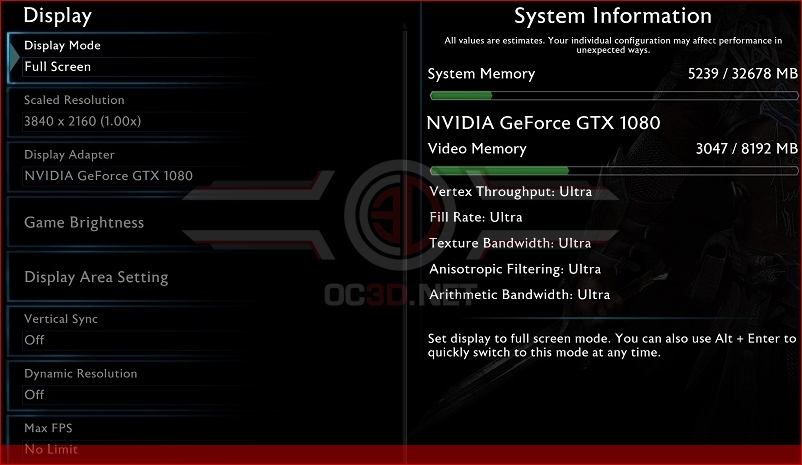
Middle Earth: Shadow of War has released with a large number of graphical options on PC, including advanced features like resolution scaling and variable resolutions, allowing users to allow the game to adjust itself to help reach desired resolution/framerate targets.
The game also includes a built-in benchmarking utility, which is reasonably accurate at judging your system’s performance in this title, especially for game locations at the start of “Act II” of the game.
One of the biggest issues in this game’s graphical options menu is the lack of any FoV (Field of View) options, which will be an issue for anyone that is particularly sensitive to simulation sickness at certain FoV values. The lack of this feature is highly disappointing, especially given the fact that most PC gamers would call FoV options a “standard” feature.
Below is a list of Shadow of War’s available graphical options, though please note that Ultra Textures are only available when they are downloaded on Steam as a free DLC. This allows those who do not want these higher fidelity assets to save some storage space on their hard drives or SSDs.
Graphical Settings
– Lighting Quality
– Mest Quality
– Motion Blur
– Anti Aliasing
– Shadow Quality
– Texture Quality
– Texture Filtering
– Texture Quality
– Ambient Occlusion
– Vegetation Range
– Depth of Field
– Tesselation