Styx: Shards of Darkness PC Performance Review

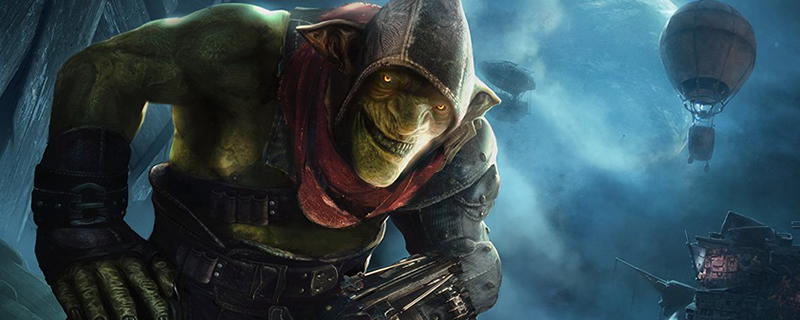
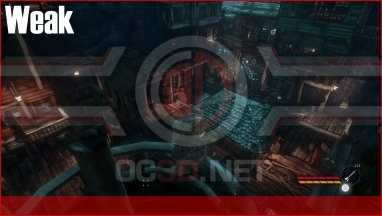
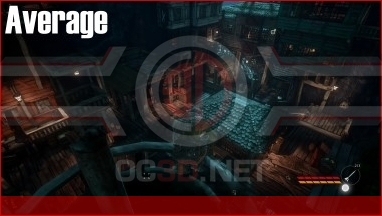
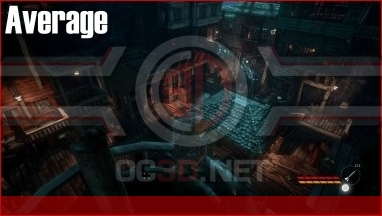
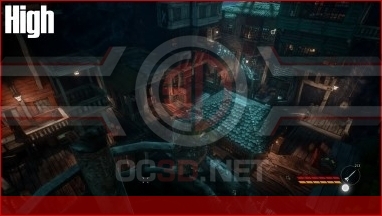
4K Screenshot Graphical Comparison
Graphically, Strix: Shard of Darkness is not exactly the prettiest game in the world, though the game does a great job with its own visual style to make the world seem active and filled with activity.
Moving through the game’s graphical settings we can see that not much of the world changes as we move from Weak to Epic settings, with the most notable differences being in texture quality and lighting/shadows.
Higher graphical settings will give players much sharper textures, though even these can look pixelated when viewed up close. The Textures of Styx and other characters stand up well to close inspection, but many in-game objects do not hold up as well.
In the far distance and through some windows we can see that some objects have not been drawn into the world, though these changes will have a minimal effect on gameplay.
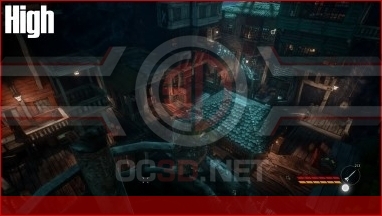
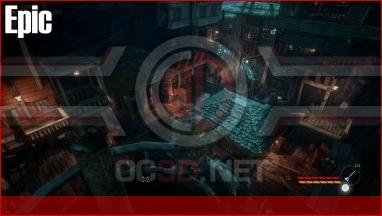
When comparing High and Epic settings we can see that there is a minimal graphical difference, even at 4K, with textures having no notable change in quality and only minor changes in Anti-aliasing and shadows.