Tales of Arise PC Performance Analysis & Port Report

Tales of Arise’s Resolution Scaling could be much better
Resolution Scaling is a great option that most modern Unreal Engine 4 games take advantage of, giving PC gamers a great way to enhance the performance of their games by running the game at sub-native resolutions or increase the graphical fidelity of their games using supersampling.
Sadly, Tales of Arise’s resolution scaling feature only has three options 50%, 100% (native), and 200%. Most modern PC games with resolution scaling offer options at 10% (or 5% intervals), giving gamers more useful options. At 4K, gamers might need a small framerate boost to achieve 60 FPS framerates. Typically, a resolution scale of 80% or 90% would be enough to deliver a significantly higher framerate without huge graphical degradations. Sadly, going straight from 100% to 50% causes image quality to nosedive, and the final image appears to be oversharpened, making the image look even worse.
As it stands, you are better off running the game at a non-native resolution (1080p or 1440p on a 4K screen etc), as it delivers clearer results. The image below even shows image quality losses for the game’s campfire icon, something that should ideally be rendered at native resolution even when resolution scaling is used.


Ok, 200% Scaling looks awesome!
Ok, while 50% resolution scaling looks terrible, Tales of Arise’s 200% resolution scale setting looks awesome. This may be a great option for someone who has an overkill graphics card and a 1080p screen, though it is worth noting that 1080p at 200% is equivalent to 4K, which may be too demanding for many users. Again this is why more granular options are preferable, like 150%.
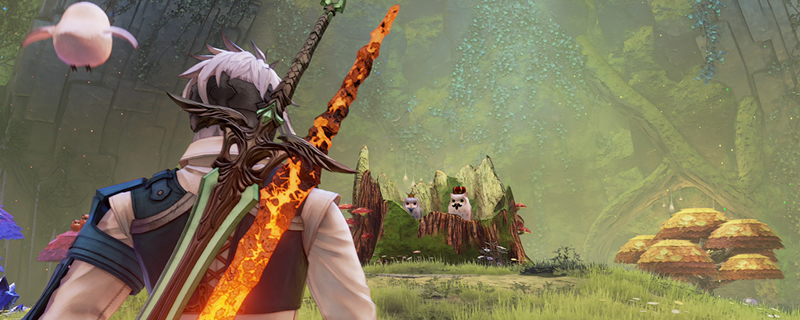
That said, doesn’t this game look awesome with 200% resolution scaling?