


Intel fans enable XeSS 3 on ARC B580 and other GPUs early

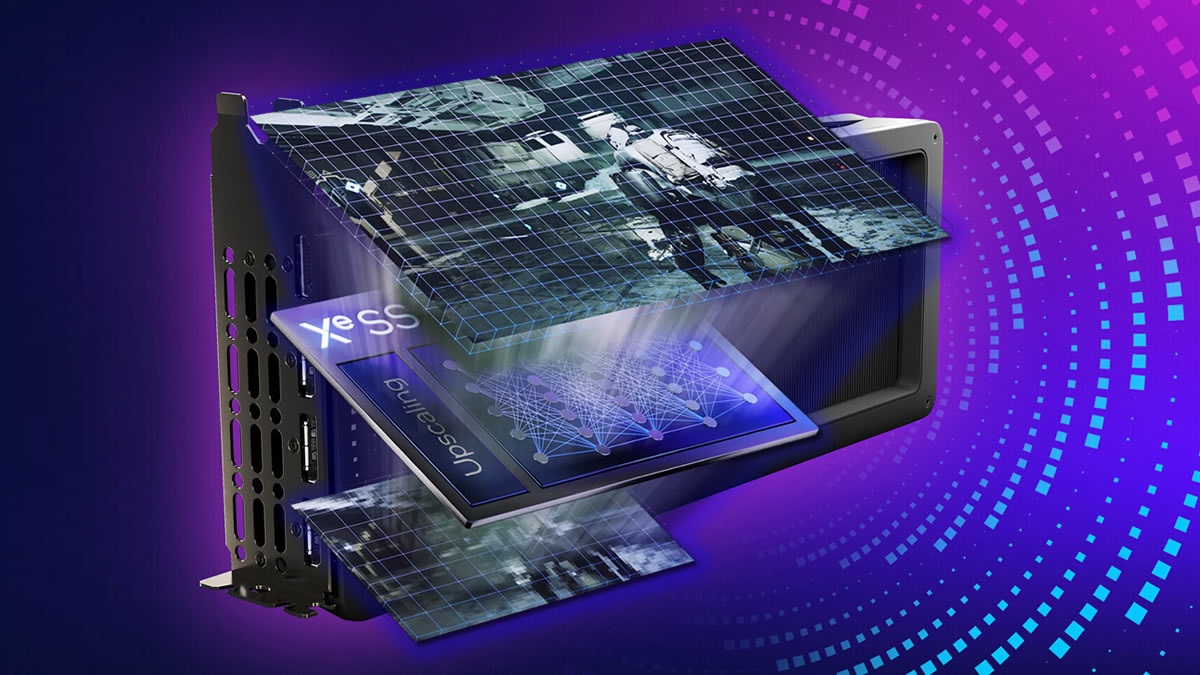
Intel users discover a way to enable XeSS 3 on older Intel ARC GPUs
Intel has confirmed that XeSS will be available on its ARC Battlemage B580 and other GPUs this month. However, gamers are not patient enough for that. Intel ARC users have already found ways to enable XeSS 3 on Intel’s older ARC graphics cards (via Videocardz).
By simply copying two XeSS DLL files from one folder to another, uninstalling your drivers (with IGS or DDU), and reinstalling them, gamers can utilise XeSS 3 on pre-Xe3 (Panther Lake) Intel GPUs (if they have XMX units). This includes ARC Battlemage and ARC Alchemist series GPUs.
Enable XeSS 3 on Intel Battlemage/Alchemist GPUs
- DL the latest intel driver
- extract it with 7zip to any folder
- goto 8362 folder
- find igxell.dll & igxess_fg.dll
- copy 2 dlls to 8452 folder (overwrite)
- Remove all the driver and IGS using DDU
- Install from extracted folder (ignore warning while installing)
8362 is for Panther 8452 is for the legacy
Note that XeSS 2 and XeSS 3 are identical in upscaling. What XeSS 3 brings to the table is XeSS Multi-Frame Generation, which enables up to 4x frame generation. ARC users have already demonstrated XeSS 3 Multi-Frame generation running on Intel-powered MSI Claw handhelds and B580 graphics cards.
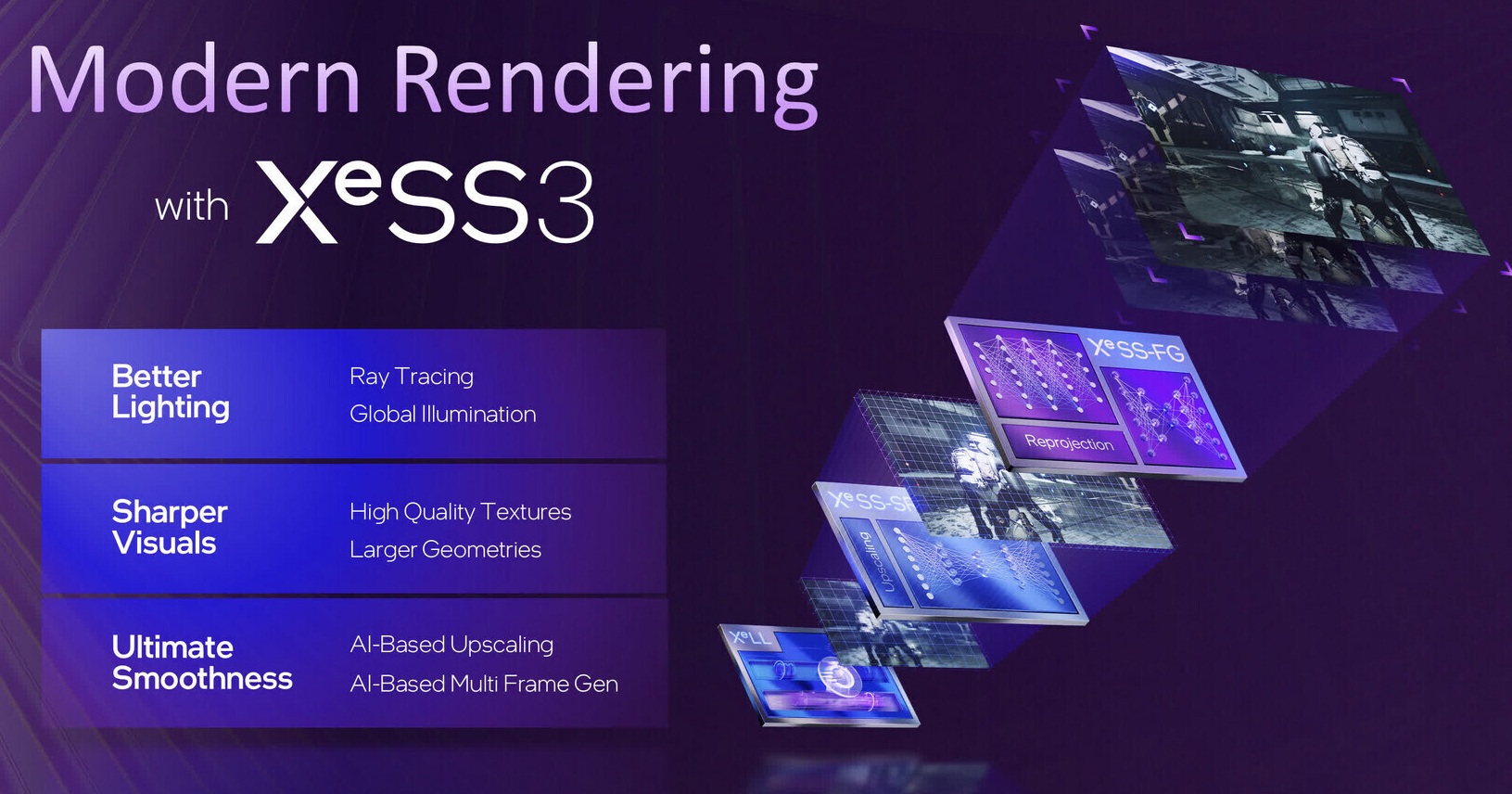
With a few file renames, Intel’s XeSS 3 files can be added game folders, upgrading games to the newest version of XeSS. Currently, it is unknown exactly when Intel’s official XeSS 3 driver will be released for B580 and older GPUs. All we know is that these drivers will be released this month.
rename the dll files from ig to lib (like libxell.dll) and replace them in game files The best drive version for XeSS 3 is 8331 (or just do what onehoon said) Enjoy!
– Aggressive-Camel8166 – Reddit
You can join the discussion on Intel fans bringing XeSS 3 to Battlemage/Alchemist series GPUs early on the OC3D Forums.
