


be quiet Light Loop IO LCD 360mm Liquid Cooler Review

Meet the be quiet Light Loop IO LCD
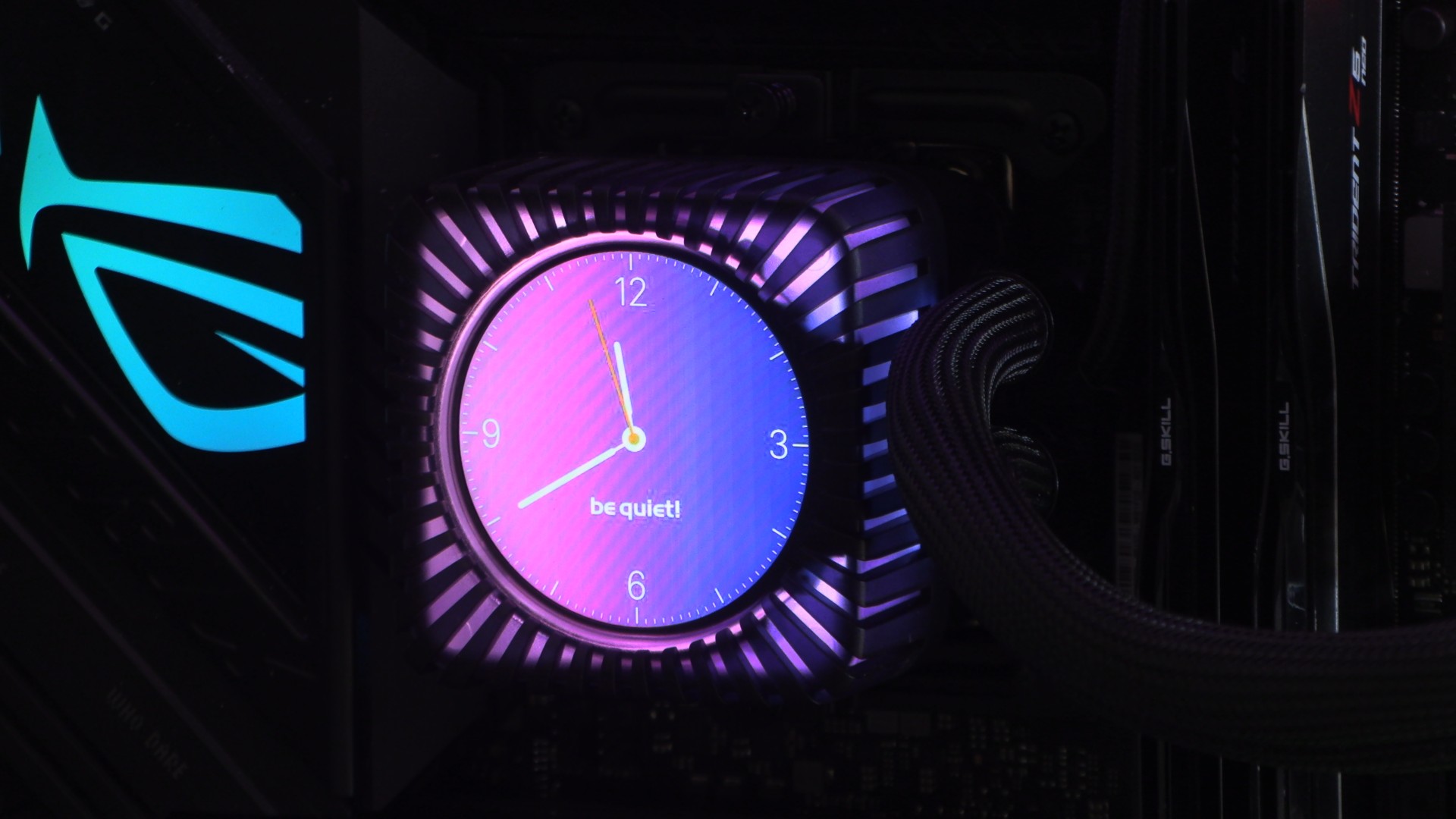
be quiet enters the LCD-AIO market with its Light Loop IO LCD series CPU liquid coolers
be quiet is pushing further beyond the realm of pure PC cooling. We already have be quiet PC cases, mice, keyboards, and power supplies. Now, be quiet is extending its cooling offerings with flashy new features that go beyond RGB lighting. With their new Light Loop IO LCD series CPU coolers, be quiet has added a customisable IPS display, requiring an investment in new hardware and software.
Adding an LCD display to a liquid cooler isn’t easy. We’ve looked at a lot of LCD-clad coolers over the years, and many companies fail when it comes to software. Without good software, an LCD screen can quickly become a useless add-on. After all, what’s the point of a screen if you can’t use it to display something useful?
With its Light Loop IO LCD series, be quiet is offering users both a web-based control app and a more extensive dedicated app. This means the cooler can be controlled in various ways and even work with Linux-based PCs using Chromium-based browsers. That’s a level of control that many other brands lack, setting be quiet apart from its competitors.
Packaging
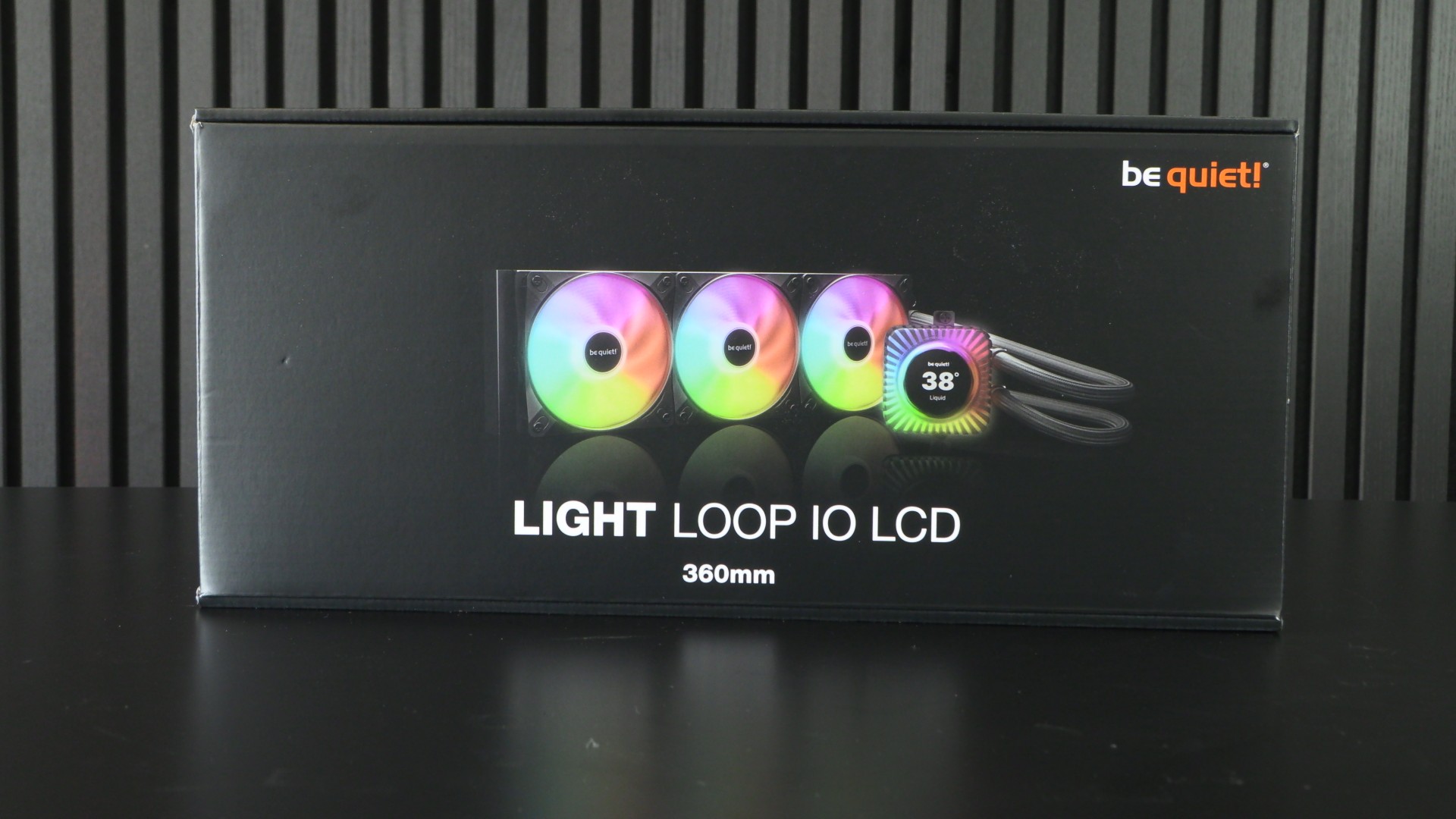
be quiet’s packaging is pretty standard fare for most CPU liquid cooling solutions. It isn’t fancy, but it is effective. It’s also part of the reason why be quiet’s new LCD-clad liquid cooler is so affordable. This is not a £200+ monster, and it doesn’t sacrifice cooling performance to reach a lower price point.
Customisable IPS screen
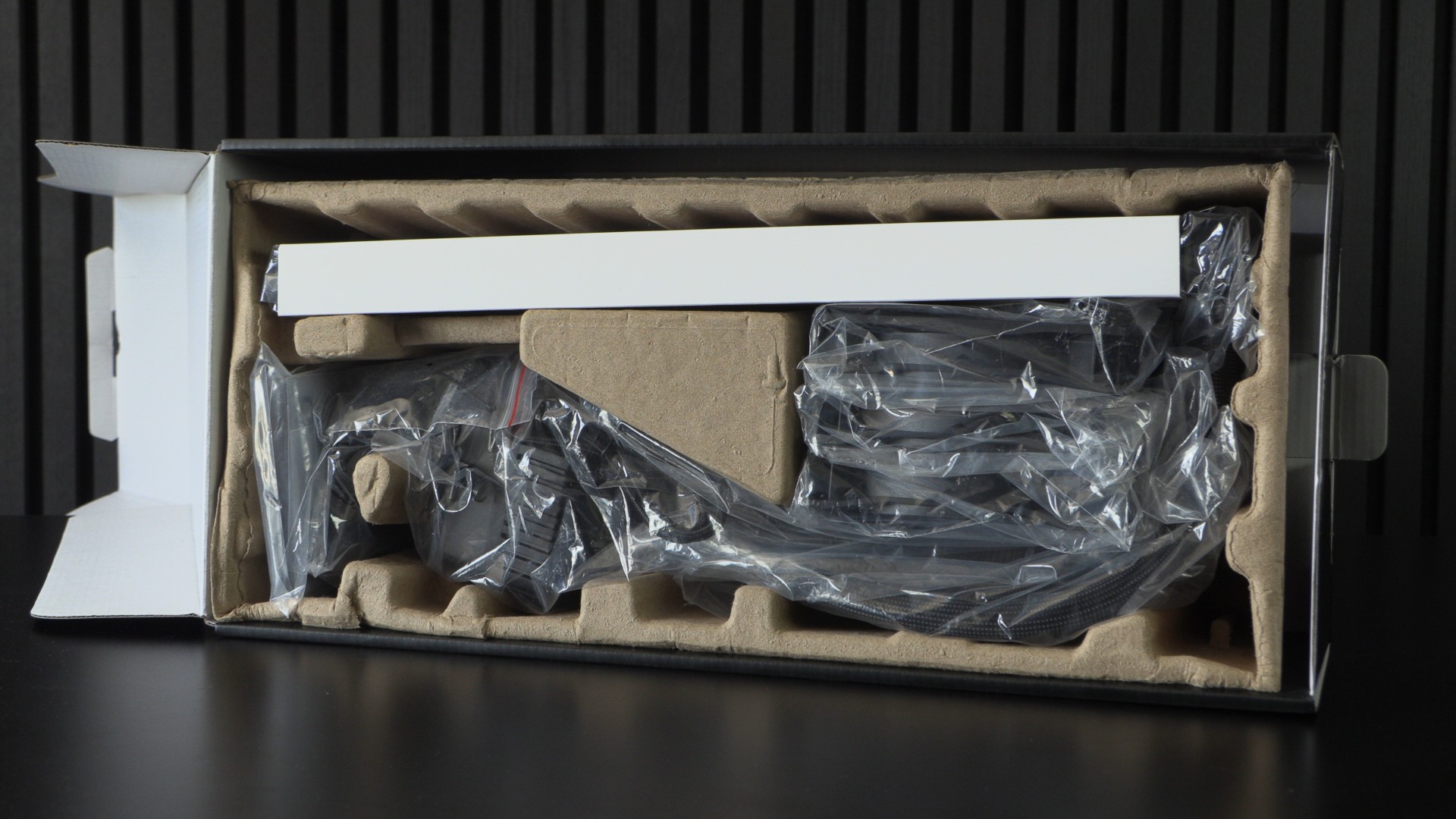
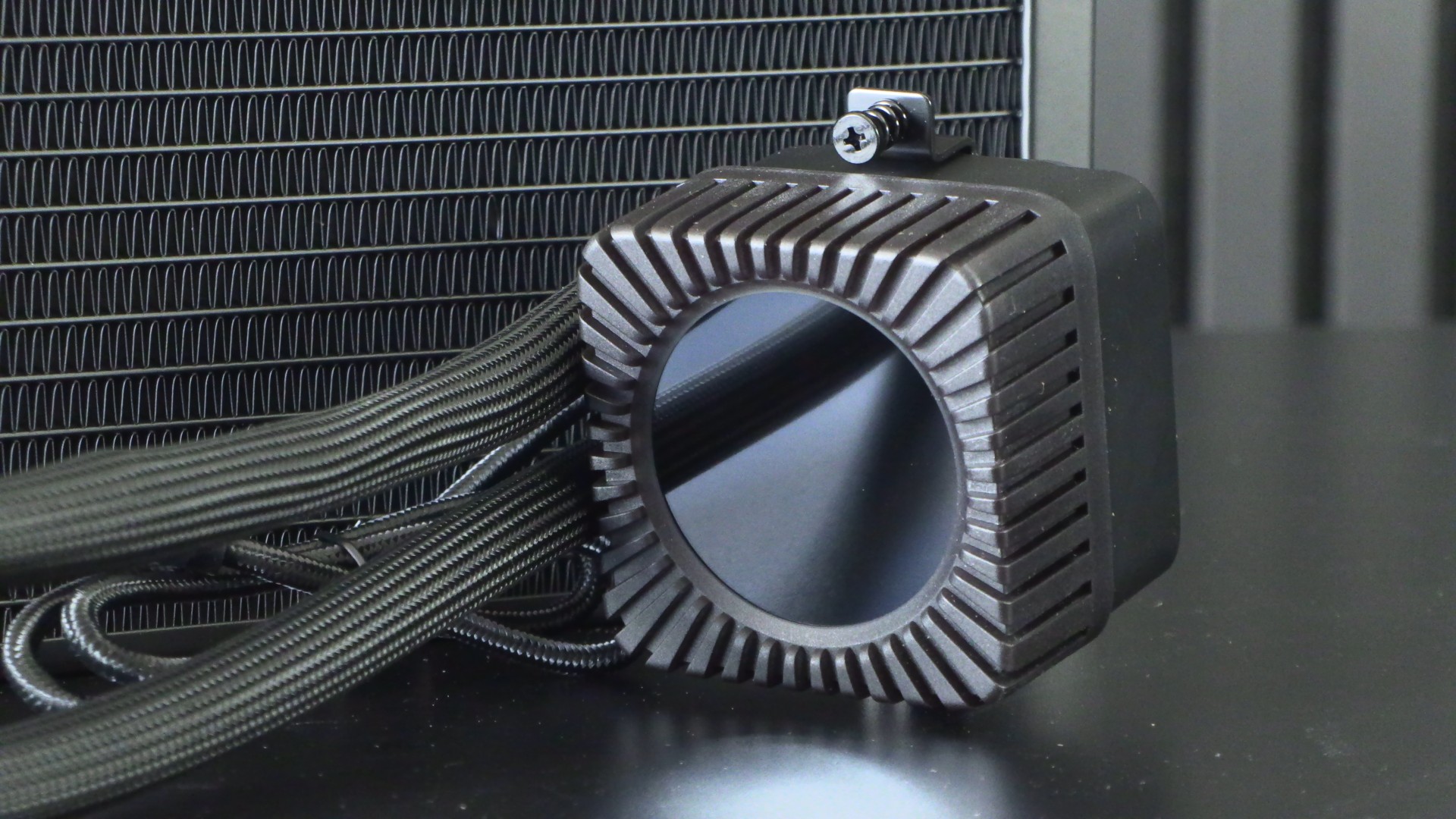
The liquid cooler’s CPU block is surrounded by RGB LEDs and features a customisable IPS screen in its center. The lights can match the content on the screen, or be configured separately using the be quiet IO Center app. Note that the screen is 2.1 inches in size, has a resolution of 480 x 480, and has a brightness of 500 nits.
Fan daisy chaining
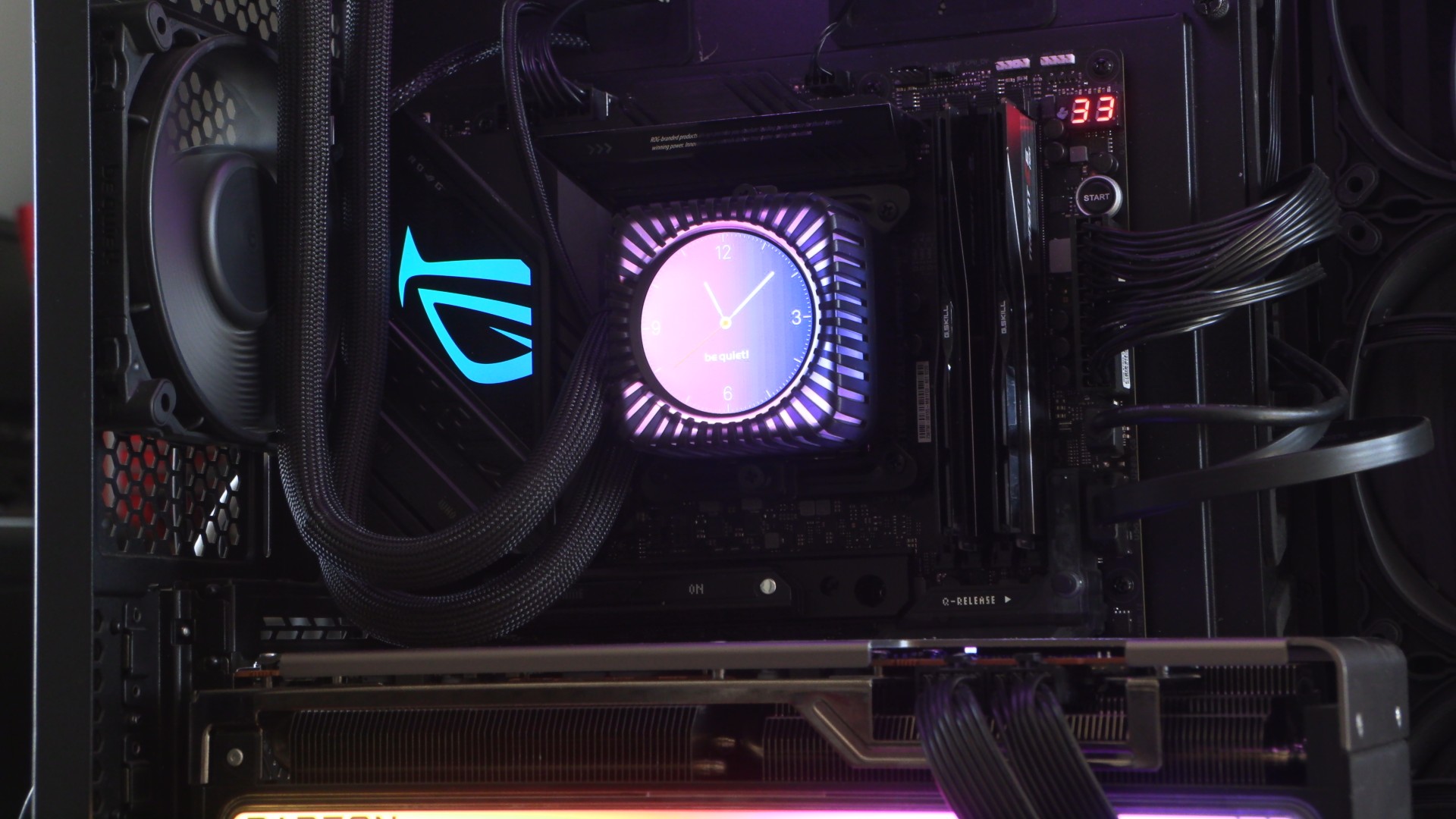
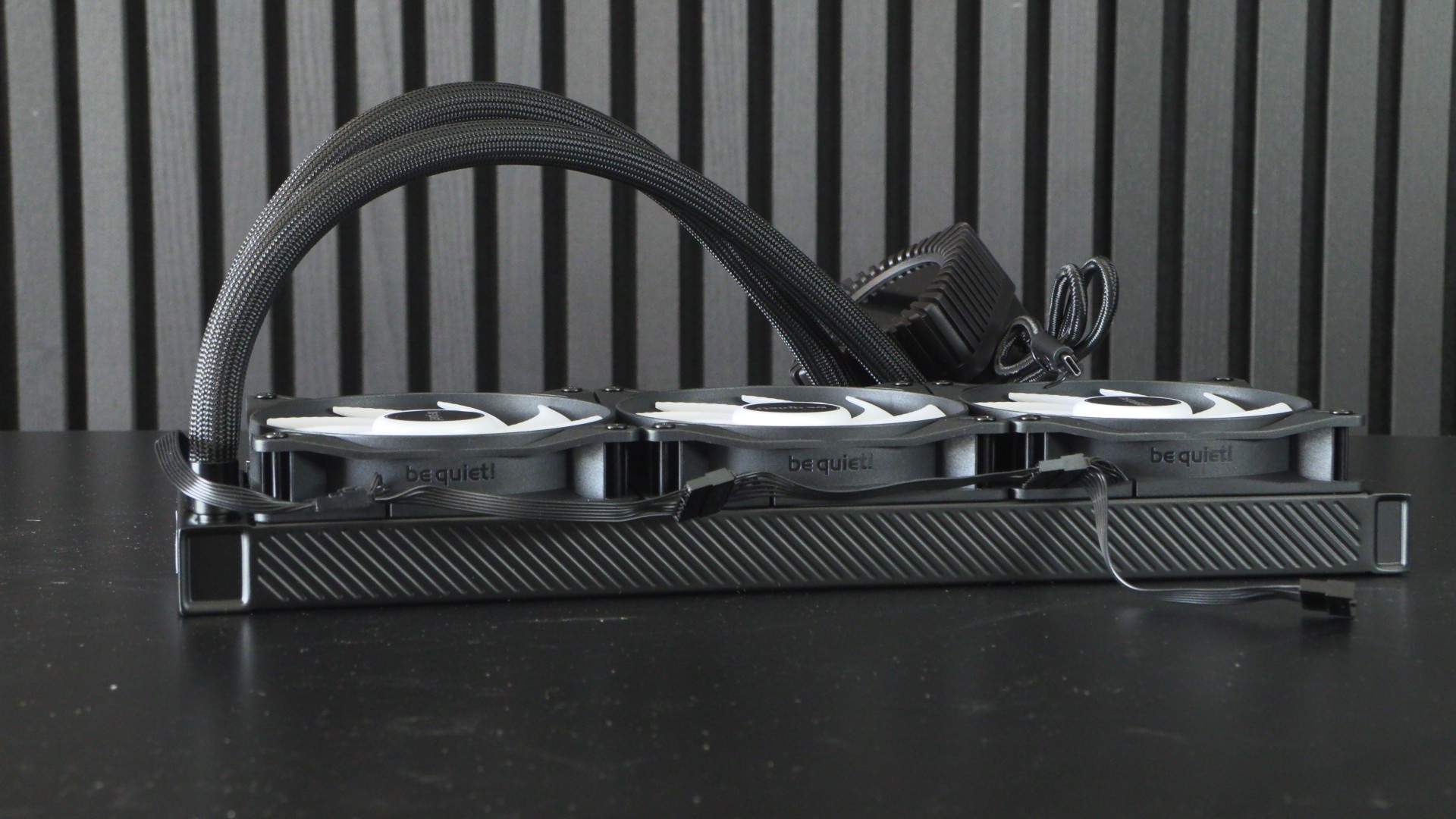
The be quiet Light Loop IO LCD 360mm includes three light Wings LX series PWM fans. These fans are daisy-chainable, and connect to the liquid cooler through the cable shown below. This minimises cable management, and allows users to hide their fan cables if necessary.
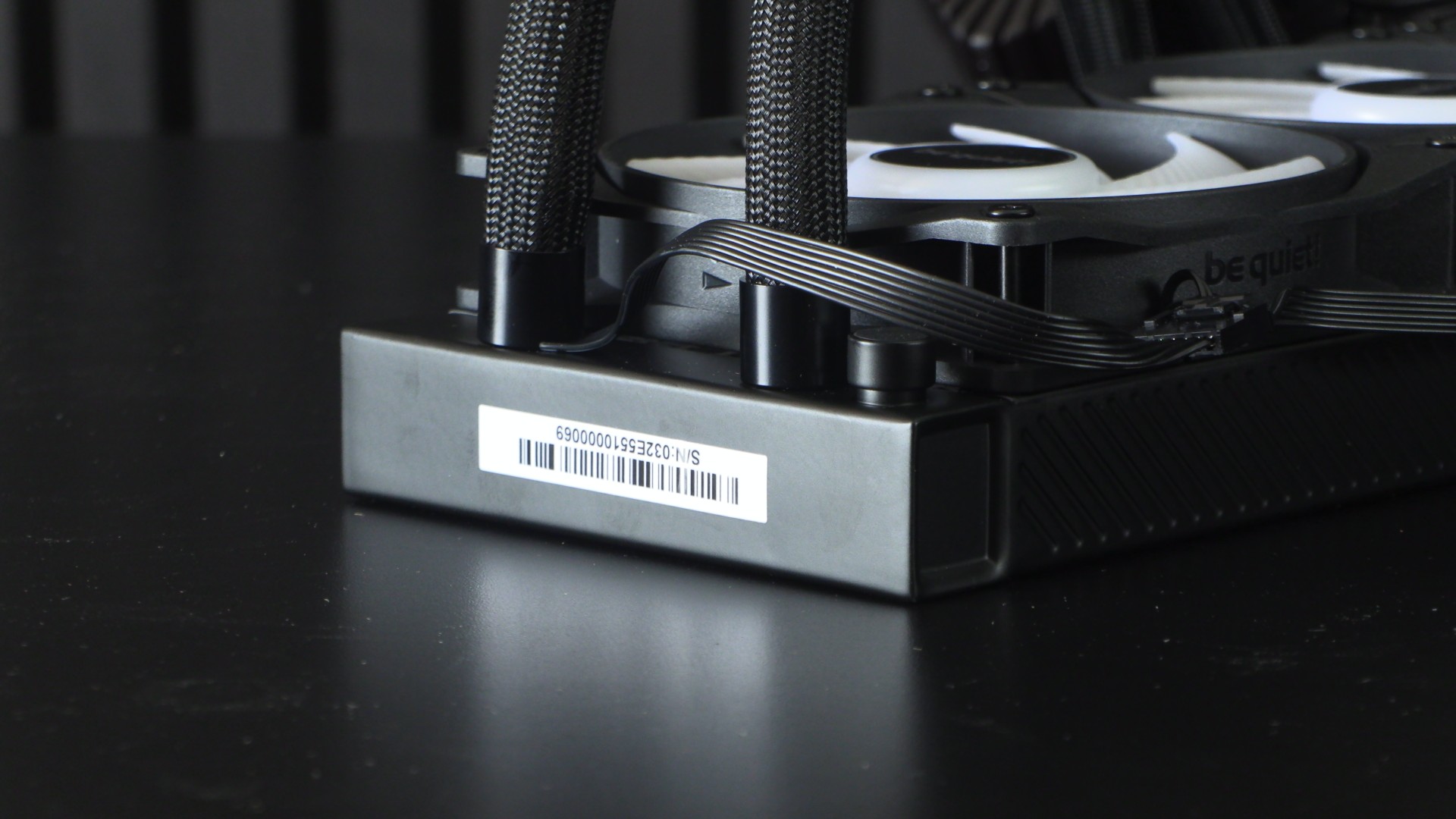
Users need to note which side of their liquid cooler will be visible, and ensure that their fan cables are on the other side. This ensures that your system will maintain a tidy appearance. Note also that users can continue their fan daisy chain if they have more compatible be quiet Light Wings LX fans.
Pricing
be quiet’s Light Loop IO LCD series CPU coolers are available in 240mm and 360mm forms and in black and white colour options. All models feature RGB illumination. Below are the prices for each available model. Note that our European (€) and US ($) prices come from be quiet’s review guide. Our UK prices come from Overclockers UK (pre-order pricing), as be quiet did not provide UK pricing to us.
- Light Loop IO LCD 240mm Black – £159.95 – €204.90 – $224.90
- Light Loop IO LCD 240mm White – £159.95 – €209.90 – $229.90
- Light Loop IO LCD 360mm Black – £179.99 – €229.90 – $249.90
- Light Loop IO LCD 360mm White – £179.99 – €234.90 – $254.90
OC3D CPU Cooler Test Rig Specifications
Last year, we built a new PC for CPU cooler testing. This new PC has a newer, hotter-running CPU, a more power-hungry graphics card, and a cooling layout that is common for today’s gaming PCs. Simply put, we have moved to more modern hardware so that we can better test modern CPU cooling solutions.
Note that we add an extra top-mounted 120mm fan at the top/rear of the case when testing air-based CPU coolers. This fan is not necessary for this review, as the be quiet Light Loop IO LCD is a liquid cooler, and its radiator occupies the top of our PC case.
CPU: Intel i5-14600K @1.27V (Fixed)
Motherboard: ASUS ROG Strix Z790-E Gaming WIFI
Case: Custom Lian Li O11 EVO XL
Memory: G.Skill Trident Z5 Neo DDR5-6000 32GB (2x16GB)
GPU: Sapphire RX 7900 GRE Nitro+
PSU: be quiet Dark Power 1,000W
Fans: 4x be quiet Silent Wings 4 fans

