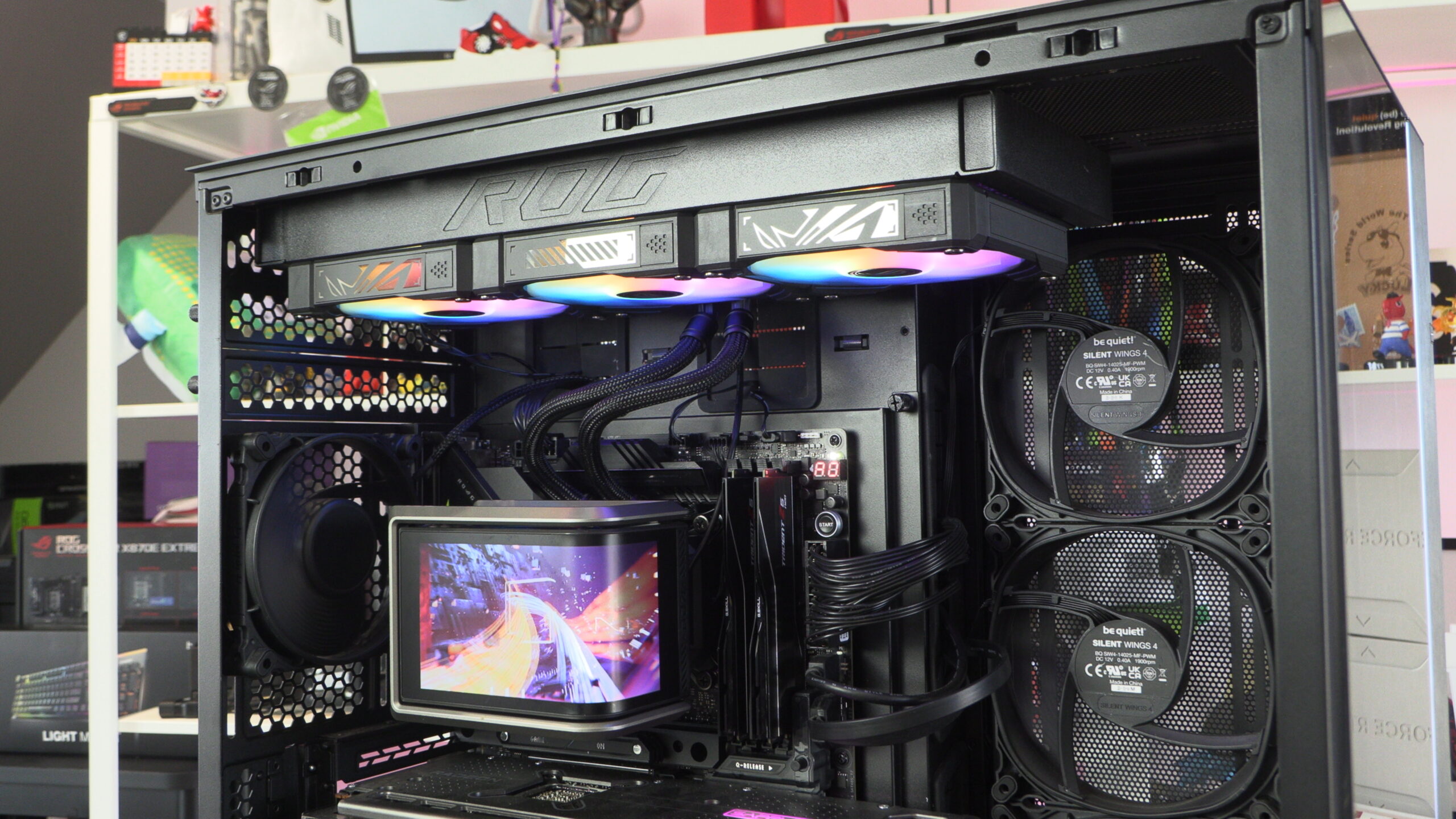
ASUS ROG RYUO IV SLC 360 ARGB CPU Cooler Review

Up Close
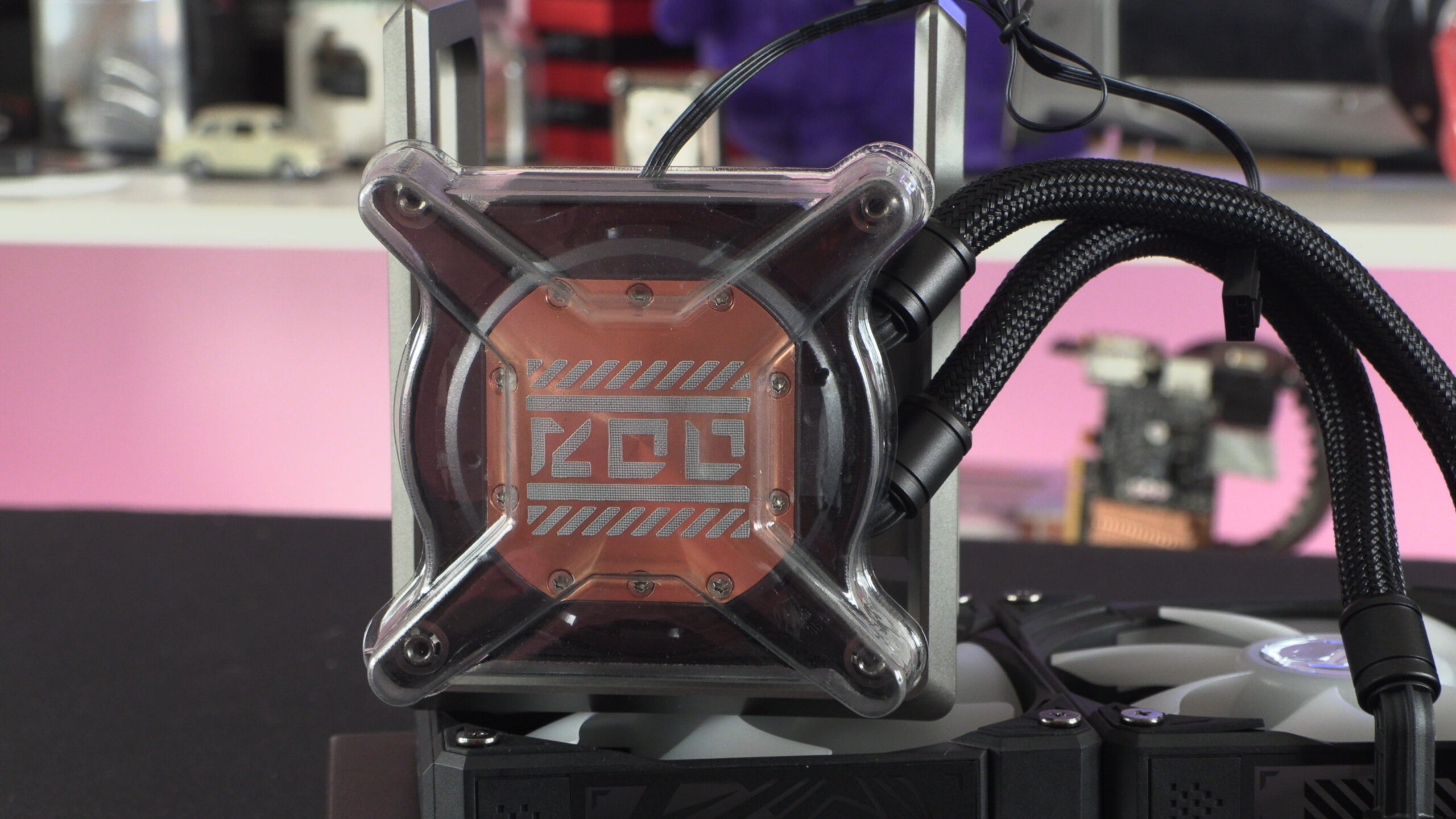
Up Close with the ASUS ROG Ryuo IV SLC 360 ARGB
Out of the box, ASUS’ ROG Ryuo IV SLC has its fans and thermal paste pre-installed. This makes installation an easy process. However, we will note that we needed to reinstall the cooler’s fans to improve our cable routing.
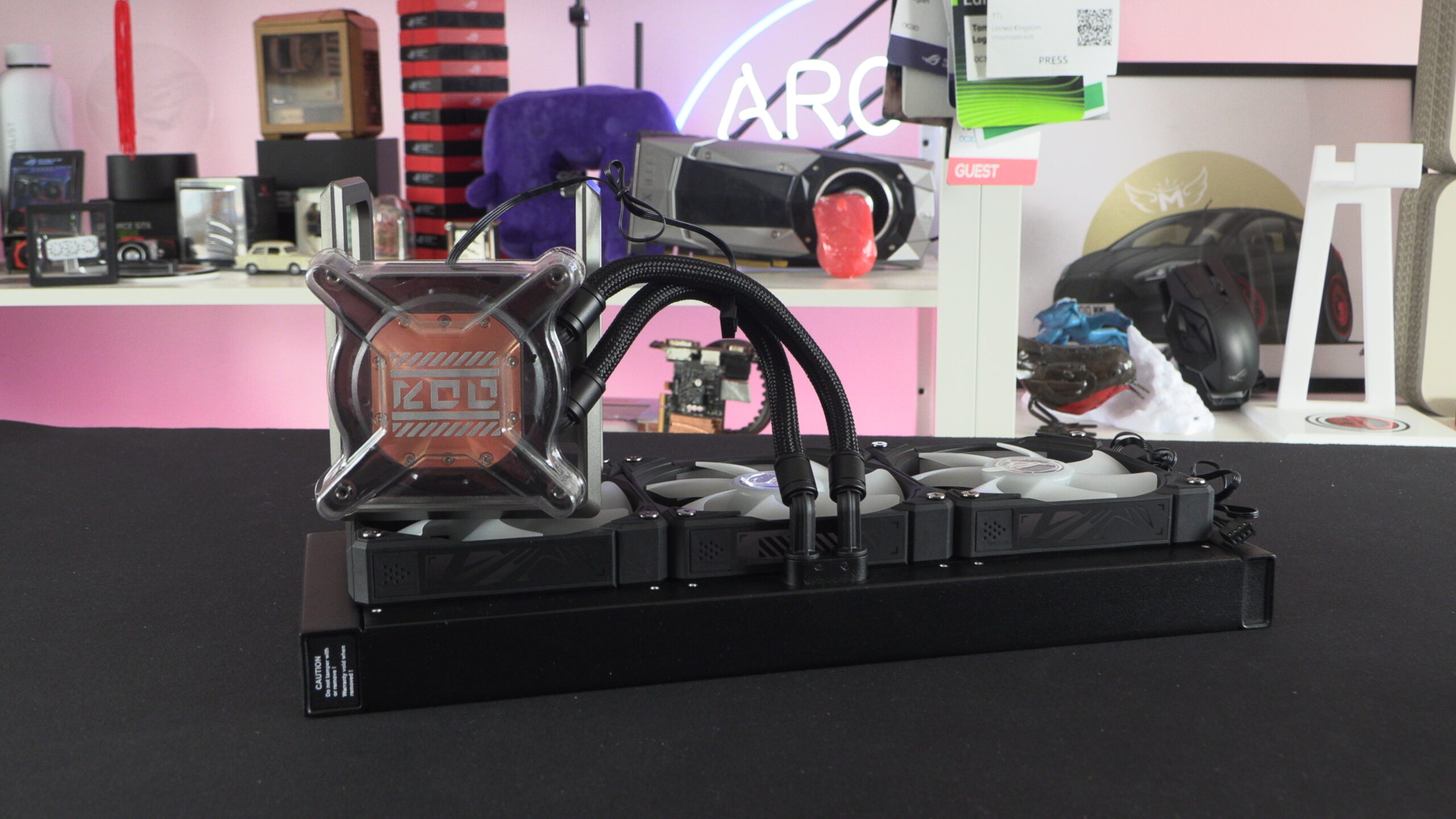
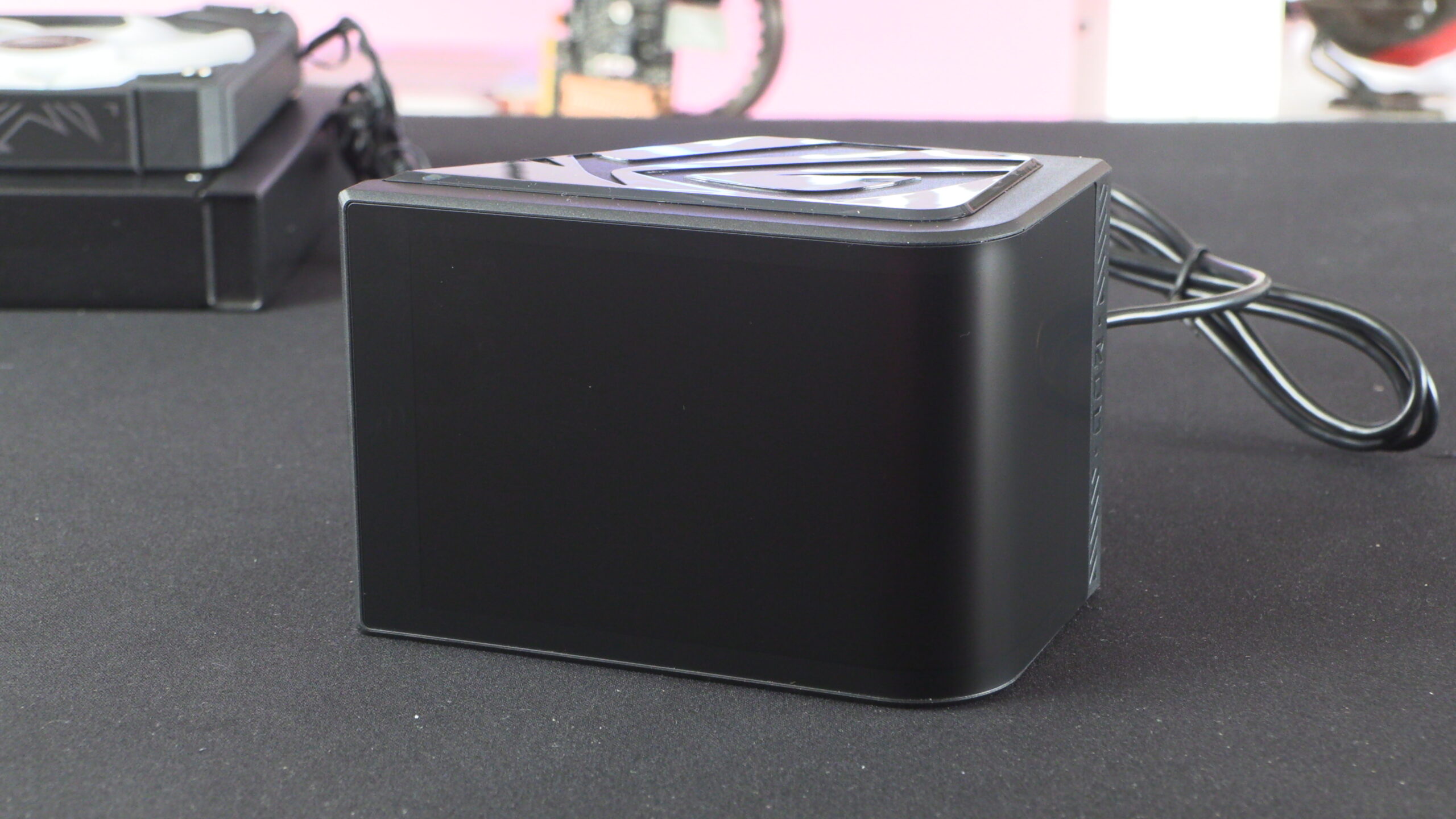
As mentioned before, this cooler’s screen is a removable part. This is why you cannot see the screen below. What we have here is a frame that holds the screen unit. The screen attaches magnetically to this cooler’s pump housing.
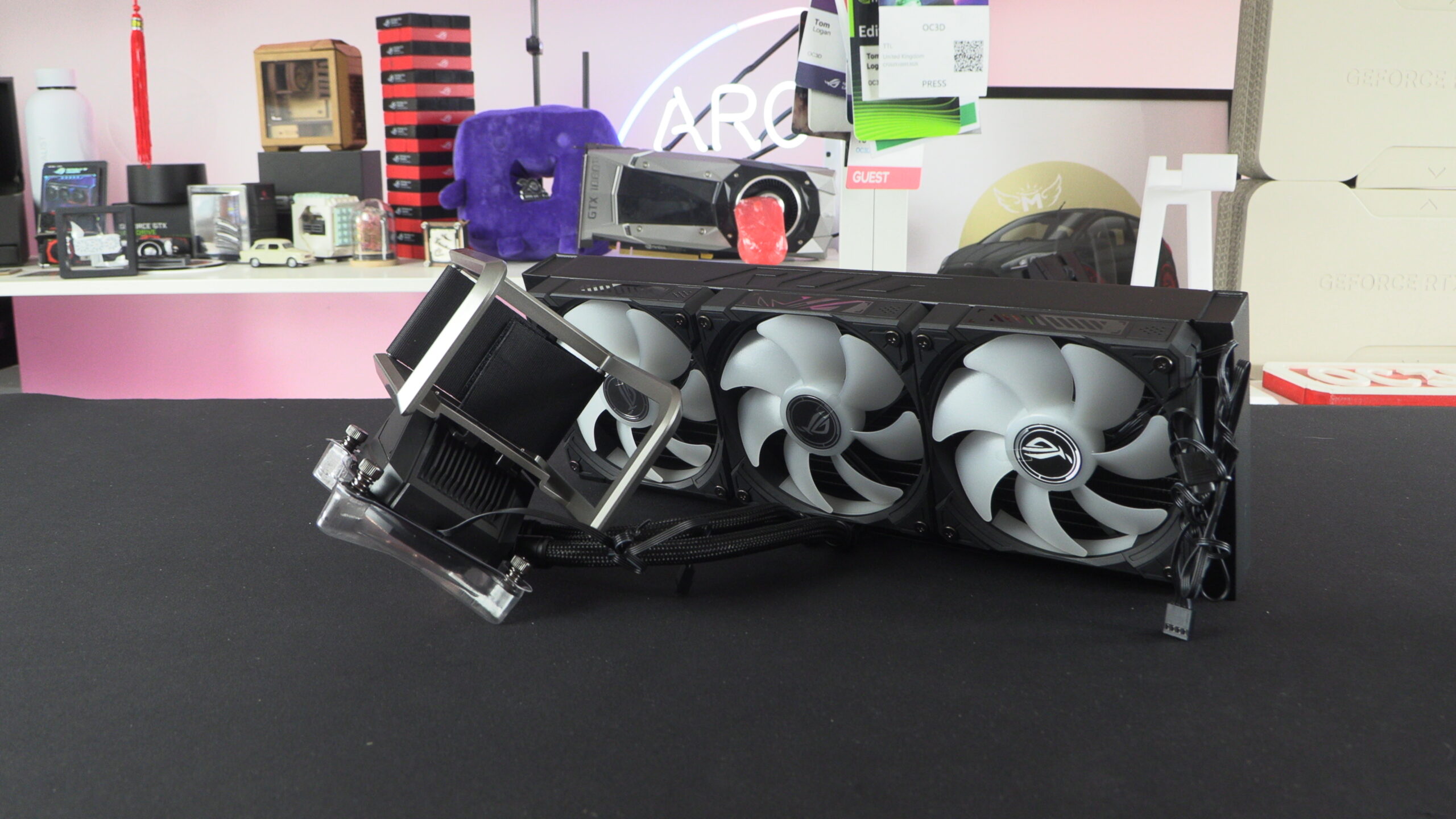
The AMOLED screen on the Ryuo IV features a satin finish. This makes it less prone to reflections as most AIO cooler screens. This is an excellent feature for this screen, given its curved nature, as you can see reflections from all angles with a glossy screen.
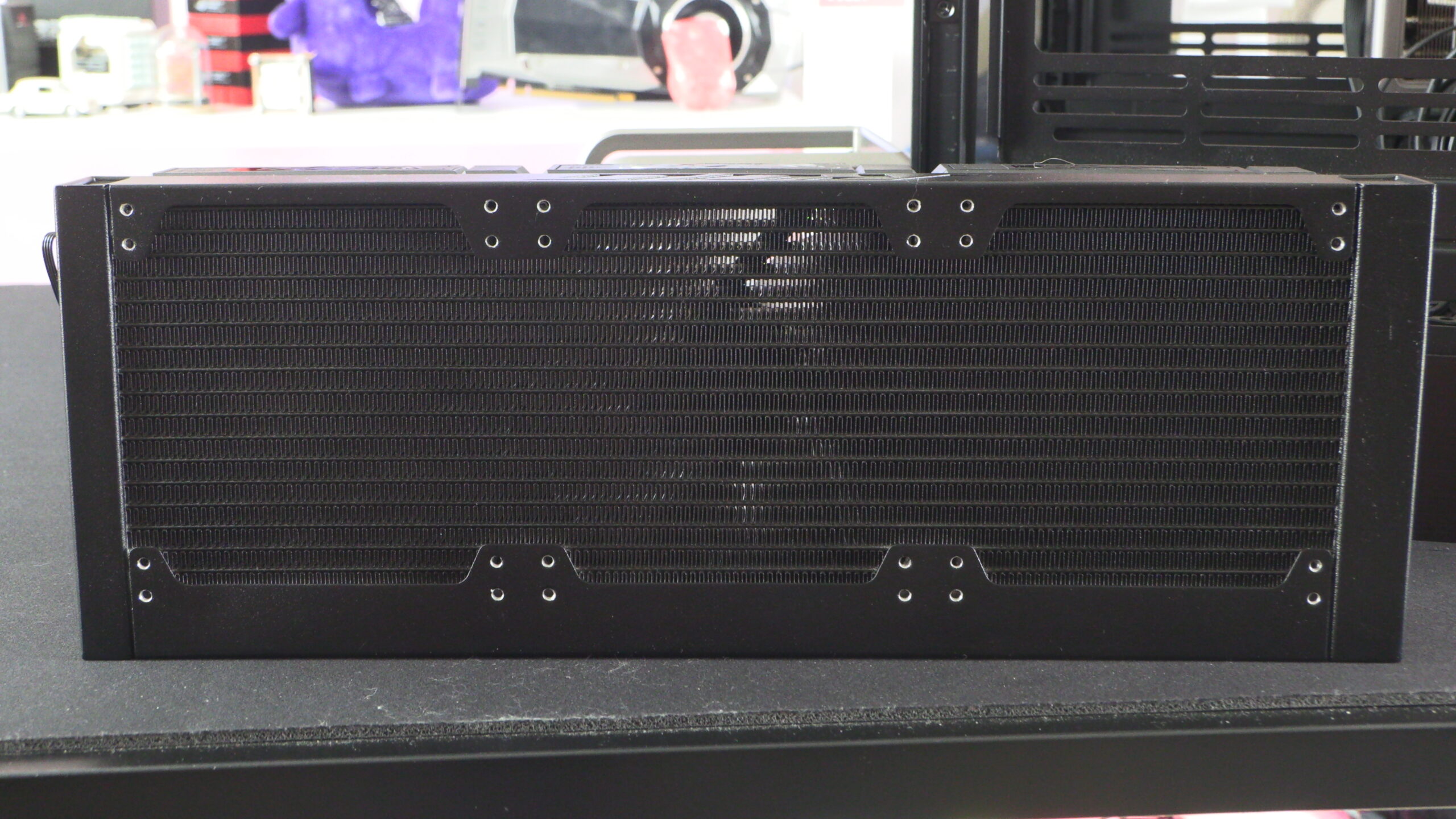
Non-standard mounts for ASUS’ ROG Ryuo IV SLC
As mentioned before, the radiator on this CPU cooler isn’t a standard size. To increase this cooler’s compatibility with PC cases, ASUS has added extra mounting holes to this liquid cooler, giving users a little more flexibility. This is a nice feature, as it increases case compatibility without compromising the cooler’s performance.
ASUS AURA Edge Fans
The RYUO IV features three 120mm Aura Edge fans, which are daisy-chained to minimise cable management. Note how the RGB lighting extends to the edge of these fans. Note that these fans can run at up to 2800 RPM, giving users plenty of headroom if they want to maximise their PC’s airflow.
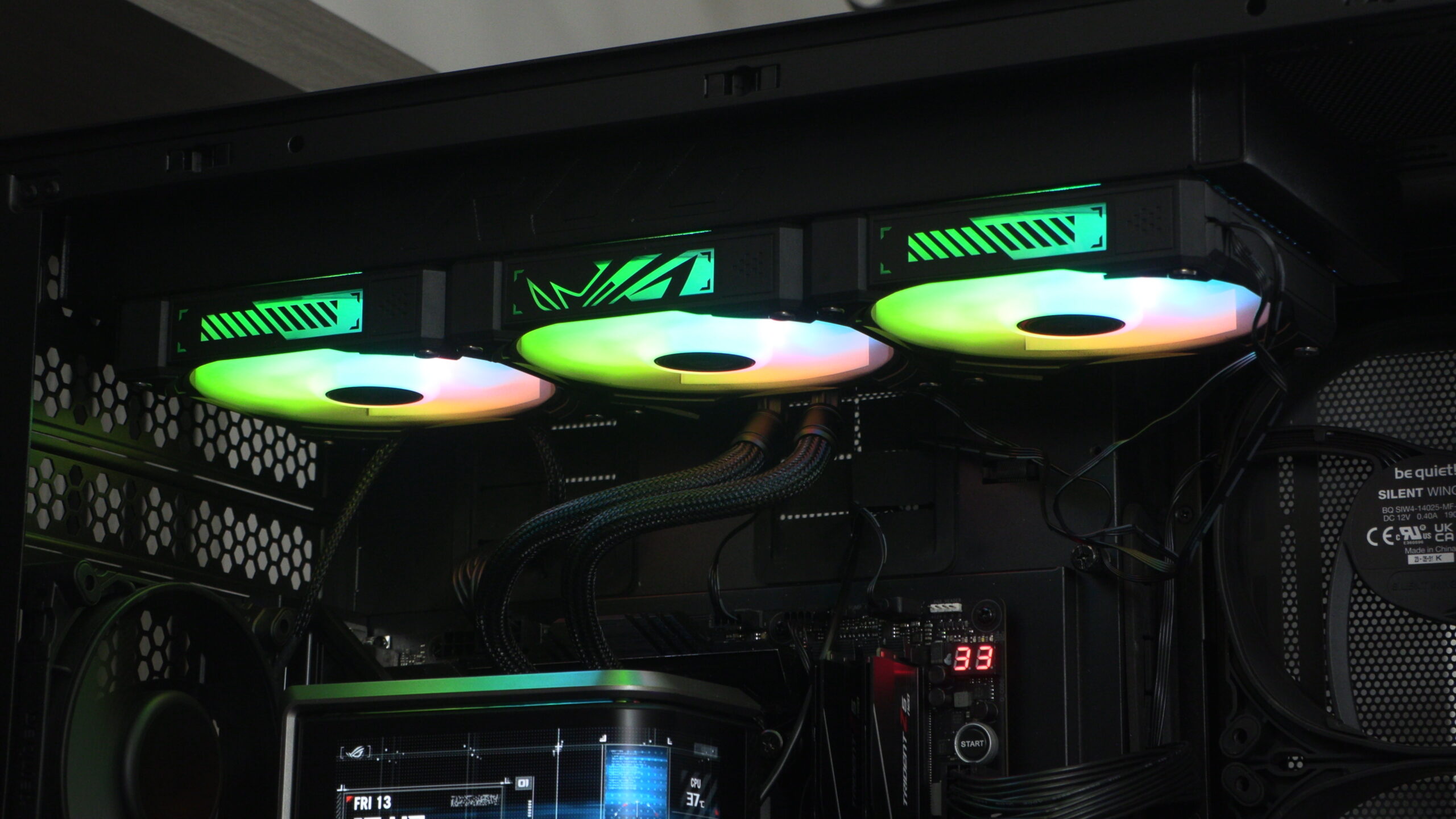
Poor Cable Management out of the box
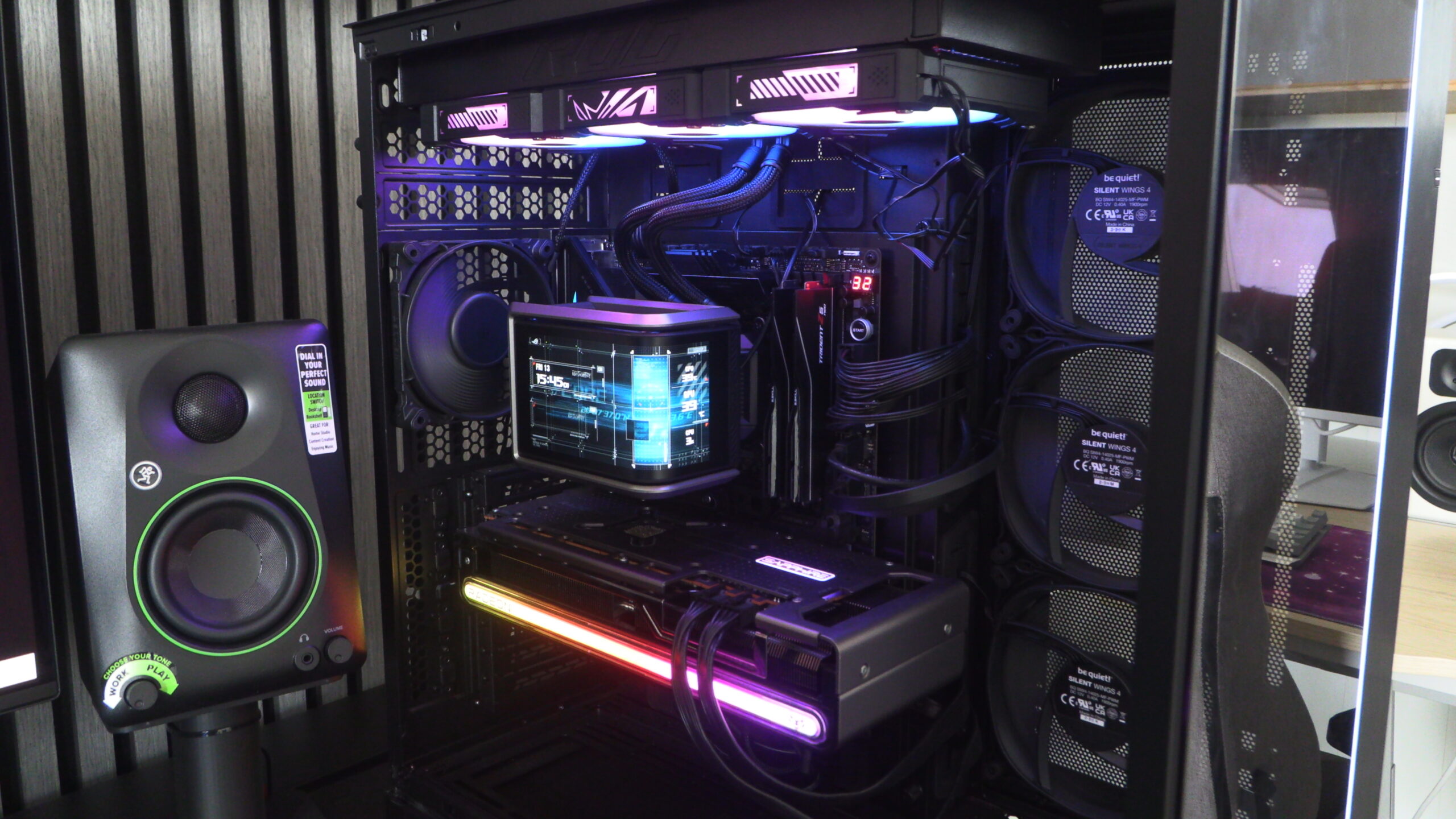
When we mounted ASUS’ Ryuo IV inside our test system, we noticed that the cooler’s fan cables were at a very visible location. This made these cables very visible, which goes against the primary design concept of this cooling solution. After all, you don’t invest in rerouted coolant hoses and daisy-chainable fans to make cables more visible…
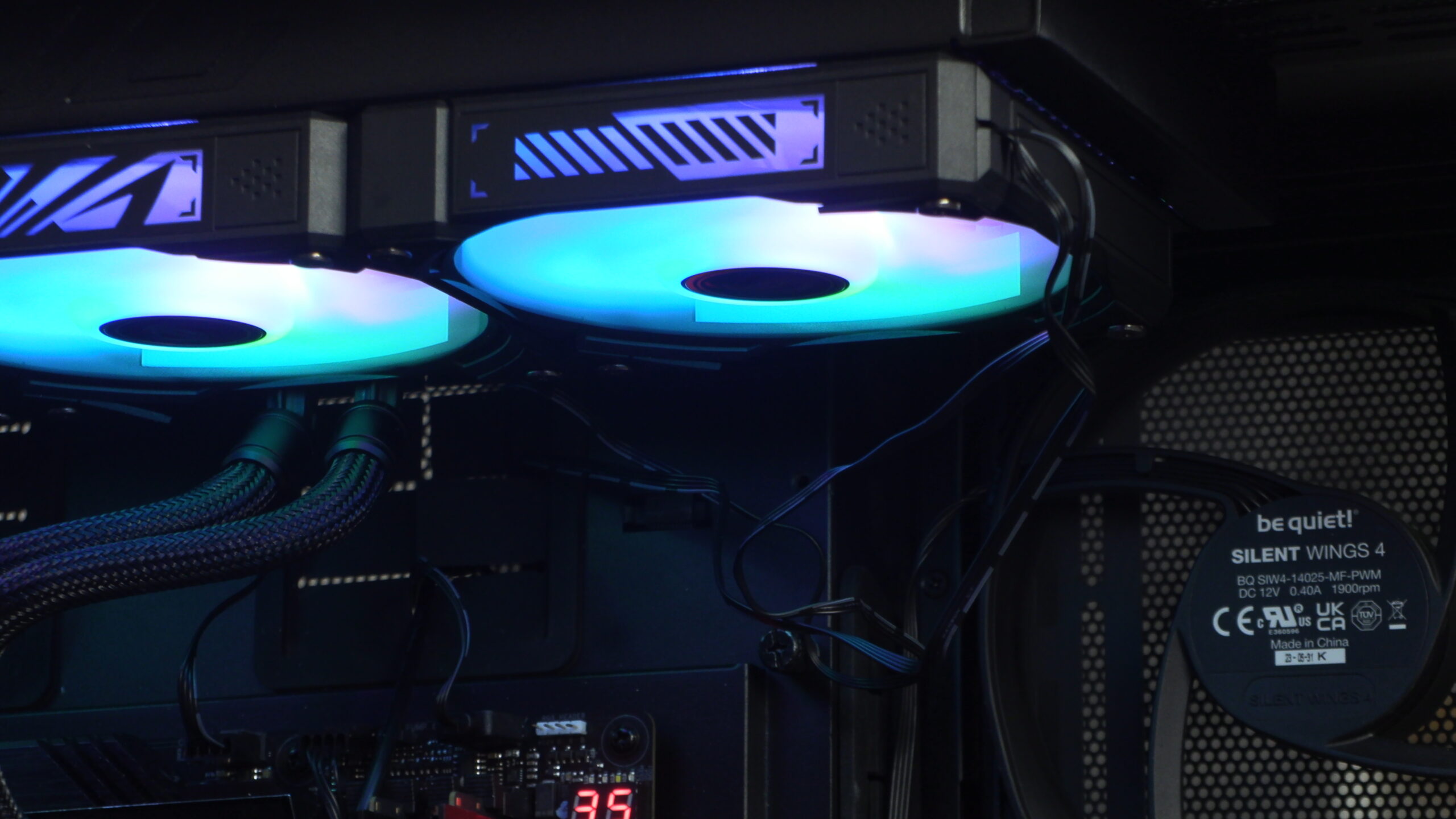
Thankfully, this issue can be addressed by simply reinstalling your fans in a more optimal orientation. IE, with the fan cables coming out of the opposite side. This made these cables a lot easier to hide. Honestly, I’m curious how ASUS shipped this cooler with its cables pointing in that direction. Was it a manufacturing error, or will all Ryuo IV coolers ship like this?
ASUS ROG Ryuo IV SLC Tubing
Finally, we have the Ryuo IV SLC’s tubing. Honestly, we think this tubing is a tad long. Our test system uses a large PC case, and even with that, this tubing needs to bend in order to fit. Perhaps some rotatable fitting on the radiator side of this AIO’s tubing would make these hoses easier to manage. Regardless, it isn’t exactly delivering a “minimal tubing” look. That said, There’s a lot less visible tubing here than with standard CPU liquid cooling solutions.
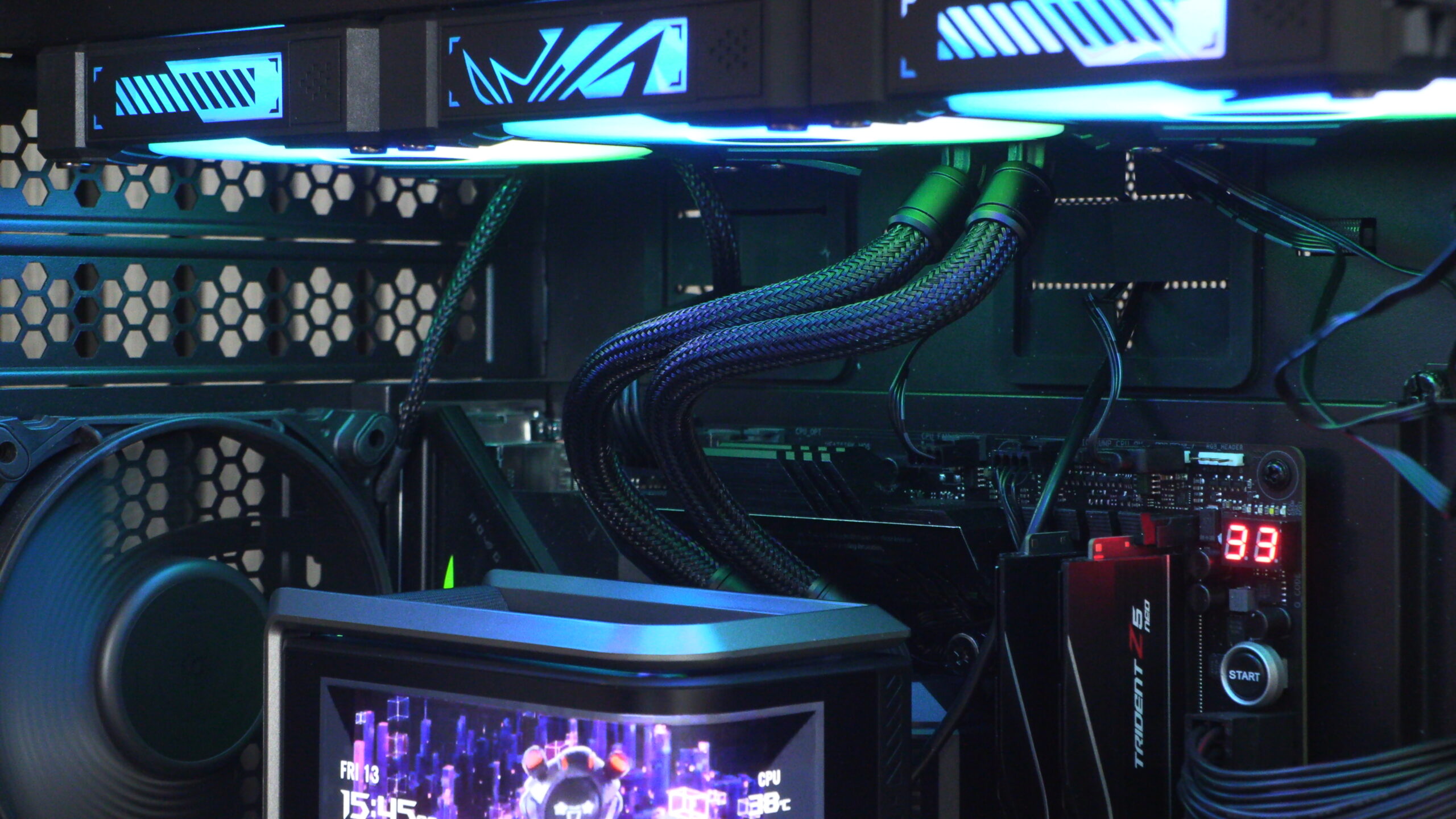
Overall, the Ryuo IV is a great-looking liquid cooling solution. That said, users will need to make sure they route their cables well to minimise their impact.