MEGA Airflow! HYTE X50 PC Case Review

Up Close with the HYTE X50
Up Close with the HYTE X50
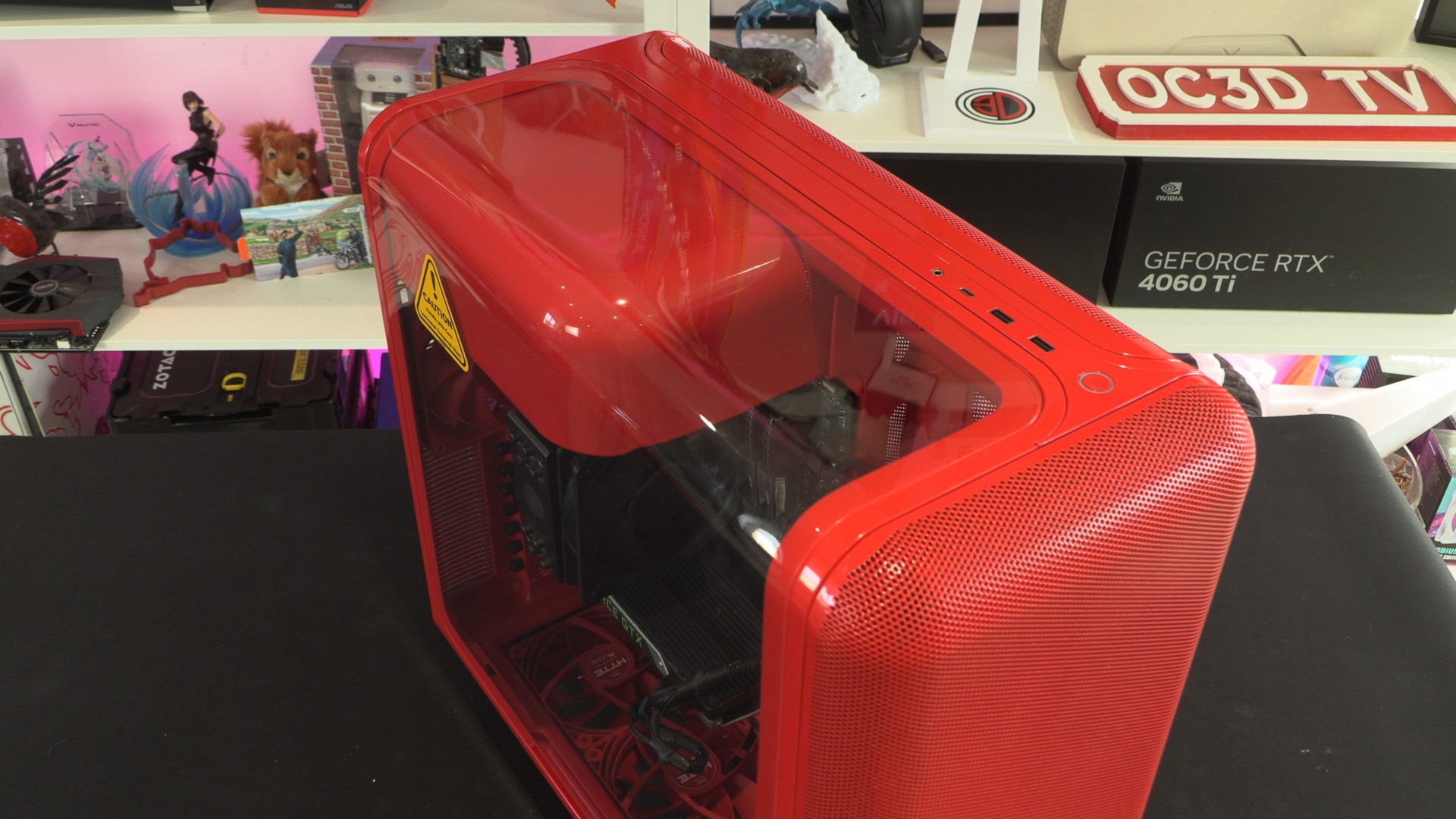
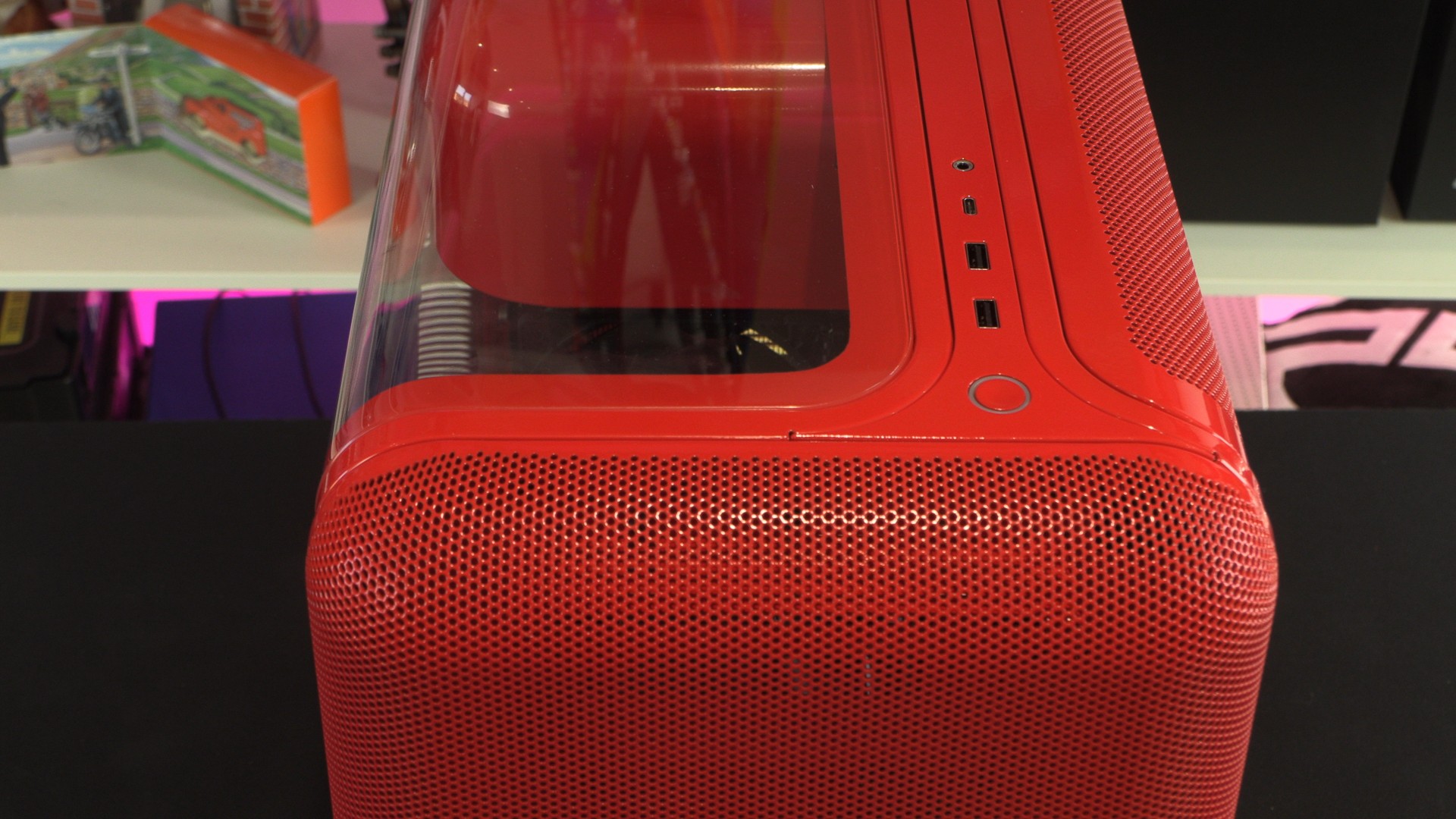
At the top of the X50, we have two USB Type-C (5 Gbps) ports, one USB Type-C (20 Gbps) port, an audio-in/out jack, and a power button. HYTE has minimised bare space in this case, with most of this case’s area being comprised of glass and mesh.
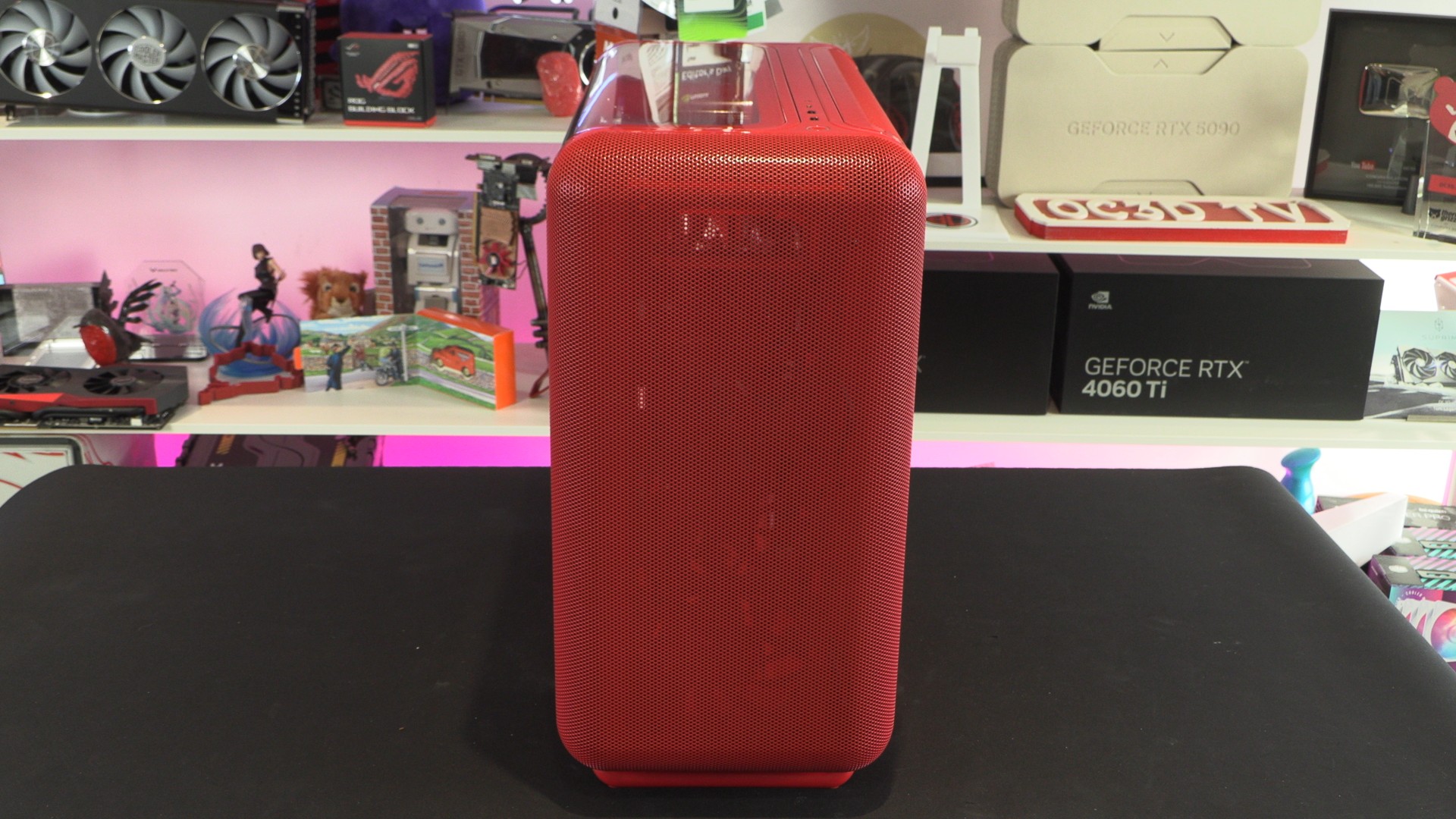
The front panel of the HYTE X50 is almost entirely mesh. This gives this case a unique aesthetic, as mesh panels on PC cases are often flat. The curved yet perforated panel of this case gives the case a unique appearance, but also provides the function of maximising space for airflow. With the X50, form meets function.
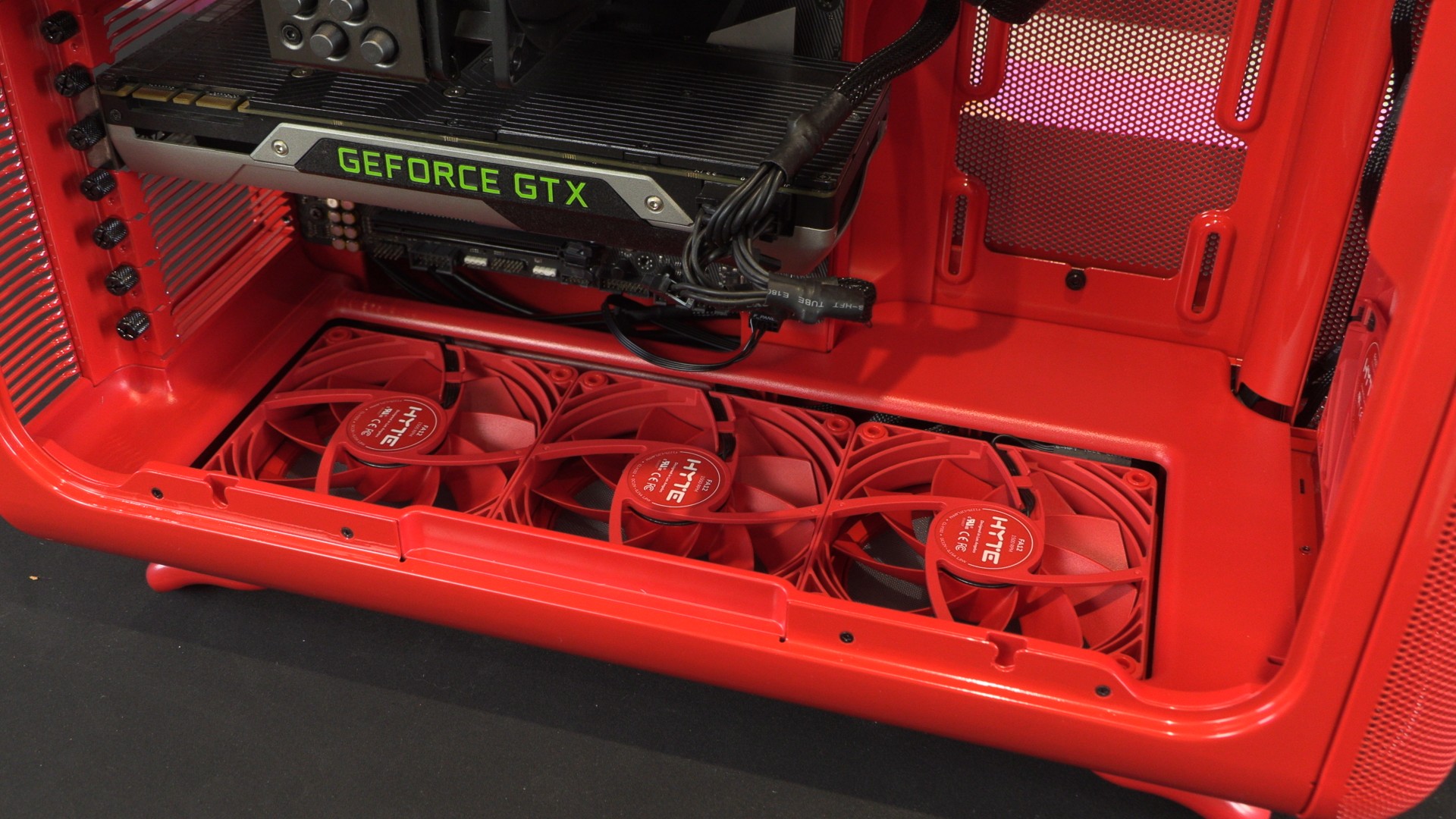
Behind this case’s front panel, we have space for three 120mm fans or two 140mm fans. We’ve mounted three of HYTE’s FX12 series fans in this location. Note that this case does not include any fans. You will need to supply these yourself. Thankfully, HYTE has matching FX12-series fans for all the X50’s colour options.
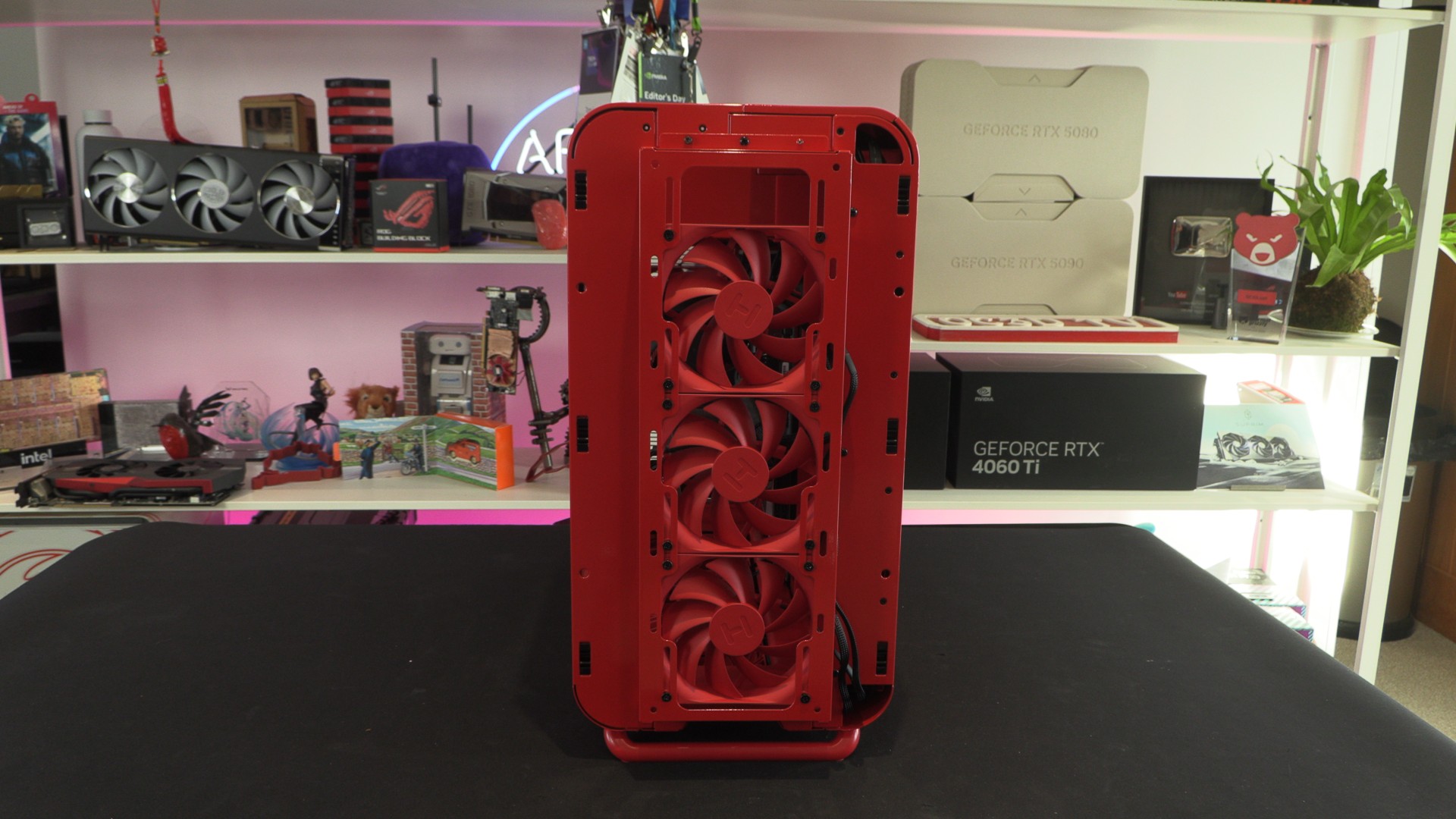
Mesh Everywhere!
Tying the front and side of the X50 together is a mesh side panel on the right of the case. This panel uses the same mesh pattern as the front. Should you use this case’s three side-mounted 120mm fan mounts, this mesh can be used as either an intake or an exhaust.
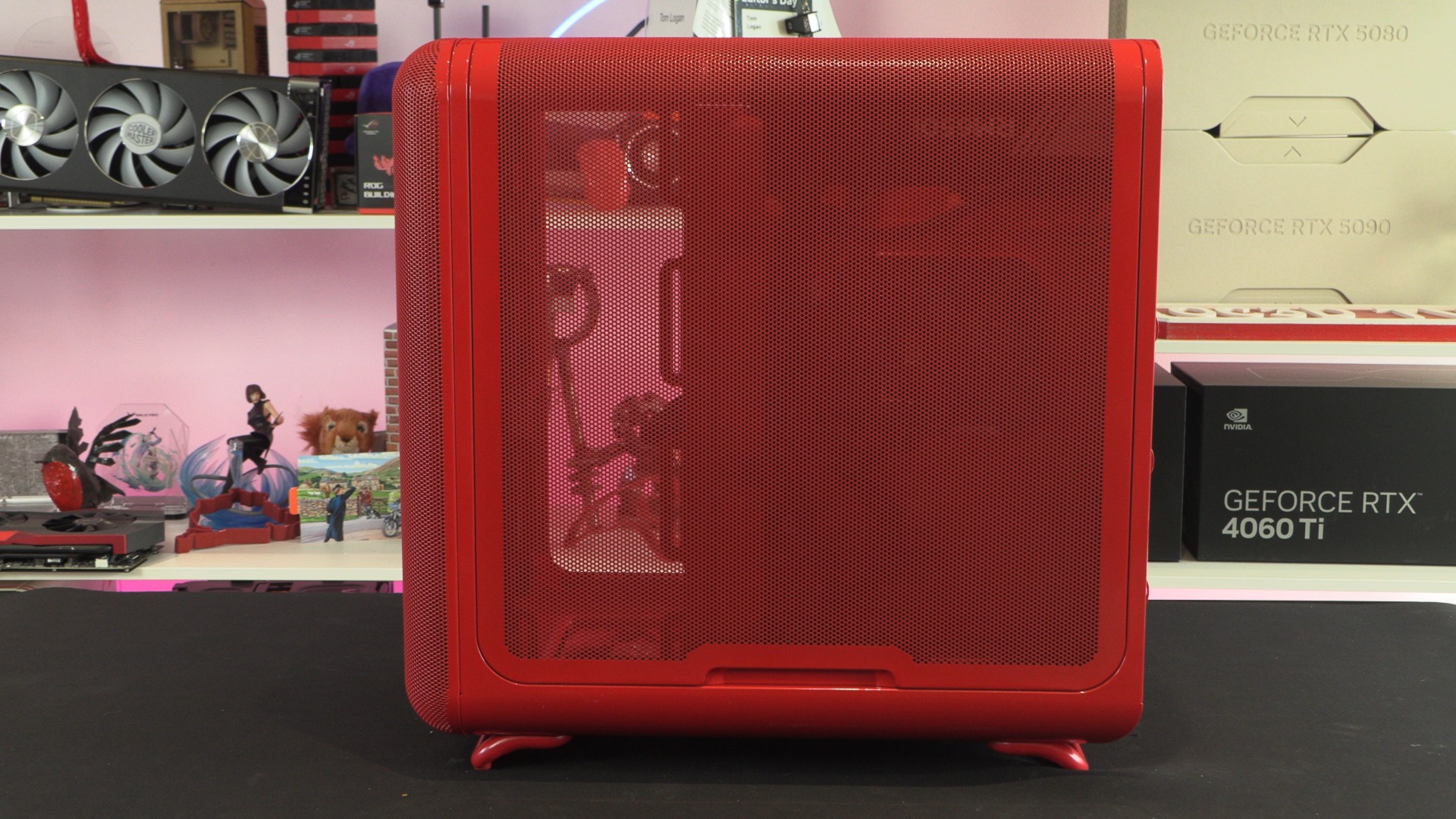
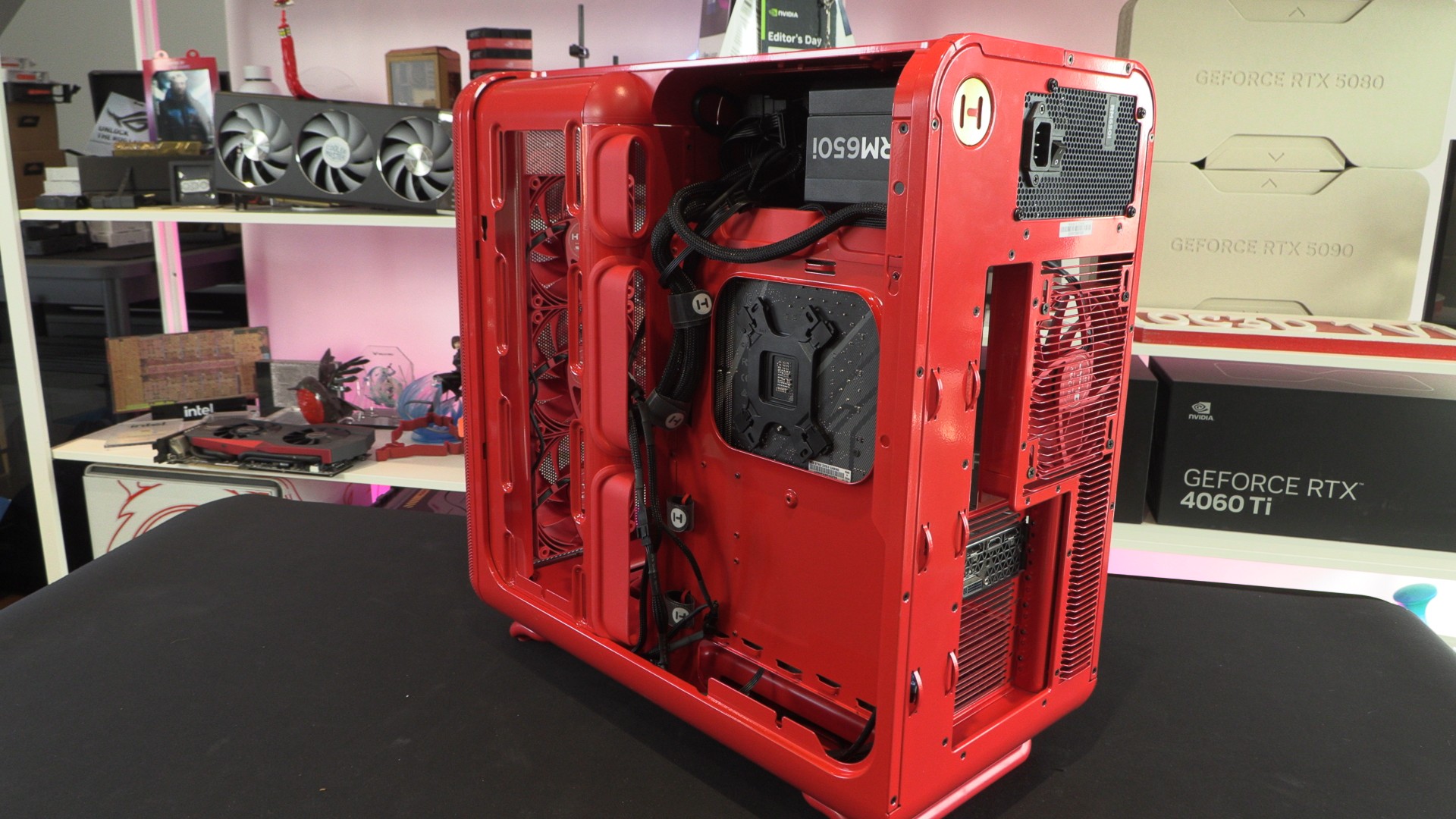
Behind this mesh is plenty of space for cable management. This area is almost wide enough to place an SFX power supply, making us wonder why this case wasn’t built with SFX PSUs in mind. An included mounting plate can allow users of the X50 to mount two 2.5-inch devices and one 3.5-inch devices.
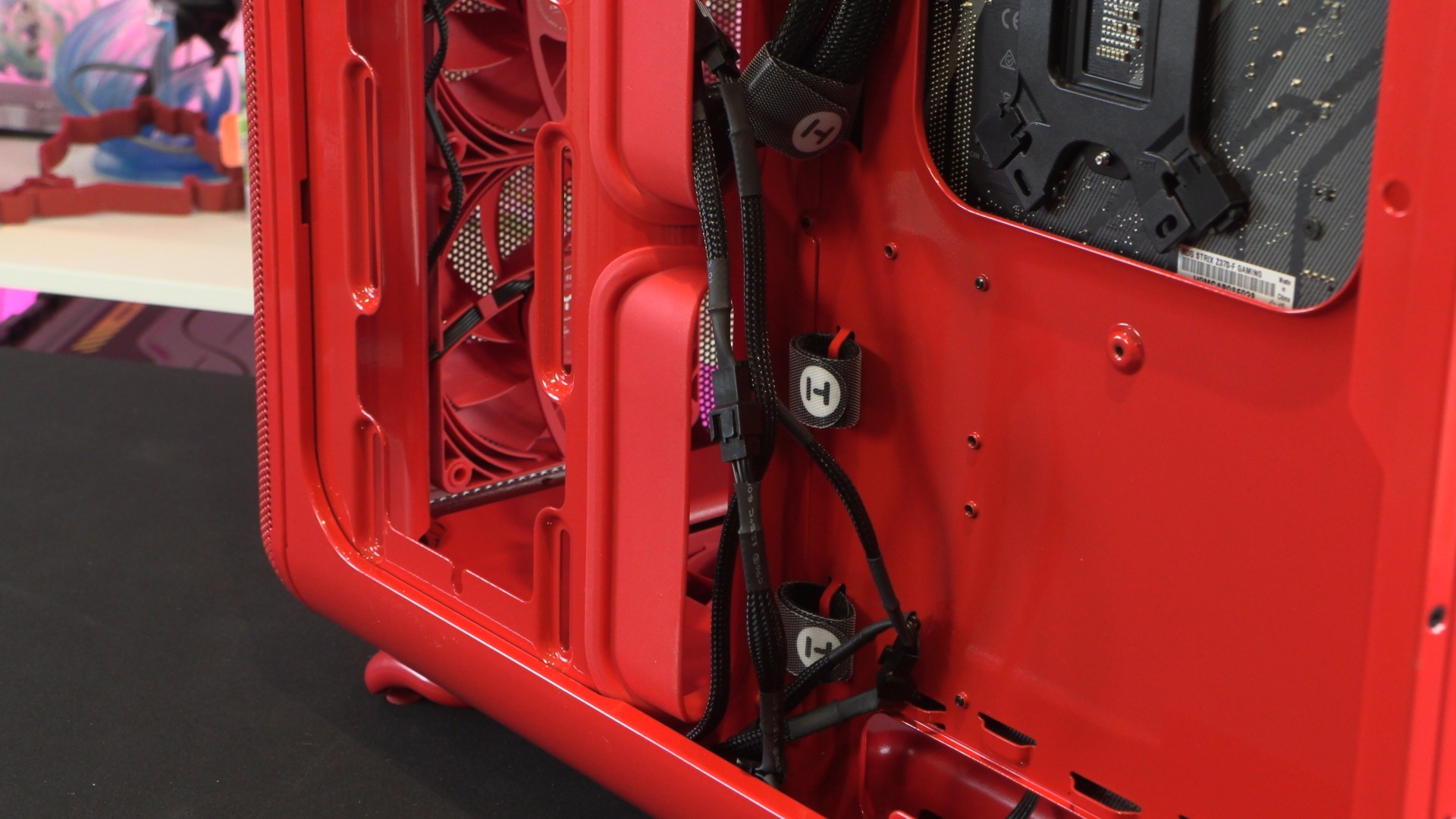
Hyte has used a unique rubber grommet style in its X50 case. This contributes to the X50’s unique look and functions well, given the way the case’s cable management holes are designed. Note that this case includes several Velcro ties for cable management and includes several additional tie-down points for cables.
HYTE’s patent-pending “Louvered Blade Ventilation”
Moving to the rear of the X50, we can see this case’s unique rear ventilation design. Note that we didn’t say mesh. This isn’t a mesh, it is something different.
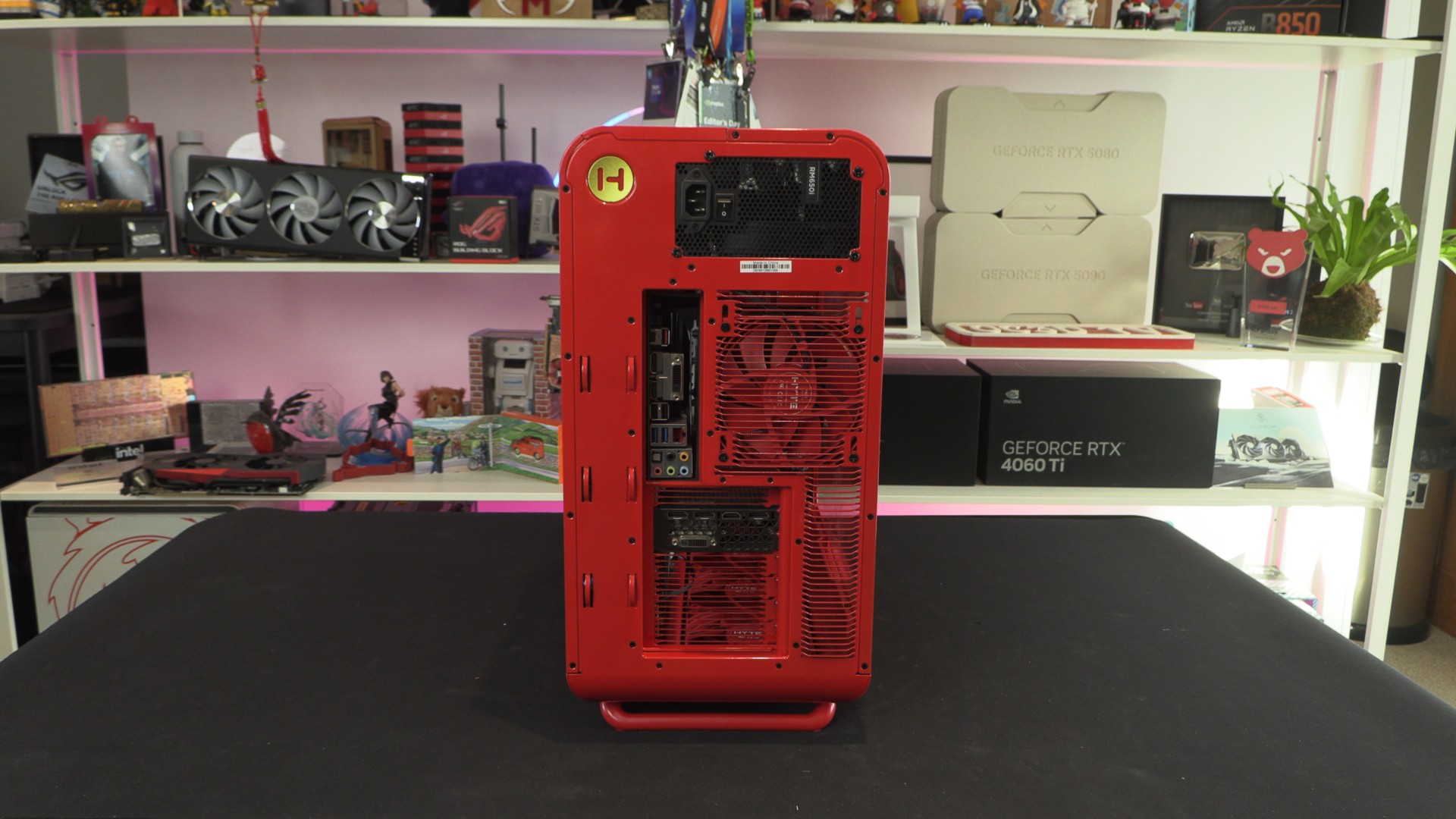
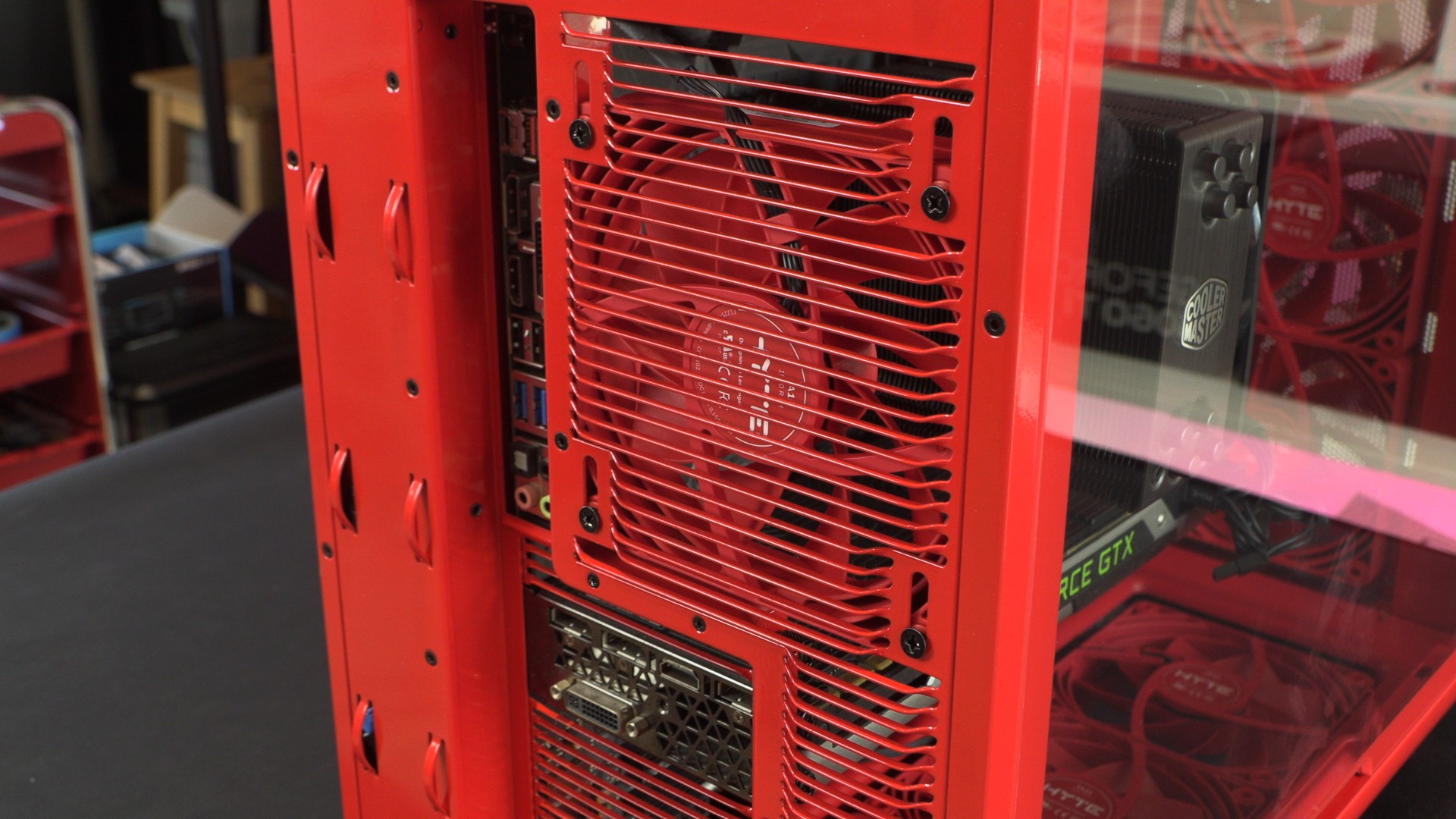
Hyte wanted the X50 to be a high airflow PC case, and that meant that they wanted a high airflow alternative to the industry standard mesh patterns that everyone else uses. With their “Louvered Blade Ventilation” design, HYTE has reduced exhaust impedence while delivering more chassis rigidity. In other words, they made it easier to push air out of the case while also increasing its structural rigidity.
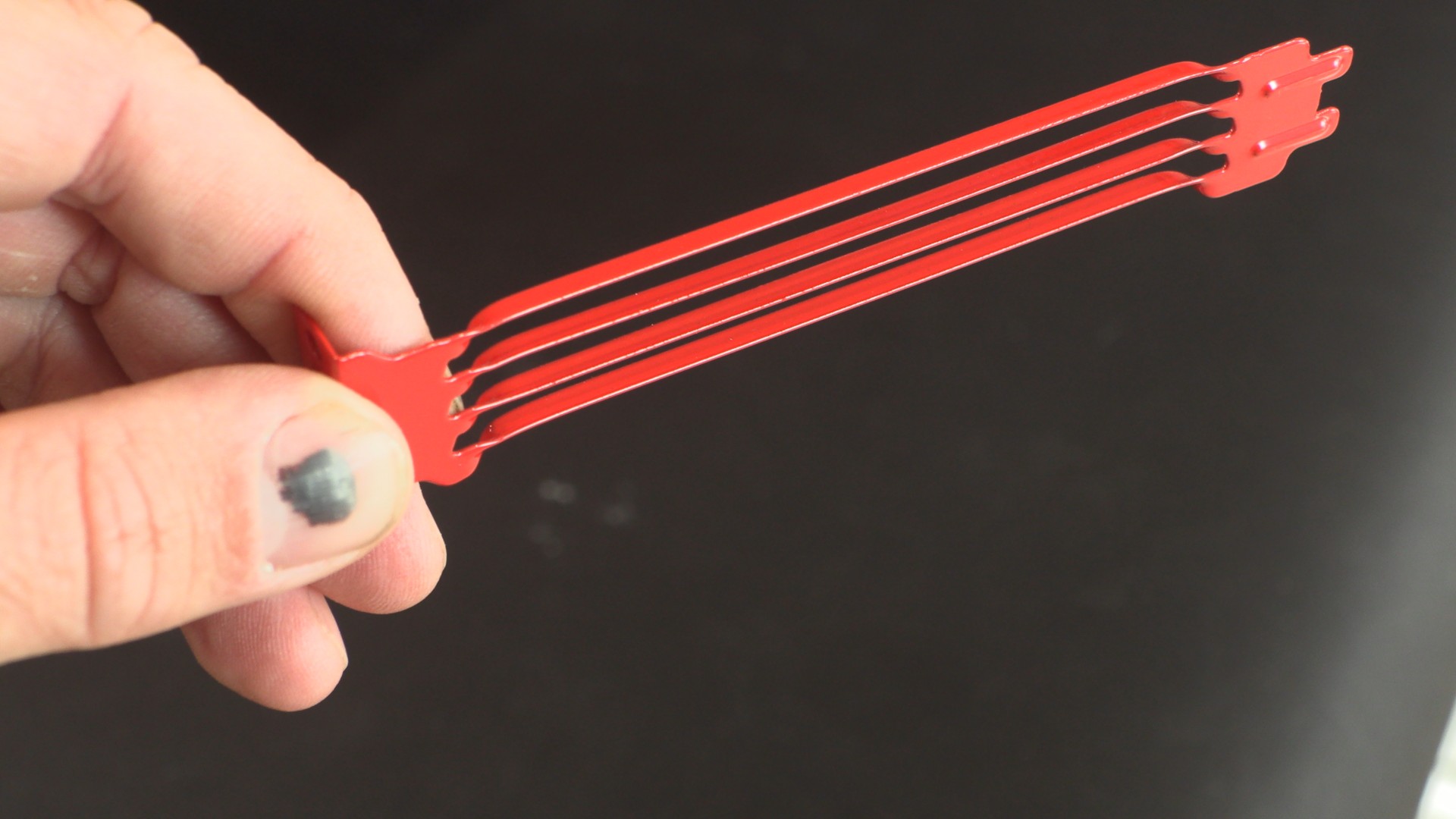
This design also extends to this case’s PCIe slot covers.
Case airflow
Remember that the HYTE X50 does not ship with any included fans. However, HYTE did provide us with two 4-packs of their Flow FX12 fans for testing. We installed seven of these fans inside the X50. Three at the bottom, three at the front, and one in the rear. This left us with three unoccupied fan mounts in the side of the case.
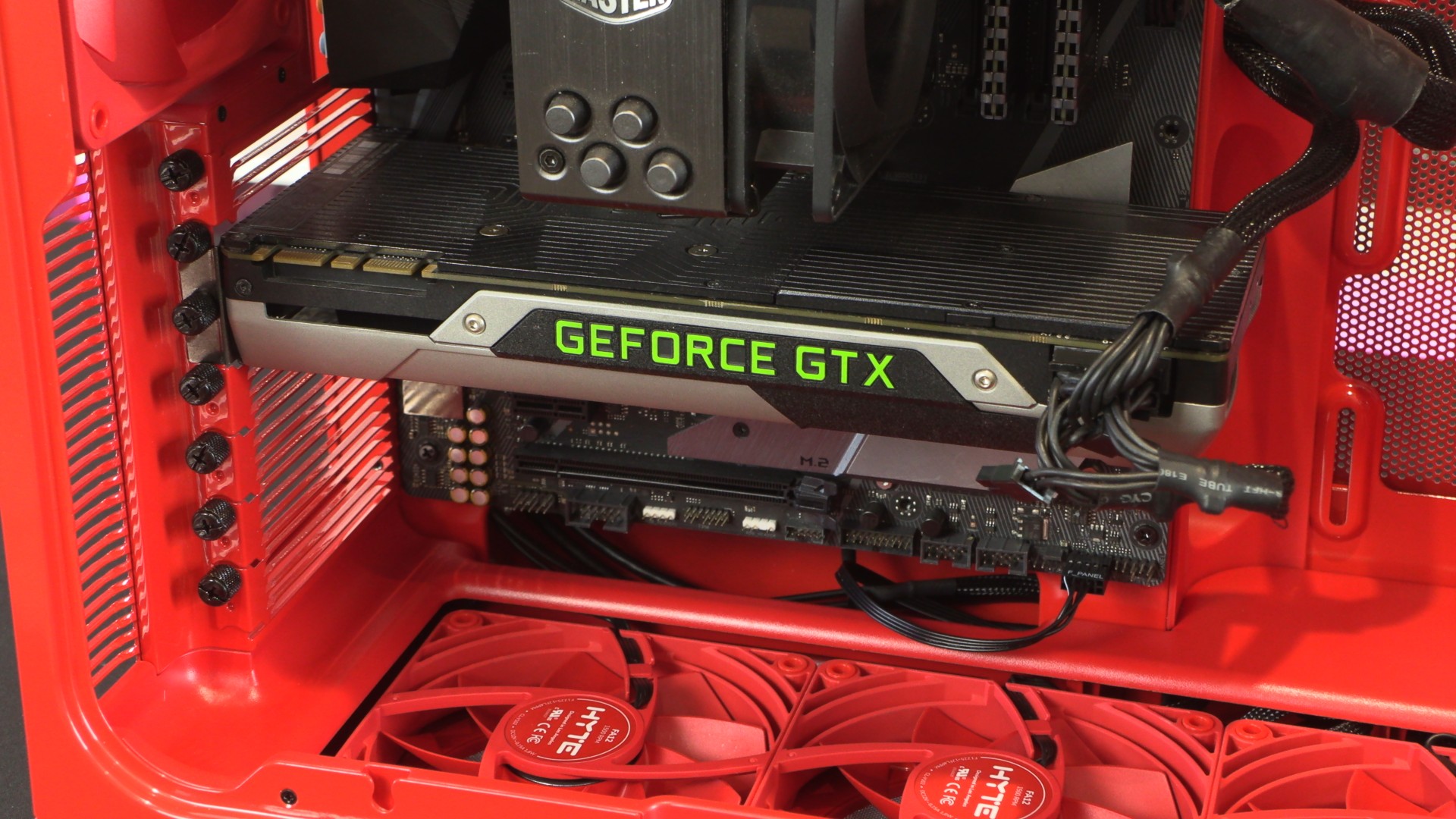
In total, ten fans can be installed inside the X50. If you are using a 360mm CPU liquid cooling solution, I’d suggest mounting this in the side of the case and using it as an exhaust. This pushes CPU heat directly out of the system, while your GPU is fed air from the case’s bottom-mounted 120mm fans.
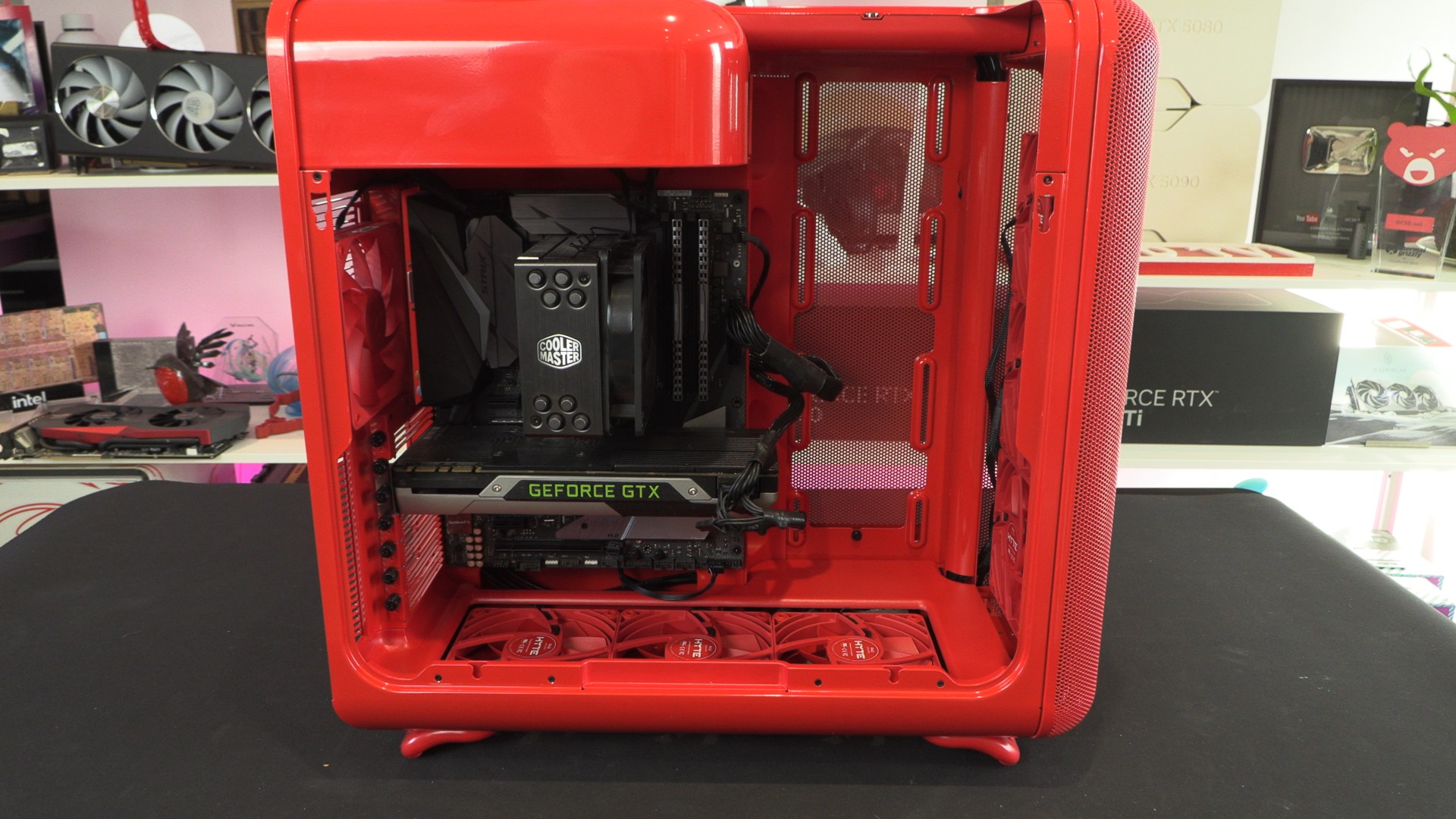
We will note that the bottom of this case is plastic, not powder-coated metal. While the colour match is reasonable, colour nerds with a high sensitivity will notice tonal differences. The same is true for HYTE’s red FX12 fans.
Note that this case’s bottom fans have a removable filter covering them, preventing dust built-up inside the case. This panel is easy to add/remove.