TRYX TURRIS 620 CPU Cooler Review

Screen and Software
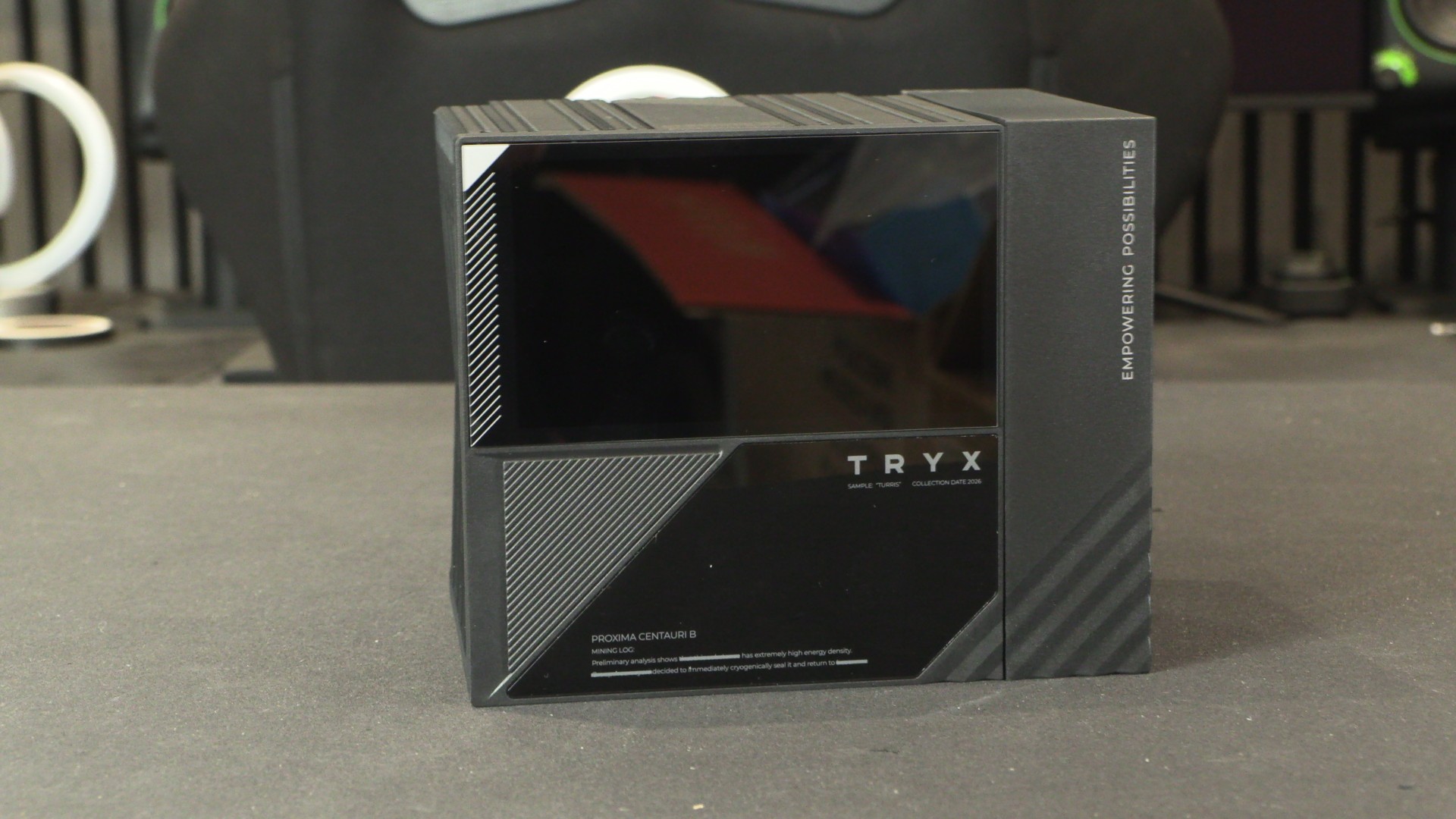
The screen is the TURRIS’ main selling point
If TRYX’s coolers are well-known for anything, it’s their included LCD screens. For the TURRIS 620, TRYX has added a 5-inch 720p display that’s magnetically attached to the heatsink and controlled by the company’s KANALI software. This screen operates at 60Hz and uses IPS display technology.
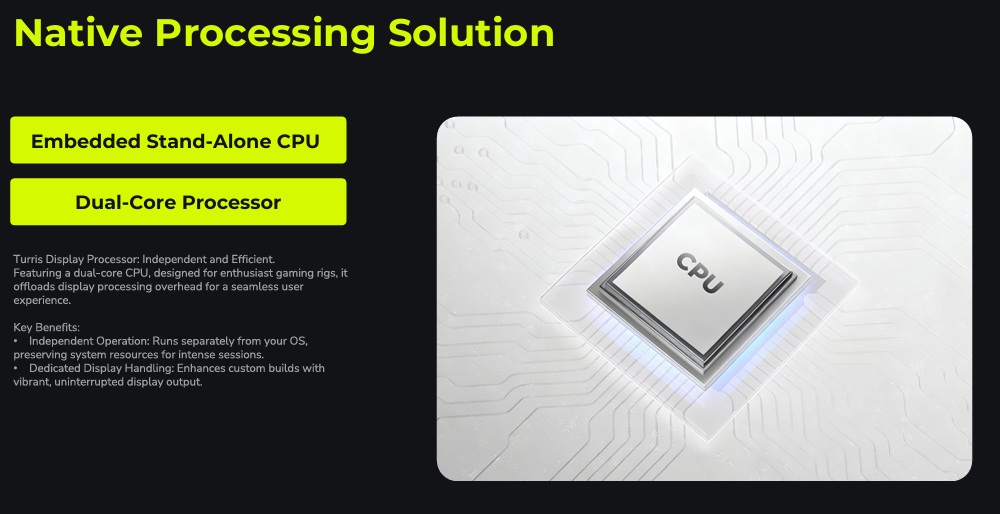
This screen can display system information, custom images/video, and includes a “native processing solution”. With an included dual-core CPU, this screen is mostly controlled internally. That means that this LCD is not wasting much of your PC’s limited resources. This minimises the impact this screen can have on your system’s performance, unlike many rival products.
Overall, I think TRYX’s KANALI software is relatively easy to use. The screen offers a wide range of presets, and users can display data such as CPU temperatures, memory frequencies, GPU usage, and more. That said, this software has its limitations.
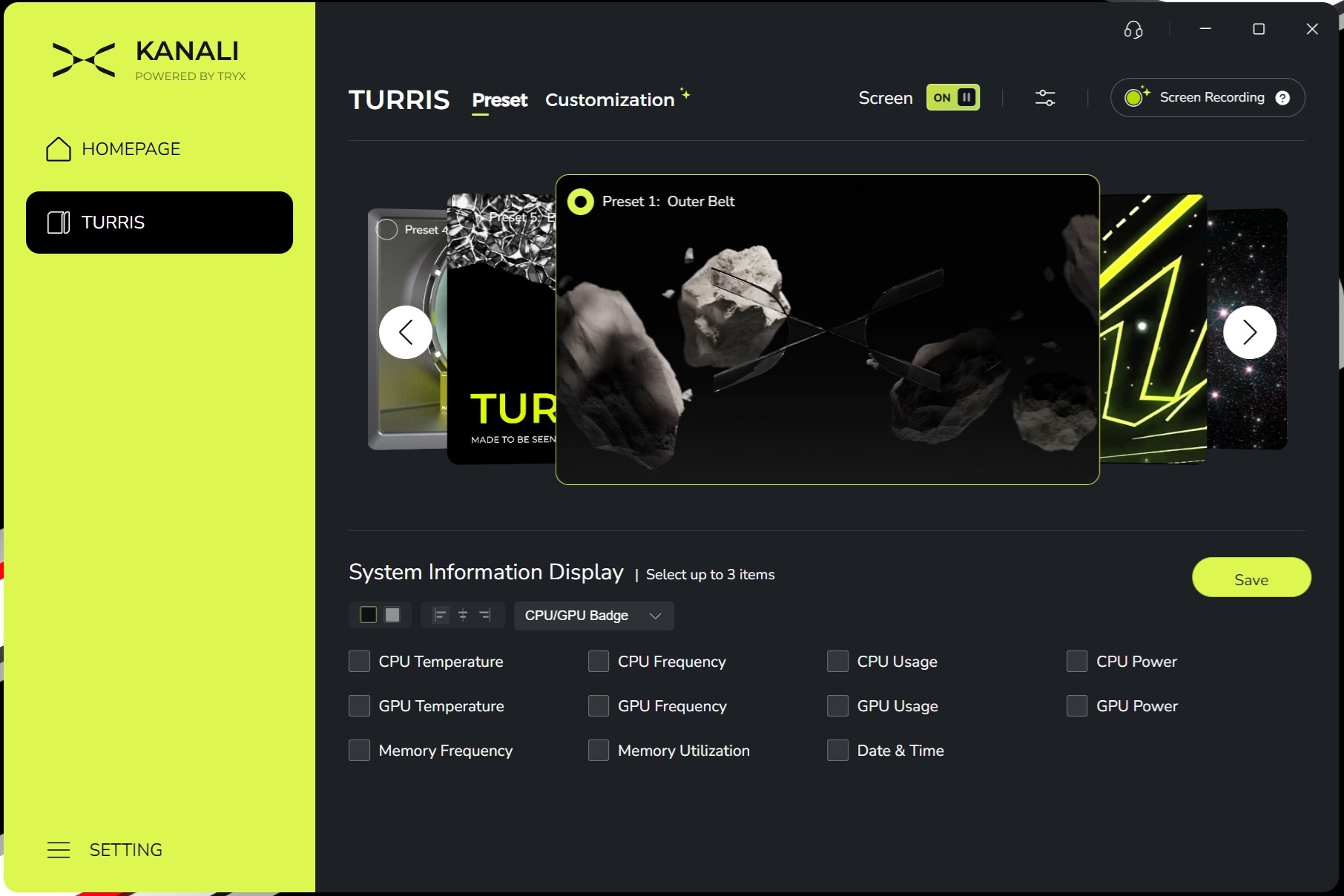
TRYX, please fix this!
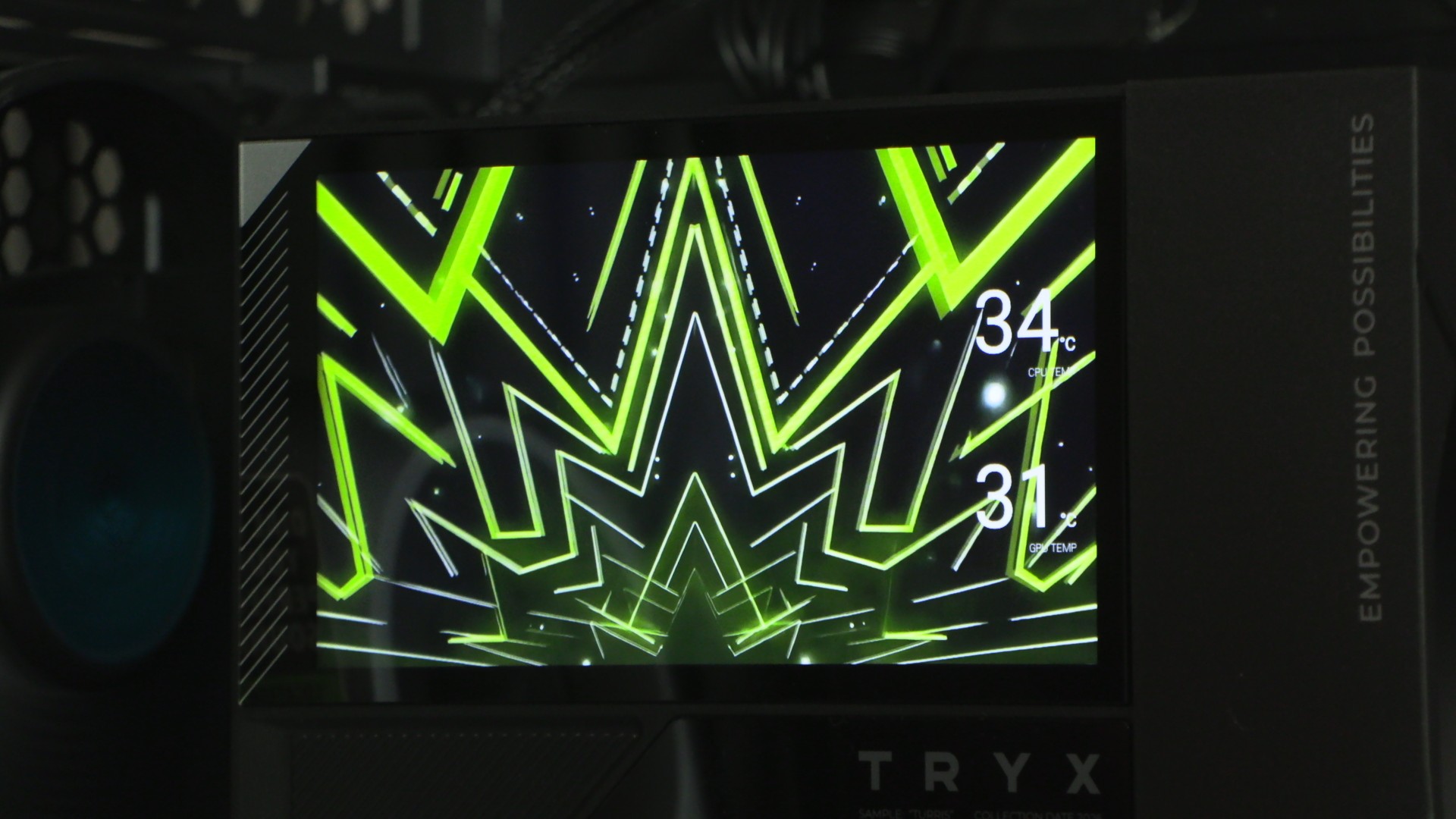
When displaying system information, there is no option to add a glow or shadow effect to the text. This limits the readability of the data shown on this display, especially when showing something bright or complex. In simple scenes like below, it is fairly easy to read. That said, you’d probably want to use your screen to showcase something a lot fancier than this included video.
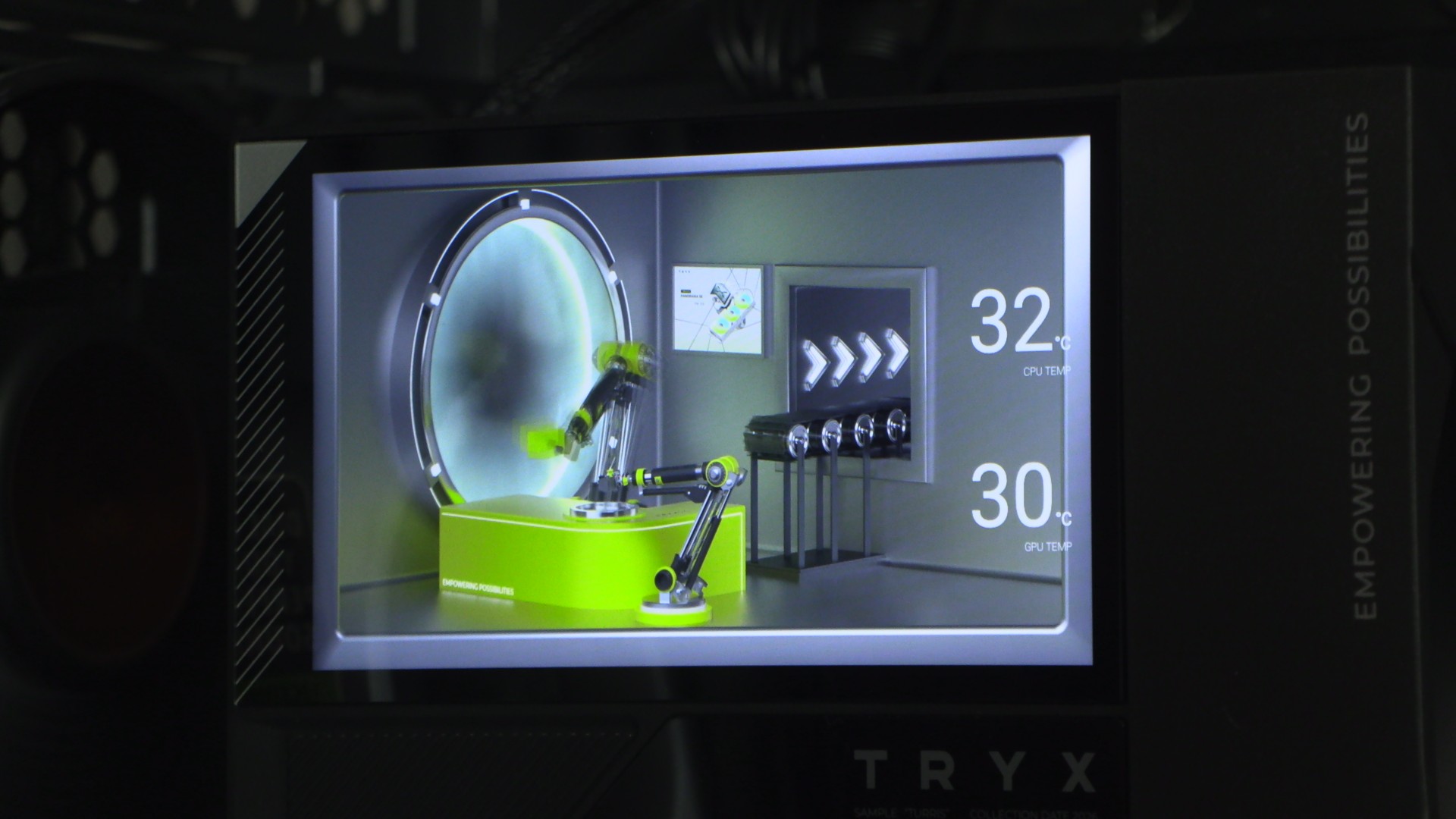
Below, we can see that the text is harder to read when bright or mixed content is shown. A simple shadow or glow effect would make this text easier to read at a glance. Without these options, this screen is not a reliable way to read system information, unless you choose appropriate images or videos to showcase. That’s a major limitation that should be addressed with a new KANALI software update.