


ASUS ROG Strix Z890-A Gaming WiFi Review

Conclusion
Conclusion
If you’ve read another of our Z890 reviews you can skip this paragraph. It bears repeating though. Like the rest of the Z890 motherboards we’re looking at today, we’re largely considering the ASUS ROG Strix Z890-A in a vacuum. We understand that there is a possibility this will be the only use of this particular socket, so the upgrade path might be a dead end. We also know the Z890 isn’t offering loads that isn’t already available on current Z790 platforms. They are, however, the only way you can use a Intel Core Ultra processor. We have to judge them on those merits.
The Strix range always has plenty to recommend it. Maximus might be the name on the lips of those of you with large wallets or salaryman simps, but for most of us the Strix brand is where we lay down our wallets. Normally there are A, F and E models with slightly differing names, but basically in that order. The Strix Z890-A Gaming WiFi falls at the lower end of the ROG Strix range. However, we think that it probably has more than you might expect.
In a lot of ways it’s the same as the other Z890s we’re bringing you today. 4 SATA ports. PCI Express 5.0 main slot. A PCIe 5.0 M.2 slot for high speed data transfers, and Gen4 ones for more affordable, but still quick, storage. You might consider that the 90A power stage speaks to where ASUS consider it to be in their range, and it could well do. Other places though the details of the Strix Z890-A score some big points over the competition.
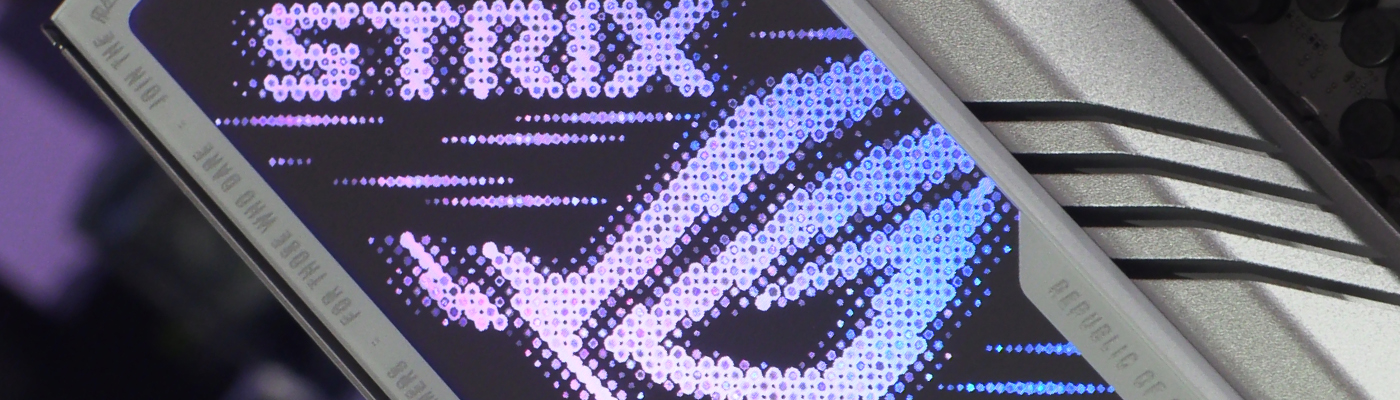
Naturally it is only small differences, but when so many of these are so similar, it’s those small differences that might be enough. Firstly the Strix Z890-A is a white PCB model, and ASUS have given us primarily white heatsinks too, rather than the silver many others go with. Additionally the bottom edge has a lot to recommend it. Three ARGB headers for your AURA Sync lighting fun and games are plenty for most people. We love the 5 fan headers in a row. So often there are a few scattered about. Having them all together, and five at that, is a huge feather in the usability cap of the Strix A.
Performance, as it has been throughout our time with the Ultra CPUs, is a mixed bag. However, there are hints that the Strix has enough to recommend it above some other options. It might be miles behind in Blender, but it’s the top in Cinebench R20, 2nd in R23 and third in R24. Gaming performance is where we think it’s the most consistent though. Fifth in Guardians, but numerically close to the top, and fifth in Factorio, albeit in the thick of the action, are the lowlights. Third in both Far Cry and Final Fantasy are great, and first in Riftbreaker and Total War : Warhammer III is not to be sniffed at.
We understand that the Intel Core Ultra might not be a jaw-dropping leap forwards, but if you’re tempted to take the plunge and want a very user-friendly motherboard you could do a lot worse than the ASUS ROG Strix Z890-A Gaming WiFi, and it wins our Gamers Choice Award.

Discuss the ASUS ROG Strix Z890-A Gaming WiFi in our OC3D Forums.

