ASUS ROG Strix Z890-A Gaming WiFi Review

Board Tour
Board Tour
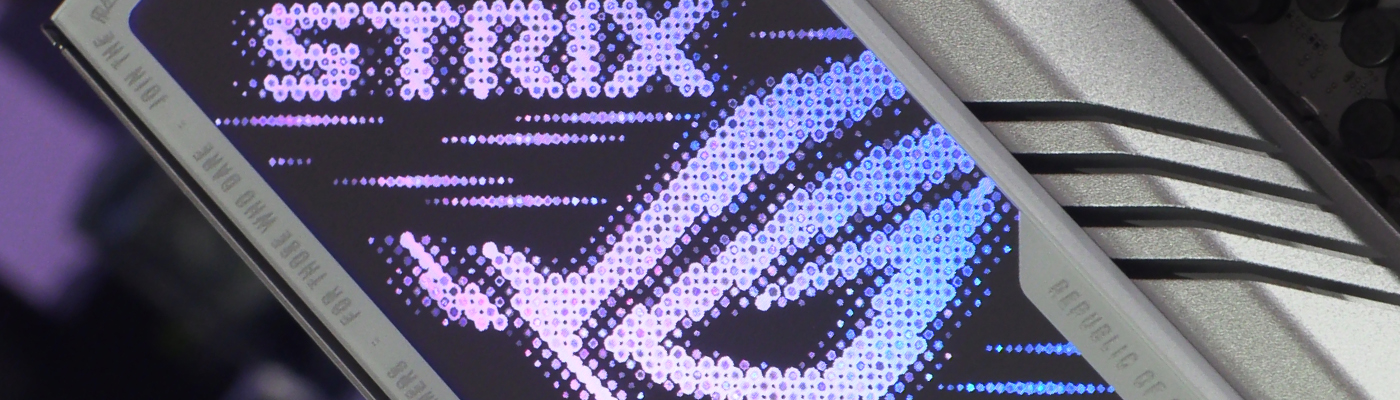
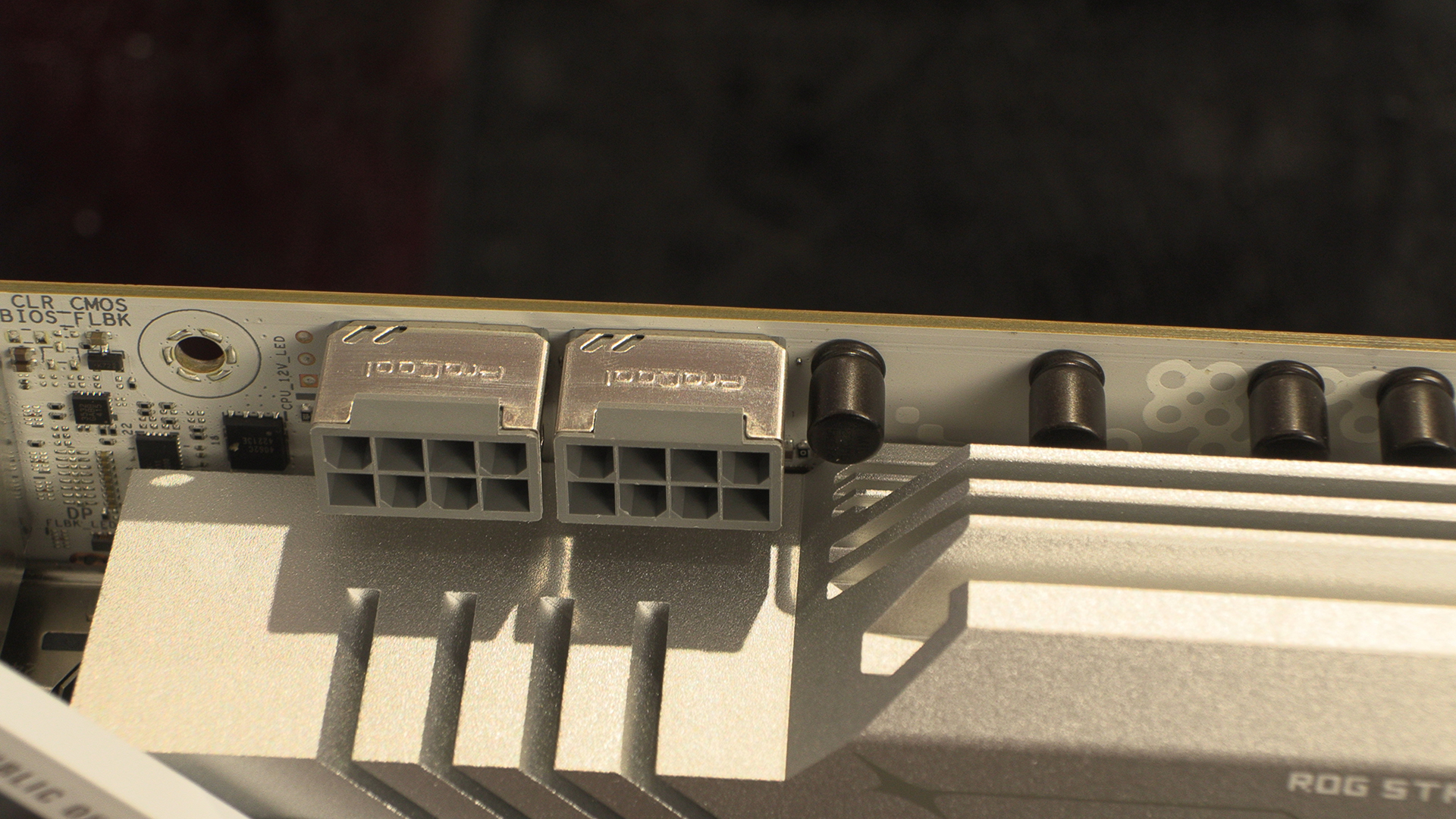
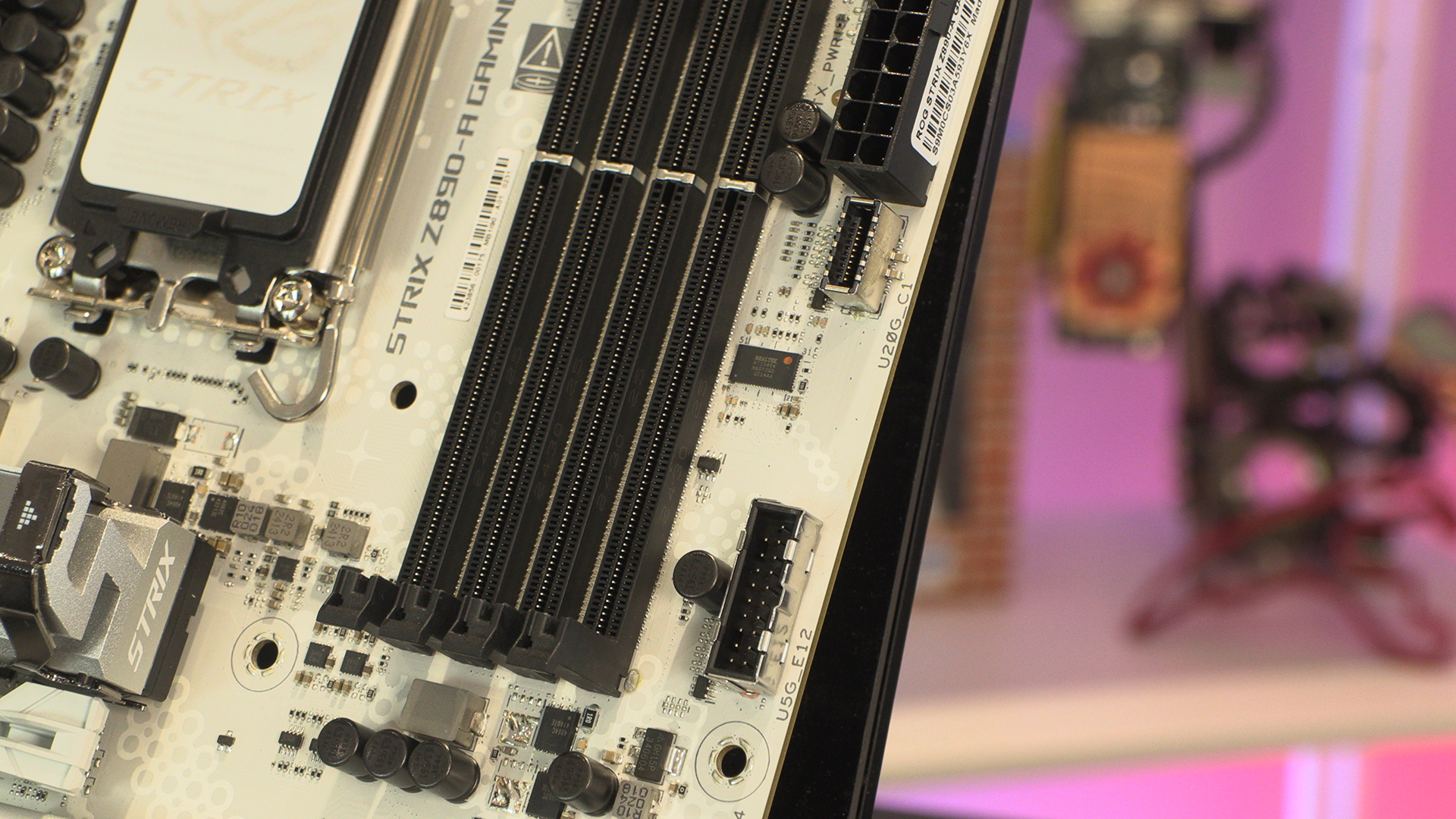
Like Cole Porter with a slur, we like to begin the begin(ning). We might moan about the black plastics dominating the right hand side of the Strix A, but like all the others we’ve recently seen the 8pin CPU12V connectors are grey rather than black.
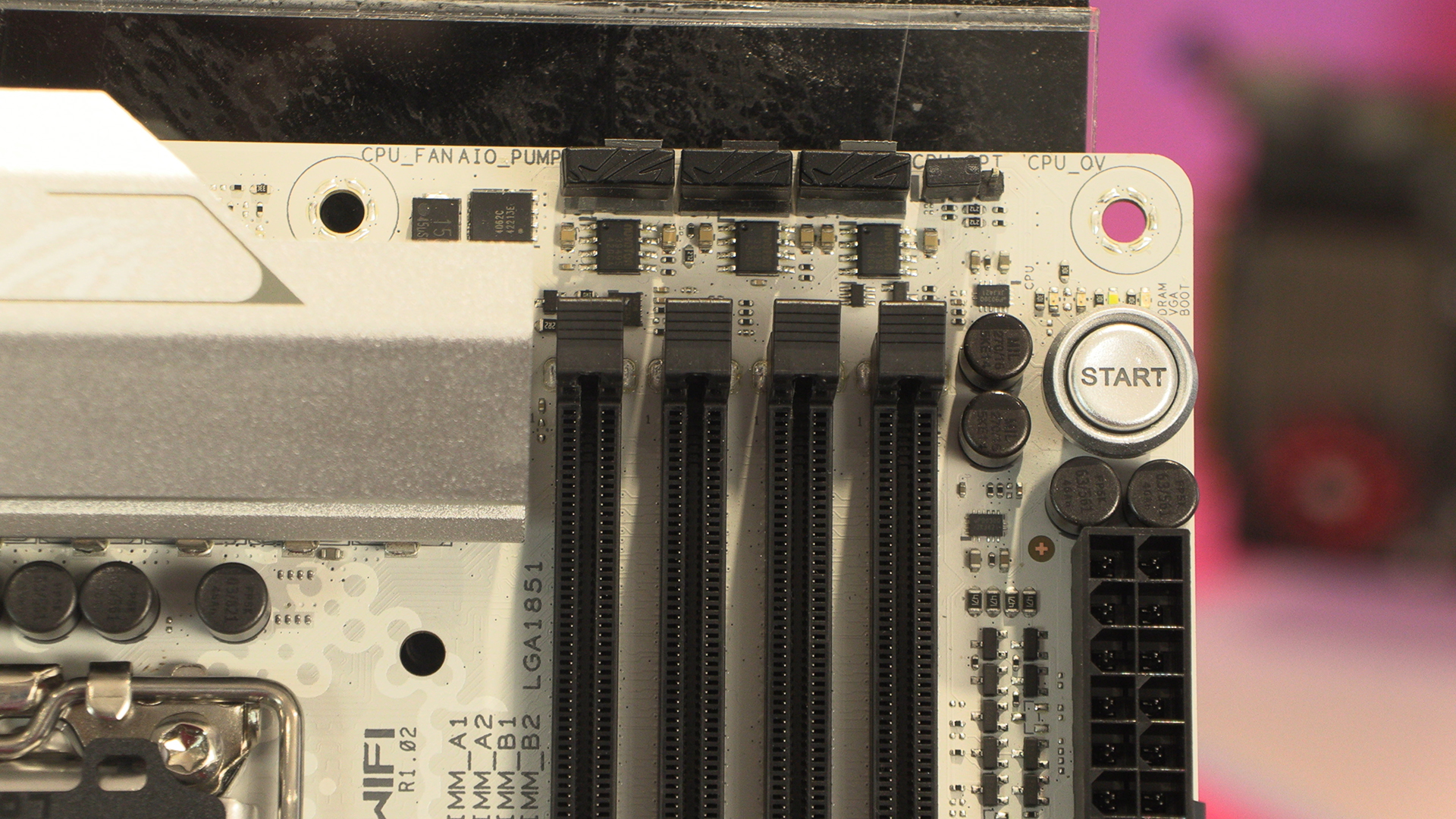
Having three fan headers at the top edge of the PCB always gives you some options in the CPU cooling department. Whilst the Intel Core Ultra processors aren’t as toasty as their 14th gen cousins, you still need to keep them as cool as possible.
Front panel USB headers are so useful. If you’ve got some hardware you plug in a lot, having the ports on the front of your case is patrician tier. Your back will thank you.
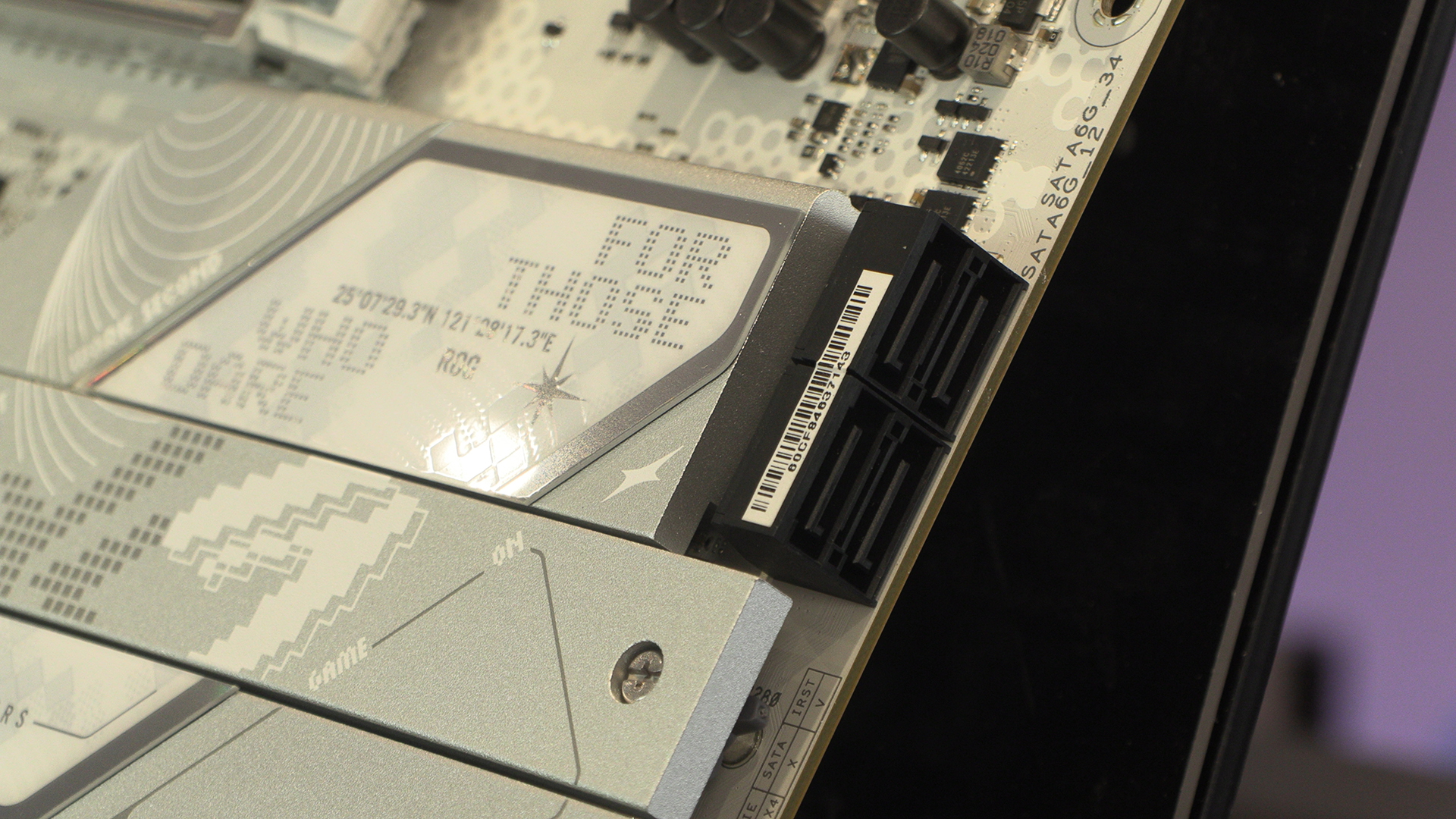
All of the Z890 motherboards have 4 SATA ports and the Strix Z890-A is no exception.
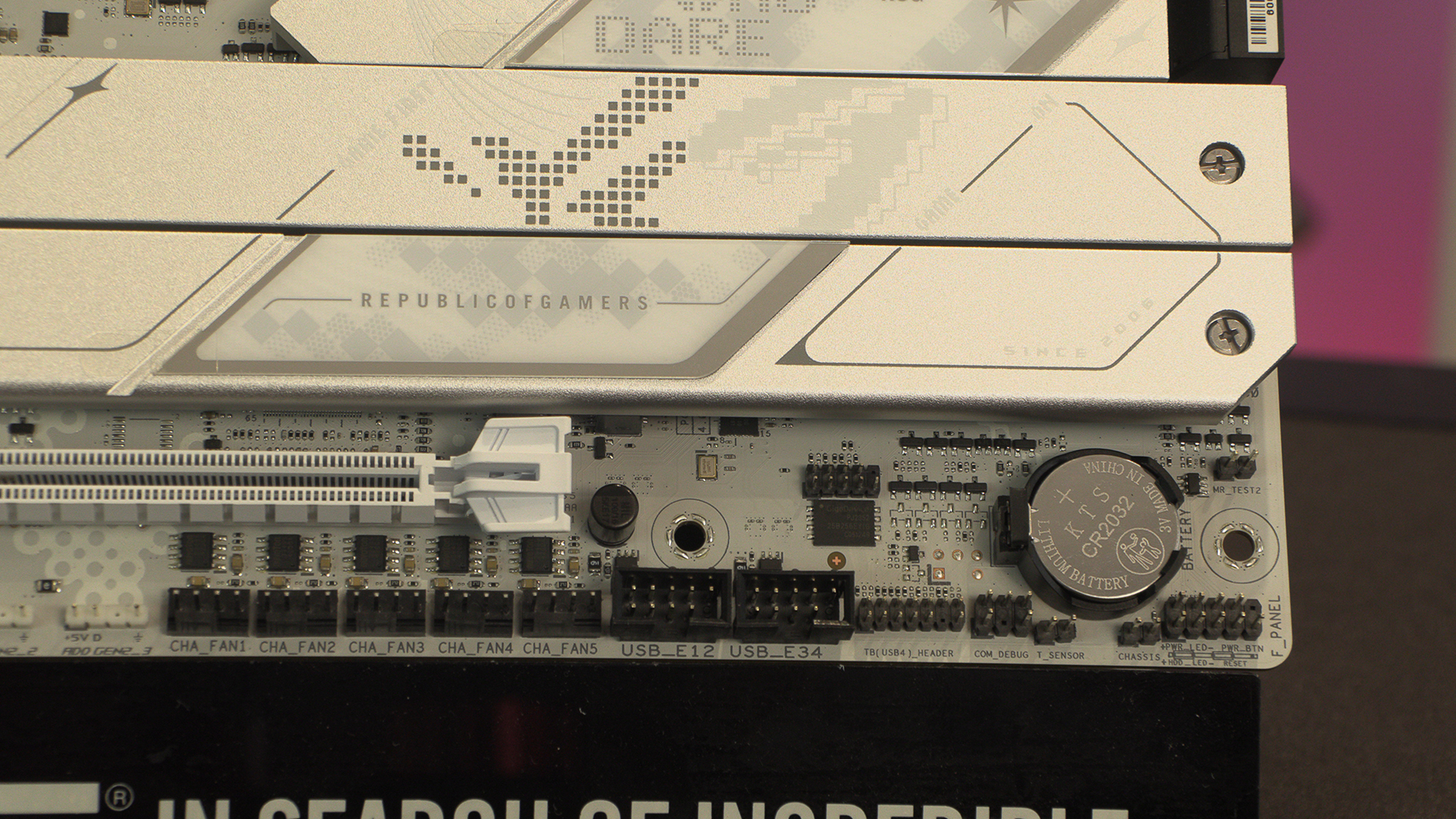
We can’t remember seeing quite as many fan headers in a row before. Kudos to ASUS for really going all in. If you’ve got a case with intake fans at the bottom, cable management has never been easier. Coincidentally our HAVN HS420 has bottom fans.
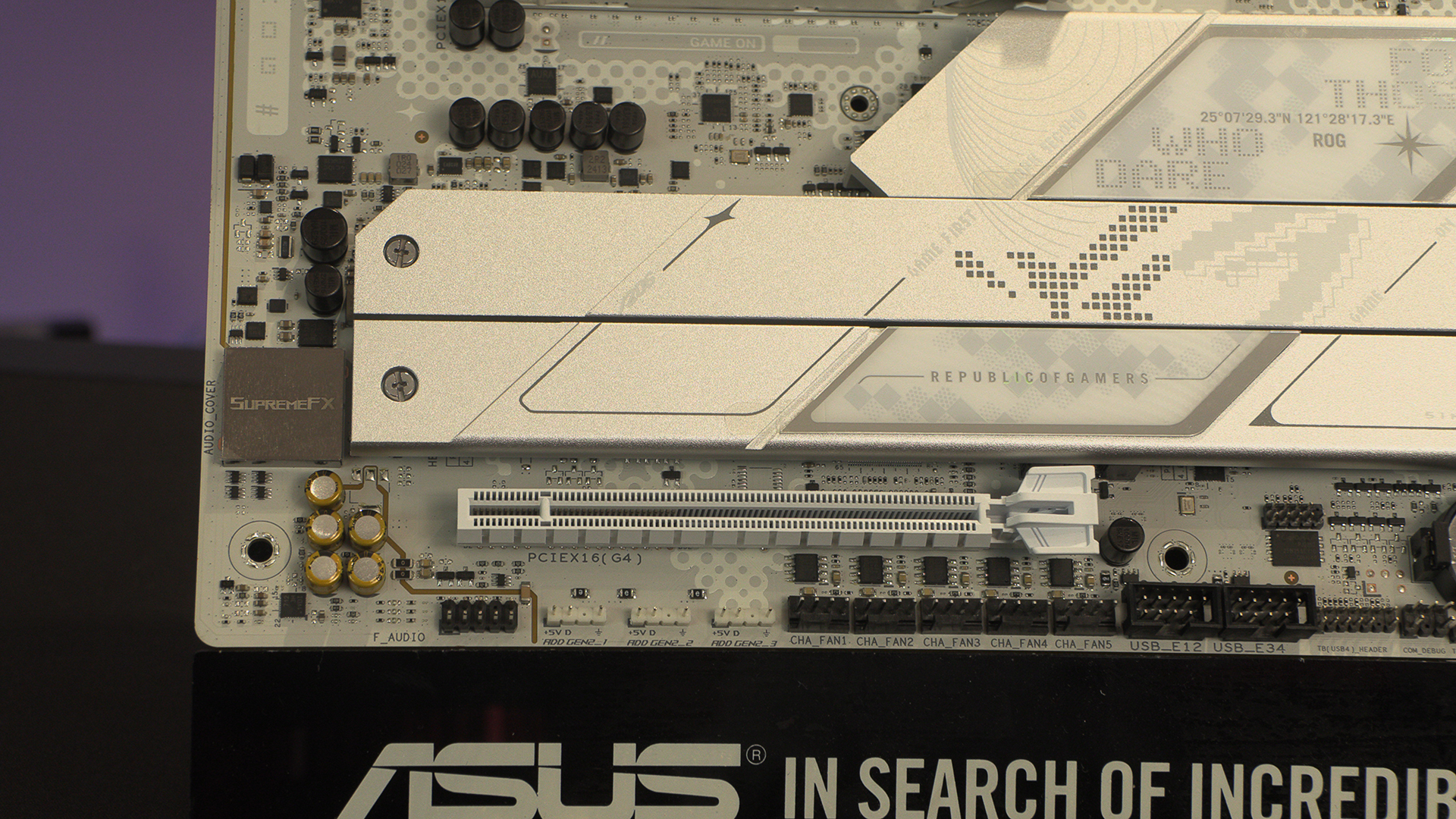
Addressable RGB has come to dominate the marketplace. Anything that gives us greater control is always a positive.
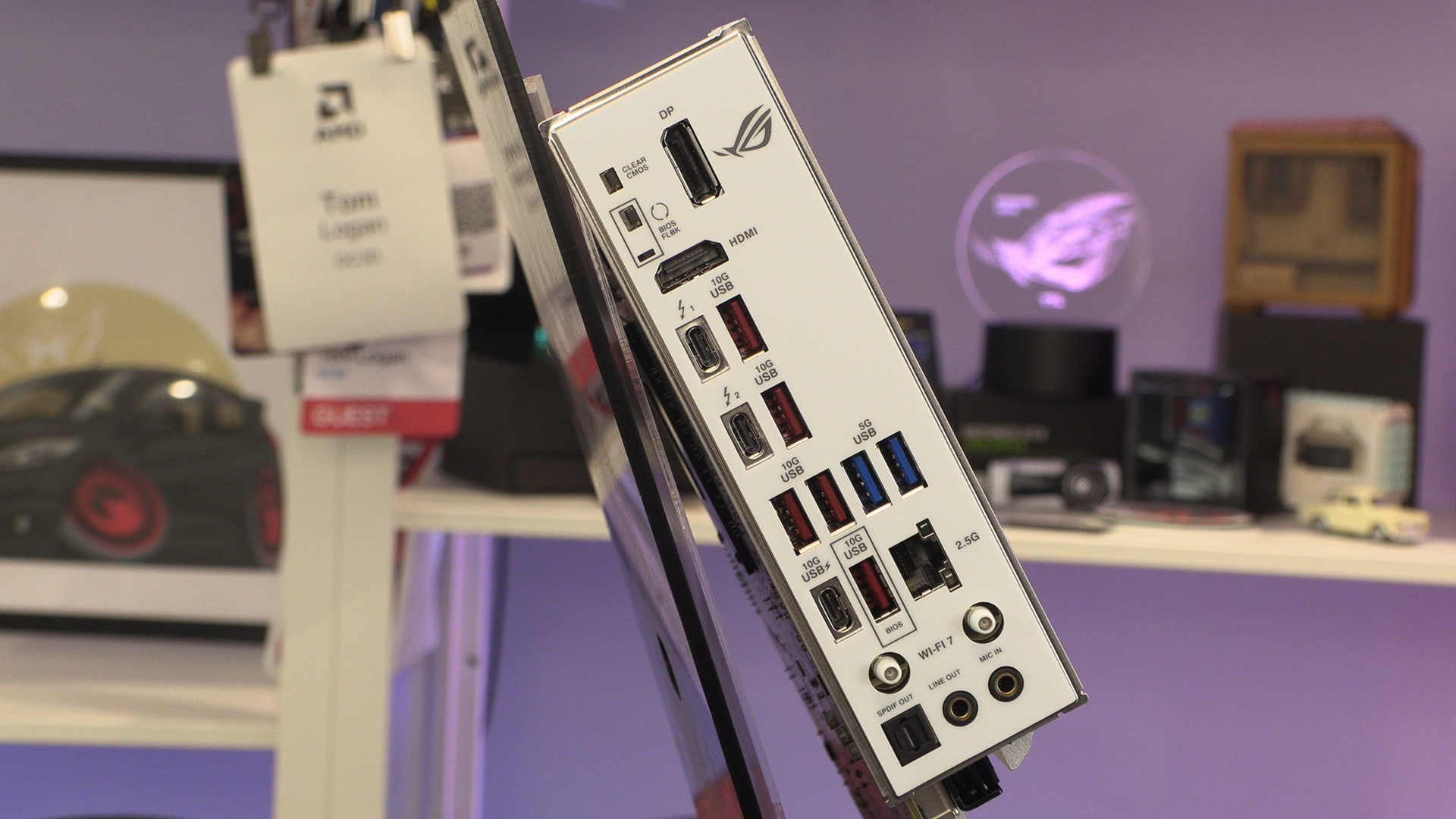
Around the back we find a full selection of USB ports, including the Z890s party piece, Thunderbolt 4 40Gbps. Even the WiFi antenna holes are white, despite the fact they’ll be hidden forever.