Gigabyte X870E Aorus Master Review

M.2 and Connectivity
M.2 and Connectivity
We’ve already spoken about the recognisability of the Gigabyte Aorus heatsink design, and you can see how the newest X870E Aorus Master has a double stack arrangement. Beneath that heatsink is 16+2+2 Digital VRM with 110A SPS. More than enough to handle any of the 9000 series AMD Ryzen processors. 110A also matches the Amps on the ASUS ROG Strix X870E-E and MSI MPG X870E Carbon WiFi. If all three companies have picked the same, it’s bound to be enough.
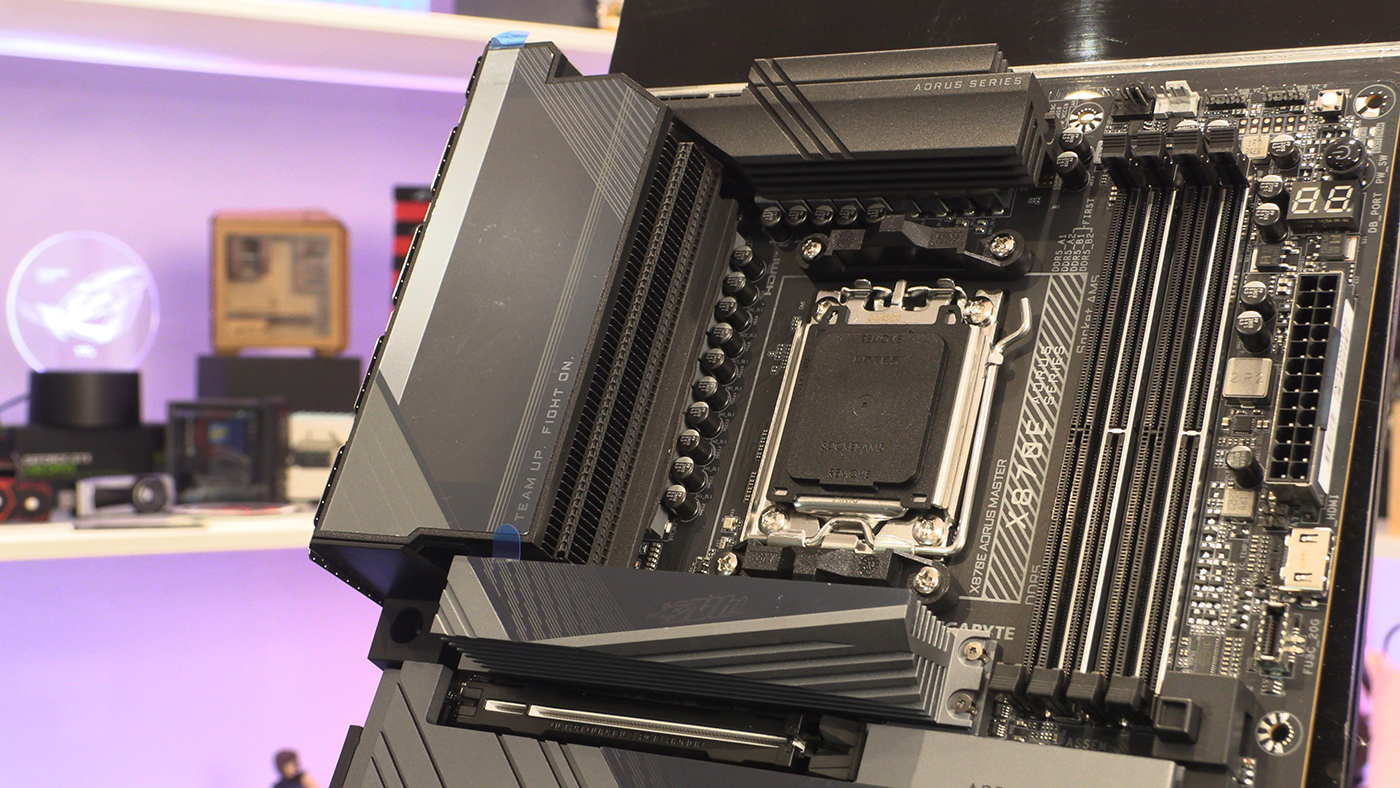
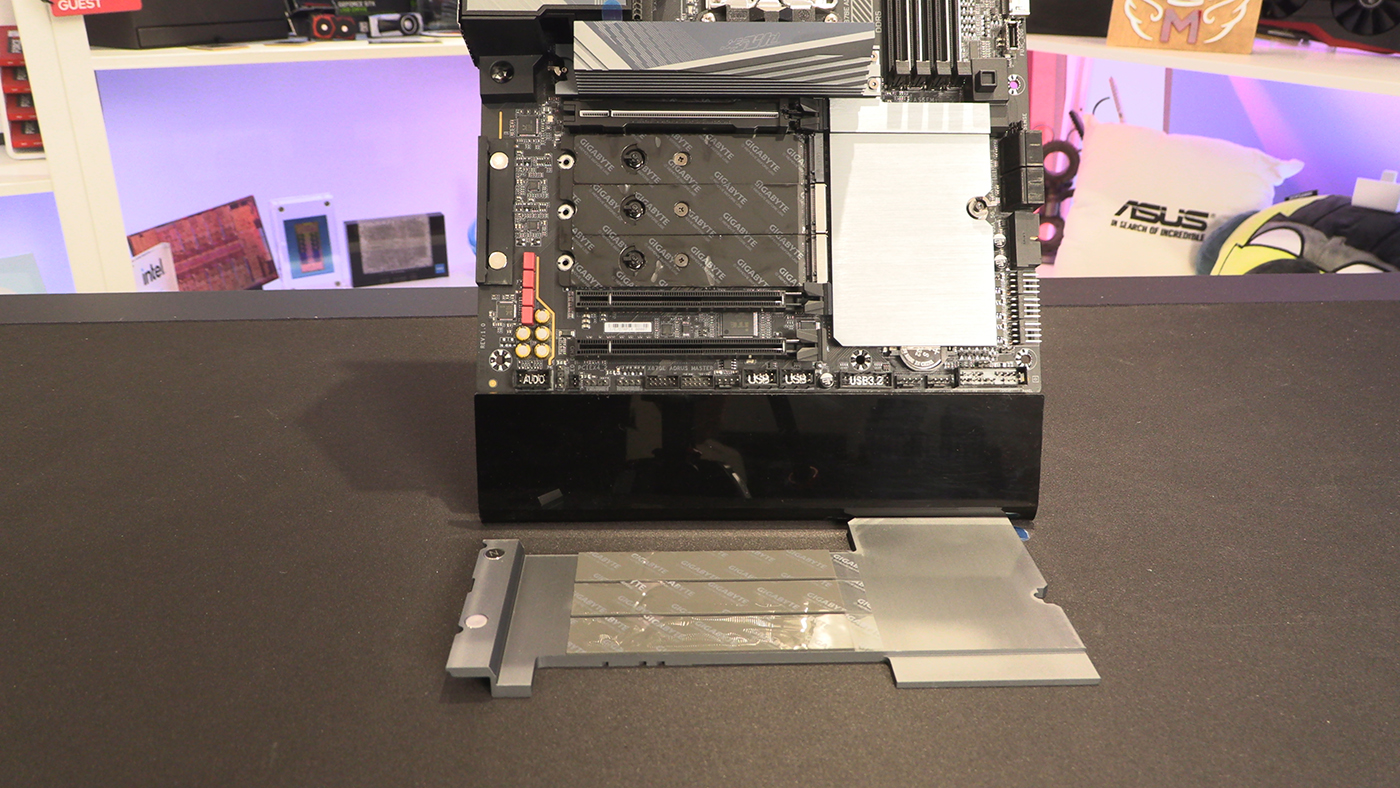
Additionally covering things we’ve mentioned before, when we saw the back of the PCB there was an extra heat spreader. This is the huge stack on the other side. Perfect for keeping even a PCIe Gen5 M.2 drive running relatively cool. Kudos also to Gigabyte for their easy, screwless, attachment system. Building becomes a breeze.
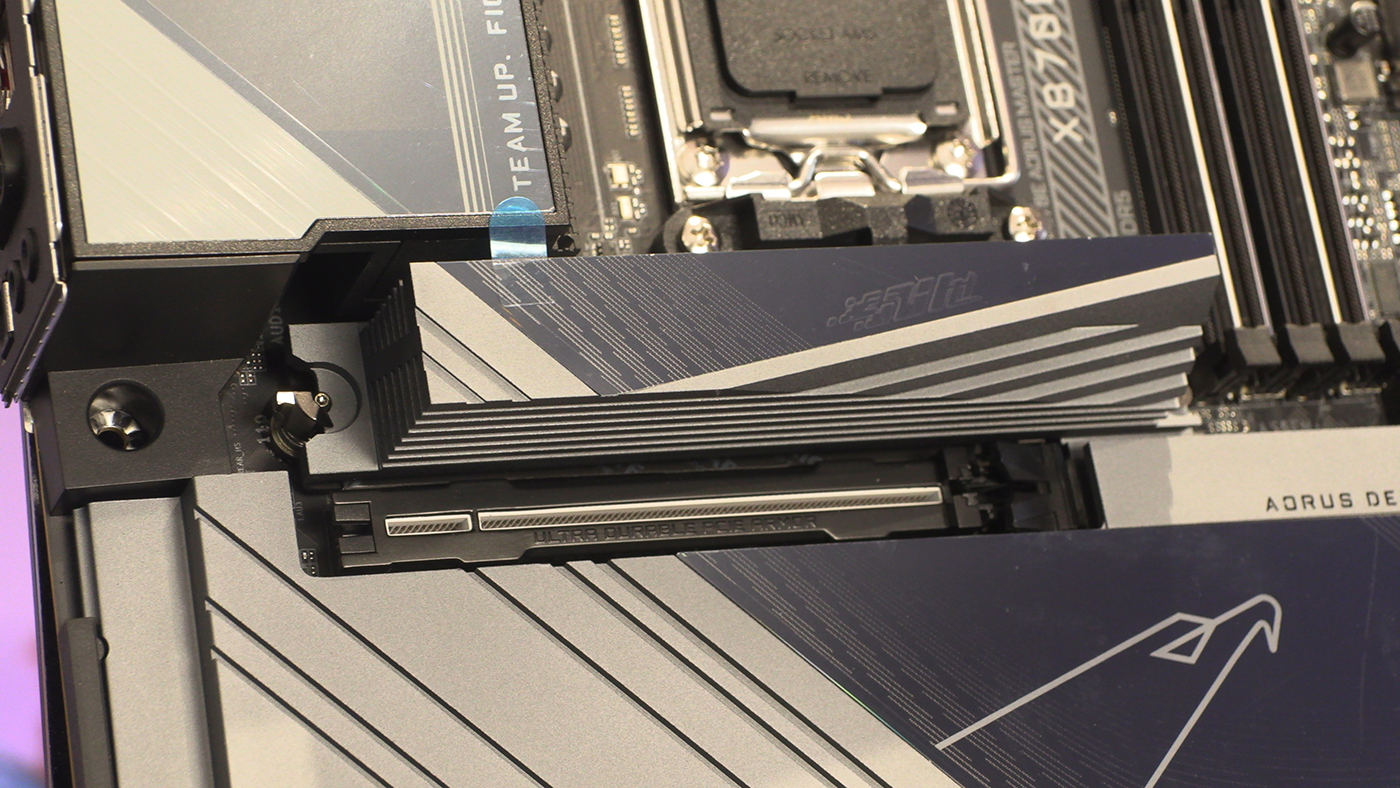
Take that heatsink off and you can see the other two PCIe 5.0 M.2s and the single Gen 4 one. You can also get a closer look at how easy, ahem EZ, the locking system is. No more hunting for a tiny crosshead screwdriver. Tool less. Lovely.
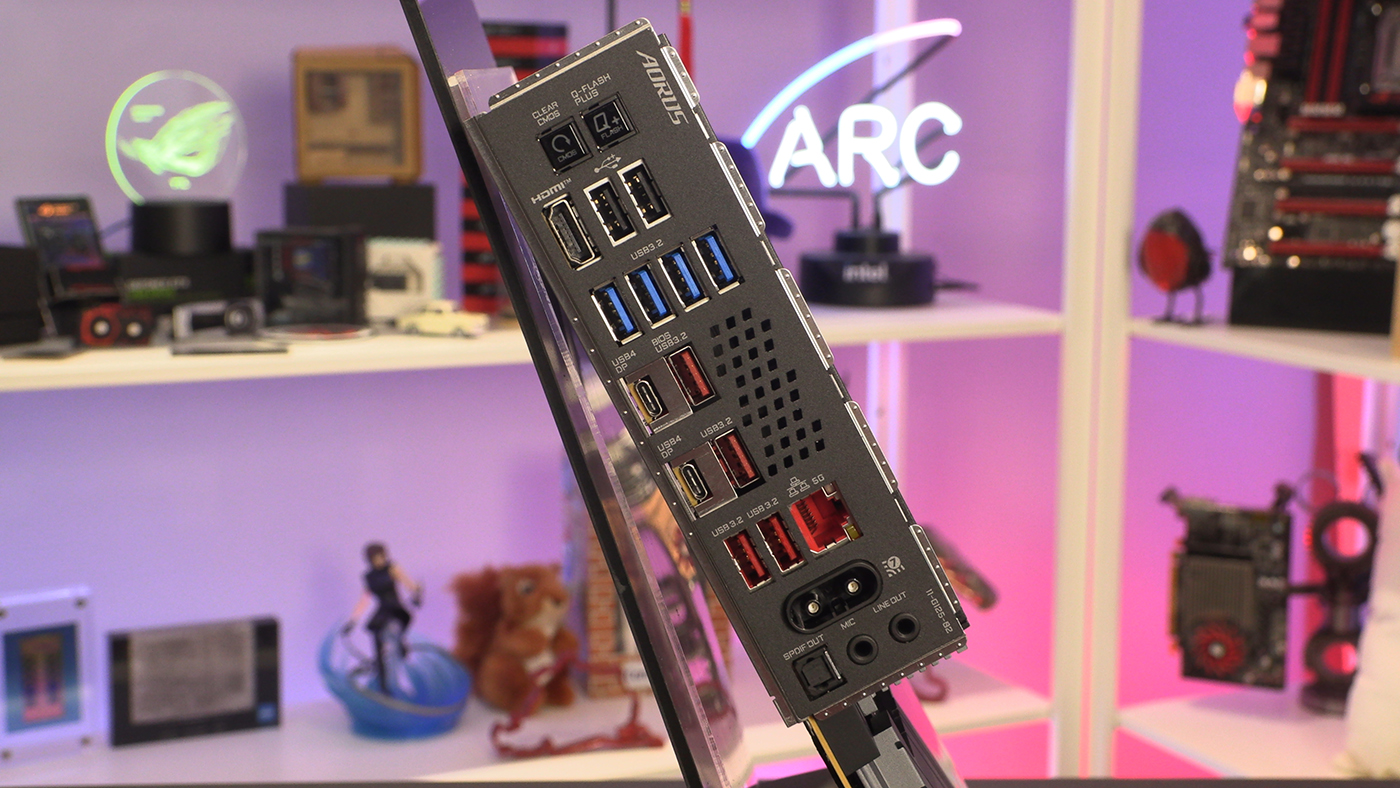
Lastly around the back the Aorus Master has more vents for extra cooling from the main heatsink array. Additionally there are the USB 4 40 Gbps ports which are the hallmark of the new AMD X870E chipset. Lastly Gigabyte have revised the wireless attachment system to mean you no longer need to faff about with tiny wires and screws. Just plug it in and enjoy the WiFi 7 connectivity speed.