Gigabyte X870E Aorus Master Review

Test Setup and Clock Speeds
Test Setup
Motherboard : Gigabyte X870E Aorus Master
CPU : AMD Ryzen 9 9900X
Case : BeQuiet! Light Base 900
PSU : MSI MEG Ai 1300p
GPU : Nvidia RTX 4090 FE
BeQuiet Light Loop 360
Memory Gskill Trident Z5 32GB
MSI 271QRX QD-OLED Monitor
Operating System : Windows 11 24H2
AGESA : AMD AGESA ComboAm5PI 1.2.0.2
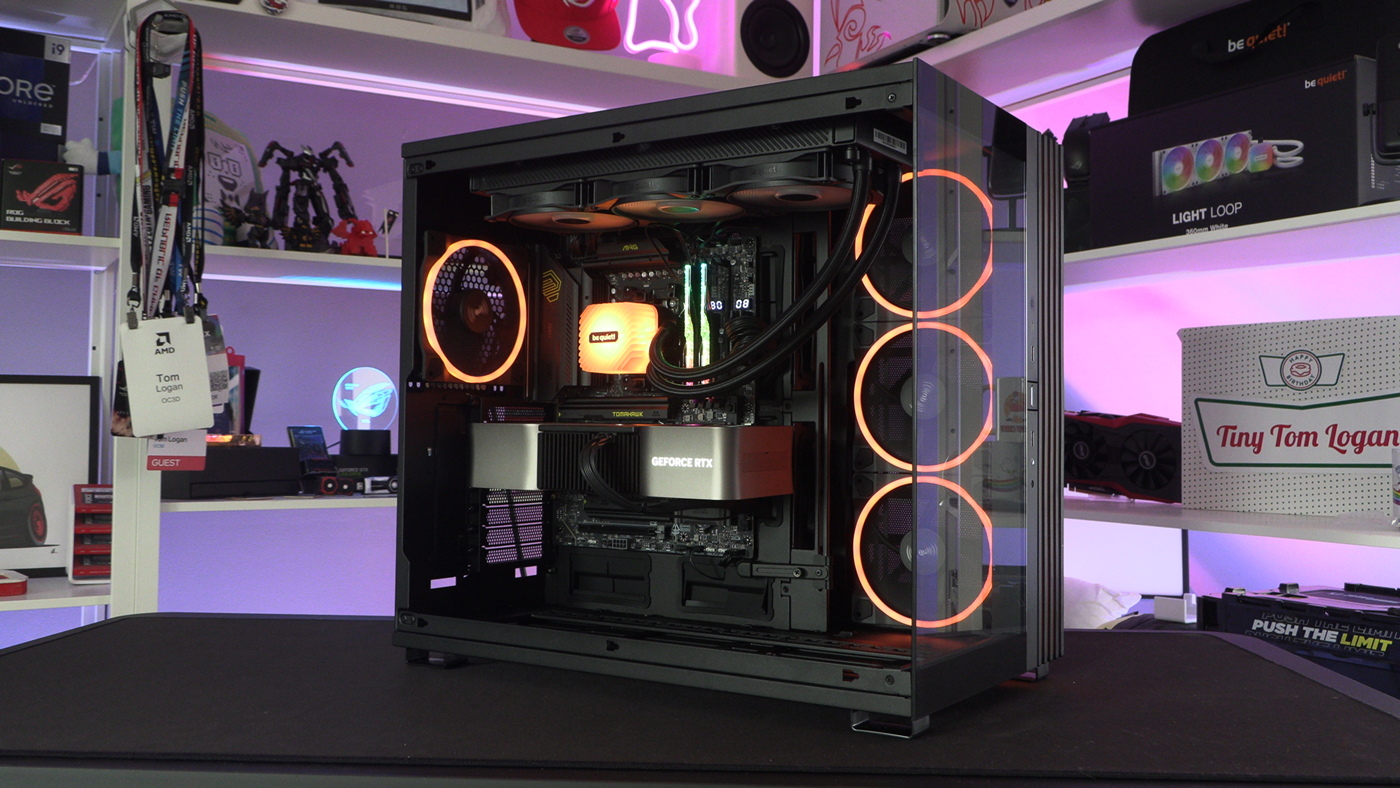
Take a look at this BeQuiet Light Base 900! Huge amount of cooling potential allied to great looks. And not just because it’s orange and your writer loves orange. Nope. It’s a gorgeous thing and available in four models. Lush.
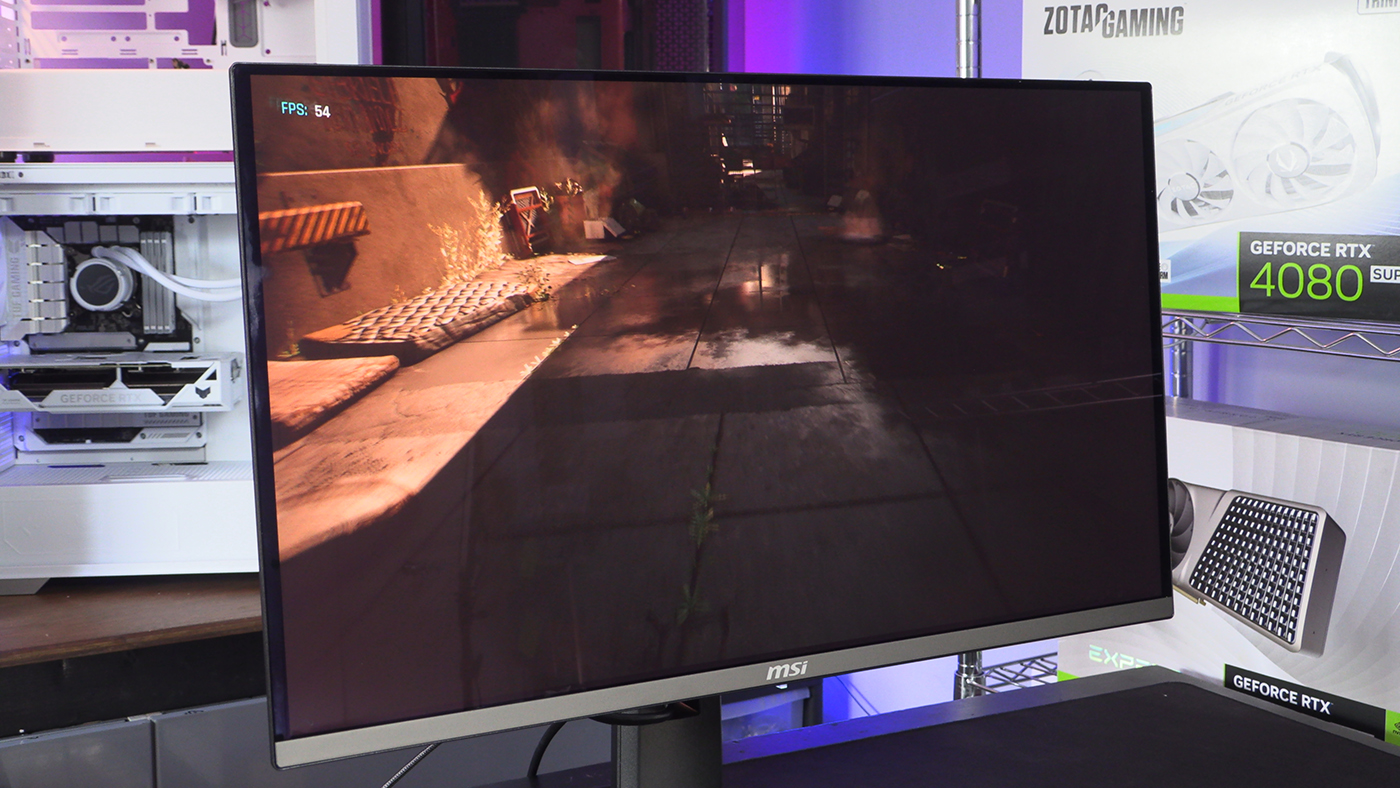
It’s also worth giving a shout-out to the MSI 271QRX QD-OLED for being a fantastic monitor for the price. Getting the chance to see such rich colours and deep blacks makes the whole, tedious, process of benchmarking endless hardware that much more pleasant. It’s like a Swedish Massage for your eyeballs.
Clock Speeds and Voltages
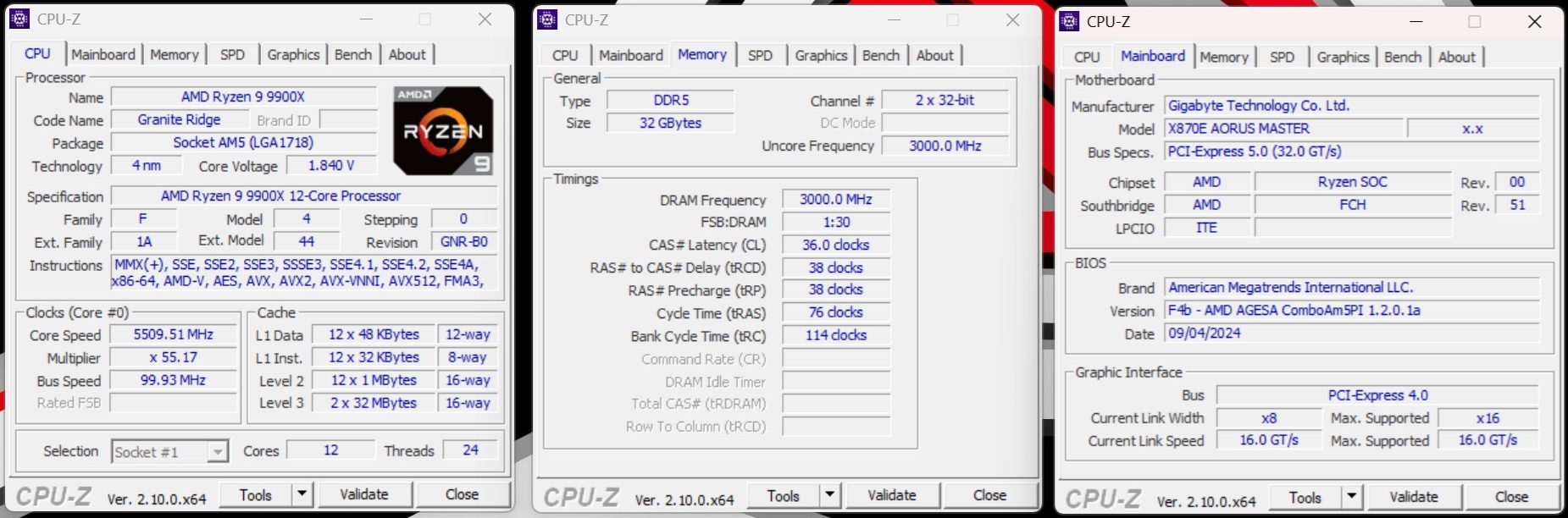
As you might be able to glean from the CPUz here, and we’ll discuss much later on, our time with the Aorus Master was limited. There are only so many products to go around pre-release. This meant that Gigabyte were taking it back before the AGESA updated. Naturally this meant a few issues. The primary one is that the X870E Aorus Master sent, or at least reported sending, more volts through our Ryzen 9 9900X than any other X870 we tested. Performance wasn’t negatively impacted, however we just wanted to flag why, on paper, the voltages on the Master are higher.