MSI MAG X870E Tomahawk Review

Board Tour
Board Tour
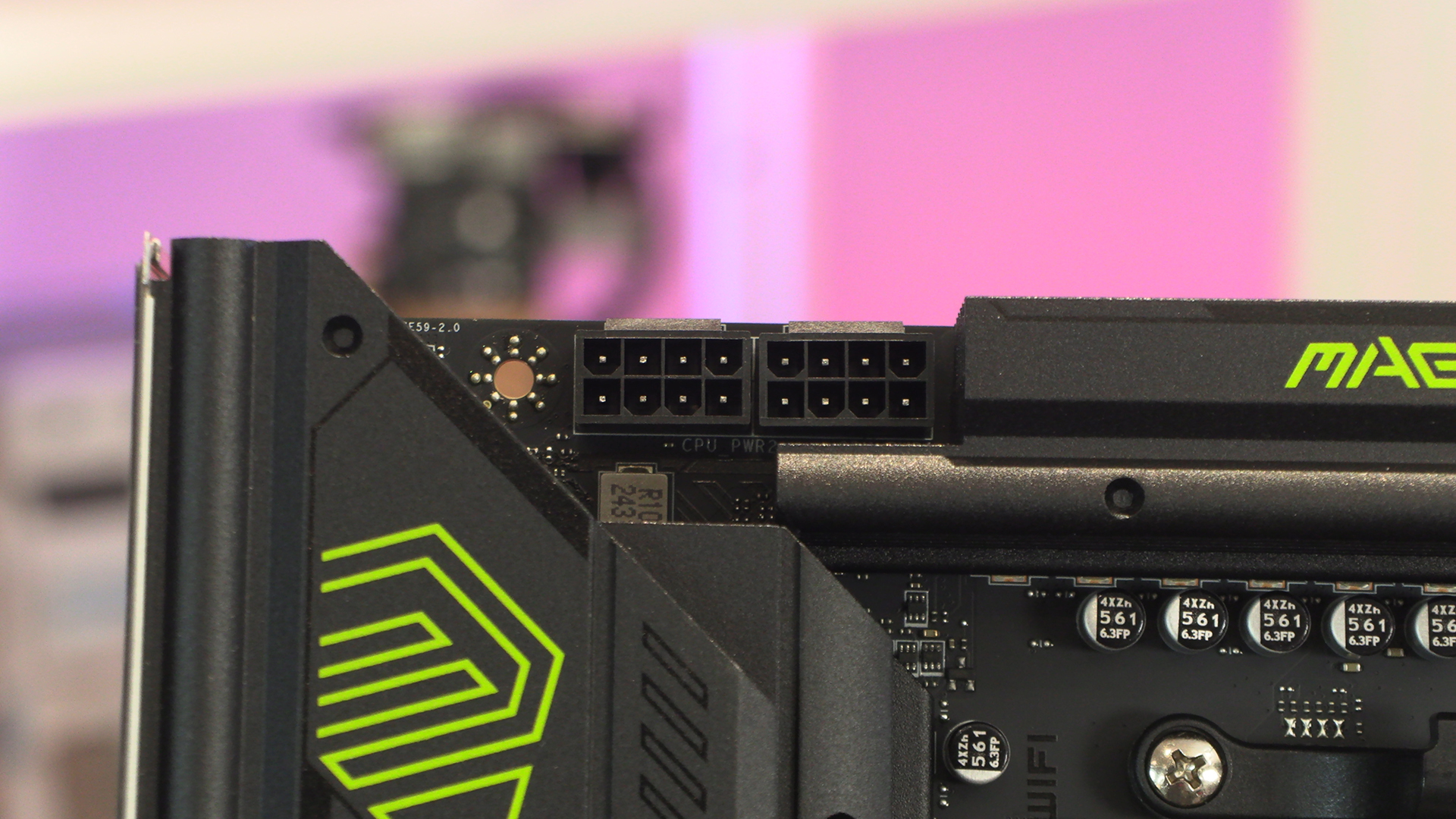
We’ve reviewed so many graphics cards recently it’s nice to return to the chunky power inputs of a motherboard. 12V CPU 8pin headers let you power your 9000 series Ryzen without issue.
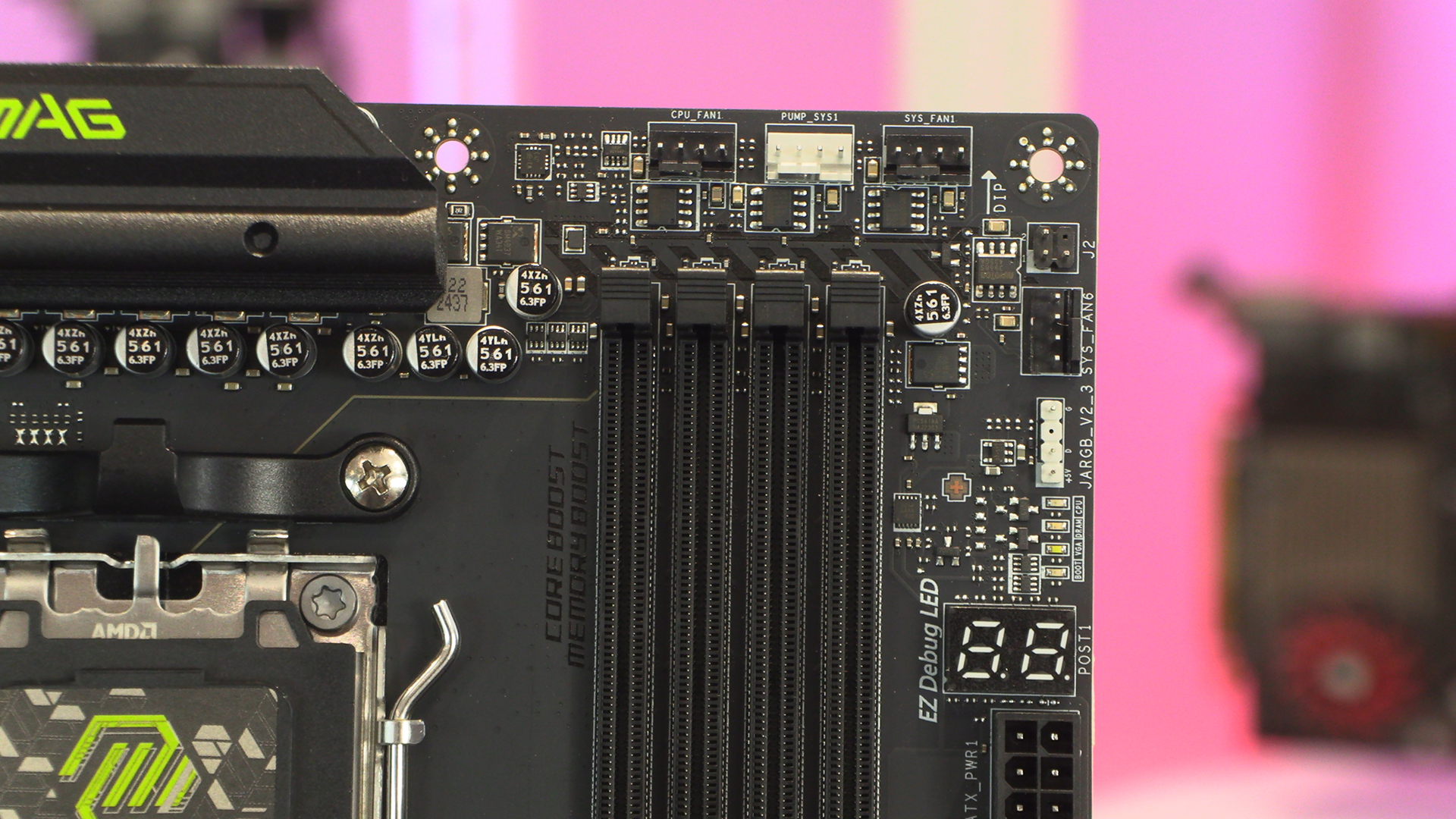
Cooling is the cornerstone of any high performance rig and the 9000 Ryzens are no exception. The MSI X870E Tomahawk provides you with a lot of fan headers in the top corner, including some pump specific ones.
The MSI EZConn header lets you put all the fiddly front panel stuff onto a single header. It’s magnificent. Equally useful is the EZLok button that releases your graphics card. We know to most people this isn’t important. To us, who build and tear down rigs on the regular, it’s a time saver.
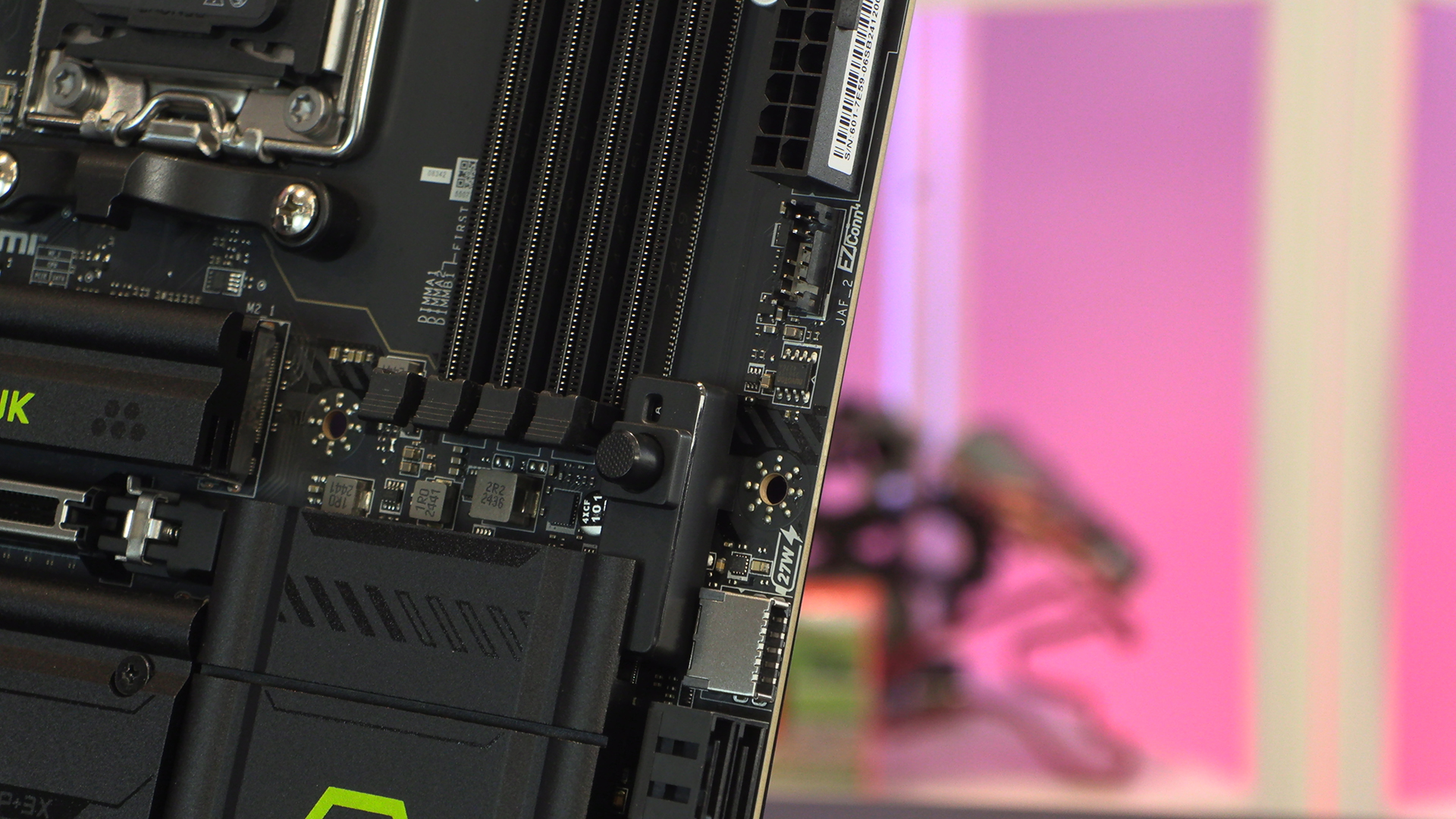
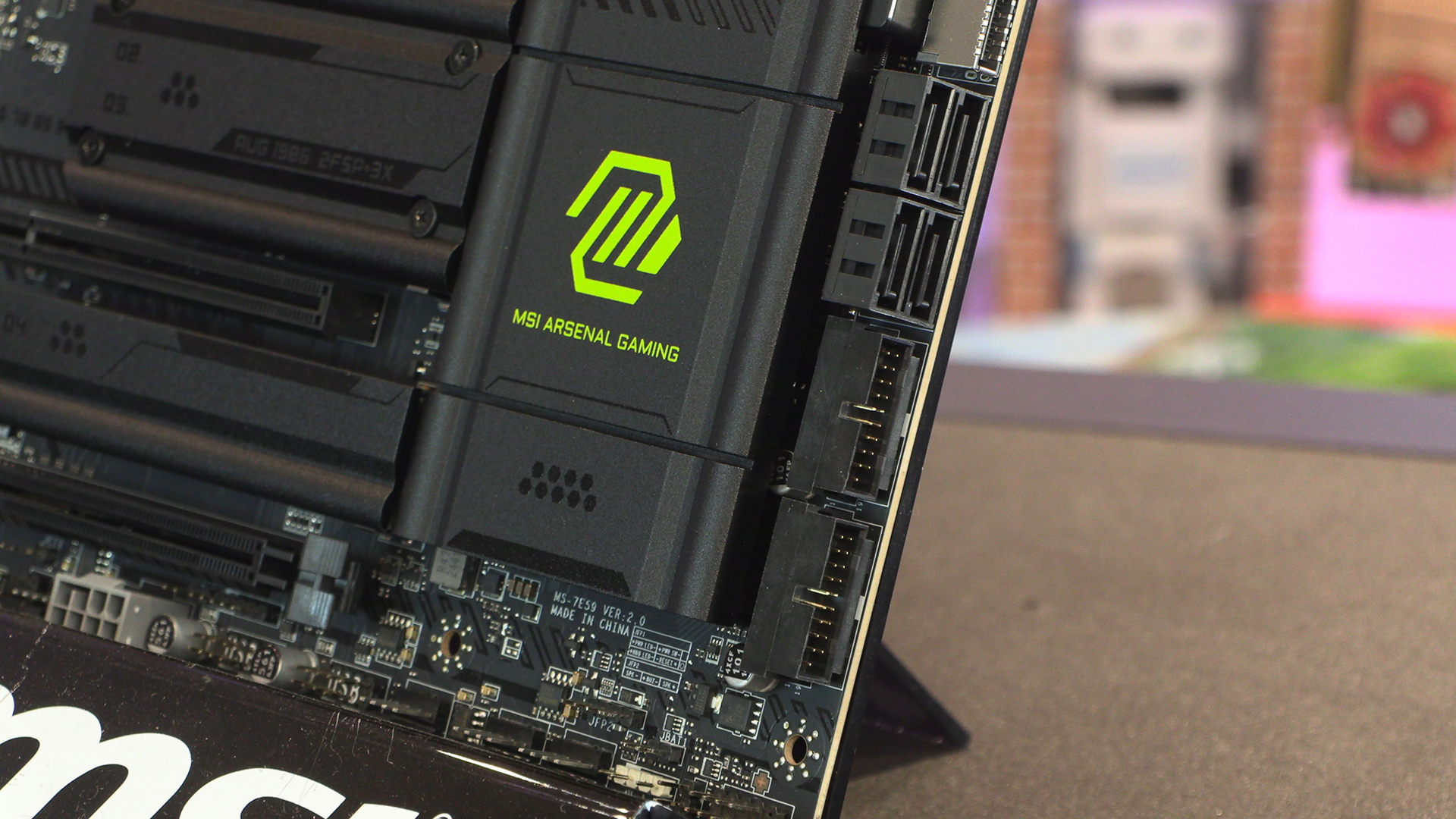
Four SATA ports sit between the front panel USB options. Both Type-A and a 27W Type-C are available to you.
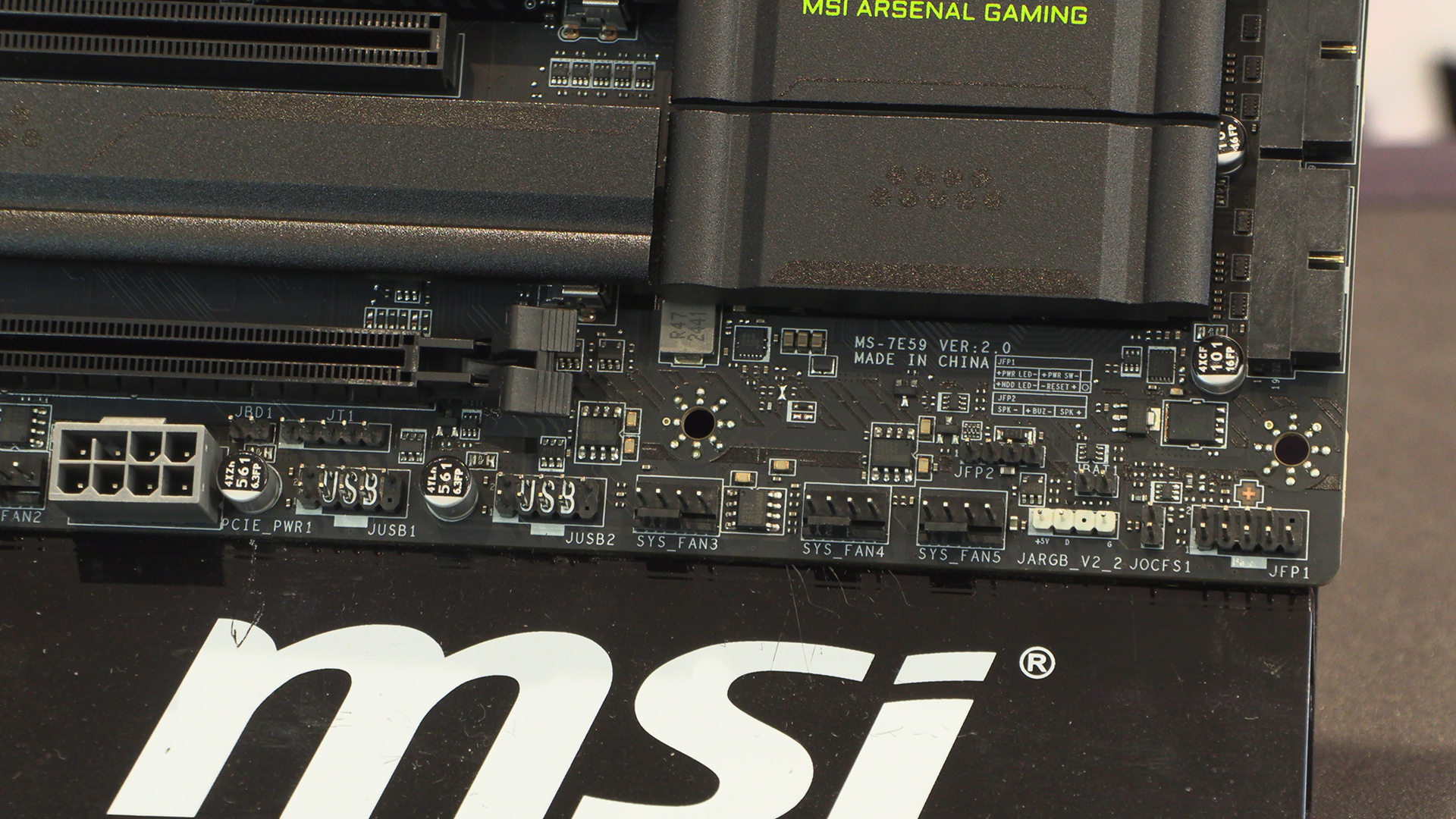
The bottom right hand corner echoes the top right. A cornucopia of ARGB headers and fan headers, letting you both be cool and look cool in one place.
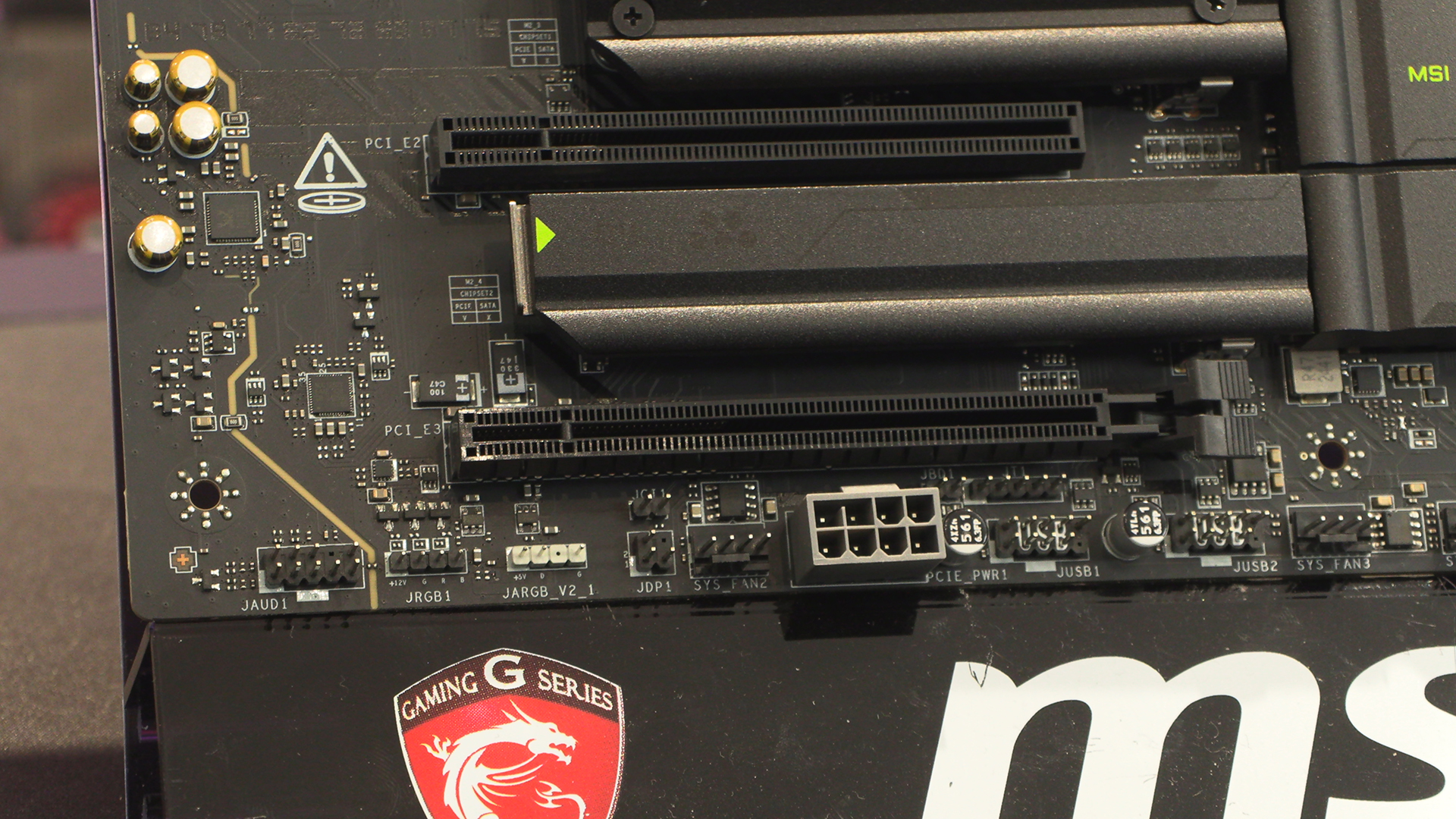
With twin USB 2.0 front panel headers to control all the latest AIOs and extra power should your PCIe slot need it, the bottom left quarter of the X870E Tomahawk is just as connection heavy as the rest. You’re not left wishing for more headers.
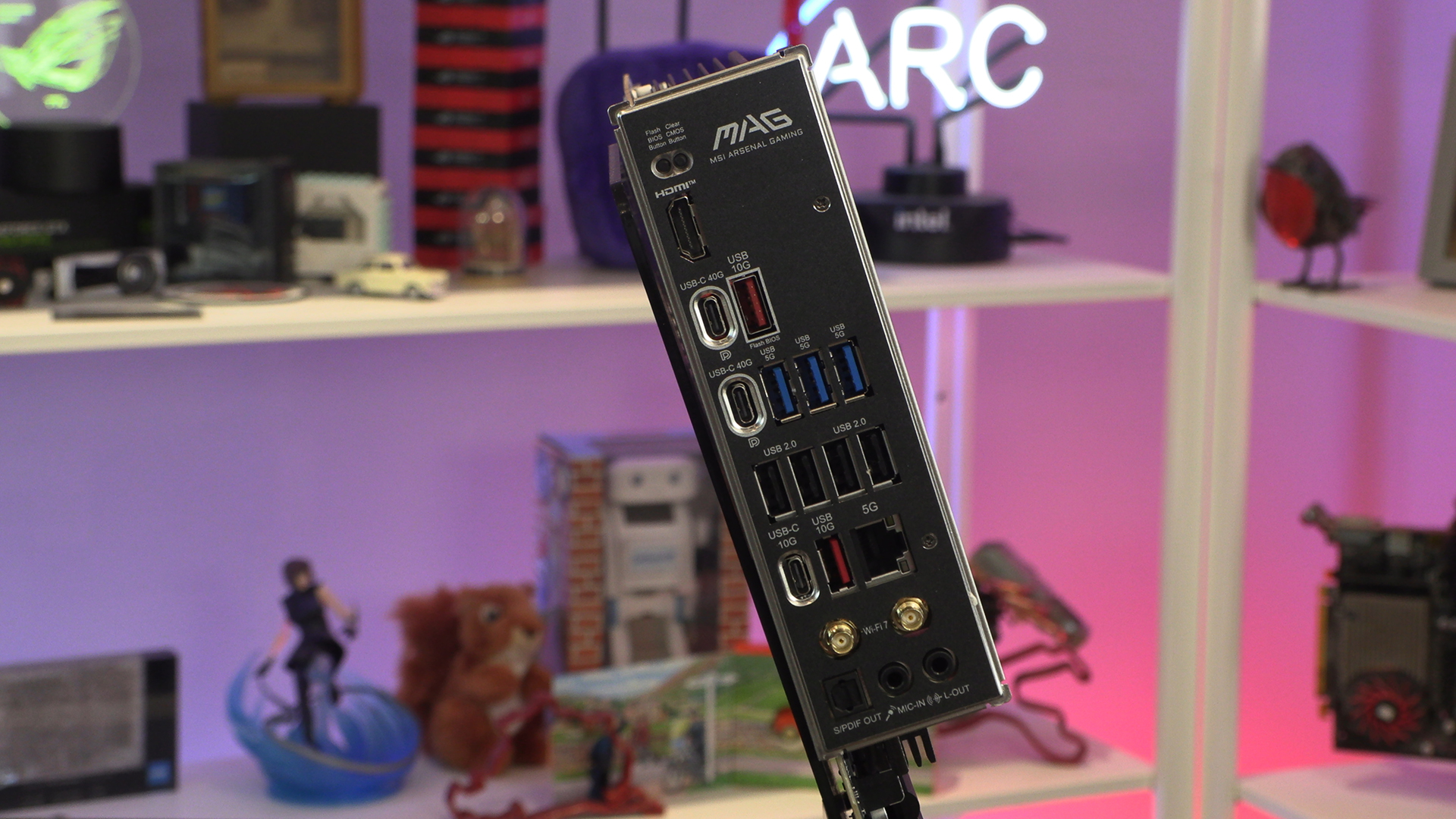
Speaking of being connection heavy, with two 40G Type-C USB ports sitting alongside a superfluity of USB ports, the back of the Tomahawk makes a mockery of its placement within the MSI range.