MSI MPG Z890 Carbon WiFi Review

Up Close
Up Close
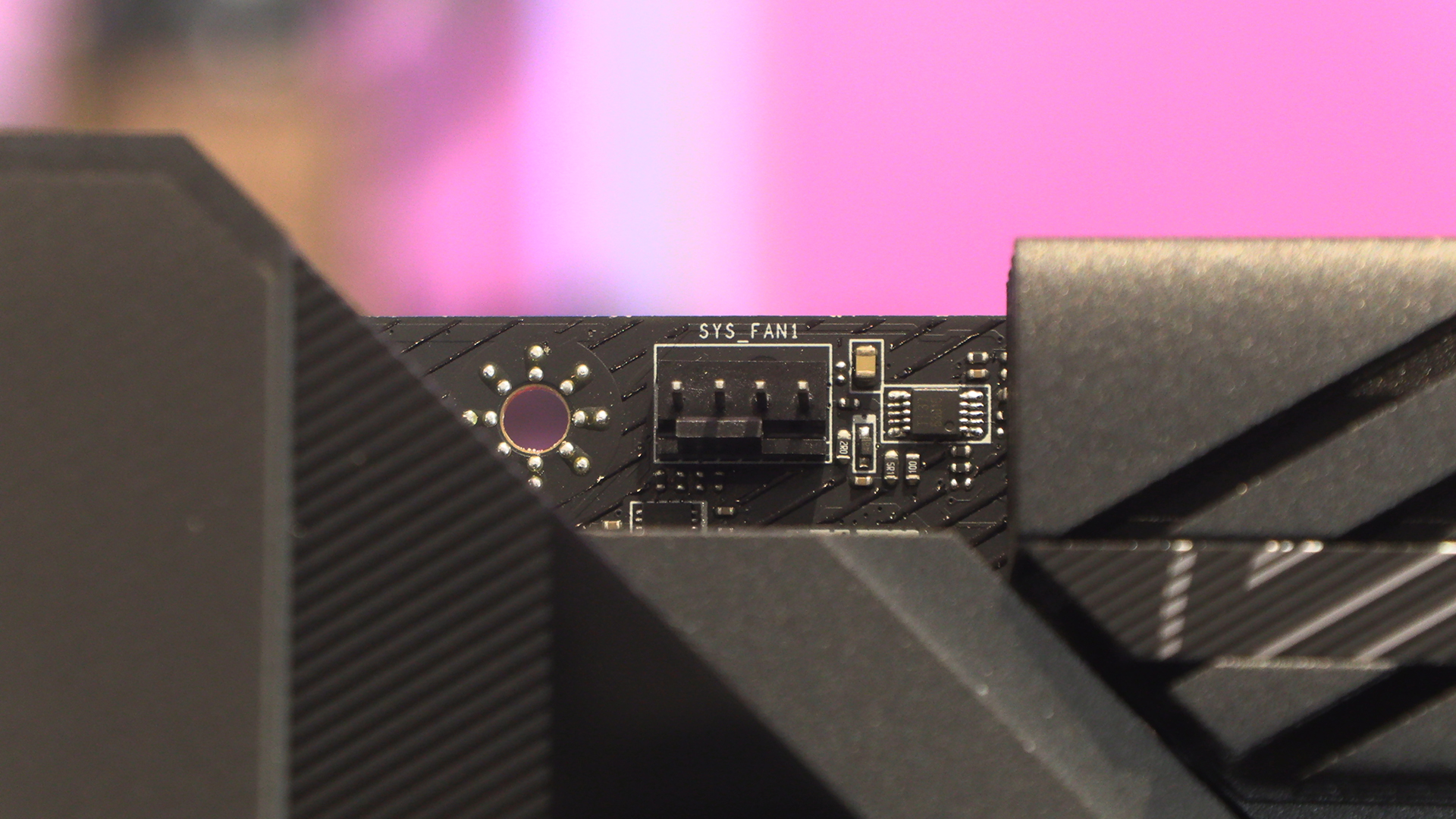
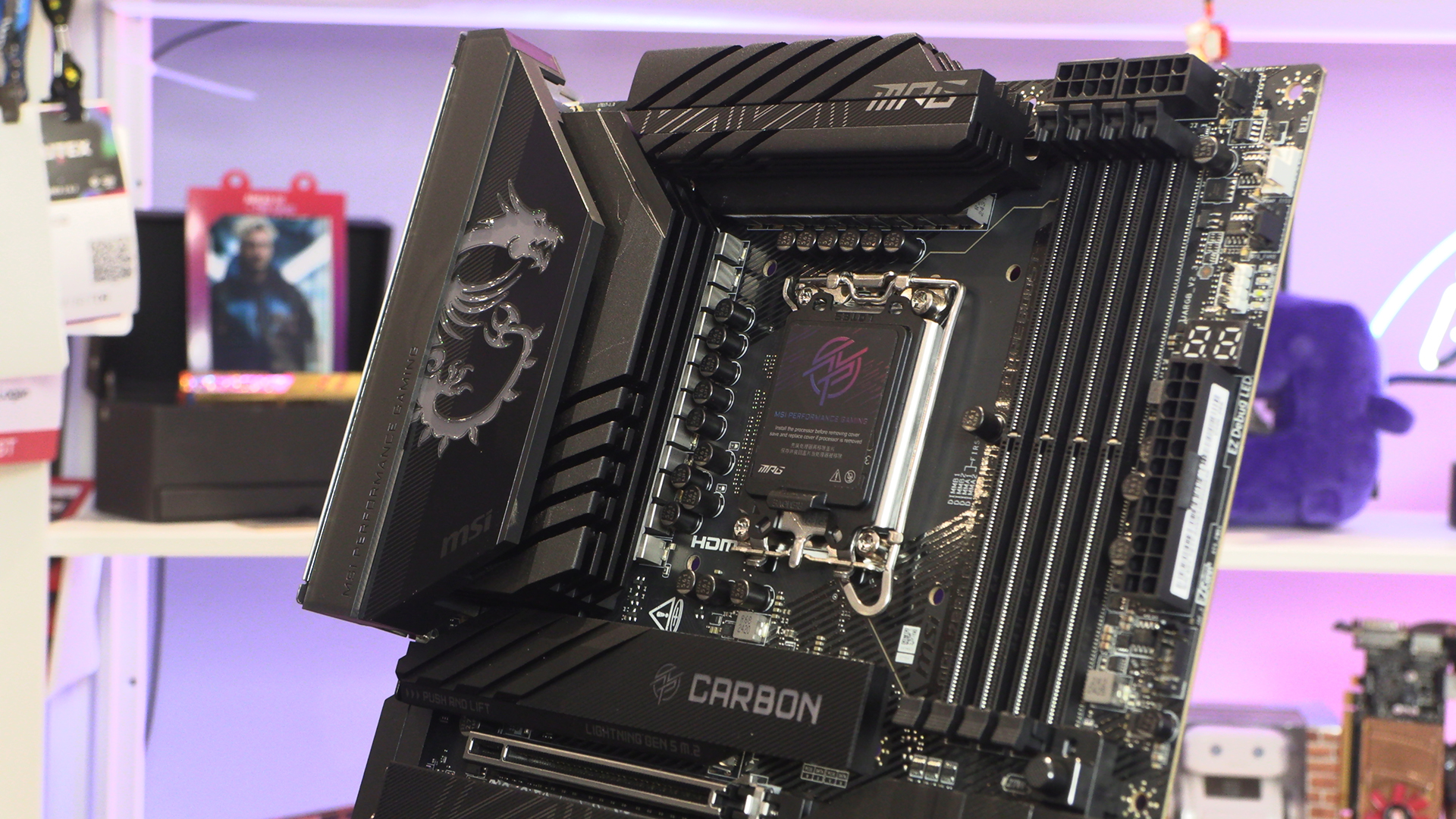
Where we would normally find the CPU power inputs, the Z890 Carbon just has a single fan header. Good if you like your exhaust fan cable to be easily hidden.
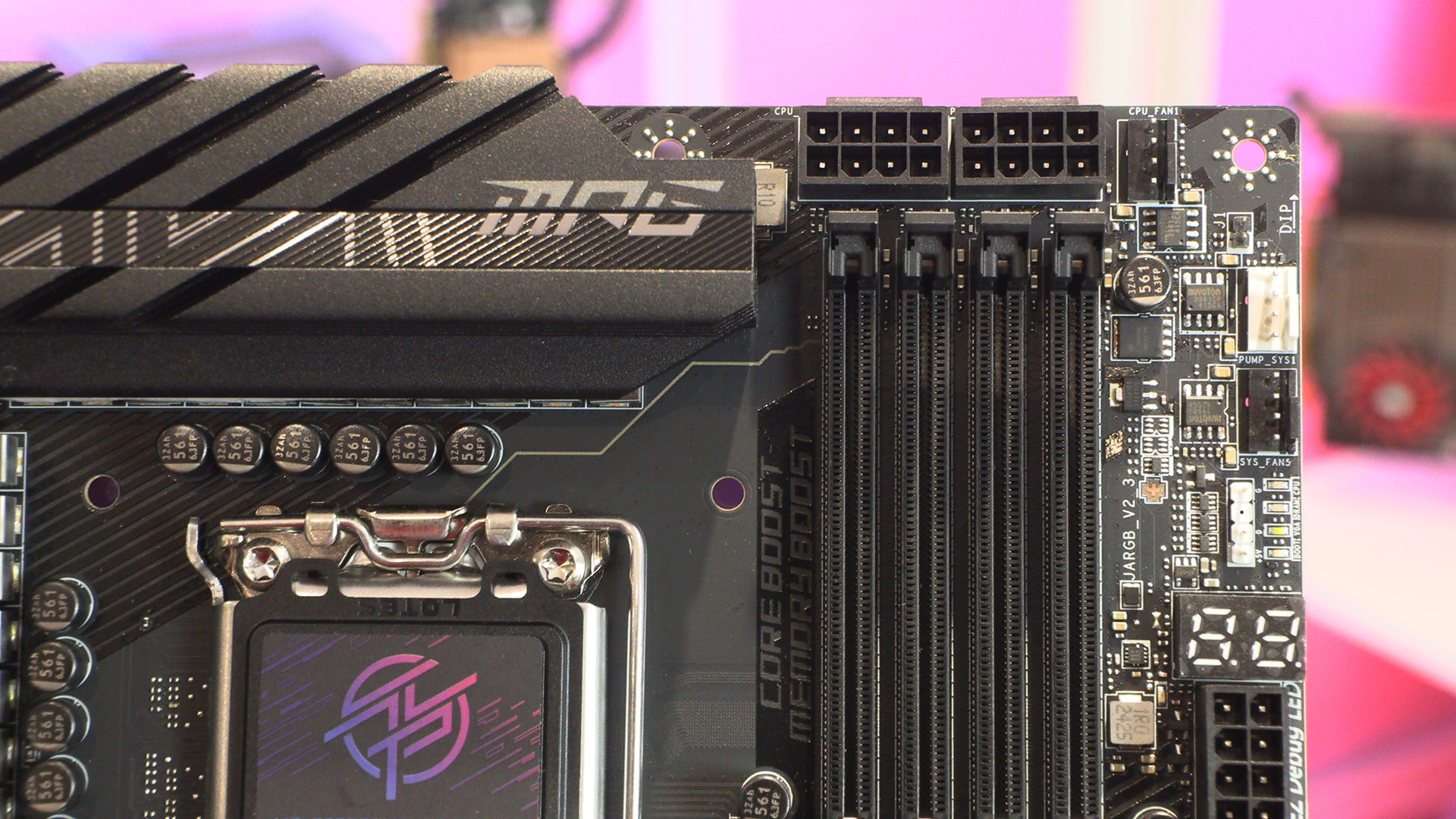
The top right corner is very busy. CPU fan headers surround the two 8pin 12V ATX CPU power inputs. We’ve also got one of the ARGB headers for the MSI Mystic Light ecosystem, and the all important diagnostic LEDs should anything go wrong.
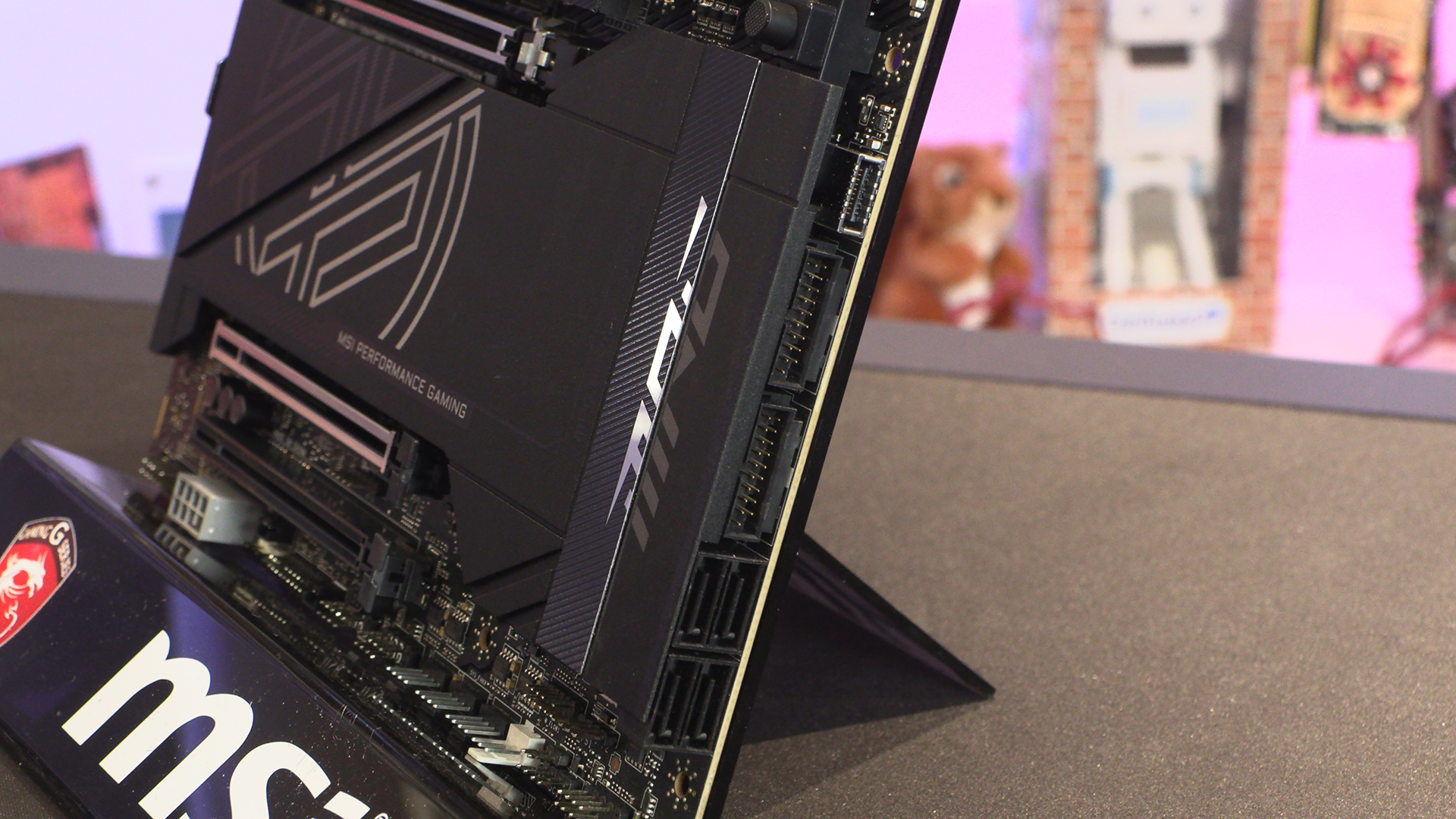
Four SATA ports is definitely the Z890 norm and the MPG Carbon is no exception. A 27W fast charging USB Type-C connector sits above the two USB 3 Type-A headers, and they in turn above the four SATA ports. You can also see the different types of finish applied to the Carbon from this angle.
Bottom Edge
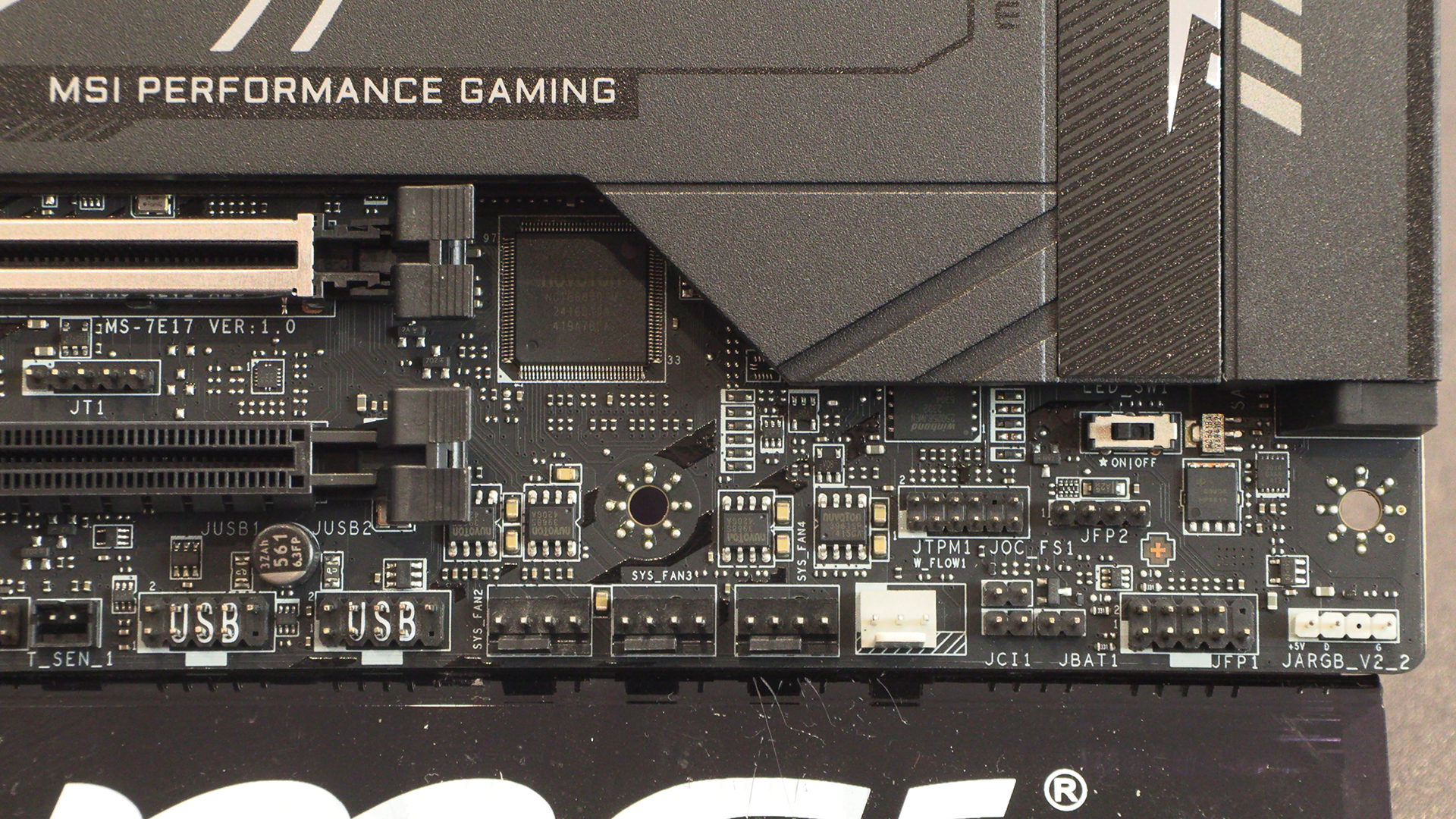
The bottom right corner of the Carbon is festooned with headers of all types. ARGB, regular case front panel – power, reset etc – three further fan headers and two front panel USB 2.0 Type-A. Those of you who like stealth builds might also like to note the LED Switch that disables the lighting, found just below the chipset heatsink.
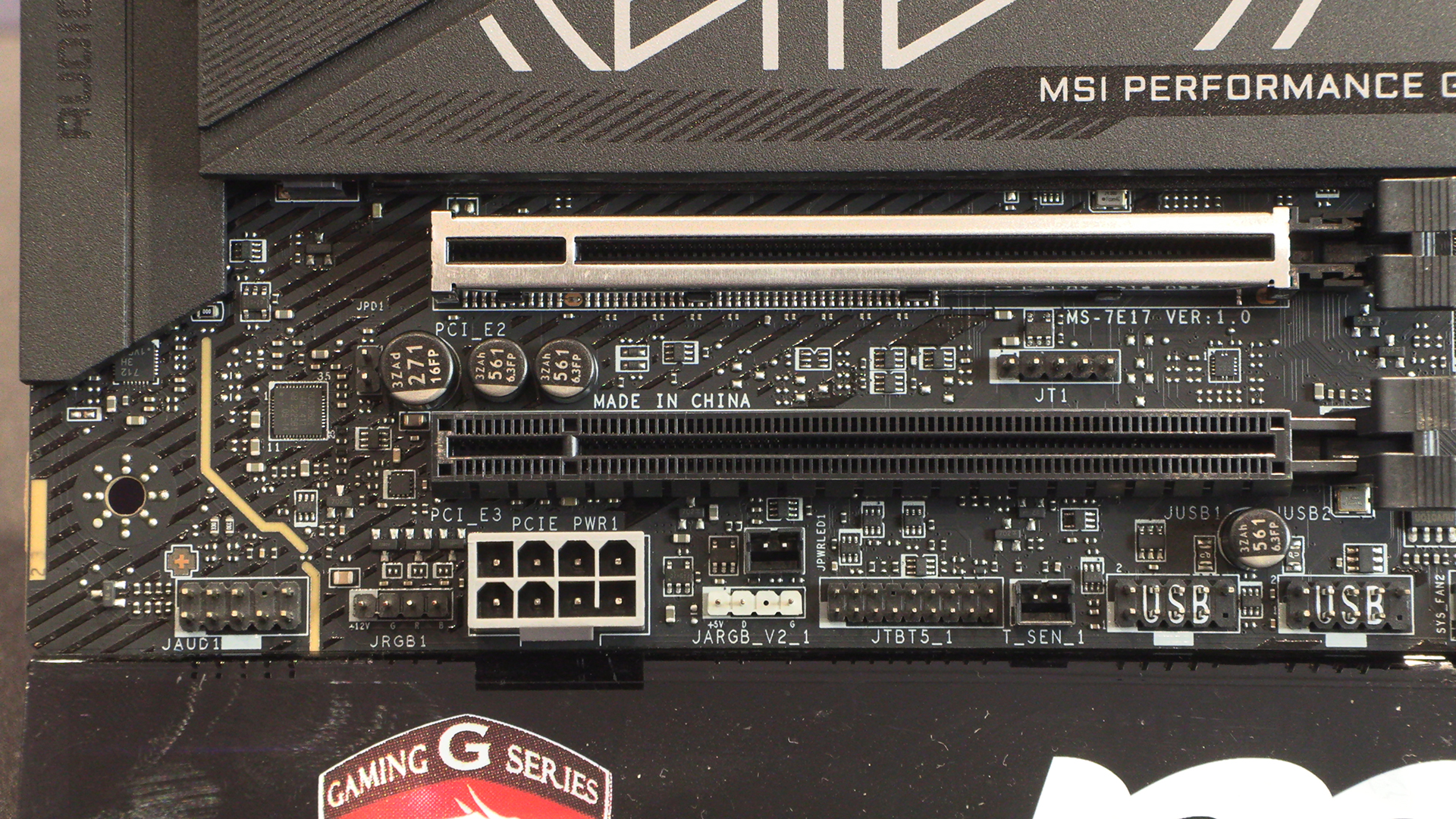
Lastly in our close up tour, there is a regular RGB, ARGB for Mystic Light goodness. If you’re big into overclocking then there is also an extra power connector should you need it.
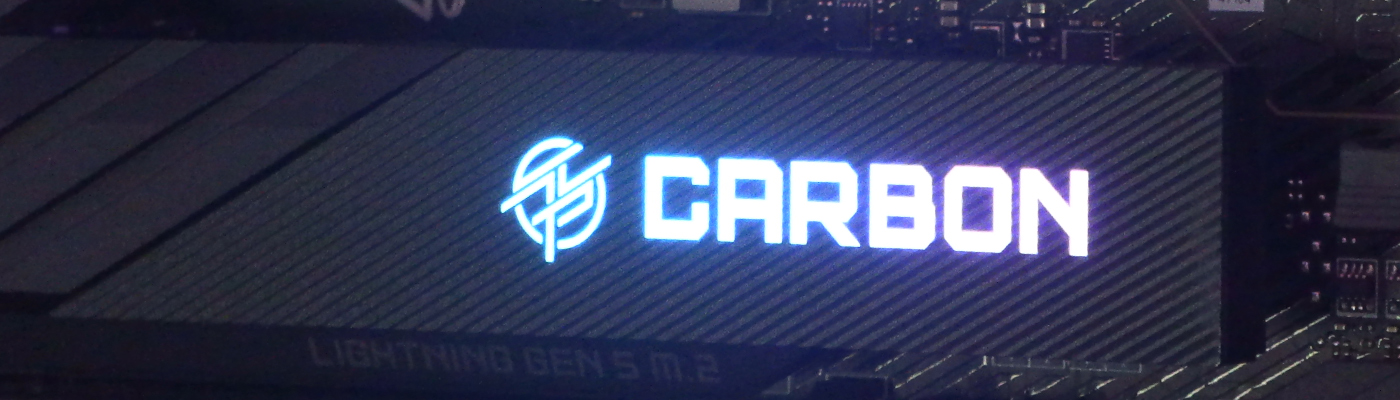
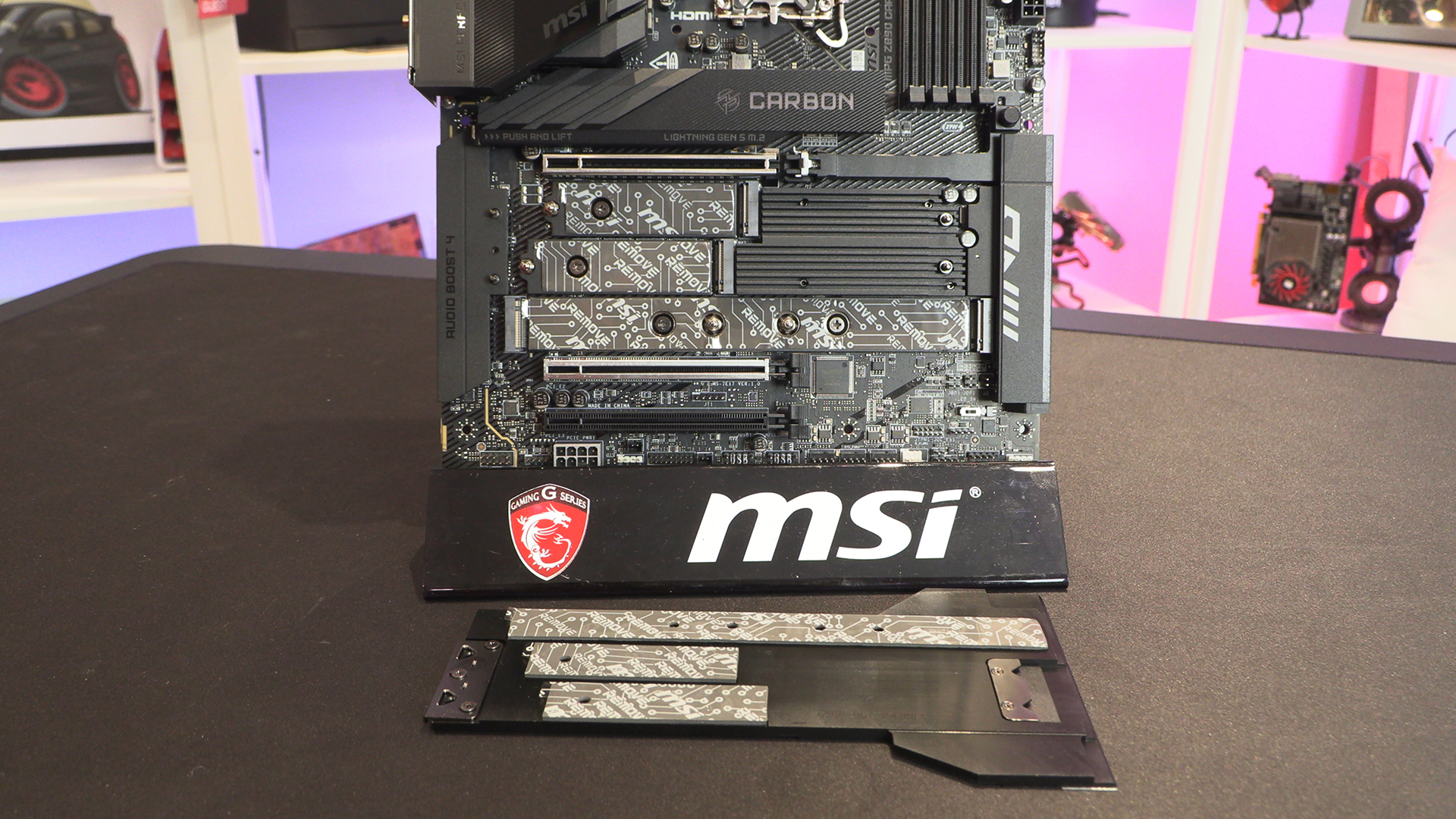
The primary Gen 5 M.2 slot is beneath the Carbon heatsink. Should you take off the main lower heatsink you’ll find four PCIe Gen 4 M.2 slots too. Those of you who want a lot of storage will certainly not find the Z890 Carbon wanting in that department.
Beneath this very attractive VRM heatsink is found the Carbon power stage. 20+1+1+1 Digital Power. As you might have seen back on page one, MSI are listing the 20 VCORE SPS at 110A, but not mentioning the other three. If it matches others we’ve seen we’re expecting 110A on the VCORE with 90A elsewhere. Of course it might be 110A across the board, in which case well done MSI.
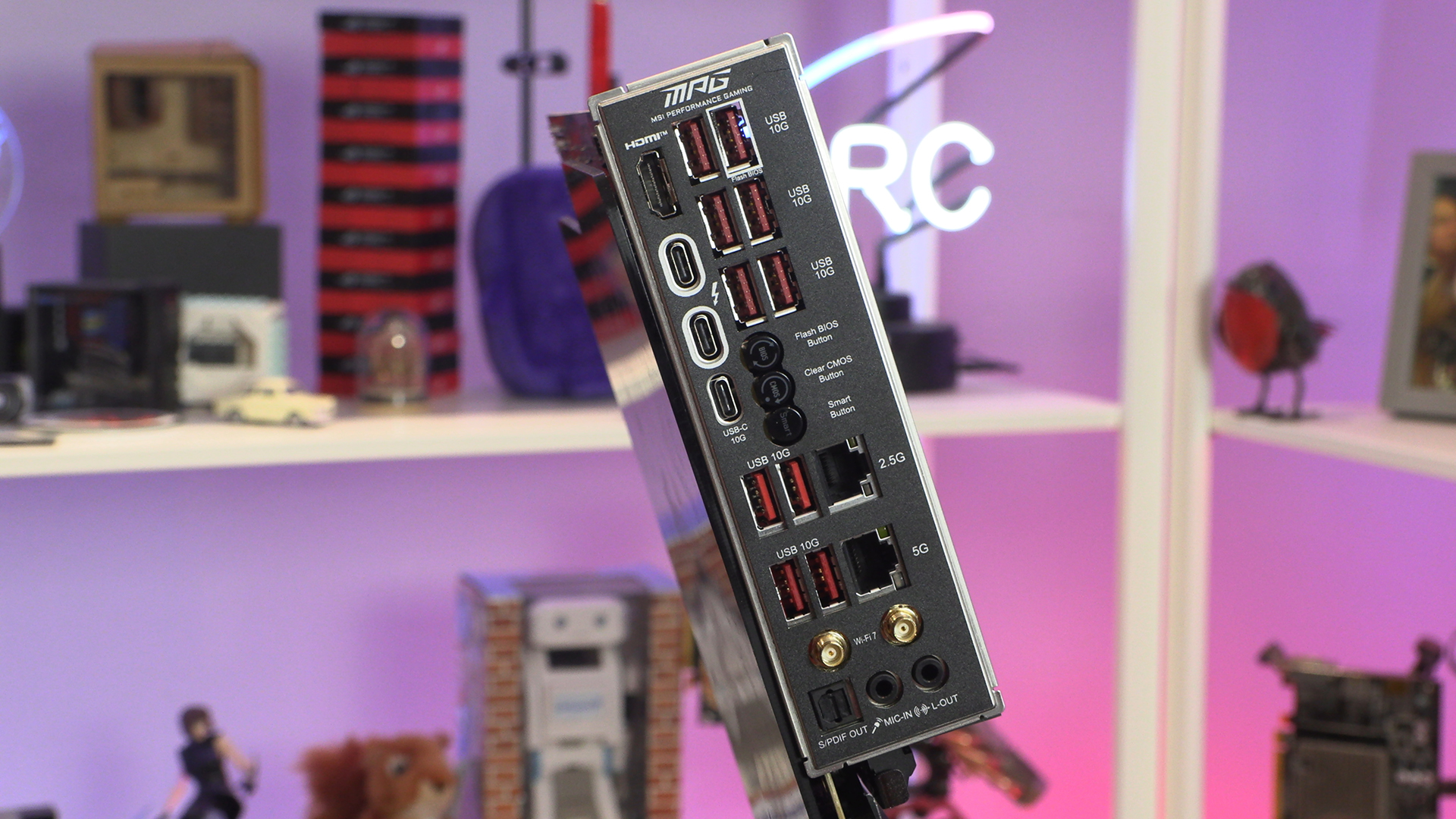
If you have read our review of the ASUS Maximus Extreme you might have felt we were harsh on its backplate connectivity. The MSI Z890 Carbon is why we were relatively hard. Look at the amount of connections you have here. Ten Type-A 10G, two Thunderbolt 4, two LAN, and some clear BIOS controls. It’s well labelled and exactly how all connection sections should be.