MSI X870E MPG Carbon WiFi Review

Packaging and Overview
Packaging and Overview
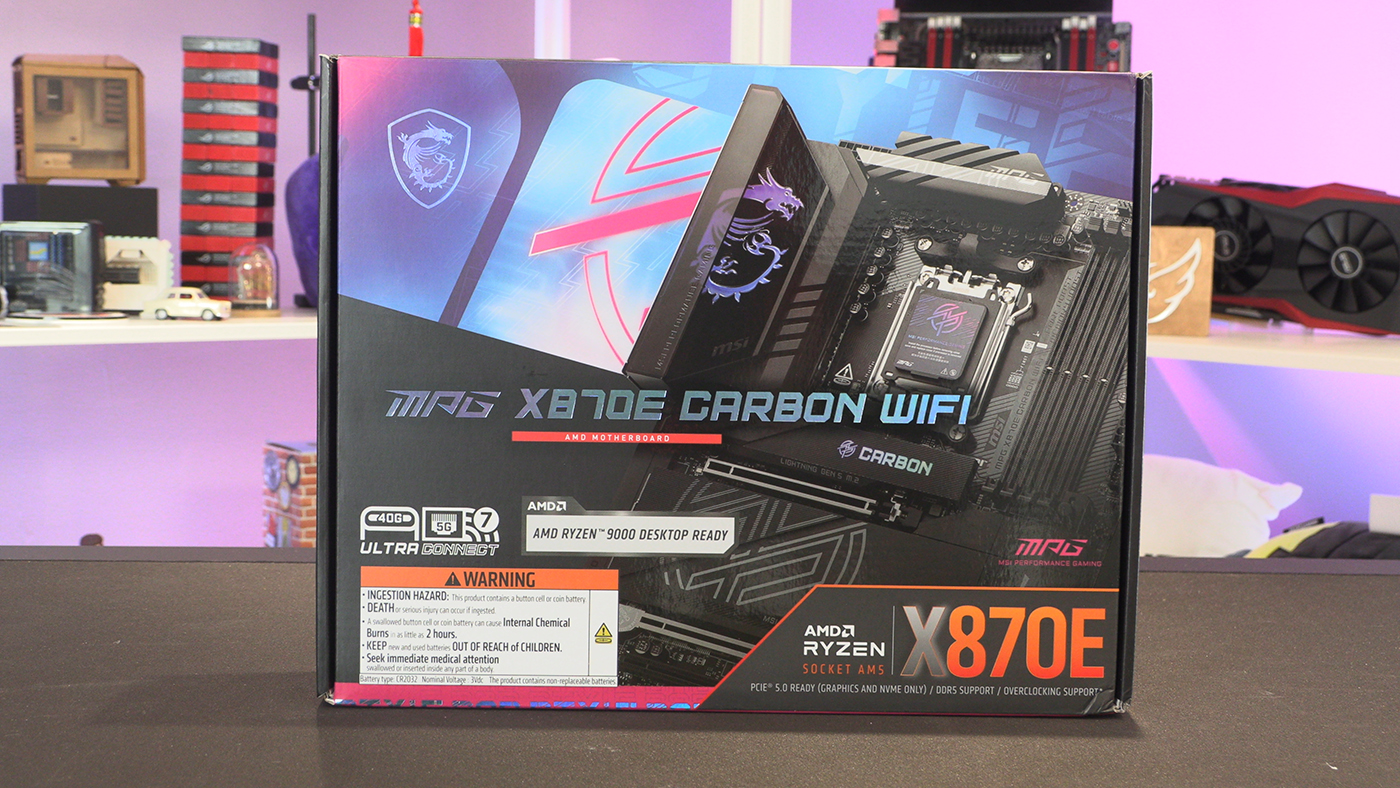
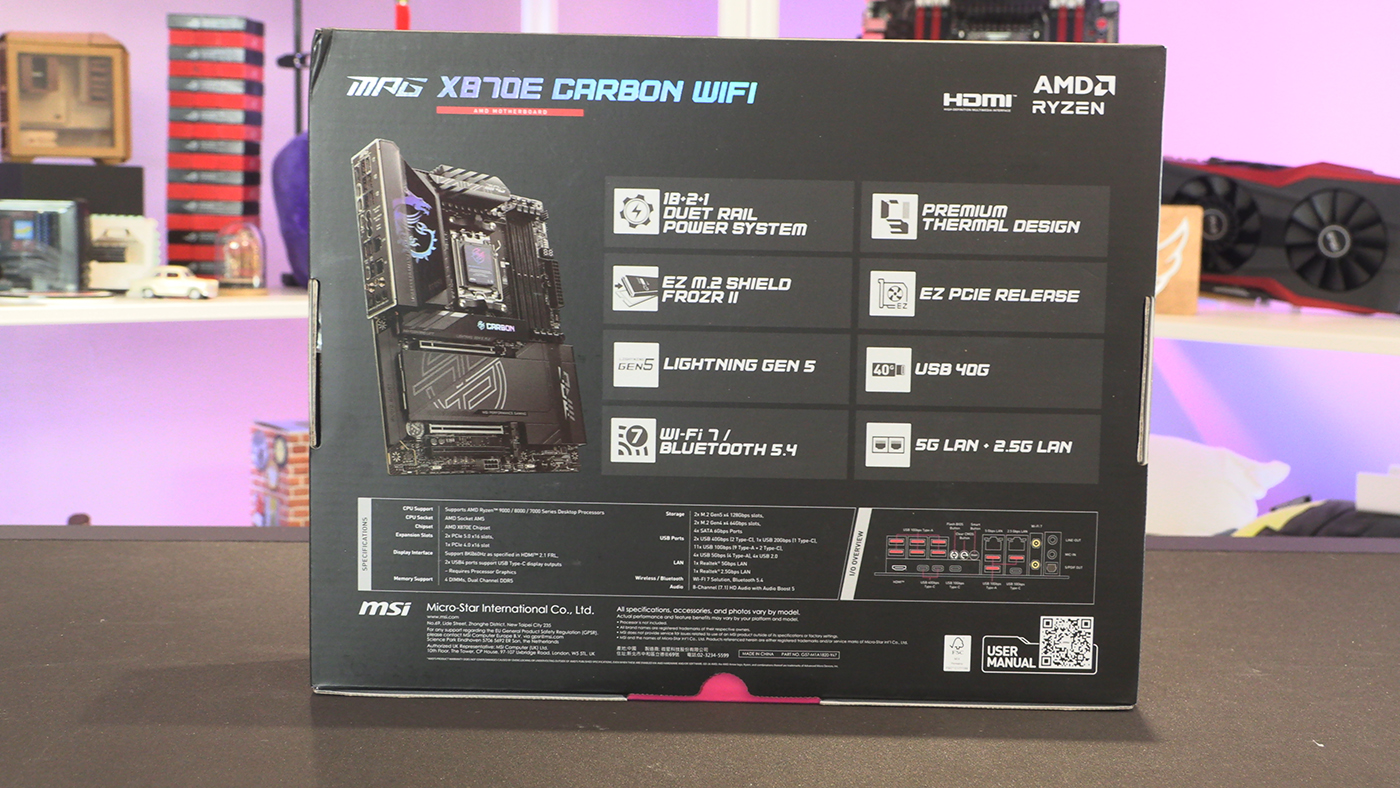
It’s not often that a battery warning takes our attention more than most things. Such is the world in which we live. We might even suggest that people who need to be told not to eat a battery … anyway. Thankfully we haven’t gone full cigarette packet warning levels yet, so we can still enjoy the art on the MSI MPG X870E Carbon box. It is odd that only MSI, here on the Carbon and on the X870 Tomahawk, have gone with such large battery warnings.
Cables
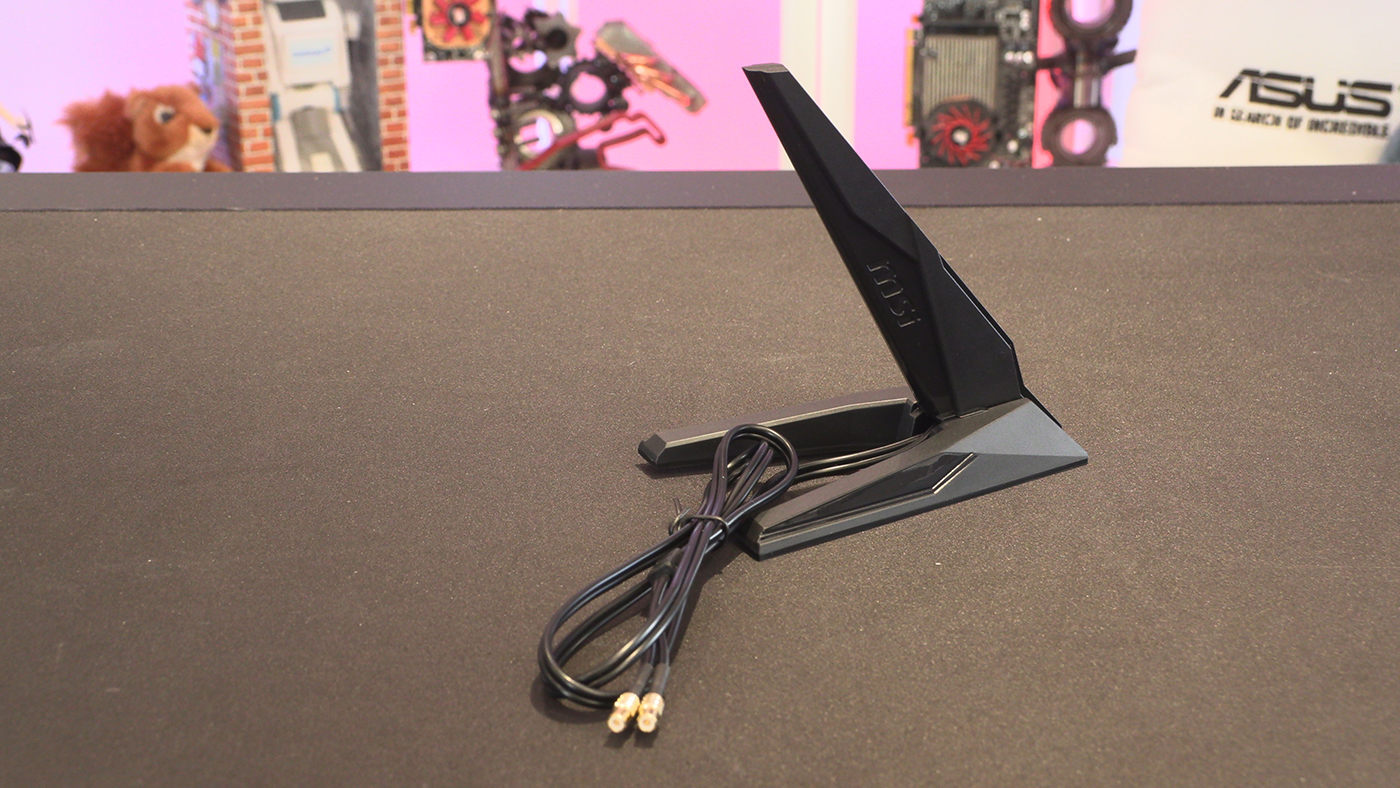
This WiFi antenna is about the least interesting thing we have to show you today. It looks like an America’s Cup Yacht which is cool. Fortunately MSI’s design team have been busy on other things. We can’t wait to show them off.
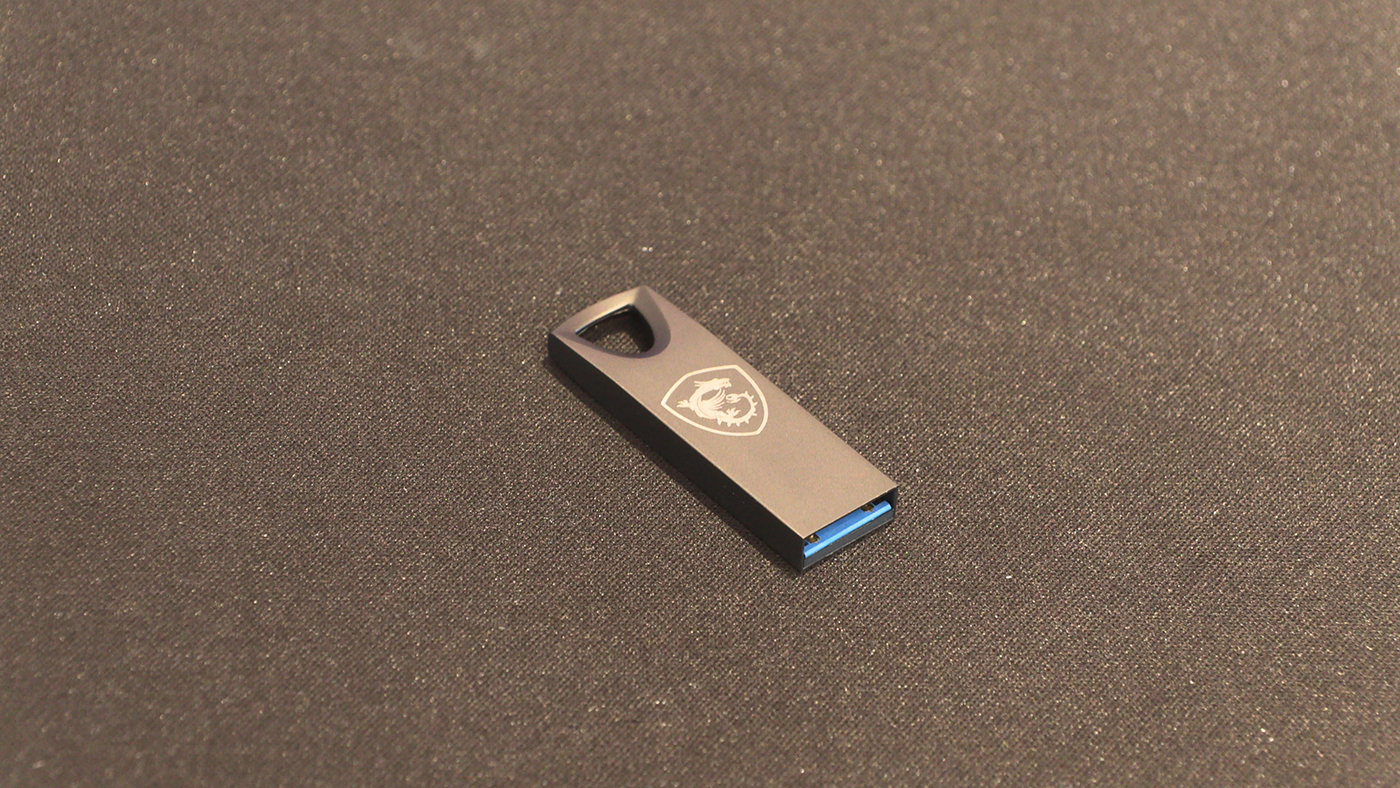
Having all the important things on a USB drive is a godsend. It certainly saves us having to dig out an old optical drive just to get all the utilities installed.
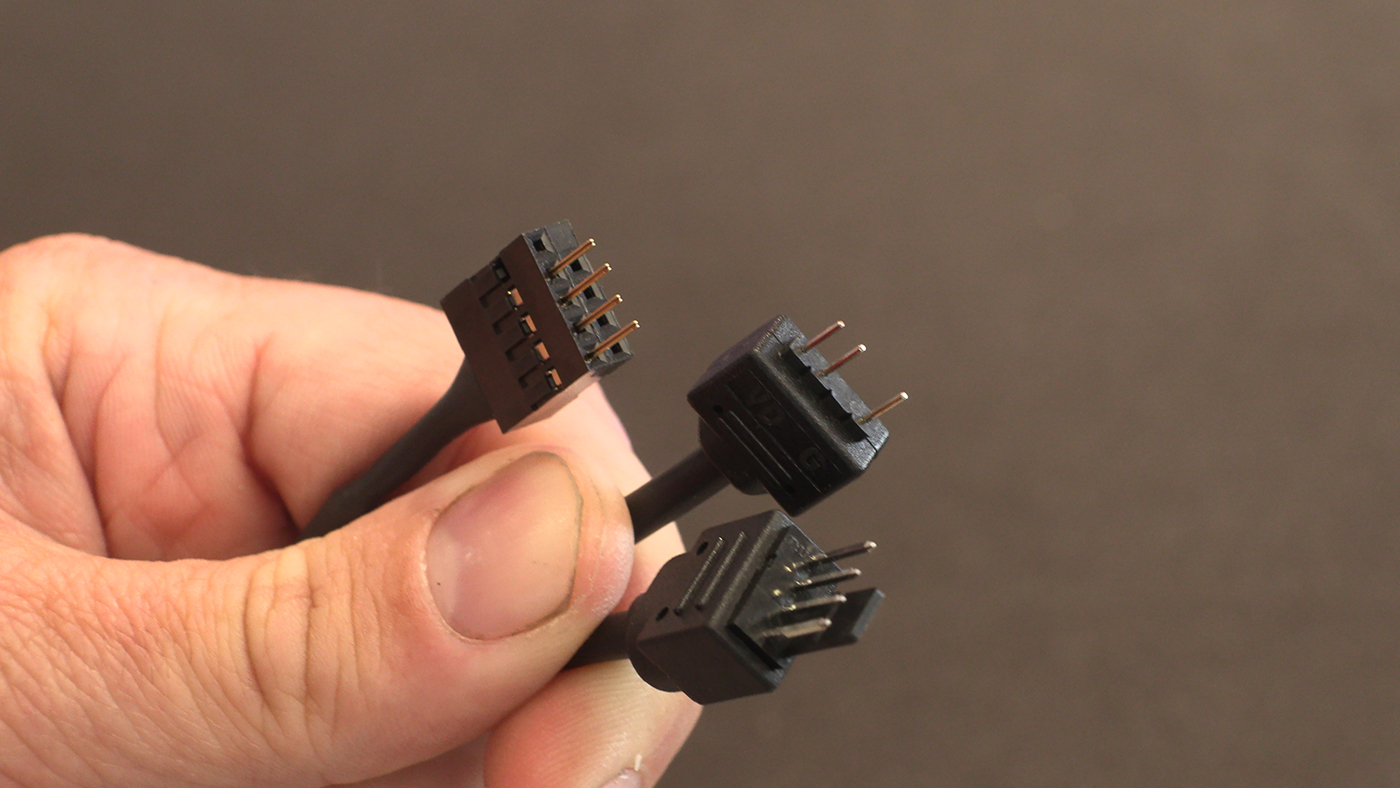
Here is the first of two massive changes MSI have brought to the party with the X870E Carbon. It’s a triple headed cable that covers the front panel power connectors, a ARGB and fan header. If you hate trying to install the fiddly front panel connectors and umbilical cords that bring your case to life, you can do it, and hide it, with a single cable.
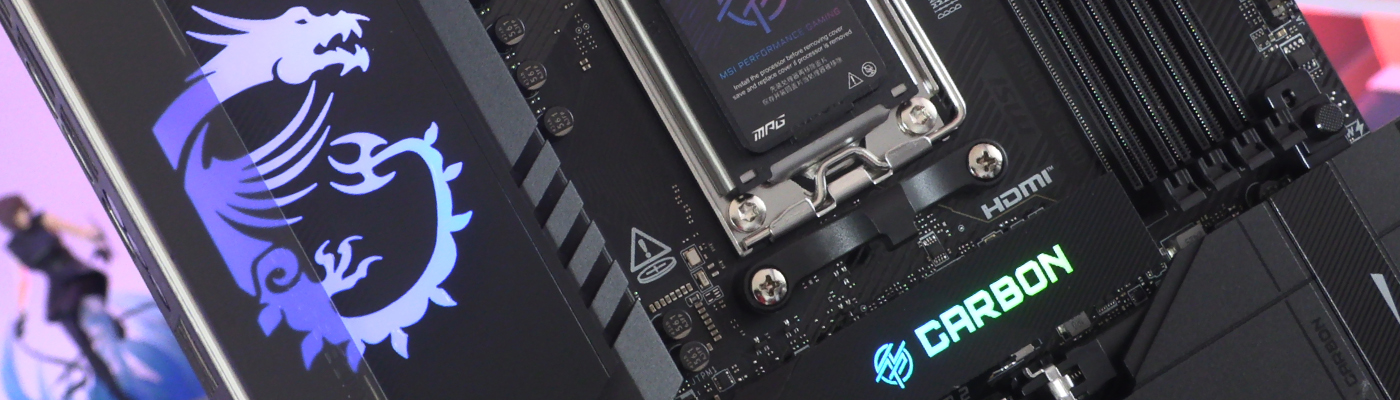
It even has a special installation header. Unique to MSI this is. The MPG and MSI branding on the heat sink is excellent, and the Carbon branded M.5 heat sink grabs your attention too. All lovely features. This new cable though, it promises to be revolutionary. Anything that gives us the tidy cables of the MSI Project Zero, with the less restrictive ‘any case you like’ ability of a regular design, scores big points in our book.
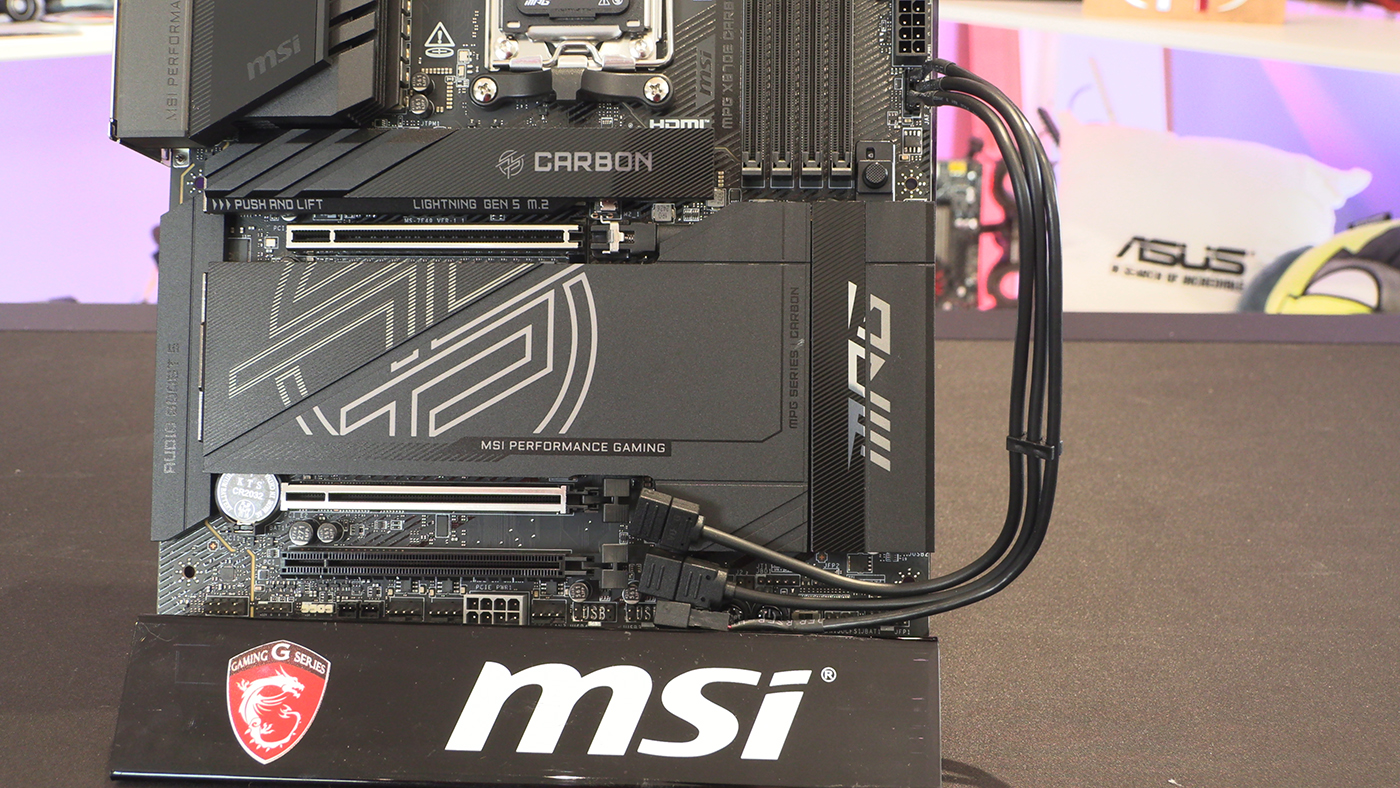
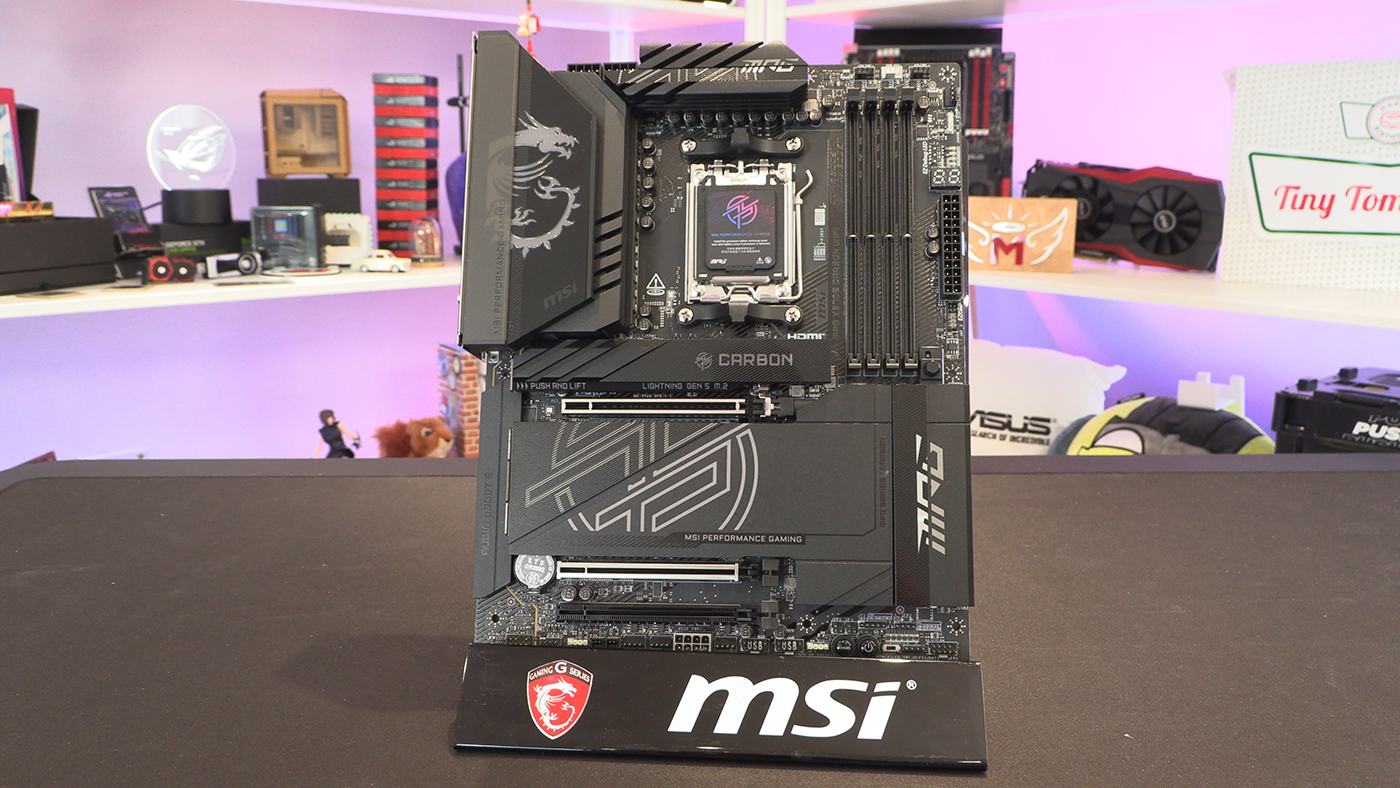
Lastly before we delve into the other cool touches available from the newest addition to the MSI MPG range, a chance to take in the whole of the X870E Carbon WiFi in a single picture. Each of us likes different things, but the Carbon is probably my second favourite of the motherboards we’ve reviewed for launch. It just looks cool, without being a tryhard.