Gigabyte RTX 4070 Ti Super Aero Review

Test Setup and Clock Speeds
Test Setup
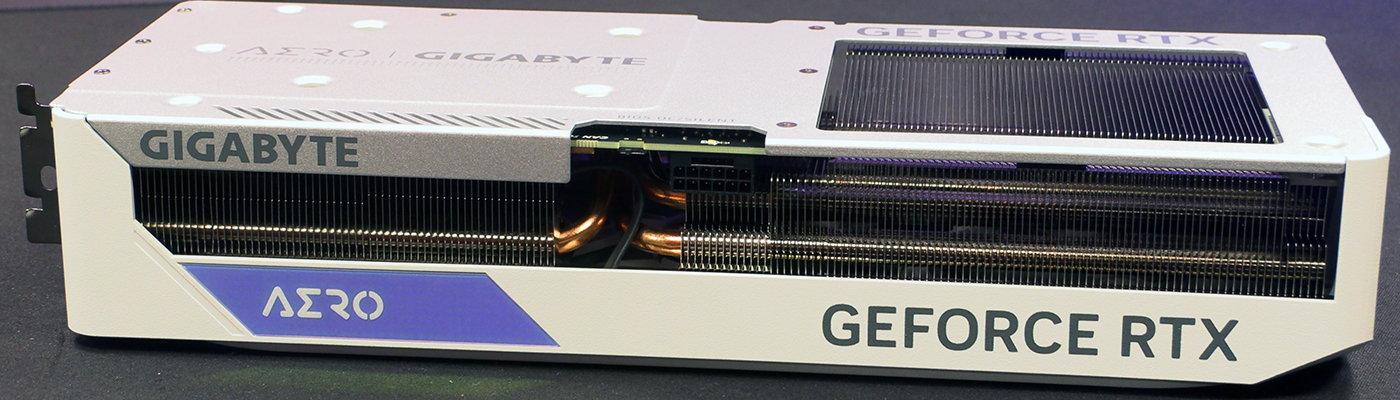
Gigabyte RTX 4070 Ti Super Aero
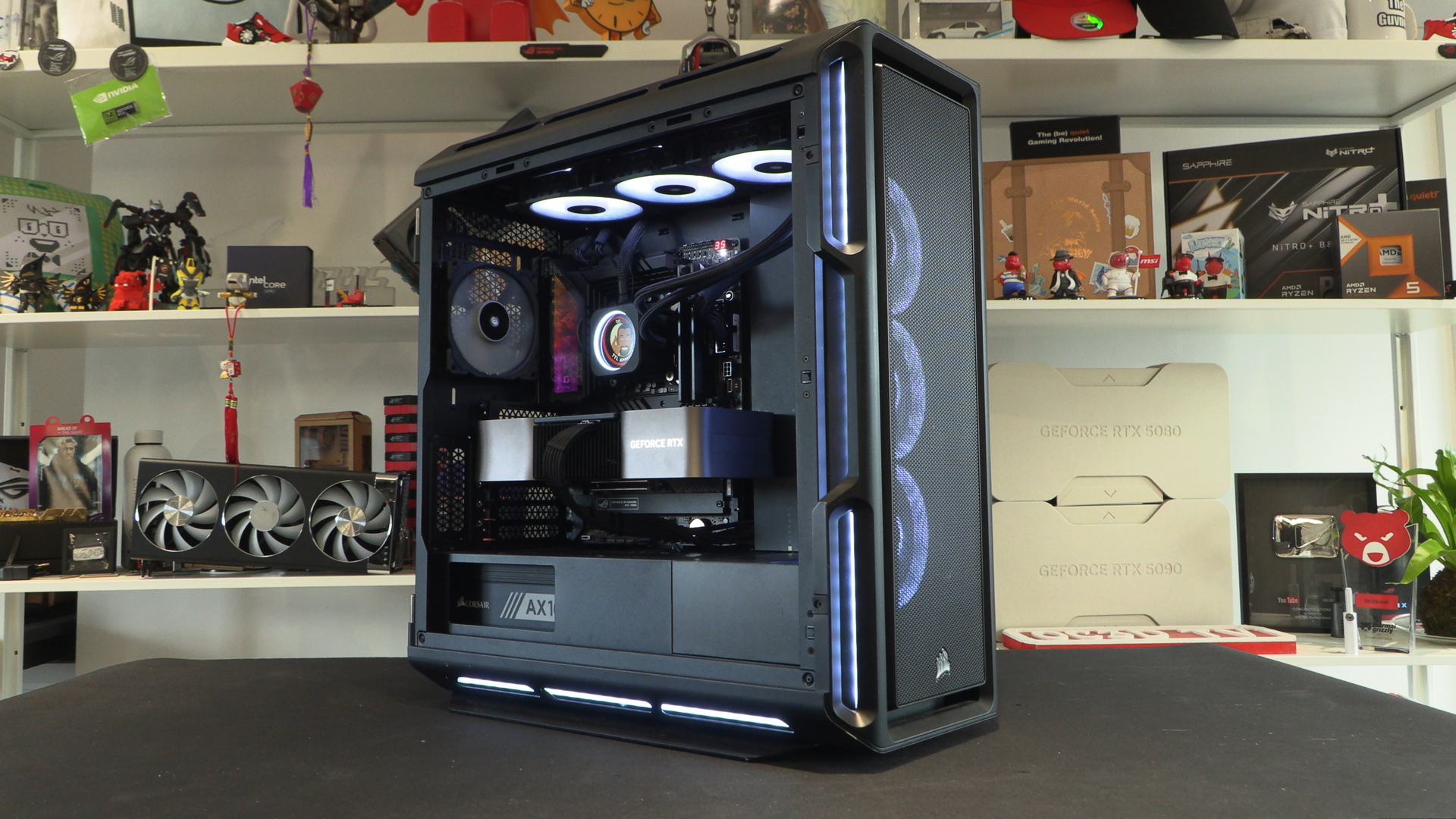
Processor : Intel Core i9-13900K
Motherboard : ASUS ROG Z790 Hero
Memory : Corsair Dominator Vengeance 6000 MHz
PSU : Corsair HX1500i PSU
Cooler : Corsair iCUE H150i RGB Pro XT AIO
Storage : Corsair MP600 Pro NH 2TB
Case : Corsair Obsidian 5000T
OS : Windows 11
Clock Speeds
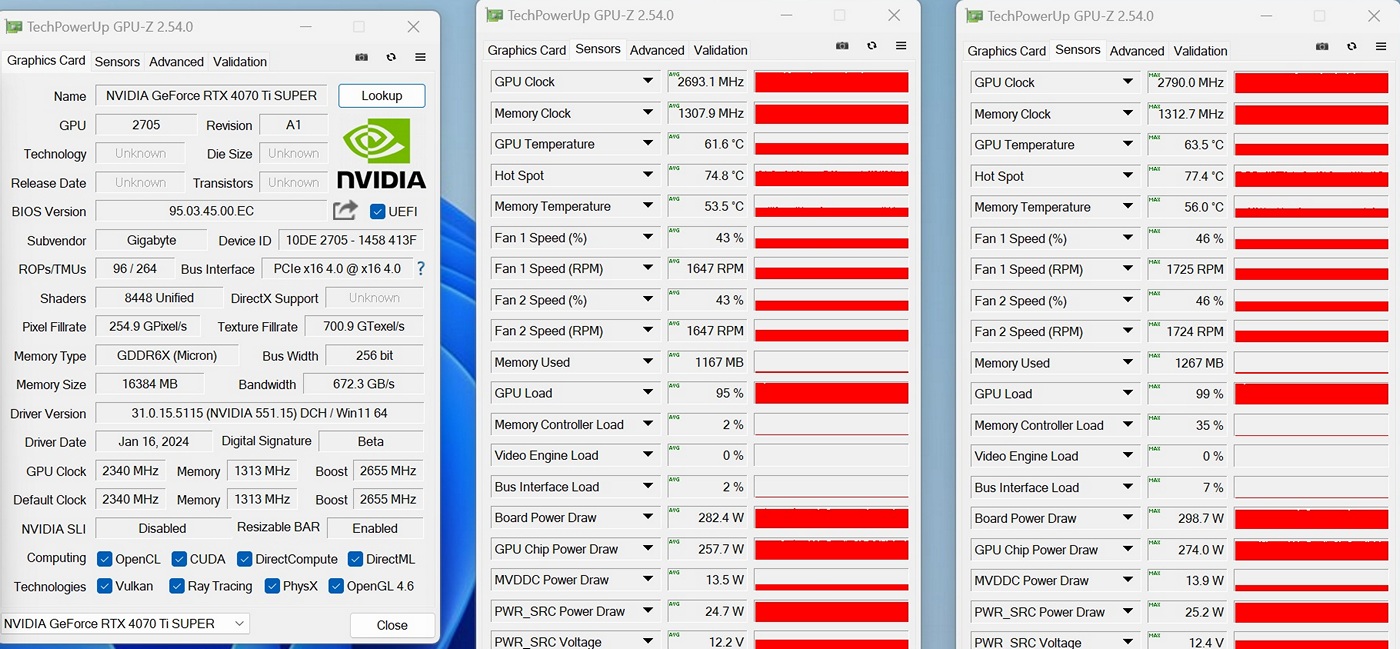
With a peak of nearly 2800 MHz, and a average GPU boost clock of basically 2700 MHz, the Gigabyte Super Aero is a tiny bit slower than the regular take on the RTX 4070 Ti. As regular readers will know, the more hardware you bolt on the slower something tends to be. It’s why Core i7 processors run faster than Core i9s. With so much thermal headroom you could really push the Aero hard, should you so wish. There is another 20°C to play with after all.