


Homefront: The Revolution PC Performance Review

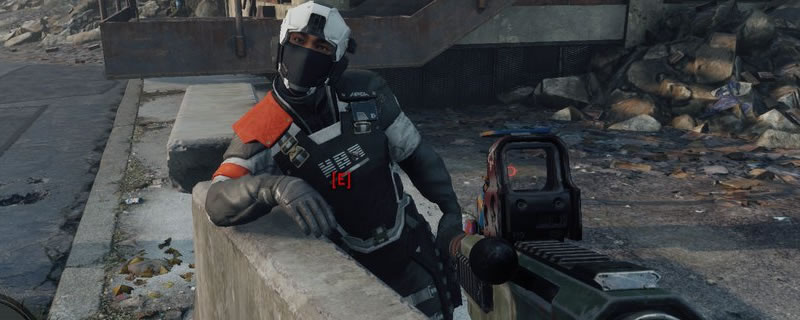
Graphical Options and Settings
Homefront has a large selection of graphical options, from simple things like object detail and Anti-aliasing to more complex settings like supersampling.
I’ll be honest and say that supersampling is completely unnecessary here, as the game does not have the best performance at high resolutions. I would recommend that you keep supersampling at off at all times.
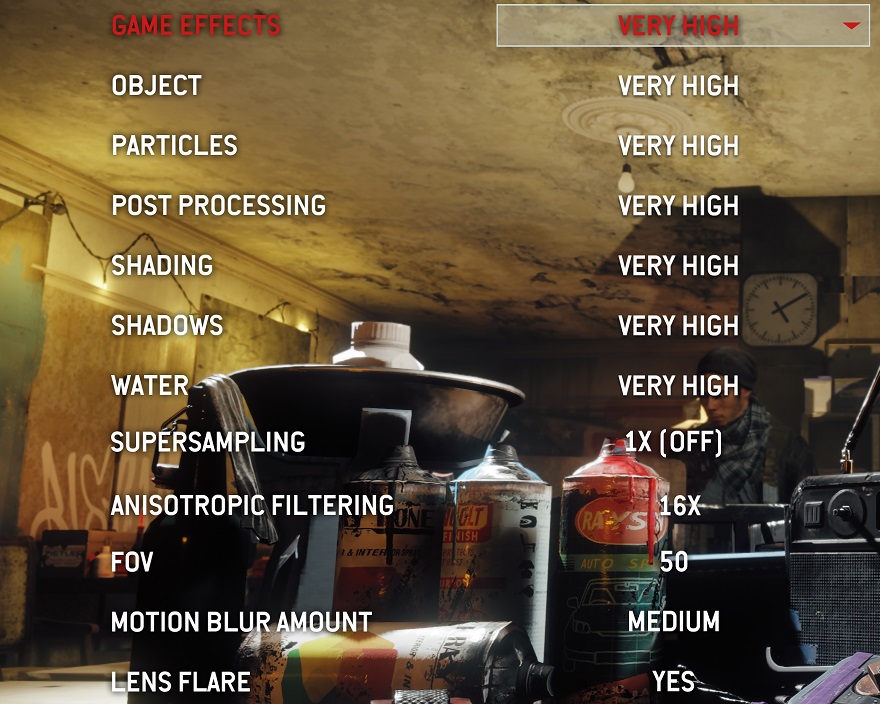
When testing the game we used the games four preset graphical options, while also increasing the amount of Anti-aliasing that we use as we move up the presets. At Low we will use no AA, at medium we will use FXAA, at high we will use SMAA 1x and at Very high we will use SMAA 2TX.
We will test these graphical settings at 1080p, 1440p and at 4K on a selection of high-end and mid-range GPUs.
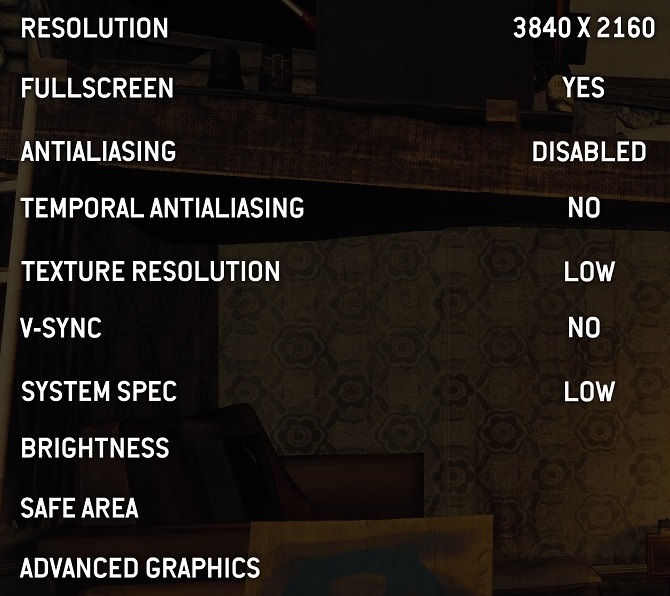
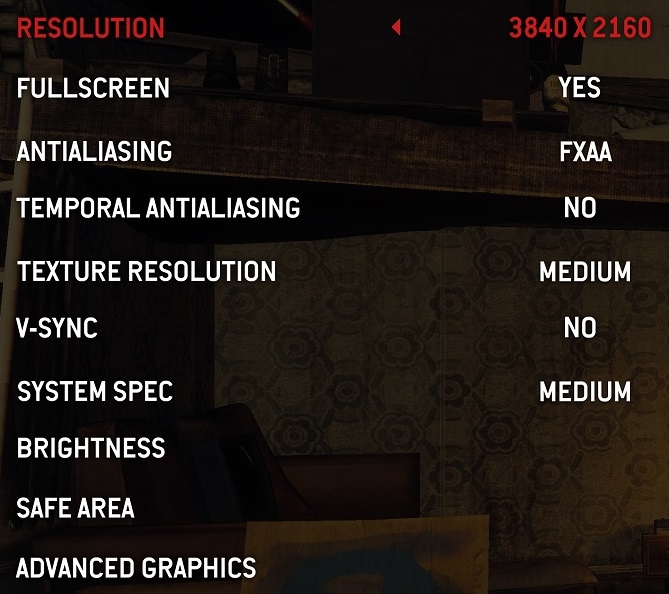
(Low Settings (Left), Medium Settings (Right))
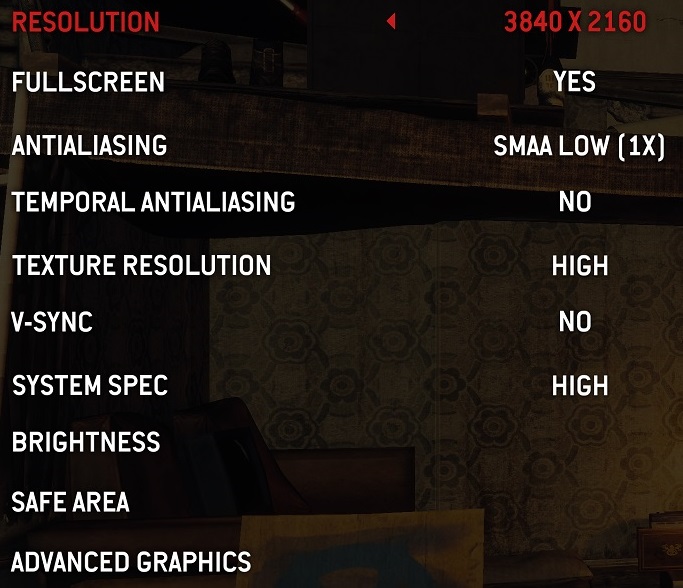
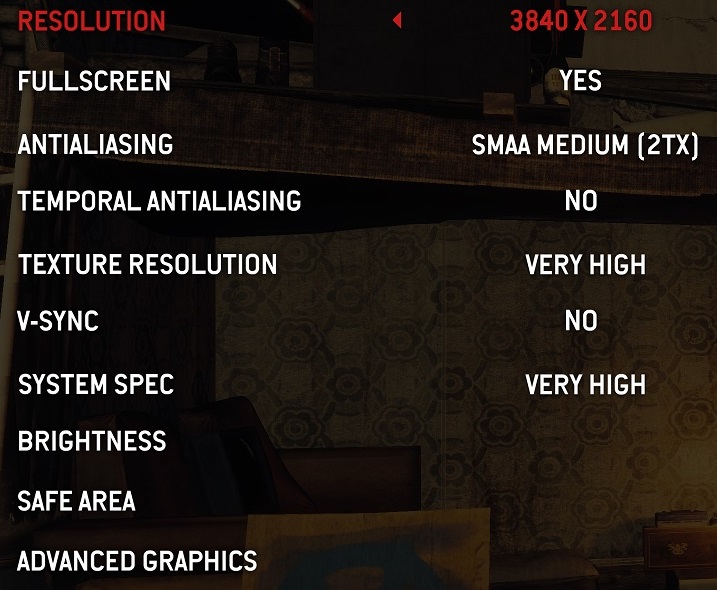
(High Settings (Left), Very High Settings (Right))
