MSI MPG 321URX QD-OLED Monitor Review

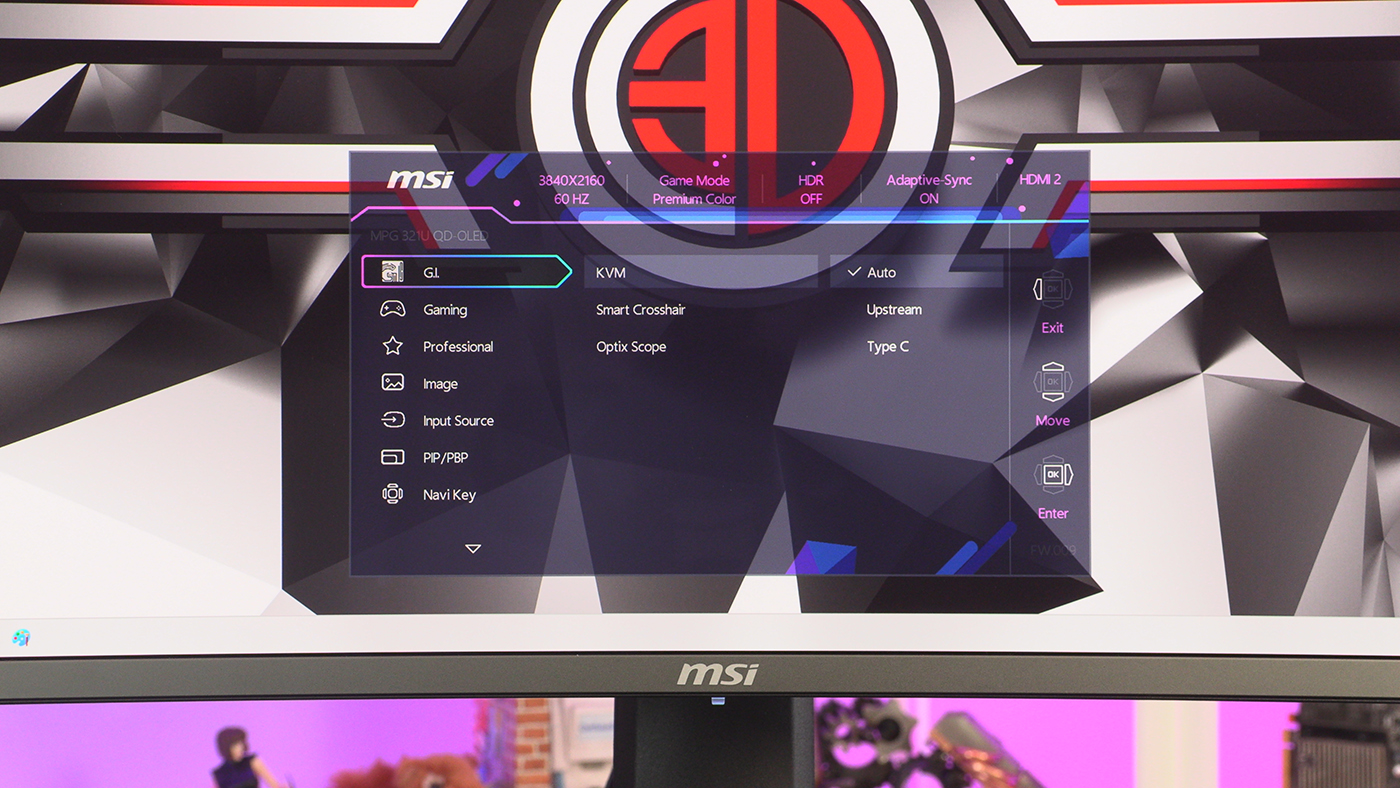
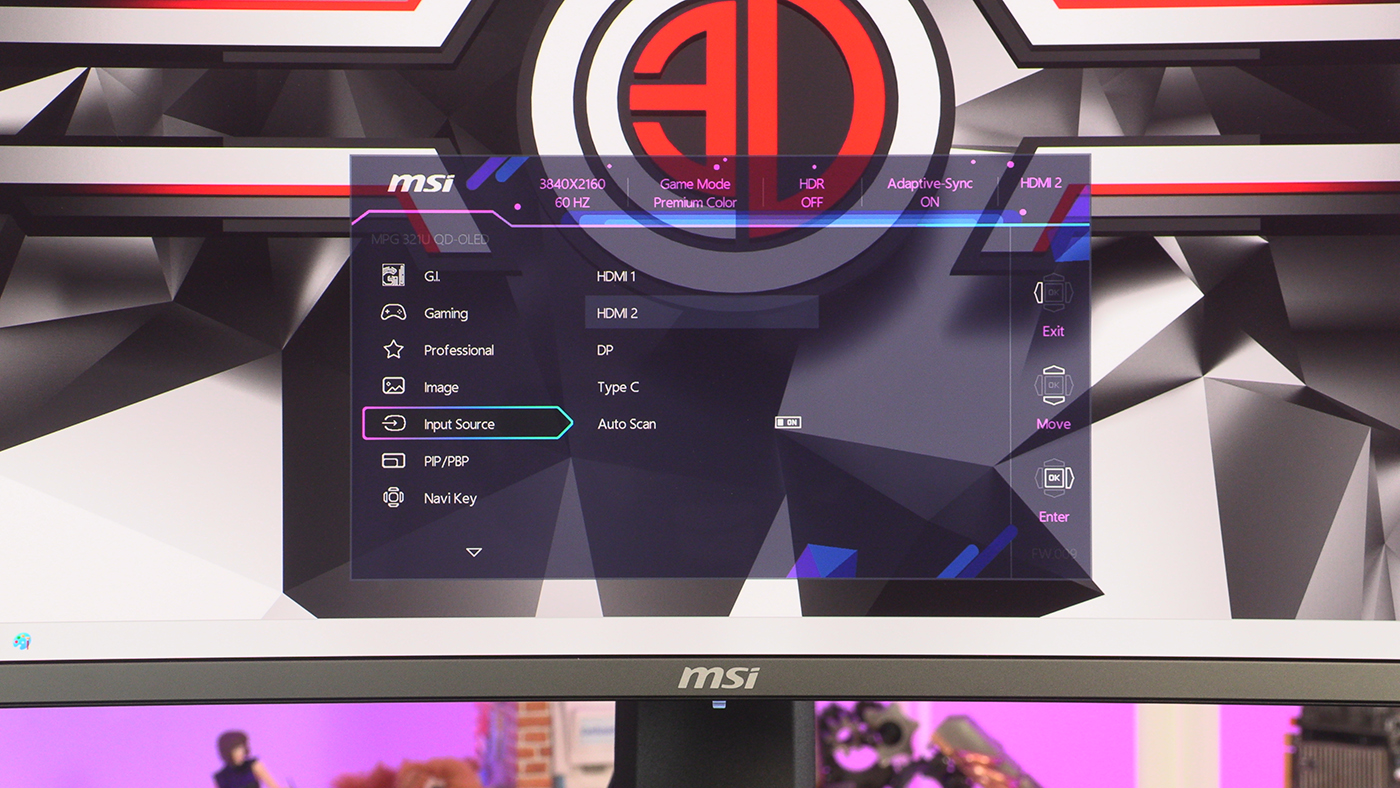
OSD
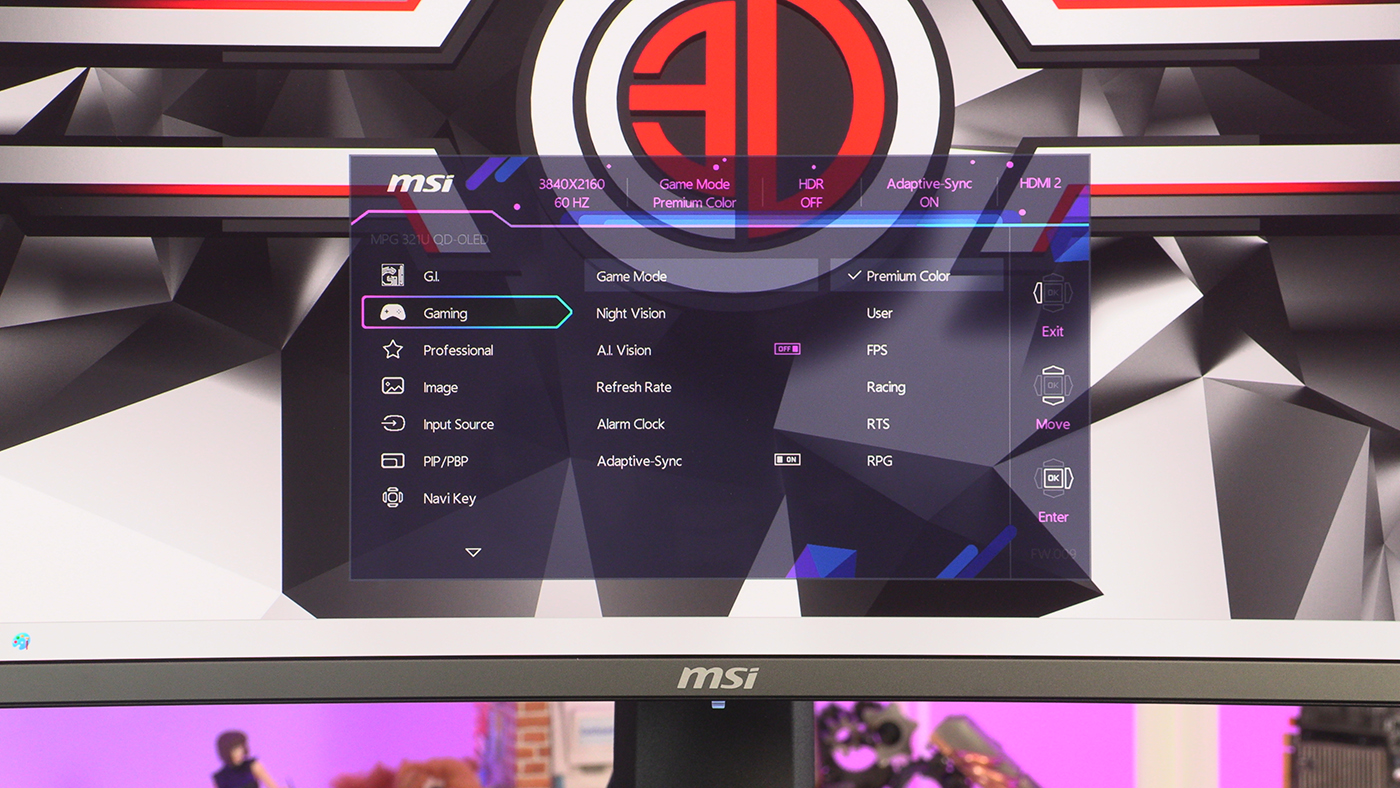
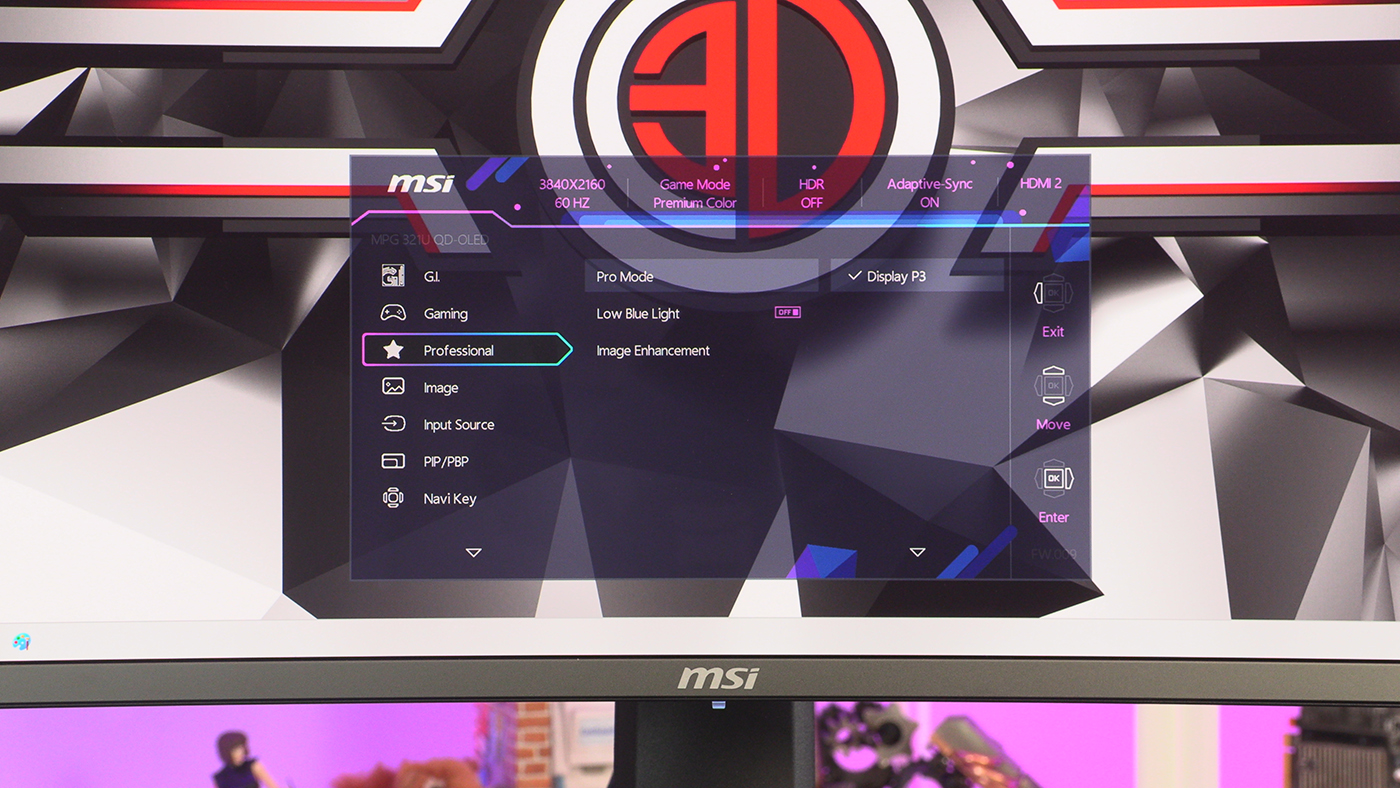
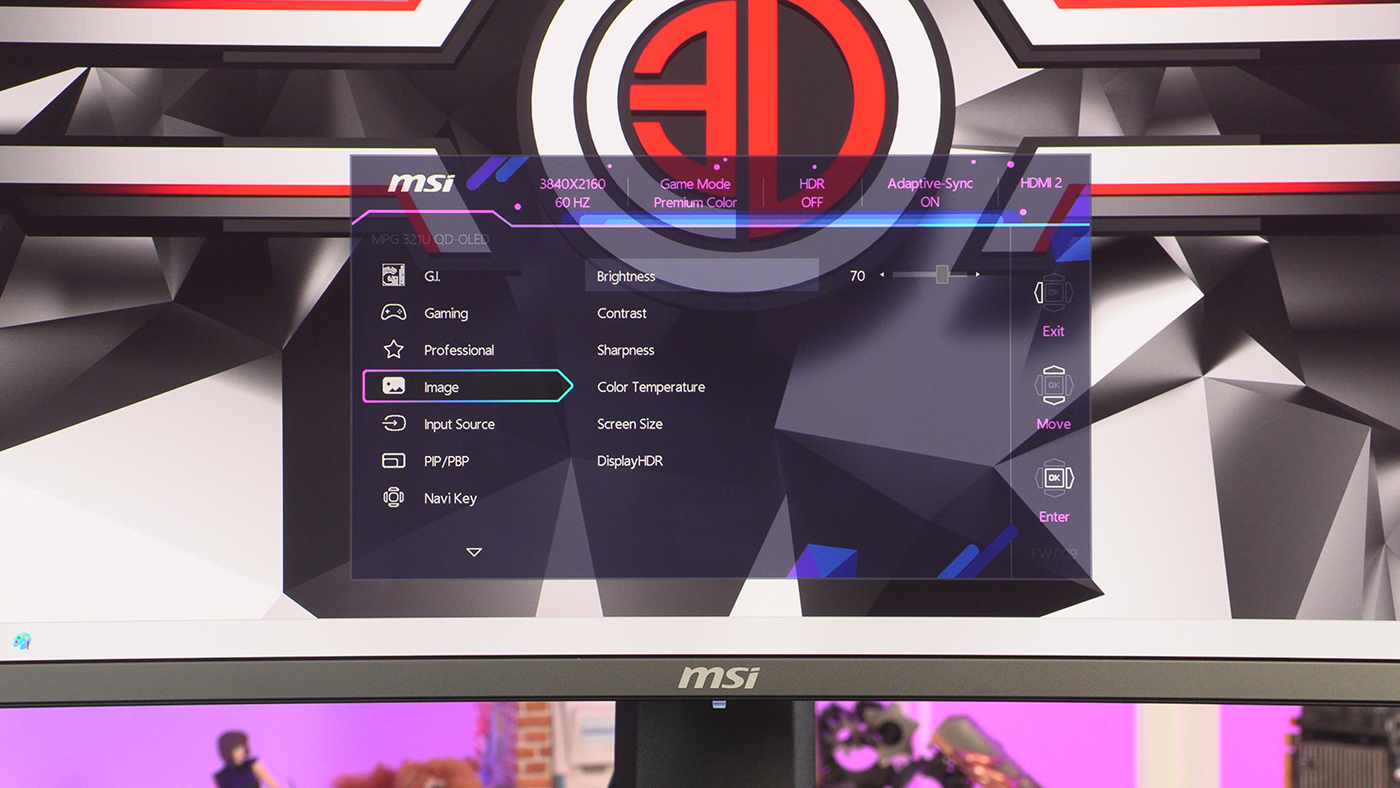
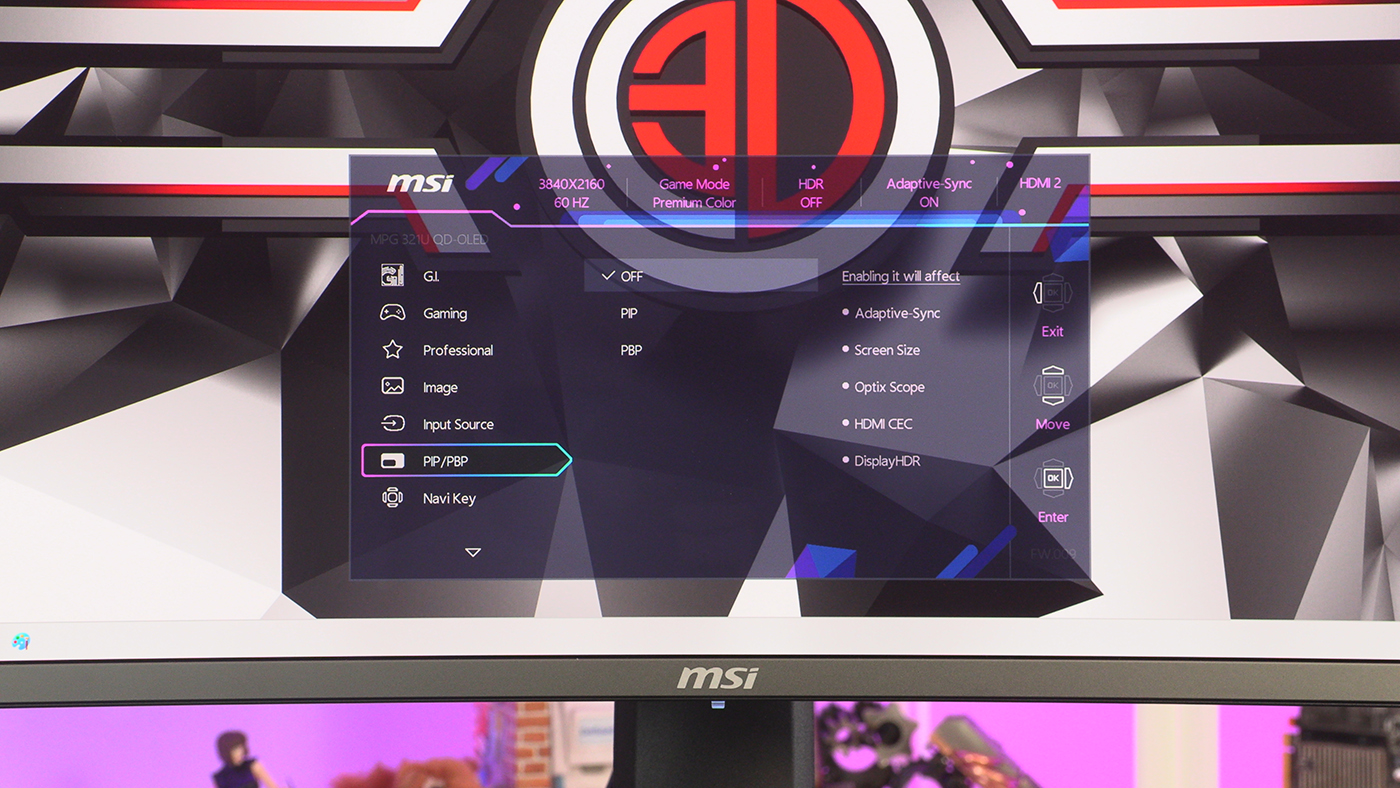
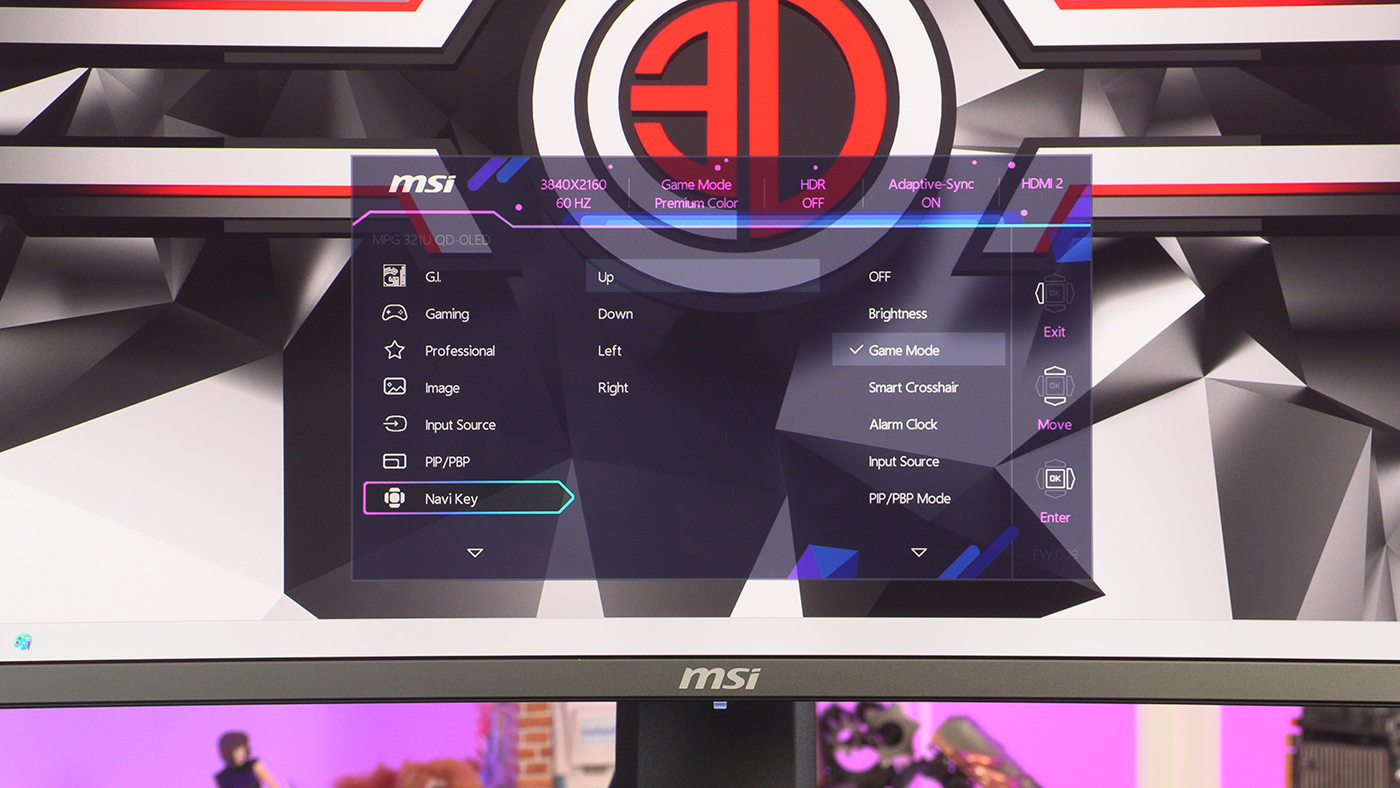
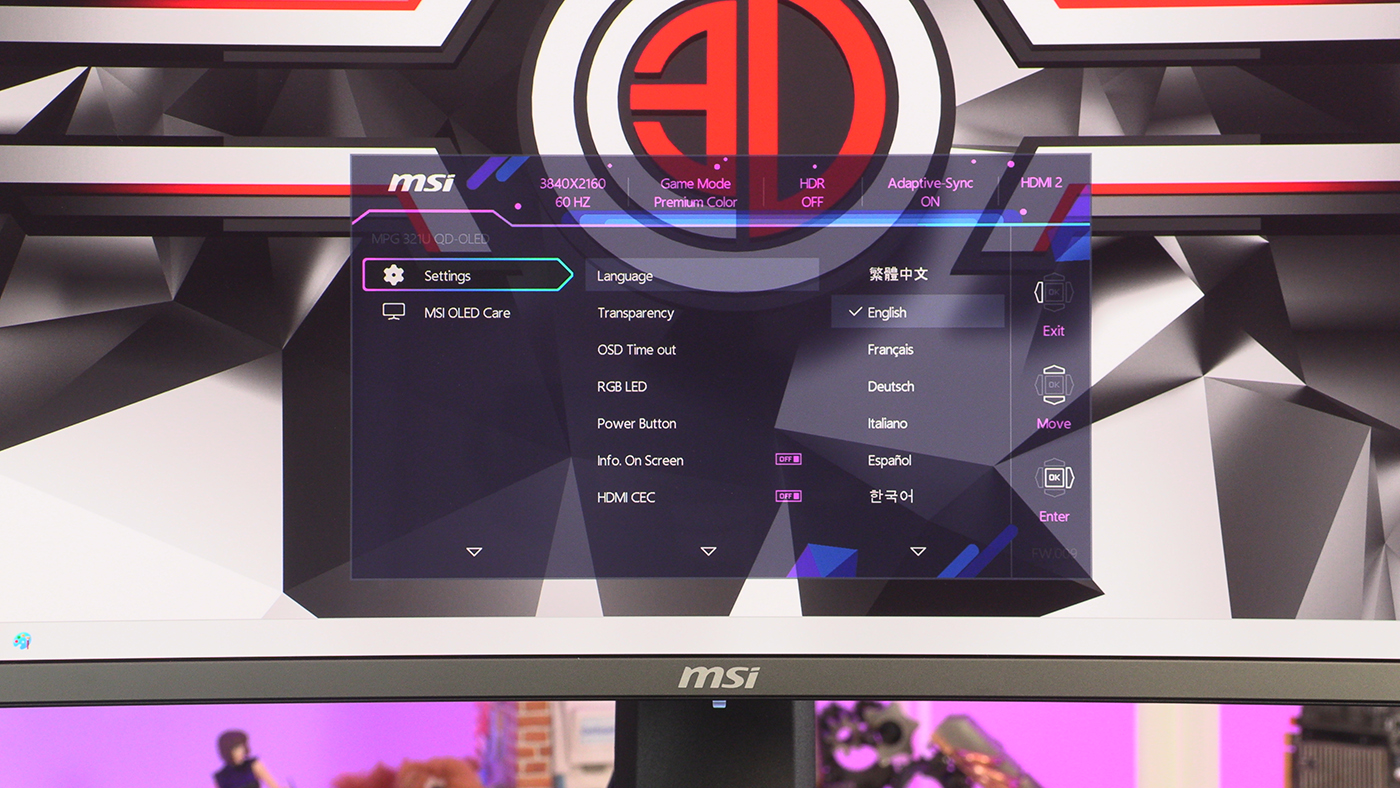
OSD
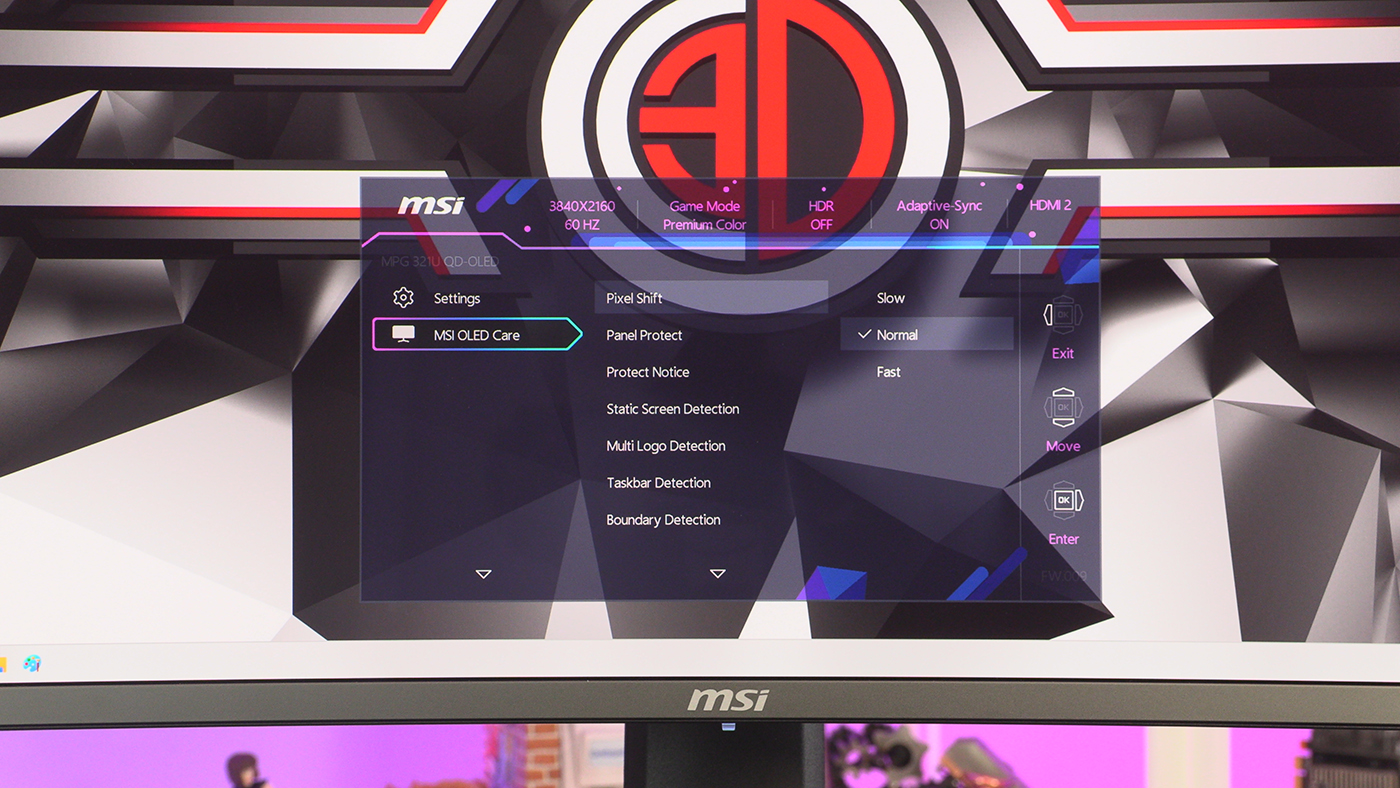
Under the On-Screen Display are all the controls you need. Like any OSD the 321URX lets you fine tune the image quality, as well as decide on features such as HDR or low blue light. If you’re still nervous about the burn-in potential of an OLED panel then you’ll be pleased to note MSI have implemented pixel-shifting and taskbar detection to help limit the chances of it happening, as well as providing you with a 3 year warranty including burn-in protection.