ASUS ROG Falchion Ace HFX Keyboard Review

Up Close

ROG Falchion Ace HFX Up Close
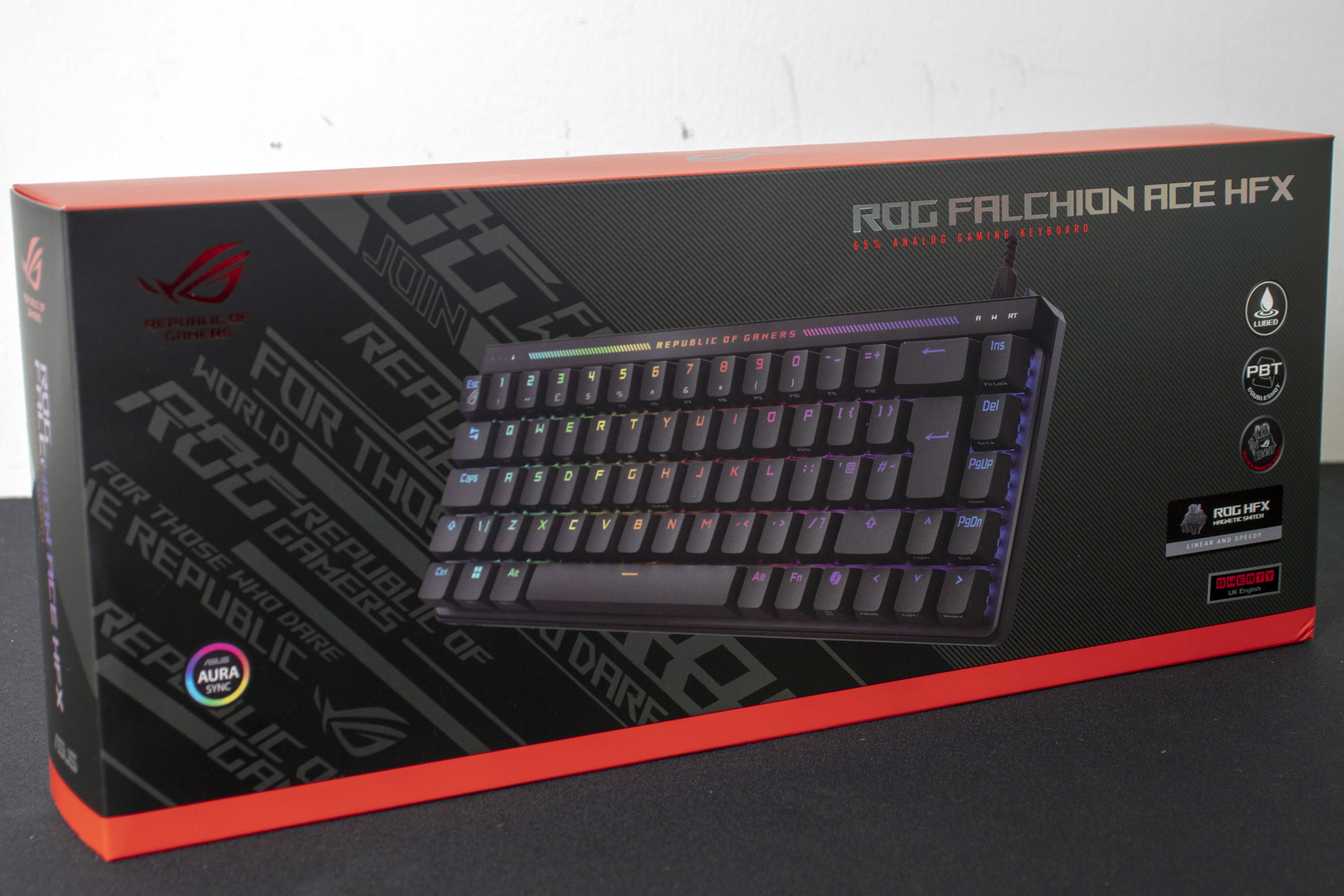
All ASUS Republic of Gamers packaging is instantly recognisable and the Falchion Ace HFX is no exception. Red highlights, holographic model text, clear product imagery and a quick rundown of the feature set. It’s everything we’ve come to expect from the Taipei giant.
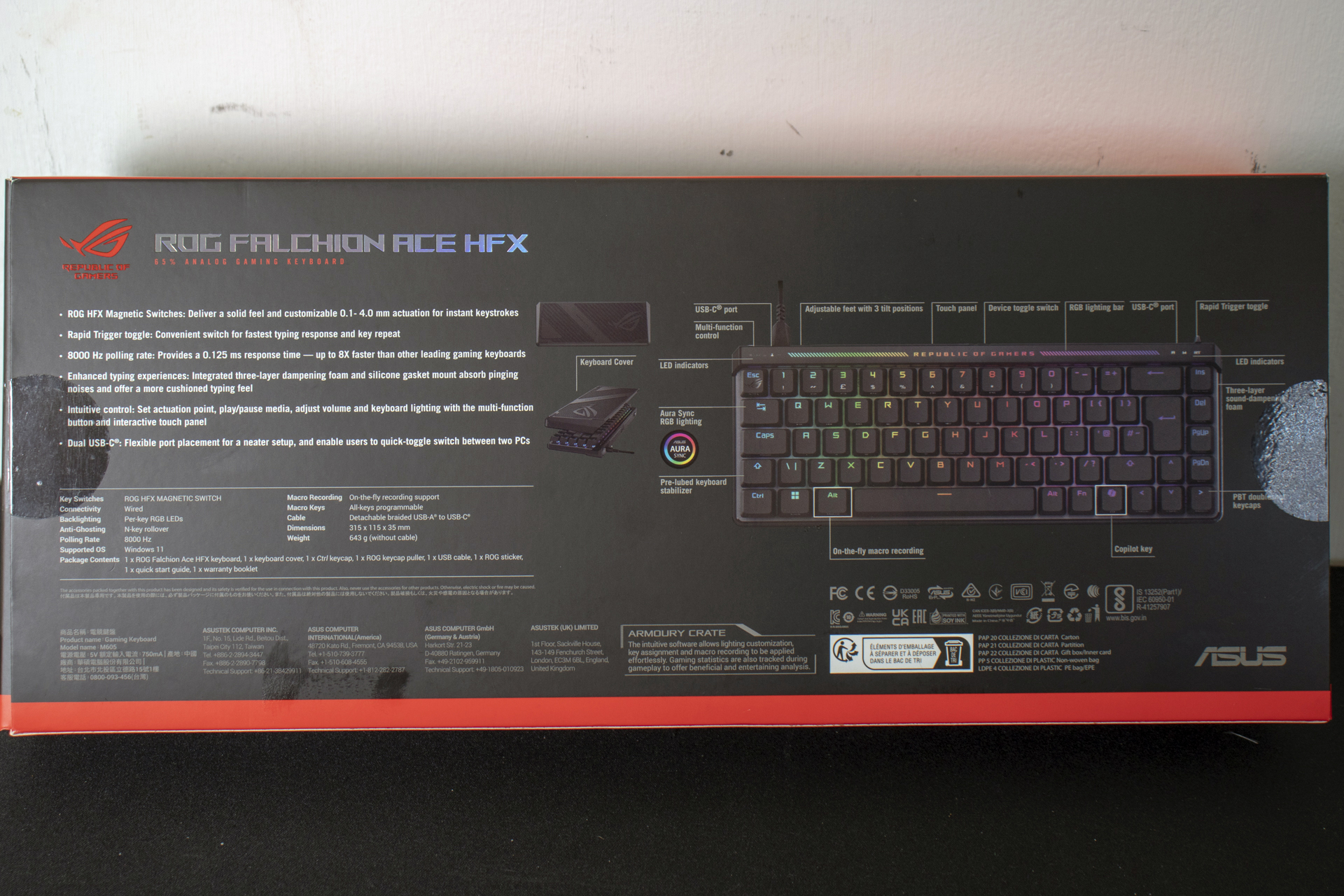
Our review sample has been around the houses so some accessories have been stolen by previous reviewers. You will also get a quick start guide, ROG sticker set and an alternative control key. For us we just get the cable – this isn’t wireless – and a keypuller.
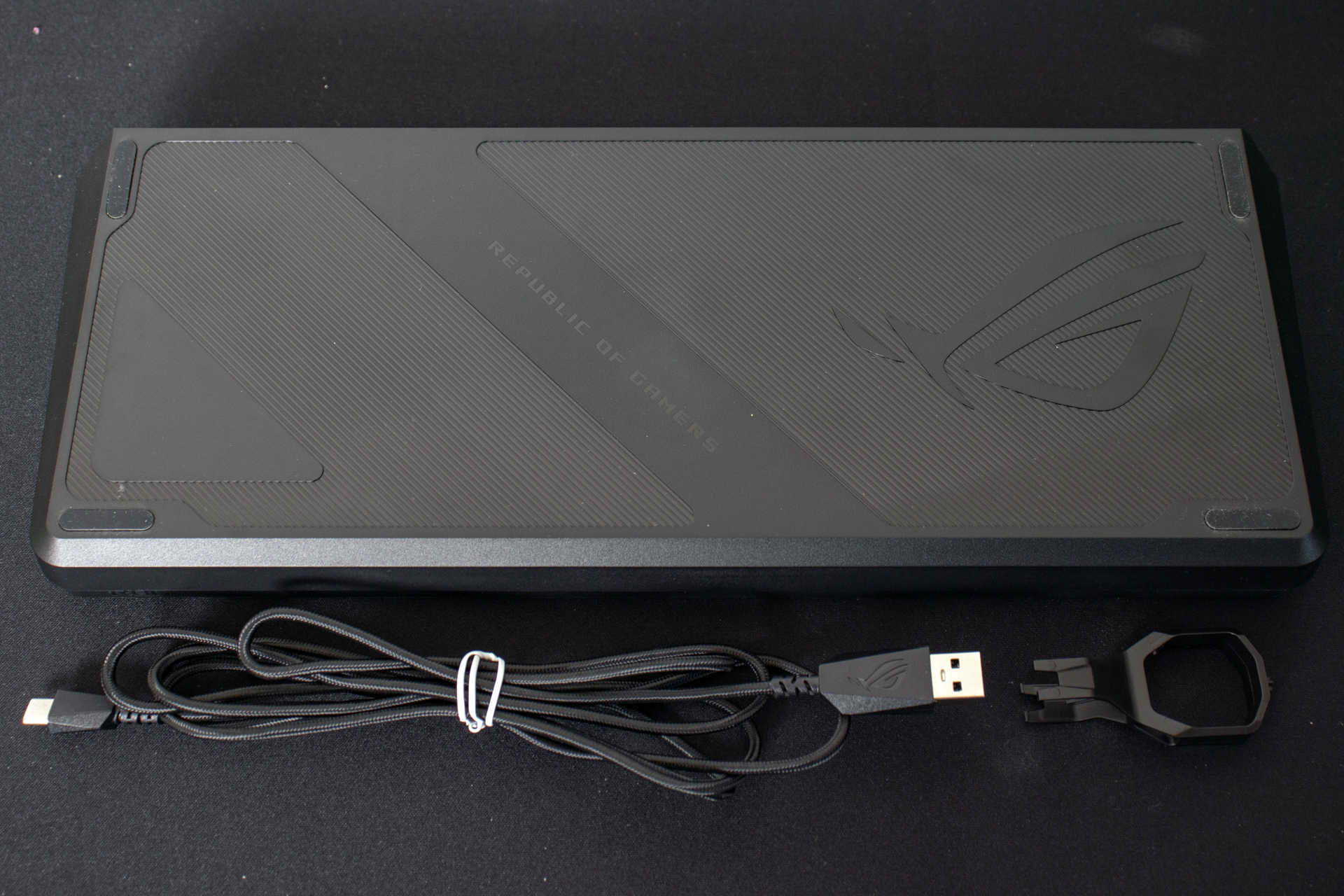
Just like the last time we reviewed a ROG Falchion, the HFX version is a 65% keyboard. Perfect if you never use the number pad or are limited for desk space. It’s also really handy if you are always called to fix friends setups as it easily fits in a backpack.
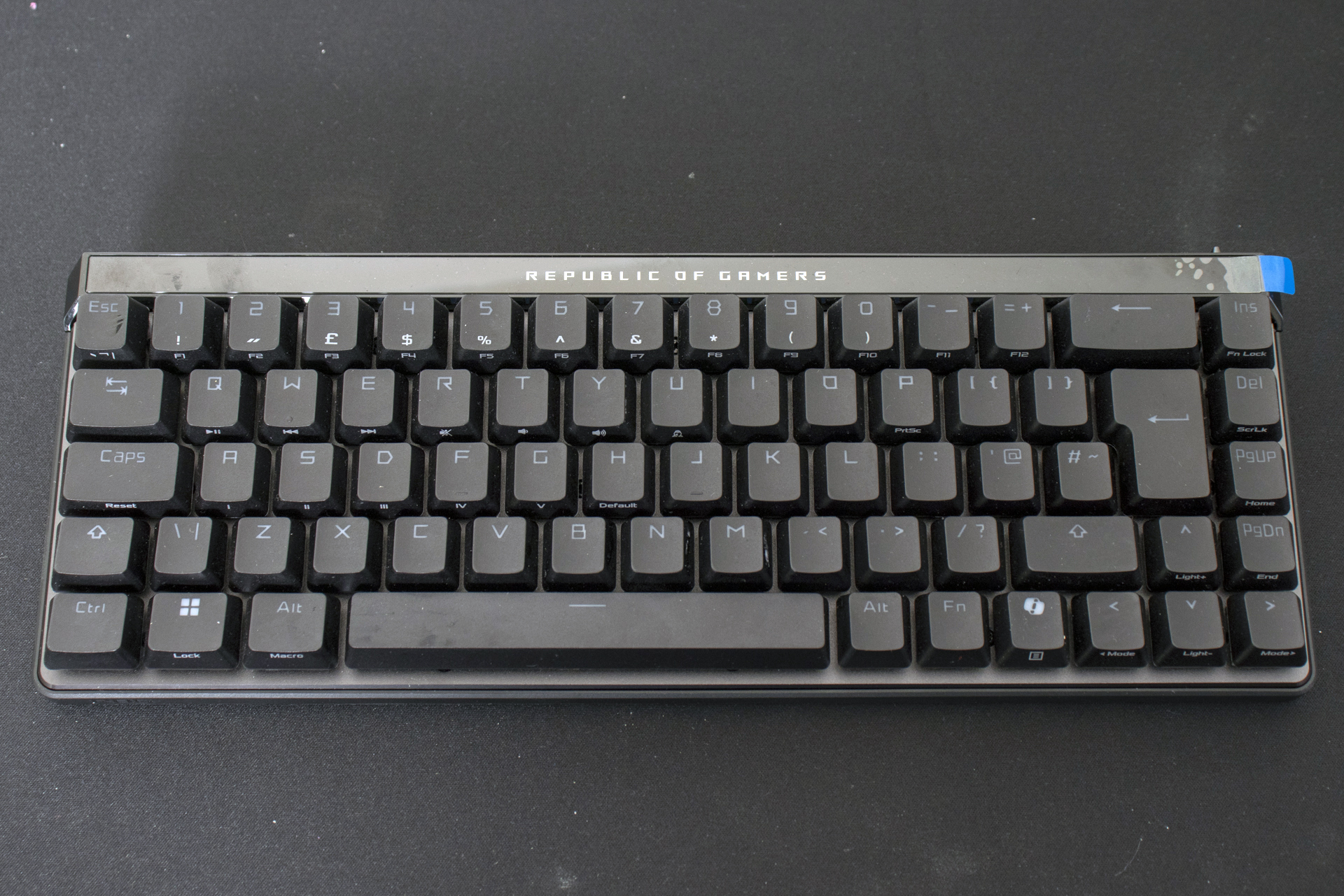
The feet are single height, but tall enough to aid your ergonomics.
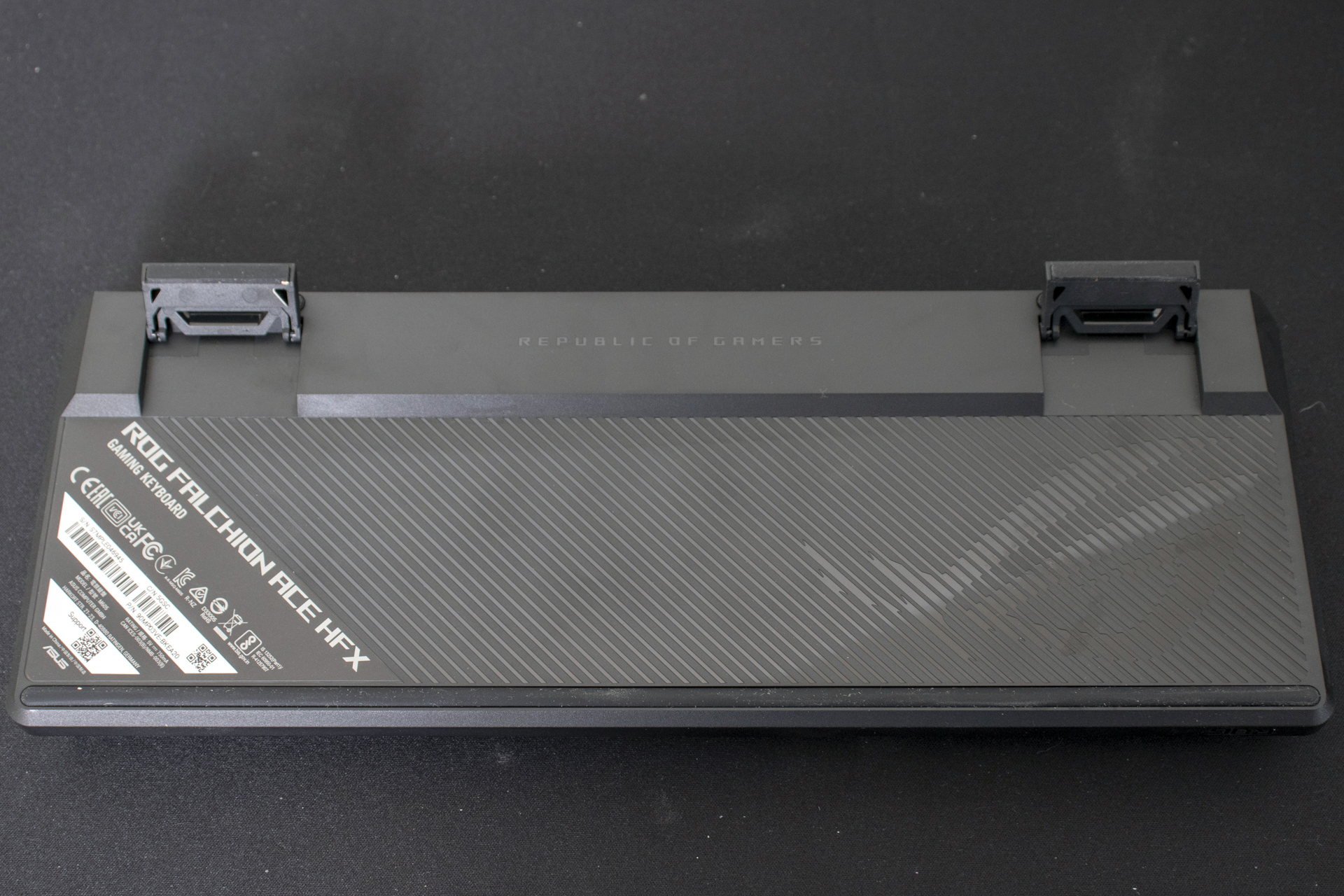
Lots of Features in One Place
The back is where the magic happens. From left to right we have Rapid Trigger. This is a technology working in conjunction with the magnetic hall effect switches that notices as soon as you start to lift off, and cuts the actuation. Those micro-seconds might just make the difference.
There are USB Type-C connections at either end, letting you pick the most pleasing route for your cable. Additionally if you plug the Falchion into two systems, the central switch toggles between them. One keyboard, two rigs.
The right hand side holds the redesigned touch pad. This has plenty of presets and is customisable, letting you adjust RGB or even actuation height on the fly.
Lastly on the right is the button to toggle Speed Tap mode. The short version is that if you press two directions, the moment you press one the other will be cancelled, even if you’re holding it down. Perfect for crazy strafing tricks. With a huge caveat we’ll talk about at the end.
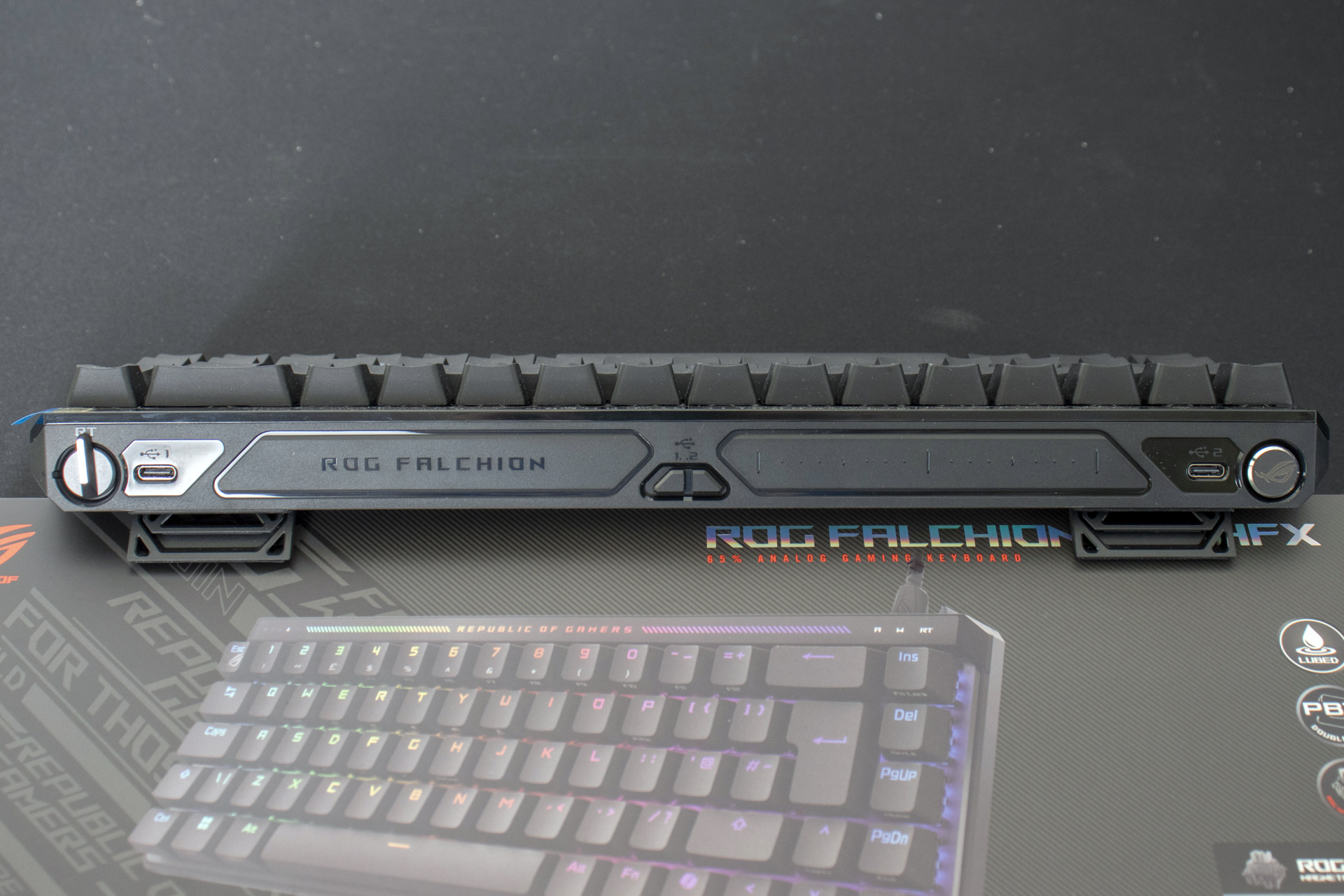
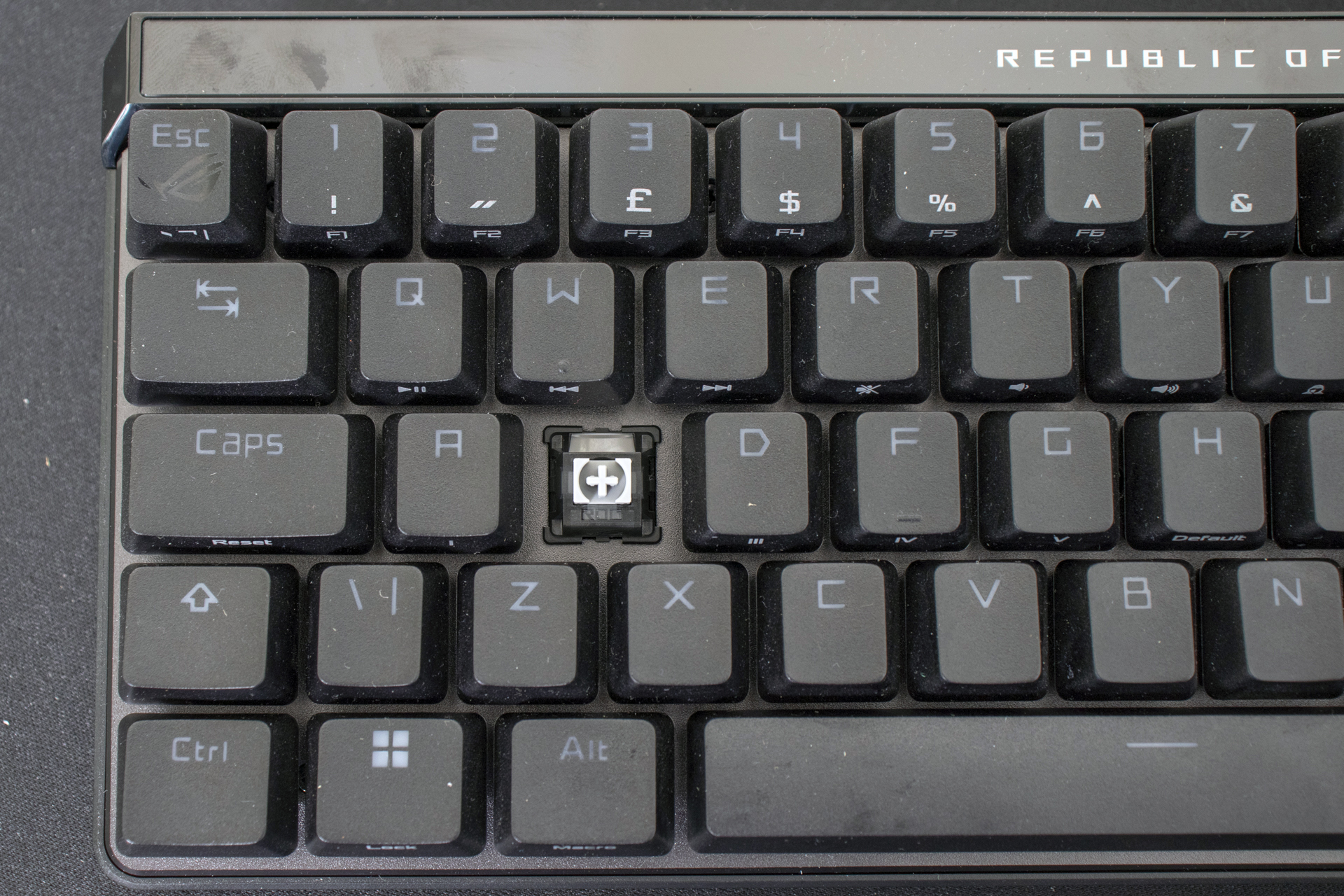
A lot of those tricks are made possible by the ROG HFX magnetic switches. Rather than a regular microswitch these allow for a customisable actuation point. Perfect if you want to ensure the most accurate typing or gaming custom tailored to your style.