ASUS ROG Falchion Ace HFX Keyboard Review

Software

Software
The ASUS software history isn’t one replete with awards. Generally sluggish and wellspring for software conflicts, it’s the weak spot in the ASUS Armoury. If you’ll pardon the pun.
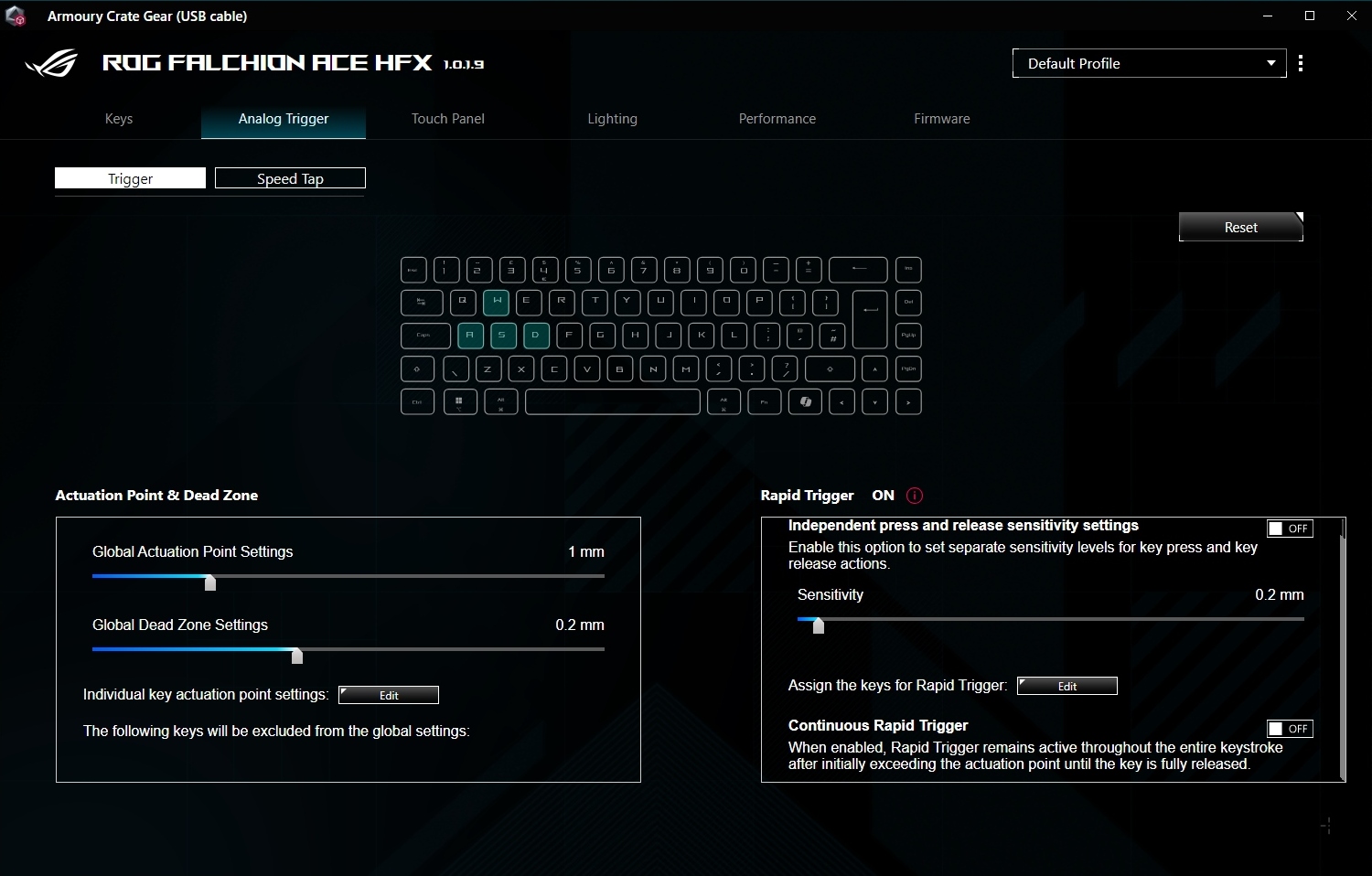
Running the Armoury Crate Gear for the individual peripherals, on the other hand, shows what is possible. Smooth, fast, well laid out, clear, it is all that software should be. Albeit without a light mode. Grrr. By default the Rapid Trigger is really only looking at your WASD keys, but you can easily set it up to your taste.
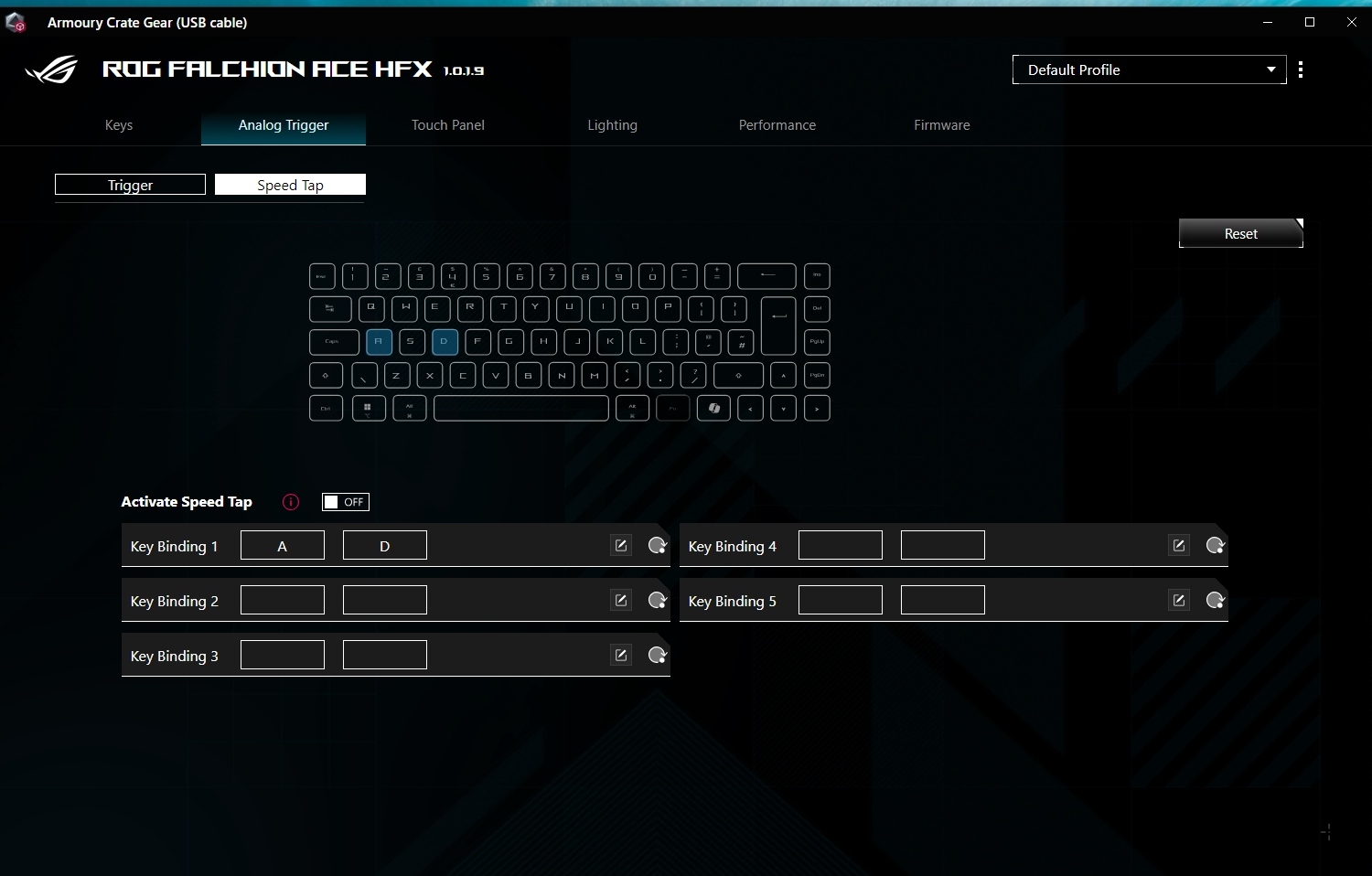
Speed Tap is primarily designed to aid FPS acrobatics and so sticks to A and D by default. You have five total conflict options though, should your title use arrow keys or something equally strange. Or perhaps you’re just left handed and prefer a JIKL setup.
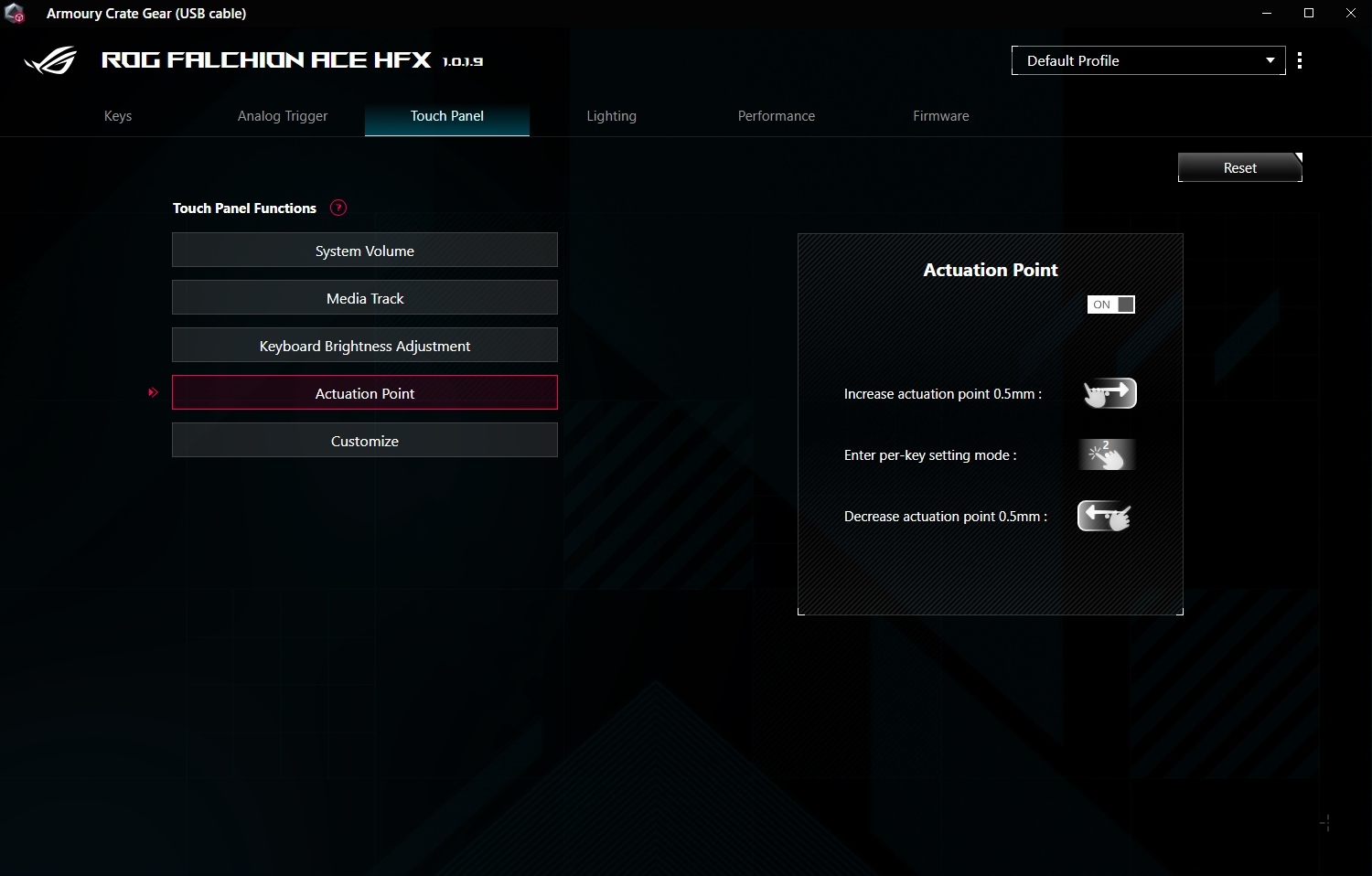
The touch slider on the rear, moved from the side on the OG Falchion, has four default functions. These are shown with a light on the top left of the keyboard. Additionally, and something often missing from these unique hardware designs, you can customise it too. Incredibly useful and one where your creativity is really the only limit.
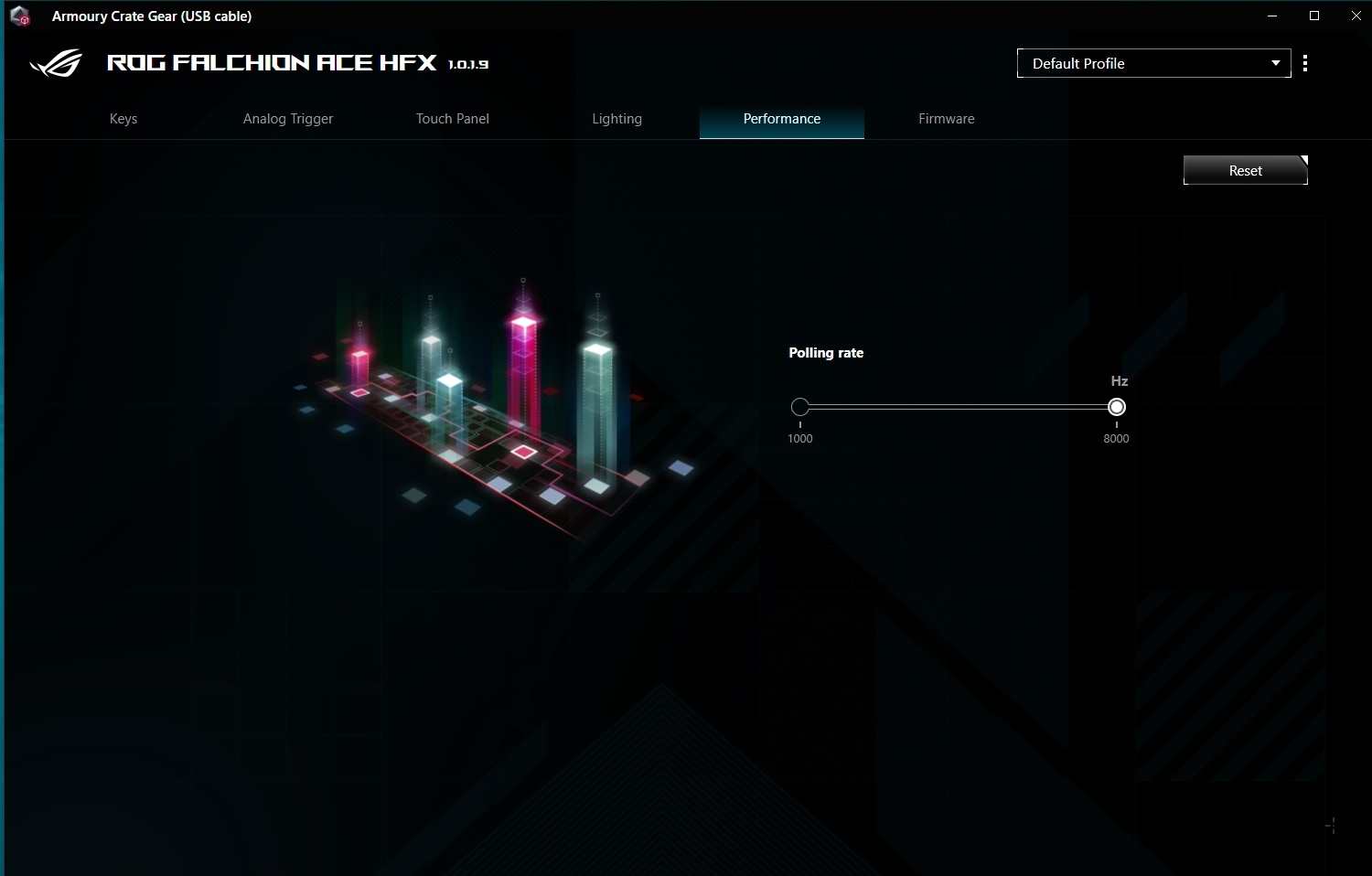
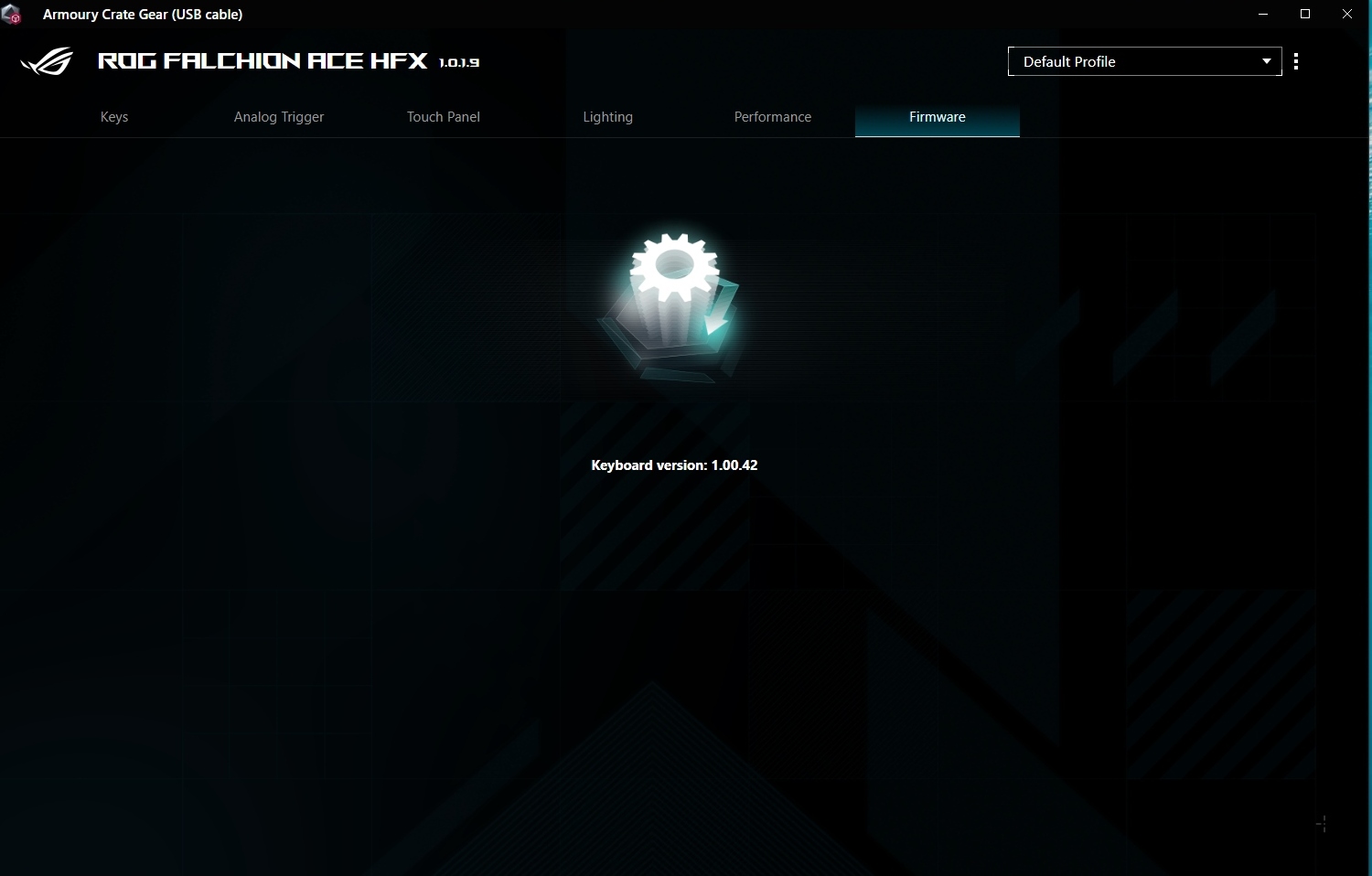
Lastly you can customise the polling rate should your rig be very old, Lastly, finding out which firmware you have installed, and updating it if necessary, is a matter of moments.