ASUS Strix Mouse, Headset & Keyboard Review

Claw Mouse
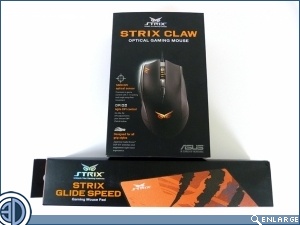
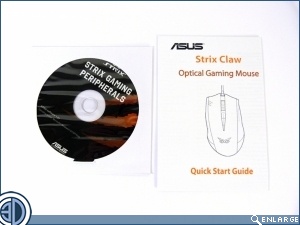
The Strix Claw mouse continues the Owl theme both in the name and the logo. Like all the Strix products there is a quick start guide which covers all the main points, although obviously using anything like this is simplicity.
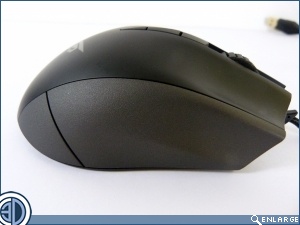
Despite not having a very obvious curve to it, it’s clear that the Claw is designed for right handed people. There is a sashay in its hips to help balance the larger pad of your thumb. On the top are the DPI adjustments as well as a nice scrollwheel.
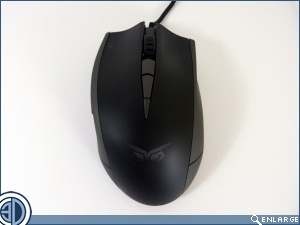
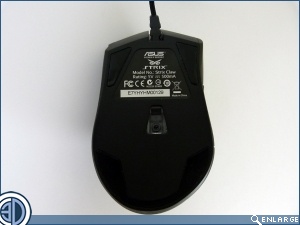
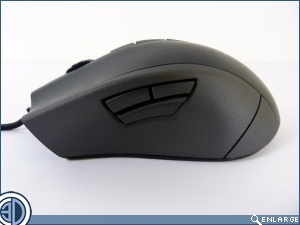
The coating of the Claw is straight plastic rather than the rubberised texture we sometimes experience, but despite this it feels quality in the hand, combining mild texturing for grip with a smoothness that feels like it’s hewn from a single piece. Just below the regular back and forward buttons is a clutch, something that’s becoming ever more common of late.
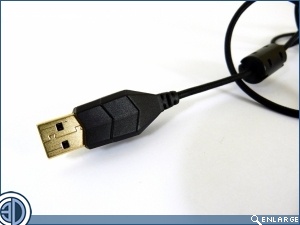
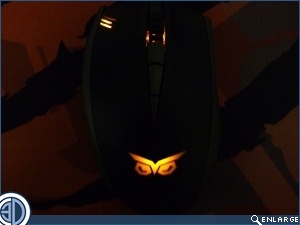
As you’d expect by now, the cable of the Strix Claw is good quality and once again has braiding of a high standard. The lighting continues the orange theme we’ve seen so far with the scrollwheel lighting up along with a palm owl logo and, at the top left, the DPI indicator.