


Corsair K100 Optical Mechanical Keyboard Review

Software
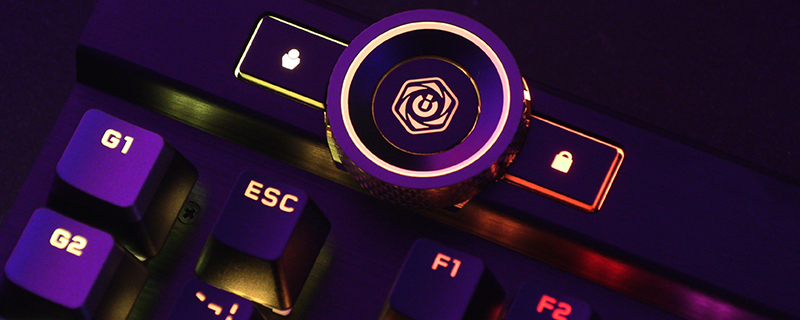
The iCUE software is still some of the most fully-featured, easy to use, powerful software arrangements around. No need for ten different programs to control each piece of hardware. Very easy to move lighting profiles from one of your pieces of hardware to another, or edit it all together. That’s before we’ve delved into the full set of macro options, profile settings, launch options, timers etc. It’s really something many other manufacturers could look at and take notes from. One thing we’d like to bring to your attention is how many lighting options there are around the outside of the K100 RGB. We showed you it in white on page three, but you’re only limited by your imagination*


* unless your imagination involves broadcasting Netflix shows to your keyboard using only the LEDs, in which case the K100 might be limited before that point.
