NZXT Lift Elite Wireless Mouse and Zone Elite Mousepad Review

Up Close
Up Close
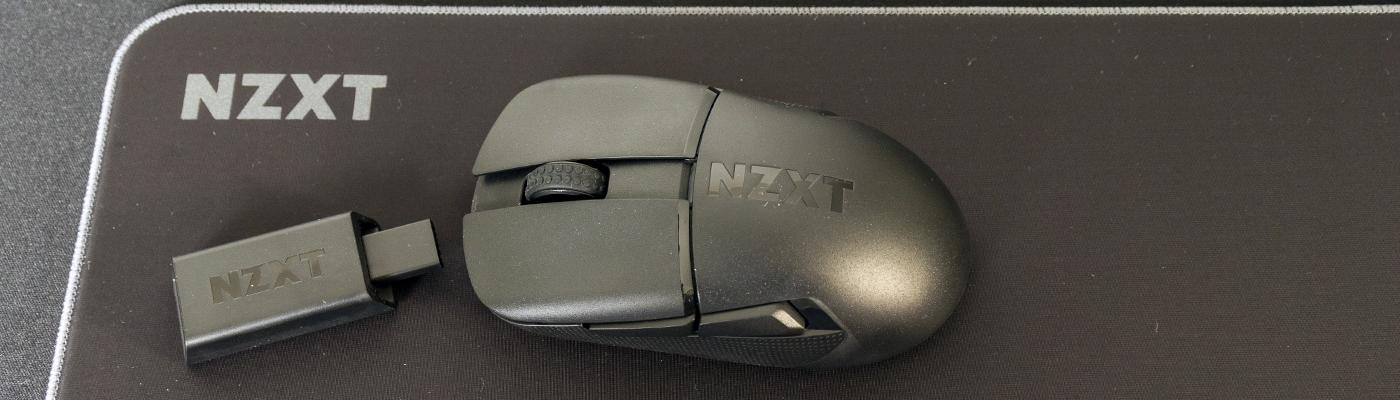
As well as the launch of the Lift Elite NZXT are also launching three mouse mats to go with it. Well, one mouse mat in three sizes. If you’ve ever wanted the quality of a large desk mat without the girth, the Large model we have been sent is square, with 400mm in each dimension. As you can see above, and in the shots below, it’s a very fine weave with a robust sewn edging. It’s very slippery indeed.
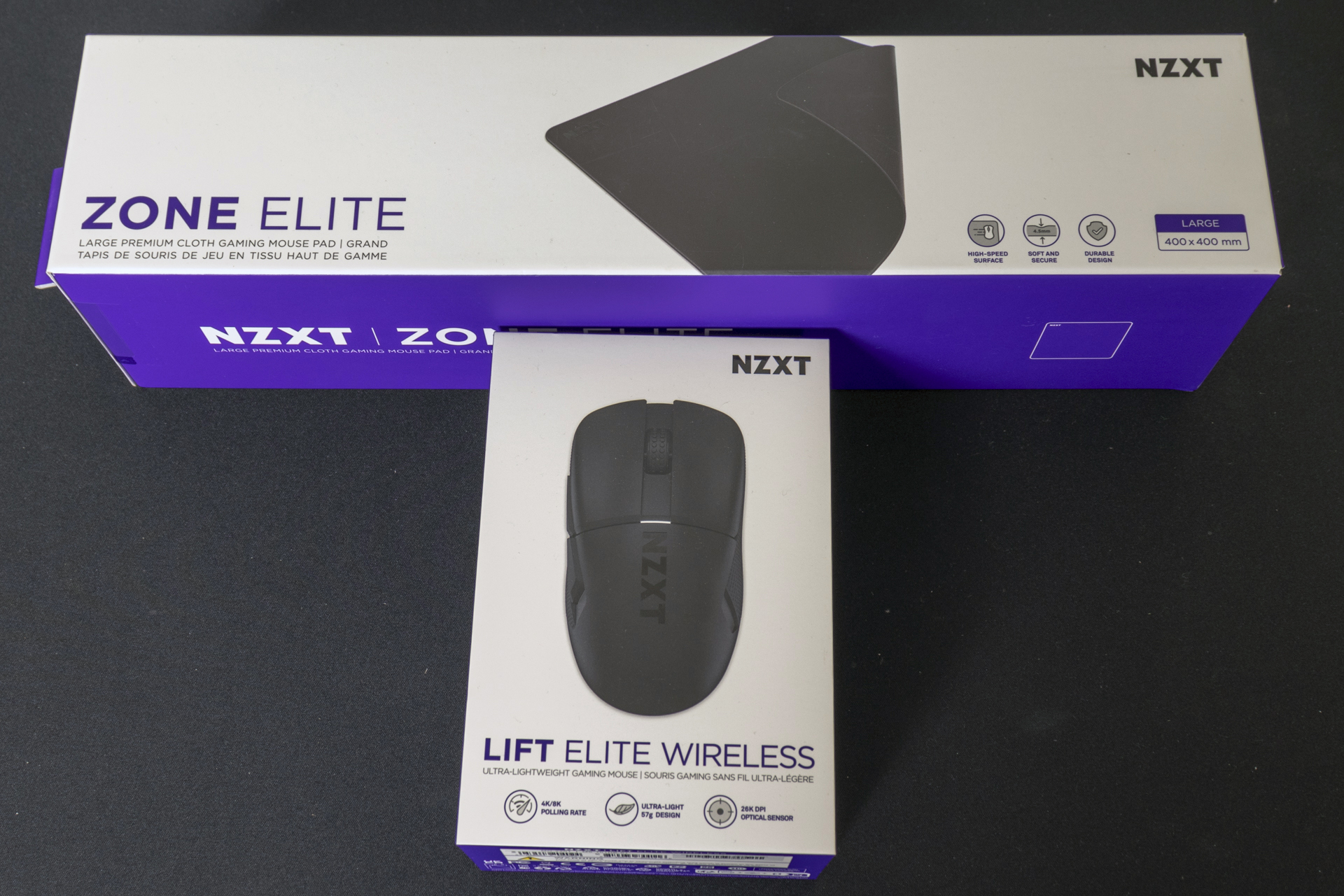
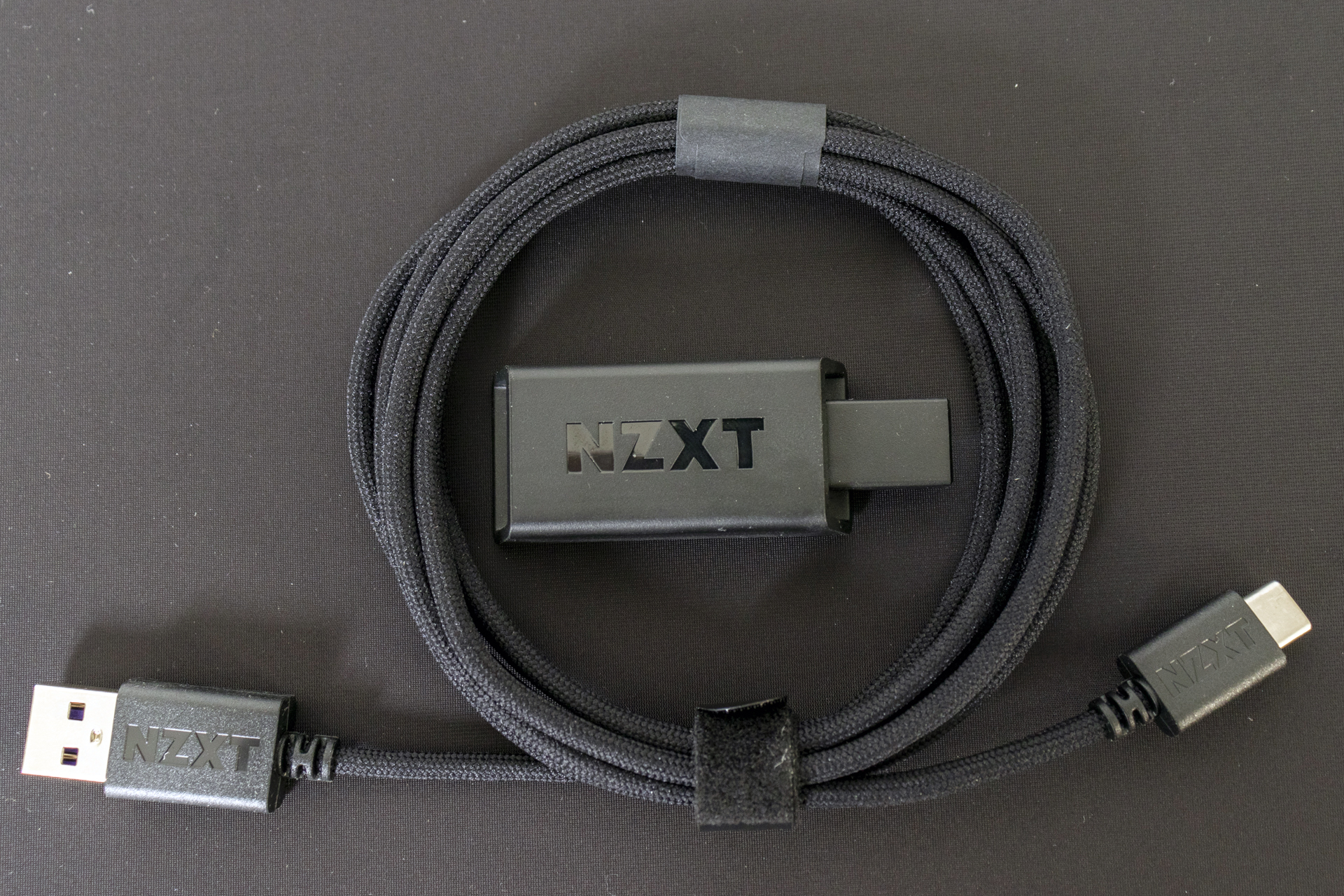
Out of the box we have the Lift Elite and all of its accessories. A paracord cable for charging and/or wired operation. The wireless receiver which supports a massive 4000Hz polling rate. And, in a new to us idea, some grip tape for the LMB and RMB. If you are into skateboarding then it’s worth mentioning that the grip tape here is of the soft textured rubber type, rather than the sandpapery nature of deck grip tape.
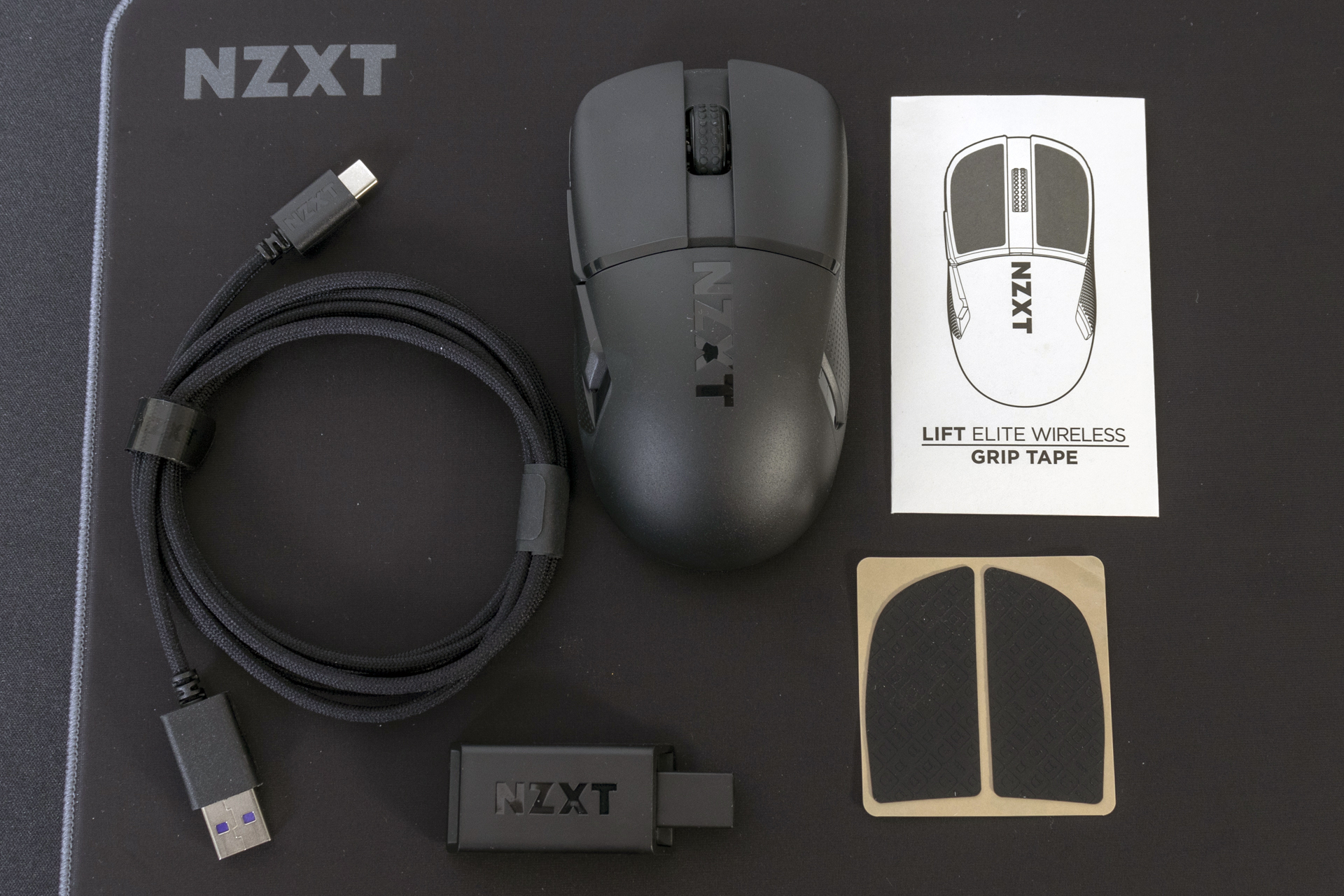
We were impressed by the cable supplied with the NZXT Function Elite keyboard, and the Lift Elite is just as brilliant. It’s exceptionally high quality, and with ‘NZXT Purple’ plastics in the connectors and NZXT branding on the outside of them, it’s much better than most mouse cables. The wireless receiver is small but perfectly formed, and with 4000Hz capabilities it must be as good on the inside too.
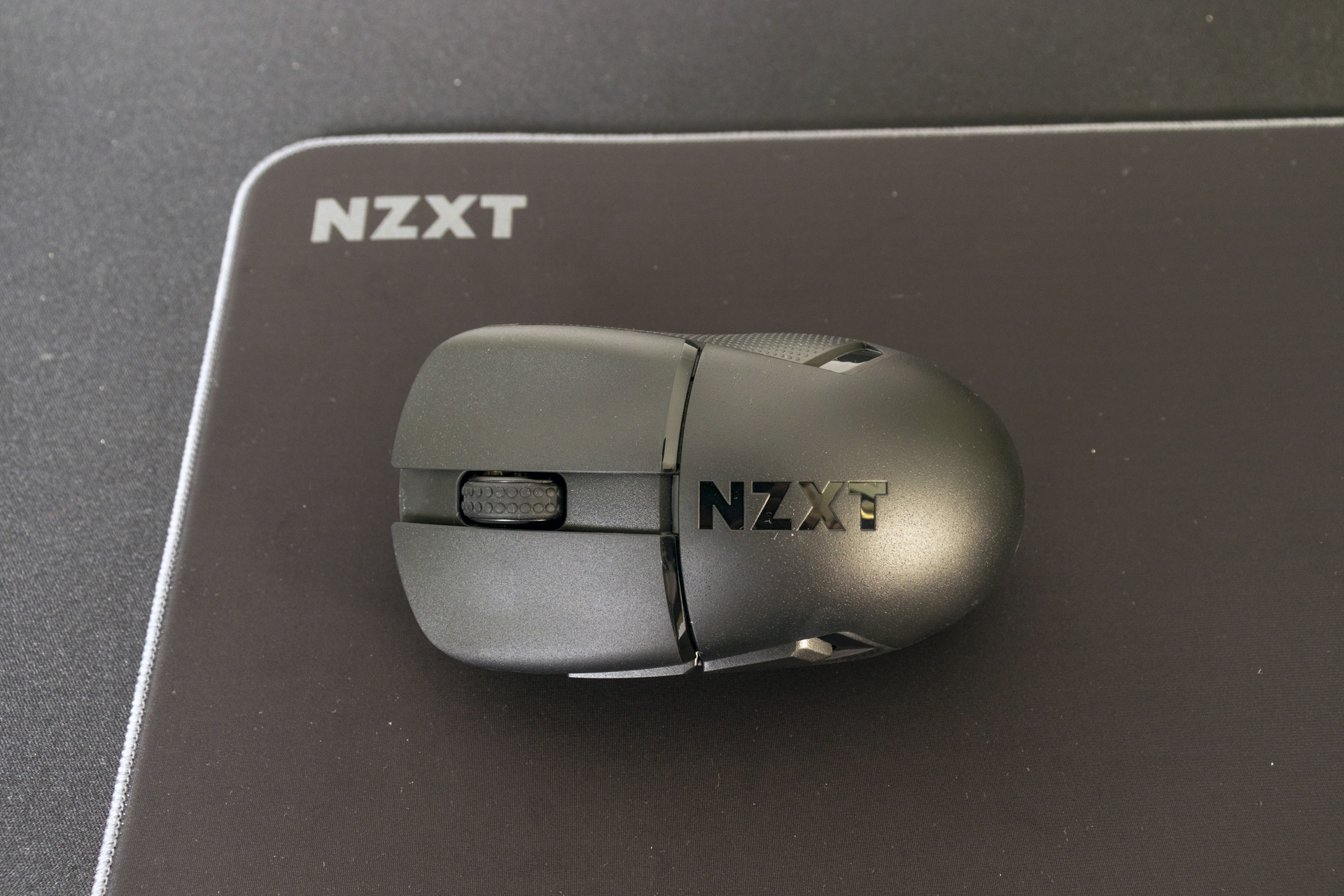
The NZXT Lift Elite
Such is the simplicity of the Lift Elite there isn’t really much to show you. It’s shorter than the other Lift mice we’ve seen. It’s not quite laptop small, but definitely stubby.
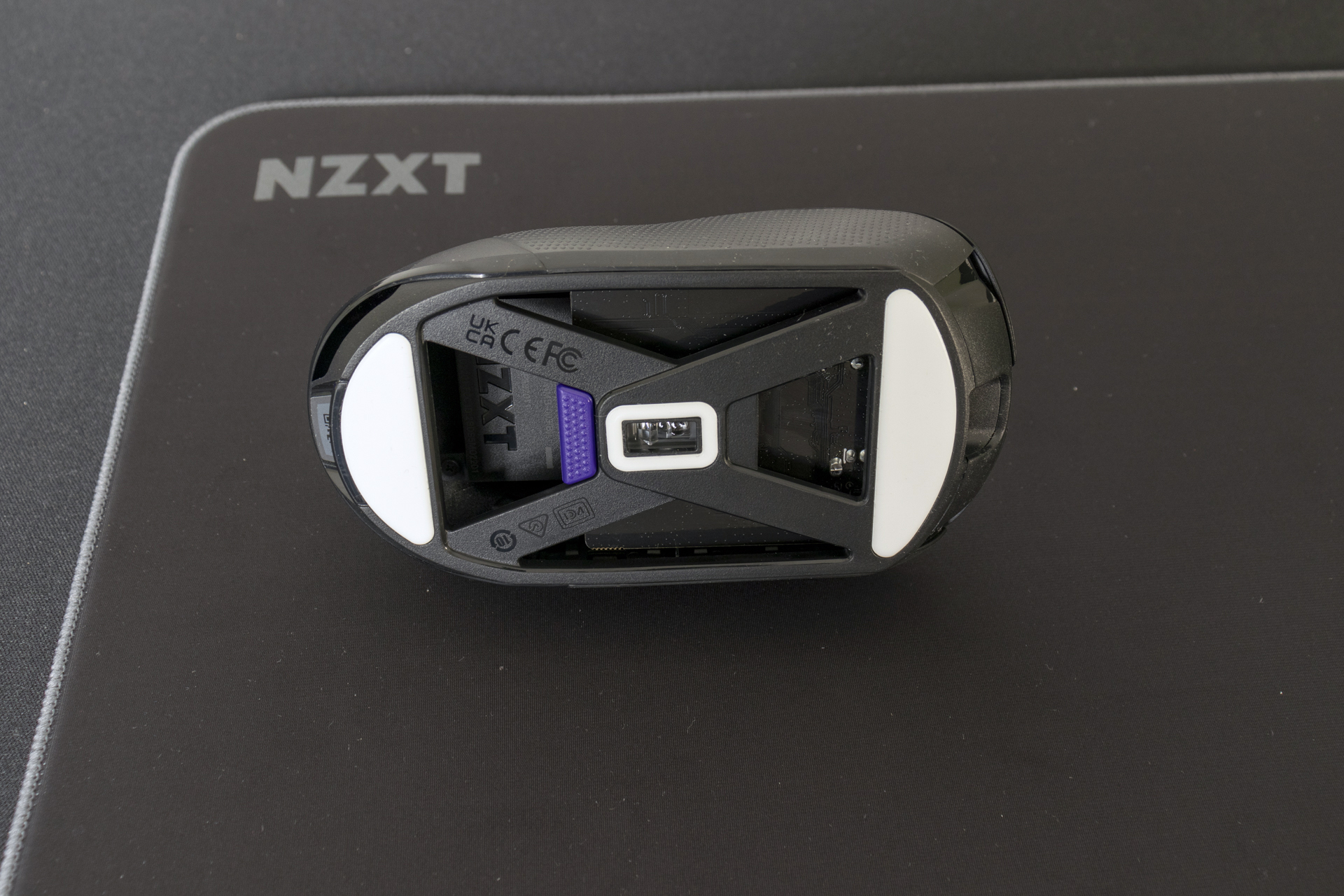
In keeping with the desire for paring the NZXT Lift Elite down to the bone the underside has lots of cutouts. We prefer this way of lightening a mouse rather than making holes in the top. With a total weight of just 57 grams the diet has clearly been successful. The X cross-bracing effect also makes the large low-friction pads stand out, and the monstrously capable PixArt sensor sits in pride of place.
Should you prefer your side buttons to sit a little prouder of the shell than some of the almost flush designs we’ve seen you’ll love the Lift Elite. You can also see the texture on the side panels which helps you keep control at all times. In the heat of battle, when things are hot and heavy, you want to be able to hit the button at the right moment. By placing the side buttons at different depths and angles you’ll be sure of getting the right one every time.
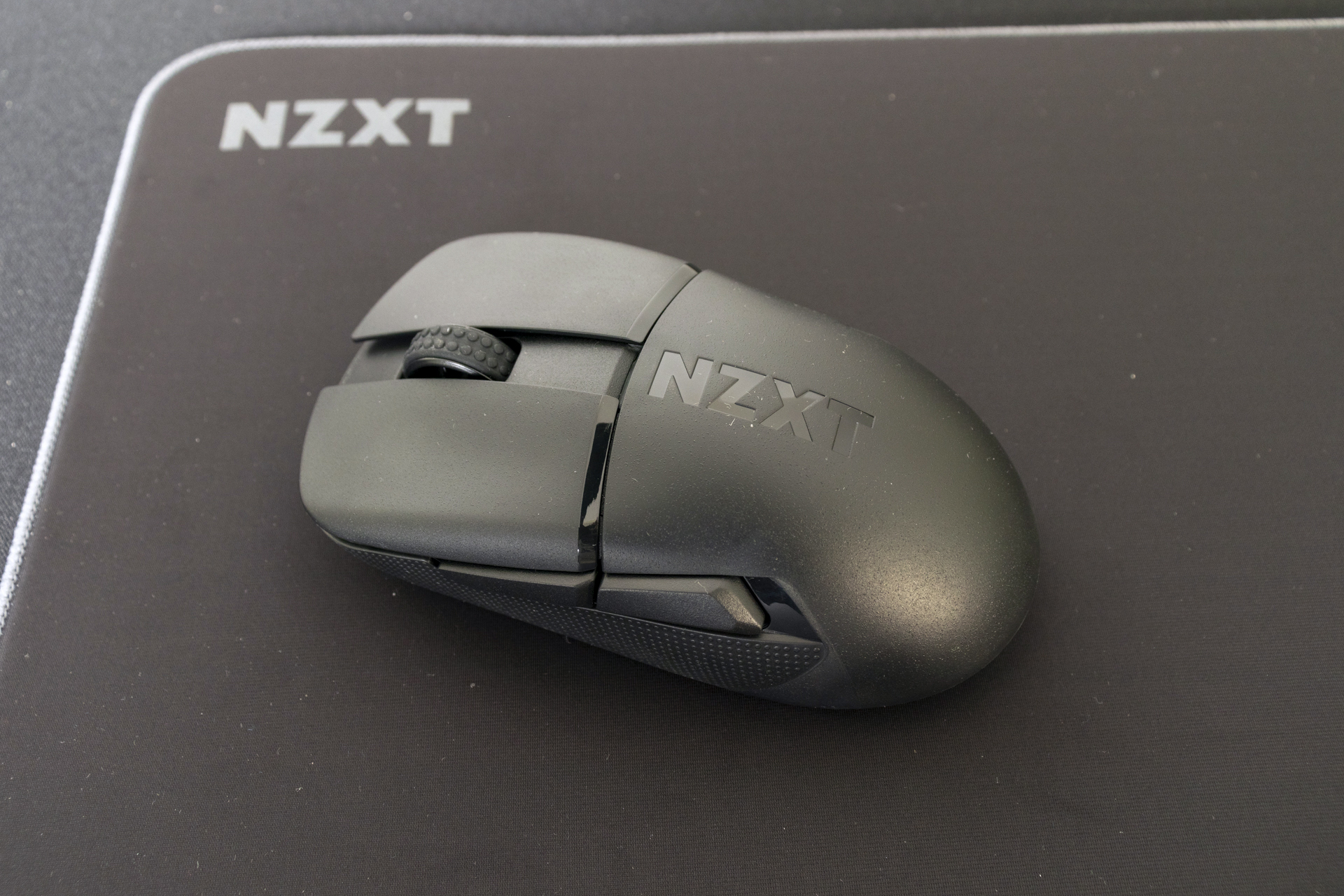
Lastly the scroll wheel has a texture effect to ensure you get the right weapon swap every time.
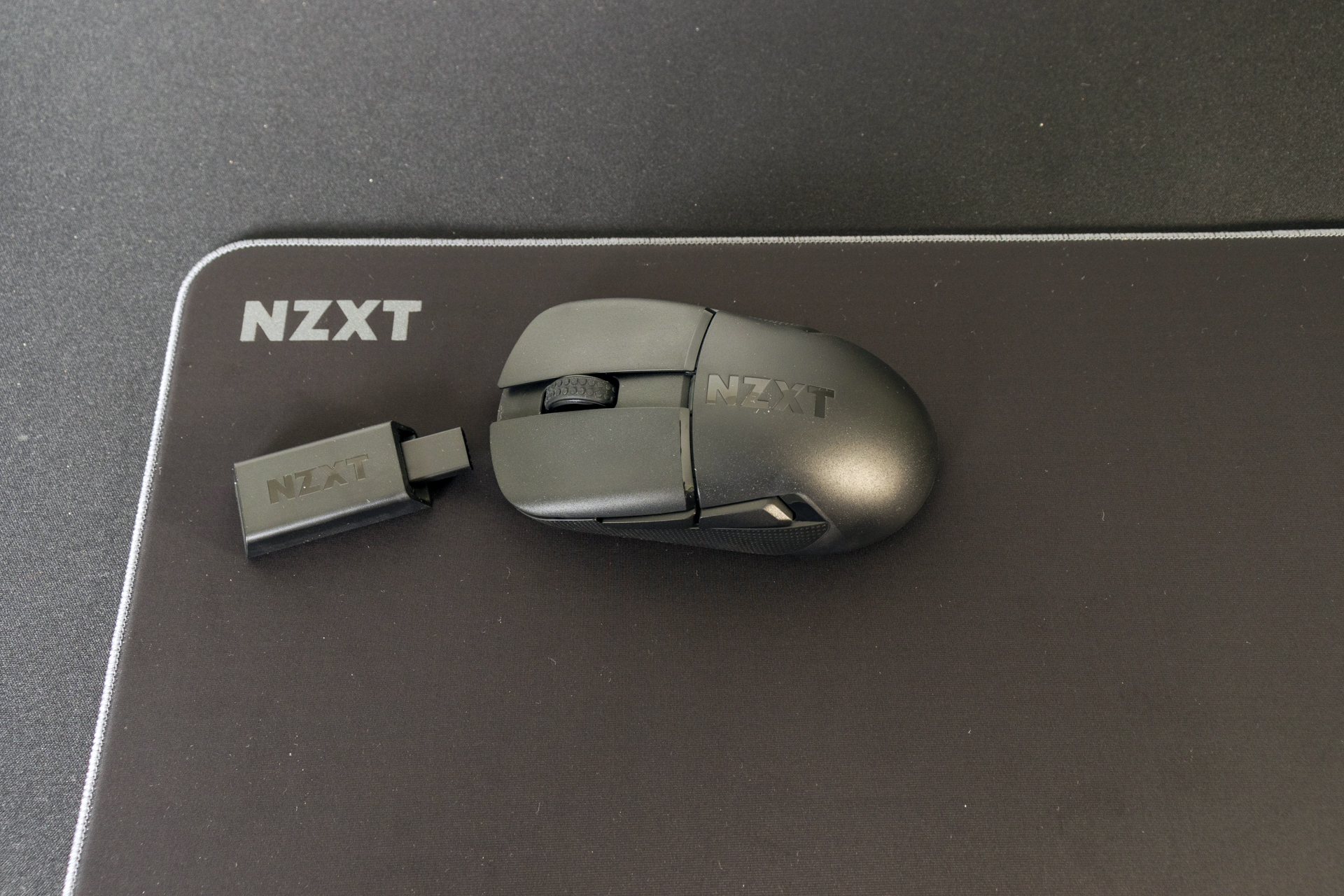
Both sides of the Zone Elite have fine textures. The top is especially slippery. It’s worth noting, though, that it grips well but if your desk is very shiny it can move easily. It’s in the middle of the grippy surfaces we’ve tested.